
June 5, 2026
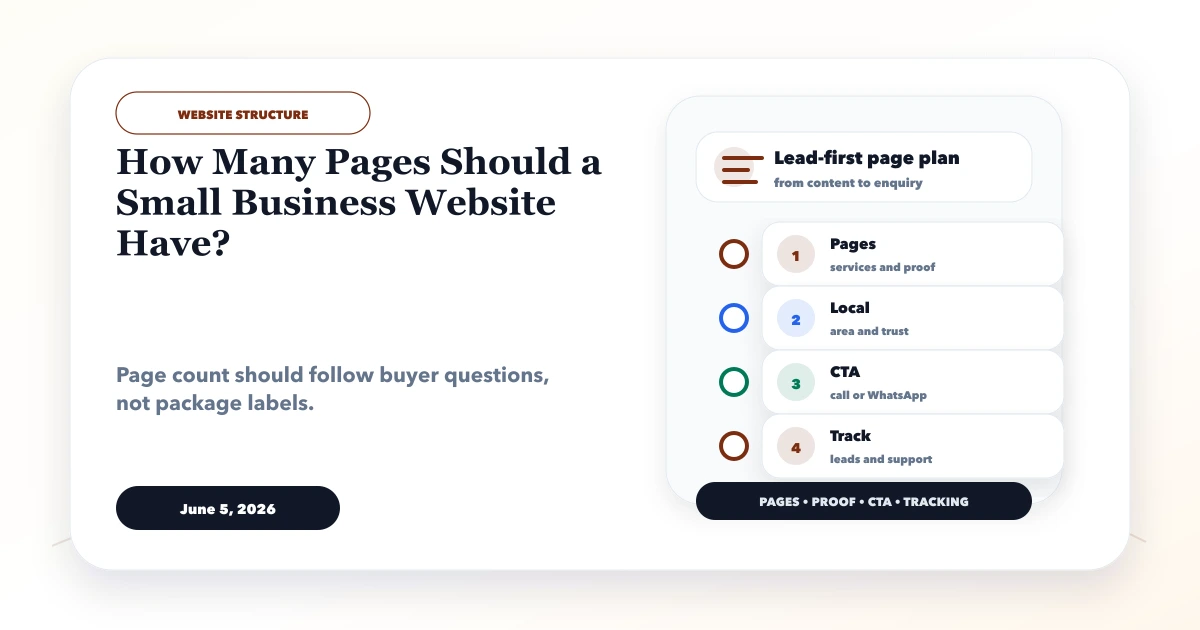
How Many Pages Does a Small Business Website Need?
Choose the right number of small business website pages using service intent, buyer questions, SEO value, content ownership, budget, and expansion plans.
Read articlePublished Updated
Website for small business guide for 2026 with must-have pages, features, lead flow, WhatsApp CTA, SEO basics, and checklist.
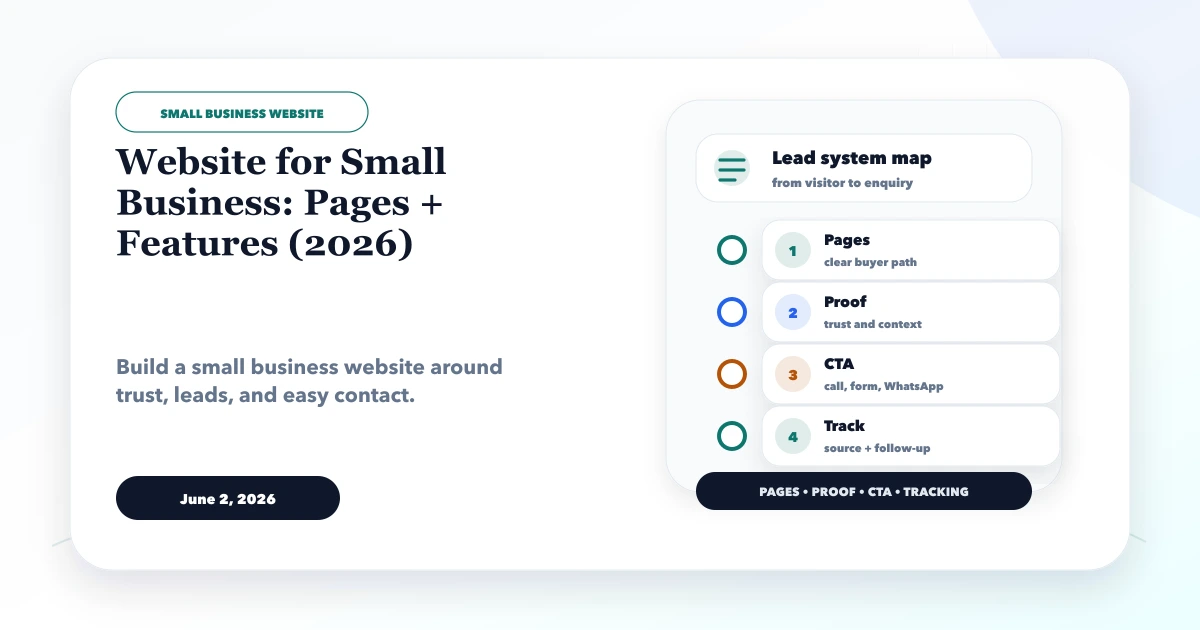
A practical website for a small business should be scoped from buyer questions and lead handling, not from a fixed page package. The essential pages and features differ for a consultant, restaurant, wholesaler, clinic, manufacturer, and local repair service.
The first version should explain the offer, show honest proof, work on mobile, create a reliable contact path, and give the owner control of accounts and updates. Additional blogs, locations, booking, payments, CRM, or customer portals should follow a demonstrated need.
By Tushar C. (Founder, VASUYASHII). Reviewed by VASUYASHII Editorial for practical website development, small business CRM, inventory, billing, WhatsApp CTA, conversion strategy, and business software delivery.
A good small business website should include homepage, about, services, portfolio or proof, testimonials, FAQs, contact page, WhatsApp CTA, SEO metadata, mobile speed, and basic tracking. The goal is not only to look modern; the goal is to help visitors trust and contact the business.
A two-person electrical supplier serves local contractors and repeat trade buyers. A generic five-page site with stock photographs will not answer whether products are available, which brands or categories are handled, how quotations work, or whether orders can start on WhatsApp.
Its first useful website may need category pages, service-area and delivery context, a quote enquiry with product details, business credentials, and a process for assigning incoming requests. Online payment or live inventory can wait until the operating rules and data are ready.
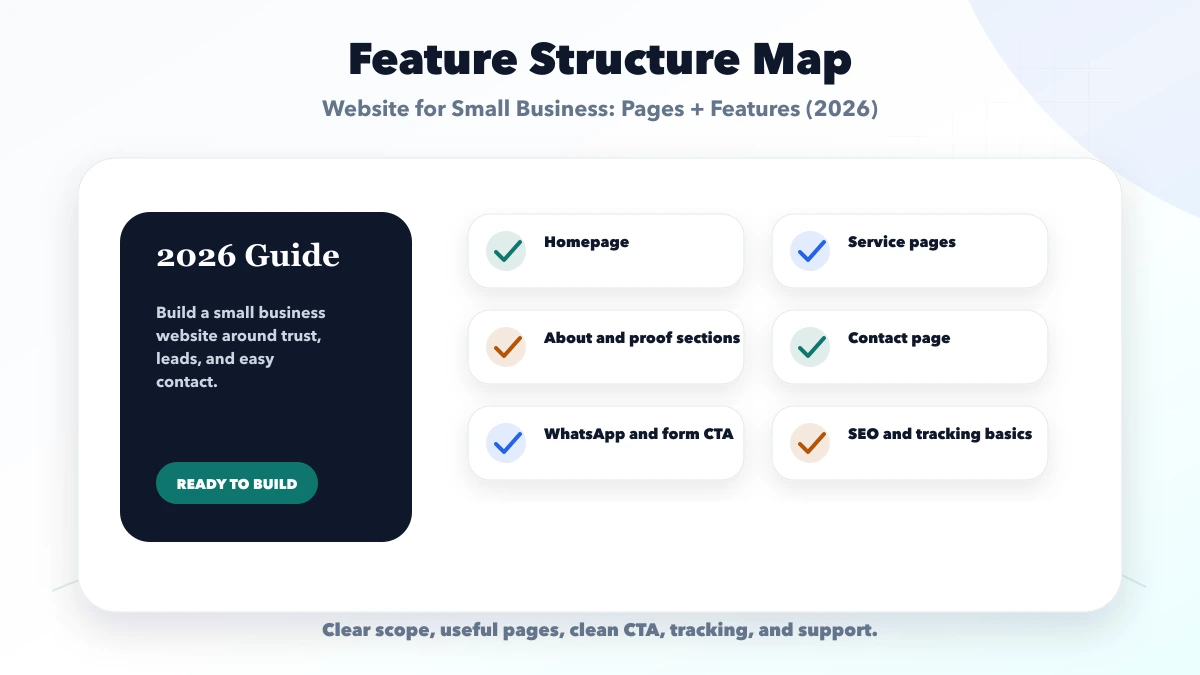
Each feature should connect to a business outcome. If a page, button, field, or module does not help trust, conversion, operations, reporting, or support, it may be better saved for a later phase.
| Setup | What to include | Best for |
|---|---|---|
| Starter website | Home, about, services, contact, WhatsApp | Best for a clean first launch |
| Lead-ready website | Service pages, proof, FAQ, reviews, tracking | Best for active enquiry generation |
| Growth website | Blogs, city pages, CRM handoff, reports | Best for SEO and follow-up systems |
The right setup depends on the business stage. A new service business may need a clean website and WhatsApp flow first. A growing team may need CRM, inventory, billing, dashboards, and reporting only after the core flow is stable.
| Business type | Priority pages | Important lead context |
|---|---|---|
| Local service | Home, dedicated services, about/proof, service area, contact | Service, locality, timing, photos, preferred response |
| Professional firm | Expertise/service pages, team, process, resources, consultation | Service need, entity type, deadline, consultation fit |
| Trader or wholesaler | Product/category pages, brands, supply process, business details, RFQ | Product, quantity, location, GST/business requirement |
| Restaurant or cafe | Menu, location, timings, reservations/order path, policies | Branch, date/time, party/order context |
| Clinic | Services, verified professionals, location, appointment request, privacy notice | Service, preferred slot, safe minimum contact data |
| Manufacturer | Capabilities, products, technical data, industries, quality proof, RFQ | Specification, quantity, destination, timeline, document |
Do not publish empty pages to match a package count. One complete service page is more useful than five thin pages with the same paragraph.
State the business category, main buyer, service area or delivery model, primary offers, selected proof, and one next action. The homepage should route visitors rather than repeat every detail.
Give distinct offers their own pages when buyers, scope, deliverables, and search intent differ. Include fit, process, proof, limitations, FAQs, and contextual CTA.
Identify the responsible business or people, working approach, current capabilities, and evidence. Use permission-approved reviews and case studies. Label demos and illustrative examples accurately.
Show current phone/WhatsApp, email, response expectations, location or service model, and a form that confirms successful delivery. Preserve the service or product selected on the previous page.
Publish privacy, terms, cancellation/refund, shipping, or other policies that apply to the actual business model. Do not copy policies from an unrelated site.
| Feature | Business decision before build |
|---|---|
| Contact form | Recipient, required fields, consent, spam control, confirmation, retention |
| WhatsApp CTA | Business-owned number, prefilled context, tracking, follow-up owner |
| Analytics | Measurement owner, lead events, internal-traffic rules, monthly review |
| CMS | Who updates content, permissions, backup, approval process |
| Booking | Availability source, confirmation rule, cancellation, reminders |
| Payment | Gateway owner, server verification, refunds, invoices, failure handling |
| CRM handoff | Lead fields, source, owner, status, duplicate handling, access |
Features fail when the interface is built before these operating decisions are made.
Before design, collect the final business name, logo files, contact details, services, product/category data, real photographs, team information, proof permissions, common questions, service areas, policies, and account ownership. Assign one approver and deadline.
Missing content often delays launch more than development. Use placeholders only during design; do not publish fictional reviews, addresses, certifications, or customer results.
Test mobile navigation, forms, WhatsApp/call links, page titles, canonical URLs, sitemap, accessibility basics, performance, and analytics events. Confirm who owns domain, DNS, hosting, repository/source, CMS, business email, analytics, Search Console, and third-party subscriptions.
After launch, review qualified enquiries and common sales questions. Expand pages that show real demand before creating many city or near-me variations.
VASUYASHII's current public structure separates service pages, topic hubs, the Business Suite product, resources, reviews, author/company information, and contextual contact routes. The product page shows current modules and live-demo access while separating future accounting or statutory capabilities from the present scope.
This is useful for a small business because the website does not have to pretend every requirement needs custom software. A buyer can compare a lead-focused website, a workflow web app, an integration, custom software, or a practical Business Suite setup before contacting the company.
The same planning rule applies to another small business: keep the first website aligned with the real offer and operating process. Add a portal, booking engine, payment flow, or CRM only when the business can own its data, staff workflow, support, and recurring cost.
Use this roadmap to keep the project focused. Launch the useful first version, review real enquiries or staff usage, then add automation, integrations, SEO pages, reports, or advanced workflows.
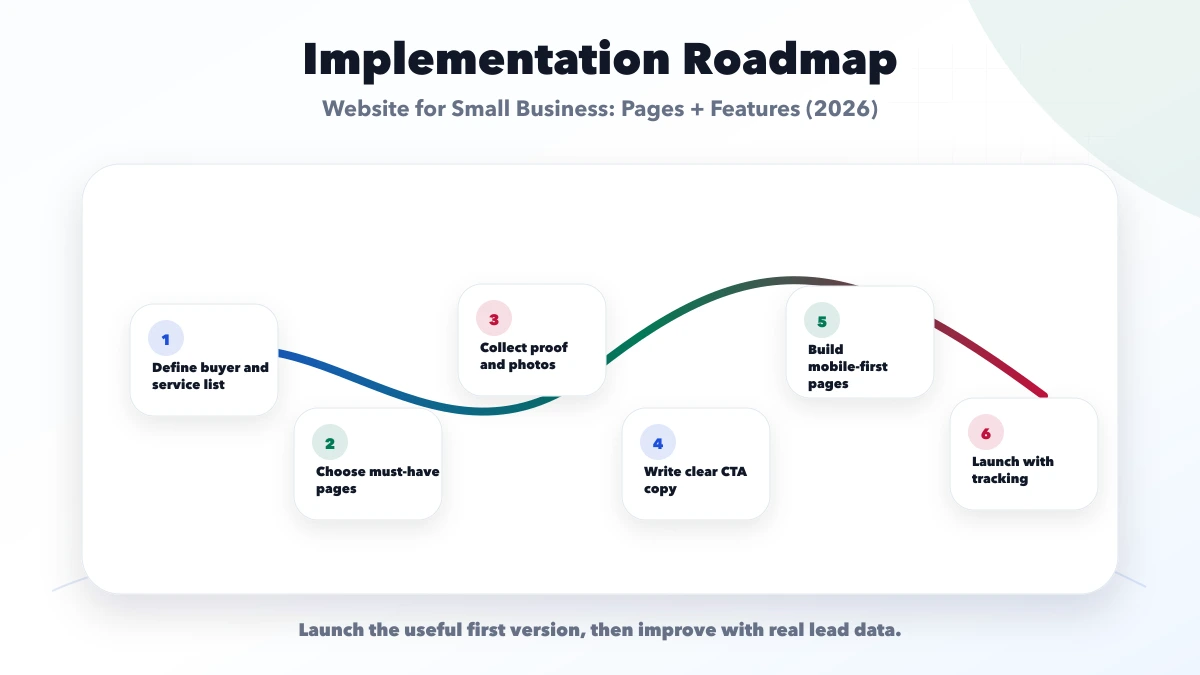
This checklist protects the project from vague scope. A good implementation should explain what is included, what is excluded, who owns access, how leads or records are tracked, and how support works after launch.
VASUYASHII would first map the business goal, buyer intent, pages or modules, lead flow, data flow, tracking, and launch priority. Then we would create a phase-wise plan instead of forcing unnecessary features into phase one.
Useful links: web application services, software development, integrations, services, and contact.
Avoid judging only by the first mockup or tool name. For small businesses, clarity, contact flow, ownership, reporting, and support matter more than a feature list that nobody uses.
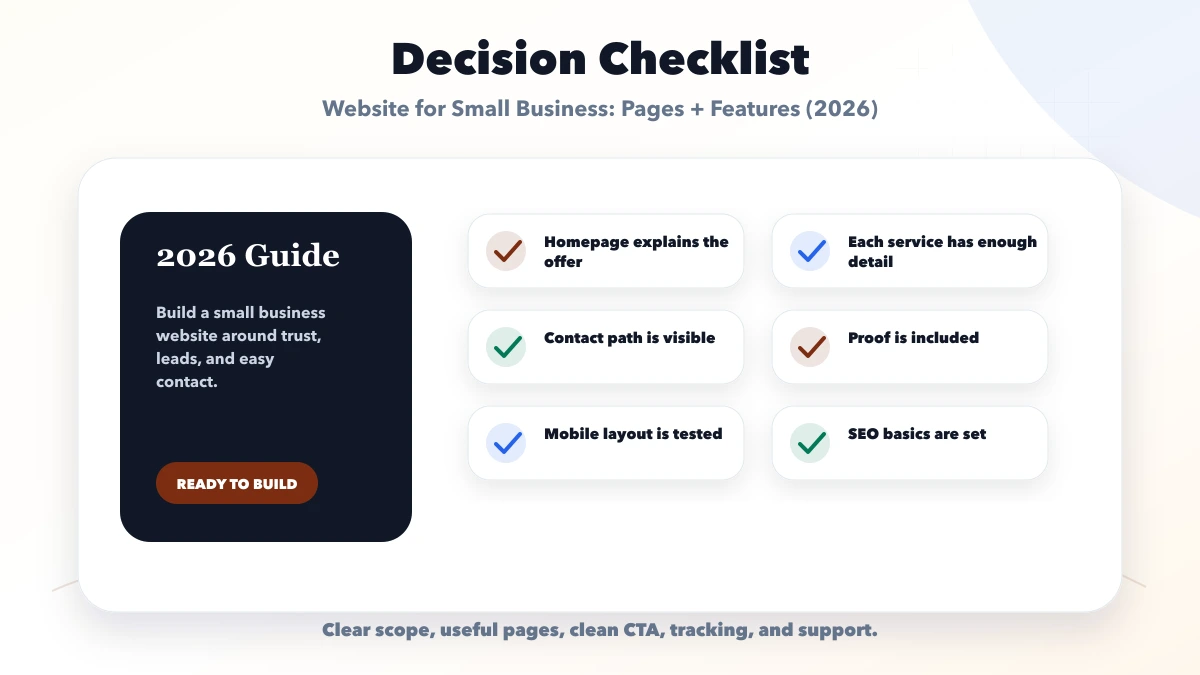
A small business with one narrow offer may begin with a focused page, while distinct services and search intents usually need separate routes. Use the one-page versus multi-page website comparison before turning the list into a sitemap.
Start with homepage, services, about, proof, contact, FAQs, and selected blog or location pages if needed.
It can work for a simple launch, but most service businesses perform better with dedicated service and contact pages.
Clear contact flow matters most: WhatsApp, form, call CTA, and tracking should work smoothly.
Yes. Basic metadata, page structure, internal links, and sitemap setup should be included before launch.
Yes. We build practical small business websites with lead flow, SEO setup, and support.
If you want a practical plan for website for small business pages features, VASUYASHII can help with scope, design, development, SEO setup, integrations, tracking, launch, and maintenance.
Related Articles
June 5, 2026
Choose the right number of small business website pages using service intent, buyer questions, SEO value, content ownership, budget, and expansion plans.
Read article
June 5, 2026
Plan a small business website around service pages, trust proof, WhatsApp and form leads, local SEO, tracking, cost, and launch priorities.
Read article
June 2, 2026
How to add WhatsApp CTA properly for SEO and UX with button placement, message text, tracking, mobile behavior, and mistakes.
Read article
June 10, 2026
Website development for builders with project pages, amenities, floor plans, enquiry strategy, WhatsApp CTA, trust proof, and SEO checklist.
Read article