
May 11, 2026
WhatsApp CTA Button Placement Best Practices (2026)
Place WhatsApp CTA buttons across hero, proof, pricing, FAQ and mobile layouts, then track clicks separately from sent, qualified and confirmed leads.
Read articlePublished Updated
How to add WhatsApp CTA properly for SEO and UX with button placement, message text, tracking, mobile behavior, and mistakes.
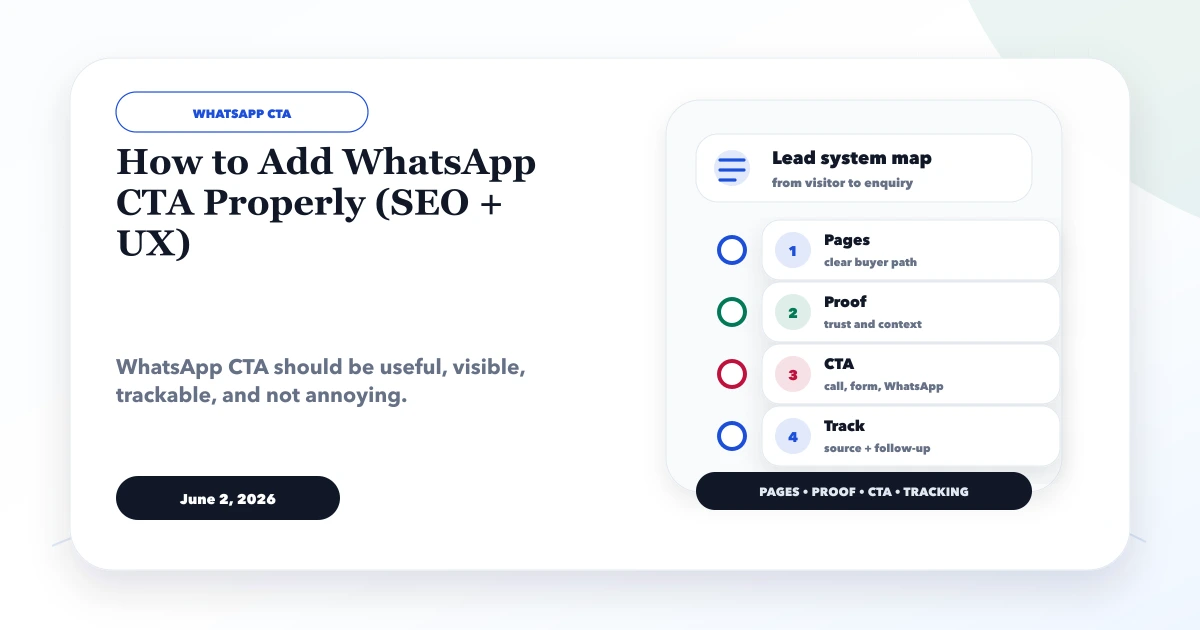
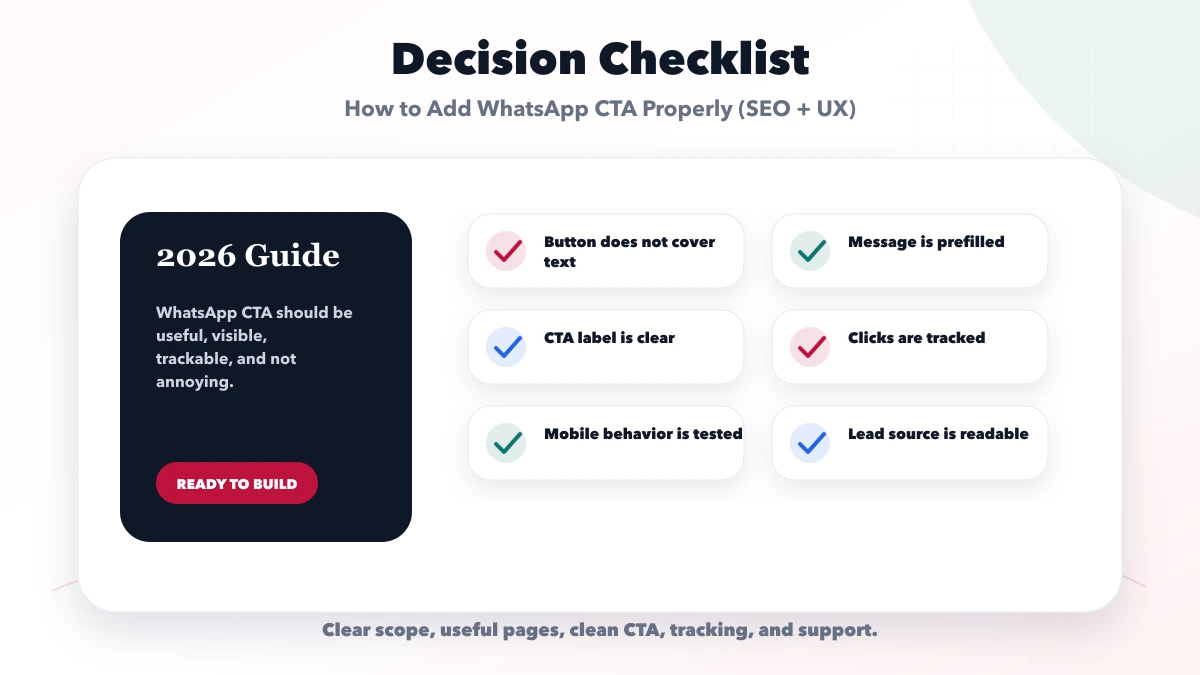
This guide explains how to add a WhatsApp CTA properly for SEO and UX without covering content, creating accidental taps, losing service context, or reporting every click as a lead.
The button should help a visitor continue a clear decision. Its placement, label, prefilled message, analytics event, mobile behavior, privacy boundary, and follow-up owner all matter more than making it permanently float on every screen.
By Tushar C. (Founder, VASUYASHII). Reviewed by VASUYASHII Editorial for practical website development, small business CRM, inventory, billing, WhatsApp CTA, conversion strategy, and business software delivery.
Add WhatsApp CTA properly by placing it near service intent, contact sections, pricing context, and mobile sticky areas without blocking content. Use a prefilled message, track clicks, keep button labels clear, and support it with form or call options.
A clinic, consultant, or local supplier adds a large floating button at the bottom-right. On mobile it overlaps a form submit button and covers the final words of several paragraphs. Every page opens the same "Hi" message, so staff cannot tell whether the visitor needs a website, product demonstration, or support.
A better implementation uses a compact mobile-safe action, preserves page and service context, keeps a visible contact alternative, and measures the outbound click separately from a confirmed enquiry.
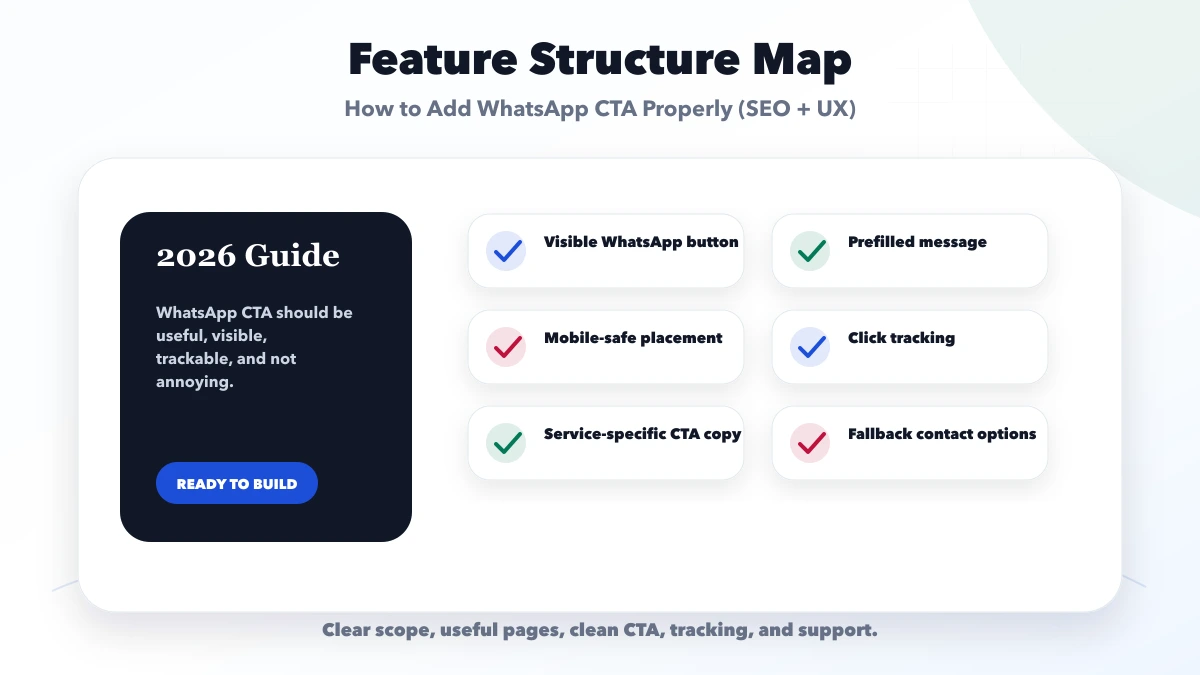
Each feature should connect to a business outcome. If a page, button, field, or module does not help trust, conversion, operations, reporting, or support, it may be better saved for a later phase.
| Setup | What to include | Best for |
|---|---|---|
| Basic WhatsApp CTA | Header or contact page link | Good for simple sites |
| Lead-focused CTA | Service-specific message and placement | Good for service pages |
| Tracked CTA system | Events, source, CRM handoff | Good for ads and SEO campaigns |
The right setup depends on the business stage. A new service business may need a clean website and WhatsApp flow first. A growing team may need CRM, inventory, billing, dashboards, and reporting only after the core flow is stable.
| Page | Primary placement | Supporting placement |
|---|---|---|
| Homepage | After clear offer and proof | Contact section or mobile action bar |
| Service page | After scope, process, or pricing context | Final CTA with service preselected |
| Product page | Near demo/setup decision | After features, limitations, and pricing context |
| Blog guide | After the reader understands the topic | Final CTA linked to the relevant service |
| Contact page | Alongside form and phone/email options | No need for multiple floating duplicates |
Do not place the button above every piece of context. A visitor who does not understand the offer is likely to send a low-information enquiry.
Use a short editable structure:
Hi VASUYASHII, I am interested in [service/product]. I reached you from [page context]. My business type is ____ and I need help with ____.
Encode the text correctly in the link and use an international phone number without spaces or punctuation. Do not include personal, medical, financial, login, or confidential project data in the URL because it may be stored in browser history, analytics, logs, or shared screenshots.
When a service or product CTA leads to the contact page instead of directly to WhatsApp, pass a controlled query value such as ?service=web-applications. Validate it against an allowlist, preselect the matching form option, and include the context in the message sent to the business.
Do not copy arbitrary query text into the page or form. Keep human-readable labels and internal values separate so URLs remain stable when button copy changes.
Fire whatsapp_click when the visitor intentionally opens the WhatsApp destination. Include non-personal parameters such as source page, service, CTA location, and device context where useful.
Do not fire generate_lead for this outbound click because the website cannot confirm that a message was sent or received. Reconcile clicks with received conversations and qualified lead records to measure the actual funnel.
A floating CTA should stay stable rather than jumping after hydration or content load. Avoid attention loops that keep pulsing indefinitely; motion should indicate availability without competing with reading.
State realistic response hours, assign the business number to an owner, and record the next action for qualified enquiries. Use quick replies as starting points, not as a substitute for reading the requirement. Maintain a fallback form or email route for visitors who do not use WhatsApp.
The current VASUYASHII implementation distinguishes three actions. A WhatsApp destination records whatsapp_click; a contact route records contact_click and can preserve a validated service key; a successful form records generate_lead only after the backend acknowledgement includes a new lead identifier.
This avoids calling an outbound click a completed enquiry. It also allows service and product pages to preselect the matching contact option without copying uncontrolled query text into the form.
The floating WhatsApp action remains a convenience, not the only contact method. Visitors can use the full contact form when they need to share structured requirements. Any future redesign should preserve this event separation, mobile-safe placement, keyboard access, and service-context contract.
Test desktop and mobile from a service page, product page, blog, and contact page. Confirm the destination number, encoded message, selected service, analytics event, focus behavior, and return navigation. Repeat with JavaScript errors, slow loading, long translated text, and the narrowest supported viewport. Record the result instead of approving the CTA from one screenshot.
Use this roadmap to keep the project focused. Launch the useful first version, review real enquiries or staff usage, then add automation, integrations, SEO pages, reports, or advanced workflows.
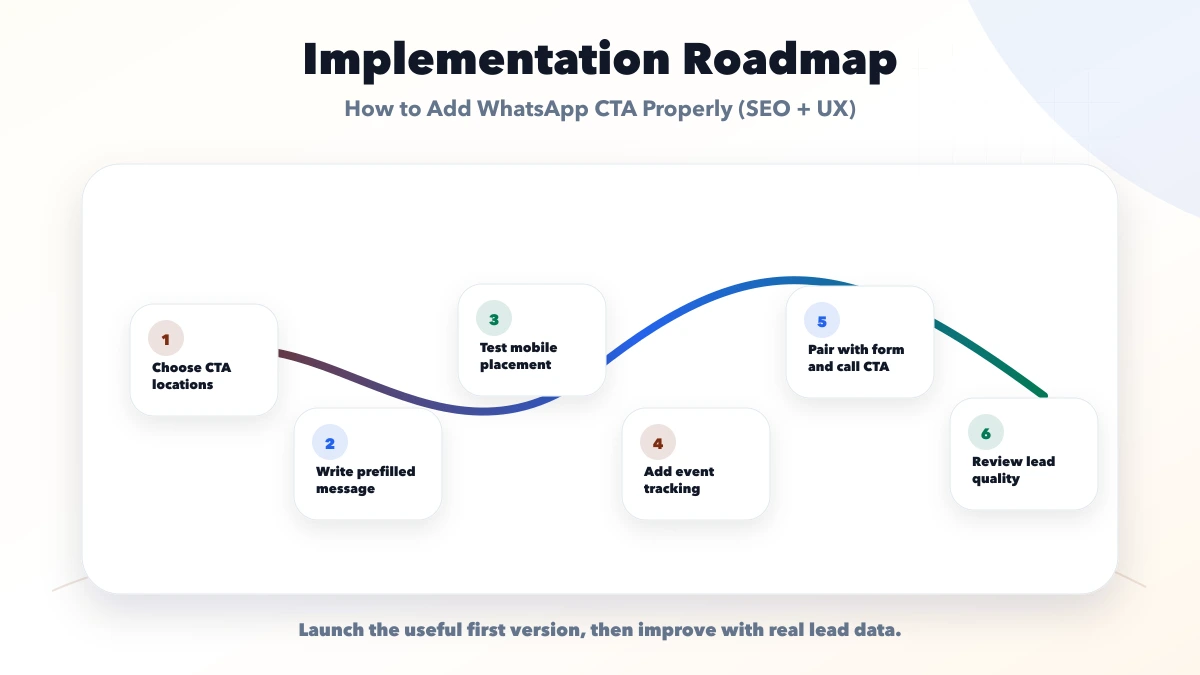
This checklist protects the project from vague scope. A good implementation should explain what is included, what is excluded, who owns access, how leads or records are tracked, and how support works after launch.
VASUYASHII would first map the business goal, buyer intent, pages or modules, lead flow, data flow, tracking, and launch priority. Then we would create a phase-wise plan instead of forcing unnecessary features into phase one.
Useful links: web application services, software development, integrations, services, and contact.
Avoid judging only by the first mockup or tool name. For small businesses, clarity, contact flow, ownership, reporting, and support matter more than a feature list that nobody uses.
It does not directly rank pages, but it can improve user behavior and lead conversion when placed properly.
Use it near service intent, pricing, contact, and mobile CTA areas without hiding content.
Important service, landing, and contact pages should have it. Avoid cluttering pages where it is not useful.
Use analytics events and source-specific prefilled messages where possible.
Yes. We can add WhatsApp CTA, tracking, forms, and CRM handoff for business websites.
For beauty-business enquiries, use the salon website and WhatsApp flow. For API, template, CRM, and support budgeting, use the WhatsApp automation cost guide.
If you want a practical plan for how to add WhatsApp CTA properly SEO UX, VASUYASHII can help with scope, design, development, SEO setup, integrations, tracking, launch, and maintenance.
Related Articles
May 11, 2026
Place WhatsApp CTA buttons across hero, proof, pricing, FAQ and mobile layouts, then track clicks separately from sent, qualified and confirmed leads.
Read article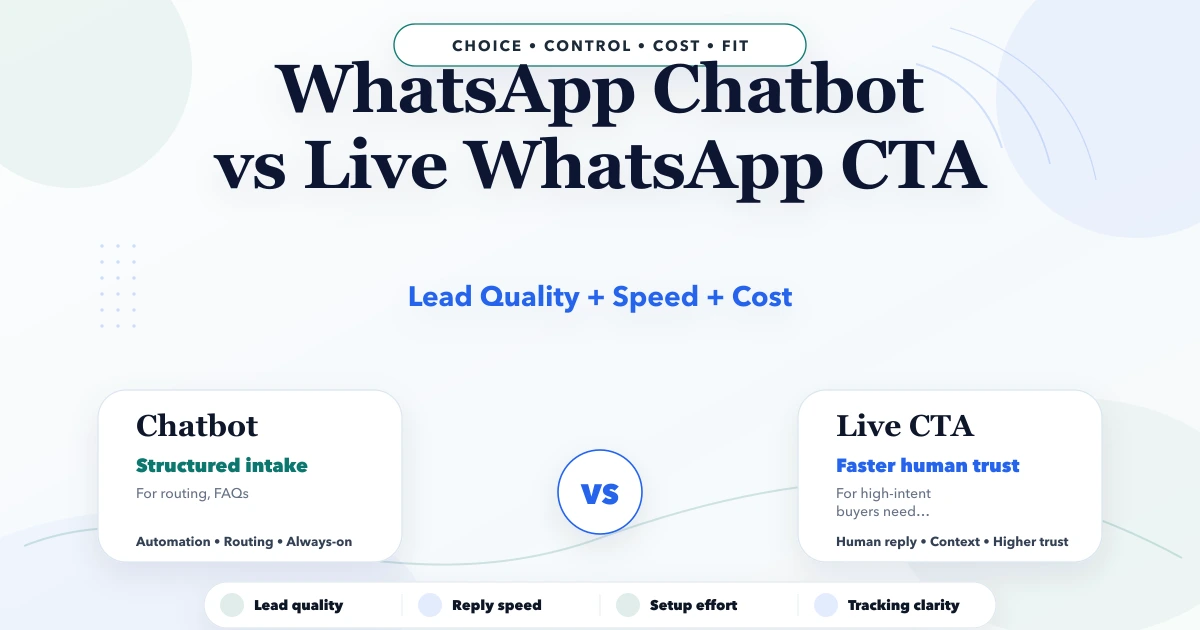
May 2, 2026
WhatsApp chatbot vs live WhatsApp CTA: lead quality, response speed, setup cost, tracking, and best use cases for Indian businesses in 2026.
Read article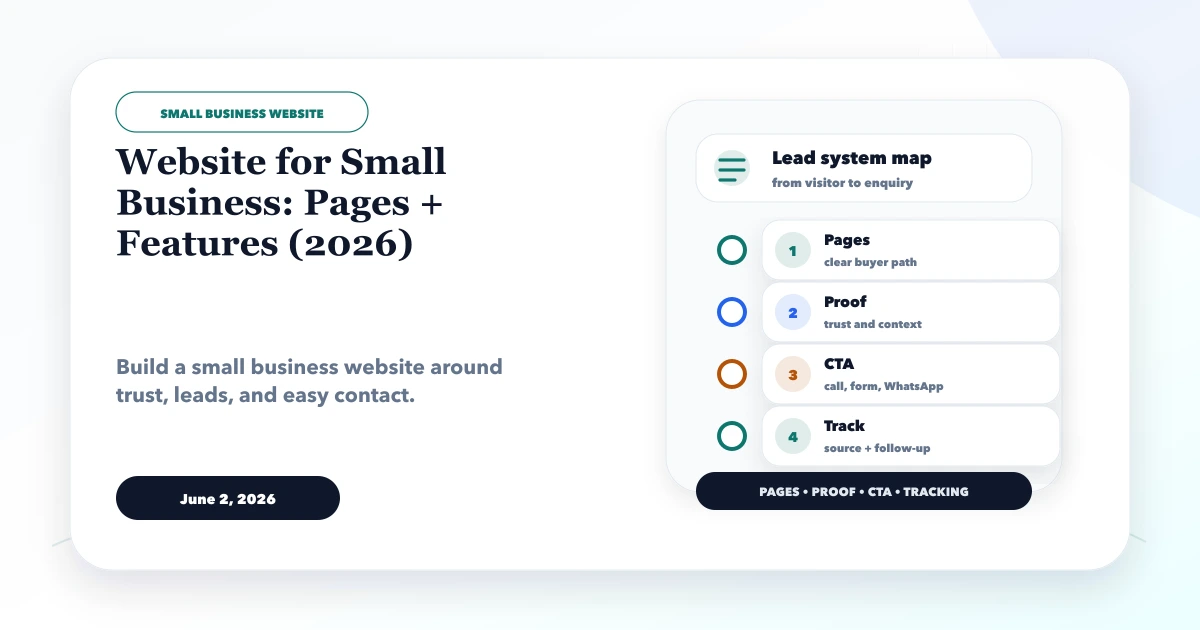
June 2, 2026
Website for small business guide for 2026 with must-have pages, features, lead flow, WhatsApp CTA, SEO basics, and checklist.
Read article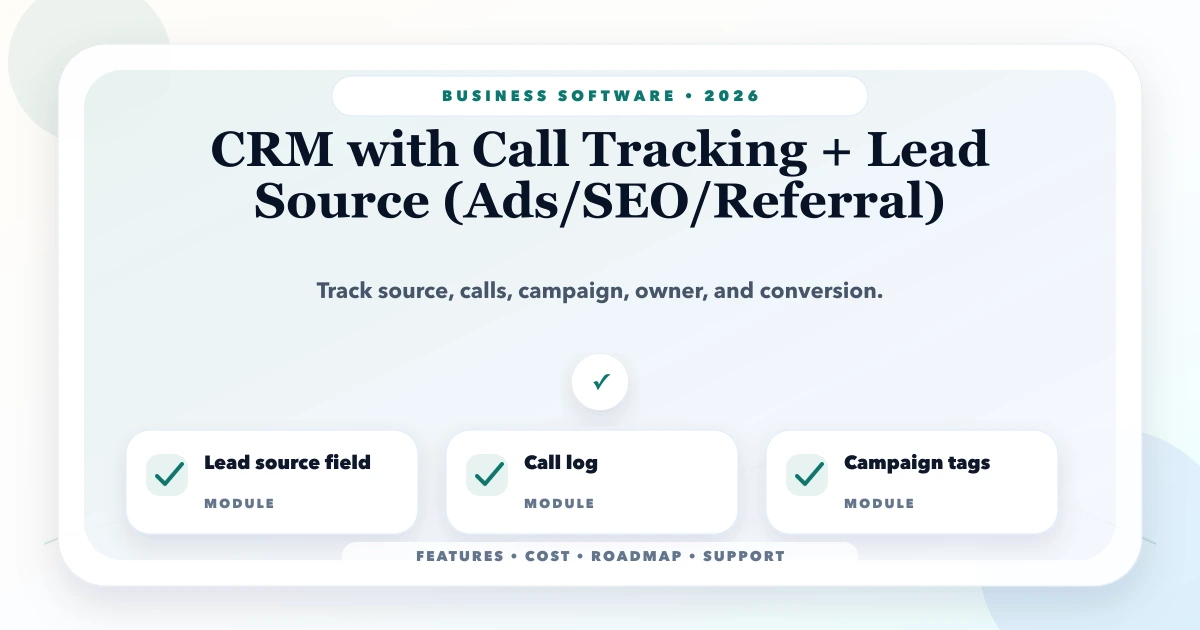
May 25, 2026
Design CRM call tracking for ads, SEO, referrals, and direct leads with source capture, deduplication, consent, outcomes, offline conversion, and reporting.
Read article