
June 7, 2026
Physiotherapy Clinic Website: Booking and Leads
Plan a physiotherapy clinic website with treatment pages, therapist trust, safe appointment requests, home-visit details, local SEO, and lead tracking.
Read articlePublished Updated
Plan a salon website with services, price guidance, portfolios, appointment rules, local trust, WhatsApp qualification, reminders, analytics, and mobile QA.
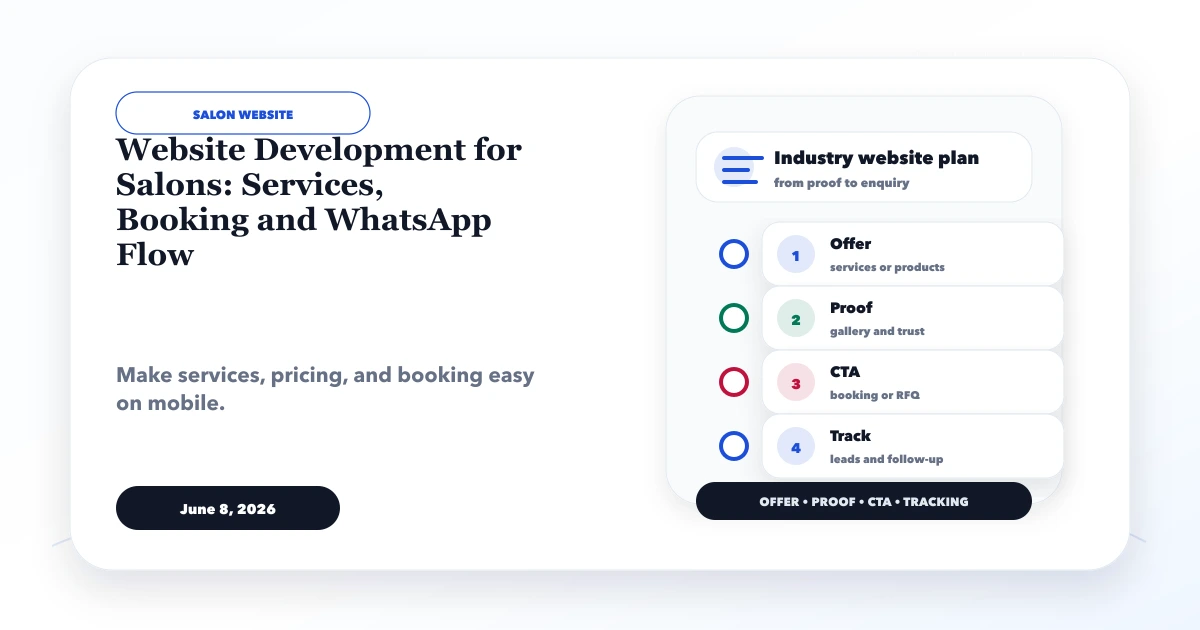
A salon website should help a visitor choose a relevant service, understand price and duration expectations, see authentic work, select a branch or professional, and request a suitable appointment without a long chat. The best setup is not automatically a complex booking engine. It is the smallest reliable flow that matches how the salon actually manages slots, deposits, cancellations, and follow-up.
This guide is for salons, beauty studios, nail bars, makeup artists, barbers, and grooming businesses planning a lead-focused website. It separates service discovery, booking logic, WhatsApp qualification, and local trust so the site does more than display attractive photographs.
Written by Tushar C., Founder of VASUYASHII, using the current VASUYASHII website discovery and conversion-planning process. The example workflows are planning models, not claims about a specific salon's results.
Answer these questions before selecting pages or software:
A website cannot solve an undefined booking policy. If staff keep separate diaries and change availability by phone, start with a structured request rather than promising real-time confirmation.
| Level | Best for | Visitor experience | Operational requirement |
|---|---|---|---|
| Qualified WhatsApp request | Small salon or variable services | Service, date, time, branch, and message are prefilled | Staff manually confirms availability |
| Appointment request form | Multi-service salon needing structured data | Visitor submits preferences and contact details | Central lead queue and response owner |
| Live slot booking | Stable schedules and defined durations | Visitor selects an available slot and may pay deposit | Accurate calendars, rescheduling, reminders, and conflict control |
Do not label a form “Book Now” if it only sends a request. Use “Request Appointment” and explain when confirmation will arrive. Clear expectations reduce duplicate calls and customer frustration.
If multiple branches have genuinely different teams, hours, services, and directions, give each branch a useful page. Do not create dozens of thin location pages that repeat the same paragraphs.
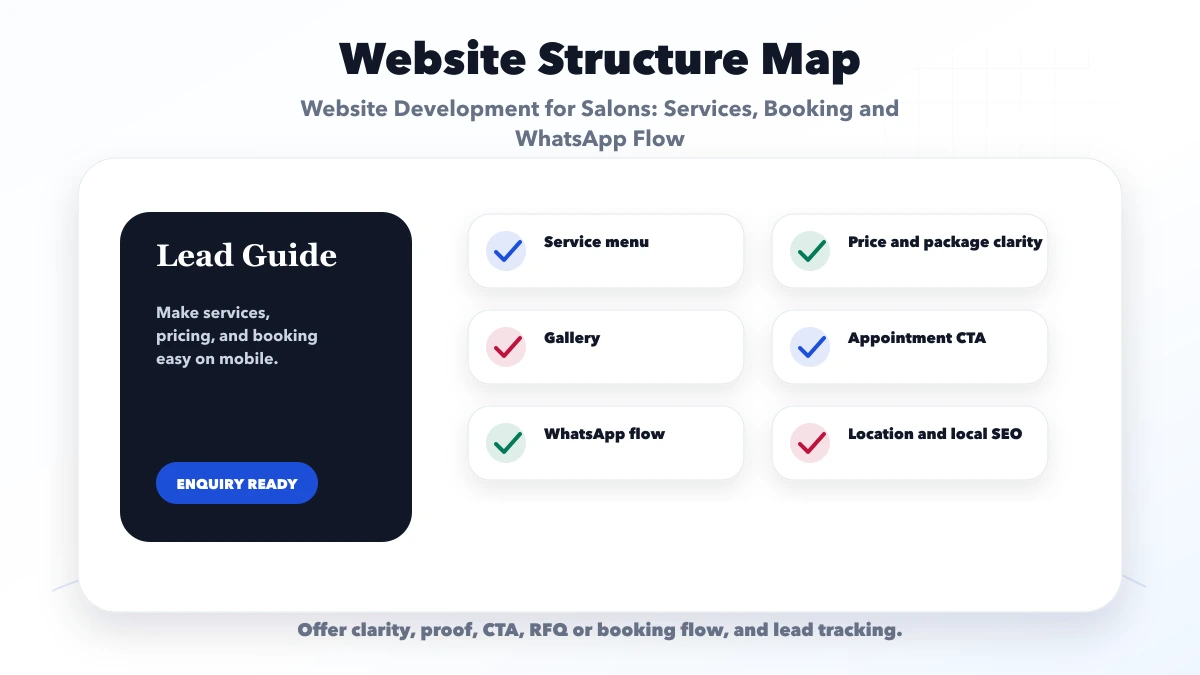
A service page should answer: what it is, who it suits, expected duration, preparation, number of sessions if relevant, aftercare, price basis, and how to book. Avoid medical or guaranteed-result claims unless they are accurate, permitted, and supported by qualified professionals.
Use original photographs showing the actual location, team, and work. Obtain clear customer consent before publishing identifiable images. Describe the service accurately in alt text rather than stuffing city keywords.
For variable services such as bridal packages or hair colour correction, explain the factors that change the quote. A short consultation CTA is more honest than a misleading single price.
Do not send every visitor to a blank chat. Prefill a message with structured context:
“Hi, I want to request an appointment for [service] at [branch]. Preferred date: [date]. Preferred time: [time]. Please confirm availability and price guidance.”
Create separate links for high-intent services or branches so the staff knows the source. The website may pass non-sensitive campaign and page context, but should not place personal or health information in the URL.
Set a greeting and response expectation. Use saved replies for price range, preparation, address, deposit, cancellation, and confirmation. Automation can acknowledge a message, but a person should handle suitability questions and exceptions. See the WhatsApp funnel guide for lead stages beyond the first click.
Keep the first request short:
Do not collect sensitive health details unless the business has a justified process, access control, retention rule, and appropriate consent. A consultation can collect necessary information through a safer controlled workflow.
After submission, show a clear success state with the expected response time and an urgent-contact option. Track the successful submission, not only button clicks.
Displaying no pricing can create repetitive chats; displaying false fixed prices damages trust. Use one of these patterns:
If deposits are taken, explain whether they are refundable, transferable, or adjustable, how rescheduling works, and when the slot becomes confirmed. Use a reputable payment provider and never collect card details directly in an ordinary form.
Keep the business name, phone, address, hours, and service information consistent between the website and legitimate profiles. An eligible Google Business Profile can support map discovery, but eligibility and representation rules must be followed; online-only businesses should not create a false storefront.
Add useful location detail: entrance, floor, nearby landmark, parking, accessibility, and service area. Ask customers for honest reviews after a completed visit without incentives or scripts that dictate sentiment. Display selected reviews only with permission and a truthful source label.
For wider local strategy, read local SEO for web development companies and adapt the principles without creating spammy city pages.
Measure stages instead of celebrating every click:
| Event | What it tells you |
|---|---|
| Service-page view | Which service attracted intent |
| WhatsApp or call click | Visitor attempted contact |
| Form success | Structured request reached the system |
| Appointment confirmed | Staff accepted a valid slot |
| Appointment completed | Lead became a customer |
| Repeat booking | Retention signal |
Use UTM parameters for campaigns and store the landing page with the lead where appropriate. Avoid sending names, phone numbers, or other personally identifiable information to analytics tools.
Most salon discovery happens on mobile. Keep the service name, proof, price guidance, location, and CTA visible without excessive scrolling. Compress portfolio images, size them correctly, lazy-load below-the-fold galleries, and avoid autoplay video backgrounds. Reserve layout space so images do not move buttons while loading.
Test the actual flow on a budget Android phone and a normal mobile network: service selection, gallery, form, keyboard, WhatsApp handoff, map, and call link. The mobile speed checklist provides a technical QA sequence.
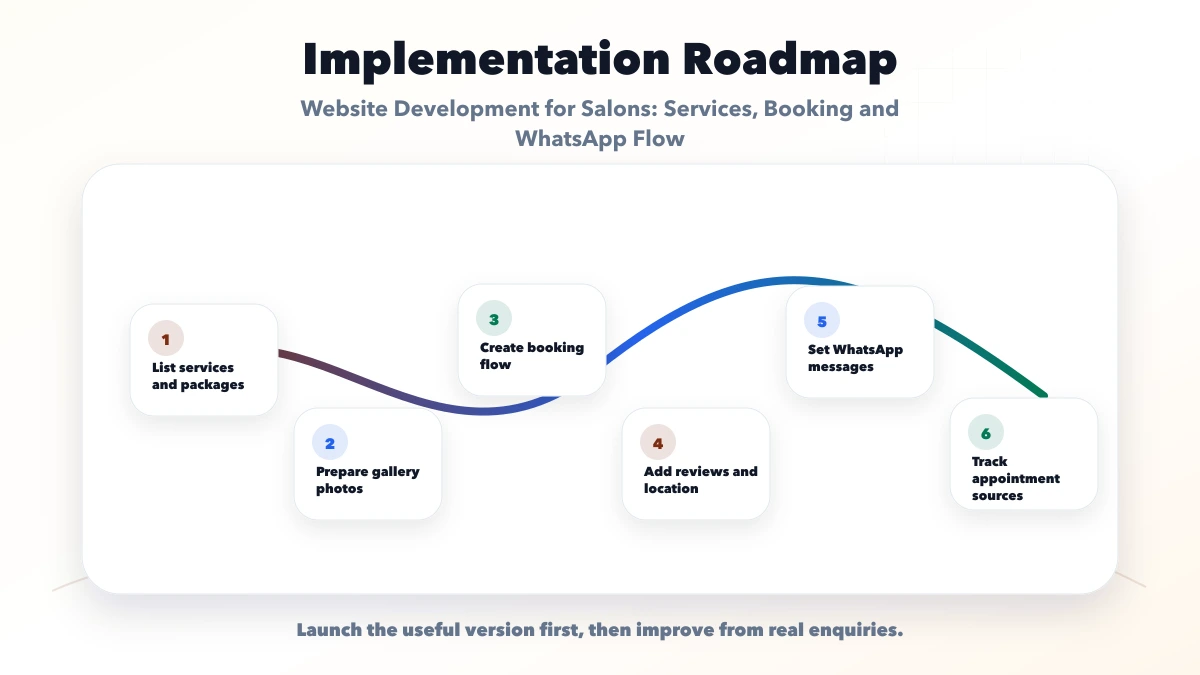
For a custom booking workflow or dashboard, review web application development. A simple lead-first site can use website development services without building unnecessary software.
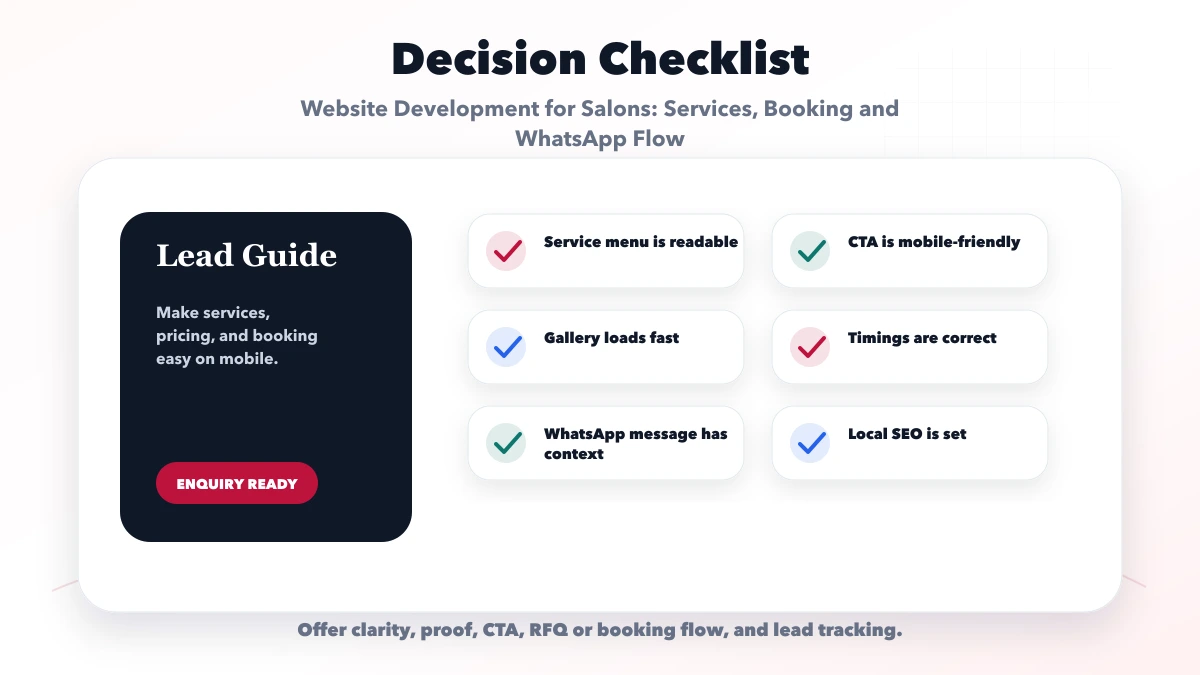
When the requirement goes beyond a marketing website, use the salon booking and staff scheduling guide for service duration, skills, chairs or rooms, rosters, live availability, deposits, reminders, walk-ins and no-show controls.
The booking system cost guide separates request forms from real-time paid scheduling so the quote matches the actual salon workflow.
No. Use live slots only when durations, staff schedules, conflicts, deposits, and cancellations can be maintained accurately. A structured request is safer for variable services.
Publish exact rates where they are stable. For variable work, show a genuine starting range and the factors that change the final quote.
It can handle early-stage requests for a small team, but volume creates missed messages, unclear ownership, and weak reporting. Move to a lead queue or booking system when those problems become regular.
Create detailed pages for services with distinct customer intent and enough useful content. Group minor variations rather than publishing thin pages for every keyword.
Authentic work, team expertise, clear policies, location details, service explanations, and permission-based customer feedback are stronger than generic stock photography.
Yes, as a defined website or web-app project. Scope should identify whether booking is a request, live calendar, deposit flow, or a custom operational system.
Document the booking policy and response ownership before requesting a design. When the salon needs live capacity rather than a request form, use the appointment booking website and admin guide to define staff skills, service duration, buffers, reminders, deposits, and cancellation rules. For a scoped plan, contact VASUYASHII with service categories, branches, staff scheduling method, booking volume, deposit rules, and preferred launch date.
Related Articles
June 7, 2026
Plan a physiotherapy clinic website with treatment pages, therapist trust, safe appointment requests, home-visit details, local SEO, and lead tracking.
Read article
June 10, 2026
Plan a property dealer website with verified listings, buyer and owner forms, WhatsApp qualification, CRM ownership, privacy, and listing expiry controls.
Read article
June 8, 2026
Plan a gym website with membership context, accurate class schedules, trial-booking requests, trainer trust, branch SEO, health-data privacy, and lead tracking.
Read article
June 10, 2026
Website development for preschools with trust sections, gallery, admission pages, parent enquiry forms, safety content, and local SEO checklist.
Read article