
June 10, 2026
Real Estate Agent Website: Listings and CRM Leads
Website development for real estate agents with property leads, listing pages, WhatsApp CTA, CRM flow, lead source tracking, and local SEO.
Read articlePublished Updated
Plan a property dealer website with verified listings, buyer and owner forms, WhatsApp qualification, CRM ownership, privacy, and listing expiry controls.
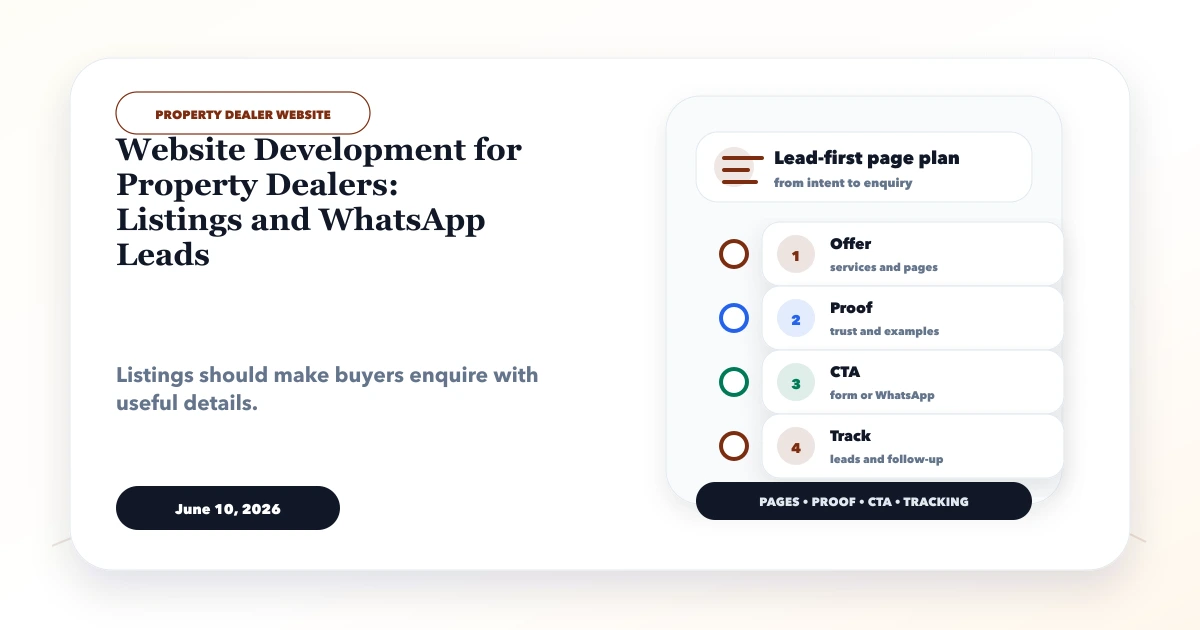
A property dealer website should do two jobs well: help buyers or tenants narrow the right inventory, and help the dealer capture enough context to respond productively. It should also attract owners who want to list property. A large grid of stale listings with a generic WhatsApp button creates browsing activity, not a reliable lead system.
The operating foundation is listing quality: a responsible owner, verified facts, updated availability, clear location context, permission to publish media, and an expiry process. Build filters, forms, WhatsApp, and CRM around that source of truth.
Written by Tushar C., Founder of VASUYASHII, using the current VASUYASHII web-app discovery and lead-routing approach. Property facts, approvals, brokerage terms, and legal disclosures must be confirmed by the dealer and appropriate professionals. This article does not provide legal or investment advice.
Choose the initial business focus: residential sale, residential rent, commercial, plots, new projects, resale, or a carefully bounded combination. The data model should match the focus instead of offering dozens of empty filters.
Useful listing fields may include:
Do not expose private owner contact details, exact access instructions, identity documents, keys, or internal notes on public pages.
| Stage | Owner action | Publish gate |
|---|---|---|
| Intake | Record source and owner request | Consent and essential fields received |
| Verification | Check facts, media, price, and availability | Verification date and staff owner recorded |
| Review | Approve public copy and disclosures | No private notes or unsupported claims |
| Publish | Generate public listing and lead route | Correct CTA and tracking verified |
| Refresh | Reconfirm availability and terms | Old facts updated or listing paused |
| Close | Mark sold, rented, withdrawn, or expired | Public page updated according to SEO policy |
An inventory dashboard should highlight listings that have not been reconfirmed. “Available” should not remain forever because nobody changed it.
Avoid publishing an indexable page for every possible filter combination. Search, sort, budget, and amenity parameters can create duplicate crawl paths. Decide which curated landing pages deserve unique content and canonical URLs.
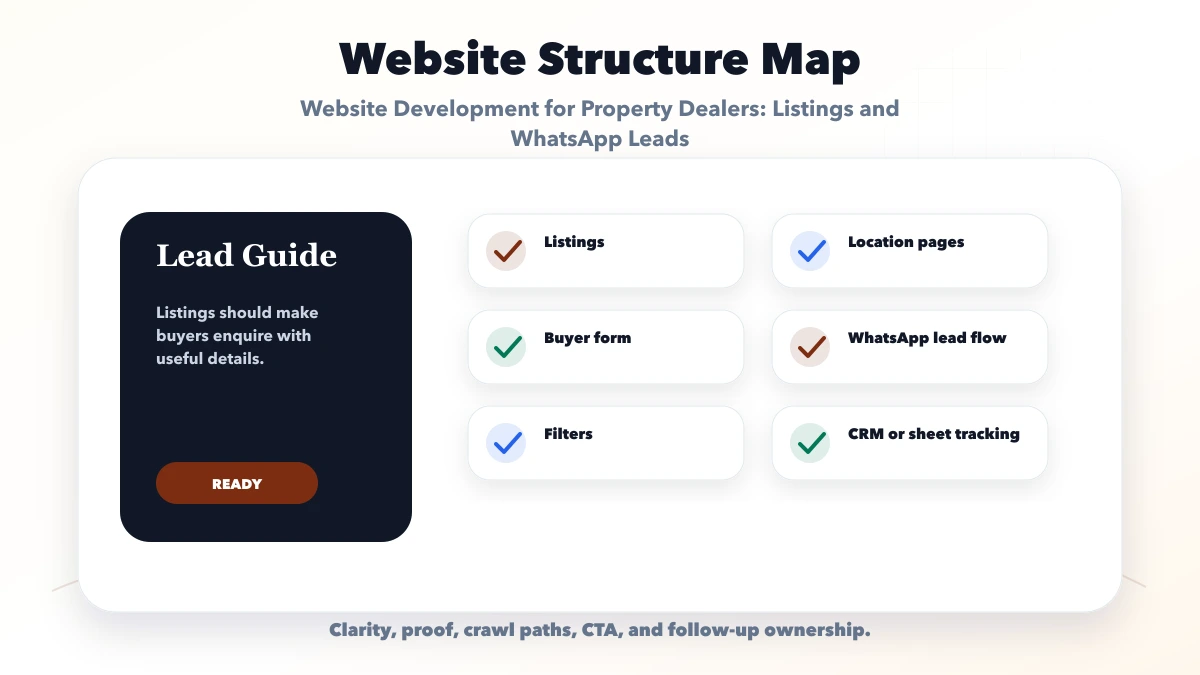
The first viewport should show property type, transaction, locality, price context, key area, verified availability, and primary CTA. Use a concise fact grid so visitors do not need to read marketing paragraphs to find basics.
Media should represent the actual property and be published with permission. Compress images while keeping them inspectable. Use captions for room or view context. If an image is representative rather than actual, label it clearly.
Show an approximate area map when publishing an exact location creates privacy or security concerns. Give useful nearby context without claiming inaccurate travel times. Verify project names and regulatory or approval references before publication.
Include “last verified” information and a disclaimer that availability and terms can change. The dealer should reconfirm facts before a visit or financial decision.
Capture enough information to route the request:
Do not demand an identity document or detailed financial data at the first website enquiry. Explain why any sensitive information is required later and protect it with appropriate access and retention controls.
Owner leads need a separate path. Ask for property category, transaction, locality, size, expected price, availability, basic condition, and contact details. Allow photo upload only if storage, file validation, moderation, and deletion are handled safely.
State that submission does not guarantee publication. Staff should verify ownership or authority and obtain permission before publishing details and media. Keep internal verification evidence separate from the public listing.
Every listing CTA should include a safe public reference:
“Hi, I am interested in property reference RP-104 in [locality]. I am looking to [buy/rent]. My budget range is [range] and preferred visit time is [time]. Please confirm current availability.”
Do not put the visitor's personal information in a URL. The message can be edited after WhatsApp opens. Route chats by market or team where the provider setup supports it, and ensure one person owns the next action.
Create different WhatsApp flows for buyer requirements and owner listings. This immediately separates demand from supply and improves response relevance. For broader funnel design, read how to track WhatsApp leads.
A lightweight lead pipeline may use:
Store source page, listing reference, assigned agent, next action, and due date. Do not use “follow-up” as a stage without a date and owner. Managers need exception views for unassigned leads, overdue actions, and listings generating enquiries after becoming unavailable.
For a custom inventory and lead workflow, web application development is more suitable than forcing every operation into a brochure website.
Create pages only where the business has real knowledge and inventory. A strong locality guide can explain property types, buyer or tenant considerations, connectivity, common budget bands with a clear observation date, and active relevant listings. Update it as the market changes.
Do not clone the same city template across sectors. Thin location pages create maintenance and quality risk. Internal links should connect locality guides to current listings, relevant services, and adjacent useful guides.
Use descriptive titles, a self-canonical URL, crawlable links, and structured data only when the page content supports it. Do not mark every listing as a product with invented availability or ratings.
Do not automatically delete a listing URL the moment it closes. Choose based on value:
Remove it from active search results immediately. Keep sitemap and canonical behaviour consistent with the chosen state. Avoid redirecting every expired listing to the homepage.
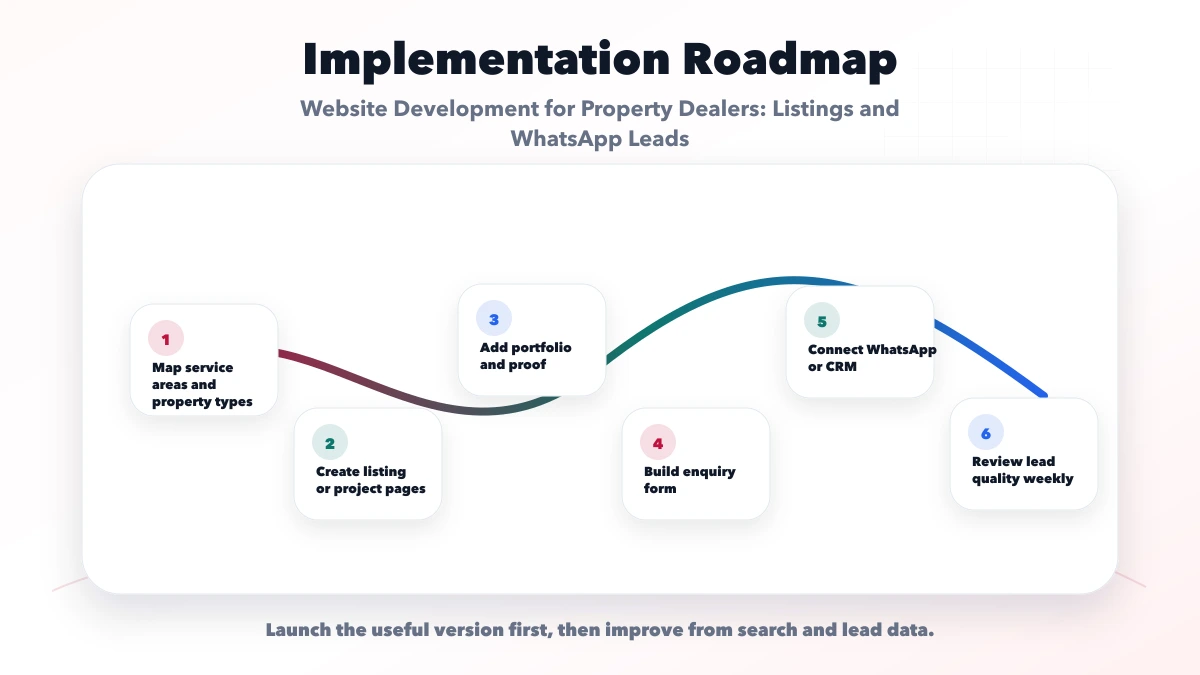
Review current spreadsheets, portals, WhatsApp intake, staff roles, listing verification, refresh frequency, and lead assignment. Define the smallest stable data model and statuses.
Build listing browse, detail, locality context, buyer requirement, owner intake, about, contact, and policy pages. Optimise images and mobile filtering before adding advanced features.
Add dashboard, assignment, next actions, listing expiry, source tracking, notification, and reporting only where the business will maintain them.
Test new, duplicate, stale, closed, and reassigned listing scenarios. Test mobile filters, empty results, WhatsApp context, form delivery, permissions, image moderation, and analytics. Train agents before advertising the site.
Property galleries can make mobile pages heavy. Serve responsive image sizes, reserve dimensions, lazy-load below-the-fold media, and limit initial carousel work. Avoid loading an interactive map, video, and every gallery image before the visitor requests them.
Test on a mid-range phone with normal mobile data. Use the mobile speed checklist to verify LCP, interaction, layout stability, filters, forms, and fixed CTAs.
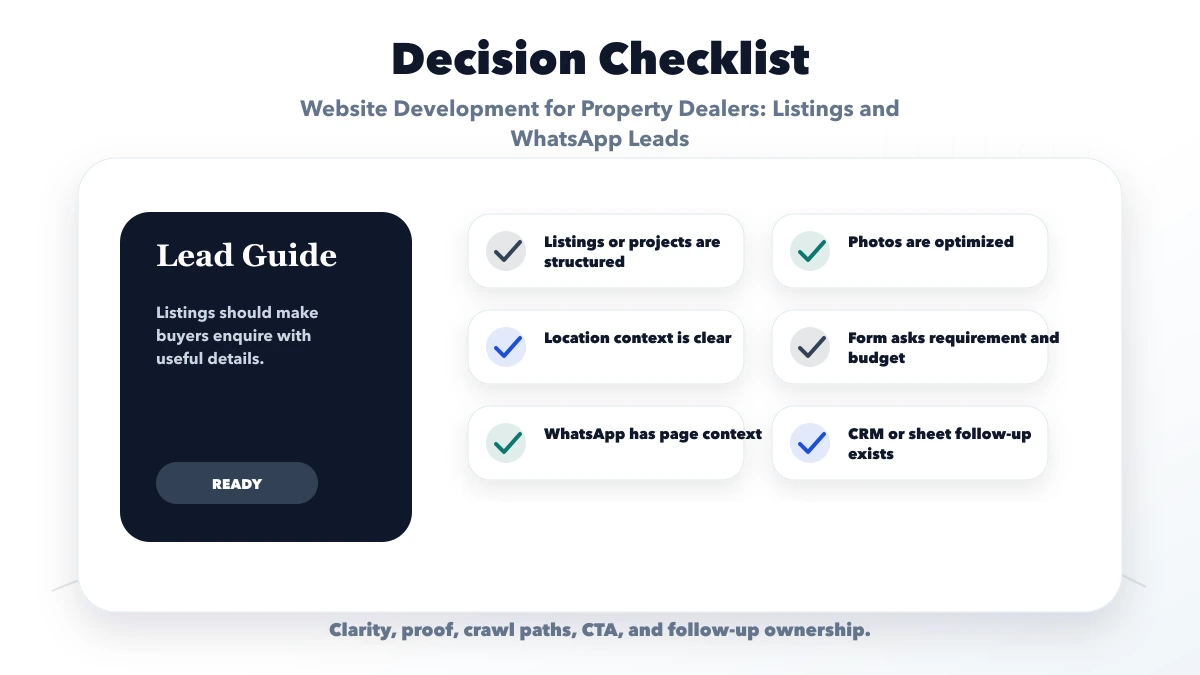
Launch with enough current, verified inventory to represent the business focus. Ten accurate listings are more useful than hundreds of stale imports.
Not necessarily. Use suitable location context while protecting owner privacy and security. Share exact access details through a controlled process when needed.
Yes, if fields, formats, duplicates, media, verification dates, and status rules are cleaned first. Validate a small sample before a full import.
It can start conversations, but it does not automatically provide assignment, due dates, listing history, or reliable funnel reporting. Higher volume usually needs the controls described in the WhatsApp CRM guide.
Decide page by page using lasting usefulness, demand, and replacement value. Clearly show status, remove it from active inventory, and avoid misleading availability.
Yes, within a scoped software development engagement. Scope should define inventory fields, roles, verification, lead stages, integrations, migration, and maintenance.
Audit 25 existing listings and calculate missing fields, stale availability, media rights, and duplicate rate before choosing a design. Use the real estate agent website and CRM flow to connect verified listings with buyer requirements, agent ownership, visits, and reporting. For an operational data model, continue with the real estate listing and leads dashboard guide. For a practical scope, contact VASUYASHII with inventory size, market focus, staff roles, current lead sources, and whether you need a website, dashboard, or both.
Related Articles
June 10, 2026
Website development for real estate agents with property leads, listing pages, WhatsApp CTA, CRM flow, lead source tracking, and local SEO.
Read article
June 6, 2026
Website development for shops in Ghaziabad with pages, product catalog, WhatsApp leads, local SEO, cost ranges, and checklist.
Read article
June 8, 2026
Plan a salon website with services, price guidance, portfolios, appointment rules, local trust, WhatsApp qualification, reminders, analytics, and mobile QA.
Read article
June 10, 2026
Website development for training institutes with batch pages, fee details, course enquiries, WhatsApp CTA, CRM lead system, and checklist.
Read article