
June 11, 2026
Homepage Hero Examples for Service Businesses
Use practical homepage hero formulas for service businesses with clear audience, offer, proof, CTA hierarchy, mobile layout, and conversion tracking.
Read articlePublished Updated
Use this mobile speed checklist to improve Core Web Vitals, hero rendering, images, fonts, forms, analytics, WhatsApp CTAs, and real-device UX.
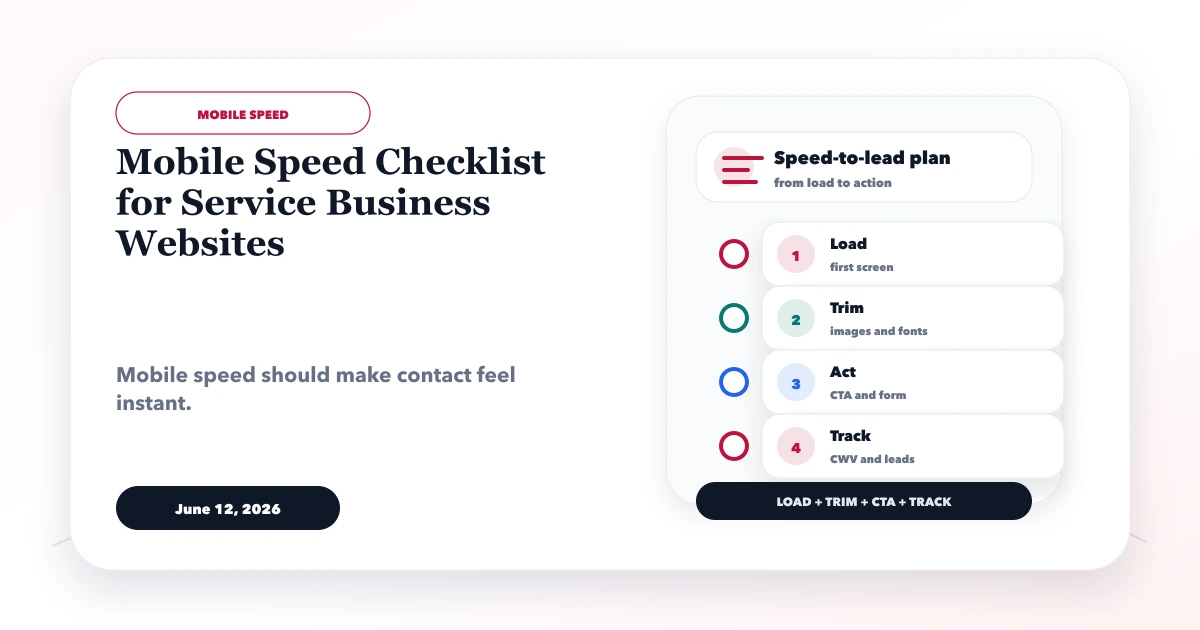
A fast service website should show its main offer quickly, respond promptly when a visitor opens the menu or form, and keep the layout stable while images, fonts, and widgets load. For mobile lead generation, test the whole journey: search result to landing page, service proof, call or WhatsApp action, form completion, success confirmation, and follow-up.
Google's current Core Web Vitals guidance uses three field metrics: Largest Contentful Paint for loading, Interaction to Next Paint for responsiveness, and Cumulative Layout Shift for visual stability. Good targets at the 75th percentile are LCP within 2.5 seconds, INP below 200 milliseconds, and CLS below 0.1. These are user-experience goals, not a guarantee of rankings or conversions.
Written by Tushar C., Founder of VASUYASHII, and reviewed against the current VASUYASHII homepage performance workflow. Use both laboratory tests and real-user field data where available; a single Lighthouse run is a diagnostic sample, not the final truth.
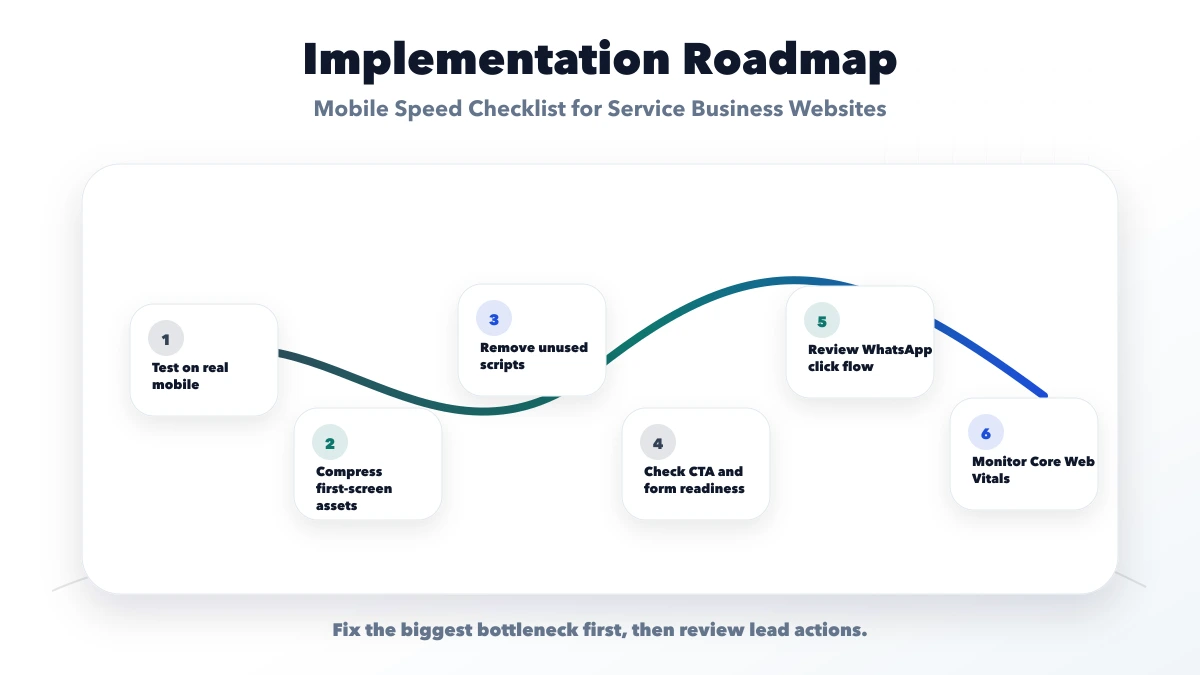
Record a baseline for the homepage and two high-value service pages. Use PageSpeed Insights, Chrome DevTools, and Search Console Core Web Vitals when enough field data exists. Test mobile and desktop separately.
Capture:
Repeat tests because lab scores vary. Compare the median, not only the best run. Field data represents real visits over time and changes more slowly after deployment.
On a service homepage, LCP is often the hero heading, supporting copy, or hero image. Do not optimise a random below-the-fold image while the main text waits for client-side animation or a web font.
Google's LCP optimisation guide recommends making the LCP resource discoverable early, allowing it to render promptly, reducing its load duration, and delivering the initial document efficiently. Translate that into checks:
If the hero uses only text, inspect render delay. A small HTML response can still show a late LCP when motion libraries, hydration, or font loading keep the text invisible.
Export images near their real display dimensions and let responsive markup serve smaller sources to mobile devices. A 2000-pixel logo displayed at 56 pixels wastes bandwidth even if the file does not look large on desktop.
Use SVG for suitable simple logos and icons, and modern raster formats for photographs. Preserve enough quality for trust: a salon portfolio or product screenshot should remain inspectable. Compress decorative images more aggressively than proof images.
Checklist:
srcset or framework image handling provides mobile variants.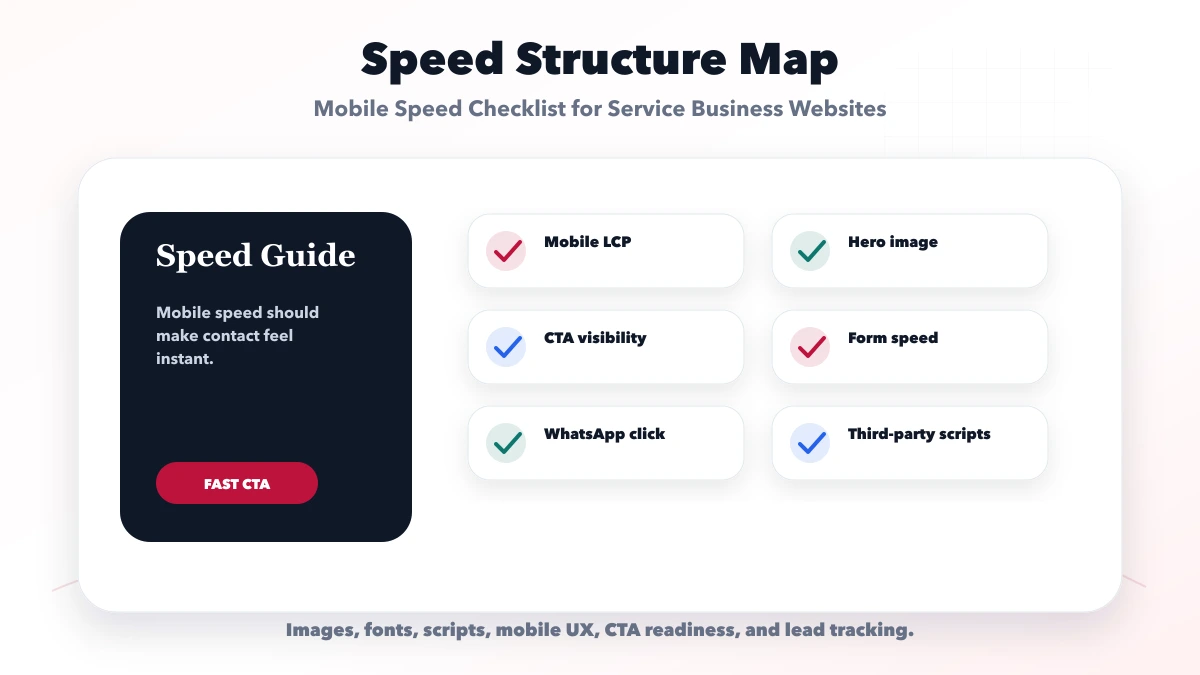
Every font family and weight adds files, connection work, and rendering decisions. Use one primary family with only the required weights. Self-host when it meaningfully improves control, licence terms permit it, and caching is configured correctly.
Preload only critical font files. Too many preloads compete with CSS and the LCP resource. Define strong system fallbacks and avoid hiding all text until a custom font arrives. Check whether fallback and final fonts have very different dimensions, which can create layout shifts.
Do not scale font size with viewport width in a way that makes headings unpredictable. Set stable responsive type rules and test the longest heading on narrow screens.
Service websites frequently ship JavaScript for animation, sliders, popups, chat, analytics, testimonials, and forms before the visitor needs them. Review every client component and ask whether static HTML and CSS can provide the first render.
prefers-reduced-motion.Third-party JavaScript may be commercially useful, but it still has a cost. Document the owner and purpose of each tag. Remove old marketing tags that no campaign uses.
Large global stylesheets can block rendering even when the page uses only a fraction of the rules. Keep critical page styles available early, remove dead styles during normal maintenance, and avoid loading demo-specific CSS on the homepage.
Prevent expensive layout patterns:
transform and opacity rather than layout-affecting dimensions when possible.The user-visible goal is stability. A perfect CLS score can still coexist with slow rendering, so inspect all three Core Web Vitals.
Speed is not useful if the visitor cannot act. On a narrow viewport, verify that the navigation opens quickly, focus moves logically, the close control is reachable, and background content does not remain accidentally interactive.
For call, WhatsApp, and contact actions:
Track successful form submission separately from CTA clicks. For a lead-focused layout, use the service website lead-flow guide.
An interactive map can add substantial code and network work. Show an accessible address and directions link first; load the interactive map only when it is important or after user interaction. Use a poster image and click-to-play for non-critical video.
Do not autoplay a large hero video on mobile merely for decoration. If video demonstrates the actual product or service, provide controls, captions where needed, an efficient format, and a static fallback.
Analytics is useful for lead quality, but it should not delay the value proposition. Use one controlled implementation, remove duplicate tags, and load optional marketing tools according to the applicable consent setup. Verify events after optimisation so performance work does not silently break lead measurement.
Never send names, email addresses, phone numbers, or free-form message contents to analytics platforms. Measure event names and non-sensitive context such as page, CTA position, and service category.
A performance budget gives reviewers a boundary before assets grow again. Use values suitable for your site rather than treating this example as a standard:
| Budget area | Review question |
|---|---|
| Hero media | Is the mobile file appropriately sized and immediately discoverable? |
| Initial JavaScript | Does every early module support the first interaction? |
| Fonts | Are families and weights limited to those actually used? |
| Third parties | Does each tag have an active business owner? |
| DOM size | Are hidden duplicate layouts or massive menus being rendered? |
| Below-the-fold media | Is it deferred without creating layout movement? |
Add automated size warnings where the build system supports them, then review real-user performance after meaningful releases.
The current Google Search documentation recommends good Core Web Vitals for user experience, while also explaining that no single page-experience score guarantees top rankings. Prioritise visitor outcomes over chasing a synthetic 100.
Do not begin by deleting every animation. Identify what delays LCP or interaction, preserve purposeful motion, and simplify only where evidence supports it.
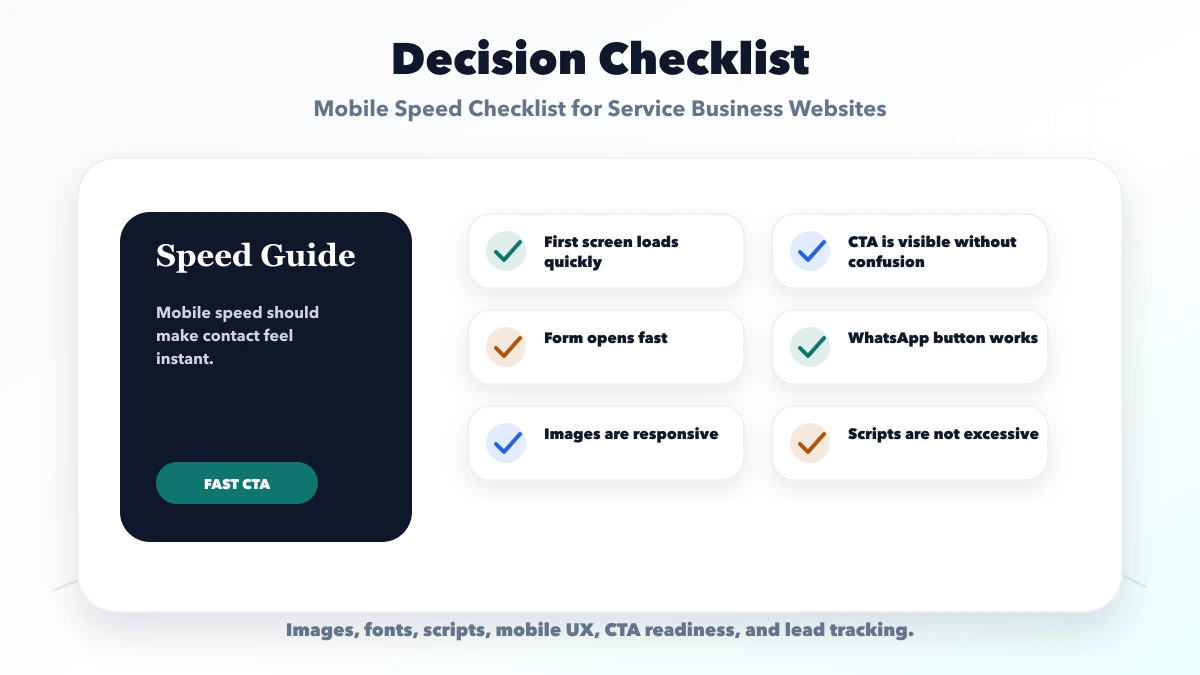
Use synthetic scores to diagnose, but target good real-user Core Web Vitals and a reliable lead journey. Scores vary by tool, device, and run.
The LCP may be a text block delayed by fonts, CSS, hydration, or animation. Inspect the reported element and its render delay.
Not automatically. Remove duplicates and unused tags, load it responsibly, and keep measurement proportional to business value. Compare the performance cost with the decisions the data supports.
Yes, especially if it loads external scripts, images, or chat functionality immediately. A simple link styled as a button is lighter when full widget behaviour is unnecessary.
Field datasets use rolling real-user observations, so improvement is not immediate. Validate the release with lab and real-device checks, then monitor field data over time.
VASUYASHII can scope a diagnostic and implementation pass within website development services. The review should identify the actual bottleneck before changing design or removing features.
Record three comparable mobile runs and identify the exact LCP element before editing. For a focused review, contact VASUYASHII with the URL, target devices, current analytics setup, and recent performance report. Also read the website speed optimisation guide for broader technical maintenance.
Related Articles
June 11, 2026
Use practical homepage hero formulas for service businesses with clear audience, offer, proof, CTA hierarchy, mobile layout, and conversion tracking.
Read article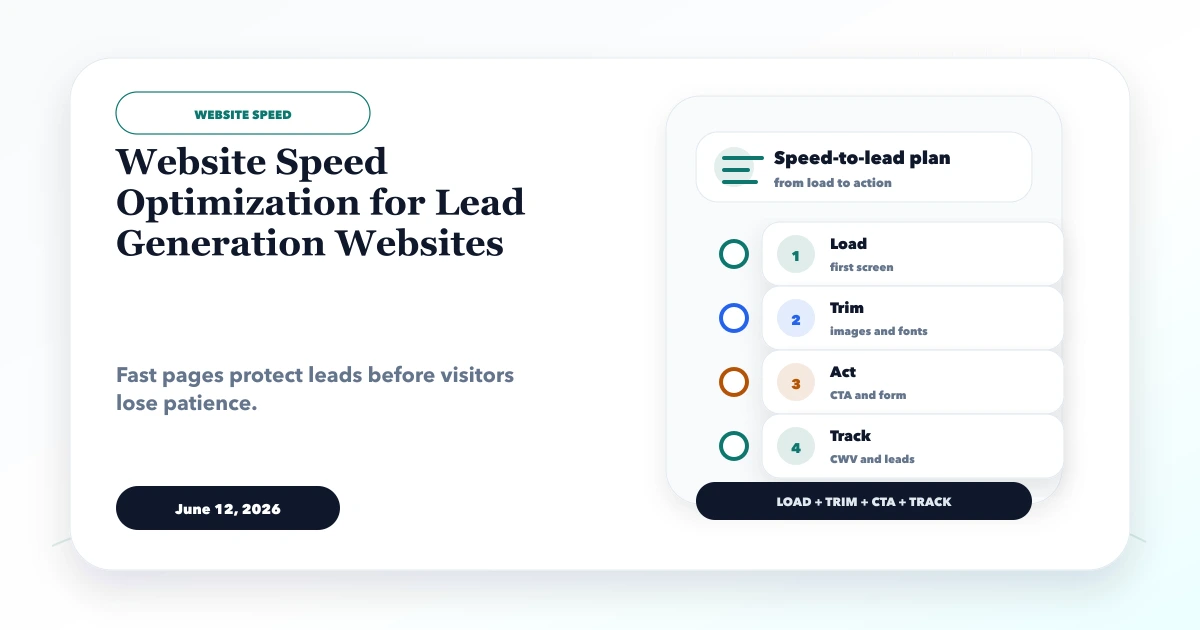
June 12, 2026
Optimize lead-generation website speed by prioritizing the first screen, forms, WhatsApp, images, fonts, JavaScript, tracking and post-launch measurement.
Read article
May 13, 2026
website audit checklist: practical 2026 audit guide with checklist, pricing, roadmap, mistakes, FAQs, tools, and next steps for Indian SMBs today safely.
Read article
May 10, 2026
Audit a service website across indexing, intent, content, internal links, local signals, performance, schema, lead tracking, and evidence-based priorities.
Read article