
May 25, 2026
Real Estate Lead CRM: Pipeline and Follow-Ups
Plan a real estate lead CRM with source tracking, qualification, property matching, site visits, follow-ups, broker assignment, privacy, and reports.
Read articlePublished Updated
Plan a real estate listing and leads dashboard with verified inventory, source tracking, agent assignment, visits, follow-ups, consent, and reliable reports.
A real estate property listing and leads dashboard has two jobs that must stay connected: publish accurate inventory and move genuine enquiries toward a qualified conversation, site visit, booking, or documented closure. A beautiful property portal fails if availability is stale. A busy CRM fails if agents cannot tell which listing, budget, location, or campaign produced the enquiry.
This guide is for builders, brokers, property consultants, channel partners, and small agencies planning a practical listing plus lead-management system. It focuses on record ownership, verification, consent, assignment, follow-up, and reporting rather than promising that software alone will sell property.
Build the system around four connected records:
The public website should only show approved listing data. The dashboard should make stale listings, unassigned leads, overdue follow-ups, duplicate enquiries, and unverified source claims visible.
The data model changes by operating model.
| Business model | Inventory meaning | Important control |
|---|---|---|
| Builder/developer | Units inside owned projects | Authoritative availability and price approvals |
| Brokerage | Third-party properties from owners/builders | Listing permission and periodic verification |
| Rental agency | Time-sensitive rental availability | Fast expiry and owner reconfirmation |
| Channel partner | Allocated inventory or campaign-specific projects | Source attribution and partner rules |
| Commercial consultant | Buildings, floors, offices, warehouses | Requirement matching and document access |
Do not copy a generic marketplace model until this decision is documented. A single broker listing a resale flat needs different verification and permissions from a developer controlling hundreds of units.
Keep stable property facts separate from a market listing.
The property or project master may contain name, type, developer or owner, location, coordinates, possession status, amenities, regulatory references supplied by the business, documents, media, and descriptive content. A listing contains transaction-specific details such as unit, area, configuration, asking price, rent, deposit, furnishing, availability, listed-by party, verification date, and expiry.
This separation allows one property to have several units or transaction offers without duplicating every description and image. It also prevents a sold or rented listing from deleting the underlying project record.
“Available” is not permanent. Store who verified it, when it was verified, and when it must be checked again. Useful states include draft, pending verification, active, on hold, under negotiation, booked, sold/rented, expired, and archived.
Public pages should not show a stale active status forever. Define expiry by listing type and operational capacity. A dashboard can queue listings due for reconfirmation and hide or label expired records according to the business policy.
For builder inventory, unit-level changes may come from an authorised internal user or integration. For brokerage listings, the source may be an owner call or partner update. In both cases, store evidence and actor instead of silently changing availability.
Property images, floor plans, brochures, videos, maps, and claims need permission and provenance. Record who supplied the asset, whether it can be published, any expiry or restriction, and the related property.
Prevent common quality problems:
Each important listing page should contain useful facts, clear contact options, and a last-verified signal where appropriate. If the business needs a lead-first public website, use the principles in web application development and SEO website architecture.
A “name and phone” form is not enough for meaningful routing. Capture only what the workflow needs, but preserve context automatically:
Do not mark every visitor as a qualified lead. A lead becomes qualified when the team confirms the requirement and can define a useful next action.
The same person may submit a form, call, send WhatsApp, and enquire about several properties. Blindly creating four leads inflates campaign reports and causes multiple agents to contact the same person.
Use normalized phone and email identifiers, but do not automatically merge records when shared family or office numbers are common. Present possible matches and preserve the original enquiries, channels, and property interests under one contact where verified.
Define re-enquiry rules. A person returning after six months with a new requirement may be an existing contact but a new opportunity. Contact identity and opportunity count should not be the same metric.
Assignment can be round-robin, project-based, location-based, language-based, source-based, workload-based, or manually controlled. Whatever method is chosen, make it explainable.
Store assigned agent, assignment time, reason or rule, first-response target, reassignment history, and current owner. When an employee is unavailable or leaves, open leads and tasks need a controlled transfer process.
Escalation should detect unaccepted assignments, missed first-contact targets, and overdue next actions. It should not merely notify managers after every new lead.
Our implementation review checks the complete handoff: a test enquiry must reach one authorised owner, retain source and listing context, create a visible next action, and appear in the correct manager report without duplication.
Use a small stage model that reflects actual decisions:
New -> Assigned -> Contacted -> Qualified -> Visit planned -> Visit completed -> Negotiation -> Booked/Won
Closed paths need structured reasons such as budget mismatch, location mismatch, unavailable inventory, no response after approved attempts, duplicate, invalid enquiry, already purchased, or postponed. Free-text notes can add detail but should not replace reportable outcome fields.
Stage alone is insufficient. Every active lead should have a next action, owner, and due date. “Contacted” without an outcome or next step hides inactivity.
A visit record should link the contact, opportunity, property or unit, assigned agent, scheduled time, status, attendees, and outcome. Confirmations and reminders must respect communication consent.
After a visit, capture structured feedback: fit, concerns, budget movement, decision timeline, other stakeholders, and next commitment. Do not ask agents to write long narratives when a few controlled fields plus notes will produce better reporting.
Cancellation, rescheduling, no-show, virtual tour, and multi-property visits should be explicit cases. Commission or booking workflows should only start after the business-defined evidence exists.
WhatsApp and telephony are communication channels, not the system of record. The CRM should retain lead ownership, next action, consent, and opportunity stage even if messages or calls occur through integrated providers.
Use authorised APIs, secure webhooks, idempotent event handling, delivery state tracking, and role-based access. For attribution architecture, read CRM call tracking and lead source attribution. For channel implementation, see integration services.
Avoid copying private chats into unrestricted notes. Define what metadata or message content is retained, for how long, and who can access it.
Useful reports answer operational questions:
Do not rank agents only by raw lead count. Mix, source quality, inventory availability, and assignment timing can distort comparisons. Reports should allow a manager to inspect underlying records.
Typical roles include listing editor, verification reviewer, agent, team manager, marketing user, booking/finance user, and administrator.
Controls may include:
Enforce permissions in the API as well as the interface. Audit listing changes, exports, assignment, stage movement, consent updates, and configuration changes.
Collect the minimum personal information needed for property matching and follow-up. Display a clear privacy notice, record consent where required, honour opt-outs, restrict bulk export, and define retention for inactive or unqualified leads.
Access to identity documents, financial documents, booking forms, or owner details requires stronger controls than general lead notes. Use encryption, access logging, secure downloads, and limited retention based on genuine business and legal needs. Obtain professional advice for applicable property, advertising, tax, and privacy obligations.
| Phase | Deliverable | Acceptance signal |
|---|---|---|
| Discovery | Business model, inventory authority, lead flow, roles | Exceptions and data owners documented |
| Listing foundation | Property, units/listings, verification, media | Public and admin status remain consistent |
| CRM | Capture, dedupe, assignment, tasks, outcomes | Every test lead has one accountable owner |
| Visits and booking | Scheduling, feedback, negotiation, booking handoff | Stage changes require defined evidence |
| Integrations | Website, WhatsApp, calls, ads, portals | Retries and duplicate events tested |
| Reporting | Listing freshness, response, funnel, sources | Totals reconcile to detailed records |
| Rollout | Migration, pilot, training, monitoring | Users complete real scenarios safely |
Complex agency workflows are a good fit for custom software development. A simpler business may start with an existing CRM and a focused website integration.
Avoid selecting a budget from page count alone. Major cost drivers include number of inventory types, unit hierarchy, listing approval, media processing, public search, role depth, lead routing, WhatsApp or call integration, portal feeds, migration, reports, booking workflow, mobile requirements, and support coverage.
A focused internal listing and lead dashboard is smaller than a public marketplace with accounts, saved searches, maps, recommendations, payments, partner feeds, and large media volumes. Prepare a phased scope and request a tailored estimate through contact.
Usually no. Change their listing status and remove them from active discovery while preserving history, leads, and audit events. The property master may still be useful.
Set a policy by listing type, source, and market volatility. The important controls are an owner, last-verified date, next review date, and visible expiry handling.
Yes. Keep one verified contact with separate property interests or opportunities so history is preserved without counting duplicate people.
No. The dashboard controls inventory and leads. A portal adds public search, filters, SEO pages, media delivery, user journeys, and possibly accounts or saved properties.
Only if that matches the operating model. Many teams need assigned-lead visibility, manager oversight, and restricted export or reassignment permissions.
Yes, when landing context, tracking identifiers, consent, telephony events, and CRM outcomes are connected and reconciled. Avoid assuming the last click tells the whole journey.
Build a real estate listing and leads dashboard when inventory freshness, enquiry ownership, site visits, and source reporting must be controlled together. Begin with who owns each record and which evidence changes its status. Accurate inventory and disciplined next actions produce more operational value than a large dashboard full of unverified totals.
Related Articles
May 25, 2026
Plan a real estate lead CRM with source tracking, qualification, property matching, site visits, follow-ups, broker assignment, privacy, and reports.
Read article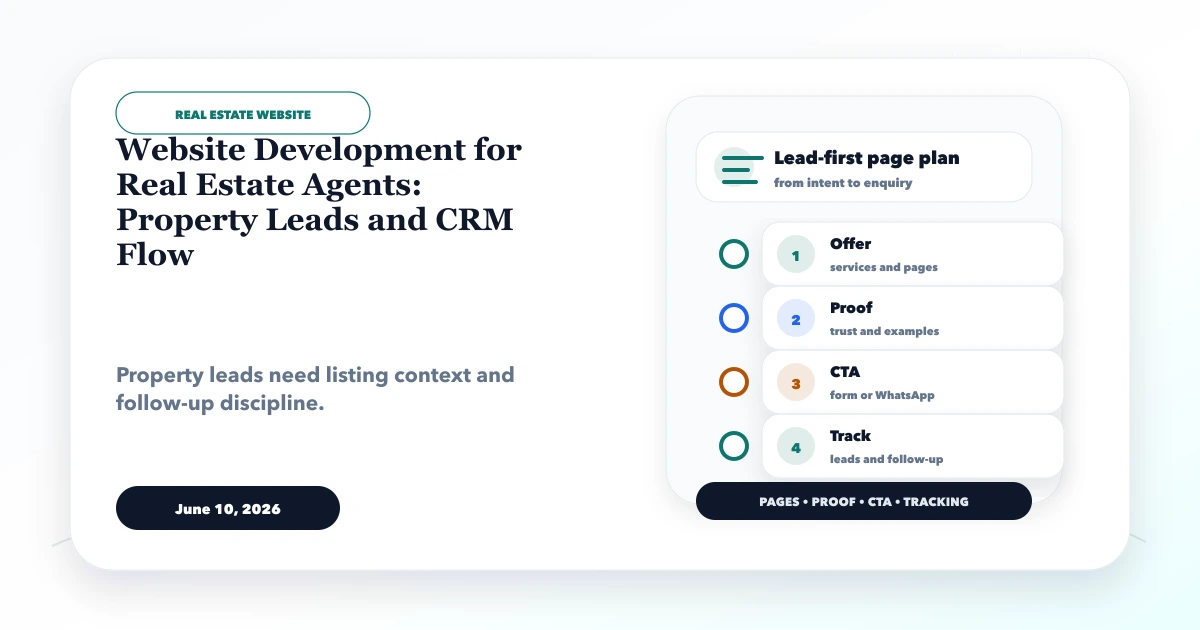
June 10, 2026
Website development for real estate agents with property leads, listing pages, WhatsApp CTA, CRM flow, lead source tracking, and local SEO.
Read article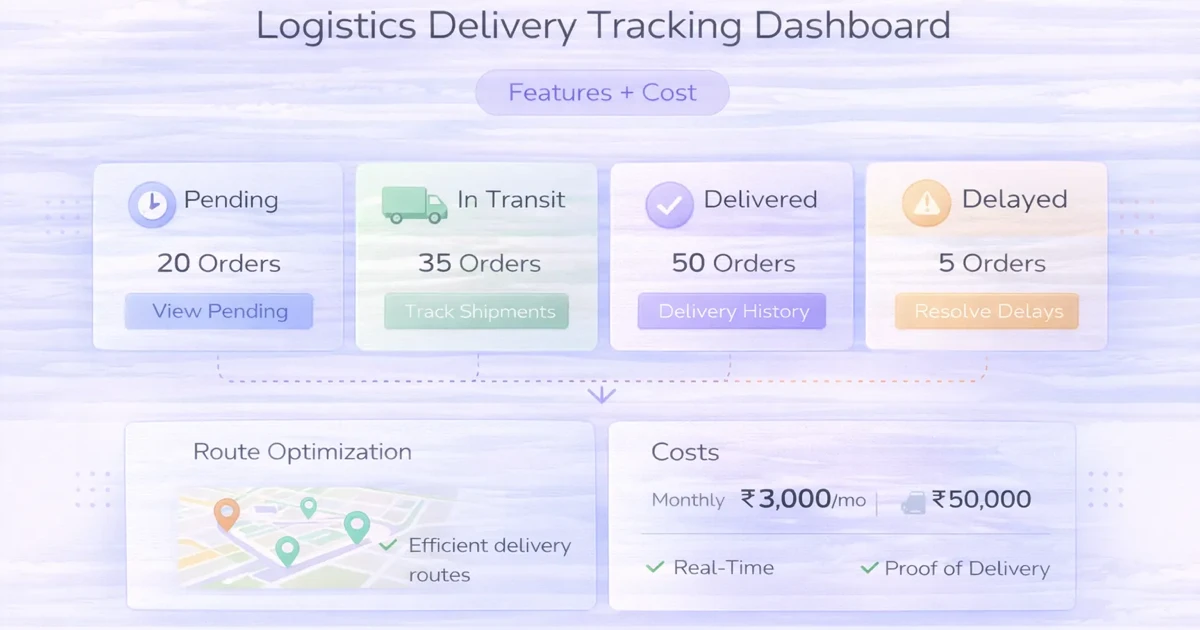
April 4, 2026
Plan a delivery tracking dashboard with status ownership, assignments, exceptions, proof, customer updates, reports, integrations, rollout phases and cost.
Read article
April 2, 2026
Design operational dashboards with usable tables, predictable filters, secure exports, bulk actions, responsive layouts, permissions and complete data states.
Read article