
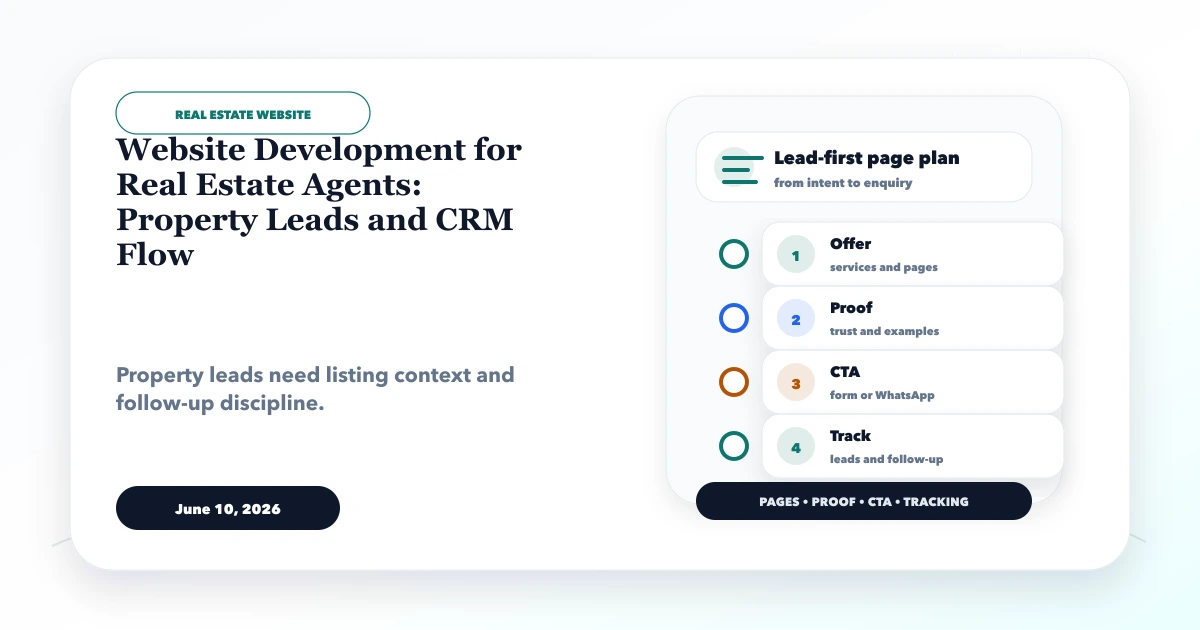
June 10, 2026
Real Estate Agent Website: Listings and CRM Leads
Website development for real estate agents with property leads, listing pages, WhatsApp CTA, CRM flow, lead source tracking, and local SEO.
Read articlePublished Updated
Plan a real estate lead CRM with source tracking, qualification, property matching, site visits, follow-ups, broker assignment, privacy, and reports.
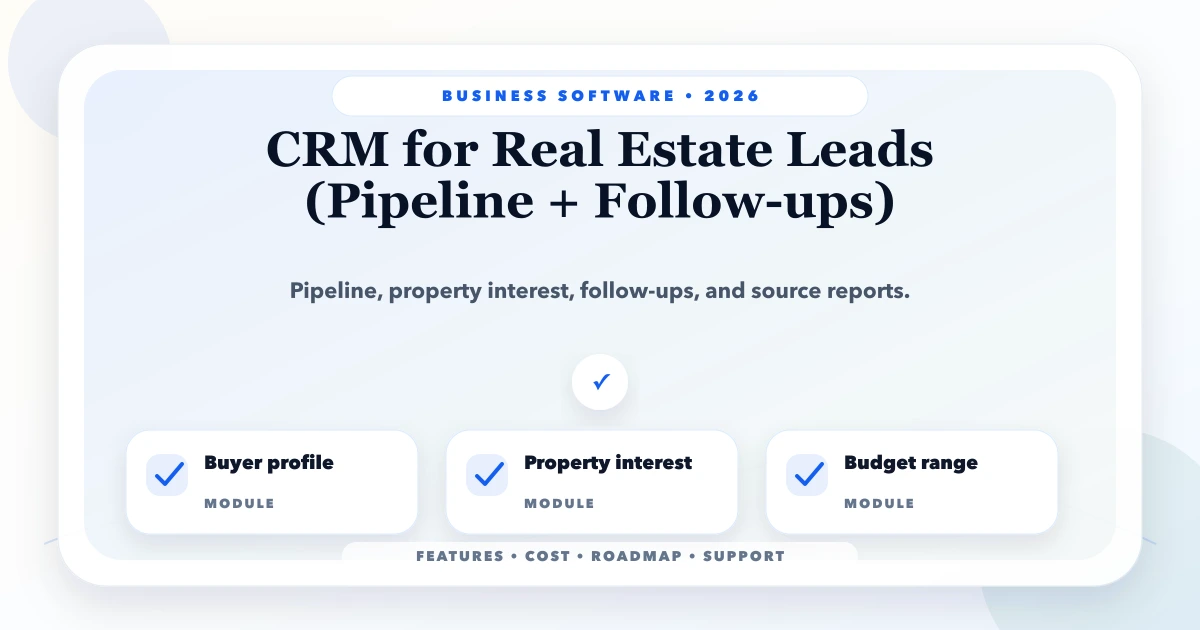
A real estate CRM should answer who the lead is, whether the requirement is genuine, which properties were discussed, what happened during the site visit, and who owns the next action. It should not turn every portal enquiry, WhatsApp message, and missed call into an unrelated contact row.
The core challenge is matching changing buyer or tenant requirements with verified listings while preserving source, consent, assignment, and follow-up history. This guide defines that workflow for brokers, agencies, project sales teams, property consultants, and developers.
Keep four records separate:
One person may have several requirements over time. One property can match many leads. A visit connects a lead to a listing and needs its own status, date, attendees, feedback, and next action.
Do not use one form for every real estate enquiry. At minimum distinguish:
Buyer or tenant qualification may include budget range, purpose, property type, preferred locations, possession timeline, finance status, configuration, must-have features, and decision-maker availability. Seller qualification may include ownership status, property details, expected price, occupancy, document readiness, and selling timeline.
Mark unknown fields as unknown rather than forcing staff to guess.
A practical buyer pipeline can be:
| Stage | Entry condition | Required next action |
|---|---|---|
| New | Lead captured with source | First contact attempt |
| Contacted | Two-way contact established | Complete qualification |
| Qualified | Budget, need, area, timing confirmed | Share matched properties |
| Options shared | Listings sent and recorded | Obtain shortlist/feedback |
| Visit scheduled | Date, property, and attendee confirmed | Reminder and visit |
| Visit completed | Outcome captured | Follow-up, new match, or negotiation |
| Negotiation | Price/terms discussion active | Document offer and owner response |
| Won/booked | Accepted outcome recorded | Handover to transaction process |
| Lost/on hold | Reason and review date recorded | Nurture or close |
Create different pipelines only when the process genuinely differs. Seller acquisition, rentals, and new-project sales may need their own stages.
Capture the source at lead creation: website form, property portal, Google, referral, social campaign, walk-in, call, or broker. Keep campaign and listing/project context when available.
Deduplication should check normalised phone, email, portal lead ID, and recent matching requirements. Do not simply reject a duplicate. The correct action may be to add a new opportunity under an existing contact or merge records with an audit trail.
For calls and WhatsApp, track the first useful source and subsequent touchpoints. Avoid rewriting original attribution every time a lead returns through another channel.
A CRM is not automatically a complete property inventory system. A listing record may include:
Never present scraped, expired, or unverified properties as current. Assign a re-verification cadence and show staff the last checked date.
Start with transparent filters before adding AI recommendations. Match budget, location, type, configuration, area, possession, and critical preferences. Let agents explain why a property matched and exclude options already rejected.
Record the listing snapshot or key terms shared at that time. If the price changes later, the historical conversation should remain understandable.
Every active lead needs one accountable owner and next task. A follow-up record should have:
Do not auto-send repeated generic messages. Automation can acknowledge a form, confirm a visit, or remind an assigned agent, but consent, frequency, templates, and opt-out handling must be documented.
A visit is a structured event, not a note saying “showed property.” Capture:
For several properties in one trip, create one visit plan with individual property outcomes. Do not mark a lead qualified only because a visit was scheduled.
Assignment may use geography, project, property type, language, source, workload, or round robin. Whatever rule is used, define:
Shared WhatsApp numbers and portal accounts need a handoff process. Individual CRM accounts should preserve accountability.
Store only necessary customer information and define retention. Record consent or lawful communication context where required. Restrict bulk export and mass messaging. Do not put sensitive documents into analytics events or public URLs.
If identity, financial, or property documents are uploaded, use access controls, secure storage, purpose limitation, and deletion rules. WhatsApp should not become the only archive for critical transaction evidence.
Channel partners need separate identity and attribution. Capture registration/onboarding state, projects or inventory shared, introduced lead, duplicate/conflict decision, commission terms reference, and settlement status where in scope.
Do not expose the full customer database to every partner. Use company/project-scoped access and record who can see what.
Reports should explain definitions. “Conversion” might mean qualified, visit, booking, or completed transaction; use separate metrics.
Today's calls, overdue tasks, new assignments, upcoming visits, recent replies, and matched properties.
Unassigned leads, response SLA, stage ageing, agent workload, visit pipeline, source quality, and exceptions.
Qualified demand, pipeline value with assumptions, project/location trends, booking outcomes, cost per source when available, and compliance risks.
Potential integrations include website forms, phone tracking, WhatsApp, email, property portals, ad platforms, calendar, maps, document storage, payment/booking, and accounting.
For each connection define stable IDs, source of truth, retry behaviour, duplicate handling, failure alerts, reconciliation, and data permissions. A portal import that silently fails can make the dashboard look healthy while leads are missing.
Review integration and automation services for webhook and lead-routing scope.
Current VASUYASHII service capability includes custom CRM, dashboards, role-based workflows, integrations, and reporting after discovery. VASUYASHII Business Suite is positioned around billing, inventory, purchases, payments, expenses, and business operations; it is not being presented as an already-complete real estate CRM. The workflow in this guide requires a separate accepted scope.
Cost changes with users, teams, portals, listing complexity, communication channels, automation, permissions, documents, mobile access, dashboards, migration, and integrations.
Contacts, opportunities, source, qualification, pipeline, follow-ups, assignment, notes, basic property references, and reports.
Listing inventory, matching, site visits, WhatsApp/email templates, calendar, documents, and manager controls.
Portal sync, partner access, booking/transaction workflow, advanced attribution, multi-project dashboards, and mobile/offline requirements.
Pilot with one team or project. Clean current leads before importing them.
One person can buy, rent, sell, and return later. Keep requirements separate.
Matching and reporting fail without structured listing data.
Uncontrolled follow-ups damage trust and can violate platform or legal obligations.
Qualify intent and define probability assumptions; do not present inflated forecasts as fact.
Keep reason and history according to retention policy. It supports source-quality and process analysis.
Old availability and prices waste agent and customer time.
Yes, if contact, opportunity, property, and partner records stay separate and each process has appropriate stages.
Only through an approved integration with consent, template, retention, failure, and access rules. Start with task reminders if full sync is unnecessary.
Match stable identifiers, review context, and merge or add a new opportunity without erasing source and activity history.
No. Transparent filters and agent feedback can deliver value first. Add advanced recommendations after clean data and measurable need.
Today's tasks, lead details, call/message actions, matched properties, visit plans, notes, and safe offline behaviour where required.
Share lead sources, team roles, pipeline stages, listing data, follow-up rules, portal/WhatsApp needs, reports, migration files, and sample exceptions.
Compare this workflow with the real estate listings and lead dashboard guide and property dealer website flow. For implementation, review custom software, CRM and ERP services or contact VASUYASHII.
Related Articles
June 10, 2026
Website development for real estate agents with property leads, listing pages, WhatsApp CTA, CRM flow, lead source tracking, and local SEO.
Read article
May 15, 2026
Compare real estate CRM features and cost in India, including lead sources, property matching, site visits, follow-ups, roles, reports and rollout phases.
Read article
May 22, 2026
WhatsApp automation for businesses: practical 2026 guide with examples, INR cost, workflow setup, timeline, mistakes, FAQs, and Indian SME tips today.
Read article
May 26, 2026
Plan a real estate listing and leads dashboard with verified inventory, source tracking, agent assignment, visits, follow-ups, consent, and reliable reports.
Read article