
May 25, 2026
WhatsApp CRM for Small Businesses: Follow-Ups & Automation
Plan a WhatsApp CRM for small businesses with consent, shared ownership, lead stages, follow-ups, approved automation, secure integrations, and useful reports.
Read articlePublished
WhatsApp automation for businesses: practical 2026 guide with examples, INR cost, workflow setup, timeline, mistakes, FAQs, and Indian SME tips today.
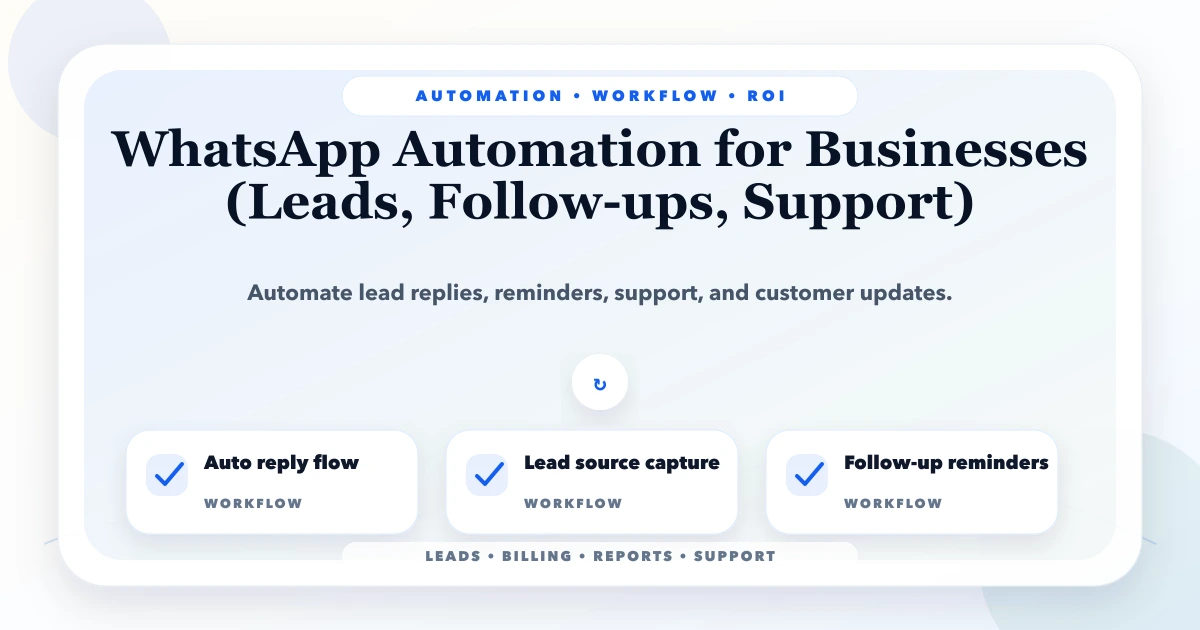
This guide on WhatsApp automation for businesses is for service businesses, traders, clinics, schools, agencies, and SMEs that use WhatsApp for enquiries and customer updates. If your business runs in Delhi NCR, Ghaziabad, Noida, Delhi, Gurugram, Faridabad, or anywhere in India, the aim is simple: reduce manual work, improve follow-up discipline, and make daily operations more predictable.
Automation is not only for large companies. SMEs often need it more because the owner is personally involved in sales, billing, reports, approvals, and customer updates. A small automation can save hours every week if it targets the right repeated workflow.
By Tushar C. (Founder, VASUYASHII). Reviewed by VASUYASHII Editorial for real-world SME workflow automation, CRM, billing, WhatsApp, reporting, and custom software implementation experience.
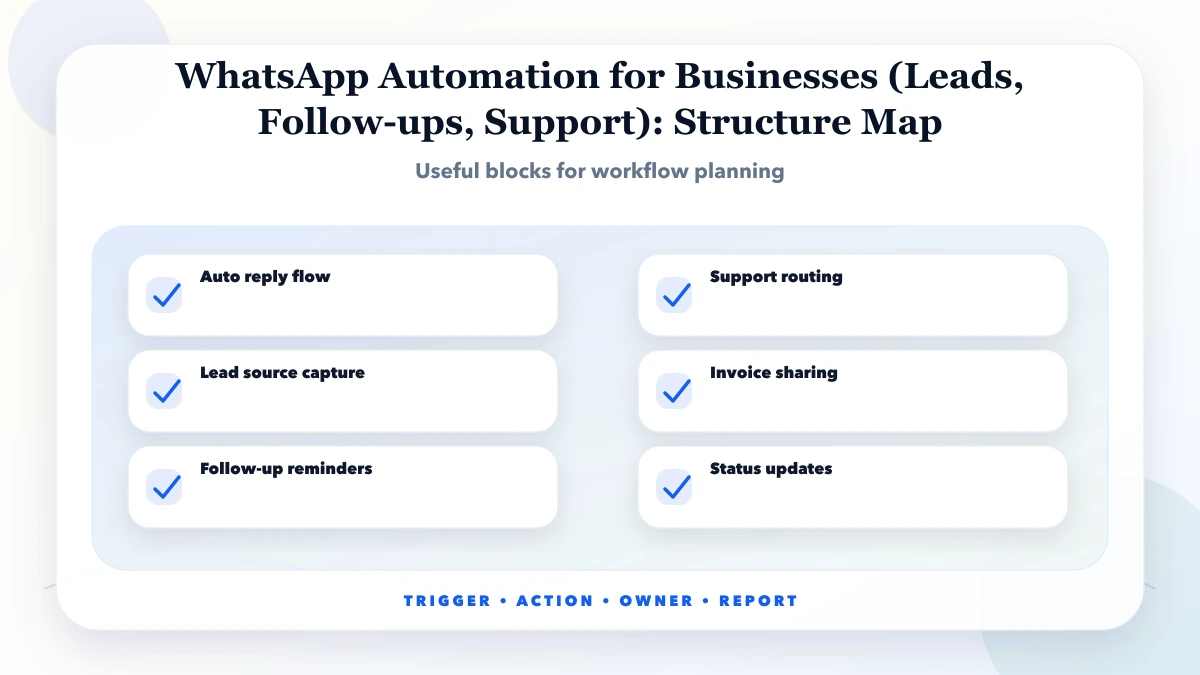
WhatsApp automation for businesses helps capture leads, send quick replies, trigger follow-up reminders, share invoices or reports, and route support messages to the right team.
For Indian SMEs, the best automation plan is phased. Start with one workflow that is repeated daily, creates errors, or delays money collection. Then add alerts, reports, integrations, and dashboards after staff adoption is stable.
In our work with business software and automation planning, the biggest gain usually comes from removing small repeated tasks, not from building a huge system on day one. Owners often know where time is wasted, but the process is hidden across WhatsApp, Excel, calls, and staff memory.
Each feature should have a clear trigger, action, owner, and fallback. If the trigger is unclear, automation may fire at the wrong time. If the fallback is missing, staff will not know what to do when data is incomplete.
| Scope | Practical price range | Typical timeline |
|---|---|---|
| Basic WhatsApp automation | ₹15,000 to ₹45,000 | 3 to 7 days |
| Lead + follow-up workflow | ₹45,000 to ₹1.5 lakh | 1 to 3 weeks |
| WhatsApp + CRM integration | ₹1.5 lakh to ₹5 lakh+ | 3 to 8 weeks |
These are practical planning ranges for Indian SMBs. Final pricing depends on the workflow depth, user roles, integrations, data quality, admin screens, reports, testing, deployment, and post-launch support.
Small automation can be very affordable when the process is clear. Cost increases when the workflow includes multiple departments, approvals, external APIs, custom reports, PDF generation, or role-based access.
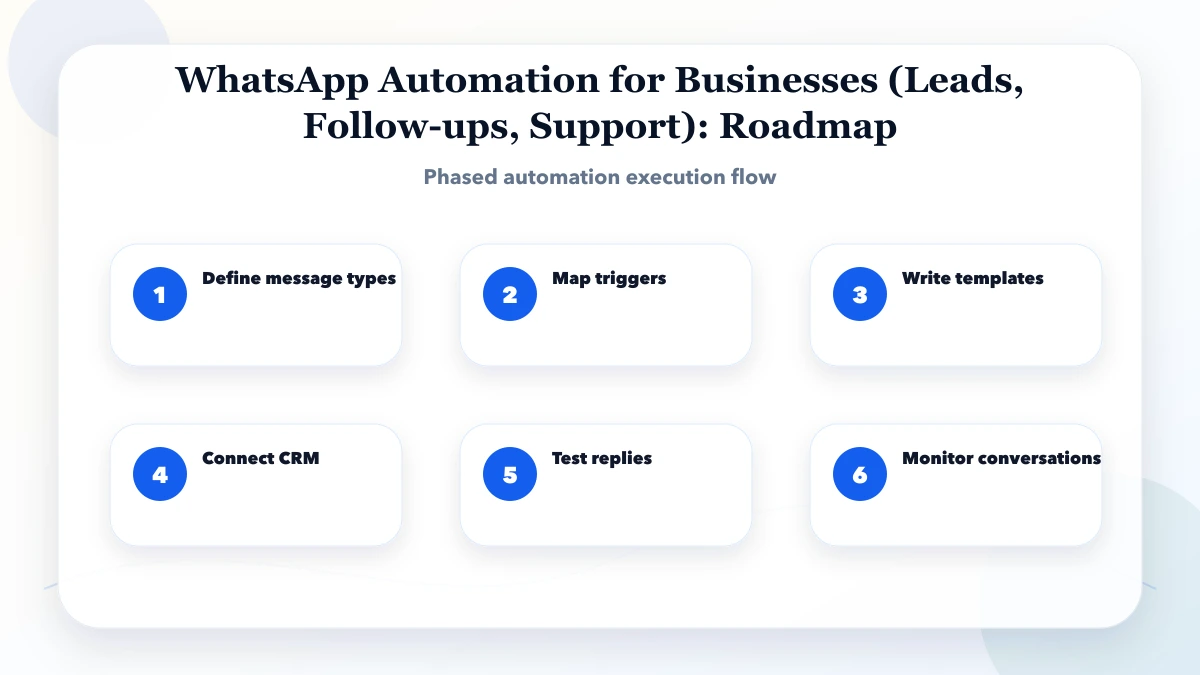
This sequence keeps the project grounded. First map the real workflow, then choose one priority area, then build and test with staff. Avoid automating every idea at once because that usually creates confusion and rework.
The stack should match the workflow. A simple reminder flow may only need a CRM and scheduled alerts. A full automation system may need a custom dashboard, database, APIs, webhooks, PDF generation, logs, and role-based permissions.
The biggest cost drivers are business rules and integrations. The biggest ROI drivers are time saved, errors reduced, faster follow-up, better owner visibility, and fewer missed tasks. Automation should be measured against real work saved, not only software cost.
Use a simple score: frequency, error risk, delay cost, and staff dependency. If a task happens daily, creates mistakes, delays money, or depends on one person, it is a strong automation candidate.
Do not automate judgement-heavy work first. Automate reminders, status updates, reports, document generation, lead routing, and repetitive checks. Keep humans responsible for exceptions, approvals, and relationship-sensitive communication.
Start with a pilot workflow. For example, automate lead follow-up before building a full CRM, or automate invoice PDF sending before rebuilding the entire billing system. A pilot gives proof and staff feedback without large upfront risk.
Keep logs from day one. Every automated message, report, status change, or PDF should have history. Logs help debug issues, train staff, and prove what happened when customers or team members ask questions.
If your team is wasting time on repeated follow-ups, manual reports, invoice PDFs, or WhatsApp updates, start with a workflow audit. VASUYASHII can map the process and suggest the first automation with the best ROI.
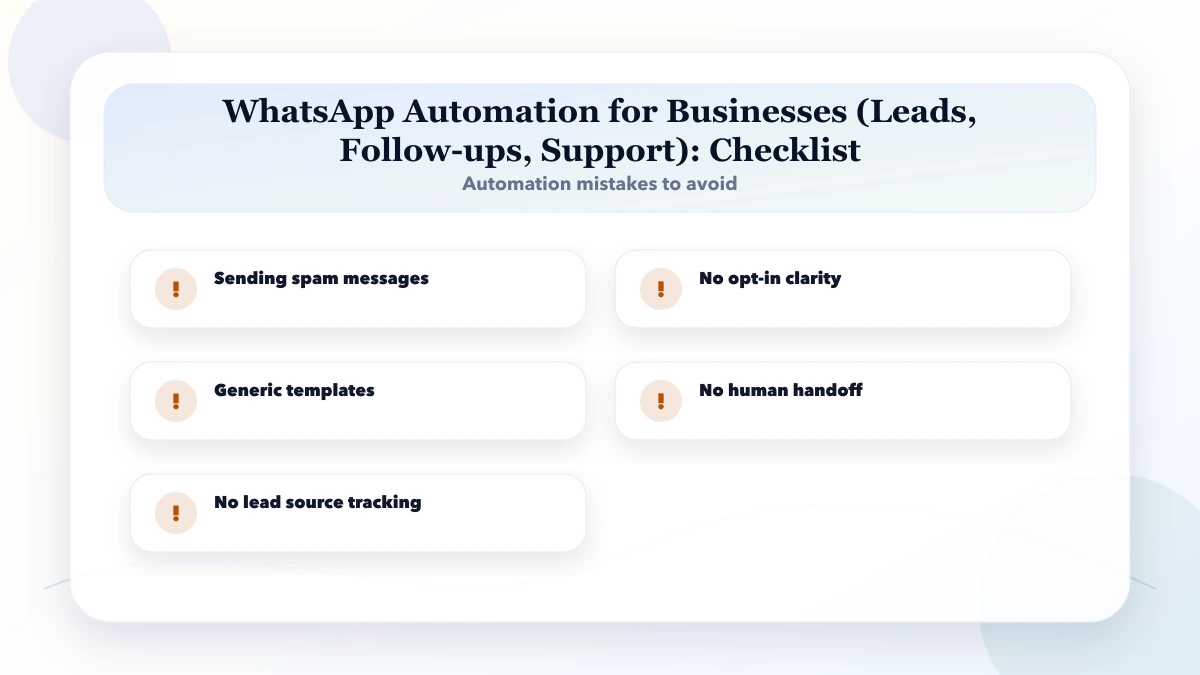
Avoid automating a messy process without first cleaning the workflow. Automation makes a good process faster, but it can make a bad process fail faster too.
It is for service businesses, traders, clinics, schools, agencies, and SMEs that use WhatsApp for enquiries and customer updates. The goal is to reduce manual work without making the system too complex for staff.
Start with define message types. This helps identify the workflow that wastes the most time or creates the most errors.
Use the pricing table as a planning range. Final cost depends on workflow complexity, users, data, integrations, reporting, and support needs.
Sometimes automation reduces the need for extra admin work, but most SMEs get the best result by combining automation with clear staff ownership.
Only if messages need to be sent automatically at scale or connected to CRM, invoices, support, or reports. Simple click-to-chat does not need an API.
The biggest risk is sending spam messages. Automation should follow a clear process, not hide a broken one.
Yes. VASUYASHII can help with workflow mapping, custom software, CRM automation, WhatsApp/email integrations, dashboards, reports, and support.
Use the business WhatsApp automation cost guide to compare a notification pilot, lead-routing workflow, and support automation without treating them as the same project.
For a consent-aware sequence with CRM stages, human handoff, and stop rules, continue with the email and WhatsApp follow-up setup guide.
If multiple agents need shared ownership, customer history, opportunity stages, and reconciled reports, use the WhatsApp CRM for small businesses guide before selecting automation features.
If you want to automate leads, follow-ups, billing, reports, support, or operations, VASUYASHII can help with workflow mapping, custom development, WhatsApp/email integrations, dashboards, and support.
Related Articles
May 25, 2026
Plan a WhatsApp CRM for small businesses with consent, shared ownership, lead stages, follow-ups, approved automation, secure integrations, and useful reports.
Read article
May 25, 2026
Plan a real estate lead CRM with source tracking, qualification, property matching, site visits, follow-ups, broker assignment, privacy, and reports.
Read article
May 18, 2026
WhatsApp automation for ecommerce: practical 2026 guide with checklist, cost, roadmap, tools, mistakes, FAQs, and next steps for Indian SMBs today safely.
Read article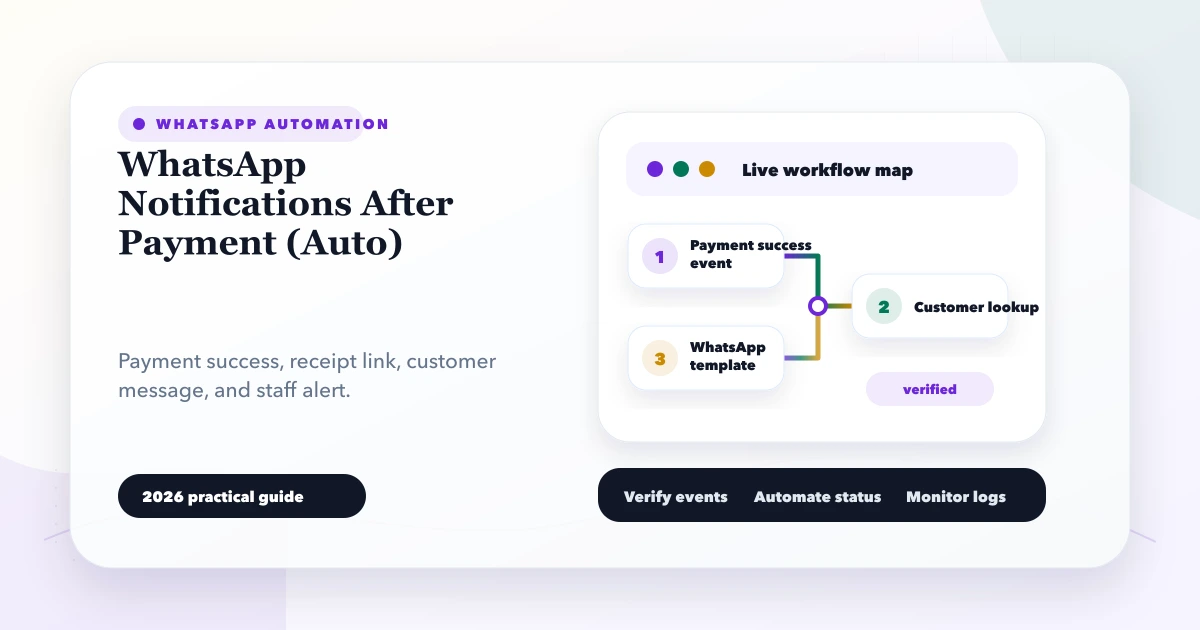
May 27, 2026
Automate WhatsApp payment confirmations with verified webhooks, approved templates, deduplication, secure receipt links, delivery tracking and fallbacks.
Read article