
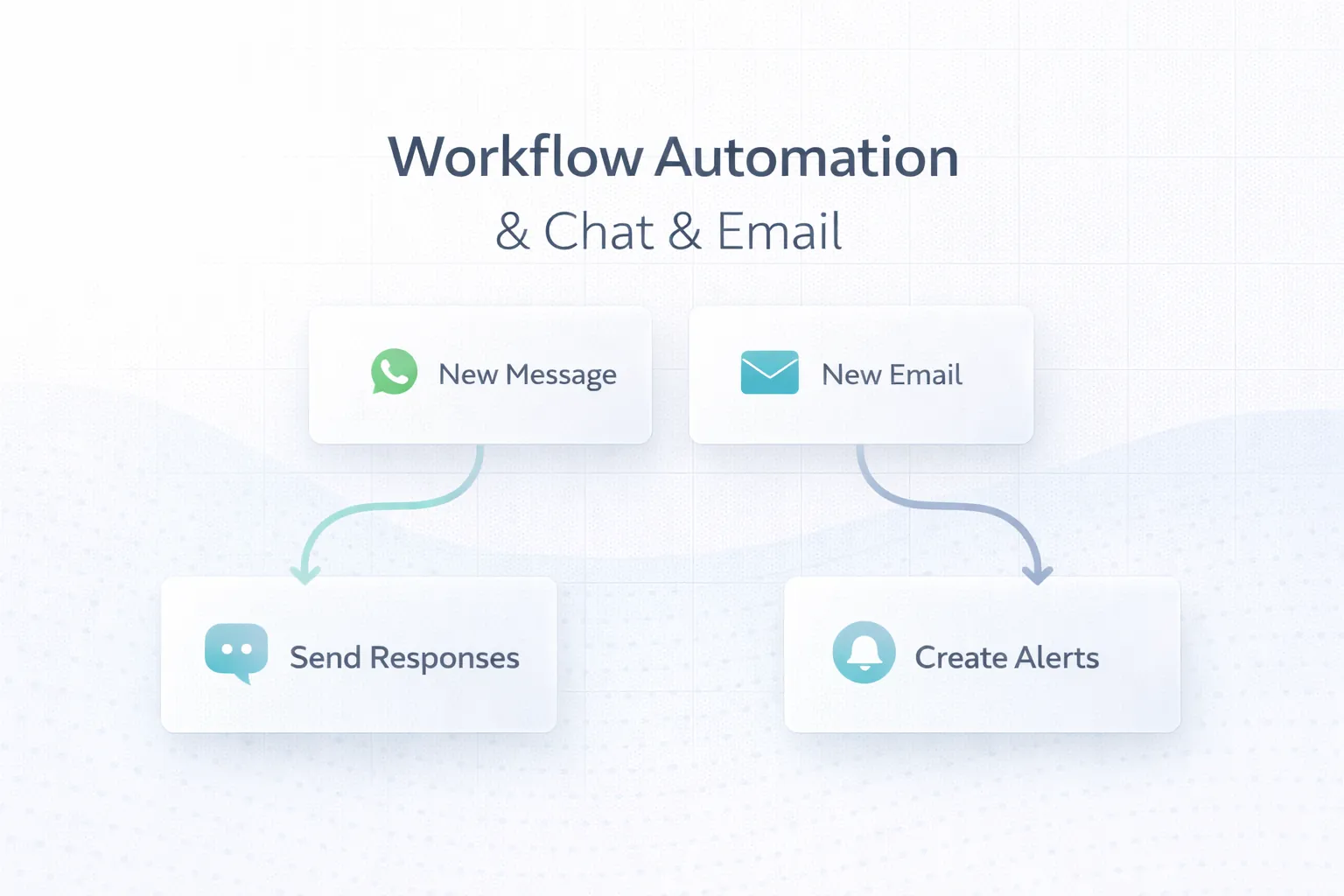
March 25, 2026
WhatsApp & Email Workflow Automation: 6 Use Cases
Plan reliable WhatsApp and email automation with clear triggers, consent, templates, retries, ownership, delivery tracking and practical business use cases.
Read articlePublished Updated
Build a consent-aware email and WhatsApp follow-up workflow with lead stages, triggers, templates, ownership, stop rules, reporting, and SME examples.
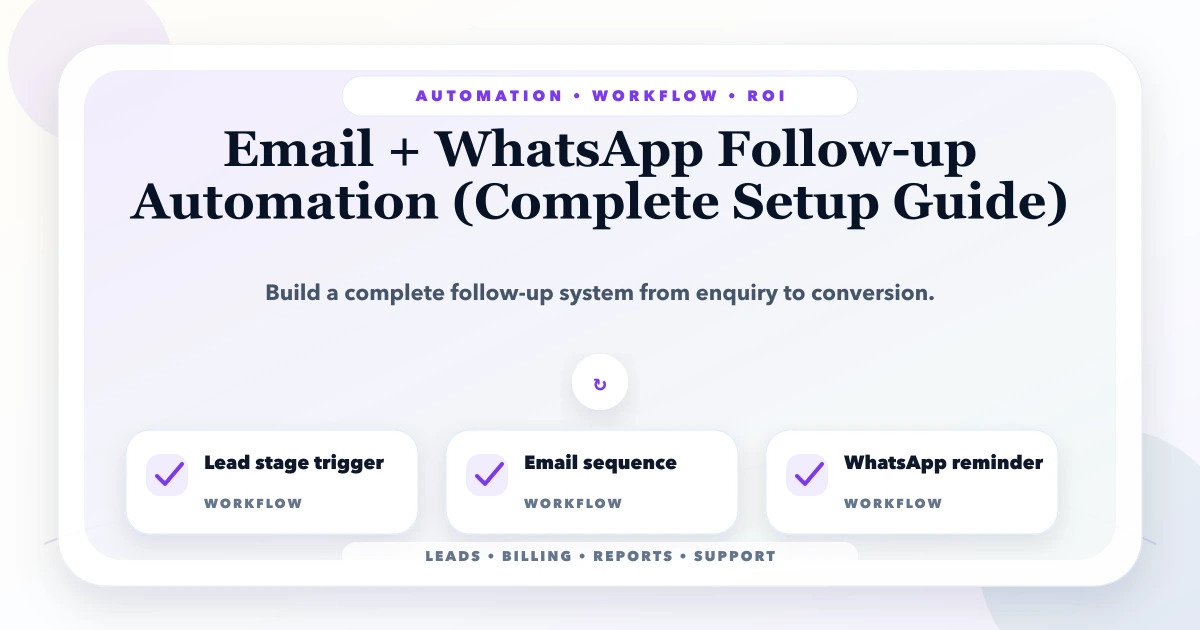
Email and WhatsApp follow-up automation should prevent forgotten leads without turning every enquiry into an unwanted message sequence. The workflow needs consent, a clear lead stage, an owner, approved templates, timing rules, and a stop condition when the person replies, opts out, books, buys, or becomes irrelevant.
This guide shows Indian service businesses how to connect website enquiries, CRM stages, staff tasks, email, and WhatsApp into one controlled follow-up process. The emphasis is operational: what should trigger a message, when a human must take over, and which numbers prove the automation is helping.
By Tushar C. (Founder, VASUYASHII). Reviewed by VASUYASHII Editorial for real-world SME workflow automation, CRM, billing, WhatsApp, reporting, and custom software implementation experience.
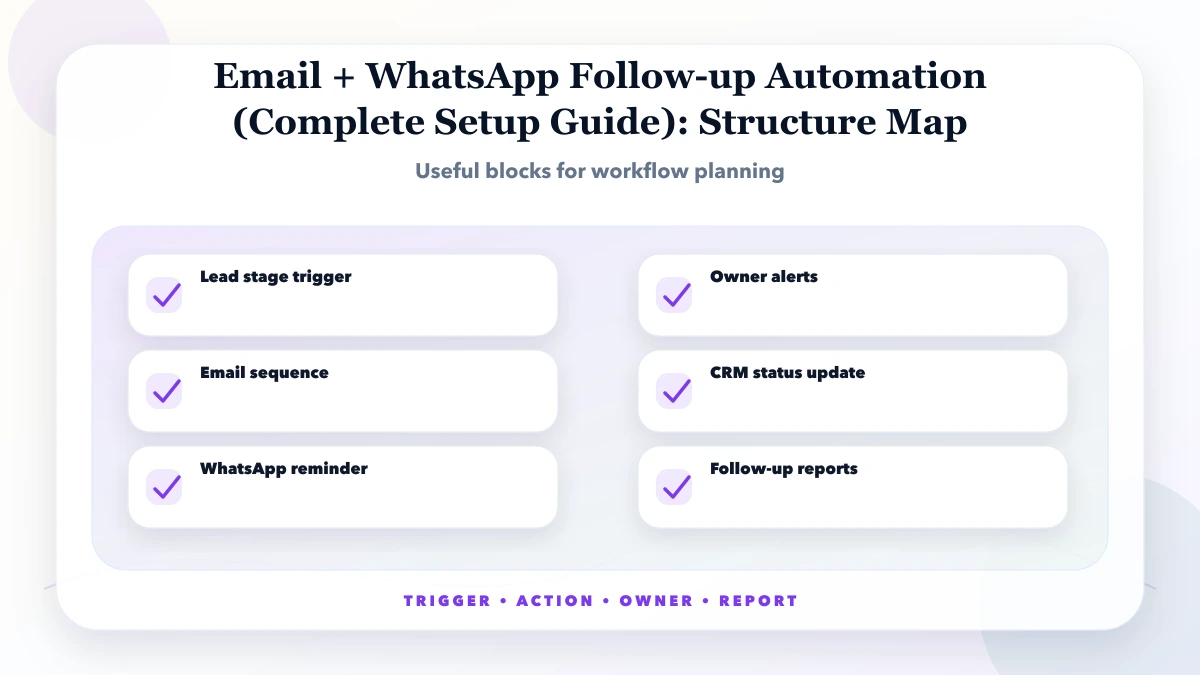
Email + WhatsApp follow-up automation uses triggers, lead stages, message templates, reminders, and CRM updates to make sure every enquiry receives timely communication.
Start with one enquiry source, one owner group, and one short sequence. Prove that lead states, reply detection, consent, and stop rules work before connecting every campaign, salesperson, and message channel.
The usual failure is not the absence of messages; it is missing ownership. A form submits successfully, an acknowledgement goes out, and nobody can prove whether a salesperson reviewed the requirement. The automation should therefore create work for staff, not only communication for the lead.
Every trigger must point to a real business event. “Three days passed” is not sufficient unless the lead is still in the expected stage, no reply exists, consent remains valid, and a named owner has not already completed the next action.
| Scope | Practical price range | Typical timeline |
|---|---|---|
| Basic follow-up setup | ₹20,000 to ₹60,000 | 1 to 2 weeks |
| CRM-connected follow-up | ₹60,000 to ₹2 lakh | 2 to 5 weeks |
| Advanced nurturing system | ₹2 lakh to ₹6 lakh+ | 1 to 3 months |
These planning ranges change with lead sources, CRM quality, user roles, template approval, conversation routing, provider fees, reporting, and whether replies must synchronize across email, WhatsApp, calls, and sales tasks.
A small task-and-reminder flow is cheaper than a two-way messaging inbox with campaign attribution and manager controls. Include recurring message, email, CRM, and support charges when comparing options.
Use test leads to cover reply before delay, reply after delay, invalid number, email bounce, owner absence, opt-out, duplicate form, proposal sent, won, and lost. Do not launch until each case reaches the expected stage without an extra message.
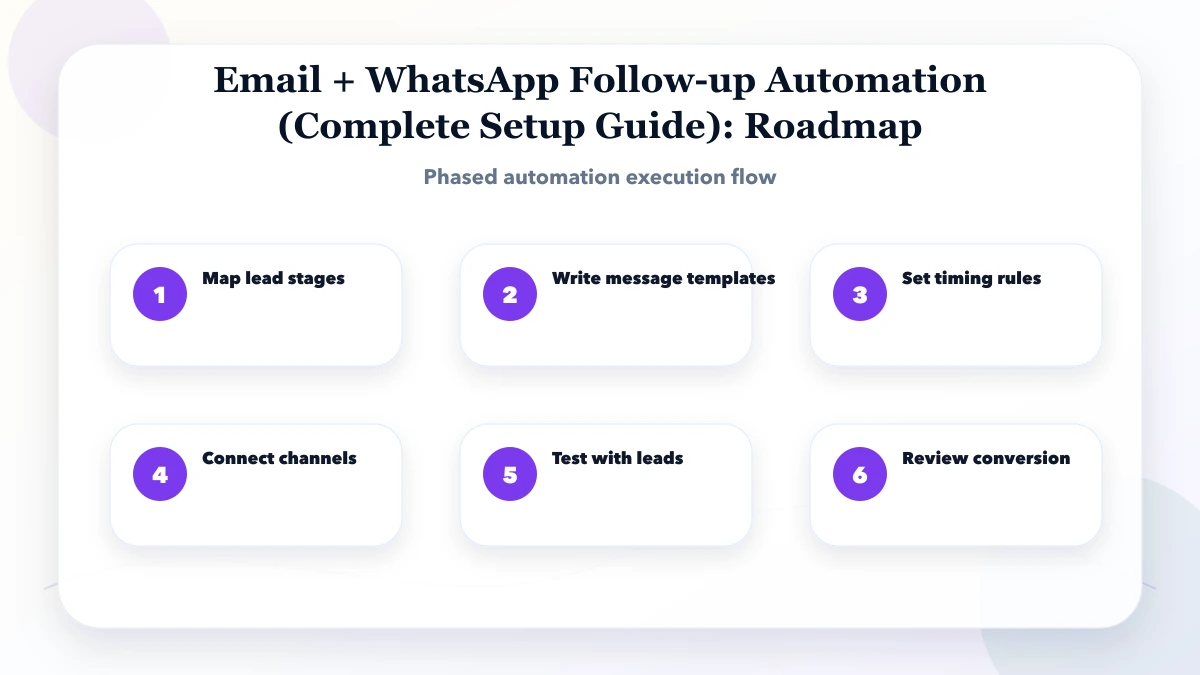
The system needs a reliable lead record, deduplication, stage history, scheduled jobs, provider webhooks, retry limits, template versions, and a staff task queue. Server-side integration should protect credentials and process repeated delivery events safely.
Value should appear as faster first human response, fewer unowned leads, better proposal follow-up, and improved qualified conversion. High delivery or open rates alone do not prove sales value and may hide poor targeting.
Use a ready-made CRM automation when stages, templates, and routing are standard. Custom development becomes relevant when multiple systems, special qualification rules, branch ownership, proposal workflows, or reporting make the team maintain side spreadsheets.
Automate acknowledgement, assignment, due reminders, and approved status updates first. Keep qualification, proposal decisions, objections, negotiation, and unusual customer situations with the responsible salesperson.
Pilot one high-intent website form. Route it to a small owner group, observe the first-response baseline, and review every failed or unexpected path daily. Add more lead sources only after stage updates are accurate.
Keep a timeline of source, consent, owner, stage, staff activity, scheduled action, message template, provider result, reply, pause, opt-out, and final outcome. That history makes both debugging and sales review possible.
Automation becomes unsafe when it cannot distinguish a new enquiry from a qualified opportunity or an existing customer. Define a small set of states such as new, contacted, qualified, proposal_sent, won, lost, and nurture. Each state needs an owner, entry rule, next action, and exit rule.
Do not infer interest only from elapsed time. A lead that replied “call next month” should follow a different path from a lead that never responded. A won, lost, invalid, or opted-out lead must leave promotional follow-up immediately.
Document every automation in five columns:
| Part | Example |
|---|---|
| Trigger | Website service form submitted |
| Delay | Immediate acknowledgement, then 4 working hours |
| Condition | No staff reply logged and lead still new |
| Action | Create task for owner and send approved follow-up |
| Stop rule | Customer replies, books, opts out, or status changes |
This format exposes missing logic before implementation. If the team cannot define the stop rule, the sequence is not ready to automate.
Use email for detailed proposals, documents, summaries, and information the recipient may need to search later. Use WhatsApp for concise, expected updates where the customer has provided a suitable number and the business follows applicable consent and template rules. Use calls for qualification, negotiation, exceptions, and sensitive conversations.
The CRM should create staff tasks alongside messages. Automation cannot answer project-specific questions or judge whether a lead is genuine. When a lead replies, route the conversation to the owner and pause the sequence instead of continuing scheduled messages.
This workflow improves ownership without pretending that automated messages close consultative sales.
Store the source and time of consent where required, the message template or version used, delivery result, reply state, and opt-out. Keep transactional updates separate from promotional follow-up. Limit frequency across all active sequences so one person does not receive overlapping messages from sales, support, and billing.
Give managers a pause switch for a campaign or template. Failed delivery should create a review queue rather than retrying indefinitely. Never place passwords, payment details, health information, or unnecessary personal data inside routine message logs.
Measure first-response time, leads contacted within SLA, reply rate by channel, qualification rate, proposal follow-up completion, opt-out rate, and conversion by source. Message count is not a success metric. A sequence that sends more messages but increases opt-outs or low-quality replies needs correction.
For implementation options, review integration services, software development, the WhatsApp lead tracking guide, and conversion tracking setup.
Start by auditing 50 recent enquiries: source, first-response delay, number of attempts, qualification, proposal, outcome, and reason for loss. Use those records to choose the first sequence instead of copying a generic cadence.
Avoid sending the same cadence to every enquiry. A pricing question, support request, job application, existing customer, and qualified project lead require different ownership and communication.
If the sequence starts after a checklist or calculator, first define the asset's buyer decision and consent boundary with the software lead magnet planning guide. A download alone should not be treated as a qualified project enquiry.
It is for businesses that lose leads because enquiries are not followed up on time through email, WhatsApp, or calls. The goal is to reduce manual work without making the system too complex for staff.
Start with map lead stages. This helps identify the workflow that wastes the most time or creates the most errors.
Use the table for early budgeting. A quote needs lead sources, monthly volume, CRM, stages, users, consent process, channels, approved templates, reply routing, dashboards, and provider constraints.
Automation can remove chasing and reminders, but it cannot replace discovery, qualification, trust building, negotiation, or judgement. The owner remains accountable for the next sales action.
Use channel APIs when messages must be triggered, logged, and paused from CRM state. Click-to-chat remains suitable when the website only needs to open a customer-initiated conversation.
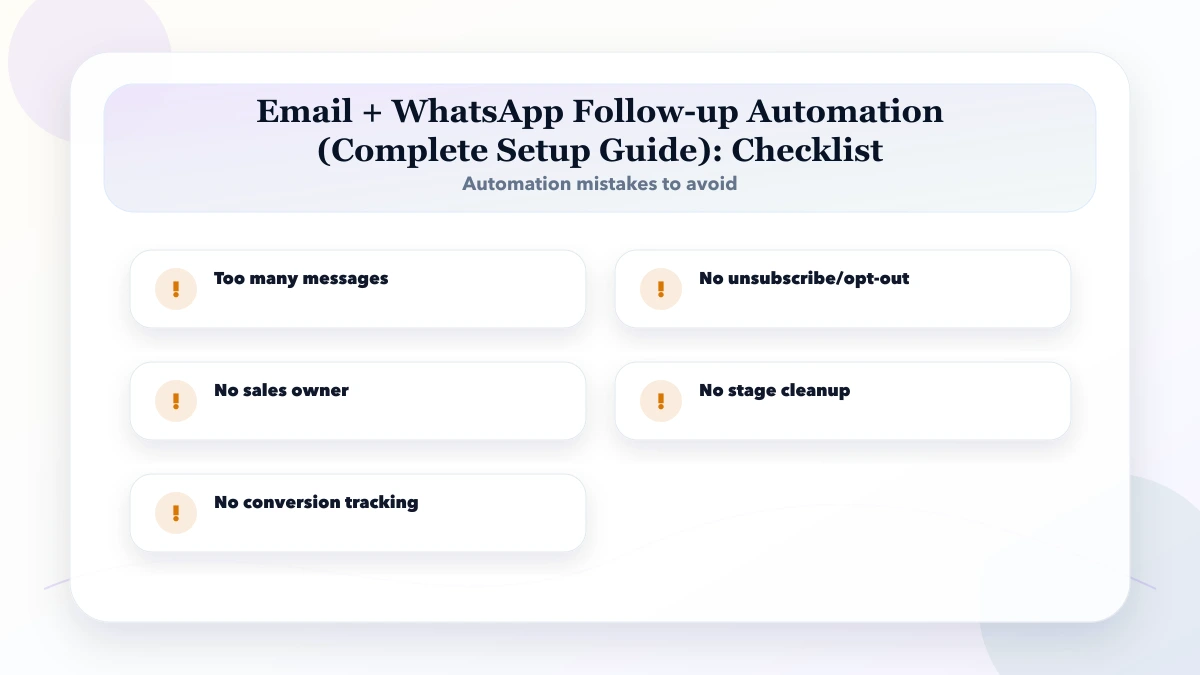
The biggest risk is too many messages. Automation should follow a clear process, not hide a broken one.
Yes. VASUYASHII can scope lead states, ownership, email and WhatsApp integrations, message controls, CRM tasks, analytics, testing, and phased rollout.
If your enquiries are not followed up consistently, bring sample lead sources, stages, templates, staff roles, consent method, and current report. VASUYASHII can map a controlled first sequence and its measurement plan.
Related Articles
March 25, 2026
Plan reliable WhatsApp and email automation with clear triggers, consent, templates, retries, ownership, delivery tracking and practical business use cases.
Read article
May 18, 2026
Build ecommerce email automation around consent, lifecycle events, order truth, suppression, deliverability, failure handling, measurement, and safe rollout.
Read article
May 25, 2026
Design an automated follow-up reminder system with clear triggers, ownership, outcomes, escalation, WhatsApp controls, metrics, and audit history.
Read article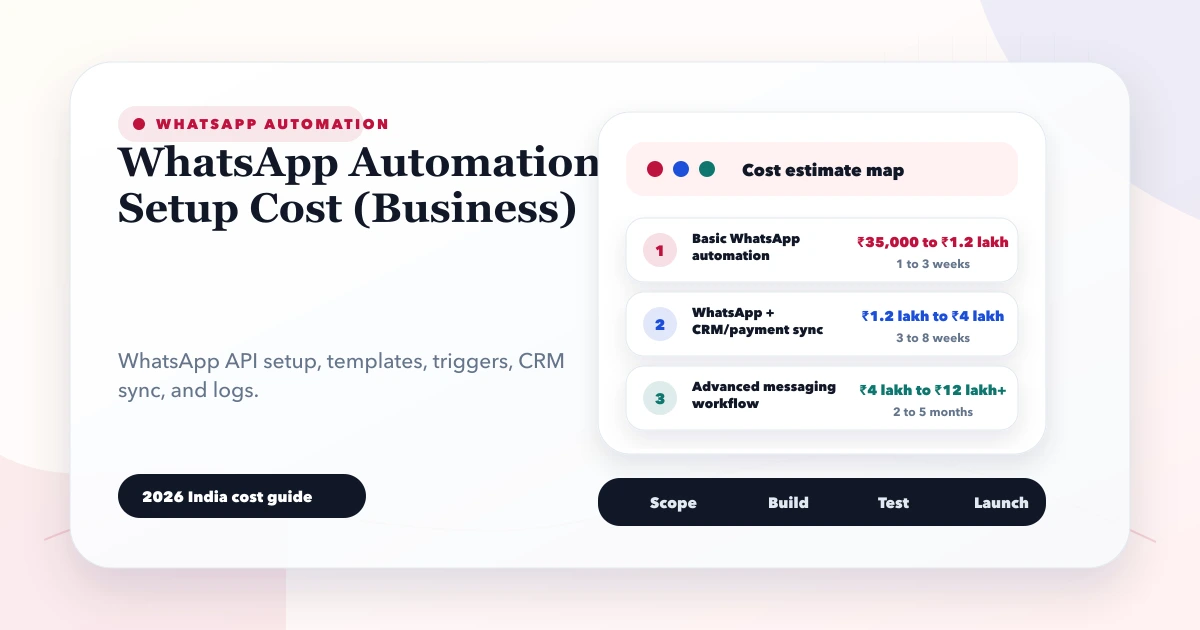
May 28, 2026
Estimate WhatsApp automation cost in India by API provider, templates, CRM workflow, integrations, consent, monitoring, support, and message volume.
Read article