
May 22, 2026
Email + WhatsApp Follow-up Automation (Complete Setup Guide)
Build a consent-aware email and WhatsApp follow-up workflow with lead stages, triggers, templates, ownership, stop rules, reporting, and SME examples.
Read articlePublished Updated
Design an automated follow-up reminder system with clear triggers, ownership, outcomes, escalation, WhatsApp controls, metrics, and audit history.
A follow-up reminder system should make the next action visible, owned, and measurable. It should not produce hundreds of notifications that employees dismiss. The difference is workflow design: what creates a reminder, who receives it, when it becomes overdue, what outcome closes it, and what happens next.
For an Indian service company, distributor, clinic, or sales team, reminders may cover enquiries, quotations, payments, renewals, appointments, or support commitments. Each type needs different timing and closure rules. One generic "follow up" task cannot represent all of them well.
Every reminder should be created by a traceable event:
Store the source record and event ID. If the same webhook or background job runs twice, idempotency should prevent duplicate reminders.
| Field | Why it matters |
|---|---|
| Reminder type | Applies the correct rule and reporting |
| Related record | Opens the lead, invoice, booking, or ticket |
| Owner | Makes responsibility explicit |
| Due date/time | Defines on-time versus overdue |
| Priority | Helps teams order work |
| Channel/action | Call, email, WhatsApp, review, or internal task |
| Context | Shows the last relevant event |
| Outcome | Explains what happened |
| Next action | Continues or closes the workflow |
| Escalation state | Records manager intervention |
Free-text notes can add nuance, but type, due date, owner, and outcome should be structured. Otherwise the system cannot build dependable queues or reports.
When a quote is sent, create one follow-up. If the quote is revised, update or replace it according to policy instead of stacking another identical task.
A payment reminder should close when the payment is posted and allocated, not when an employee merely opens the task. A booking reminder closes after the appointment state changes or the send is completed under the defined rule.
Escalate high-value or long-overdue cases, not every late task. Define threshold, recipient, and required action. Managers need an exception queue rather than copies of every staff notification.
Due dates should account for business hours, holidays, branch timezone, and channel restrictions. A reminder generated at 2 a.m. is technically punctual but operationally poor.
External message or payment systems can time out. Record provider request IDs, retry only safe operations, and distinguish unknown, accepted, delivered, and failed states.
For a website or software enquiry, a controlled workflow may be:
The sequence should not send the same template every two days indefinitely. Frequency caps and a stop condition protect the customer experience and the sender's reputation.
The WhatsApp follow-up automation guide covers multi-channel setup. For a broader customer and payment context, see the client management software guide.
An outcome should determine the next state:
| Outcome | Next system action |
|---|---|
| Connected, call later | Create dated call task |
| Proposal requested | Create preparation task and owner |
| Payment promised | Create verification on promised date |
| No response | Apply retry policy and attempt count |
| Not interested | Close and capture reason |
| Wrong contact | Flag data-quality correction |
| Escalation needed | Assign manager with context |
| Completed | Close without another reminder |
Avoid rewarding employees for closing tasks without meaningful outcomes. A high completion rate can hide low contact quality if staff select generic values.
Communication automation needs an approved purpose and recipient policy. Record the channel, template version, variables, send time, provider status, and opt-out or suppression state where applicable. Transactional and promotional messages should not be mixed casually.
For WhatsApp or email integrations, include:
The integrations and automation service is the relevant scope when reminders depend on external APIs. Confirm legal and platform obligations with qualified advisers; the tool should implement an approved policy, not invent one.
Individual users need a "today" queue with overdue, due soon, and priority actions. Managers need team workload, unassigned tasks, breached SLAs, aged cases, and outcomes. Admins configure rules and templates but should not rewrite activity history.
Use company, branch, and team scope on the backend. When ownership changes, preserve the prior owner and reason. Bulk reassignment should be permission-controlled and audited.
Do not treat message delivery as conversion. Define the business event that represents a qualified lead, payment, appointment, renewal, or resolved issue.
Create typed reminders, ownership, due dates, outcomes, next actions, team queues, and audit history. Use manual calls or messages first.
Connect reliable events from forms, quotations, invoices, bookings, or subscriptions. Add deduplication and automatic closure.
Integrate one channel with template approval, delivery status, retry, suppression, and pause controls.
Use outcome and conversion data to adjust timing, frequency, and escalation. Test changes against a clear baseline instead of adding more reminders.
Custom web application development is useful when reminders are part of a larger operational system with role-specific queues and integrations.
Complexity depends on reminder types, number of source systems, user/team scope, communication channels, template approval, webhook reliability, escalation rules, reporting, migration, and support. A task queue inside an existing CRM is smaller than a standalone multi-company platform connected to billing and messaging providers.
Separate estimates for discovery, workflow, integration, permissions, communication, reports, QA, deployment, and operations. Include recurring provider, hosting, monitoring, and support costs.
VASUYASHII would define one reminder type end to end, including trigger, owner, outcome, automatic closure, and failure recovery, before adding more channels. This is an implementation method, not a guaranteed sales or collection result. Review software services or contact us with a redacted workflow.
Triggers and due dates can be automatic, while the action remains manual. Fully automatic customer messages should follow only after data, consent policy, templates, and stop conditions are dependable.
There is no universal number. Define frequency by intent, channel, relationship, and approved policy. Use response and complaint data to reduce unnecessary contact.
Yes, if it receives a reliable payment allocation event. An unallocated bank receipt may need accounts review before the specific invoice reminder closes.
Use delegated queues or controlled reassignment with history. Do not share user credentials or move ownership without recording the change.
It can be one CRM capability. A complete CRM also manages identity, leads, opportunities, communication history, permissions, and reporting.
Track records with no valid next action and median time to first meaningful response. These reveal whether the process is genuinely becoming more controlled.
Choose one workflow, such as quotation follow-up, and write its trigger, timing, outcome options, stop event, escalation, and owner. Contact VASUYASHII to convert that rule into a focused implementation scope.
Related Articles
May 22, 2026
Build a consent-aware email and WhatsApp follow-up workflow with lead stages, triggers, templates, ownership, stop rules, reporting, and SME examples.
Read article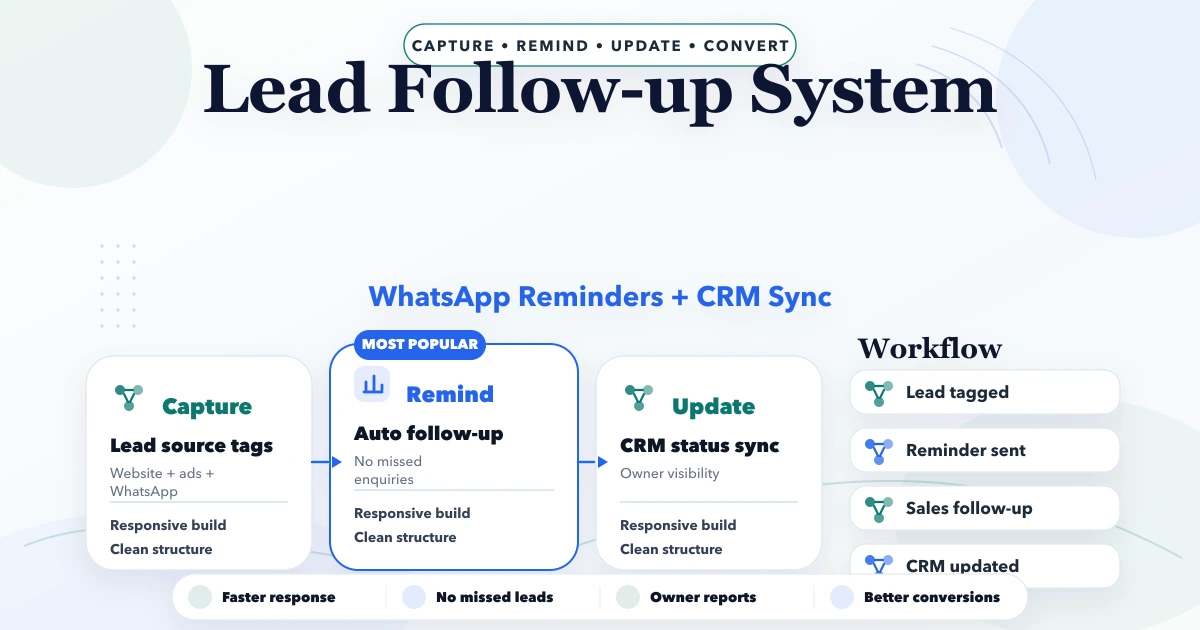
April 21, 2026
Design a lead follow-up system with source capture, qualification, ownership, next actions, WhatsApp reminders, CRM stages, consent, reports and controls.
Read article
May 25, 2026
Design customer database software with clean identities, useful segments, consent controls, campaign records, exports, and measurable follow-up workflows.
Read article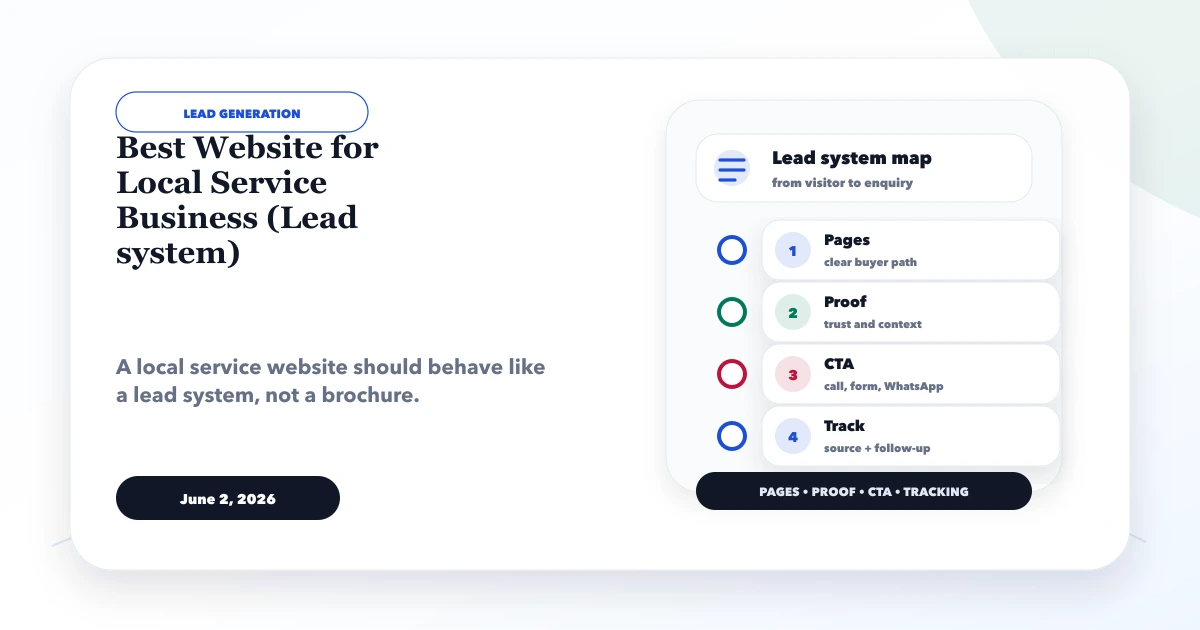
June 2, 2026
Plan a local service business website with focused service pages, genuine area proof, calls, WhatsApp, forms, qualification, tracking, and follow-up ownership.
Read article