
June 10, 2026
Training Institute Website: Batches, Fees and Leads
Website development for training institutes with batch pages, fee details, course enquiries, WhatsApp CTA, CRM lead system, and checklist.
Read articlePublished Updated
Plan a local service business website with focused service pages, genuine area proof, calls, WhatsApp, forms, qualification, tracking, and follow-up ownership.
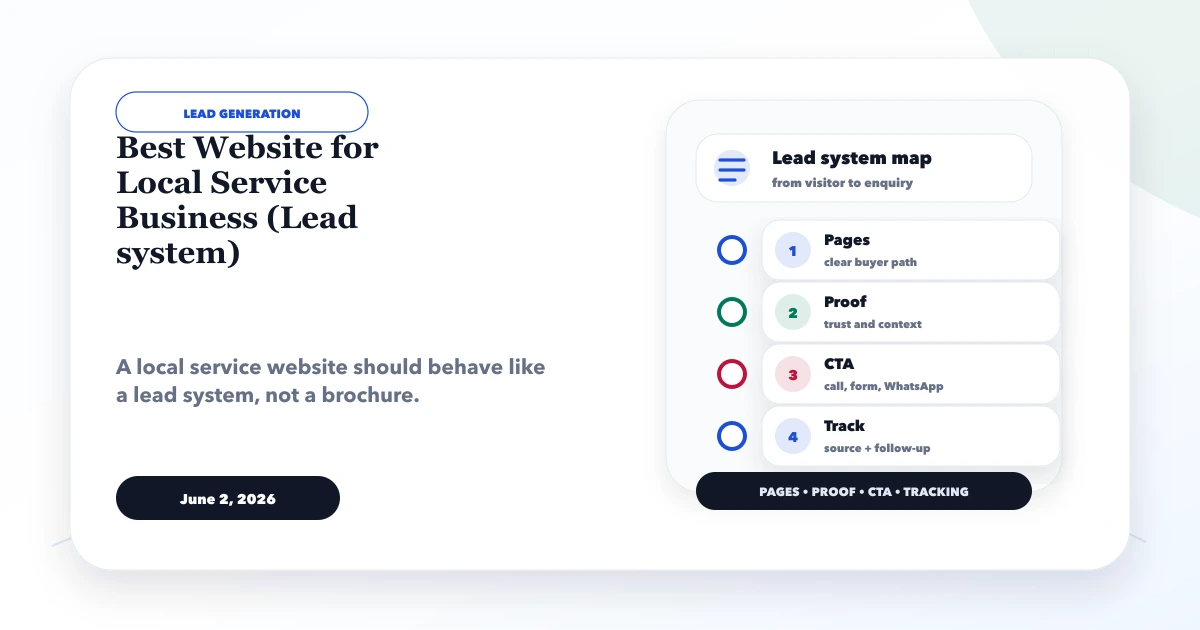
The best website for a local service business is a trustworthy lead system, not an online brochure filled with city names. It should help a nearby customer understand the service, verify genuine coverage, evaluate proof, choose a contact method, and receive a reliable response.
This guide covers the complete setup for repair services, consultants, clinics, contractors, salons, trainers, home services, and other businesses that turn local website visits into calls, WhatsApp conversations, forms, bookings, or visits.
By Tushar C. (Founder, VASUYASHII). The current VASUYASHII planning process uses these service-page, local-intent, CTA, event-tracking, and response-ownership controls for lead-first business websites. Examples are illustrative and do not claim customer results.
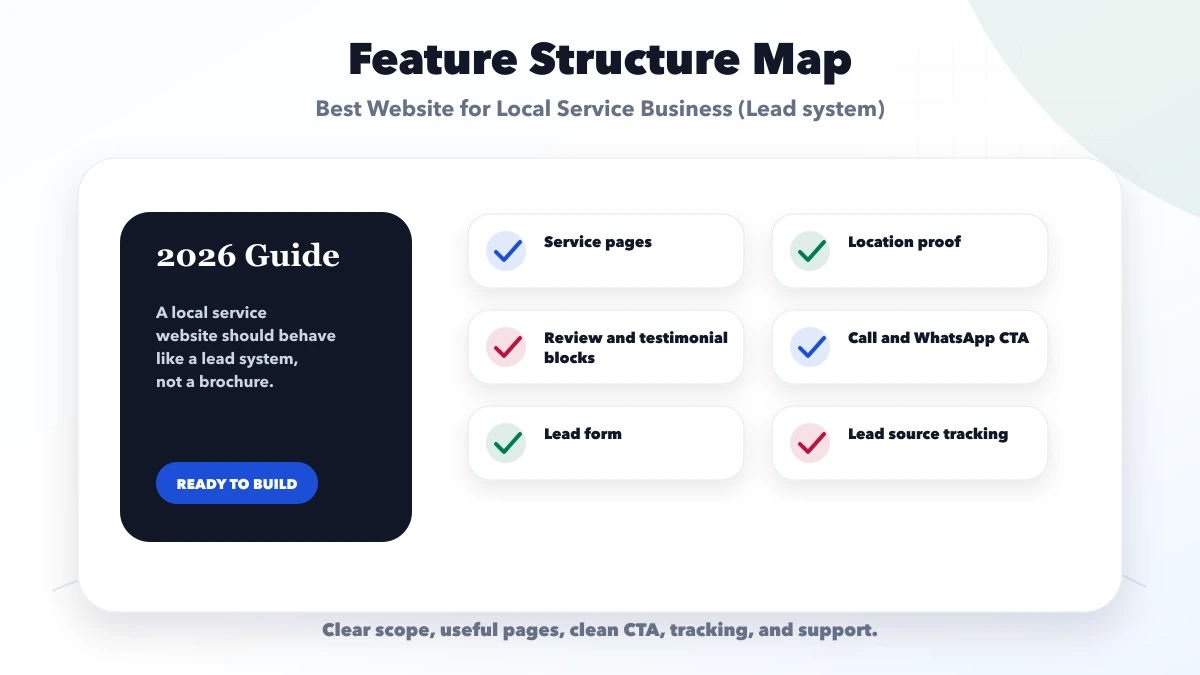
A strong local service website includes:
Build around how customers make decisions, not around a list of SEO keywords.
A common journey is:
Every stage needs a content or operational owner. A website cannot compensate for an unanswered phone or unmonitored inbox.
The first screen should clearly state:
The rest of the homepage can include priority services, process, current proof, service-area explanation, FAQs, and contact options. Do not load it with every service paragraph and dozens of city names.
Each meaningful service page should answer:
If several services satisfy the same customer intent, combine them. If one service has distinct questions and delivery, give it a dedicated page.
A location page is useful when the business genuinely serves that area and can add unique local value. Useful details may include:
Do not publish hundreds of city pages by replacing place names in the same template. Start with a strong parent service page and only add a local page when evidence and user value justify it. The local landing-page template should be used with genuine information, not automation alone.
Local customers may need to verify:
Use customer names, photos, addresses, outcomes, and reviews only with permission. Clearly label stock imagery, mockups, and demos when they could be mistaken for completed work.
If the business is eligible for a Google Business Profile, keep the profile and website facts aligned. Online-only businesses should not create a profile merely for local visibility; review the GBP eligibility and setup guide.
Best for urgent, simple, or trust-sensitive services. Make the number tappable, identify working hours, and decide who answers missed calls.
Best for conversational enquiries and context. Prefill service and page information, but let the user edit it. Use the WhatsApp lead setup guide.
Best for structured requests. Keep fields short, validate clearly, control spam, and show confirmation and response expectations.
Best when services, duration, staff, availability, cancellation, and confirmation rules are defined. Distinguish a request from a confirmed appointment.
Use only for a genuine customer-facing location with accurate hours and access information.
The CTA should preserve:
Do not place personal or sensitive details into analytics or exposed URLs. Healthcare, legal, financial, and identity information require particular care.
Ask only questions needed for the next action.
| Service type | Useful first questions |
|---|---|
| Home visit | Service, locality, preferred time, urgency |
| Consultant | Business need, current setup, desired outcome |
| Clinic | Service/department, preferred slot, safe contact method |
| Contractor | Work type, site area, stage, timing |
| Salon/trainer | Service, branch, preferred date, basic preference |
| B2B service | Company type, requirement, scale, decision timeline |
Move complex information to a call, secure form, or formal requirement process.
Document:
Without this operating layer, adding more CTAs can create more missed conversations rather than more revenue.
Website events can record:
phone_click;whatsapp_click;generate_lead after successful form submission;booking_request;directions_click;service_view for priority pages.Keep personal information out of analytics. Record real outcomes in an appropriate system:
A high click count with poor response or qualification may indicate unclear page content, wrong targeting, weak routing, or a mismatch between demand and service coverage.
Most local flows must work under one-handed mobile use and variable network conditions. Check:
Test on real devices before launch.
Cost depends on:
Ask for a scope breakdown rather than a page-count package alone. The professional website package guide provides comparison criteria.
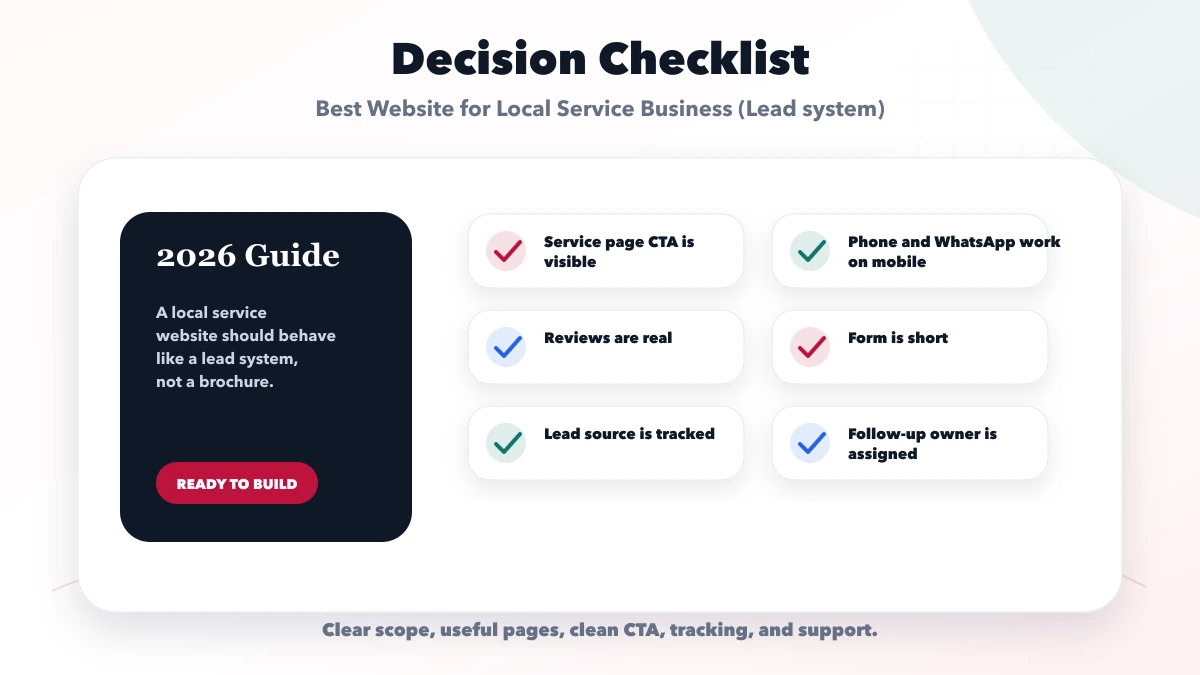
Use enough pages to answer distinct service and customer needs. Do not create separate pages solely to repeat location or keyword variations.
It can help when calls are an important and actively answered channel. Keep it readable, tappable, and consistent with the contact page and eligible business profile.
WhatsApp suits quick conversations; forms suit structured requests. Offer the paths the team can reliably operate and track.
Only if the business meets Google’s eligibility rules. The website remains important whether or not a profile is available.
Show prices when scope and conditions are standardized. Otherwise explain cost factors and provide a qualification path for an accurate estimate.
There is no guaranteed timeline. Results depend on relevance, competition, website quality, genuine local presence, profile eligibility, reputation, technical health, and ongoing evidence.
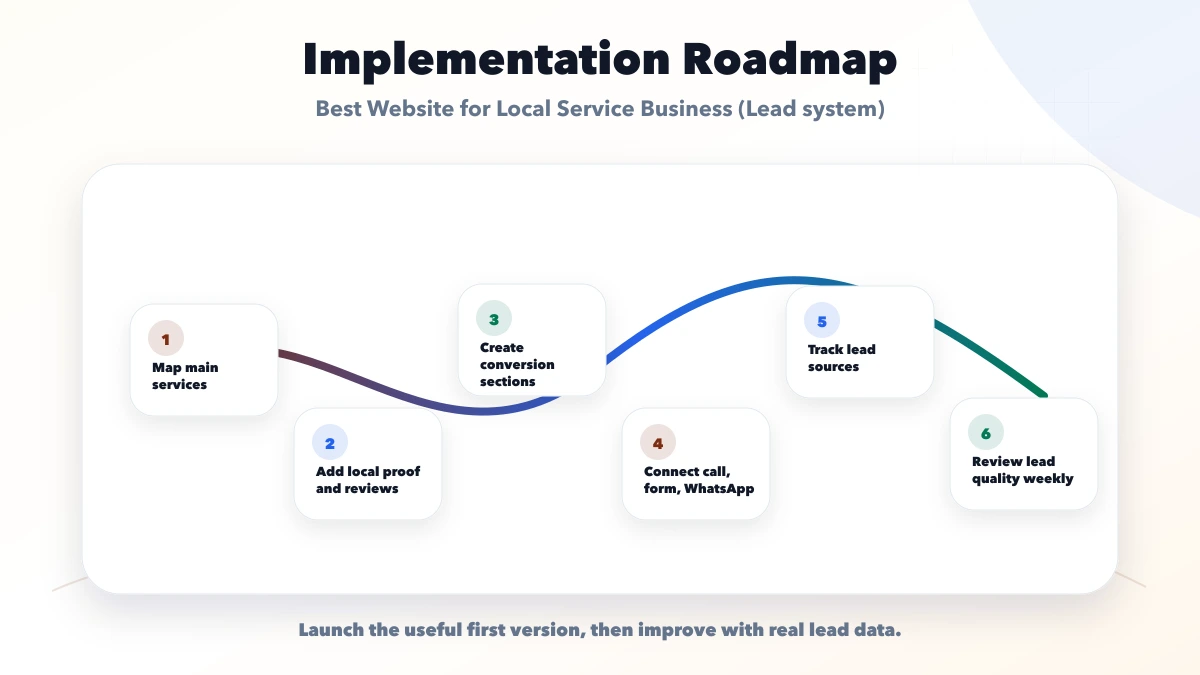
Map one priority service from landing page to qualified outcome. Confirm content, proof, coverage, CTA, recipient, response, tracking, and follow-up before adding more pages.
Related Articles
June 10, 2026
Website development for training institutes with batch pages, fee details, course enquiries, WhatsApp CTA, CRM lead system, and checklist.
Read article
May 25, 2026
Design a lead management system for service businesses across capture, deduplication, assignment, follow-up, pipeline control, WhatsApp, reporting and privacy.
Read article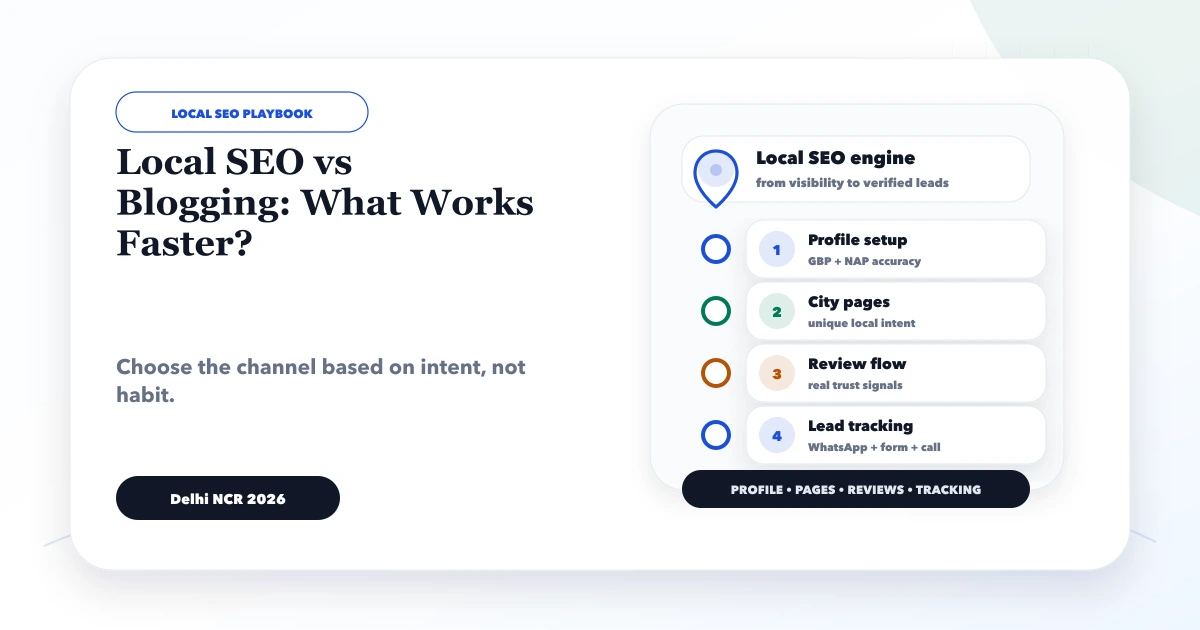
May 29, 2026
Compare local SEO and blogging for service businesses using search intent, GBP eligibility, service pages, local proof, content clusters, and lead tracking.
Read article
May 25, 2026
Design an automated follow-up reminder system with clear triggers, ownership, outcomes, escalation, WhatsApp controls, metrics, and audit history.
Read article