
April 16, 2026
SEO and WhatsApp Lead Generation Without Ads
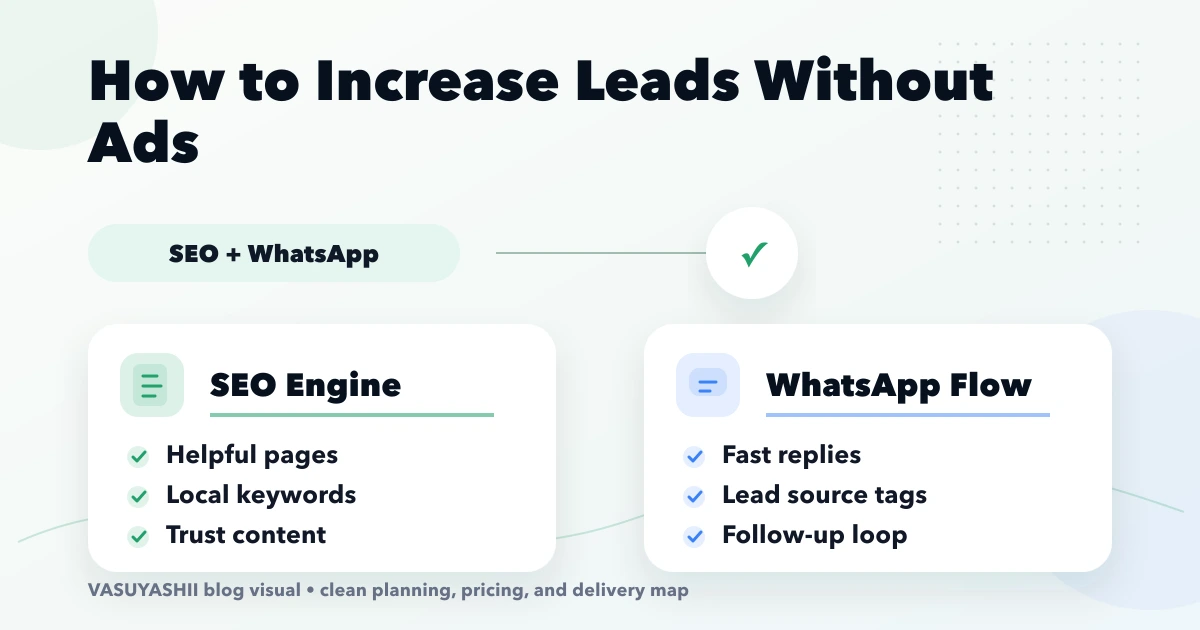
Connect SEO and WhatsApp lead generation with focused service pages, useful content, local proof, tracked conversations and a practical 90-day plan.
Read articlePublished Updated
Build a practical website-to-WhatsApp lead flow with contextual messages, qualification, ownership, tracking, privacy controls, and reliable follow-up.
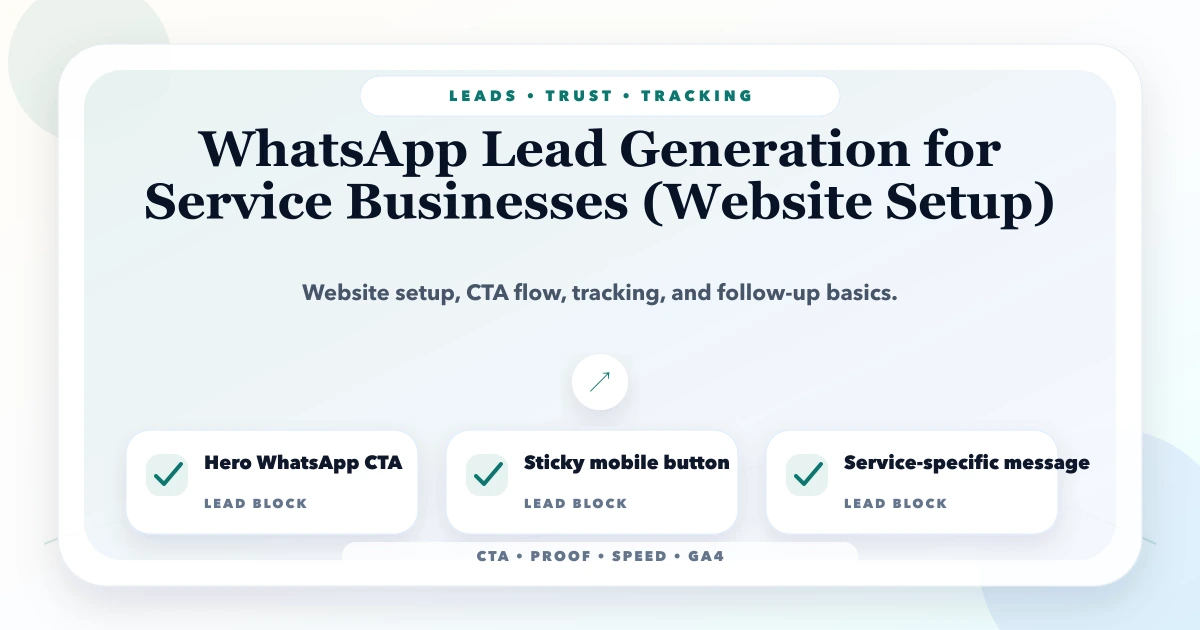
WhatsApp can reduce friction between website research and a real sales conversation, especially for Indian service businesses. But a floating button alone is not a lead system. A reliable setup must preserve page context, set expectations, assign ownership, record outcomes, and protect customer information.
This guide covers the complete website-to-WhatsApp flow for consultants, clinics, contractors, training businesses, agencies, repair services, and other teams that sell through conversations rather than instant checkout.
By Tushar C. (Founder, VASUYASHII). The current VASUYASHII planning process uses these CTA, context, event-tracking, integration, and follow-up decisions for websites and business integrations. It does not promise a fixed number of leads or sales.
A useful WhatsApp lead flow has seven parts:
The goal is not to maximize clicks. It is to create enough context for a useful first response.
WhatsApp works well when the buyer benefits from a short conversation before a quote, visit, demo, or appointment. Examples include:
It is less suitable as the only path when the enquiry needs structured specifications, multiple files, formal tender data, sensitive information, or a support audit trail. In those cases, use a form, ticket, secure portal, or scheduled call and offer WhatsApp as a supporting channel.
Do not begin with button colour. Write the operational journey:
| Stage | Website responsibility | Team responsibility |
|---|---|---|
| Discovery | Explain the service and suitability | Keep facts and availability current |
| Intent | Place a relevant CTA with clear label | Decide what context is needed |
| Handoff | Open the correct number with approved starter text | Monitor delivery and routing |
| Qualification | Ask only necessary follow-up questions | Respond consistently and respectfully |
| Conversion | Offer call, visit, demo, quote, or booking | Record next step and owner |
| Follow-up | Set expectations and consent boundaries | Follow up without spam |
| Measurement | Record click and source context | Record qualified, quoted, won, lost, or invalid outcome |
A click without an owner is not a functioning lead flow.
Generic text such as “Hi” forces the team to restart discovery. Prefill a short message based on the page.
Examples:
Keep the user free to edit the message. Do not place confidential values, tracking identifiers that expose personal data, or hidden claims inside the text.
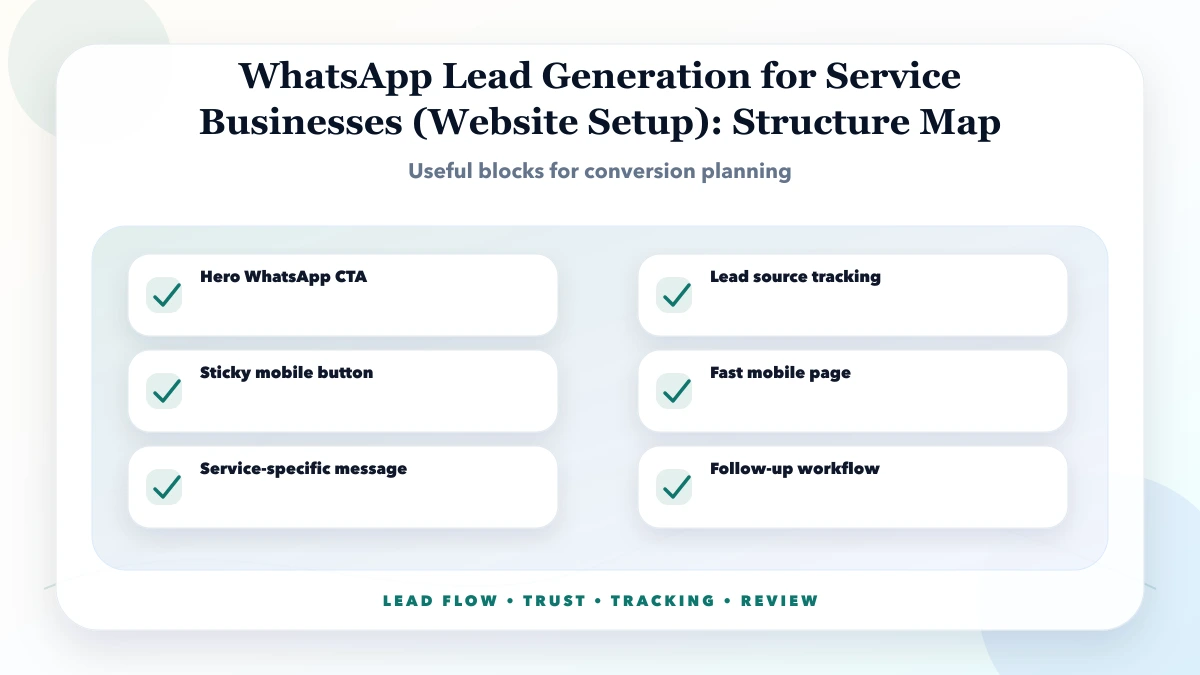
Use placement based on intent:
Useful for returning visitors who already know what they need. Label it clearly as WhatsApp or chat rather than using an unfamiliar icon alone.
Useful when the offer is simple and the page already states service, audience, and location. Pair it with a lower-friction secondary action only when both paths are meaningful.
Often the strongest location because the user has reviewed scope, process, and suitability. Prefill the specific service name.
Use wording such as “Discuss this scope” instead of implying that a click confirms a price.
Keep it compact, accessible, and clear of browser controls, forms, consent banners, and important content. It should not cover text or create layout movement.
Show the WhatsApp number, availability, expected response time, and alternatives. The WhatsApp CTA UX guide covers placement in more detail.
The first response should acknowledge context and ask only questions required for the next step. A software enquiry might need business type, current process, main users, priority workflow, and preferred timeline. A home-service enquiry may need service type, locality, preferred visit time, and urgency.
Avoid sending a long questionnaire immediately. Use progressive qualification:
For software projects, the requirement template can collect detail after the first conversation.
Document:
If several people use one account, define who owns a conversation. Duplicate replies and forgotten chats reduce trust.
For larger teams, a CRM or approved WhatsApp platform may help with assignment and templates. Scope this as an integration project, not as a simple button change.
Website analytics can measure:
whatsapp_click;Do not send the person’s name, phone number, message, email, or requirement text to analytics. The click event indicates intent, not a qualified lead or sale.
Maintain outcome stages separately:
| Outcome | Meaning |
|---|---|
| Clicked | Website opened the WhatsApp destination |
| Conversation started | A real message was received |
| Qualified | Need, fit, and next step were confirmed |
| Meeting or quote | A formal next action was created |
| Won or lost | Commercial outcome was recorded |
| Invalid or spam | No valid business enquiry existed |
This distinction prevents inflated conversion reporting.
Suitable for a small team with manageable enquiry volume. It opens the approved number and starter text. The business handles conversations manually.
Useful when website context, lead ownership, reminders, and pipeline reporting must be consistent. Integration and consent rules need design.
Useful for structured operational events at greater scale. It requires approved platform setup, templates where applicable, webhook handling, delivery states, security, and ongoing account ownership.
Do not advertise API automation as included when the website only has a click-to-chat link.
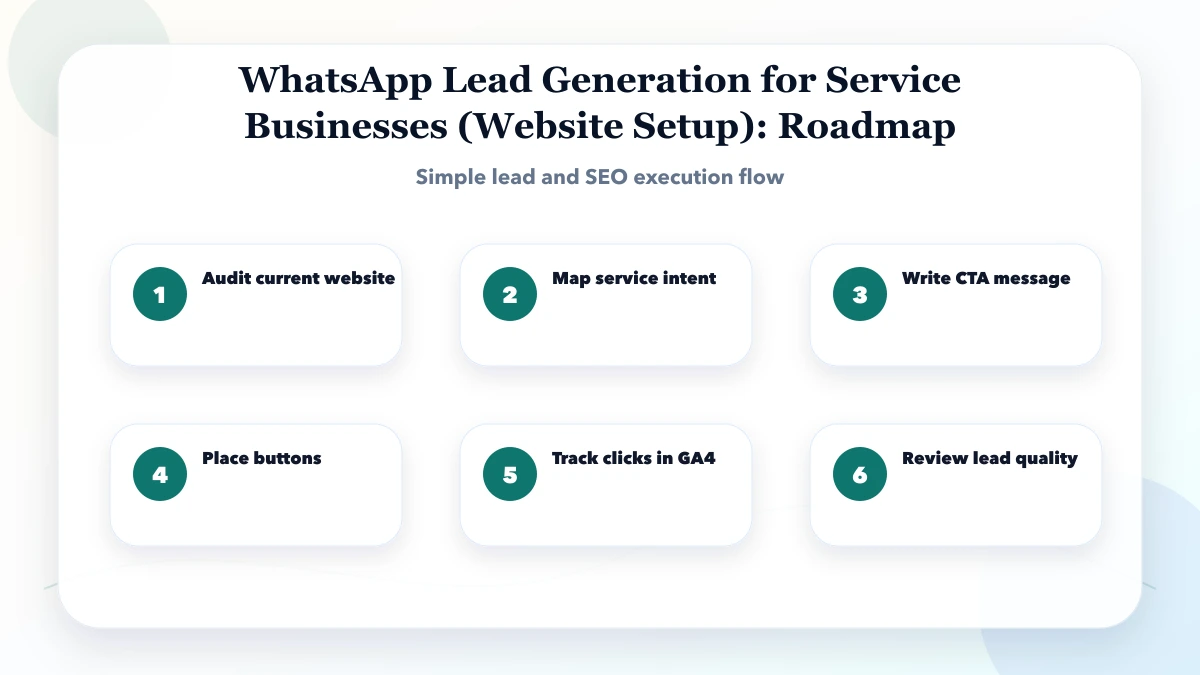
Cost depends on the operating setup, not the button itself. Factors include:
Ask proposals to separate website CTA setup, analytics, CRM work, and WhatsApp platform or API work.
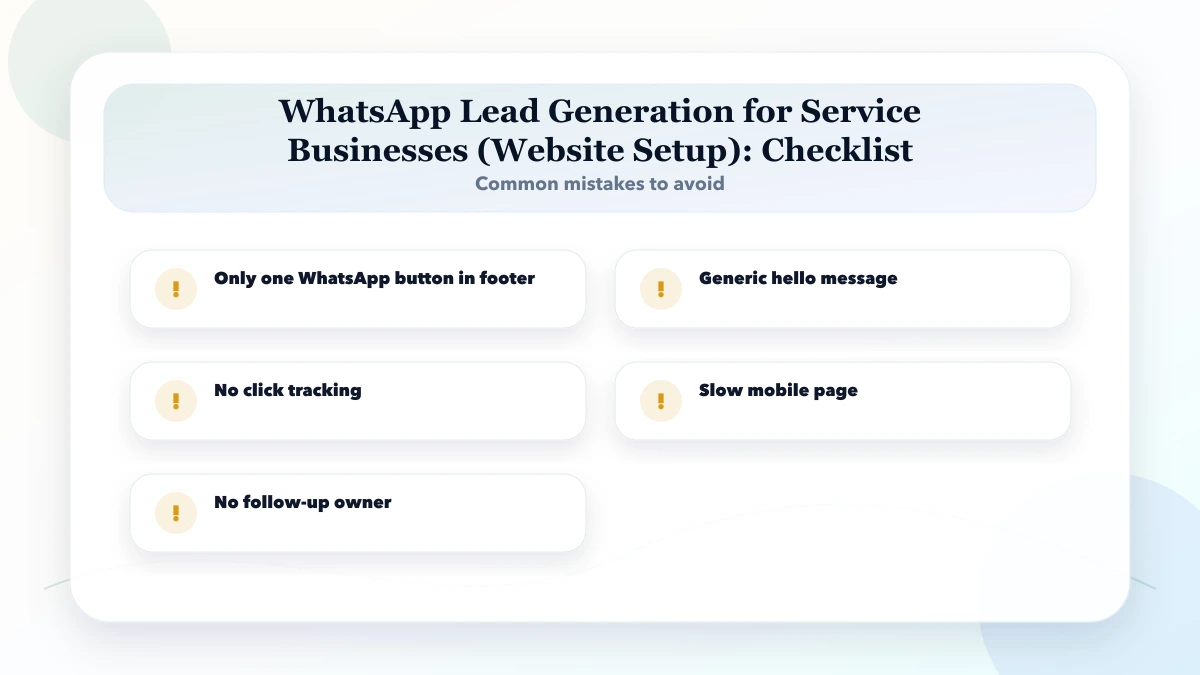
No direct ranking benefit should be assumed. It can improve user access to the business when placed clearly and supported by useful page content. The wider SEO and WhatsApp lead-generation workflow separates search visibility from conversion and follow-up.
Only where it helps the user. Legal pages, long reading sections, or self-service workflows may not need a persistent conversation CTA.
No. A click shows that the destination was opened. A lead exists only when a real enquiry is received, and qualification is a later stage.
Automation may be possible depending on the approved platform, consent, message type, and account setup. Define frequency, stop rules, human ownership, and policy compliance before implementation.
Use a form when structured information is required. Do not add unnecessary friction for a simple enquiry. Some businesses benefit from offering both paths.
Improve page clarity, prefill relevant context, ask a small number of fit questions, and explain service boundaries before the CTA.
Choose three high-intent pages and map the CTA, message context, response owner, qualification questions, and outcome stages for each. VASUYASHII can implement the website and integration layer after that flow is approved.
Related Articles
April 16, 2026
Connect SEO and WhatsApp lead generation with focused service pages, useful content, local proof, tracked conversations and a practical 90-day plan.
Read article
May 11, 2026
landing page structure for WhatsApp leads: practical 2026 guide with structure, pricing, checklist, mistakes, FAQs, tracking tips, and next steps for Indian.
Read article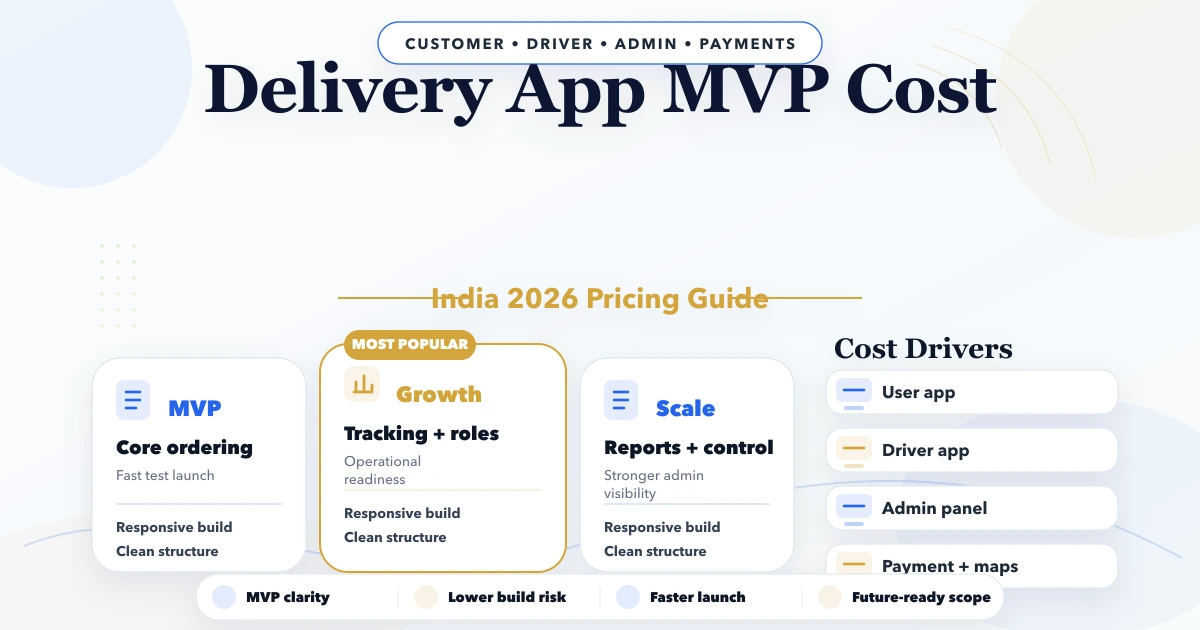
April 22, 2026
Estimate a delivery app MVP in India by workflow, user apps, dispatch controls, proof of delivery, integrations, testing, and rollout risk.
Read article
May 11, 2026
best contact form fields for service businesses: practical 2026 guide with structure, pricing, checklist, mistakes, FAQs, tracking tips, and next steps.
Read article