
May 20, 2026
Google Business Profile Optimization for Web Services
Optimize an eligible web-service Google Business Profile with accurate categories, service areas, reviews, photos, landing pages, tracking, and monthly upkeep.
Read articlePublished Updated
Set up an eligible service-company Google Business Profile with accurate ownership, category, service area, contact details, verification, and review practices.
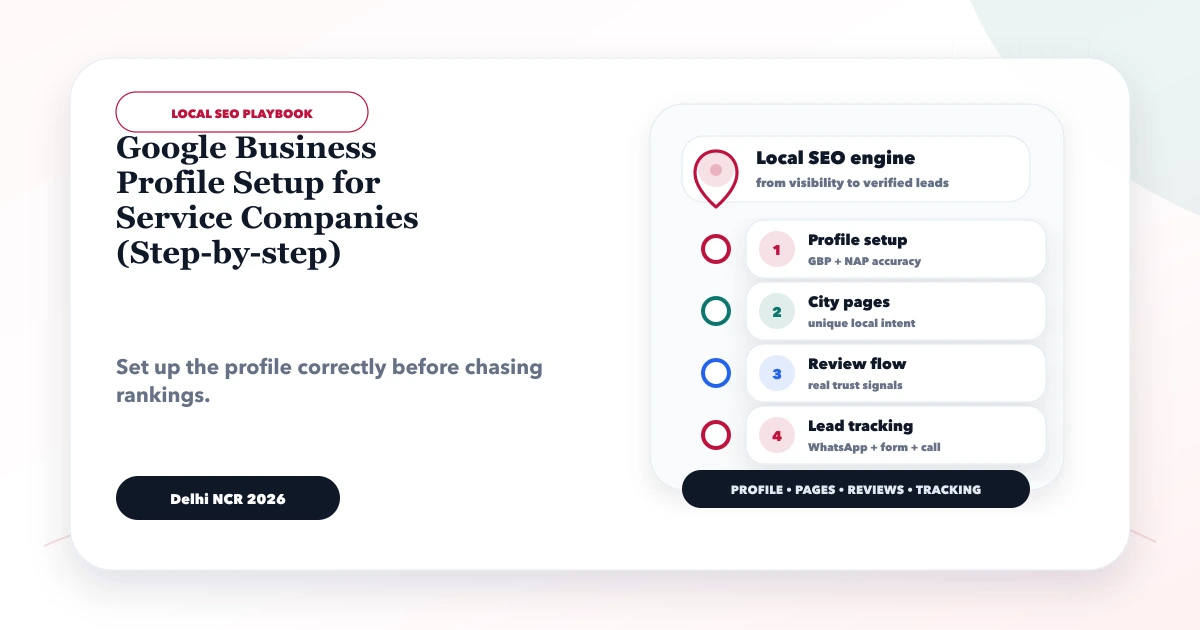
A Google Business Profile can help an eligible local service company manage how it appears on Google Search and Maps. Eligibility comes before optimization. Google’s current business eligibility guidance states that a business generally must make in-person contact with customers during its stated hours. Online-only businesses and lead-generation companies are not eligible.
This distinction matters for web-development, consulting, and remote service companies. Do not create a profile merely because a competitor has one. First confirm that the business has a genuine staffed storefront customers can visit, or that its staff travel to customers to deliver services in person.
By Tushar C. (Founder, VASUYASHII). The current VASUYASHII local-SEO review process starts with these official eligibility and website-consistency checks. Eligibility and verification decisions belong to Google, and platform policies can change. VASUYASHII does not create false addresses, locations, or reviews.
An eligible service company should:
If the company is online-only, focus on the website, Search Console, content, partnerships, and other eligible acquisition channels instead of creating a non-compliant profile.
Use this decision table before setup:
| Business model | Likely profile type | Key requirement |
|---|---|---|
| Customers visit a staffed, signed office | Storefront | Customers can be received there during stated hours |
| Staff travel to customers; no customer-facing office | Service-area business | Hide the address and define genuine service areas |
| Customers visit and staff also travel to customers | Hybrid business | Staffed storefront plus accurate service area |
| Services delivered only online or remotely | Not eligible | Do not create a profile solely for visibility |
| Lead-generation company without direct service delivery | Not eligible | Do not represent third-party providers as your business |
Read Google’s representing-your-business guidelines before creating or editing the profile. Do not use a virtual office unless it meets Google’s stated requirements for a genuine staffed business location.
The business owner should control the profile through a durable business account. An agency, employee, friend, or consultant can be added with the appropriate role after ownership is established.
Document:
Never let an external provider claim the profile without express owner consent. Avoid sharing one password among multiple people.
Search Google Maps and Search for the exact business name, phone number, address, and previous names. An old employee, customer, directory source, or agency may have created a listing.
If a profile exists, use the ownership request or claim process. Creating another profile can cause duplication, conflicting information, or suspension risk.
Check for:
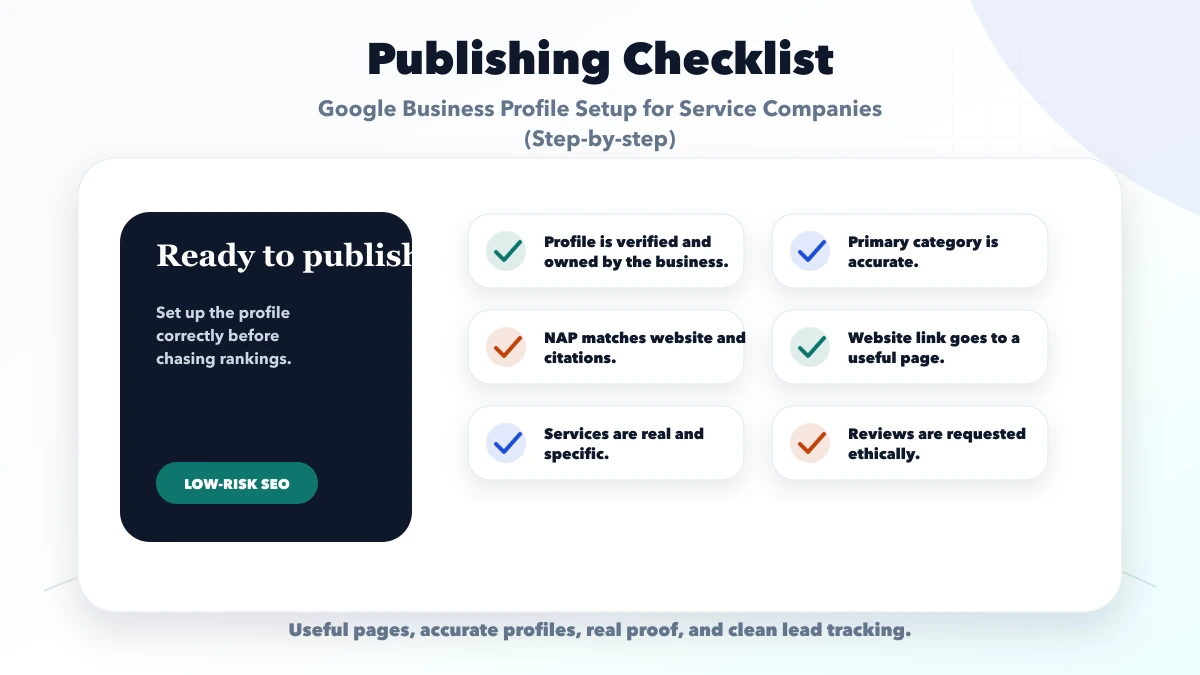
Use the name customers see on real-world branding, business documents, and the website. Do not append services, cities, “near me,” or promotional phrases unless they are genuinely part of the business name.
Good consistency means the profile name, website header, contact page, invoices, and signage agree. It does not mean repeating the same description everywhere.
Select the primary category that best describes the core business. Add only the fewest secondary categories needed to describe other real services.
Do not:
Category options change. Review the choices available inside the live profile rather than relying on an old list in a blog post.
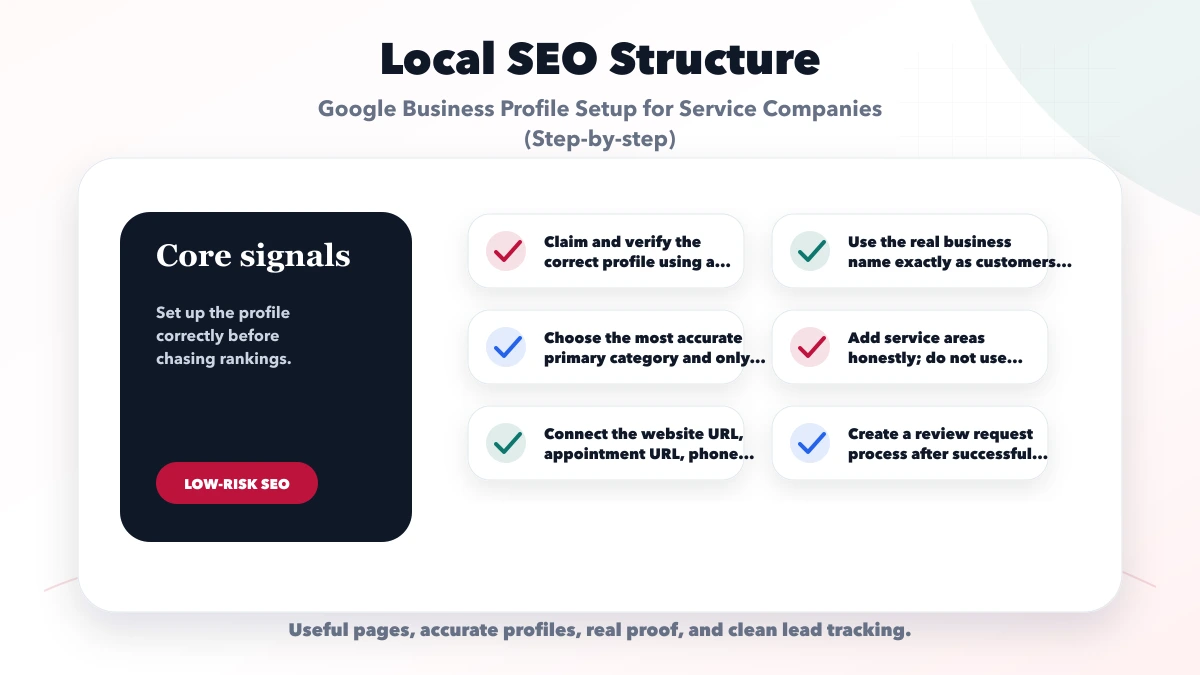
If customers do not visit the business address, hide it and use a service area. Google’s service-area guidance says areas are specified by cities, postal codes, or other supported places rather than a radius. It currently allows up to 20 service areas and advises that the overall boundary generally should not extend much beyond about two hours of driving time from the base.
Only list areas the business genuinely serves. A service area is not permission to create a separate profile or duplicate landing page for every city.
For a storefront or hybrid business, confirm:
Use:
Add campaign parameters to website links only when they do not break the destination or create public inconsistencies. Test links on mobile.
The website should clearly state services, contact methods, and genuine service areas. The local SEO hub explains how the profile and website support each other.
Explain what the company does, who it serves, and what distinguishes its process. Keep the description factual. Google’s guidelines prohibit links and promotional price language in the business description.
For each listed service:
Do not paste a city list or repeat keywords unnaturally.
Google chooses available verification methods, which may vary by business. Follow the live instructions and provide only genuine information.
Before verification:
Do not manufacture signage, documents, offices, or employee presence for verification.
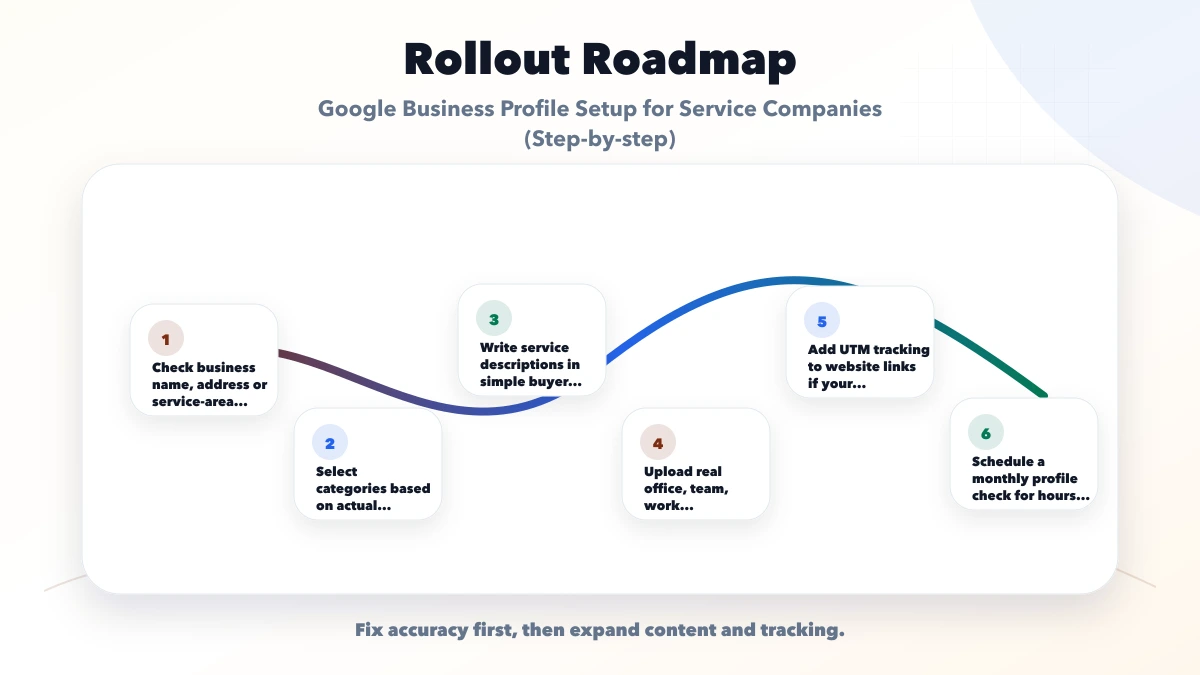
Use current, business-owned or licensed media such as:
Do not upload stock images as business-location proof. Remove outdated photos when the location, branding, or services change.
Ask real customers for honest feedback after a genuine interaction. Use one neutral request and let the customer choose their wording and rating.
Never:
Respond calmly and avoid publishing personal, financial, health, or project-confidential information.
Not merely because it serves a region online. Google states that online-only businesses are ineligible. Eligibility requires an applicable in-person customer model.
An eligible service-area business may use an address for verification and hide it from customers when they are not served there. Follow the live Google instructions and never use an address you cannot legitimately represent.
Google currently documents up to 20 service areas. Use only areas the business genuinely serves and verify the current policy before editing.
No. Use the real-world business name. Put services, category, location, hours, and other details in their dedicated fields.
An authorized representative must have express consent and follow Google’s third-party rules. The business owner should retain ownership and understand the process.
No. Genuine reviews support trust and customer decisions, but no single profile element guarantees ranking. Accuracy, relevance, prominence, competition, website quality, and other factors can influence visibility.
Once the business is confirmed eligible and the profile is verified, use the Google Business Profile optimisation guide for web services for categories, service areas, reviews, landing pages, UTM tracking, and monthly upkeep.
Complete the eligibility decision before entering any data. If eligible, gather the real business name, ownership account, category, customer-facing model, phone, website, hours, service areas, and genuine photos.
Before deciding how much supporting content to publish, compare the distinct roles of your profile, service pages, and articles in Local SEO vs blogging for service businesses.
Related Articles
May 20, 2026
Optimize an eligible web-service Google Business Profile with accurate categories, service areas, reviews, photos, landing pages, tracking, and monthly upkeep.
Read article
May 9, 2026
reviews and trust signals that impact rankings: pricing, checklist, FAQs, trust signals, and practical SEO steps for Indian SMB owners.
Read article
May 29, 2026
Safe ways to get real Google reviews: timing, WhatsApp request flow, review link, staff scripts, response process, and spam practices to avoid.
Read article
May 29, 2026
Create a reliable name, address and phone source of truth, audit local listings, handle service-area businesses, manage changes and prevent citation drift.
Read article