
May 27, 2026
Payment Gateway Integration (Razorpay/Stripe) for Websites
Plan Razorpay or Stripe website checkout with server-created orders, verified webhooks, idempotency, refunds, reconciliation, security and launch testing.
Read articlePublished Updated
Automate WhatsApp payment confirmations with verified webhooks, approved templates, deduplication, secure receipt links, delivery tracking and fallbacks.
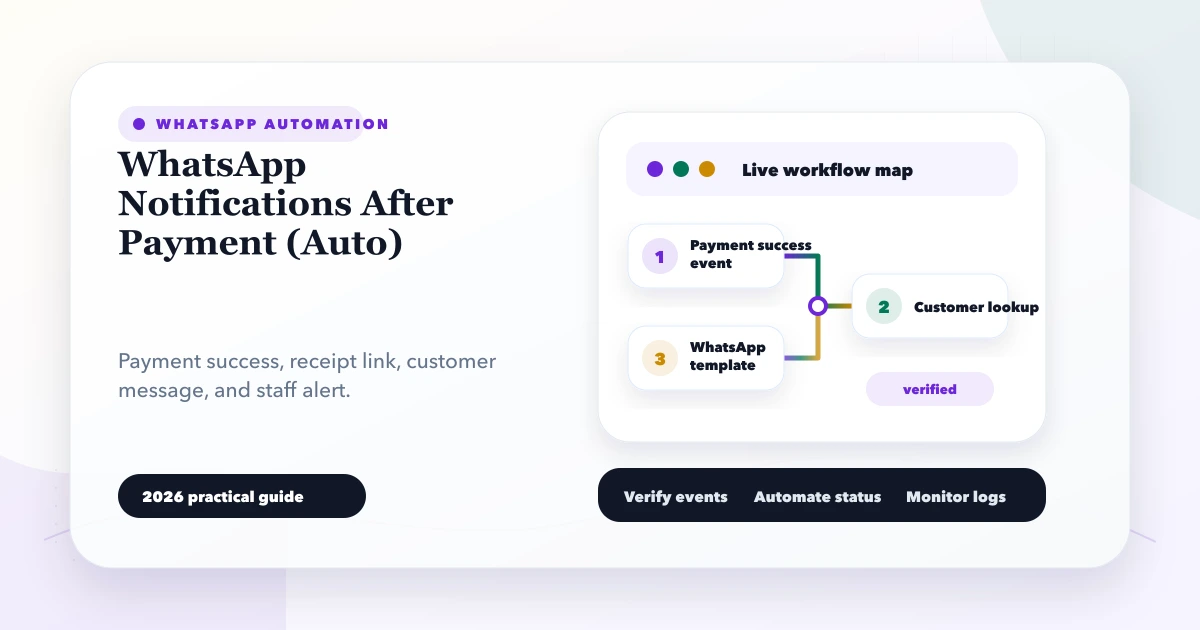
An automatic WhatsApp confirmation can reassure a customer within seconds, but it should never be triggered only because a browser displayed “Payment successful.” The notification must follow a verified internal payment event and remain independent from the financial record.
This guide explains how to build WhatsApp notifications after payment for invoices, ecommerce orders, appointments, fees, and service bookings. The focus is the message pipeline: payment verification, customer matching, approved template selection, secure receipt delivery, duplicate prevention, status tracking, and operational fallback.
A dependable flow is:
Payment provider webhook
  -> signature verification
  -> internal payment transaction committed
  -> notification job created once
  -> WhatsApp template rendered from approved variables
  -> Cloud API/provider send request
  -> provider message ID stored
  -> delivery-status webhook updates the job
  -> failed jobs enter retry or staff review
Payment recording must succeed even when WhatsApp is unavailable. Messaging is a downstream communication task, not the source of truth for whether money was received.
A useful confirmation answers:
It should not expose internal payment IDs, full account data, private admin URLs, or unnecessary personal details.
Example:
Payment received: ₹4,500 for Invoice VY-2048. Your receipt is available at the secure link below. For billing help, reply to this message or contact our team.
The exact wording and template category should follow the current WhatsApp Business Platform requirements and the approved use case.
Sending WhatsApp directly inside the payment webhook creates a fragile dependency:
Instead, commit the payment and a notification job in a controlled operation. A worker or scheduled process sends the job afterward.
The notification record can contain:
| Field | Purpose |
|---|---|
| event key | Prevent duplicate customer messages |
| customer ID | Resolve the approved destination |
| phone snapshot | Record where this message was sent |
| template name/version | Explain the rendered message |
| variables | Order, amount, reference, secure link |
| provider message ID | Match status callbacks |
| status | queued, sent, delivered, read, failed |
| attempts | Control retry |
| last error code | Support investigation |
| timestamps | Measure delay and delivery |
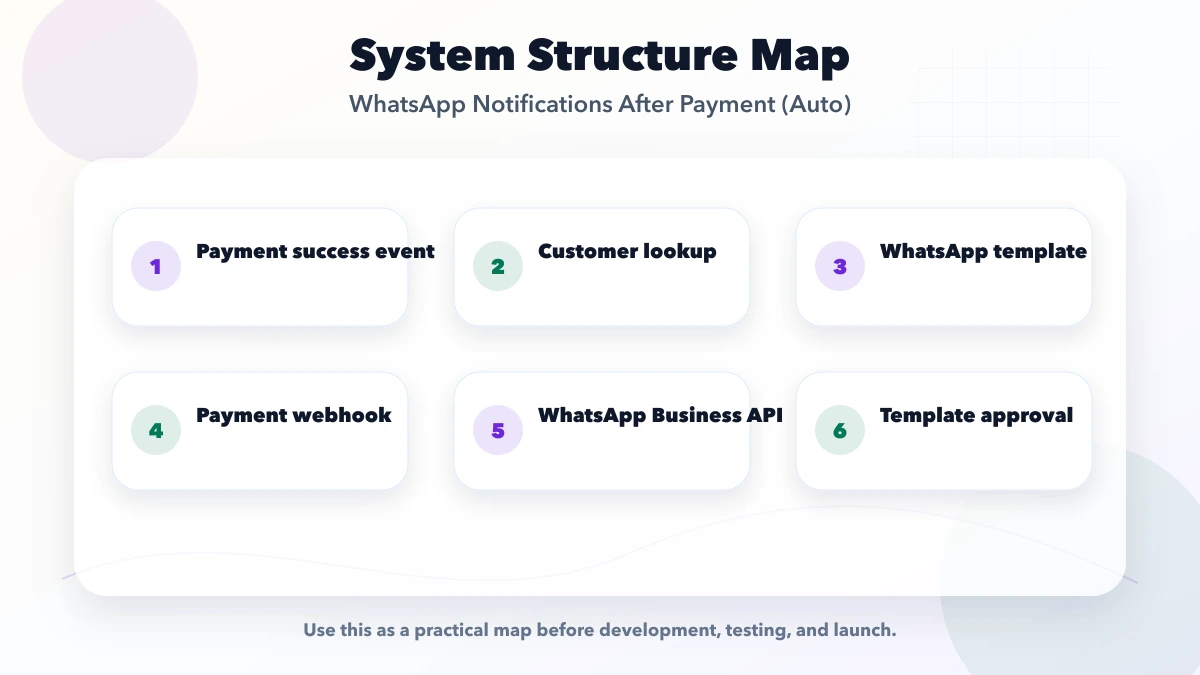
The payment provider sends a webhook to your server. The endpoint should:
Follow the active provider's webhook instructions, such as Razorpay webhooks or Stripe webhooks.
Do not take the customer's phone number from an untrusted callback query string. Resolve it from the verified internal customer or order record.
Before sending, confirm:
WhatsApp rules, template categories, fees, and conversation behavior can change. Use Meta's current WhatsApp Cloud API documentation and official WhatsApp Business Platform Postman collection when implementing or updating the integration.
Keep template variables controlled. A typical template may use:
Validate each variable for length and expected type. Do not place arbitrary staff-entered HTML, secrets, or a full customer note into the message.
Maintain template versions in configuration so a renamed or rejected template does not require risky code edits across the application.
When the API accepts the message:
sent or accepted, not delivered;The send response means the provider accepted the request. Delivery and read status arrive separately when supported.
Map provider statuses to a small internal model:
queued;sent;delivered;read;failed;suppressed.Status callbacks can arrive out of order or more than once. Update only when the transition makes sense, and deduplicate callback events. Keep the original status history if customer support needs evidence.
Networks provide at-least-once behavior more often than exactly-once behavior. Build the customer experience with deduplication:
payment-confirmed:<payment_id>:customer;If payment confirmation is updated from pending to captured more than once, the customer should still receive one confirmation.
Avoid sending a private backend PDF URL that requires an employee session or reveals predictable storage paths.
A safer document link can be:
VASUYASHII Business Suite uses secure public PDF sharing patterns for business documents. For broader billing design, see the invoice automation and WhatsApp PDF guide.
A hardware wholesaler sends an invoice payment link to a retailer.
HW-1187.The payment remains paid even if the WhatsApp number is invalid. This separation protects the accounts record.
Some businesses want customer, sales representative, and accounts team notifications. Treat each as a separate job and purpose.
Do not put private customer or payment details into a large WhatsApp group. Internal alerts should follow company access rules and data-minimisation practices.
Examples include network timeout, provider service issue, or rate limit. Retry with capped exponential backoff and jitter.
Examples can include invalid number, unavailable template, blocked destination, or policy rejection. Stop automatic retries and route to review.
Missing customer, amount mismatch, or absent phone consent requires business review. Do not guess or send to a fallback number from an unrelated field.
Do not edit the old confirmation. Record the reversal/refund and send a separate approved update if the business process and messaging rules permit it.
Define expected timing:
Measure:
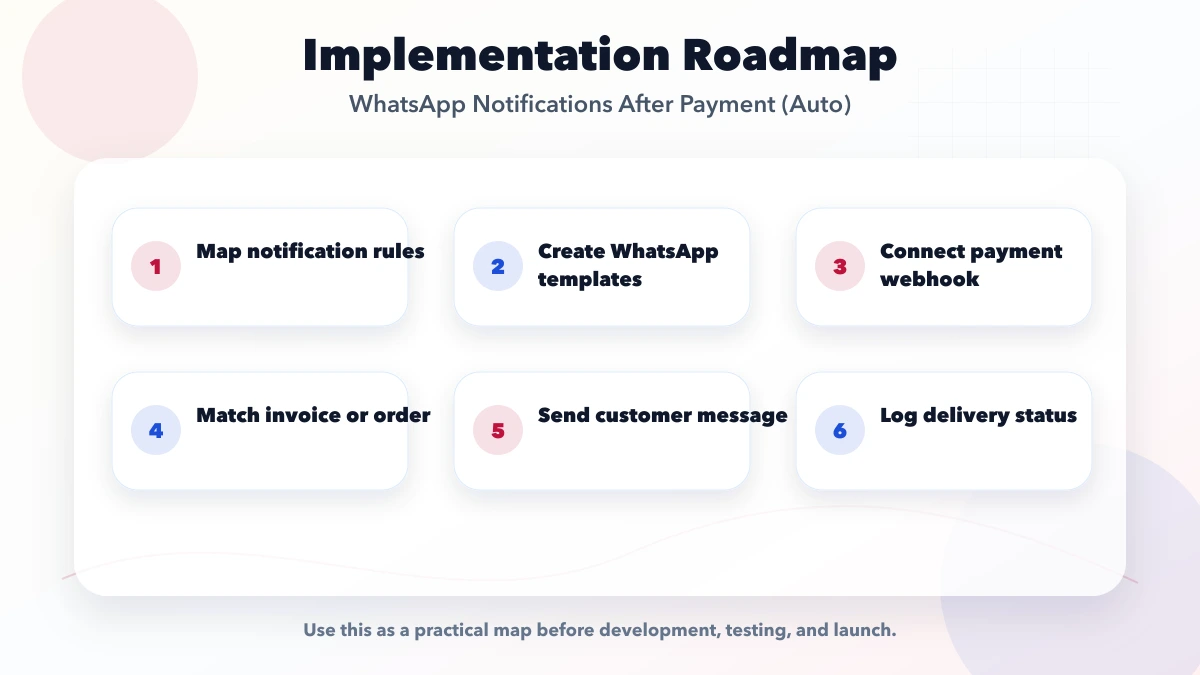
Define the verified payment event: IDs, amount, currency, customer, invoice/order, and timestamp.
Prepare wording, variable map, approval, phone normalisation, opt-out handling, and support contact.
Create job states, unique key, worker, retry policy, provider adapter, and secure logging.
Process callbacks, show message timeline, expose safe manual retry, and add alerts.
Check that every eligible verified payment has exactly one expected notification outcome.
Implementation effort depends on:
WhatsApp platform charges and provider fees are separate and can change. Confirm current pricing and eligibility through the official platform or selected solution provider.
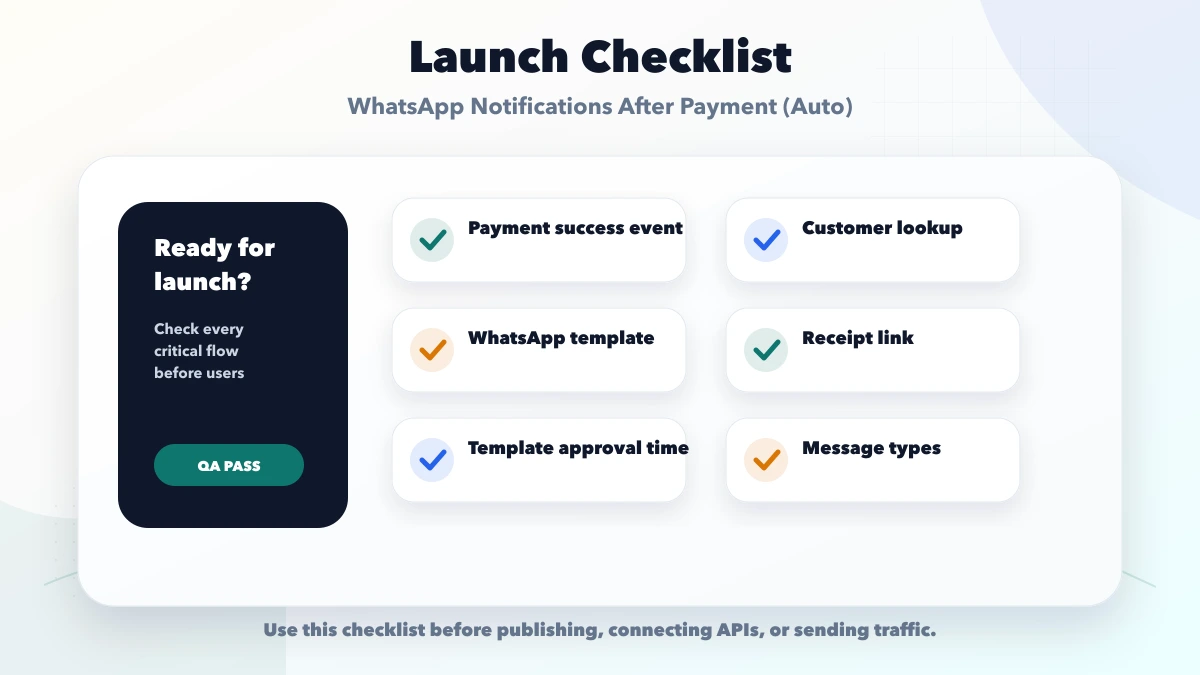
The callback can be missed or manipulated. Start from the verified server payment event.
This increases timeout and duplicate risk. Queue the message after committing payment.
Store and process status callbacks.
Permanent policy, template, or number errors need review, not endless traffic.
Use a purpose-built secure share link rather than an authenticated admin URL.
Usually soon after the verified payment commits and the job is processed. Do not trade verification and deduplication for a few seconds of speed.
Capabilities and template rules depend on the current platform. A secure document link is often easier to revoke and audit, but verify the approved message design.
Treat that as a separate, validated communication field with clear purpose. Do not overwrite the primary customer identity without verification.
Not when the integration stores unique provider events and a unique notification key before sending.
No. Payment and communication statuses must remain independent.
Yes, but create a separate internal event with minimum necessary data and an authorised destination.
The safest WhatsApp payment confirmation is a traceable downstream result of a verified payment, not a side effect of the customer's browser. Use an outbox, approved templates, unique event keys, secure receipt links, delivery callbacks, and bounded recovery.
For an implementation that connects payments, invoices, WhatsApp and operational reporting, review integration services or contact VASUYASHII.
Related Articles
May 27, 2026
Plan Razorpay or Stripe website checkout with server-created orders, verified webhooks, idempotency, refunds, reconciliation, security and launch testing.
Read article
March 29, 2026
Compare Razorpay, PhonePe PG, and PayU using current official pricing pages, onboarding, checkout, webhooks, refunds, settlements, support, and reconciliation.
Read article
May 22, 2026
WhatsApp automation for businesses: practical 2026 guide with examples, INR cost, workflow setup, timeline, mistakes, FAQs, and Indian SME tips today.
Read article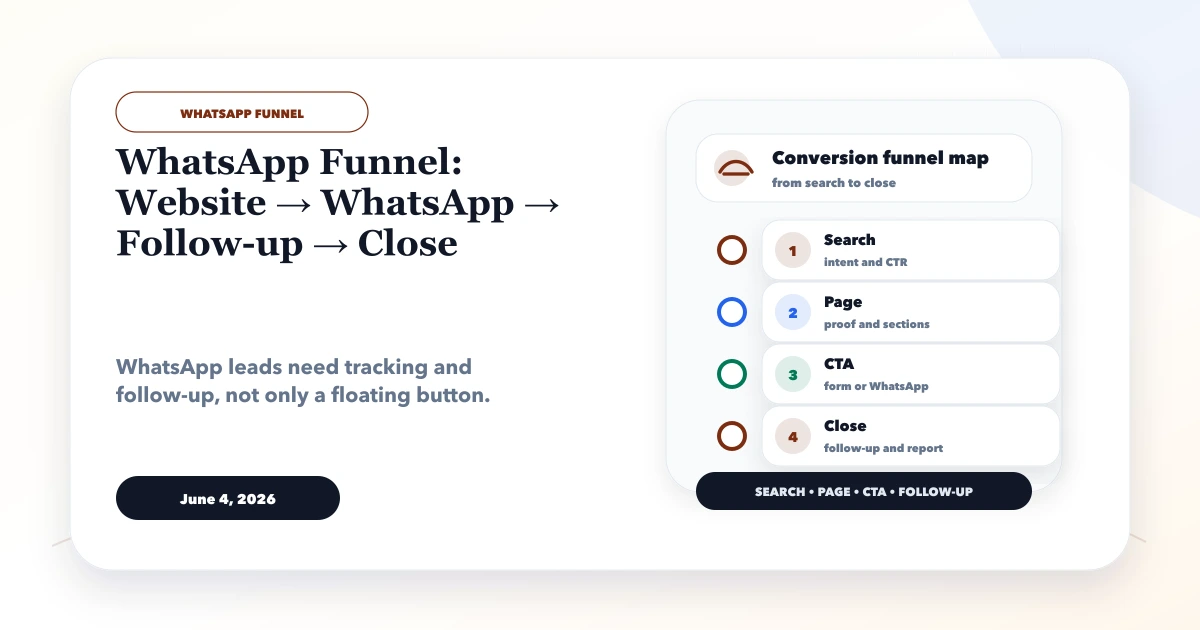
June 4, 2026
WhatsApp funnel guide from website to WhatsApp to follow-up to close, with CTA placement, tracking, CRM handoff, and templates.
Read article