
April 23, 2026
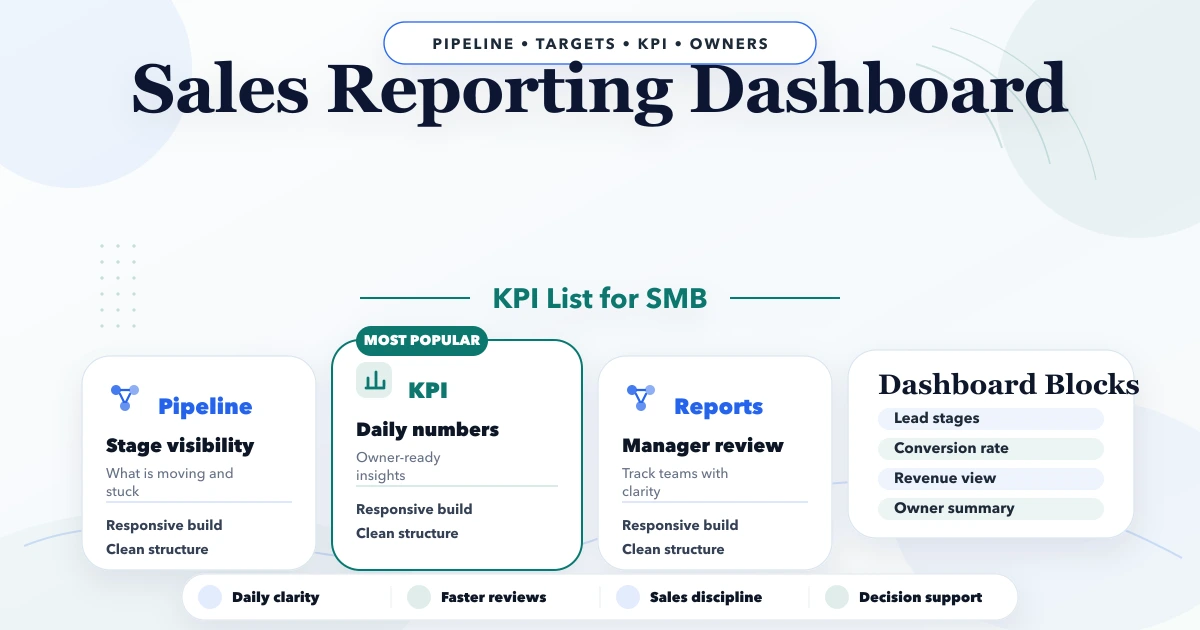
Sales Dashboard KPI List for Small Businesses
Build a reliable SMB sales dashboard with defined pipeline, conversion, revenue, collection, product, customer, rep, target, and data-quality KPIs.
Read articlePublished
sales pipeline automation for small businesses: practical 2026 guide with examples, INR cost, workflow setup, timeline, mistakes, FAQs, and Indian SME tips.
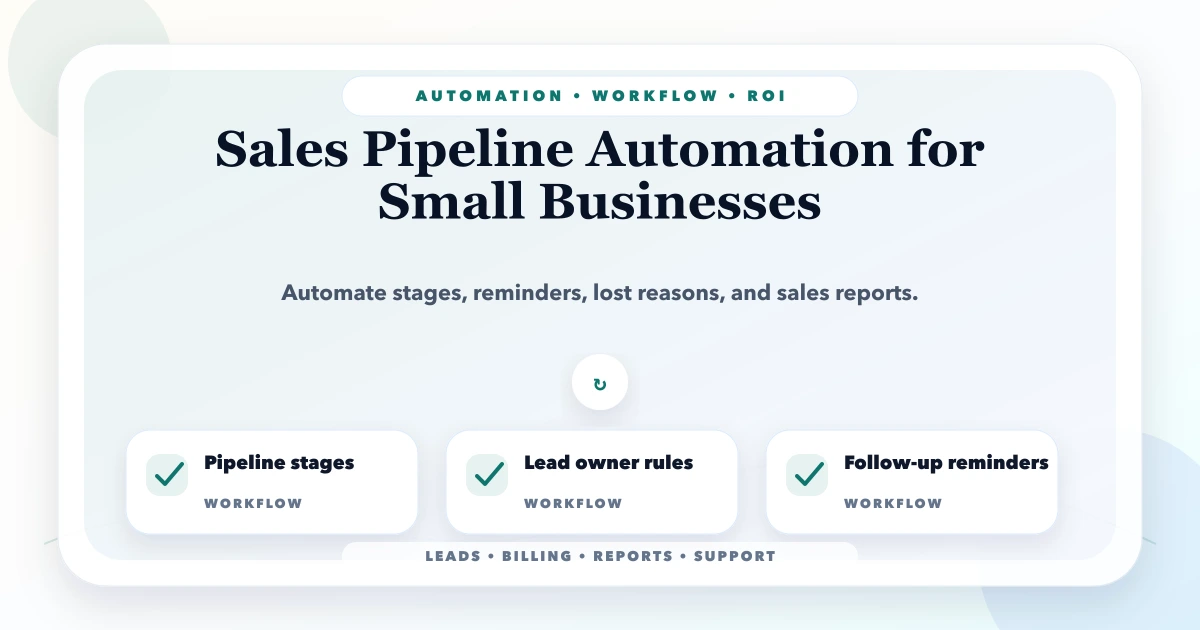
This guide on sales pipeline automation for small businesses is for small businesses that track sales in Excel, WhatsApp chats, notebooks, or scattered team updates. If your business runs in Delhi NCR, Ghaziabad, Noida, Delhi, Gurugram, Faridabad, or anywhere in India, the aim is simple: reduce manual work, improve follow-up discipline, and make daily operations more predictable.
Automation is not only for large companies. SMEs often need it more because the owner is personally involved in sales, billing, reports, approvals, and customer updates. A small automation can save hours every week if it targets the right repeated workflow.
By Tushar C. (Founder, VASUYASHII). Reviewed by VASUYASHII Editorial for real-world SME workflow automation, CRM, billing, WhatsApp, reporting, and custom software implementation experience.
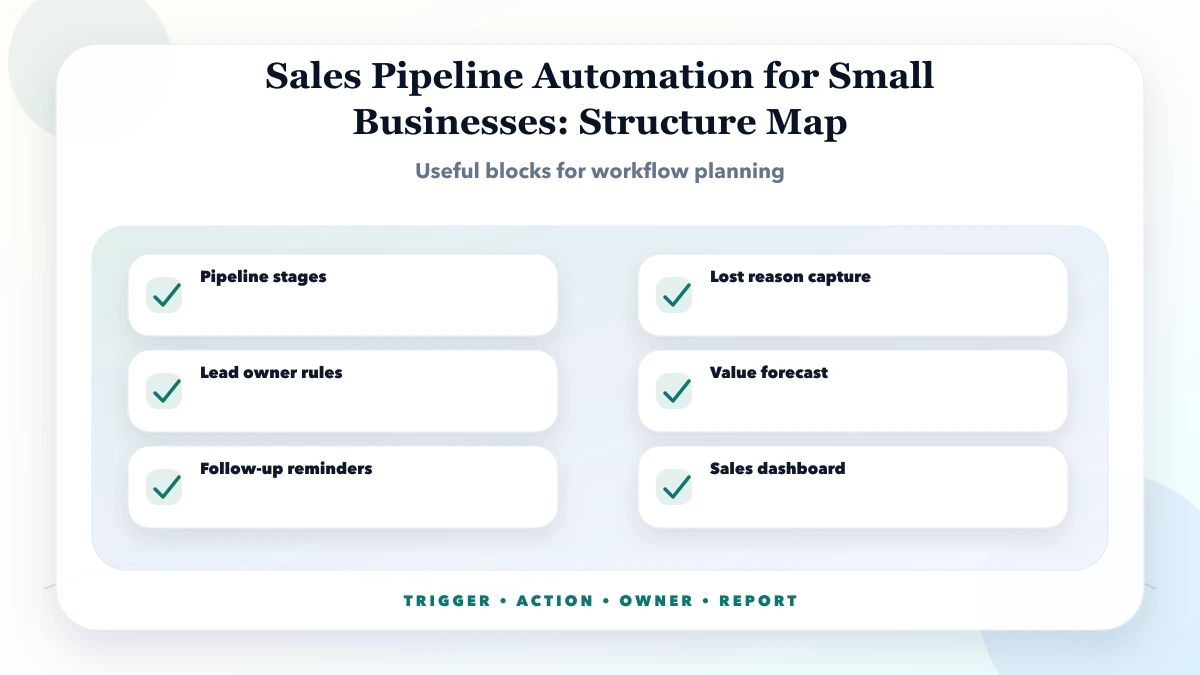
Sales pipeline automation for small businesses helps track every lead by stage, owner, follow-up date, probability, expected value, and next action.
For Indian SMEs, the best automation plan is phased. Start with one workflow that is repeated daily, creates errors, or delays money collection. Then add alerts, reports, integrations, and dashboards after staff adoption is stable.
In our work with business software and automation planning, the biggest gain usually comes from removing small repeated tasks, not from building a huge system on day one. Owners often know where time is wasted, but the process is hidden across WhatsApp, Excel, calls, and staff memory.
Each feature should have a clear trigger, action, owner, and fallback. If the trigger is unclear, automation may fire at the wrong time. If the fallback is missing, staff will not know what to do when data is incomplete.
| Scope | Practical price range | Typical timeline |
|---|---|---|
| Basic pipeline setup | ₹25,000 to ₹75,000 | 1 to 2 weeks |
| Pipeline CRM build | ₹75,000 to ₹2.5 lakh | 3 to 6 weeks |
| Advanced sales automation | ₹2.5 lakh to ₹7 lakh+ | 2 to 3 months |
These are practical planning ranges for Indian SMBs. Final pricing depends on the workflow depth, user roles, integrations, data quality, admin screens, reports, testing, deployment, and post-launch support.
Small automation can be very affordable when the process is clear. Cost increases when the workflow includes multiple departments, approvals, external APIs, custom reports, PDF generation, or role-based access.
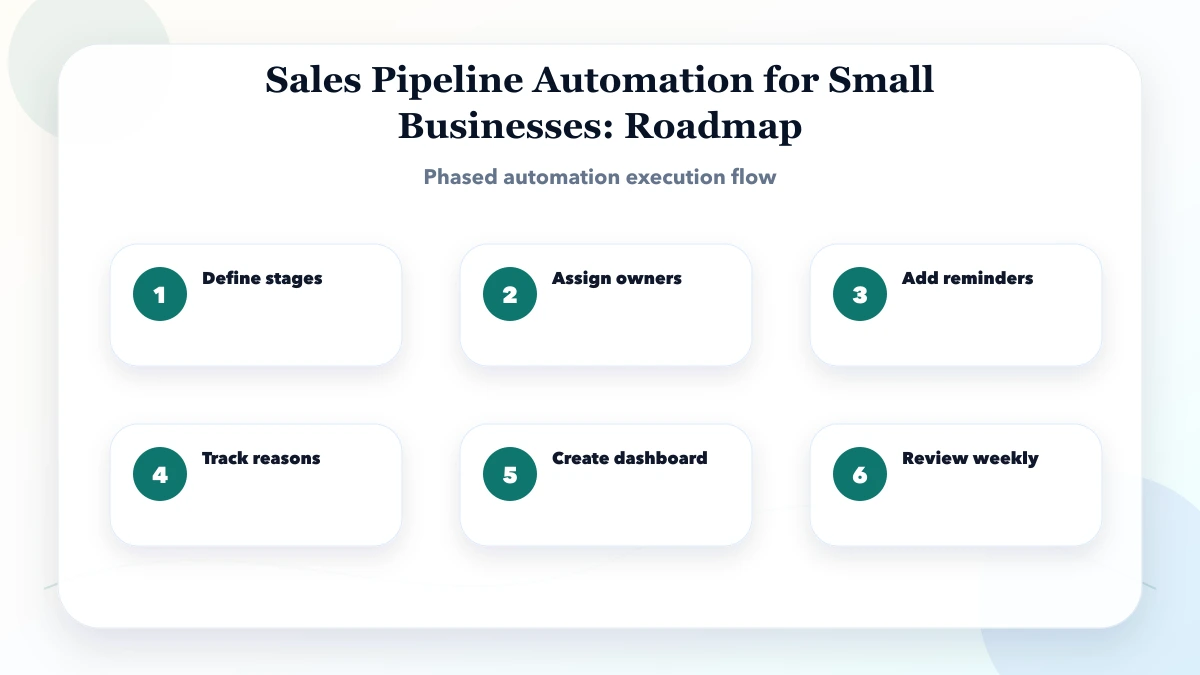
This sequence keeps the project grounded. First map the real workflow, then choose one priority area, then build and test with staff. Avoid automating every idea at once because that usually creates confusion and rework.
The stack should match the workflow. A simple reminder flow may only need a CRM and scheduled alerts. A full automation system may need a custom dashboard, database, APIs, webhooks, PDF generation, logs, and role-based permissions.
The biggest cost drivers are business rules and integrations. The biggest ROI drivers are time saved, errors reduced, faster follow-up, better owner visibility, and fewer missed tasks. Automation should be measured against real work saved, not only software cost.
Use a simple score: frequency, error risk, delay cost, and staff dependency. If a task happens daily, creates mistakes, delays money, or depends on one person, it is a strong automation candidate.
Do not automate judgement-heavy work first. Automate reminders, status updates, reports, document generation, lead routing, and repetitive checks. Keep humans responsible for exceptions, approvals, and relationship-sensitive communication.
Start with a pilot workflow. For example, automate lead follow-up before building a full CRM, or automate invoice PDF sending before rebuilding the entire billing system. A pilot gives proof and staff feedback without large upfront risk.
Keep logs from day one. Every automated message, report, status change, or PDF should have history. Logs help debug issues, train staff, and prove what happened when customers or team members ask questions.
If your team is wasting time on repeated follow-ups, manual reports, invoice PDFs, or WhatsApp updates, start with a workflow audit. VASUYASHII can map the process and suggest the first automation with the best ROI.
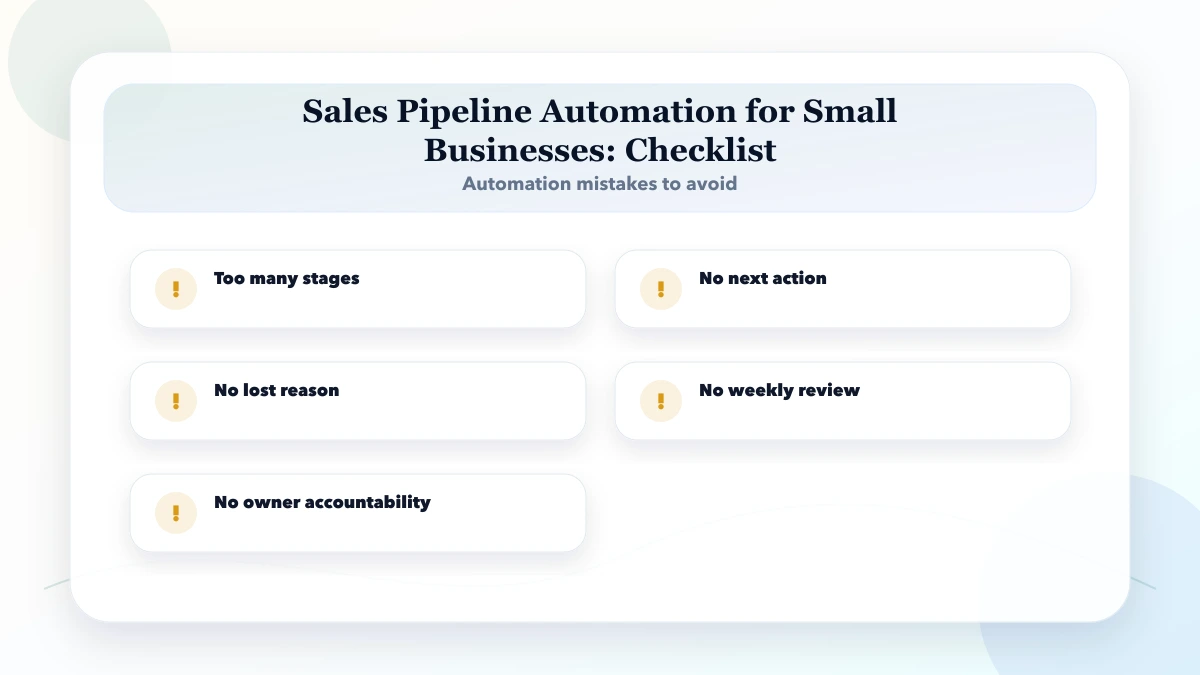
Avoid automating a messy process without first cleaning the workflow. Automation makes a good process faster, but it can make a bad process fail faster too.
It is for small businesses that track sales in Excel, WhatsApp chats, notebooks, or scattered team updates. The goal is to reduce manual work without making the system too complex for staff.
Start with define stages. This helps identify the workflow that wastes the most time or creates the most errors.
Use the pricing table as a planning range. Final cost depends on workflow complexity, users, data, integrations, reporting, and support needs.
Sometimes automation reduces the need for extra admin work, but most SMEs get the best result by combining automation with clear staff ownership.
Only if messages need to be sent automatically at scale or connected to CRM, invoices, support, or reports. Simple click-to-chat does not need an API.
The biggest risk is too many stages. Automation should follow a clear process, not hide a broken one.
Yes. VASUYASHII can help with workflow mapping, custom software, CRM automation, WhatsApp/email integrations, dashboards, reports, and support.
If you want to automate leads, follow-ups, billing, reports, support, or operations, VASUYASHII can help with workflow mapping, custom development, WhatsApp/email integrations, dashboards, and support.
Related Articles
April 23, 2026
Build a reliable SMB sales dashboard with defined pipeline, conversion, revenue, collection, product, customer, rep, target, and data-quality KPIs.
Read article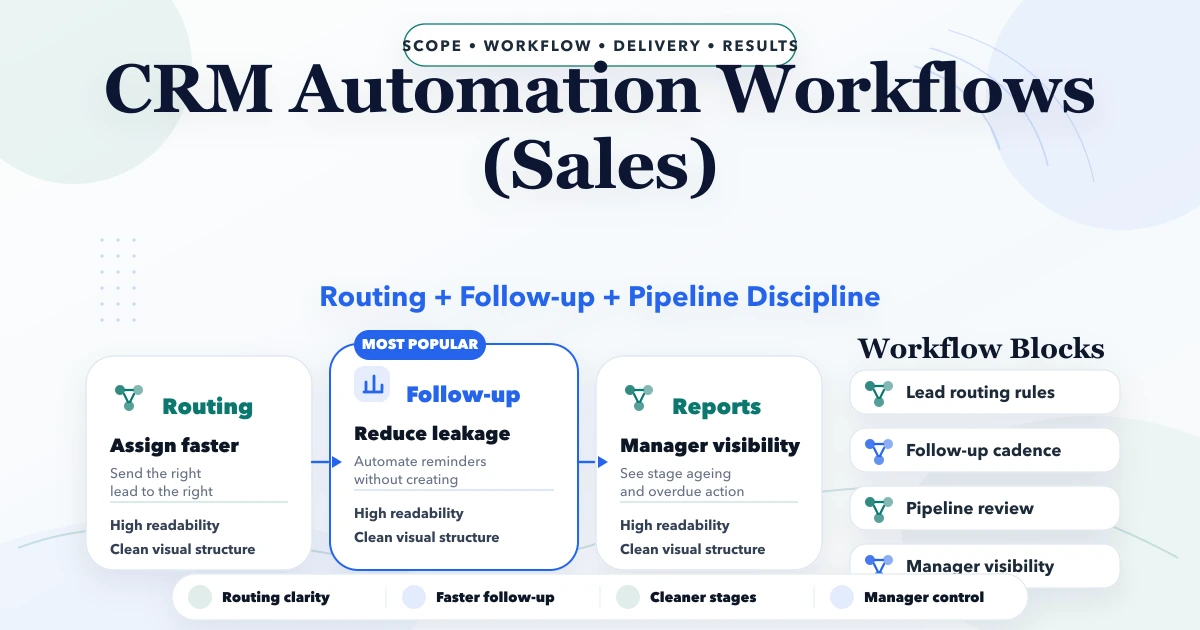
April 29, 2026
CRM automation workflows for sales with lead routing, follow-up rules, task logic, reporting, pricing, and implementation guidance for SMBs.
Read article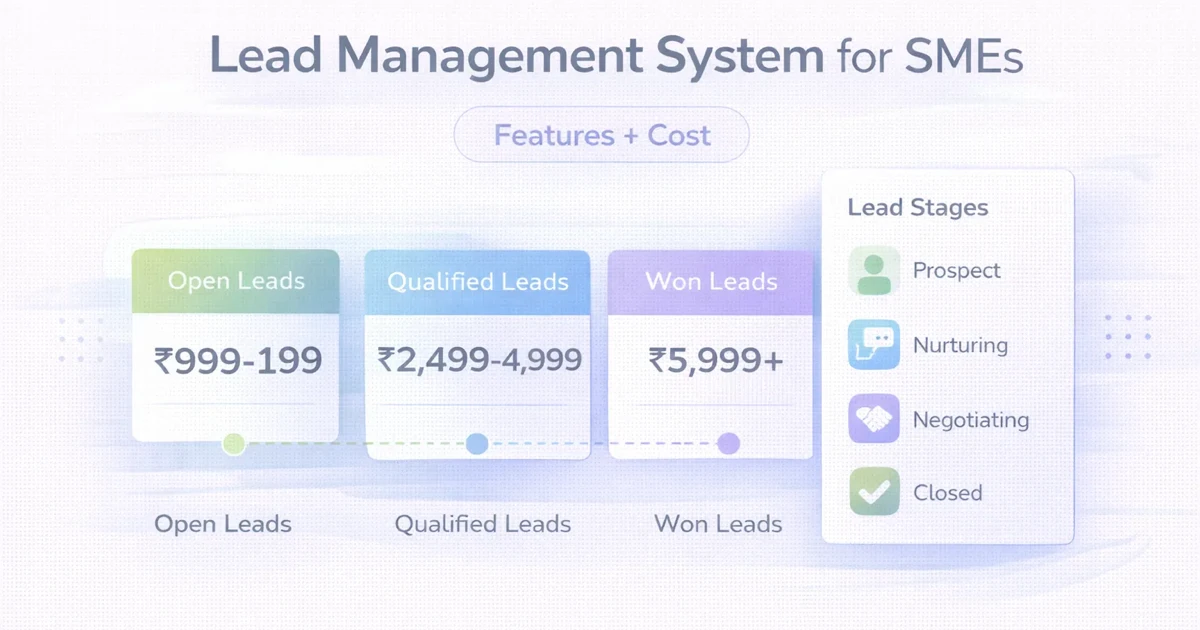
April 1, 2026
Lead management system for SMEs: features, cost, timeline, and what a practical LMS should include for sales teams in 2026.
Read article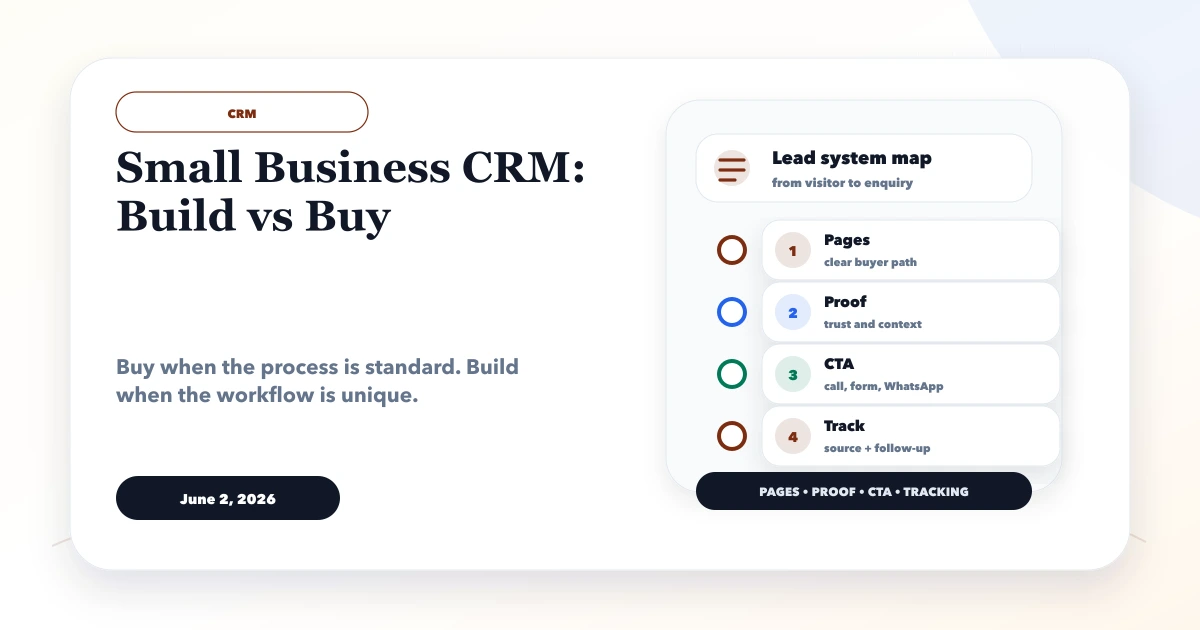
June 2, 2026
Small business CRM build vs buy guide with custom CRM, SaaS CRM, Zoho-style tools, cost, workflows, reports, and decision checklist.
Read article