
April 23, 2026
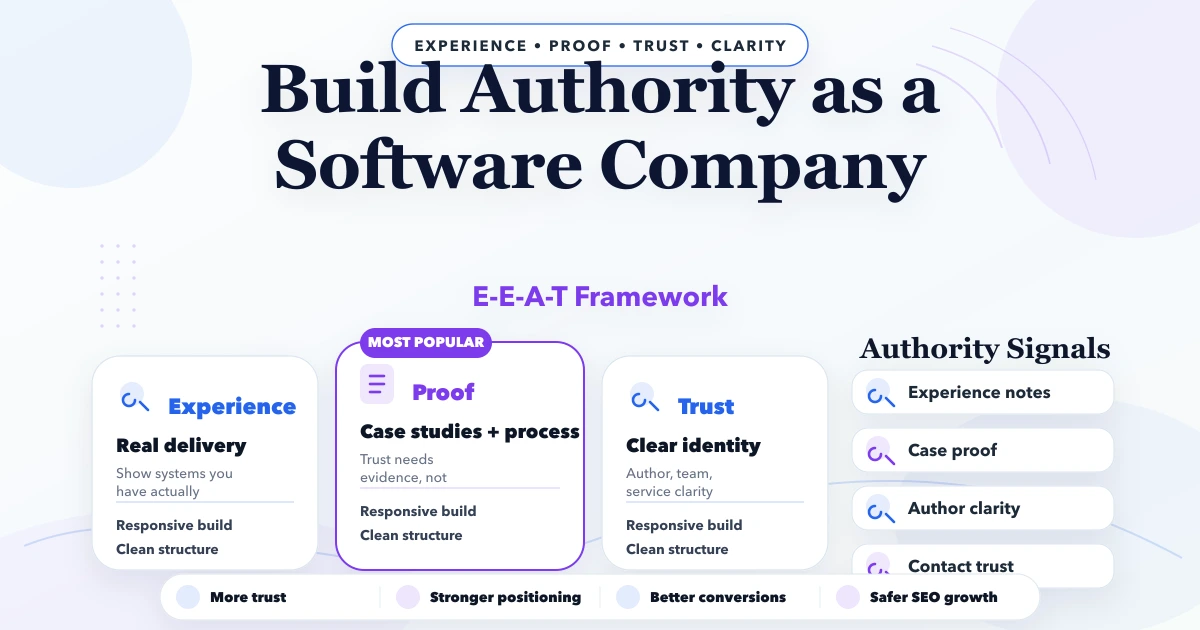
How Software Companies Build Authority With E-E-A-T
Build software-company authority with honest authorship, useful proof, technical depth, transparent service boundaries, case evidence, and consistent entities.
Read articlePublished Updated
Build a portfolio page that helps buyers compare work. Plan project cards, filters, role disclosure, proof, mobile UX, CTAs and maintenance.
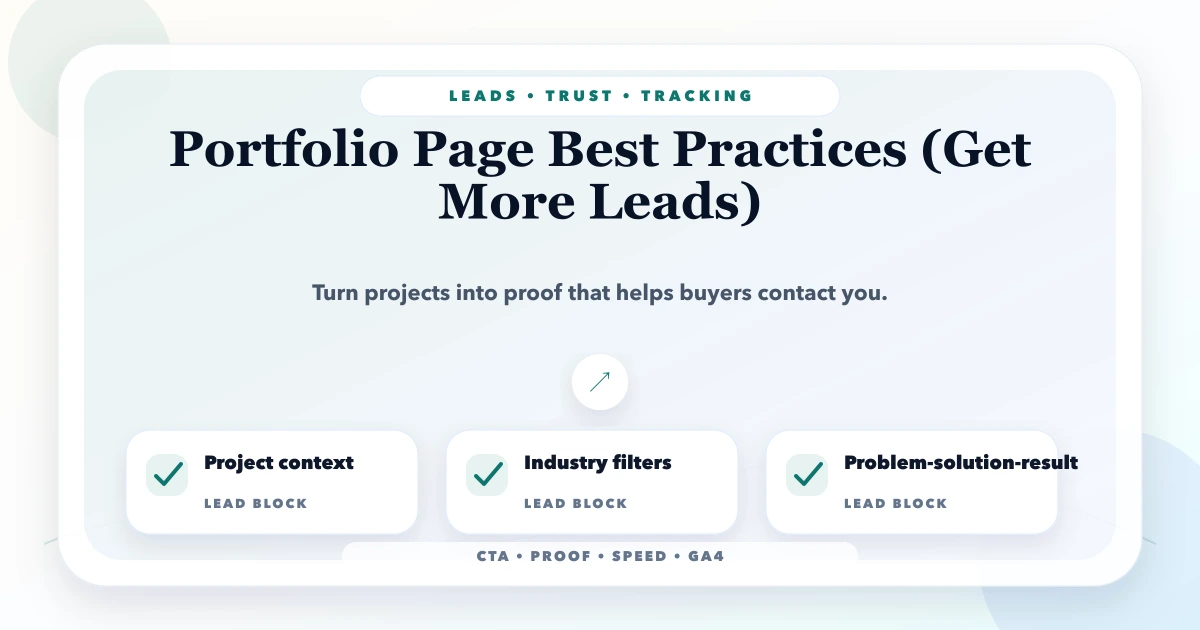
A portfolio page is a browsing and qualification tool. It helps a buyer quickly find relevant work, understand what the provider contributed, and decide which example deserves a deeper review. It is not the same as a case study: a portfolio organises many projects, while a case study explains one project's context, decisions, implementation, and outcome.
This distinction matters. A grid of attractive screenshots may create interest but provide little purchase evidence. A wall of long case narratives makes comparison difficult. The portfolio should provide consistent project summaries and link selected items to deeper proof.
A strong portfolio answers five buyer questions:
| Page element | Buyer decision supported |
|---|---|
| Category or industry filter | Find relevant examples quickly |
| Clear project title | Understand what the example is |
| Short scope summary | Compare fit without opening every item |
| Role disclosure | Know what the provider actually did |
| Real screenshot or labelled demo | Inspect visual or functional evidence |
| Case-study link | Review decisions and details |
| Contextual CTA | Start a relevant conversation |
An overview of many examples. It supports scanning, filtering, and comparison.
A focused record of one implementation with scope, screens, responsibilities, technologies where relevant, and links.
A narrative that explains the starting situation, constraints, decisions, delivery, evidence, and lessons. Results should include source and timeframe when stated.
Not every portfolio item needs a long case study. Choose projects with enough permission, context, and evidence for deeper treatment. Use the case study template for those pages.
Keep cards consistent enough to compare.
Avoid tags such as “innovative” and “premium” when a factual label would help more.
Digital work often involves multiple providers. A designer may create the UI while another team develops it. An agency may integrate an existing product rather than build it. A contractor may work on one module.
State the contribution clearly:
Role: information architecture, responsive frontend, contact-flow implementation, and deployment.
This is stronger than implying ownership of the entire brand or system. Honest boundaries increase trust and prevent disputes.
Demos are useful for showing capabilities when client work is confidential or a new industry is being explored. Label them prominently.
Suggested labels:
Live client websiteVASUYASHII productIndustry demo with fictional dataUI concept, not a client projectArchived project; link may differ from delivered versionDo not invent company names, testimonials, user numbers, revenue, or rankings for a demo. A buyer should never have to guess whether evidence is real.
A homepage screenshot proves only the homepage appearance. If the claim includes booking, inventory, billing, permissions, reports, or integrations, show the relevant workflow with private information removed.
For a web application portfolio item, useful visuals may include:
Use captions to explain what the image demonstrates. Optimise thumbnails and load larger media only when needed so the portfolio does not become a performance problem.
A small portfolio can use a simple grid. As examples grow, organise around buyer needs, not internal technology stacks.
Useful filters:
Avoid combining so many filters that most combinations return one item. A software buyer usually cares more about “inventory workflow” than whether the frontend used a particular JavaScript library.
Create a separate indexable URL only when the item contains useful, distinct content. Thin pages with one image and 50 words can dilute quality. Options include:
Do not canonicalise unrelated projects to one page merely because their templates are similar. Fix the content purpose or consolidate deliberately.
Explain what kinds of work are shown and how demos are labelled.
Keep it accessible and ensure all items remain reachable through crawlable links where indexability matters.
Use factual cards with stable dimensions, responsive images, and meaningful link labels.
After examples, explain recurring capabilities such as website strategy, software workflows, integrations, mobile delivery, or support.
Show how a similar project would begin, without implying that every buyer receives identical scope.
Ask the buyer to mention the relevant example and describe their own workflow or website goal.
The portfolio page should receive links from homepage, service pages, About, and relevant articles. Individual project pages should link back to the service they demonstrate and to the main portfolio index.
Examples:
Anchor text should describe the evidence. Avoid repeating “view project” in every surrounding paragraph without context.
Portfolio visitors are evaluating risk. Match the CTA to that state.
Useful actions:
Discuss a similar workflowRequest a website reviewTry the live product demoSee the implementation processShare your project requirementPlace a CTA after relevant evidence, not only in a global footer. Preserve a lower-commitment route for visitors who need to read a case study first.
The CTA best-practices guide explains action hierarchy and tracking.
Portfolio pages commonly fail on mobile because screenshots are tiny, horizontal sliders trap gestures, filters overflow, or card descriptions are clipped.
Check:
Obtain permission before publishing client names, logos, screenshots, analytics, or testimonials. Remove personal data, access tokens, internal URLs, customer records, and confidential commercial figures.
When a result can be described only anonymously, say so:
Regional distributor, anonymised with permission. The implementation covered product master, quotations, and invoice PDF workflow.
Do not weaken privacy just to make the portfolio appear larger.
Assign an owner and review quarterly or after major launches.
Inventory and Billing Business Suite
This format gives a buyer enough context to decide whether to open the product page without pretending future roadmap modules already exist.
VASUYASHII treats the portfolio as a maintained evidence system. We define labels, role disclosure, image rules, project status, privacy checks, service links, and CTA context before adding cards. Demos and internal products remain visibly separate from client work.
If your existing portfolio contains outdated or unverifiable entries, begin with an evidence inventory rather than a visual redesign. Contact VASUYASHII for a scoped review of portfolio structure, assets, and project-page content.
Show enough relevant, verifiable work to help buyers compare capability. Five strong entries with clear roles are more useful than fifty unexplained screenshots.
Yes, when clearly labelled as demos or concepts and populated with fictional data. Do not attach invented client claims or results.
No. Create a separate page only when there is enough unique scope, evidence, and context. Compact examples can remain on the main portfolio page.
Usually the project page should explain scope and cost drivers rather than reveal confidential client pricing. Public packages can be linked where they genuinely apply.
Update the status, remove or replace broken links, retain permitted screenshots, and explain that the example is archived. Do not imply the current live site is still your delivered version.
A portfolio shows delivered work and role. Testimonials show a customer's experience. Both can support trust, but neither should substitute for accurate scope and evidence.
Audit every current portfolio item for role, permission, status, evidence, and relevance. Keep the strongest examples, label demos, and move the best evidence-rich projects into dedicated case studies.
Related Articles
April 23, 2026
Build software-company authority with honest authorship, useful proof, technical depth, transparent service boundaries, case evidence, and consistent entities.
Read article
April 6, 2026
Plan portfolio pages that support SEO and buyer trust with verified evidence, clear indexing rules, useful project detail and honest lifecycle management.
Read article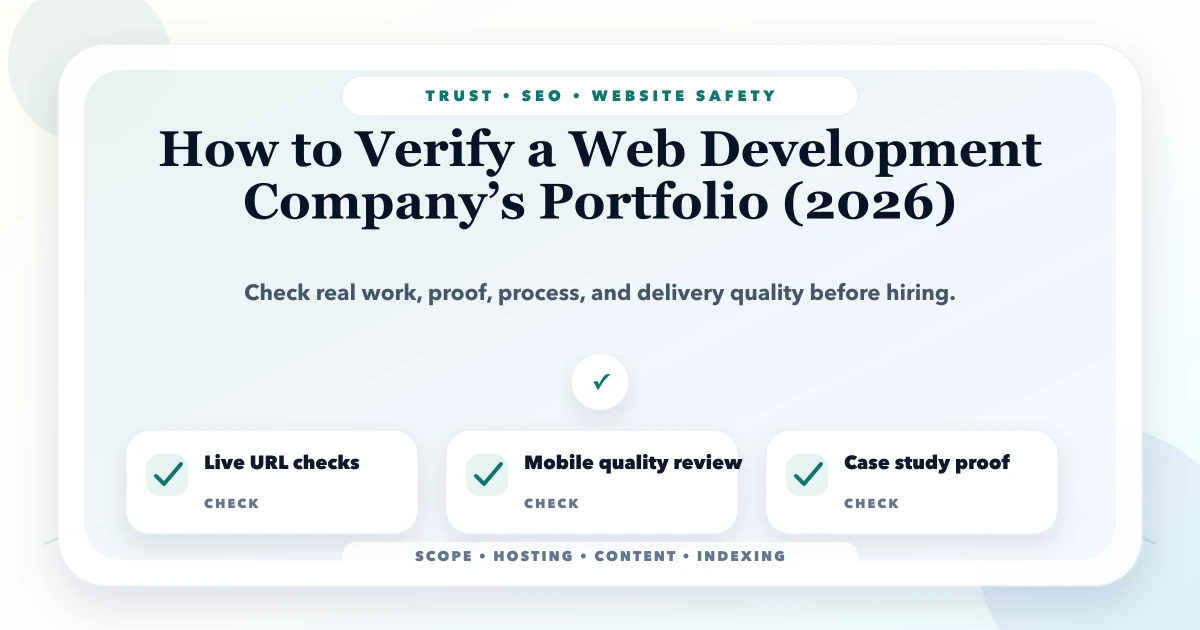
May 21, 2026
verify web development company portfolio: practical 2026 guide with checklist, pricing, timeline, risks, tools, FAQs, and Indian business tips today safely.
Read article
June 2, 2026
About page template that builds trust with story, proof, process, founder note, values, service fit, CTA, and small business examples.
Read article