
May 20, 2026
Portfolio Page Best Practices for More Leads
Build a portfolio page that helps buyers compare work. Plan project cards, filters, role disclosure, proof, mobile UX, CTAs and maintenance.
Read articlePublished Updated
Plan portfolio pages that support SEO and buyer trust with verified evidence, clear indexing rules, useful project detail and honest lifecycle management.
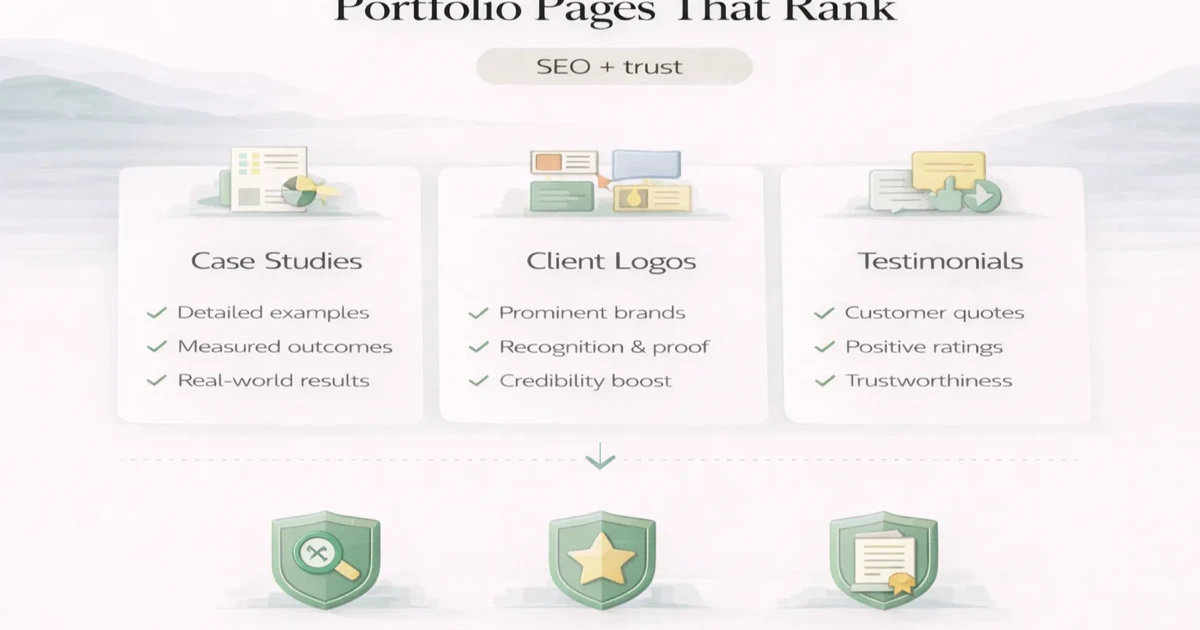
A portfolio page should exist because it helps a buyer evaluate relevant work, not because every service website is expected to have a gallery.
Strong portfolio architecture connects a real business problem, the work completed, evidence that can be verified, the related service and a sensible next action. Weak architecture publishes dozens of image cards with almost no context. Those pages may look busy but give search engines and buyers little reason to value them.
This guide explains when a portfolio page deserves its own indexable URL, what evidence it needs, how it should connect to service pages and when an old page should be updated, consolidated or retired.
Create a separate portfolio page only when the project has:
If those conditions are missing, use a short proof block on the relevant service page instead of creating a thin URL.
These labels should not be used interchangeably.
| Asset | Primary purpose | Evidence requirement | Indexing approach |
|---|---|---|---|
| Portfolio overview | Helps buyers browse relevant work | Verified project summaries | Index if substantial and useful |
| Detailed case study | Explains one problem, decisions and outcomes | First-hand evidence and permission | Index when the story is unique |
| Product or website demo | Shows an experience or capability | Clearly label whether live, sample or fictional | Index only if it has standalone value |
| Screenshot gallery | Visual reference | Source and permission | Usually part of another page |
| Internal project record | Delivery documentation | Operational evidence | Keep private, not indexed |
A sample restaurant website is not a client result. A UI concept is not a deployed project. A live product demonstration is not proof that every customer will achieve the same outcome. Clear labels improve trust.
Use a simple publishing gate before writing.
The project should answer a question a future buyer is likely to ask:
A page about a generic five-page website with no distinctive decision may not need its own URL. A page explaining a complex catalogue, quotation and dealer-enquiry flow could be useful to a specific buyer.
Collect evidence before drafting:
Never invent a metric to make the page look stronger. If no numerical result is available, explain the observable outcome honestly, such as replacing a spreadsheet handoff with one review queue.
Compare the proposed page with existing portfolio and service content. It needs a distinct angle. Ten pages repeating “modern responsive website delivered on time” create no meaningful information gain.
Decide what can be published:
Written approval is preferable. If approval is limited, anonymise the business and remove identifiers rather than making vague or unsupported claims.
A small service business usually needs a restrained structure:
Do not create a category, tag, archive and project page for the same small set of examples. Every extra indexable layer must provide unique value.
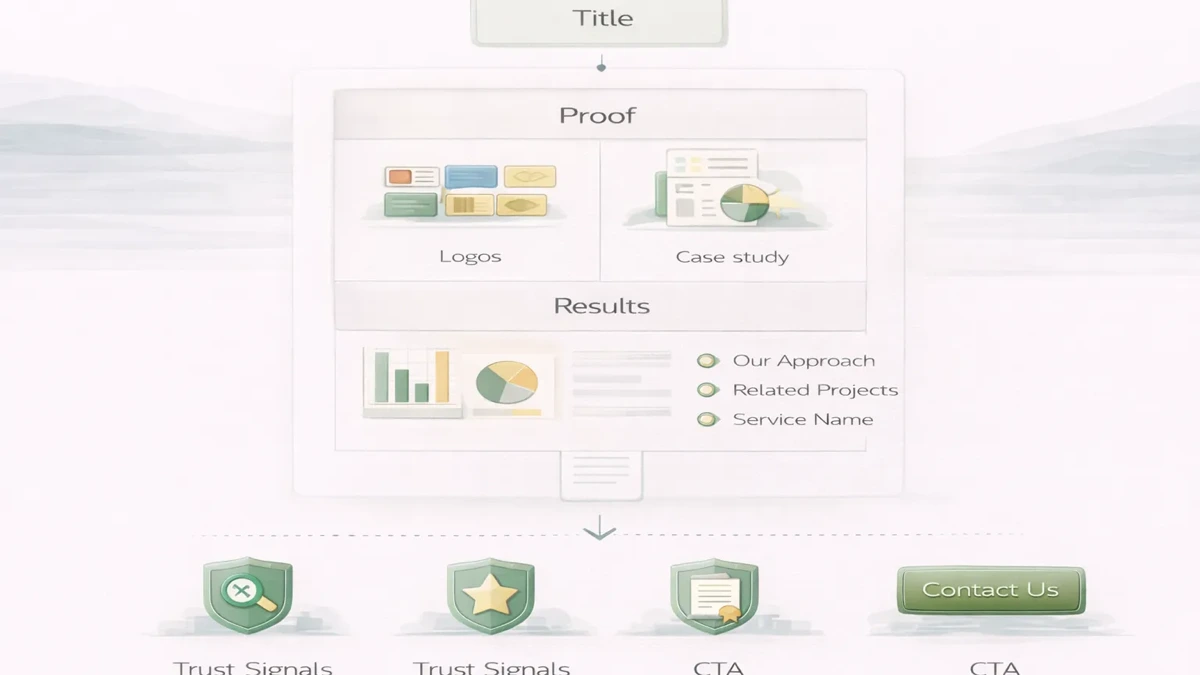
Use the problem or deliverable, not an exaggerated result:
The title should help a buyer understand the project before clicking.
Explain the business situation without exposing private information. Include the operational trigger, users involved and constraints that shaped the work.
For example, a Delhi NCR distributor may need sales staff to prepare quotes from a shared catalogue while the owner controls price updates. That context is more useful than saying the client needed “digital growth.”
List what was included and what was not:
Scope clarity makes proof credible and prevents readers from assuming a much larger implementation.
Describe two or three important decisions. A case study becomes original when it explains why one approach was chosen over another.
Examples:
Show the actual outputs using approved media. Every screenshot needs a caption that explains what it demonstrates. Decorative device mockups are weaker than a readable workflow screen.
Use an evidence ladder:
“The team can now review quote requests in one queue” is a valid delivered capability. “Sales increased 300%” requires reliable evidence.
Connect the page to the service that produced the work. A custom workflow case should link to software development or web application development, not to every service on the website.
The CTA should invite a comparable discussion: “Share your current workflow” is more relevant than a generic “Buy now.”
Do not make every project target the same commercial phrase. The service page should usually own the broad commercial query. The project page can support a narrower problem, workflow or industry use case.
Use a self-referencing canonical for a unique indexable page. Do not publish the same project under multiple category URLs. If a page is replaced, implement a deliberate redirect to the closest relevant destination.
Write a title and description based on the real project angle. Automatically inserting a city and service into a common template creates repetitive snippets.
Add links from:
The project page should link back to its parent service and to supporting guidance where useful. See the service-page content guide for a complementary structure.
Schema must describe visible content. Do not add fake review ratings, client identities or results to structured data. General Article or WebPage markup may be sufficient unless another type accurately matches the page.
Use descriptive file names, useful alt text and compressed images. Alt text should explain the relevant screen, not repeat the focus keyword.
Portfolio publishing creates a responsibility to protect client and user information.
Before upload:
For dashboards, use purpose-built demonstration data rather than blurring sensitive production screens. Blurring can be reversed or may leave enough context to identify a person.
Cannibalisation happens when multiple pages compete for the same intent without adding distinct evidence.
Common patterns include:
Keep one canonical project story. Use the overview for discovery, the case study for depth and the service page for the commercial offer.
Proof loses value when screenshots break, claims become unverifiable or the work no longer represents the current service.
Review each page at least every six to twelve months:
| Condition | Action |
|---|---|
| Evidence and service remain current | Update date only after a real review |
| Better evidence is available | Refresh screenshots and outcome notes |
| Two pages describe the same project | Consolidate into the stronger URL |
| Client permission is withdrawn | Remove restricted material immediately |
| Page is outdated with no replacement value | Retire and redirect where relevant |
| Project no longer reflects current work | Remove from navigation or retire |
Do not keep weak portfolio pages simply to preserve URL count. Quality and accuracy matter more than volume.
VASUYASHII removed its outdated public project portfolio rather than presenting old work as current proof. The website currently relies on clearly labelled demo experiences, product information, service guidance and direct requirement discussions.
That decision is relevant to this guide: a portfolio should be published only when its evidence is current, permission is clear and the page helps a buyer make a better decision. This article explains the framework; it is not a claim that every example mentioned is a current VASUYASHII client project.
Yes, when a page answers a distinct query with substantial first-hand evidence and receives relevant internal links. A thin gallery page is unlikely to perform simply because it contains project images.
No. Publish only projects that are relevant, approved, distinctive and maintainable. Smaller examples can appear as proof blocks on service pages.
Use an anonymised description only if enough useful detail can remain without identifying the client. State that the case is anonymised and avoid invented names or testimonials.
Screenshots show that an interface exists. They do not explain the business problem, decisions, scope or outcome. Add context and approved evidence.
Usually not. Let the service page own the broad commercial intent. Give the portfolio page a narrower workflow, industry problem or implementation angle.
A demo can prove interaction and design capability, but it does not prove a client outcome. Label it accurately and use it for the question it can answer.
Remove or consolidate it when evidence is stale, permission changes, the page duplicates stronger content or the project no longer reflects the business. Redirect only when there is a genuinely relevant replacement.
Invite the reader to share a comparable problem, current process or requirement. The CTA should continue the decision the page helped them make.
If you need a current service website, business web app or workflow system, review VASUYASHII services and share the requirement. The first decision should be what evidence and outcome the page must support, not how many portfolio URLs to publish.
Related Articles
May 20, 2026
Build a portfolio page that helps buyers compare work. Plan project cards, filters, role disclosure, proof, mobile UX, CTAs and maintenance.
Read article
April 18, 2026
Build useful SEO FAQs from buyer questions, direct answers, internal links and review data. Understand the 2026 status of Google FAQ rich results and schema.
Read article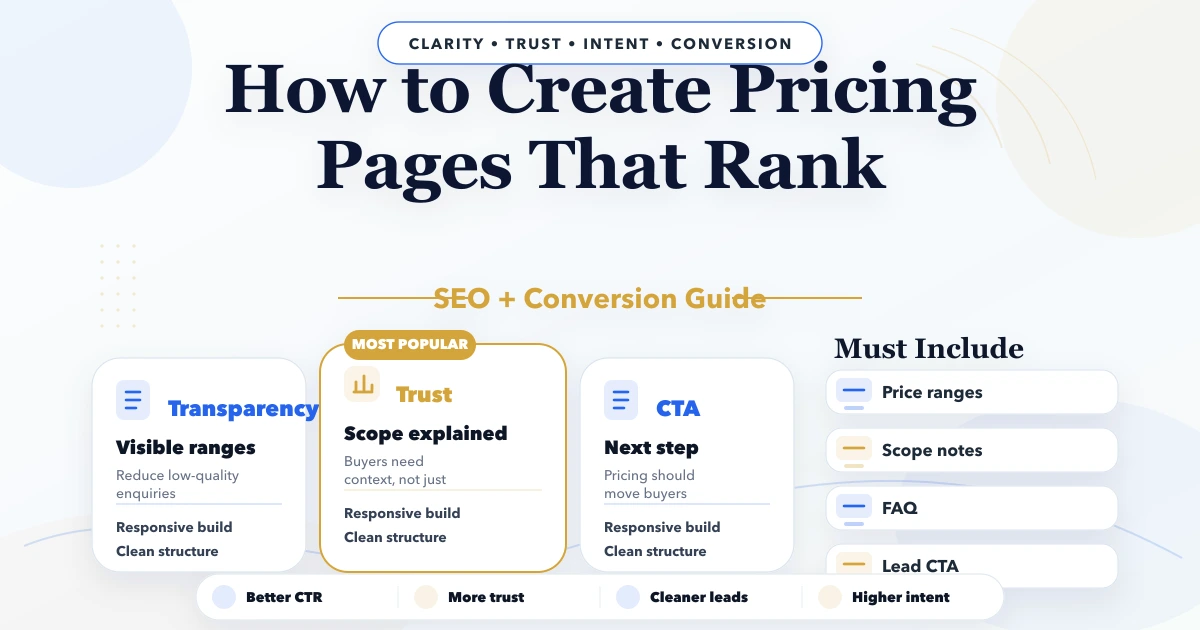
April 22, 2026
Build an SEO pricing page with clear scope, ranges, cost drivers, comparison tables, FAQs, schema boundaries, internal links, and conversion tracking.
Read article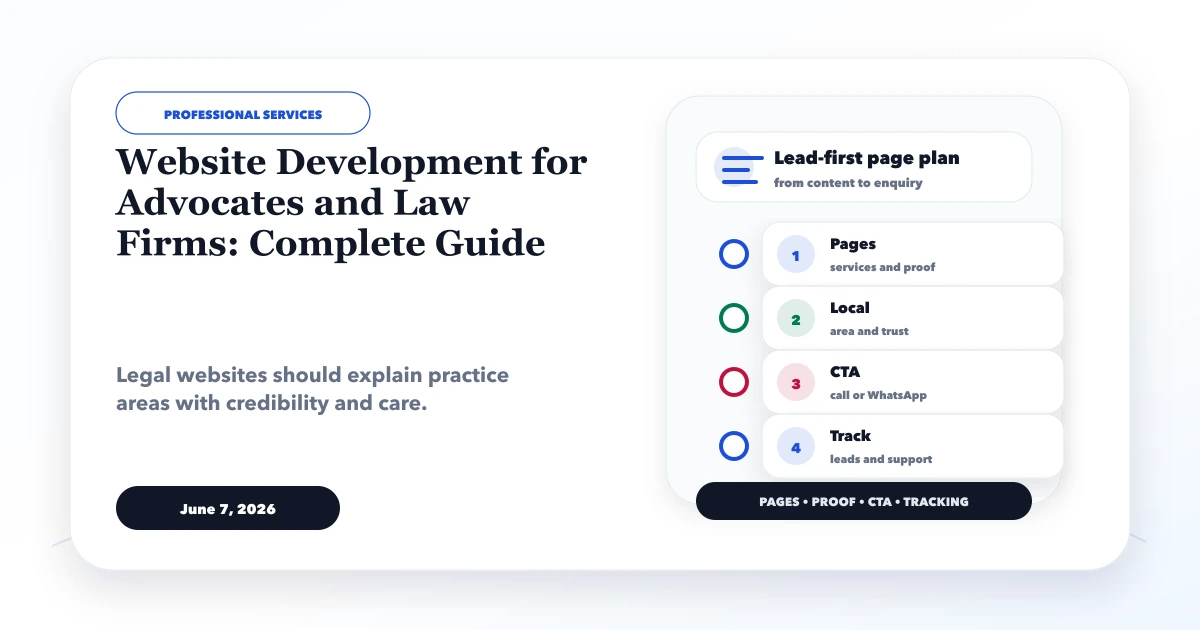
June 7, 2026
Plan a law firm website with clear practice areas, verified advocate profiles, confidential enquiry handling, ethical proof, local SEO, and secure handoff.
Read article