
May 14, 2026
Portfolio SEO plan (case studies)
portfolio SEO plan case studies: practical 2026 SEO plan with cluster map, pricing, roadmap, mistakes, FAQs, proof, and next steps for Indian SMBs today.
Read articlePublished Updated
Write an SEO-friendly portfolio case study with approved evidence, clear decisions, honest outcomes, useful visuals, internal links and buyer-focused structure.
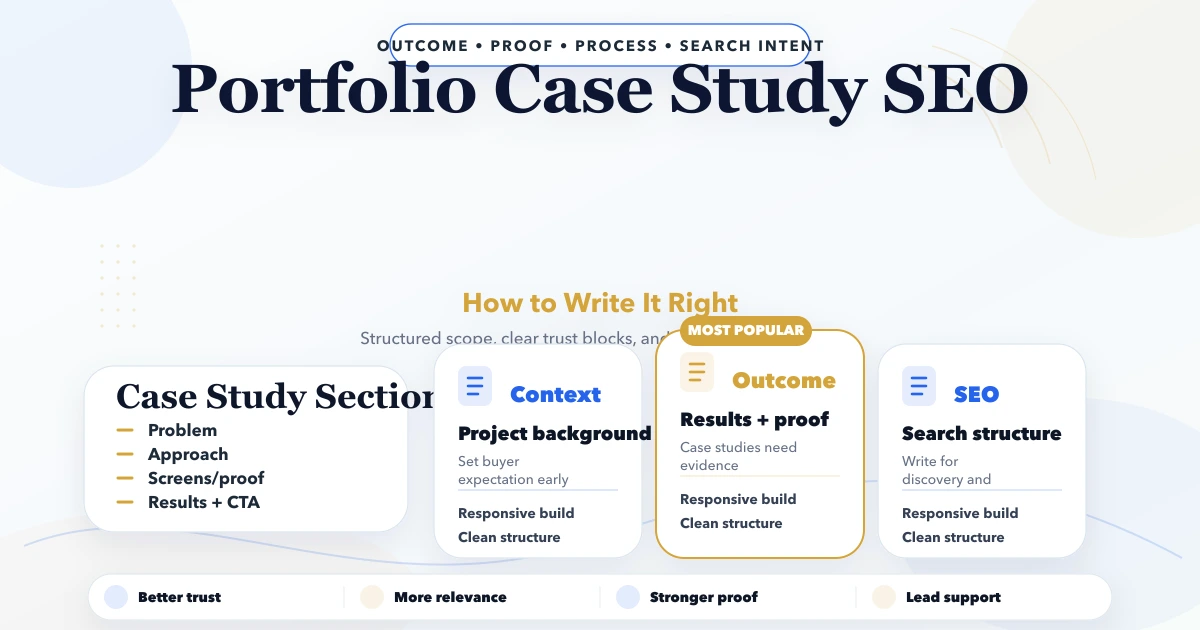
A useful portfolio case study is an evidence document written for a future buyer. It explains the original problem, important constraints, decisions made, work delivered and outcome that can be supported.
It is not a long advertisement. It should help a reader decide whether your team understands a comparable problem and whether the approach appears credible.
This guide focuses on writing one case study. For decisions about portfolio structure, indexing and page lifecycle, use the separate guide to portfolio pages for SEO and buyer trust.
Write the case study from source evidence, not memory alone. Use this order:
Search optimisation comes after the evidence is clear. A keyword cannot rescue a generic or unverified story.
Before drafting, create a private worksheet with the following fields:
| Field | What to collect |
|---|---|
| Permission | Name, logo, quote, screenshot and metric approvals |
| Business context | Industry, operating model and users |
| Trigger | Why the project started at that time |
| Baseline | Previous process, tool or measurable state |
| Constraints | Budget, timeline, data, compliance and integration limits |
| Scope | Included and excluded deliverables |
| Decisions | Options considered and reasons for choices |
| Delivery evidence | Acceptance notes, approved screens and launch records |
| Outcome | Measurement source, period and comparison |
| Maintenance | Current status and evidence review date |
If a field is unknown, mark it unknown. Do not fill evidence gaps with assumptions.
Client approval is a publishing requirement, not a final formatting step.
Confirm whether you may show:
If the case must be anonymised, define the safe description. “A regional electrical distributor with three sales locations” may provide useful context without exposing the company. Do not create a fictional testimonial for an anonymised project.
A case study should answer one primary question.
Examples:
Trying to target web development, CRM, mobile apps, SEO and automation on the same page weakens the story. Let the most relevant service page own the broad commercial query.
Good titles combine the business problem and solution type:
Avoid titles such as “Amazing Digital Success Story” or “Best Software Project.” They provide no search or buyer context.
Introduce the business in two or three paragraphs:
Example:
A North India supplier received quote requests through calls, WhatsApp and field sales staff. Product and price information was stored across separate sheets. The owner needed one controlled catalogue and enquiry queue, but direct ecommerce was not suitable because final rates depended on quantity and delivery area.
That context immediately explains why a catalogue-plus-quotation workflow was chosen.
Describe the previous state without insulting the client or exaggerating disorder.
A baseline can include:
If no quantitative baseline was captured, say so. A factual qualitative baseline is better than an invented number.
Constraints make the story believable because real projects involve trade-offs.
Common constraints:
Explain which constraints changed the solution. A list with no connection to decisions adds little value.
Show two or three meaningful choices.
For each decision, write:
For example, a team may begin with a responsive web app instead of separate mobile apps because the workflow is still evolving. That can reduce initial scope, but offline use may remain a later requirement.
This section demonstrates expertise better than a long technology list.
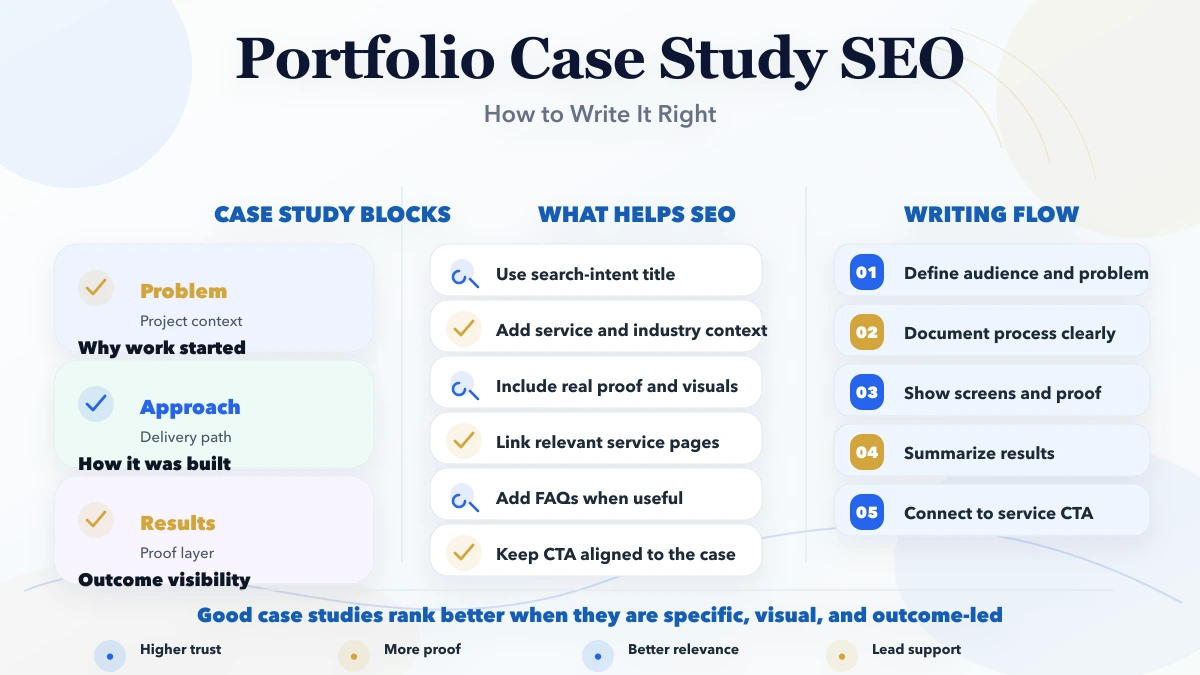
Explain the work in phases rather than using generic statements such as “we used an agile process.”
An implementation narrative might include:
Only include phases that actually occurred.
List concrete outputs:
| Deliverable | Evidence shown |
|---|---|
| Product catalogue | Approved catalogue screen |
| Quote request flow | User journey or form screenshot |
| Admin queue | Demonstration data screenshot |
| Import process | Template or validation note |
| Handover | Training and ownership summary |
Use captions to explain what each image proves. Do not publish private production data. Create safe demonstration records where necessary.
Use an outcome evidence ladder.
A measured result needs:
Example: “Median quote preparation time decreased from X to Y across Z sampled requests during the first four weeks.” Use this only when those records exist.
An approved observation from the owner or delivery record can be useful:
Product changes and quote requests are now reviewed in one company-controlled queue.
State what the system can do:
Authorised users can import products, review quote requests and record status changes.
Label forecasts clearly:
The workflow is intended to reduce repeated catalogue sharing, but long-term impact has not yet been measured.
Never turn an expectation into a result.
Add what the team learned:
A transparent boundary increases trust. For example, a lead dashboard may organise enquiries without replacing a full CRM.
Choose a problem-led phrase that matches the case. Use it naturally in the title, introduction and one heading. Avoid repeating an exact phrase in every paragraph.
The title and meta description should describe the published case, not a generic service promise. Do not add unsupported numbers to improve click-through rate.
Keep the slug short, descriptive and stable. Avoid date folders unless the site consistently uses them. Do not create separate URLs for the same case under multiple categories.
Link the case study to the related service and one or two practical guides. Add a contextual link back from the service page or an appropriate topic hub.
For a business workflow project, useful parent destinations may include:
Compress images, provide dimensions and write alt text that describes the relevant screen. “Quote approval queue showing status and owner” is more useful than “best software company case study.”
Use article or webpage schema if supported by the site. Do not publish review scores, client names or result values in structured data unless they are visible and valid on the page.
Use this as a writing scaffold, not a copy template:
VASUYASHII has removed its outdated public project portfolio. Current website proof relies on clearly labelled demos, service guidance, product information and direct requirement discussions.
This guide is therefore a publishing standard, not a claim that the example scenarios are current client case studies. A future VASUYASHII case study should be published only after permission, evidence and lifecycle ownership are confirmed.
Use the length required to explain the evidence and decisions. Many useful cases fall between 1,000 and 2,000 words, but completeness matters more than a target count.
Yes, if it still contains original, useful detail. State that it is anonymised and do not invent a client identity, quote or metric.
No. Use verified operational outcomes or delivered capabilities when reliable numerical measurement is unavailable.
Include technology only when it helps explain a decision, constraint, integration or maintenance implication. A logo list is not a case study.
A demo proves what a sample experience can do. It does not prove a client outcome. Label it as a demo and keep it separate from case-study claims.
Review it when the service changes, client permission changes, screenshots break or the evidence becomes stale. A six-to-twelve-month review cycle is a practical default.
Usually the service page. The case study should target a narrower problem, workflow or industry scenario and support the service with evidence.
Describe the delivered scope and omit the result claim. Accuracy is more valuable than a dramatic but unsupported statement.
For a real business website or workflow requirement, review VASUYASHII services and share the current process. Any published proof should remain specific, permission-based and honest about what was actually delivered.
Related Articles
May 14, 2026
portfolio SEO plan case studies: practical 2026 SEO plan with cluster map, pricing, roadmap, mistakes, FAQs, proof, and next steps for Indian SMBs today.
Read article
March 28, 2026
Copy a software development agency portfolio case study template with a filled example, evidence checklist, client approvals and conversion-ready CTA.
Read article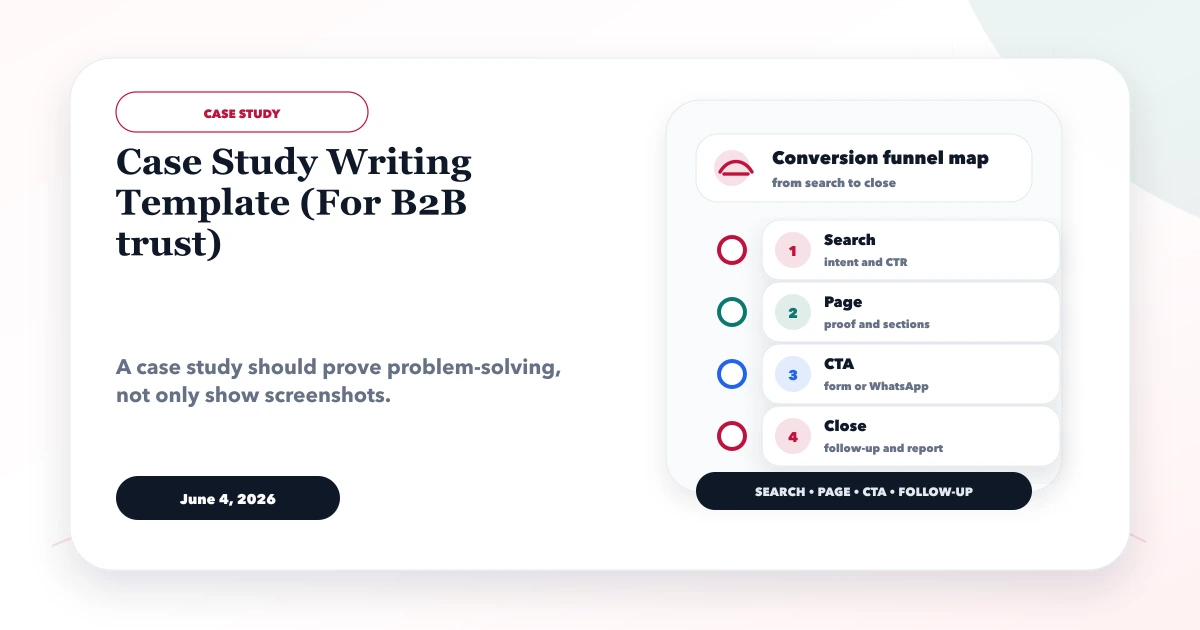
June 4, 2026
Case study writing template for B2B trust with problem, context, solution, screenshots, outcomes, proof, and CTA structure.
Read article
May 14, 2026
Practical lead magnet ideas for software companies, with qualification flows, measurement rules, Indian B2B examples, mistakes, and launch checklists.
Read article