
June 5, 2026
Website Navigation Structure for Faster Enquiries
Design website navigation that helps visitors compare services, find proof, understand next steps, and contact the business quickly on desktop and mobile.
Read articlePublished Updated
Build crawlable website navigation with real anchor links, logical hierarchy, accessible menus, pagination, descriptive anchors and repeatable SEO validation.
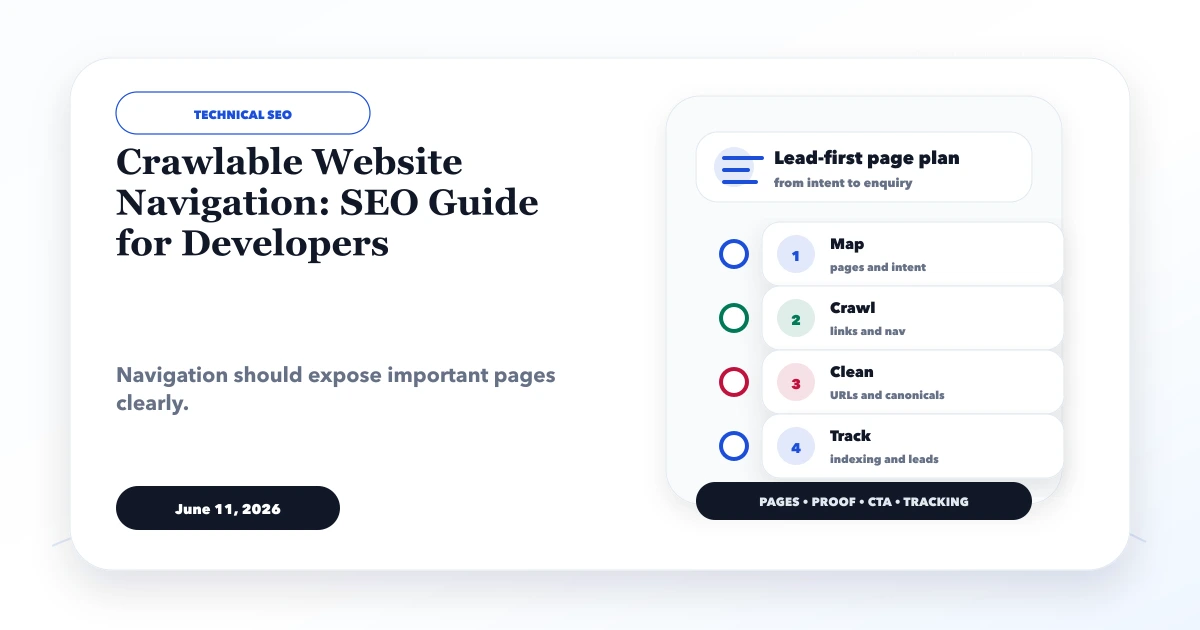
Crawlable website navigation uses real links, stable URLs, logical hierarchy, and visible context so people and search engines can reach important pages without executing a hidden interaction. A menu can look perfect and still fail discovery when it uses buttons, click handlers, inaccessible overlays, fragment-only routes, or client state instead of <a href> links.
This guide covers main navigation, dropdowns, mobile menus, breadcrumbs, contextual links, pagination, filters, and validation for modern React and Next.js websites.
By Tushar C. (Founder, VASUYASHII). Reviewed by VASUYASHII Editorial against current implementation practice and official Google Search Central guidance available on July 20, 2026. Test the final server-rendered or statically generated output; framework source code alone does not prove that a crawler receives usable links.
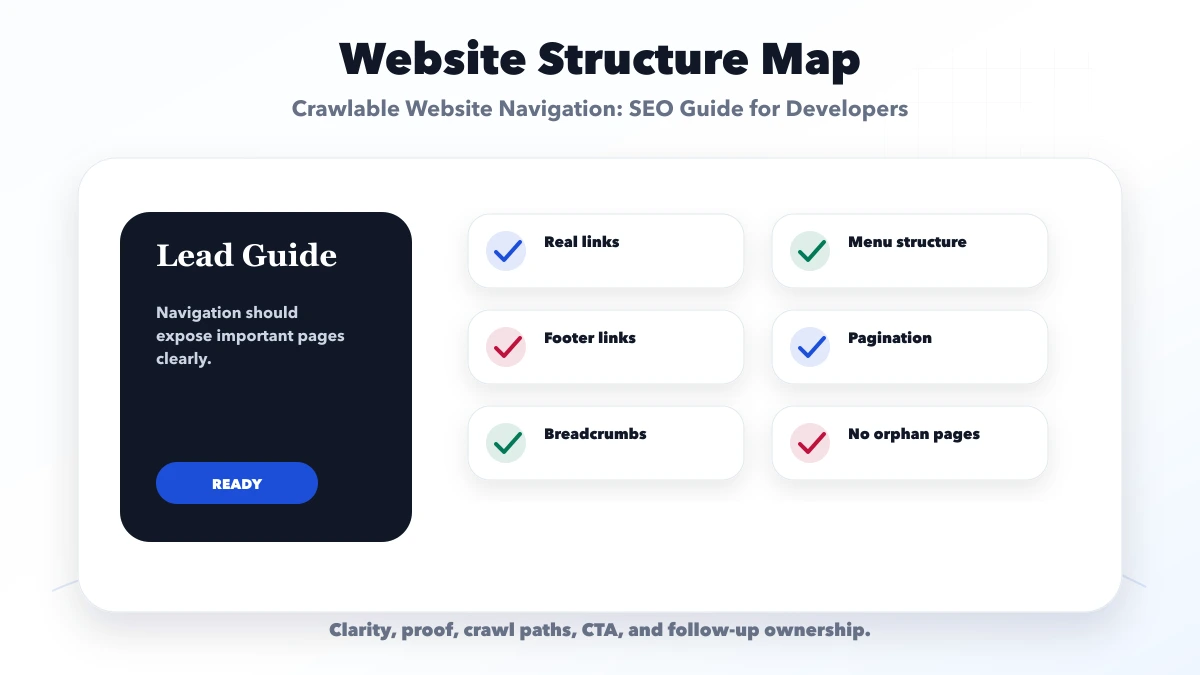
Use an anchor with a resolvable href for every route users and search engines should follow. Organize those links through a clear homepage, service or category hubs, detail pages, breadcrumbs, contextual body links, and sequential pagination. Keep menu labels descriptive, mobile controls accessible, final URLs canonical, and important links present in rendered HTML.
Google's link best-practices documentation says it can generally crawl links when they are <a> elements with href attributes. A click handler on a div, span, or anchor without href is not a reliable substitute.
Website navigation serves users, crawlers, and maintainers:
A large menu is not automatically a strong architecture. Navigation should expose primary choices while hubs and contextual links handle deeper relationships.
Recommended:
<a href="/services/web-applications">Web application development</a>Risky as the only navigation mechanism:
<button onclick="goToService()">Web application development</button>Buttons are correct for actions such as opening a menu, submitting a form, switching a tab, or starting a dialog. Anchors are correct for moving to a URL. An accessible dropdown typically uses a button to control visibility and anchors inside the menu for destinations.
In Next.js, the Link component should render an anchor with an href. Verify the generated HTML, especially when a custom component wraps the link or changes the child element.
A service website can use this pattern:
Homepage
|- Services
|  |- Website Development
|  |- Web Application Development
|  |- Custom Software / CRM / ERP
|  `- Integrations and Automation
|- Product
|  `- VASUYASHII Business Suite
|- Demos
|- Blog
|  |- Topic Hub
|  `- Article
|- About
`- Contact
The hierarchy should match business and buyer decisions. Do not place every blog post in the main navigation. Link important commercial and topic hubs there, then let hub pages organize the supporting content.
Keep top-level labels literal and stable. "Services," "Products," "Demos," "Blog," "About," and "Contact" communicate more than abstract labels such as "Discover" or "Possibilities."
For each item, check:
If the business retires a page, remove it from navigation and update contextual links. Keep a relevant permanent redirect when old external links or bookmarks may exist.
A dropdown trigger should be a button with an accessible name, aria-expanded, and aria-controls where appropriate. The panel contains real destination links.
<button
  type="button"
  aria-expanded={open}
  aria-controls="services-menu"
  onClick={() => setOpen((value) => !value)}
>
  Services
</button>

{open ? (
  <div id="services-menu">
    <Link href="/services/web-applications">Web applications</Link>
    <Link href="/services/software-development">Custom software</Link>
  </div>
) : null}
If links only exist after interaction, Google may still render them, but discovery should not depend on an unusual user gesture. Important destinations should also be linked from relevant static page content, hubs, or footer navigation.
Avoid nested interactive elements, hover-only opening, delayed pointer traps, and panels visually hidden while still covering the page. Test escape, outside click, tab order, and route change behavior.
The mobile menu can use a different layout, but should preserve the same important routes and labels. Common mobile failures include:
Test at narrow widths with long labels and browser zoom. A menu that clips text or places the close button under the browser chrome is not production-ready.
Breadcrumbs help visitors move up a hierarchy and clarify a detail page's context. Render visible links such as:
Home > Blog > Technical SEO > Crawlable Website NavigationUse anchors for every parent destination and plain text for the current page. Breadcrumb structured data may be added when it matches the visible path, but schema should not describe a hierarchy the user cannot see.
Navigation shows global choices; contextual links explain relationships. Add links where the destination helps the reader continue a decision. Examples:
Google recommends concise, relevant anchor text and says every page you care about should have a link from another findable page. There is no universal ideal link count. Avoid sitewide blocks with hundreds of unrelated keyword anchors.
Large archives need crawlable paths to older items. Each paginated page should have a unique URL and links to the next and previous pages. Page-number links can reduce the distance to deeper content.
Google's pagination guidance explains that crawlers generally do not click buttons or trigger user actions to load more content. If the interface uses "Load more" or infinite scroll, provide crawlable paginated URLs and anchors as a fallback.
Do not use URL fragments such as #page=3 as the only pagination state. Give each paginated page its own canonical rather than canonicalizing every page to page one when the contents differ.
Filters can create many URL combinations. Decide which filtered pages have independent search and user value. For the rest, control links, canonical signals, index directives, and crawl access based on a deliberate policy.
Do not place every filter combination in the sitemap. Avoid generating infinite spaces through order, colour, price, date, and tracking parameters. A crawler should be able to reach core categories and details without exploring every combination.
For a JavaScript application, compare four layers:
A link that exists only in React state after an API call may be absent from initial output. A hydration error can remove or replace navigation. If link discovery is critical, keep route data available during server rendering or static generation where the architecture permits it.
The Google developer SEO guide recommends ensuring that all pages can be reached by a link from another findable page. Use a sitemap as additional discovery support, not a replacement for internal architecture.
An orphan page has no internal link from the crawlable site graph. It may still appear in a sitemap, but users and crawlers receive little context about its importance.
Run a rendered internal-link graph after each major content batch:
Do not solve every orphan by adding it to the footer. Link it from the closest relevant hub or article, or reconsider whether it belongs in the indexable architecture.
Internal links should point directly to the final canonical form:
Mixed internal URLs waste crawl requests and create noisy Search Console reports. Redirects remain useful for old external URLs, but the current site should link directly to the destination.
Navigation is present on every page, so its JavaScript and CSS affect the full site. Avoid loading large animation, search, icon, or menu libraries when a small interaction is sufficient. Reserve stable header dimensions to prevent layout shift. Use CSS transforms and opacity for motion where possible, respect reduced-motion preferences, and avoid measuring layout repeatedly during scroll.
Do not delay all navigation rendering to improve a lab score. The correct goal is usable, accessible, crawlable navigation with minimal client work.
href.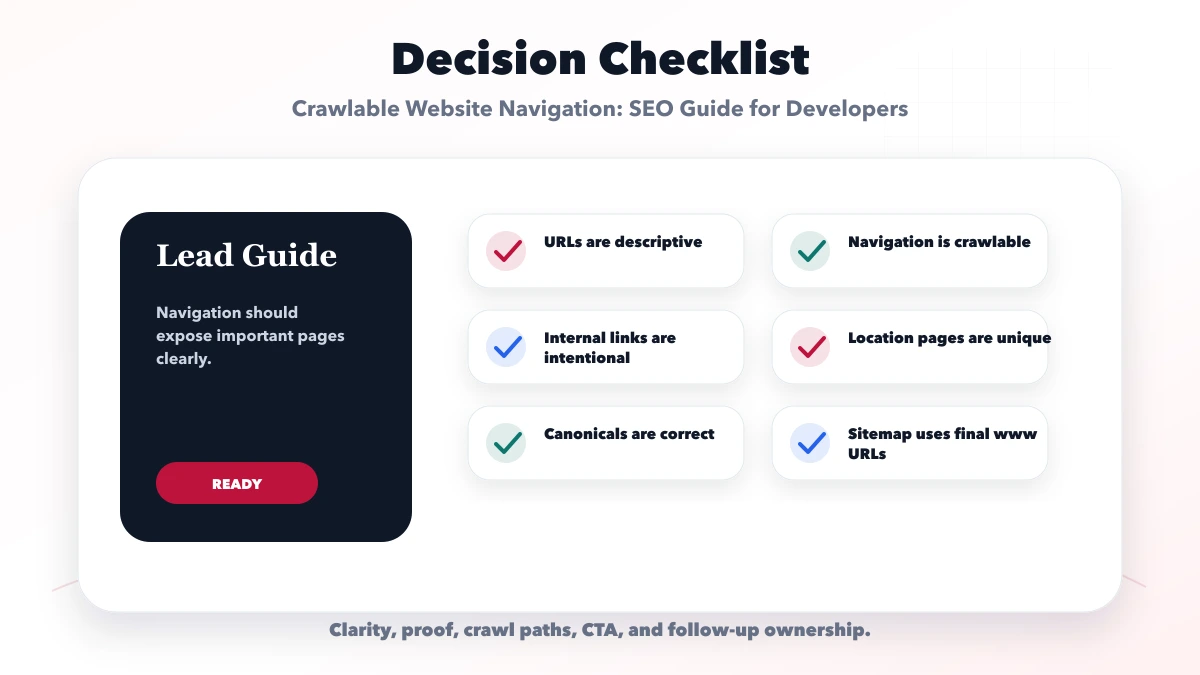
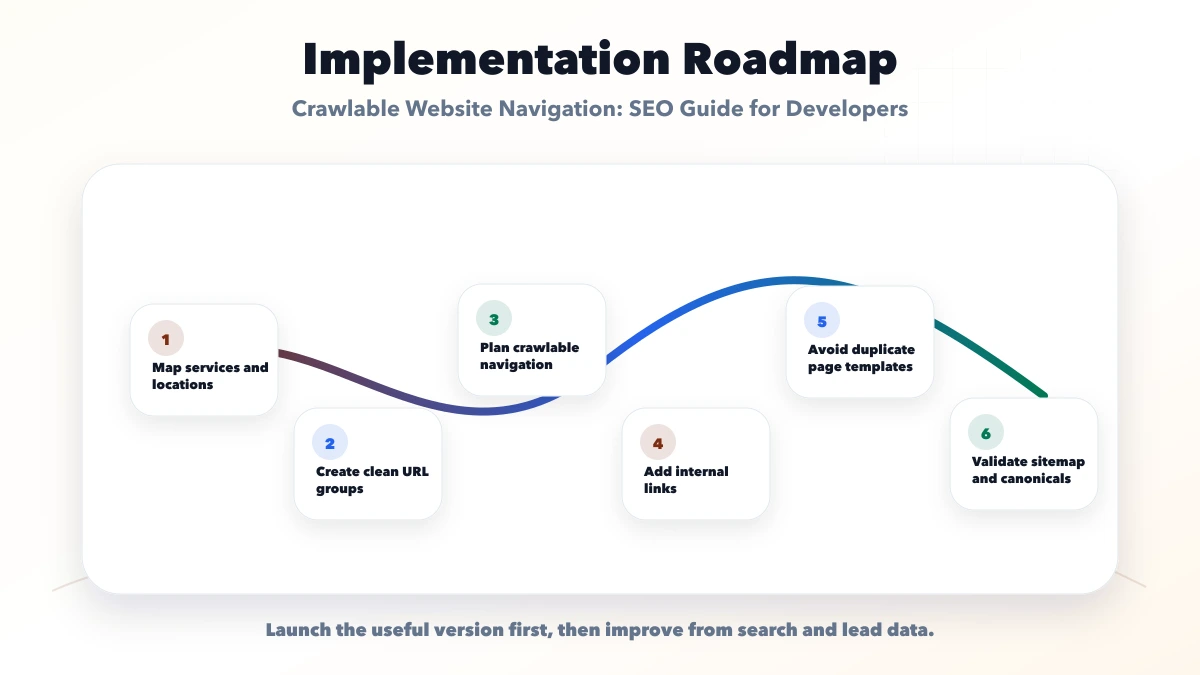
VASUYASHII uses visible primary navigation, service and topic hubs, crawlable blog pagination, contextual article links, and generated HTML validation. When old public sections are retired, visible links and sitemap entries are removed while relevant redirects preserve old destinations. Internal-link reports are recomputed so important pages do not depend only on the sitemap.
Related guides include SEO-friendly website architecture, internal linking for service pages, service-page URL structure, automatic sitemap updates, and Core Web Vitals fixes in Next.js.
For implementation, review web application services, website development services, and custom software development, or start with contact.
div or span elements for routes.href and relying only on onClick.They can be when JavaScript creates a normal anchor with a valid href. A click handler on another element is not a reliable link. Verify the rendered HTML with browser tools and URL Inspection.
No. Main navigation should expose primary destinations. Hubs, breadcrumbs, contextual links, and pagination can connect deeper pages without overwhelming users.
No. A sitemap helps search engines discover URLs, but internal links provide user access, context, and hierarchy. Important pages should have relevant crawlable links from findable pages.
Buttons are correct for actions such as opening a menu, submitting a form, or changing UI state. Use anchors when the action is navigation to a URL.
Provide unique paginated URLs and crawlable links that expose the same items. Do not require a crawler to scroll or click "Load more" to discover content.
There is no universal number. Add links that help the user continue the topic or task. Audit orphan and weakly linked priority pages, but avoid irrelevant link blocks.
This depends on the site's architecture. The item or article URLs are usually the priority sitemap entries. Paginated pages can remain crawlable through links even when they are not listed in the sitemap.
Compare authority and discovery work in internal links versus backlinks, use the website navigation structure guide for user-facing labels, and validate the final depth with the small-business page-count guide.
Export the current route list and crawl the production build. Compare sitemap URLs, generated anchors, redirects, and incoming-link counts. Fix the highest-value missing relationships before redesigning the menu.
Related Articles
June 5, 2026
Design website navigation that helps visitors compare services, find proof, understand next steps, and contact the business quickly on desktop and mobile.
Read article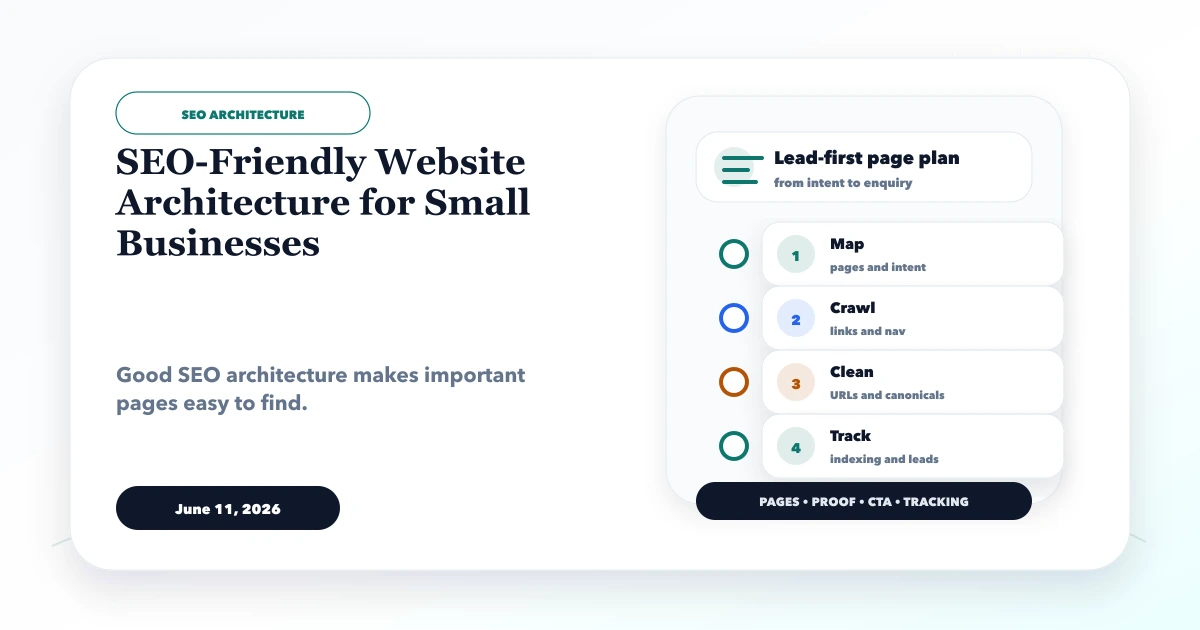
June 11, 2026
SEO-friendly website architecture for small businesses with service pages, location pages, blog clusters, internal links, sitemap, and canonical checklist.
Read article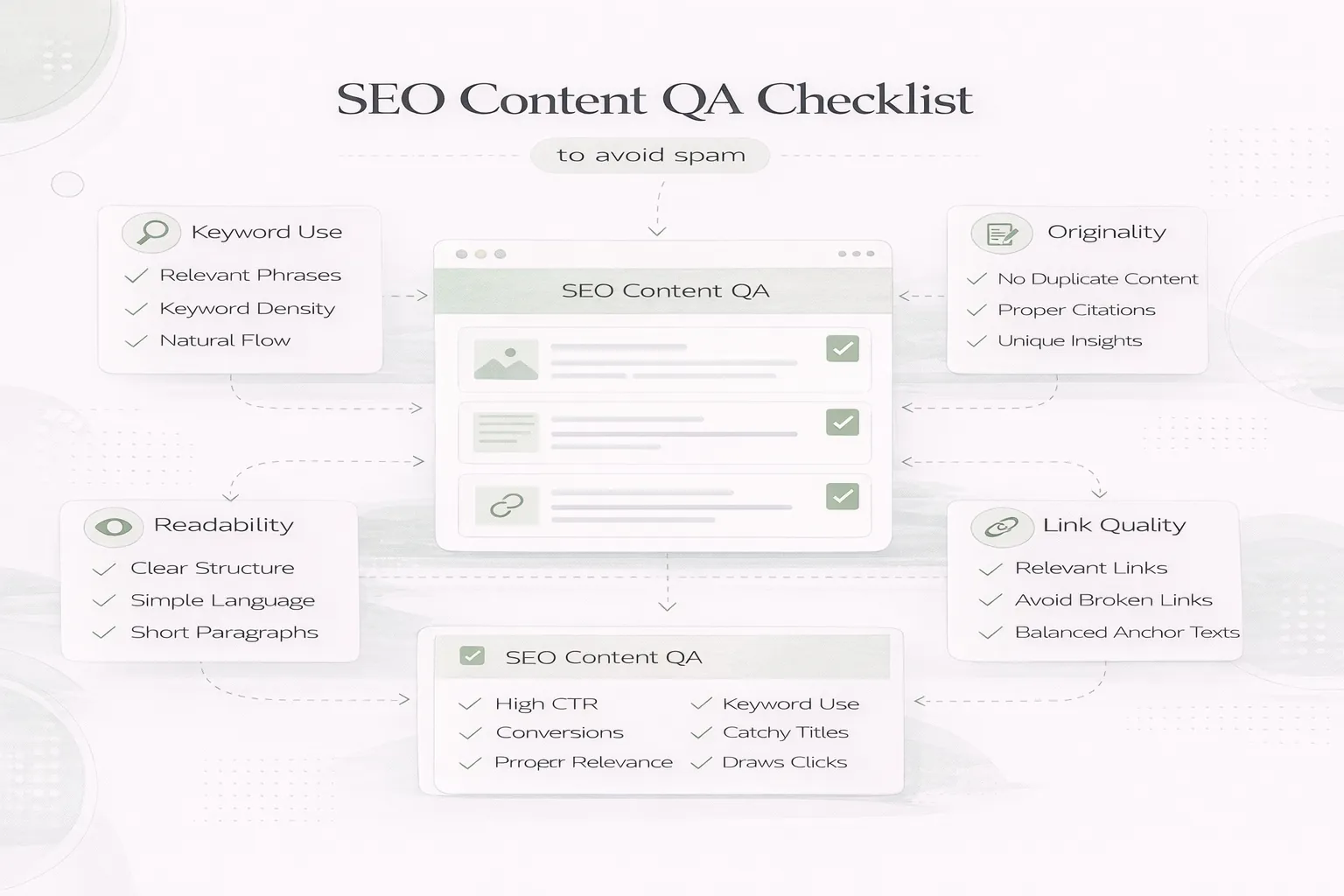
April 8, 2026
SEO content QA checklist to avoid spam: people-first review steps, duplication checks, internal links, and common quality mistakes in 2026.
Read article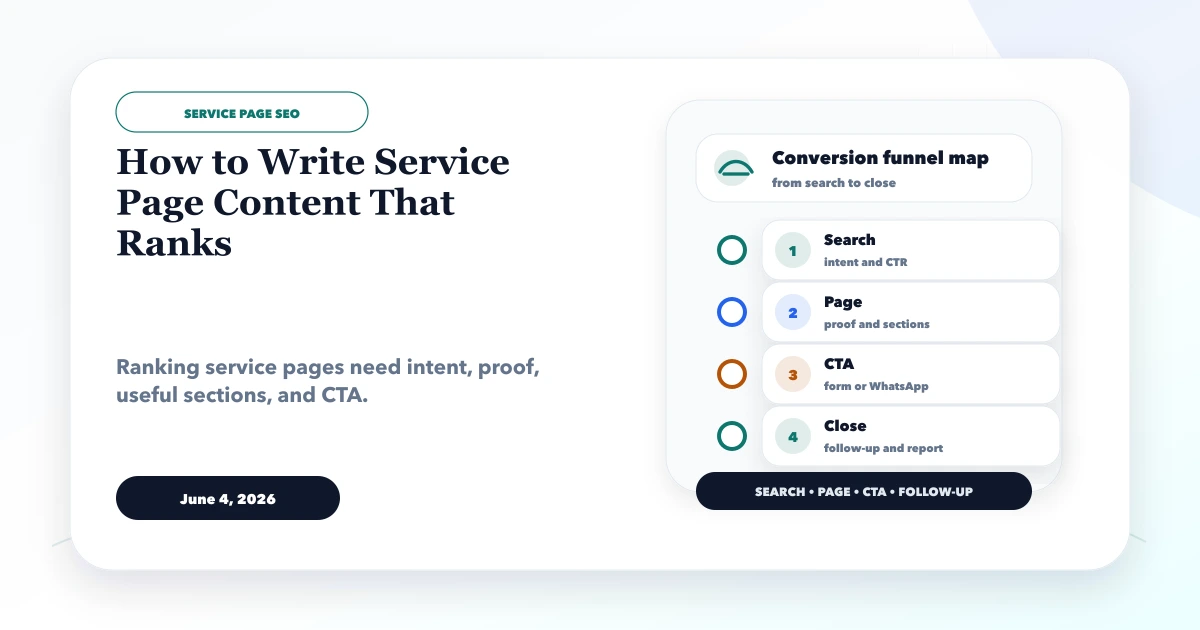
June 4, 2026
How to write service page content that ranks with search intent, headings, proof, FAQs, internal links, CTA, and content checklist.
Read article