
April 20, 2026
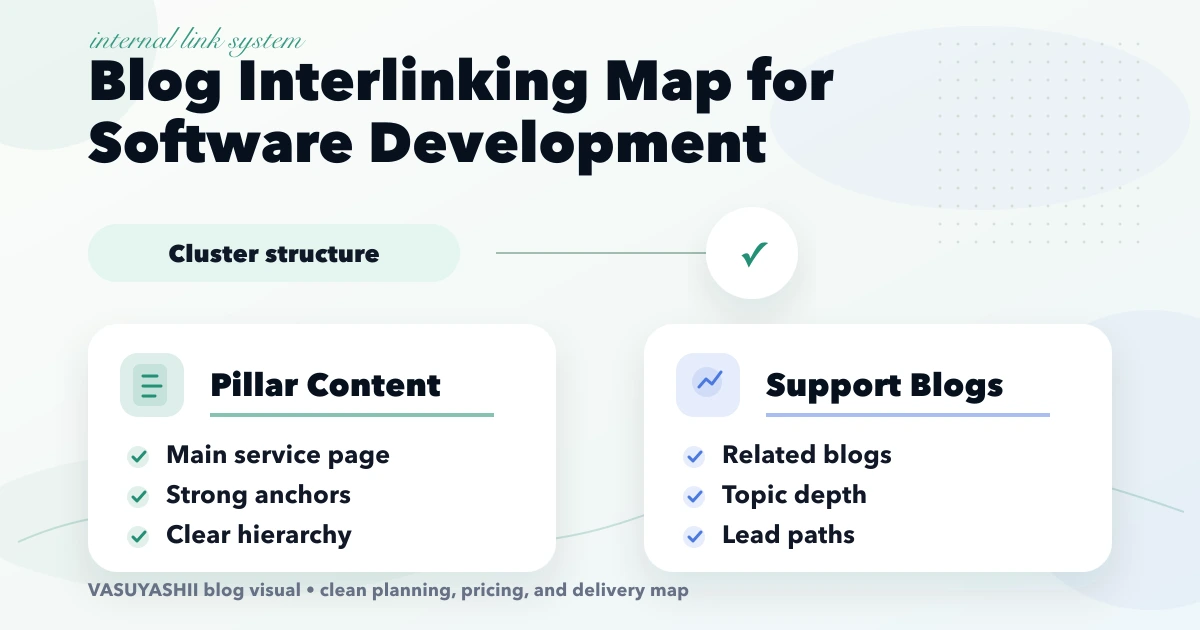
Internal Linking Map for Software Development Blogs
Create an internal-link map for software blogs using parent hubs, intent-based support pages, proof links, anchor rules, audits, and rollout checks.
Read articlePublished Updated
Build an internal linking plan for web development services using hubs, support posts, natural anchors, crawl-depth checks, link reports, and update rules.
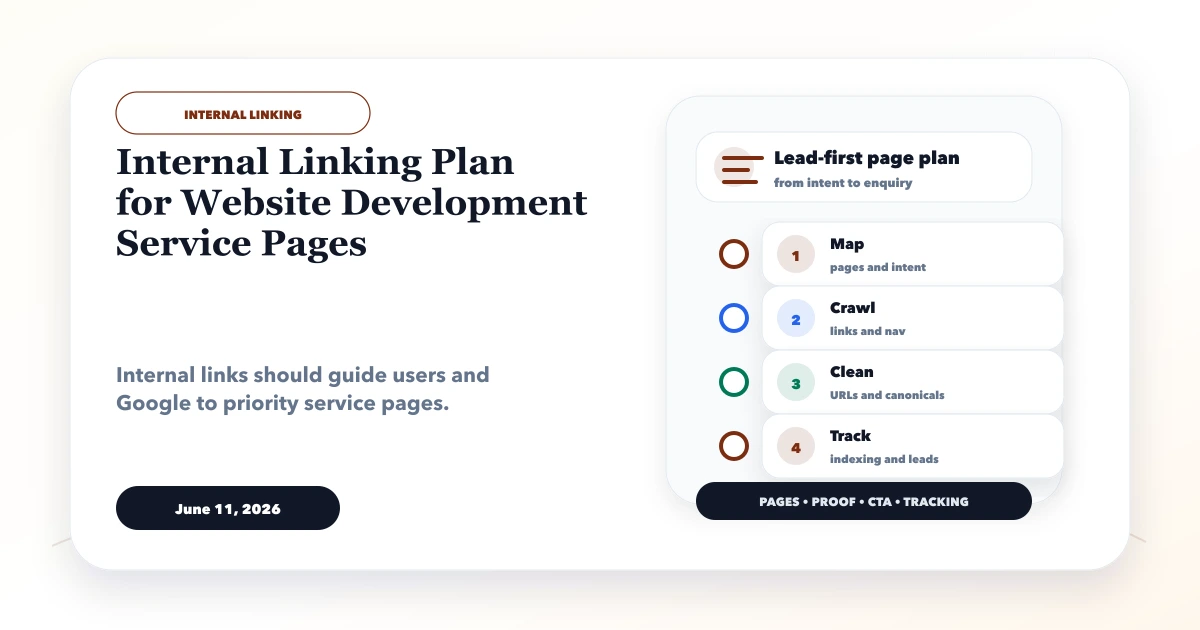
Internal links should show which page owns a topic and where a visitor should go next. They are not a quota to satisfy by adding “related posts” blocks everywhere. For a web development company, the structure must connect service hubs, commercial pages, planning guides, location pages, proof, and contact paths without making every article compete for the same keyword.
This guide provides a repeatable link system for a large service-and-blog website. It includes page roles, link directions, anchor rules, crawl-depth checks, and maintenance decisions.
By Tushar C. (Founder, VASUYASHII). Internal linking supports discovery and topic clarity but does not guarantee indexing or rankings. Pages still need unique intent, useful content, correct canonicals, crawlability, and genuine value.
Assign every important URL a role: parent hub, money page, support guide, proof page, location page, or conversion page. Then ensure support pages link to the relevant parent, parents link to the most useful children, siblings connect only when the next question is natural, and every commercial path reaches evidence and contact. Track both outgoing and incoming links so strong new articles do not remain isolated.
| Page role | Primary purpose | Links it should receive | Links it should give |
|---|---|---|---|
| Homepage | Brand and priority offers | Navigation and external brand mentions | Main services, product, proof, contact |
| Service hub | Own a broad commercial topic | Homepage, services index, related guides | Sub-services, costs, proof, contact |
| Money page | Answer a specific buyer intent | Hub, support posts, proof | Hub, process, project, contact |
| Support post | Answer one planning question | Hub, related guides, archive | Parent money page, sibling, proof |
| Location page | Serve genuine local intent | Regional hub, relevant local support | Parent service, proof, contact |
| Project page | Demonstrate implemented capability | Services and relevant guides | Related service, process, contact |
| Contact/resource | Complete the next action | Commercial and support content | Privacy, process, relevant service |
A page can have secondary functions, but one primary role prevents random linking. Record the primary keyword or decision, parent URL, and conversion destination in the inventory.
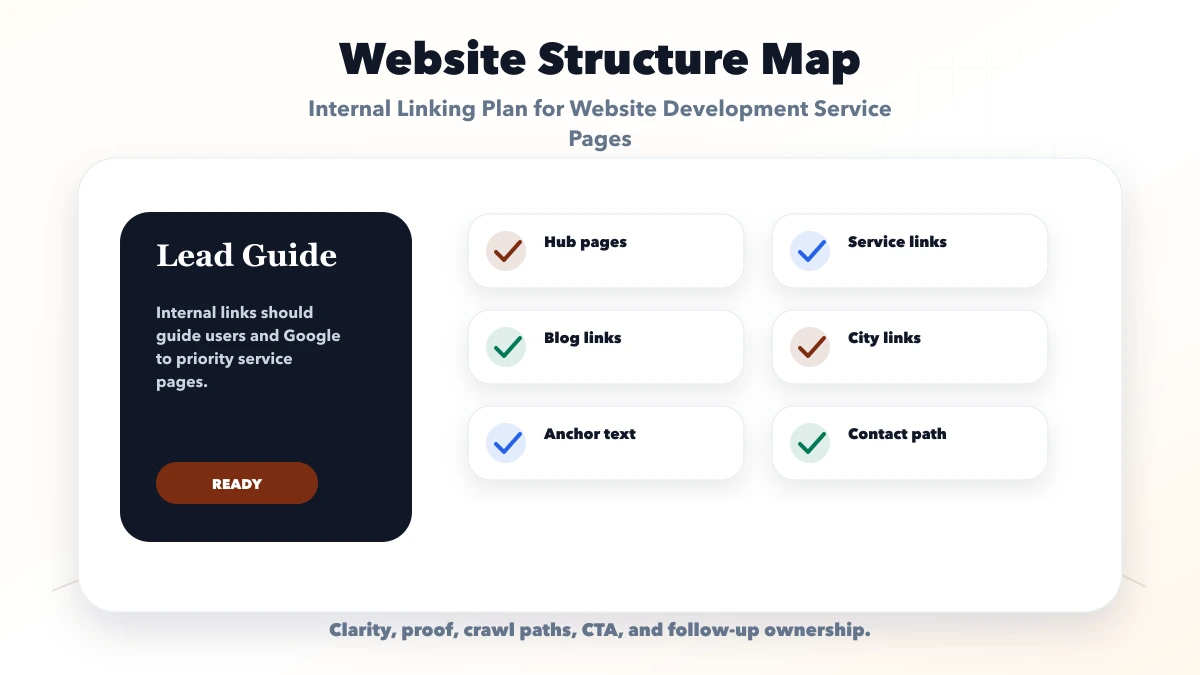
For web application development, the parent might be /services/web-app-development. Child money pages could address SaaS development, dashboard development, and web app cost. Support posts could explain role-based access, database selection, audits, MVP scope, and payment integration. Project pages provide evidence of implemented workflows.
The links should form a decision journey:
This is more useful than linking every post to every service.
Every support article should link to the parent commercial page with an anchor that describes the service naturally. Place the link where it helps the reader act on the advice, not only in a footer.
A hub should link to a curated set of cost, process, comparison, implementation, and proof pages. Avoid listing hundreds of posts. Group links by user decision and update the set based on current business priority.
Link siblings when one question logically follows another. A website architecture guide can link to crawlable navigation and service URL structure. It should not link to an unrelated inventory software post merely to increase counts.
Commercial claims should connect to genuine service capabilities, product screenshots, or process resources. Conversion links should preserve context: “request a web app scope discussion” is clearer than “click here.”
Use anchors that describe the destination in the sentence. Mix branded, partial-topic, problem-based, and page-title anchors. Repeating the exact focus keyword across many pages can look mechanical and makes copy harder to read.
Good examples:
Avoid vague anchors when context is not obvious, and avoid misleading anchors that promise a calculator, template, or price list the destination does not provide.
Place the most important contextual link near the section that creates the need. Use standard crawlable <a href> links rendered in HTML. Links hidden behind scripts, non-link click handlers, or inaccessible menus may be harder for users and crawlers to discover.
Ensure keyboard focus is visible, link text remains distinguishable, and cards do not contain competing nested click targets. On mobile, keep text links large enough to tap without accidentally activating another control.
An article with many outgoing links can still be isolated. Maintain a report containing:
Prioritize money pages and strong support pages with fewer than three contextual incoming links. Add links from relevant existing content; do not create low-value posts solely to manufacture incoming links.
Important commercial pages should generally be reachable through the homepage or services navigation within a few meaningful clicks. Blog archive pagination can expose all articles, but a priority guide should not depend on page 17 of an archive and the sitemap alone.
Topic hubs, service pages, curated “related planning” sections, and contextual article links reduce depth. Keep paginated archives crawlable even if they are not included in the XML sitemap. The sitemap supports discovery; it does not replace site architecture.
Location pages should link to one regional or service parent, relevant local proof, and the contact path. Do not create circular city-page link blocks where 40 nearly identical locations all link to one another. That pattern does not provide a useful buyer journey.
VASUYASHII currently maintains a location publishing freeze while overlapping city clusters are reviewed. The safe rule is to collect genuine service-area evidence and GSC data before adding, merging, redirecting, or changing index status for a location URL.
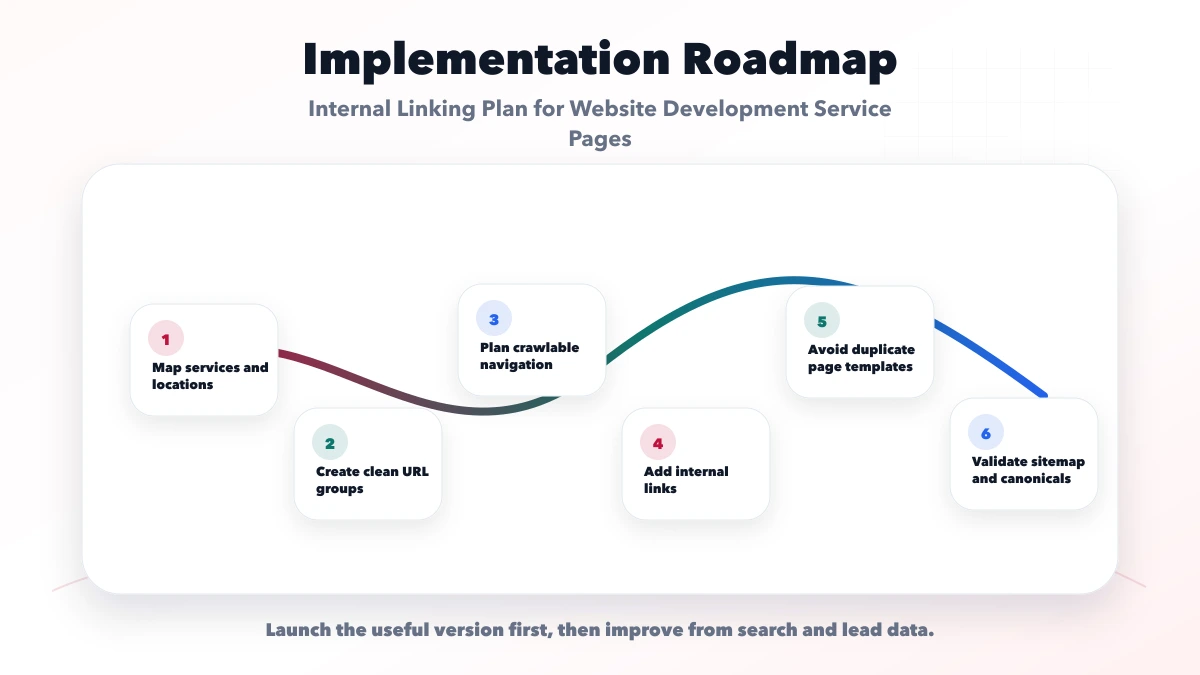
For an App Router site, verify that links exist in generated static HTML and point to the final canonical route. Use relative internal URLs such as /services/web-applications in content. This avoids accidentally introducing apex, HTTP, or non-www variants.
In MDX, validate route strings during the build or with a targeted link script. Check bracketed dynamic routes carefully and preserve public slugs when renaming source files. A successful React render does not prove that every written URL returns a page.
The VASUYASHII website uses service hubs, MDX support posts, projects, and a final-www sitemap. Its current content-quality work also measures blog-body incoming links, which revealed that many deep posts were technically indexed in the sitemap but weakly connected from related articles.
When two destinations appear to answer the same query, complete a content cannibalization diagnosis before choosing the link target or removing a page.
https://www.vasuyashii.com.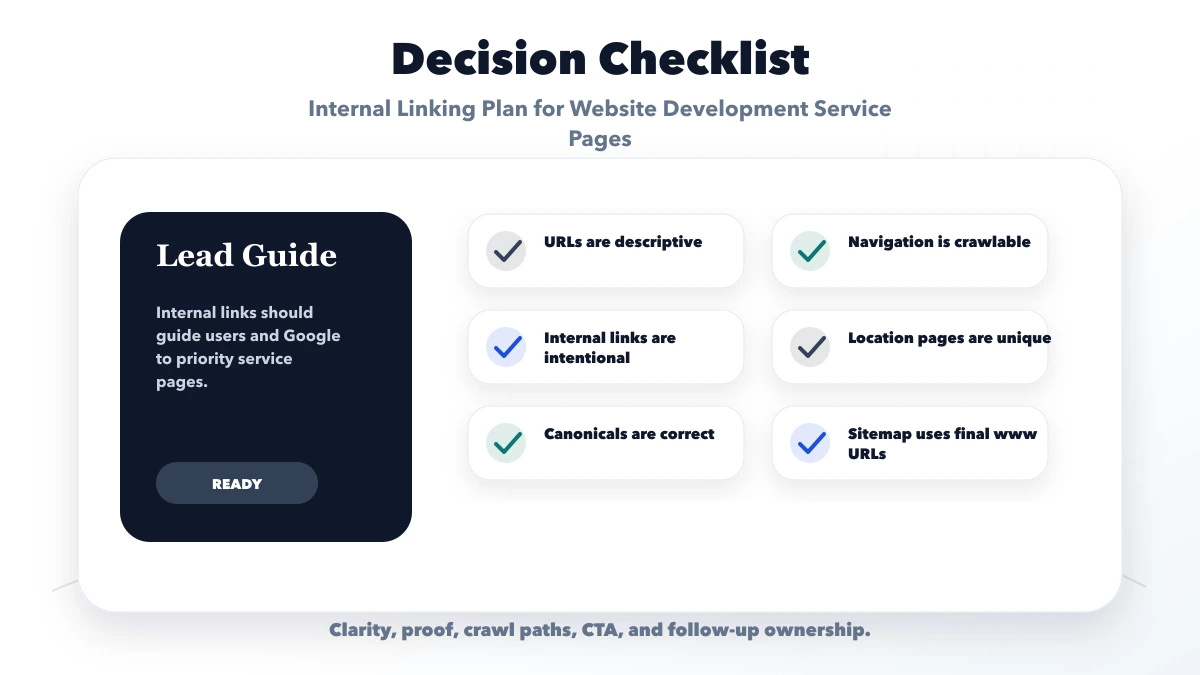
There is no universal number. Link to the pages required for the buyer's decision and topic structure. Relevance and page role are more useful than a fixed quota.
They help discovery, but contextual links inside relevant sections usually explain the relationship better. Use both when they serve different navigation needs.
Most commercial support content should offer a next step, but the CTA should match intent. An early research guide may first link to a checklist, hub, or project before contact.
They can clarify which page is the parent, but they do not make duplicate pages unique. Overlapping URLs still require intent differentiation and evidence-led review.
Yes. Add links from the strongest relevant old posts to the hub and replace outdated destination paths. Also link the hub back to the most useful established guides.
There is no guaranteed timeline. Google must recrawl and reevaluate the pages, and results depend on content quality, competition, authority, and technical signals beyond links.
Use the internal links versus backlinks decision guide to choose the next priority, then confirm that the business website footer and main navigation support the same hierarchy.
If a priority service page still receives no useful impressions, review technical eligibility, intent, overlap, authority, and user experience with the website ranking fix guide.
Use the software-company keyword cluster framework before assigning links so every support page has one clear parent and search intent.
Export your priority service URLs, assign one parent to each, and identify the ten pages with the weakest relevant incoming links. Fix that small graph before adding another topic cluster.
When adding a recent-content block, follow the latest-blog internal-link rules so sorting, pagination, anchors, and link churn do not weaken this service-page graph.
For a registry-based implementation across software topics, use the software blog interlinking map to classify parent, sibling, proof, and conversion links.
Related Articles
April 20, 2026
Create an internal-link map for software blogs using parent hubs, intent-based support pages, proof links, anchor rules, audits, and rollout checks.
Read article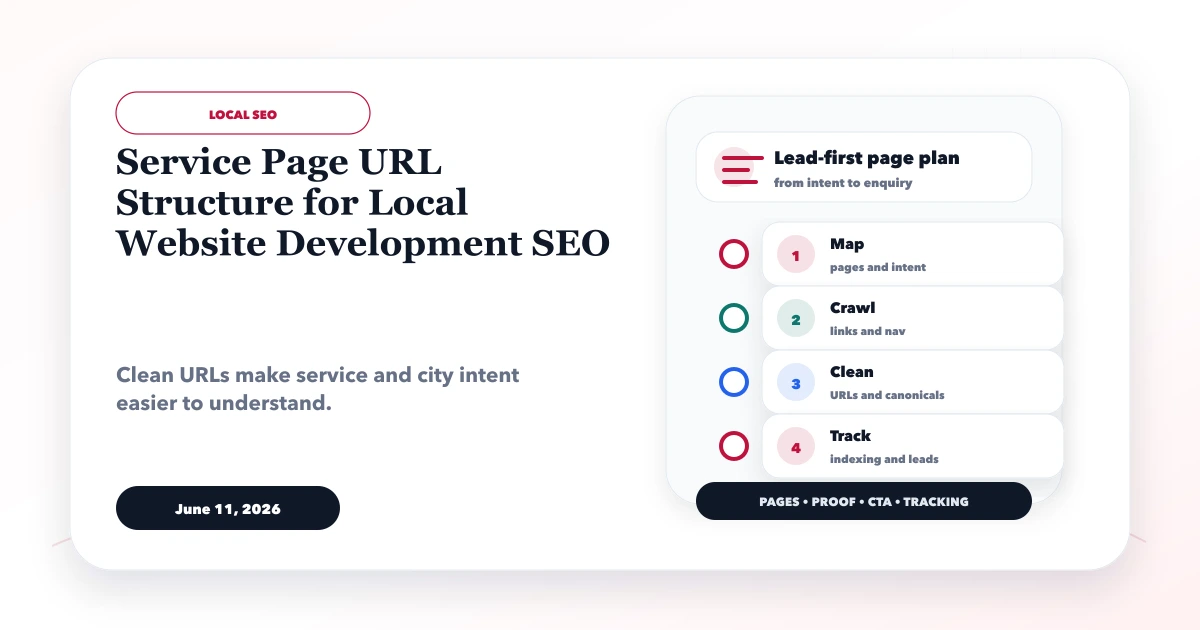
June 11, 2026
Plan stable local service URLs with parent hubs, genuine location pages, self canonicals, direct redirects, crawlable links, and sitemap consistency.
Read article
March 18, 2026
Build an SEO-friendly website with crawlable architecture, clean canonicals, fast mobile pages, structured data, internal links, and conversion tracking.
Read article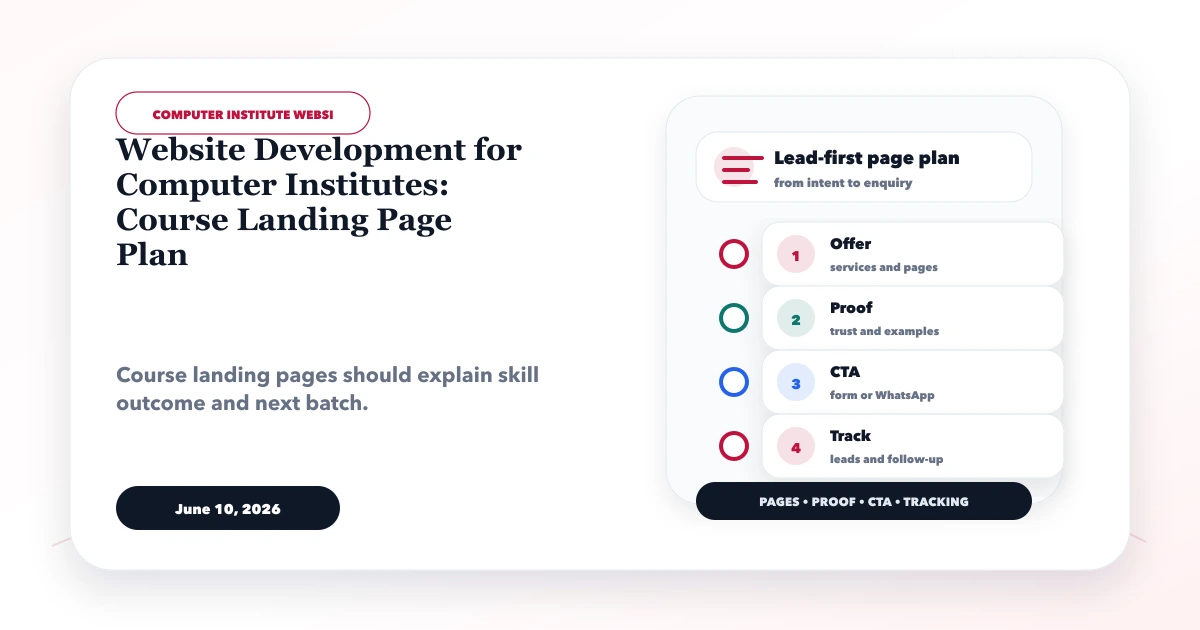
June 10, 2026
Build computer institute course pages with syllabus, tools, batch and fee details, honest certificate proof, demo-class leads, and clear follow-up.
Read article