
March 31, 2026
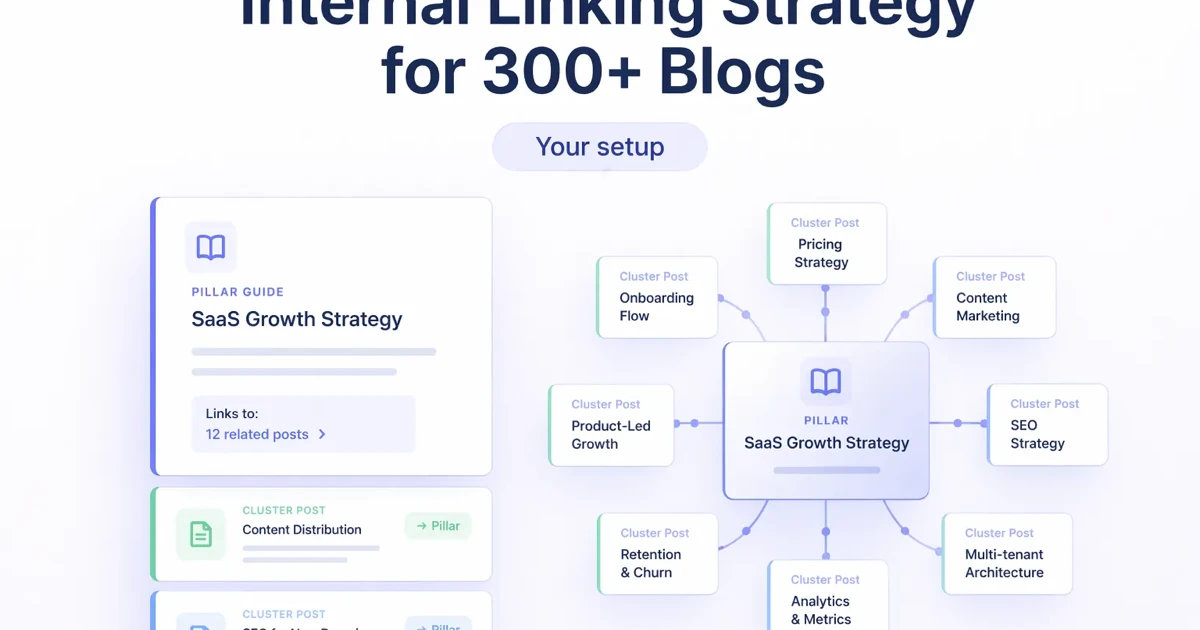
Internal Linking Strategy for 300+ Blog Libraries
Build an internal linking system for 300+ blogs using hubs, page roles, contextual anchors, crawl-depth checks, incoming-link targets and refresh queues.
Read articlePublished Updated
Create an internal-link map for software blogs using parent hubs, intent-based support pages, proof links, anchor rules, audits, and rollout checks.
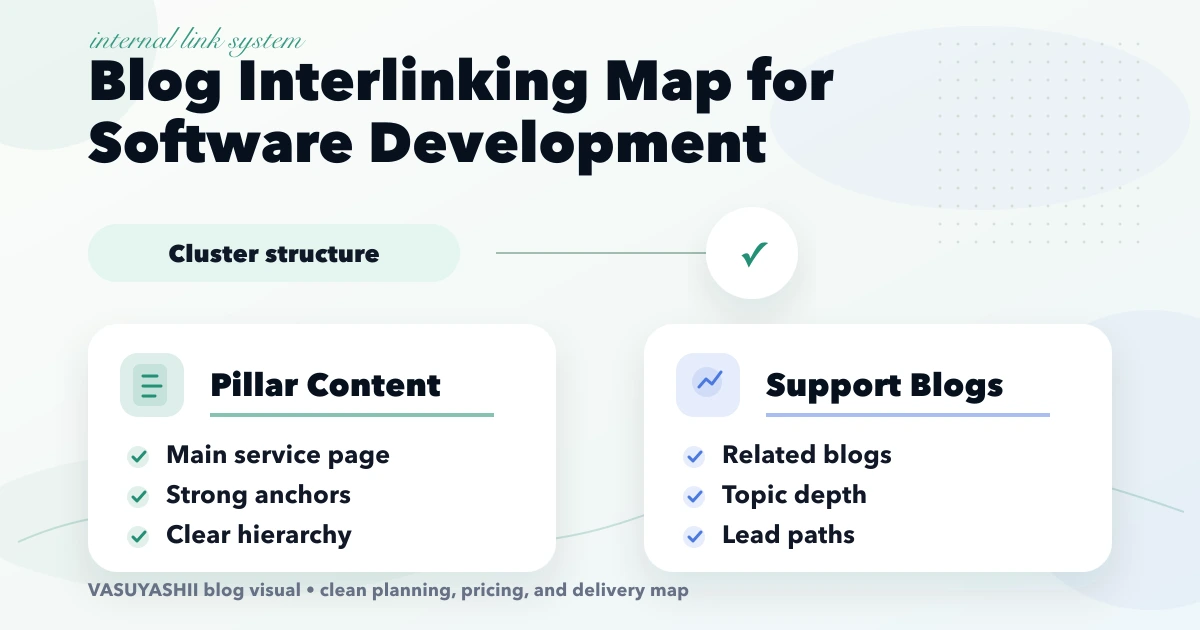
blog interlinking map software development cluster is important for software company websites with many blogs that need better internal links to service pages and money pages. A blog interlinking map for a software development cluster helps search engines and users understand which pages are most important. This guide is for websites with many software blogs but weak internal linking to services, portfolio, and contact pages. This guide is written for Indian SMB owners who want practical scope, cost, timeline, and decision clarity without generic theory.
| Scope | Typical range |
|---|---|
| Small interlinking audit | ₹10,000 to ₹30,000 |
| Cluster mapping | ₹30,000 to ₹80,000 |
| Full 300+ blog interlinking cleanup | ₹80,000 to ₹2.5 lakh+ |
The service hub is the commercial parent, but users do not always move directly from a blog to contact. A cost guide may lead to a comparison, then a project example, then the service page. Map these useful next decisions instead of forcing every article into the same three-link CTA block.
Assign each page one primary parent, one or two lateral relationships, and one proof or conversion destination. This creates hierarchy without isolating narrow guides.
Export indexable URLs and crawl all rendered HTML sources, including blog pagination. Count unique incoming sources rather than repeated links from one page. Flag broken destinations, true orphans, pages with one or two incoming links, redirecting links, and support pages that never link to their parent.
Then combine crawl data with Search Console. A page with impressions but weak internal support may deserve stronger placement; a page with no visibility, duplicated intent, and no unique value may need consolidation instead.
For this website architecture, useful parents include Software Development, Web App Development, and Custom Software, CRM and ERP.
A renderer can add a reliable parent-hub link or related-post block across many articles. Keep that logic small and predictable. Editorial links inside the article should still explain why the destination helps at that exact point. Automated links provide baseline discoverability; contextual links communicate relationships and are easier for users to trust.
Start with a short discovery checklist that defines users, workflow, required outputs, and success metric.
Yes. A phased build is usually safer because it keeps cost and adoption under control.
Avoid building too many advanced features before the core workflow is tested with real users.
Compare exact deliverables, timeline, ownership, support, and reporting instead of only the final price.
No. Custom development is useful when workflow, roles, reports, or integrations are specific to your business.
Yes, if the first phase is scoped around one clear business problem.
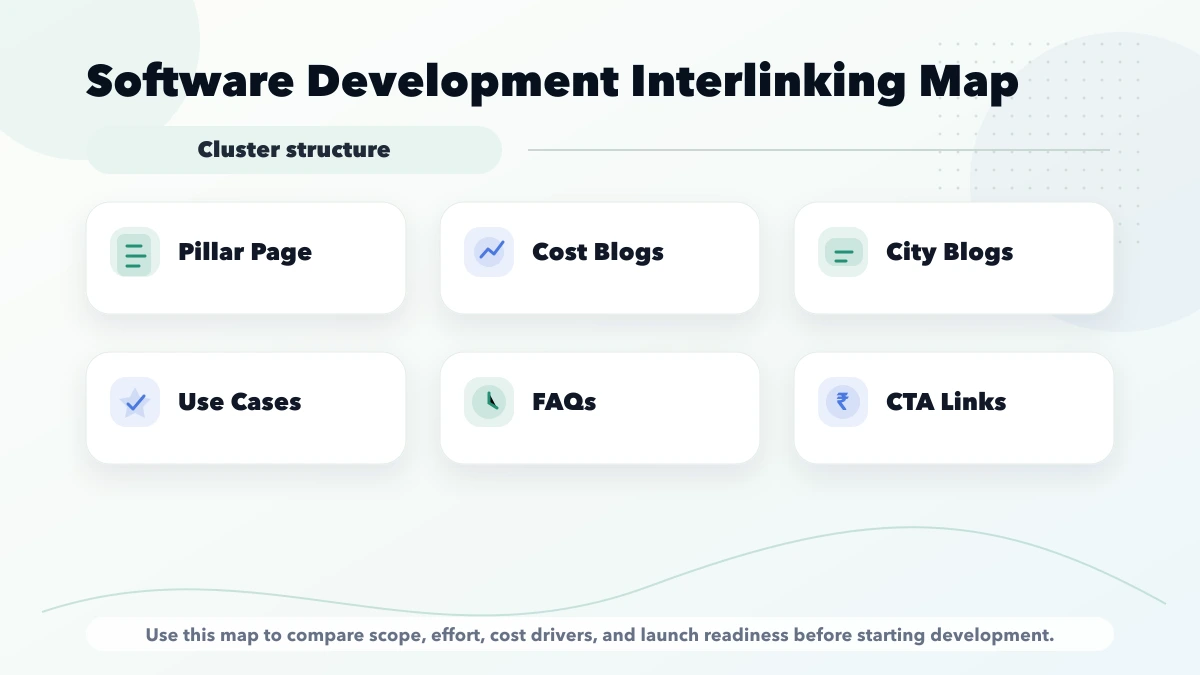
A software content cluster should not be a list of similar keywords. It should help a reader move through a decision:
For example, the custom software service can act as a commercial destination. A custom software use-cases and cost guide supports early research. A fixed-versus-modular pricing guide answers quotation concerns. An admin login security guide handles implementation risk. Each page has a distinct job.
Maintain a small registry instead of relying only on automatic related cards:
| Field | Purpose |
|---|---|
| Source URL | Page that will contain the link |
| Target URL | Page receiving authority and referral traffic |
| Reader question | Why a person would follow the link |
| Anchor | Descriptive phrase used in the sentence |
| Link type | Parent, sibling, proof, next step, or supporting definition |
| Placement | Section where the question occurs |
| Added/reviewed date | Prevents stale or accidental links |
One page should not use the same exact commercial anchor repeatedly. Use natural descriptions that match the destination and sentence.
Every support article should link to one clear parent hub or service where the relationship is genuine. It should also link to one or two sibling articles that answer the next question. A commercial CTA belongs where the article has already helped the reader understand the decision; it should not interrupt every section.
Money pages should link back to useful educational pages too. That helps visitors verify pricing, process, security, and implementation details without returning to search.
Avoid:
First, crawl the site and calculate incoming internal links to every indexable URL. Next, group pages by search intent and identify each cluster's parent. Then review thin or near-duplicate pages before adding links; stronger architecture cannot make duplicate intent useful.
Prioritize:
After editing, validate that links return direct 200 responses, use final canonical URLs, and remain in rendered HTML.
Track more than the number of links. Useful measures include:
Internal-link changes do not guarantee rankings. Compare Search Console impressions, positions, and clicks over an appropriate period while accounting for content changes and seasonality.
The current VASUYASHII content-quality program classifies 616 MDX posts and measures incoming blog links, word depth, metadata, repeated paragraphs, and within-cluster similarity. Batch work adds links only after the target's intent is strengthened. This is first-party process evidence, not a claim that every link caused a ranking gain.
The public architecture now includes focused hubs for Web App Development, Custom Software, Local SEO, and GST Billing and Inventory. Future link batches should route articles to the closest genuine parent rather than using one generic service destination.
200.This turns internal linking into maintained information architecture rather than a one-time SEO insertion exercise.
Related Articles
March 31, 2026
Build an internal linking system for 300+ blogs using hubs, page roles, contextual anchors, crawl-depth checks, incoming-link targets and refresh queues.
Read article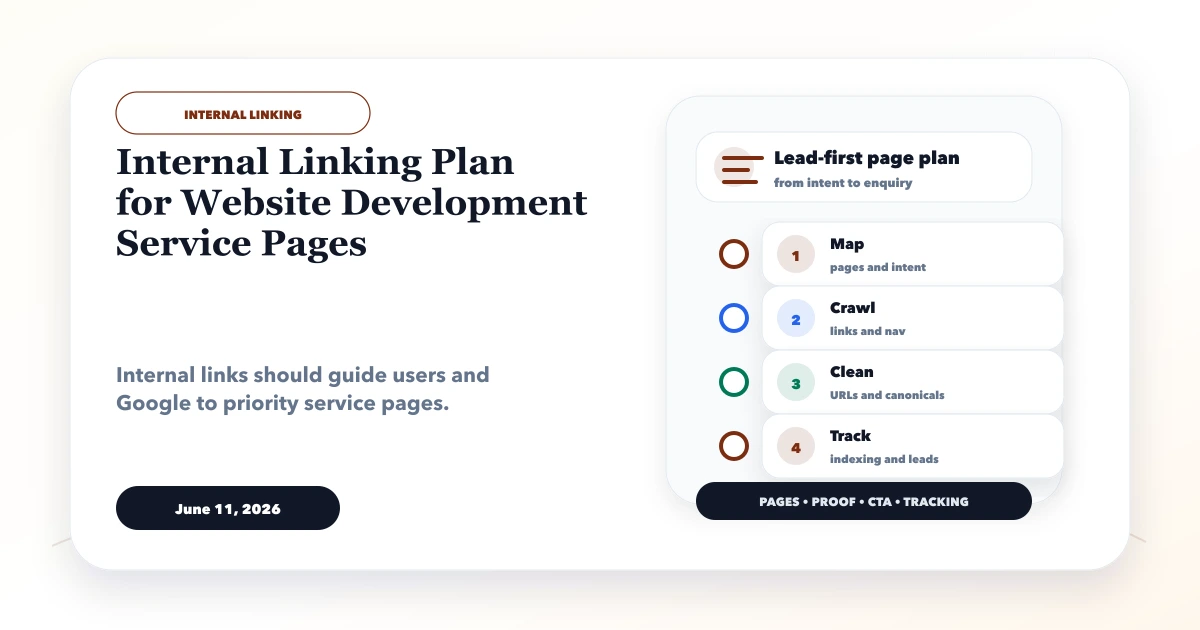
June 11, 2026
Build an internal linking plan for web development services using hubs, support posts, natural anchors, crawl-depth checks, link reports, and update rules.
Read article
May 13, 2026
Build crawlable latest-blog links with stable dates, relevance, pagination, deduplication, meaningful anchors, hub support, and automated validation.
Read article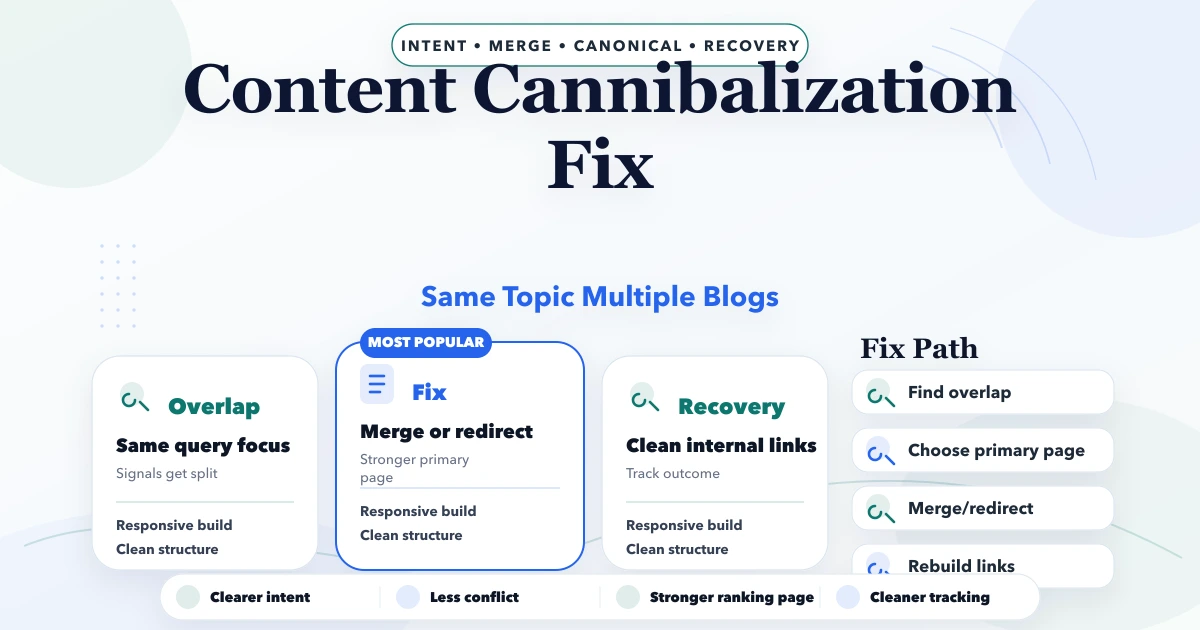
April 21, 2026
Diagnose content cannibalization with query and page evidence, then differentiate, consolidate, redirect, canonicalize, or de-prioritize overlapping URLs.
Read article