
April 20, 2026
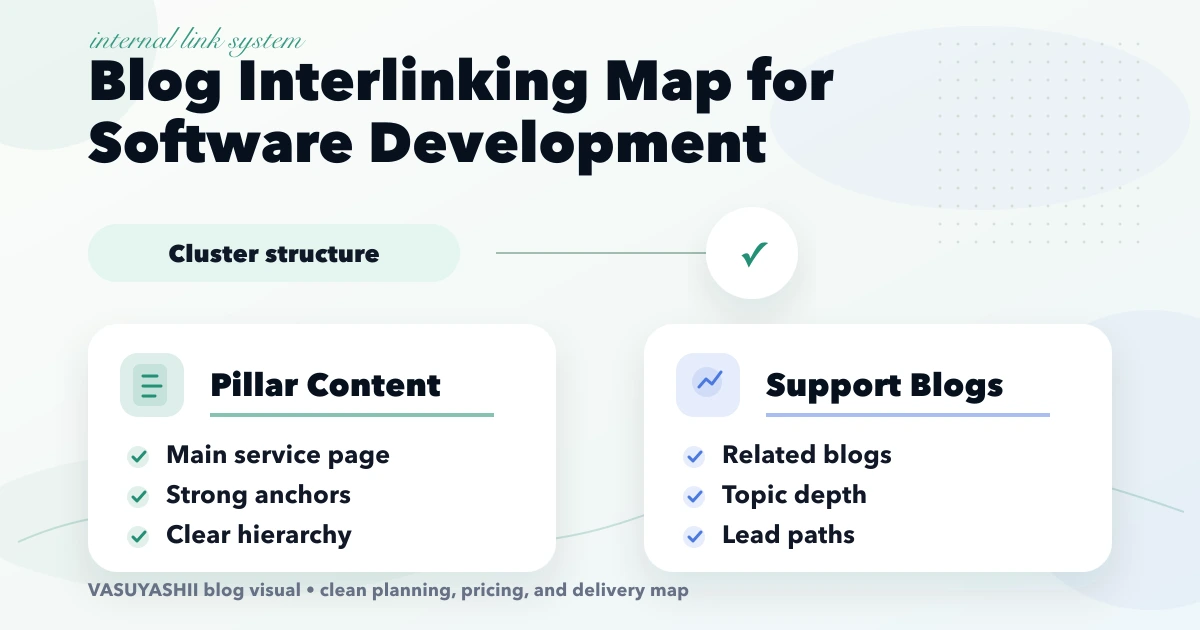
Internal Linking Map for Software Development Blogs
Create an internal-link map for software blogs using parent hubs, intent-based support pages, proof links, anchor rules, audits, and rollout checks.
Read articlePublished Updated
Build an internal linking system for 300+ blogs using hubs, page roles, contextual anchors, crawl-depth checks, incoming-link targets and refresh queues.
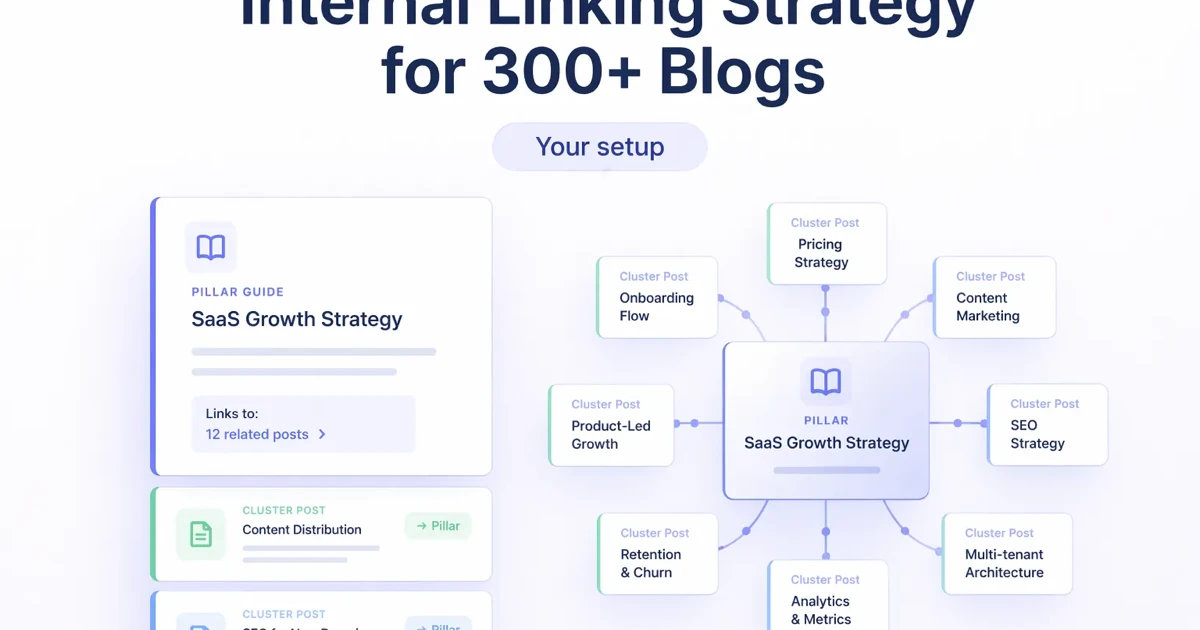
An internal linking strategy for a large blog is an information architecture system, not a task where every article receives five random links.
Once a library reaches hundreds of URLs, pages serve different jobs. Some explain a problem, some compare options, some target a commercial service, and some support a location or industry use case. If those roles are not explicit, related-post widgets create a dense but weak network: everything appears connected, yet important pages do not receive clear support.
This guide explains how to classify pages, design topic hubs, set incoming-link targets, find weak URLs, and refresh links without turning every article into a list of keywords.
A practical system for 300+ blogs needs six controls:
The target is not the highest possible link count. The target is a clear path from question to evidence to decision.
Large libraries become easier to manage when each URL has one primary role.
| Page role | Main job | Typical next link |
|---|---|---|
| Money page | Explain and convert demand for a service or product | Contact, demo or relevant proof |
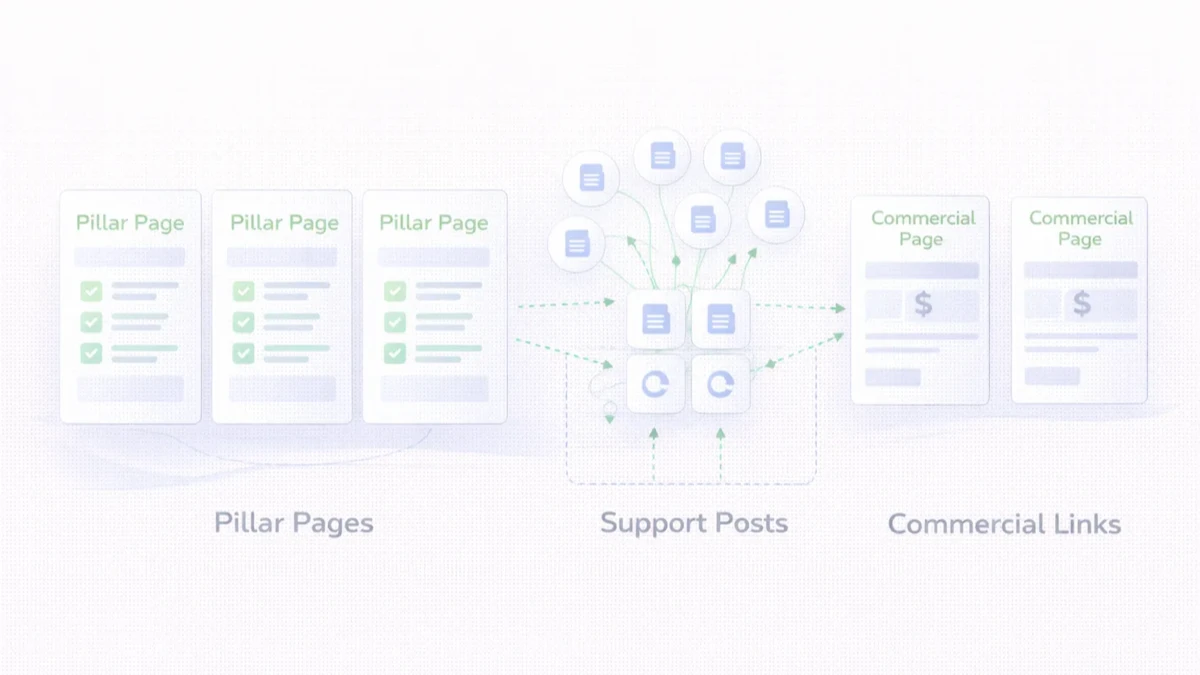
| Topic hub | Organize one broad subject and distribute authority | Money page plus key support guides |
| Support guide | Answer a narrow informational question | Hub and one logical decision page |
| Comparison or cost page | Help a buyer evaluate options | Service, product or consultation |
| Location page | Prove genuine service relevance for one area | Main service and local contact path |
| Utility page | Handle policy, login, demo or operational navigation | Only links required for its function |
A post can mention several subjects, but it should not have several primary roles. For example, a guide about webhook retries may mention SaaS, payments and WhatsApp. Its primary cluster could still be integrations, with integration services as the upward link.
A good hub is more than a tag archive. It should explain the topic, help readers choose a path, and link to the most useful subtopics in a deliberate order.
For a software and web-development company, practical hubs may include:
Each hub should receive links from its support articles. It should also link back to selected guides that answer common objections, implementation questions and cost concerns. That creates a two-way relationship instead of a one-way funnel.
Maintain a simple table or structured dataset with these fields:
The cluster map prevents editors from adding links based only on matching words. It also makes overlap visible. If six articles all claim to be the primary guide for “website development company Delhi NCR,” the problem is not link quantity; it is unclear ownership of search intent.
Source-file searches do not show the complete internal-link graph in a modern site.
Links may be added by:
Therefore, use two audits:
The rendered audit should confirm:
Do not assign the same target to every URL.
A useful operating model is:
These are workflow thresholds, not ranking guarantees. A page with three highly relevant links can be better supported than a page with thirty repetitive footer links.
A contextual link should explain why the destination helps the reader.
Weak:
Read more about SEO.
Better:
Use the topic-cluster planning guide to assign a parent hub and distinct search intent before publishing another support post.
The second version describes the destination and continues the reader's task. It also avoids forced exact-match repetition.
Pagination is useful and should remain crawlable, but a high-value article should not require twenty “Next” clicks from the blog index.
Reduce crawl depth through:
The sitemap supports discovery, but it does not replace site architecture. A URL in XML with no meaningful internal context may still look isolated.
Use this workflow whenever a new post is published:
This is more reliable than publishing first and planning links months later.
Do not rewrite hundreds of posts randomly. Work in focused batches.
Select pages with one or more of these signals:
Before sending more links to a page, make sure it deserves them. Confirm the page has a distinct answer, useful examples, accurate metadata, visible authorship, and a clear next step.
Choose sources where the new link genuinely extends the discussion. For example:
After every batch, rerun the rendered audit. This catches a common mistake: a source link was added, but its destination redirects, does not exist, or is not rendered as an anchor.
Internal links cannot rescue pages that have indistinguishable intent.
When two pages overlap:
For city pages, uniqueness should come from genuine service-area knowledge, proof, delivery constraints and business needs, not city-name substitution.
Automation is useful for detection and validation:
Editorial review should still decide whether a link belongs. Automatic keyword insertion often creates unnatural anchors and links to the wrong intent.
The VASUYASHII site stores articles as MDX, generates blog routes and sitemap entries during the build, keeps archive pagination crawlable, and adds related reading through shared site logic. Priority content work also adds deliberate body links and validates the rendered HTML after each batch.
That combination matters:
The safe next step for any large library is to preserve this technical baseline while improving weak clusters in batches.
Track architecture and search outcomes separately.
An increase in link counts without better discovery, engagement or qualified actions is not enough.
No. It helps discovery, but the relationship may be based on broad tags rather than the reader's next decision. Keep it as supporting navigation and add deliberate contextual links for hierarchy.
There is no universal number. Add the links required to support the reader's task. For many practical guides, five to ten useful internal links are reasonable, but relevance matters more than count.
Only when the service is a logical next step. A narrow technical article may be better served by linking to its topic hub first.
Pagination should remain crawlable. Whether it belongs in the XML sitemap depends on the site's strategy, but canonical content URLs should be the main sitemap priority.
Crawl the built site, count incoming anchors per canonical URL, exclude utility routes, and sort by page importance and link count. Review the lowest supported commercial and support pages first.
They can clarify ownership, but they cannot make two repeated pages unique. Differentiate the search intent and content, or consolidate when one page has no independent purpose.
Run a broken-link and graph check after every publishing batch. Review cluster ownership and priority thresholds monthly or whenever a large group of pages is added.
Start with one commercial cluster, not the entire library. Map its hub, money page, comparisons and support articles; improve weak destinations; then add bidirectional contextual links and validate the built graph.
For implementation help, review VASUYASHII SEO and website services or share the current content inventory for a focused architecture review.
Related Articles
April 20, 2026
Create an internal-link map for software blogs using parent hubs, intent-based support pages, proof links, anchor rules, audits, and rollout checks.
Read article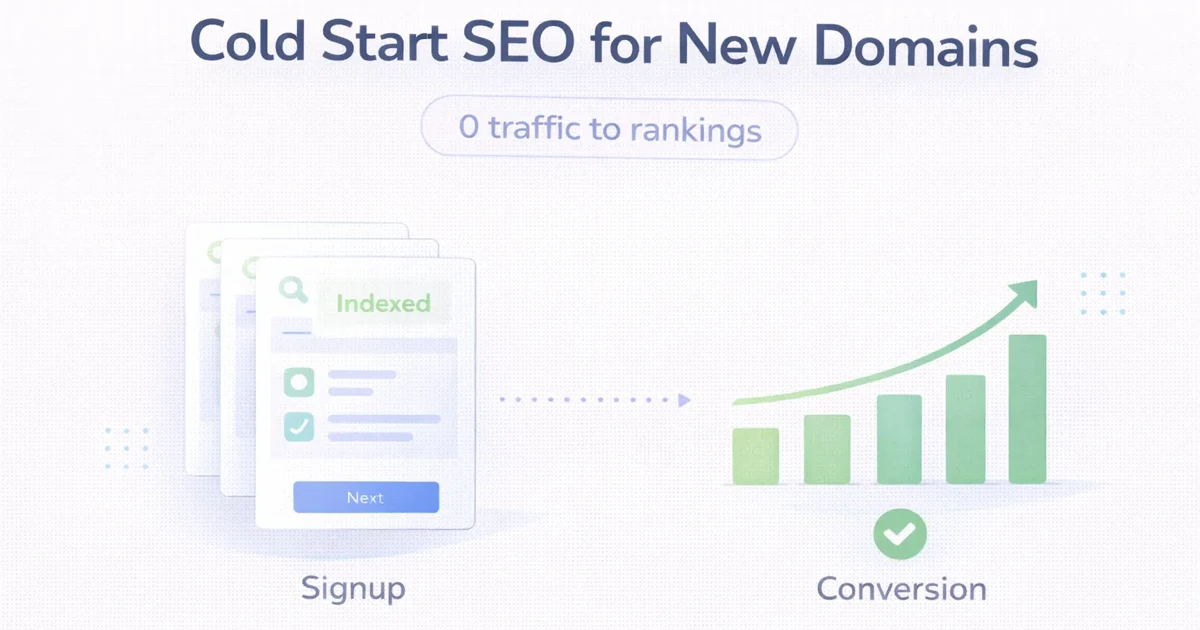
March 31, 2026
Launch SEO for a new domain with a crawlable base, focused money pages, useful clusters, internal links, Search Console evidence and safe iteration.
Read article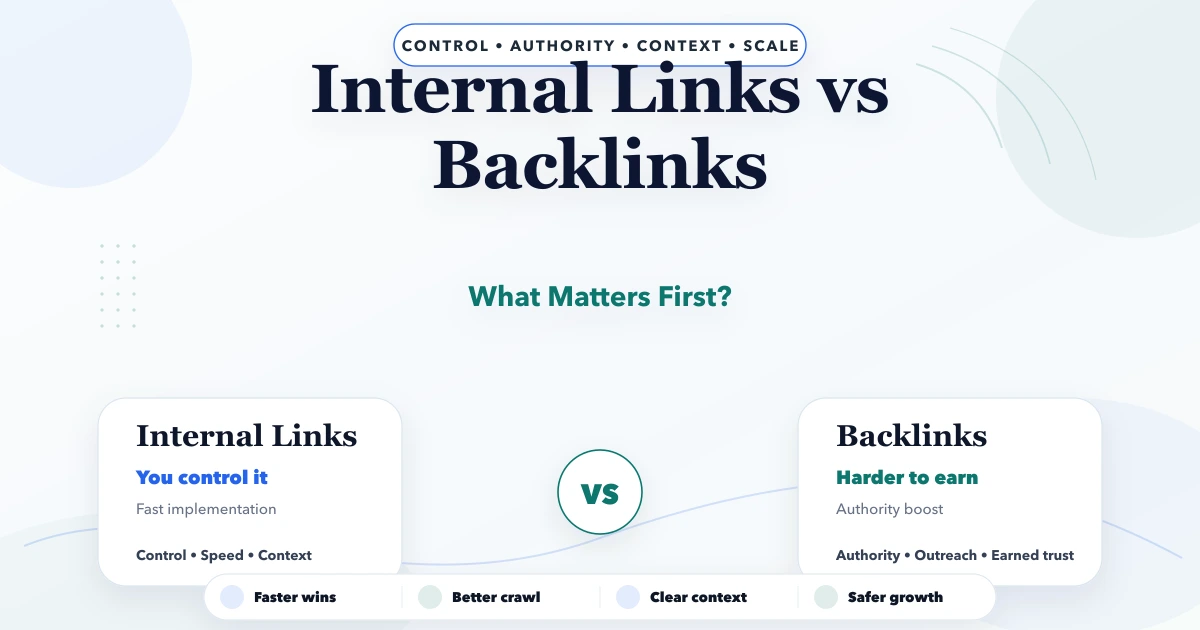
April 21, 2026
Compare internal links and backlinks, diagnose what to fix first, build topic hierarchy, strengthen discovery, earn authority, and measure SEO results.
Read article
March 24, 2026
SEO setup cost for a new website in 2026 with one-time vs monthly pricing, technical SEO, on-page scope, extras, and plan selection.
Read article