
June 11, 2026
Website Development Landing Page Plan
Plan a website development landing page with a focused offer, proof, process, scope, qualification form, WhatsApp CTA, FAQs, tracking and follow-up workflow.
Read articlePublished Updated
Build computer institute course pages with syllabus, tools, batch and fee details, honest certificate proof, demo-class leads, and clear follow-up.
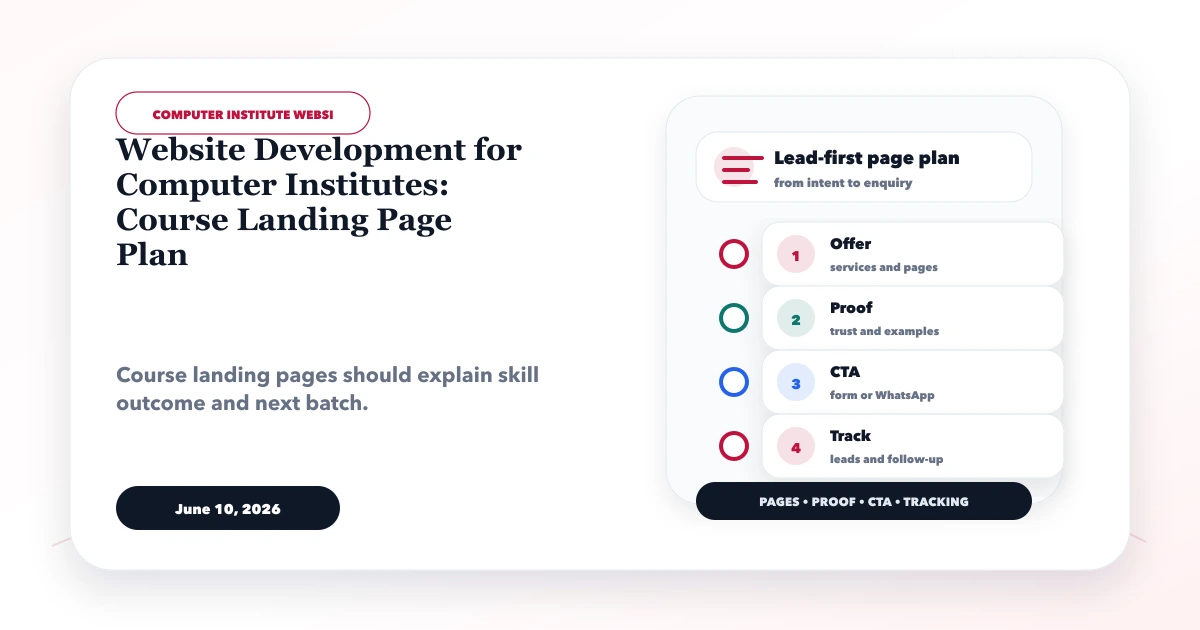
Effective website development for computer institutes begins with course accuracy. A student comparing Python, Tally, graphic design, web development, data analytics, or basic computer training wants to know what they will learn, which tools are used, how long the program lasts, and whether the claimed outcome is credible.
The best course landing page does not try to sell every program at once. It matches one learner intent with one syllabus, one proof set, and one clear next step such as checking the next batch or booking a demo class.
By Tushar C. (Founder, VASUYASHII). Reviewed for practical course-page architecture, lead qualification, claim safety, local discovery, analytics, and handover. Examples below are planning scenarios, not claims about a named institute.
A computer institute website should give each important course a focused page containing:
This structure helps students compare programs while helping the institute separate serious course enquiries from general messages.
Imagine two visitors. One is a Class 12 student exploring web development; the other is a working accounts assistant looking for an evening Tally and GST course. They have different prerequisites, schedules, concerns, and expected outcomes.
A single grid saying “Python, Tally, DCA, Web Design” gives neither visitor enough confidence. Dedicated pages allow the institute to explain fit and avoid misleading assumptions.
Before designing pages, classify courses by learner and decision stage.
| Course intent | Typical questions | Useful CTA |
|---|---|---|
| Foundation computer skills | Is it beginner friendly? Is practice included? | Check beginner batch |
| Job-oriented software | Which tools and assignments are covered? | Book course counselling |
| Certification preparation | Which exam/version does the syllabus match? | Confirm exam-aligned batch |
| Short professional upskilling | Can I attend after work? | Ask about evening/weekend timing |
| Advanced technical program | What prerequisites and projects are required? | Request syllabus and eligibility review |
Do not make multiple pages that differ only by “best,” “affordable,” or a locality name. One comprehensive course page can serve several query variations if its content is specific and internally linked.
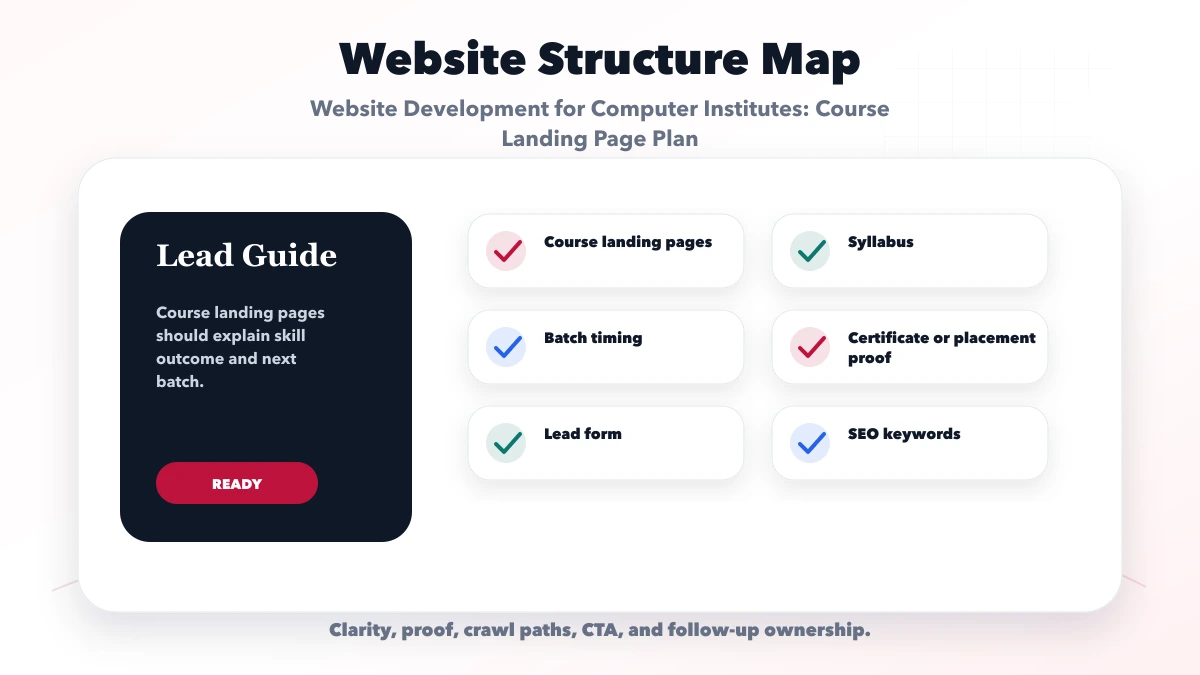
State who the course is for, who it is not for, expected starting knowledge, language of instruction, and equipment requirements. This reduces counselling calls from learners who cannot use the proposed batch.
Group modules by skill, not by vague labels. For example, a web-development course can distinguish HTML/CSS foundations, JavaScript behavior, API use, deployment, and a final project. Mention whether exercises, assignments, code reviews, or lab hours are included.
Software changes. Identify the current tool set and give one person responsibility for updating it. If the institute teaches Tally, Adobe tools, a programming framework, or a certification syllabus, stale version details can create a serious expectation mismatch.
Separate total duration, session frequency, session length, lab access, and missed-class policy. “Three months” alone is not enough to compare two programs.
Show the fee, a range, or the factors that change it. Clarify whether registration, exam fees, software access, printed notes, projects, or certificate charges are included. Do not advertise a low starting fee that excludes mandatory items.
Use real trainer profiles, subjects, experience, approved photos, lab information, and actual facilities. A stock image of a modern computer lab is not proof of the institute’s setup.
Name who issues the certificate and whether it is an institute certificate, vendor certification, or exam-preparation course. Never imply government, university, or vendor recognition without documented authorization.
Placement support should describe the controlled process: resume review, mock interview, job alerts, or introductions. Do not promise employment, salary, or placement percentages without a defined, verifiable dataset.
“Book free demo” often attracts low-context leads. Ask for just enough information to route the request:
The confirmation should identify when and how the institute will respond. If the demo is scheduled, send the branch or meeting details, instructor, duration, and preparation notes. Do not add students to promotional groups without consent.
A practical lead pipeline is:
Record the source page and course on every lead. This makes it possible to compare qualified enquiries rather than celebrating raw form submissions. A small institute may begin with a protected sheet; multi-counsellor or multi-branch operations may need role-based software development.
Use course pages for course intent and a genuine branch page for local intent. A branch page should contain the real address, directions, timings, facilities, trainer availability, supported courses, and original photos. Avoid creating a separate copied page for every nearby area.
Helpful supporting topics include:
Link the important pages from the main navigation or course index. Do not depend only on the XML sitemap for discovery.
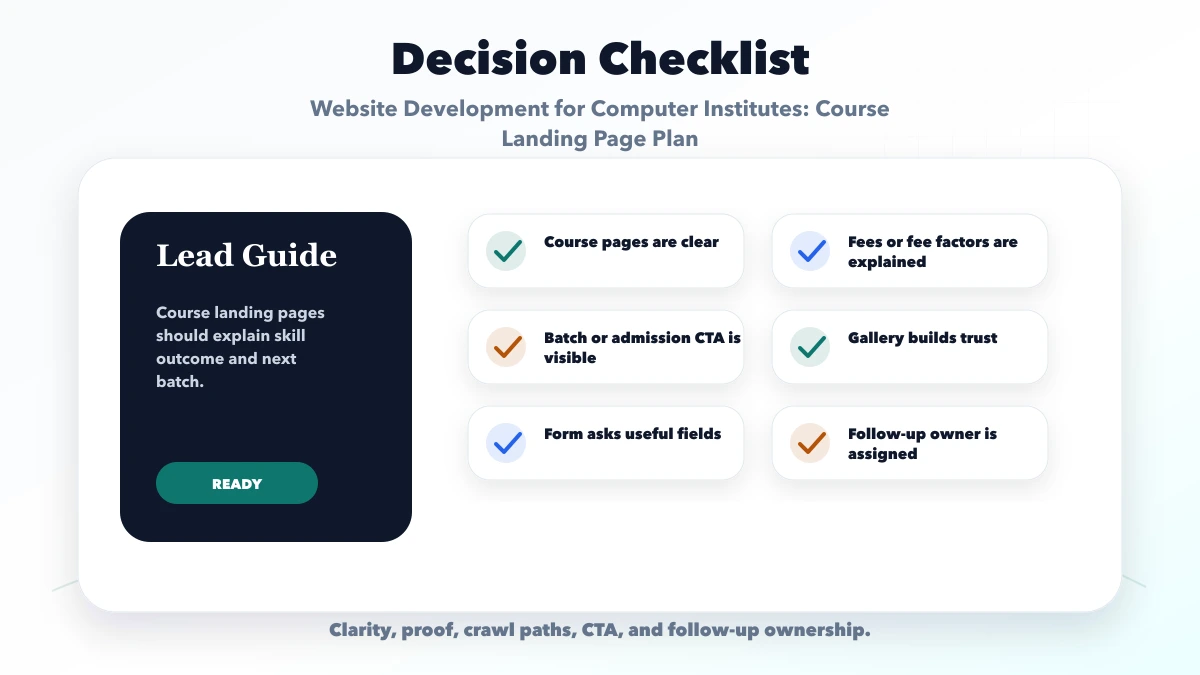
Students see generic claims instead of course fit. Build content from actual curriculum and learner questions.
Technical courses lose trust quickly when tools or versions are old. Add a visible update date and internal review schedule.
Use documented outcomes and define the period, cohort, and meaning of “placed.” Otherwise explain the support process only.
A first enquiry does not require identity documents, full address, or academic certificates. Collect formal data after counselling and consent.
Track demo attendance, counselling completion, and course fit. Ten qualified learners can be more valuable than one hundred vague WhatsApp messages.
The public website handles discovery, trust, and enquiries. Attendance, fees, student records, tests, certificates, and role permissions are operational systems. They should be scoped separately.
Current VASUYASHII service capabilities is published separately from this planning guide. No institute enrolment, placement, or revenue result is attributed to a fictional demo or an unverified customer project here.
If enrolment volume justifies it, VASUYASHII can assess a web application for admissions or a controlled integration for lead routing. This is not automatically included in a standard website build.
Give a course its own page when it has distinct learners, syllabus, proof, or conversion intent. Merge minor variants that would otherwise repeat the same information.
Public fees or realistic ranges improve comparison and lead quality. If fees vary, explain the factors and inclusions instead of hiding all context.
Define the cohort, date range, qualification criteria, and outcome source. If that evidence is unavailable, describe placement assistance without publishing a percentage.
No. The message should include the course, source page, preferred mode, and callback need. The team still needs an owner and status process.
The website can explain online delivery and collect enquiries. Live classes, student access, payments, attendance, and recordings require separate tools or integrations.
Yes. VASUYASHII can scope the course architecture, design, development, lead flow, analytics, SEO basics, and selected integrations after requirements are confirmed.
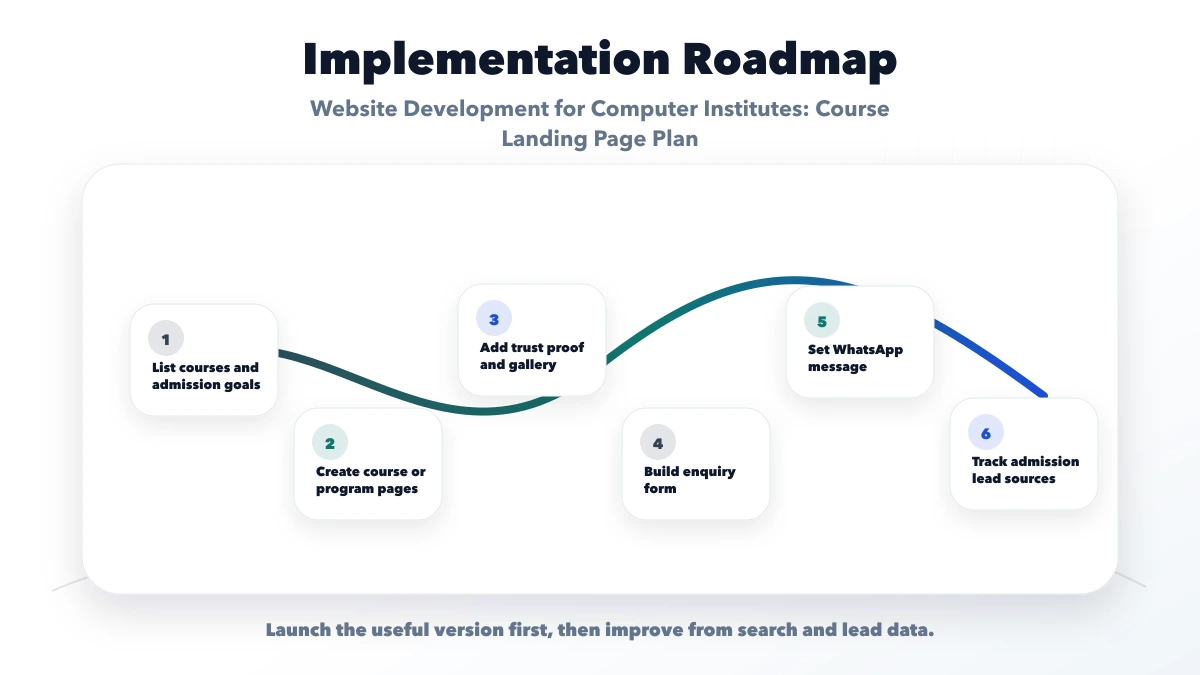
Collect your current course list, syllabus, software versions, batches, fees, trainer proof, certificate details, and lead owner before requesting development. This allows a realistic scope and avoids generic course pages.
Related Articles
June 11, 2026
Plan a website development landing page with a focused offer, proof, process, scope, qualification form, WhatsApp CTA, FAQs, tracking and follow-up workflow.
Read article
June 11, 2026
Build an internal linking plan for web development services using hubs, support posts, natural anchors, crawl-depth checks, link reports, and update rules.
Read article
June 7, 2026
Plan an interior designer website with approved project stories, service and budget clarity, qualified consultation leads, local SEO and handover checks.
Read article
May 14, 2026
CRM keyword topic cluster: practical 2026 SEO plan with cluster map, pricing, roadmap, mistakes, FAQs, proof, and next steps for Indian SMBs today safely.
Read article