
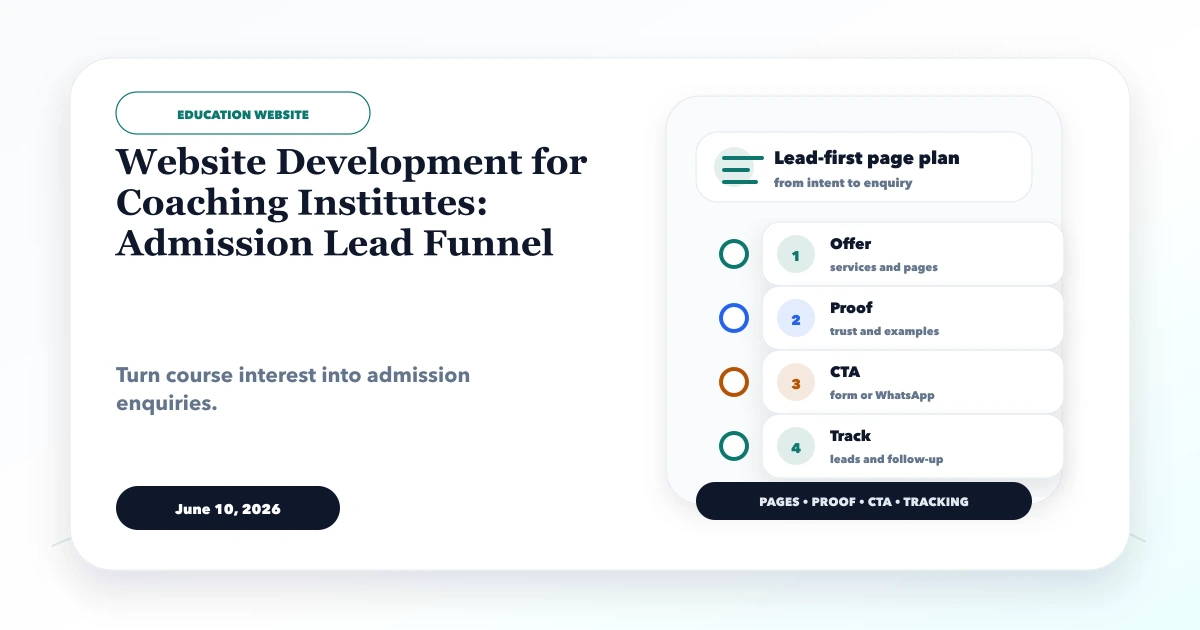
June 10, 2026
Coaching Institute Website: Admission Lead Funnel
Plan a coaching institute website with exam-focused course pages, evidence-safe results, counselling leads, batch updates, and admission follow-up.
Read articlePublished Updated
Best website for coaching institute guide with design sections, admission leads, course pages, fees, results, WhatsApp, CRM, and features.
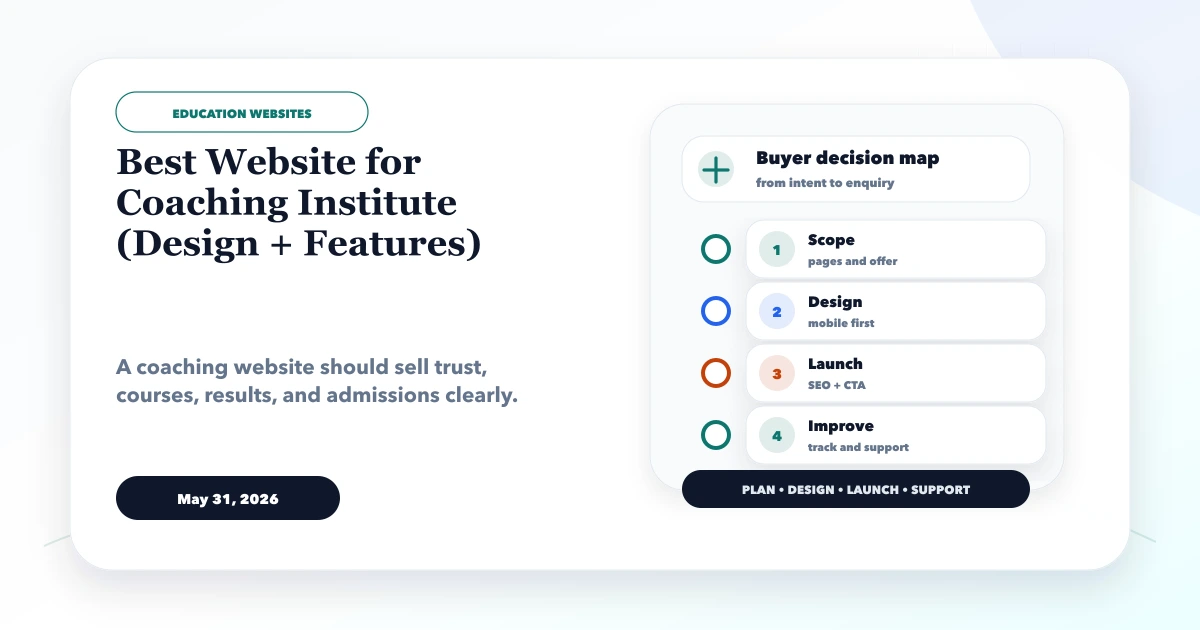
This guide explains best website for coaching institute for coaching institutes that need more admission enquiries and better course presentation. It focuses on practical scope, pricing, deliverables, timeline, and what to check before hiring.
A coaching website must help a student or parent compare a specific course, verify the institute, understand the admission route, and contact the correct counsellor without searching through generic promotional copy.
By Tushar C. (Founder, VASUYASHII). Reviewed by VASUYASHII Editorial for practical website development, SaaS planning, landing page design, local SEO, conversion strategy, and business software delivery.
The best website for a coaching institute should include course pages, fees or enquiry CTA, results, faculty, testimonials, admission form, WhatsApp, batch details, FAQs, location, and lead tracking. For larger institutes, CRM or student portal features can be added later.
Parents and students compare institutes quickly. They want courses, results, faculty, timings, fees guidance, location, reviews, and easy admission enquiry. A generic business website misses these education-specific trust signals.
The first release should solve the public admission journey completely. Attendance, fees, tests, learning content, and student login can remain a separate portal phase until the institute has documented those operational workflows.
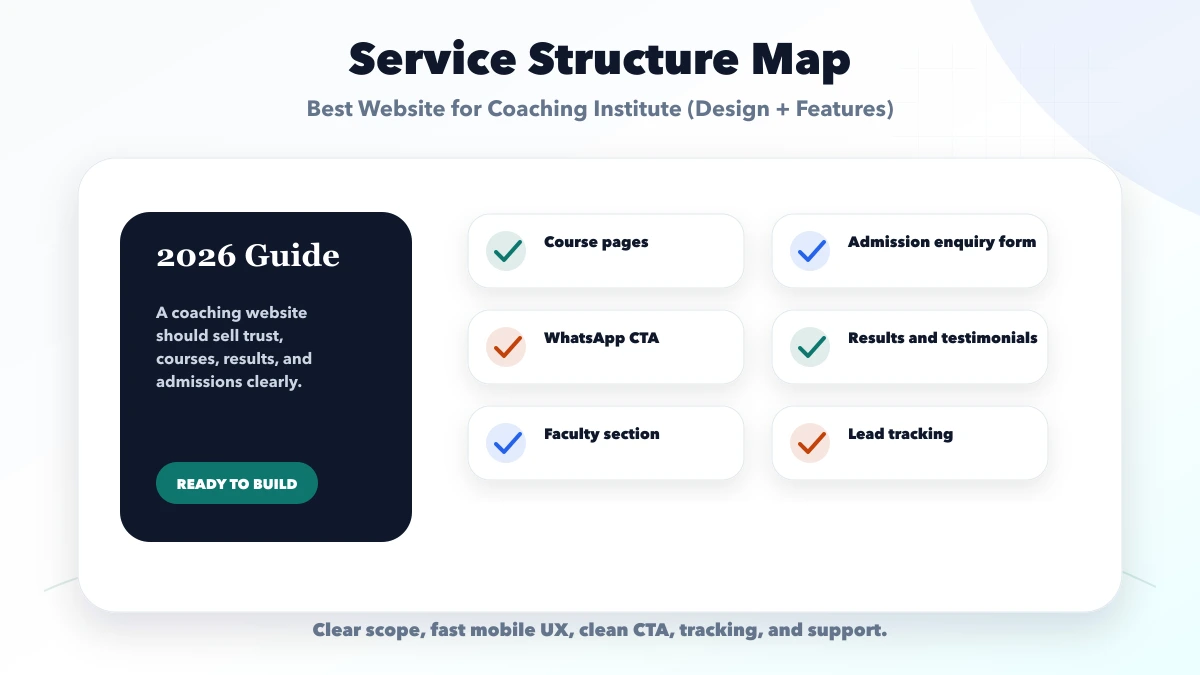
Each course page should name the audience, eligibility, syllabus or outcomes, duration, mode, batch process, faculty proof, fee enquiry path, and next action. That structure gives search visitors and counsellors the same approved information.
| Scope | Practical price range | Timeline |
|---|---|---|
| Basic coaching website | Rs. 25,000 to Rs. 70,000 | 2 to 4 weeks |
| Admission-focused website | Rs. 70,000 to Rs. 1.8 lakh | 4 to 7 weeks |
| Website plus CRM or portal | Rs. 1.8 lakh to Rs. 6 lakh+ | 2 to 4 months |
These ranges are for planning. Final cost depends on course count, reusable course templates, result and faculty content, enquiry routing, CRM connection, multilingual needs, admin editing, analytics, and whether a student portal is included.
Launch the admission website after course, proof, form, WhatsApp, mobile, and tracking checks pass. Add CRM automation when counsellors need shared follow-up, and add a portal only after fees, attendance, tests, permissions, and support ownership are documented.
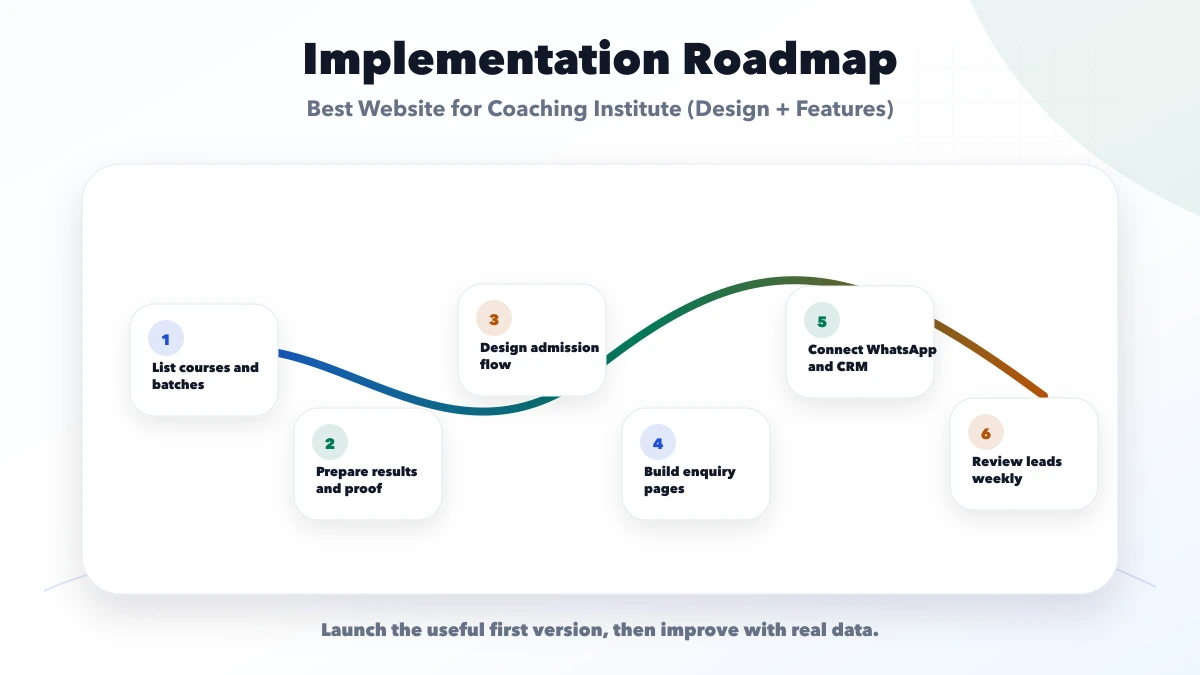
Use the checklist with real content. A checked “results” item is incomplete until the institute has approved the exam, year, student consent, and evidence that will appear on the page.
VASUYASHII would first map courses, student and parent questions, proof assets, counsellor ownership, admission statuses, and tracking events. The public website, lead follow-up, and student operations would then receive separate phase boundaries.
Useful links: web application services, software development, integrations, services, and contact.
Do not approve only a desktop homepage mockup. Test a course search landing directly on mobile, then confirm the visitor can understand the batch and reach the correct counsellor without returning to the homepage.
A clearly labelled prototype can help an institute review navigation, information hierarchy, admissions content, facilities, and responsive presentation before commissioning a custom build. It is not customer evidence and does not prove admission growth.
Use a demo to make scope discussions concrete:
A coaching institute may need a different hierarchy from a school. Competitive-exam coaching often leads with exam, course, faculty, results, and batch dates. Skill training may lead with outcomes, projects, certification, schedule, and placement support. The design should follow the buyer's decision, not copy the demo page section for section.
For acceptance, ask one student and one parent unfamiliar with the institute to find a suitable course, next-batch information, proof, location, and the correct enquiry action on a phone. Record where either person hesitates. This small task test is more useful than approving the page only from a visual presentation.
For operational software, keep the boundary explicit. A public site can send a qualified enquiry into a CRM. A student portal may later handle attendance, fees, tests, documents, and role-based access. Review the web application service before combining both scopes into one quote.
A coaching website should separate information browsing from admission intent. Students may compare course content and schedules, while parents may look for results, faculty credibility, fees, safety, location, and a clear conversation with the institute.
Build the funnel around four stages:
Do not ask for ten fields before a student has seen the course details. Start with name, phone, course, and preferred contact route, then collect academic or document details later in the admission process. Add CRM only when enquiry volume or staff coordination justifies it; the education CRM lead funnel explains that next layer.
Track course-page visits, WhatsApp clicks, form success, counselling bookings, demo-class attendance, and admissions by source. This shows whether the website is attracting useful enquiries rather than only traffic. Use website UI/UX best practices for readable mobile pages and website conversion optimization for proof and CTA placement.
The parent planning route is the Website Development Delhi NCR hub. It connects website scope, local structure, measurement, and post-launch improvement. When the course list, proof assets, target area, and admission workflow are ready, share them for a focused website plan.
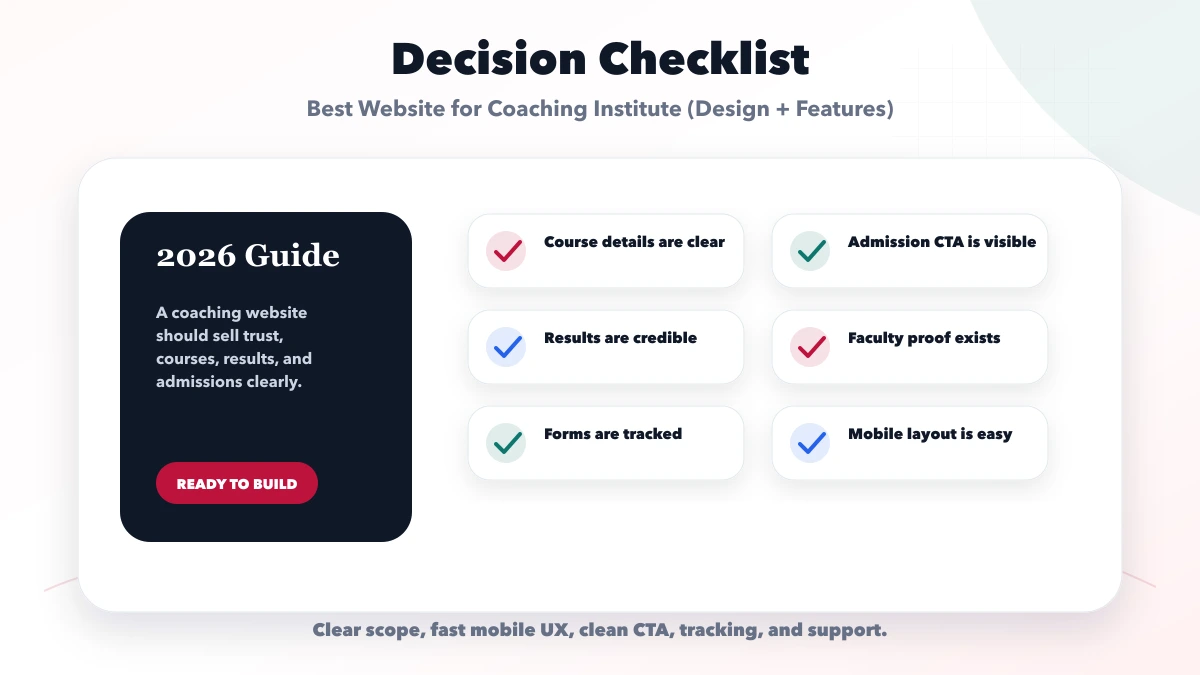
The institute should prepare real information before design begins. Collect the final course names, eligibility, duration, batch mode, schedule process, fee guidance, faculty profiles, result evidence, campus photos, location details, policies, and admission contact ownership. Mark anything that changes frequently so staff know which content needs a simple update workflow.
For results and testimonials, keep student consent and claim accuracy in mind. State the exam, year, course, or outcome clearly instead of using unsupported success percentages. Faculty profiles should explain subject expertise and relevant experience without inflated credentials. Location pages should use the institute's real address or genuine service area rather than creating multiple near-duplicate locality pages.
Before launch, test the course-to-enquiry journey on a real phone. Confirm that the form reaches the correct team, WhatsApp opens with useful context, tracking records the source page, and staff know how quickly to respond. Also verify ownership of the domain, hosting, analytics, Search Console, form inbox, and content files. These checks protect the institute after the developer hands over the website.
If the institute plans future attendance, fees, tests, or student access, document that roadmap separately. The public admission website should launch cleanly without pretending to include a complete portal. Use coaching institute ERP planning for the operational phase and contact VASUYASHII when the website and portal boundaries need to be scoped together.
It should have homepage, courses, results, faculty, admissions, testimonials, contact, and FAQs.
If exact fees cannot be shown, at least explain fee enquiry, batches, and admission process clearly.
Yes. Leads from forms and WhatsApp can connect to CRM for follow-up and admission tracking.
Trust, results, faculty, location, fees clarity, reviews, and easy contact matter most.
Yes. We can build coaching websites, enquiry flows, CRM, student portals, and automation.
If you want a practical plan for best website for coaching institute, VASUYASHII can help with scope, design, development, SEO setup, integrations, tracking, launch, and maintenance.
Related Articles
June 10, 2026
Plan a coaching institute website with exam-focused course pages, evidence-safe results, counselling leads, batch updates, and admission follow-up.
Read article
May 15, 2026
Plan a school website with admission journeys, trust pages, notices, staff workflows, accessibility, ownership, integrations, cost drivers, and launch checks.
Read article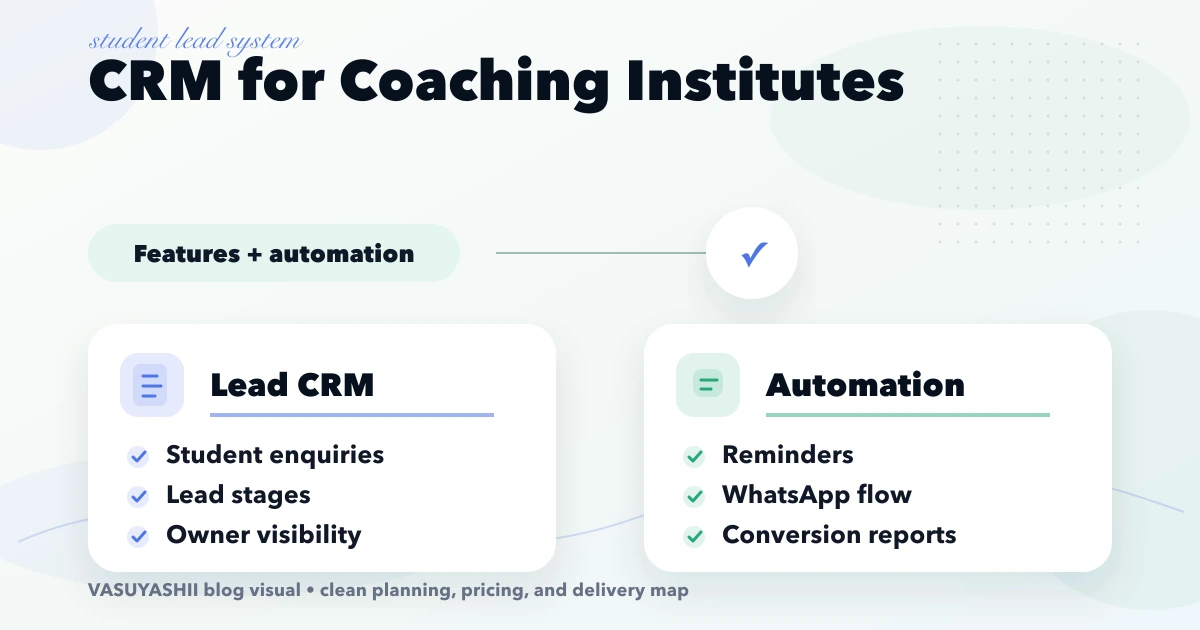
April 18, 2026
Plan a coaching institute CRM for enquiries, counsellor ownership, demo classes, follow-ups, WhatsApp consent, admissions, source tracking and reports.
Read article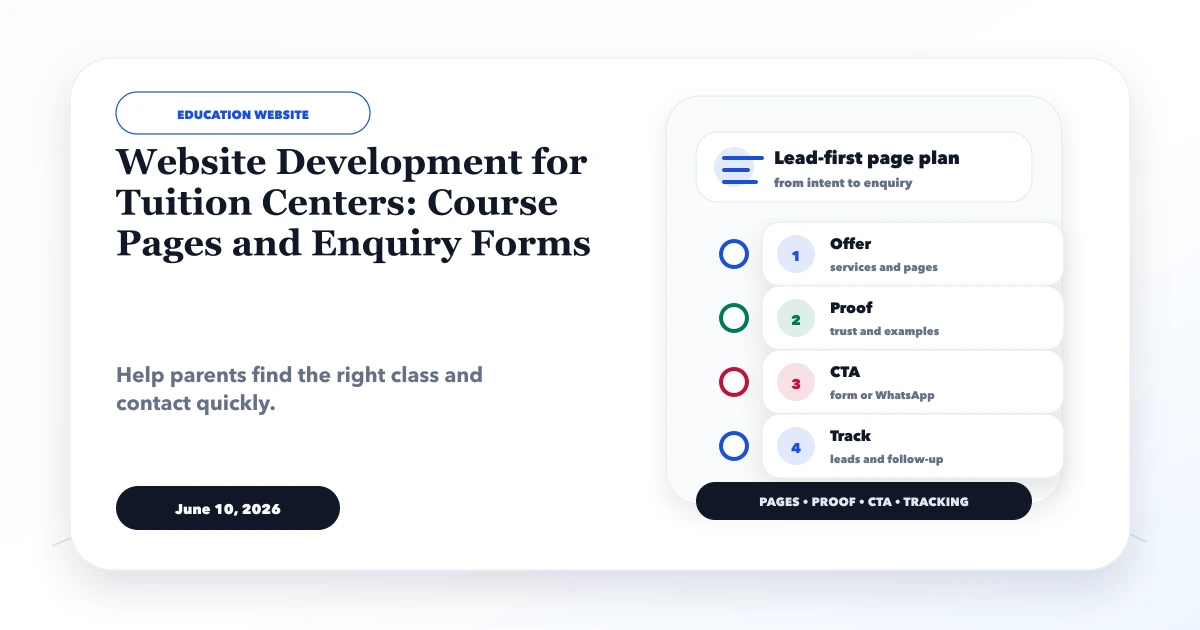
June 10, 2026
Plan a tuition center website with class and subject pages, batch details, parent-friendly enquiry forms, local proof, and a clear follow-up flow.
Read article