
April 17, 2026
School Website vs Management System: Cost Guide
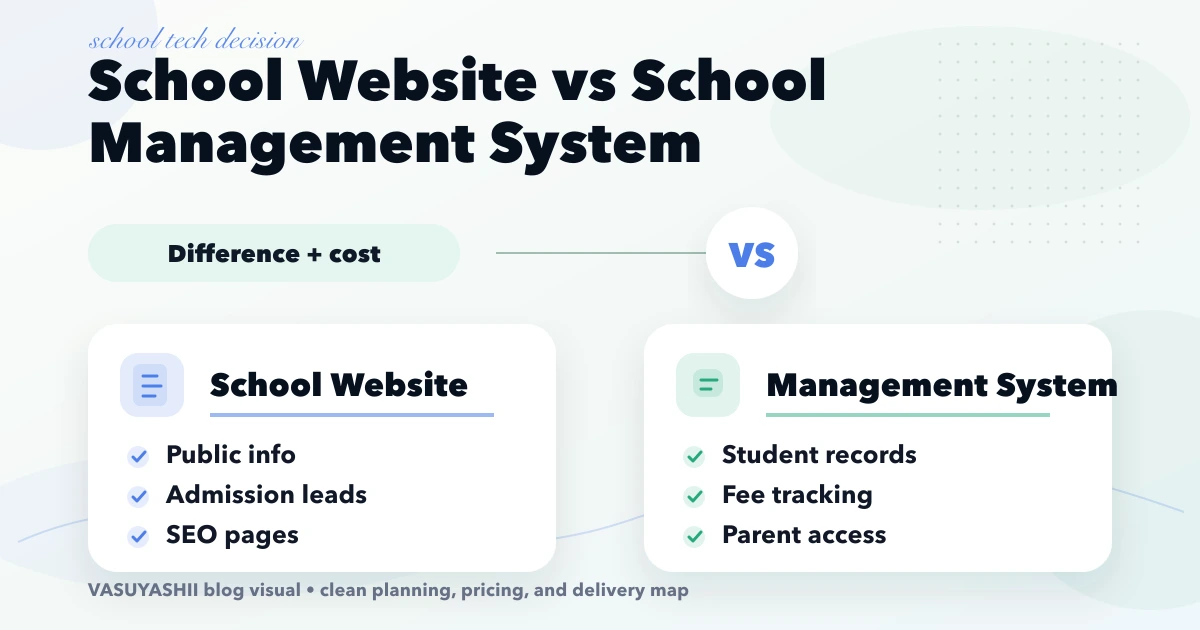
Compare a school website and school management system by purpose, modules, cost, timeline, and rollout priorities for Indian schools.
Read articlePublished Updated
Plan a school website with admission journeys, trust pages, notices, staff workflows, accessibility, ownership, integrations, cost drivers, and launch checks.
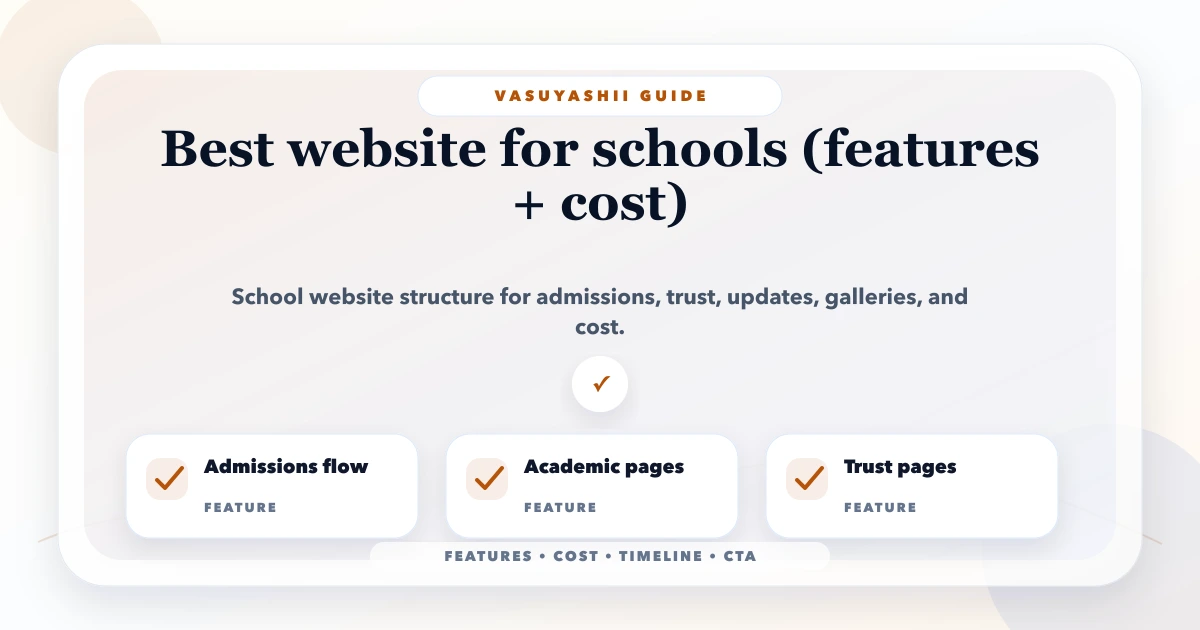
The best school website helps a parent understand the institution, verify essential information, complete an admission enquiry, and find current notices without calling several staff members. It also gives the school a controlled publishing workflow so old fee details, calendars, achievements, or contact information do not remain live by accident.
A public school website and a school management portal are different systems. The website explains and attracts. A portal handles authenticated student, parent, teacher, fee, attendance, or academic workflows. Combining them without clear access and data boundaries increases cost and privacy risk.
A prospective parent commonly needs answers in this order:
The homepage should route parents into these answers. It should not require them to decode an image carousel or download multiple PDFs before understanding the school.
| Page | Purpose | Primary action |
|---|---|---|
| Home | School identity, key proof, current admissions | View admissions or enquire |
| About | History, leadership, values, affiliations | Understand the institution |
| Academics | Curriculum, classes, teaching model | Compare programme fit |
| Admissions | Process, dates, documents, age/class rules | Enquire or apply |
| Facilities | Campus, labs, library, sports, transport | Book a visit |
| Student life | Activities, events, achievements | Explore experience |
| Notices | Current circulars and public updates | Read/download verified notice |
| Contact | Address, map, phone, email, timings | Call, visit, or message |
| Policies | Required public disclosures and policies | View official information |
Add separate class, programme, boarding, transport, or branch pages only when they contain maintained, useful information.
An enquiry form collects enough information for the admission team to respond. An application collects formal student and parent data, documents, payment, and declarations. The second requires stronger identity, privacy, access, validation, retention, and support controls.
A useful enquiry form may request parent name, contact, interested class, session, city, and preferred callback. Avoid collecting birth certificates, medical details, or extensive student records in a basic lead form.
If the school needs application workflow, scope:
The coaching admission funnel guide shows a related lead flow, while a school application needs its own policy and review.
Useful trust is specific and current:
Do not publish fabricated rankings, stock-photo classrooms presented as the campus, unsupported success rates, or testimonials without permission. A school website deals with children and families; image consent and personal-data review should be formal.
The website needs roles, not one shared admin password. A practical workflow can be:
draft -> reviewed -> scheduled/published -> expired/archived
Store author, reviewer, publish time, expiry date, and attachment. Time-sensitive notices should expire from prominent sections while remaining in an archive if policy requires. Replace files through versioning rather than changing a link silently.
| Role | Typical access | Boundary |
|---|---|---|
| Content editor | Draft pages, notices, events | Cannot publish policy pages alone |
| Admission team | Admission dates and enquiry queue | No full-site settings |
| Reviewer/principal office | Approve sensitive content | Changes logged |
| Technical admin | Users, deployment, backup | No content impersonation |
Many parents arrive from mobile search or WhatsApp. Test navigation, forms, phone links, maps, PDFs, and admissions content on small screens. Use readable text, visible focus, labels, keyboard access, sufficient contrast, alt text, and captions where needed.
Large uncompressed galleries can make the first visit slow. Use responsive images, stable dimensions, modern formats, lazy loading below the fold, and limited third-party widgets. The image optimisation checklist helps content teams prepare files.
Accessibility requirements depend on the institution and jurisdiction; seek qualified guidance for formal compliance. Regardless, accessible design improves usability for families and staff.
Use one clear school identity and consistent address, phone, and map information. Titles and headings should describe the school, programme, and genuine location without stuffing nearby city names.
Create indexable pages only for real programmes, branches, and maintained content. Admission dates should be updated rather than copied into many duplicate annual pages without a retention plan. Add structured data only when it accurately represents visible content.
The SEO-friendly website architecture guide explains crawlable navigation and internal links.
| Need | Public website | Authenticated portal |
|---|---|---|
| Admissions information | Yes | Optional application status |
| Public notices | Yes | Private circulars separately |
| Fee payment | Link or public instructions | Student/account-specific flow |
| Attendance | No | Role-restricted |
| Marks/report cards | No | Role-restricted |
| Teacher/student data | Minimal public profiles only | Authenticated workflow |
| Transport tracking | Public description only | Secure operational module |
Keep private student information out of public pages and search indexes. If a portal is required, treat it as a web application project, not a website plugin added at the end.
School website cost depends on content volume, custom design, admissions workflow, CMS roles, branches, notices, document management, galleries, language support, accessibility review, integrations, migration, copywriting, photography, and maintenance.
A focused information-and-enquiry site is smaller than a portal with applications, payments, documents, and staff queues. Request estimates by discovery, content, design, development, CMS, integrations, QA, deployment, training, and support. Include recurring hosting, domain, email, storage, security, and third-party fees.
Publish core pages, accurate contact details, admissions content, enquiry form, analytics, sitemap, and a controlled CMS.
Add roles, approval, expiry, documents, events, gallery workflow, and content ownership.
Only after policy and process are documented, add application, payment, document, or school-system connections.
Use search queries, enquiry quality, form completion, and content questions to improve pages. Do not measure success by traffic alone.
VASUYASHII would first map the parent's admission journey and the staff publishing workflow, then separate public website scope from any authenticated portal. Our implementation worksheet asks who owns admissions dates, notices, fee information, faculty profiles, transport details, consented images, and urgent corrections. It also records the approval path and expiry rule for each time-sensitive content type.
This is a delivery approach, not a claim about a particular school's result. Explore website services or contact us with the current prospectus and page list.
For a broader platform decision, compare a public school website with a private school management system.
Enough to answer real parent questions and maintain information accurately. A focused school may start with 8-12 core pages; branches, programmes, policies, and notices can expand the structure when content ownership exists.
Usually yes for notices, admissions, events, and selected pages. Use roles and approval instead of giving every editor full administrator access.
That is a school policy and regulatory decision. If published, define owner, session, effective date, inclusions, exclusions, and update process so outdated figures do not remain prominent.
Yes, with approved fee/refund policy, secure payment integration, server-side verification, reconciliation, receipt, support, and privacy controls.
During admission season, a clear View Admissions or Enquire for Admission CTA is often useful. Existing parents may need a separate portal or notice link.
Review time-sensitive content before each session and admission cycle, notices on their expiry dates, and security/dependencies under a maintenance schedule. Contact details should have a named owner.
List the top ten questions parents ask the admission office and assign an owner to each answer. That becomes the most useful first content plan. Contact VASUYASHII for a school website scope review.
Related Articles
April 17, 2026
Compare a school website and school management system by purpose, modules, cost, timeline, and rollout priorities for Indian schools.
Read article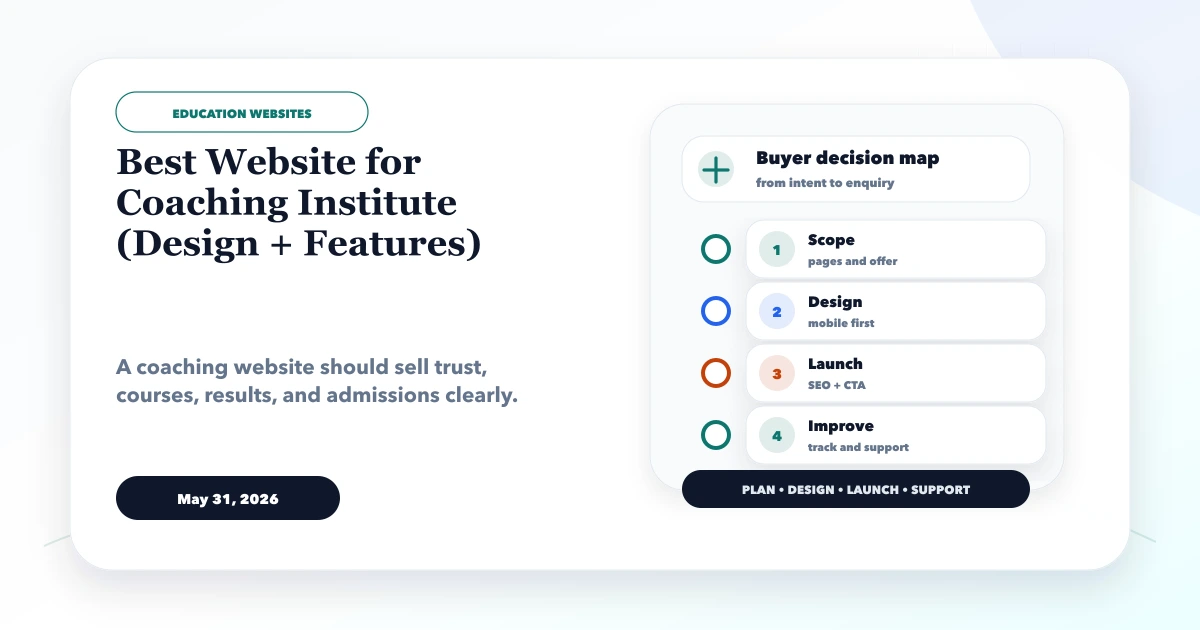
May 31, 2026
Best website for coaching institute guide with design sections, admission leads, course pages, fees, results, WhatsApp, CRM, and features.
Read article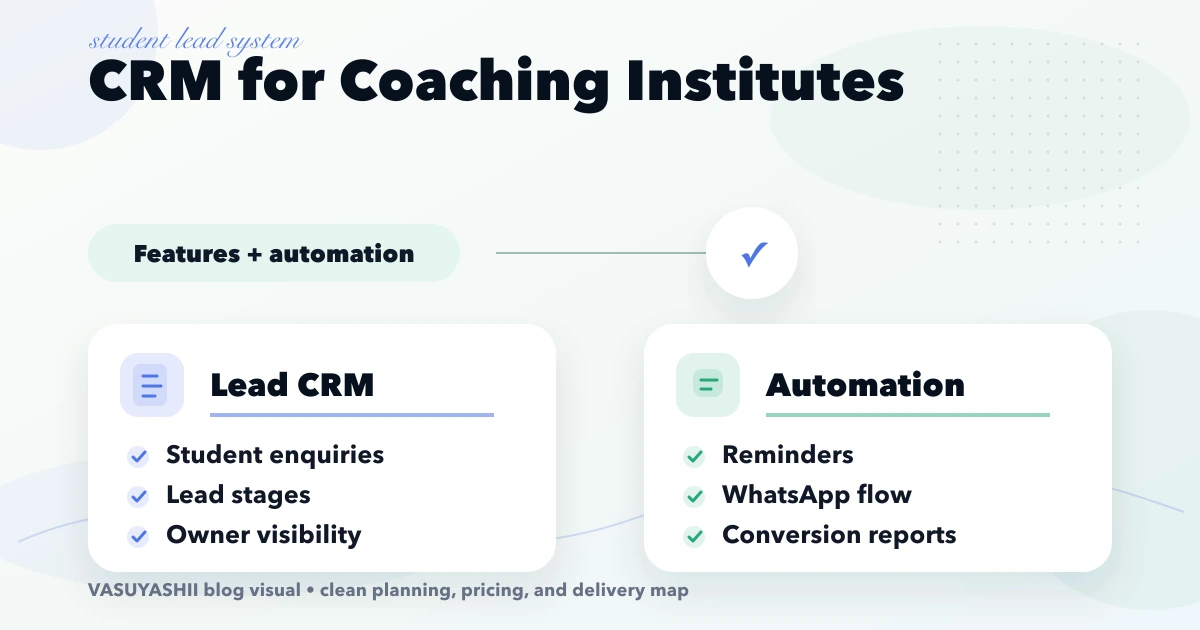
April 18, 2026
Plan a coaching institute CRM for enquiries, counsellor ownership, demo classes, follow-ups, WhatsApp consent, admissions, source tracking and reports.
Read article
April 3, 2026
Plan a Dehradun education website with course ownership, admission enquiries, fee and batch boundaries, verified faculty proof, accessibility, and handover.
Read article