
May 15, 2026
School Website Features, Cost, and Ownership
Plan a school website with admission journeys, trust pages, notices, staff workflows, accessibility, ownership, integrations, cost drivers, and launch checks.
Read articlePublished Updated
Compare a school website and school management system by purpose, modules, cost, timeline, and rollout priorities for Indian schools.
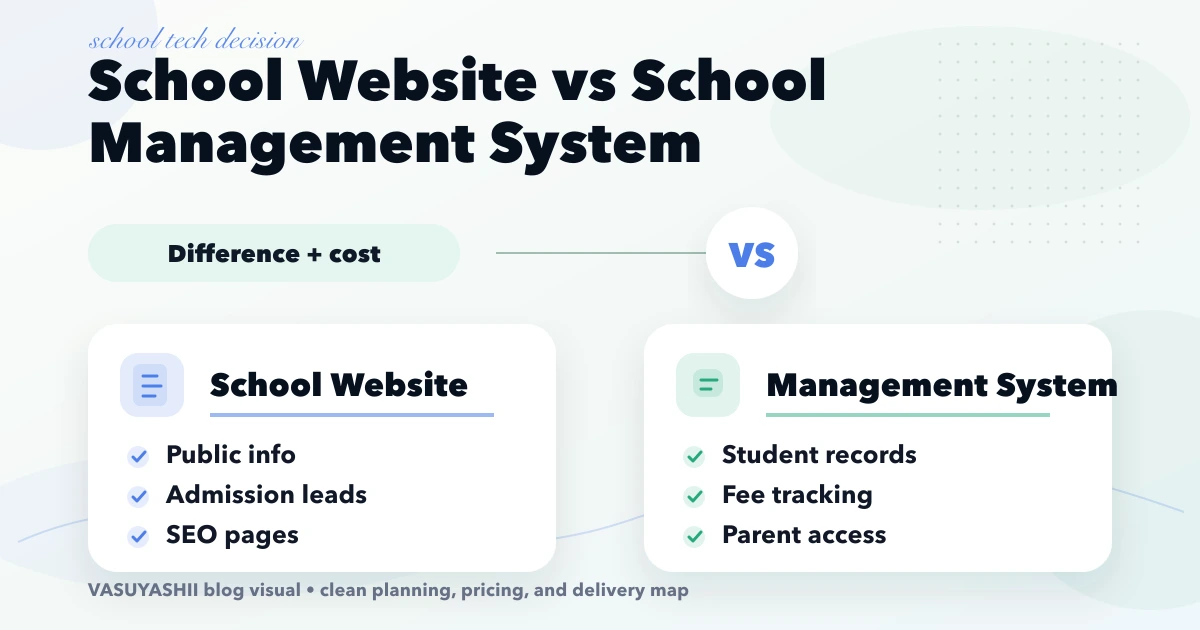
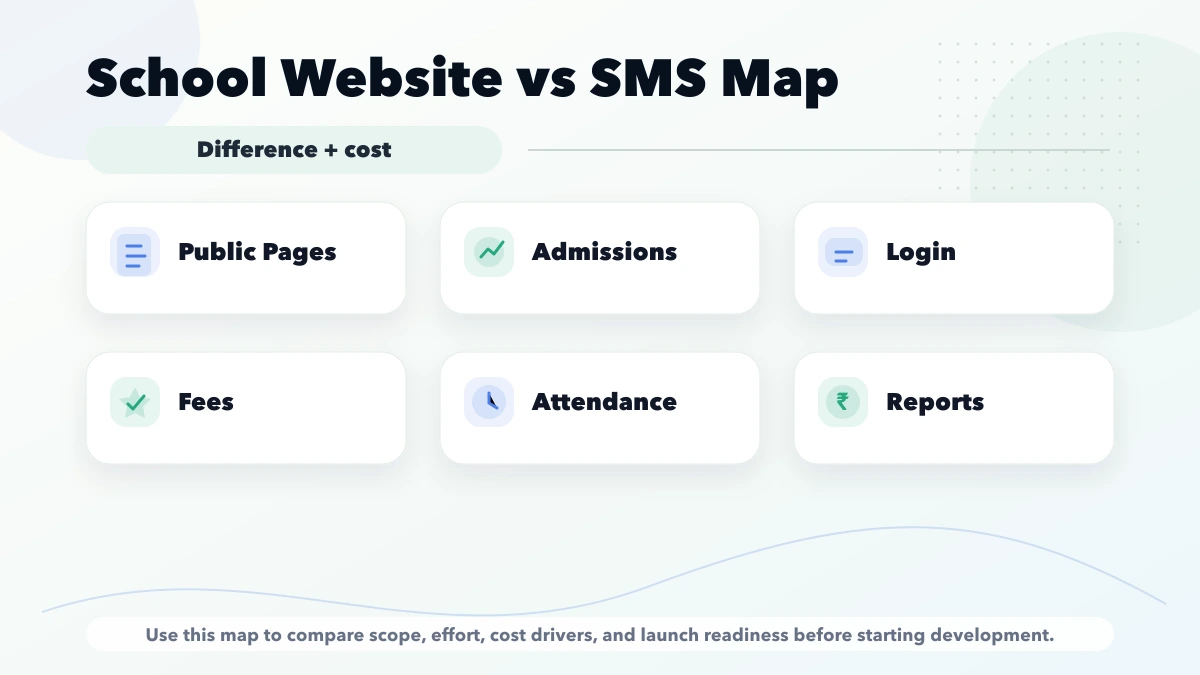
school website vs school management system is important for school owners, administrators, and education institutes deciding between a public website and internal management software. School website vs school management system is a common confusion. A website helps parents discover and trust the school. A school management system helps the school operate attendance, fees, students, staff, and reports. This guide is for schools planning the right digital investment. This guide is written for Indian SMB owners who want practical scope, cost, timeline, and decision clarity without generic theory.
By Tushar C. (Founder, VASUYASHII). Reviewed by VASUYASHII Editorial for practical scope, pricing, implementation clarity, and local business relevance.
| Scope | Typical range |
|---|---|
| School website | ₹25,000 to ₹1 lakh |
| Basic school management system | ₹1.5 lakh to ₹4 lakh |
| Full school ERP | ₹4 lakh to ₹12 lakh+ |
The safest decision begins by listing the problems the school needs to solve during the next academic cycle. If admissions are weak because parents cannot find clear information, see facilities, compare programmes, or submit an enquiry, the immediate need is a better website. If staff members are spending hours reconciling fees, attendance, student records, transport notes, or parent updates, the operational need is a management system.
These problems should not be mixed into one vague requirement called “school software.” A public website has anonymous visitors, search visibility, fast mobile pages, enquiry forms, and content ownership. A management system has authenticated users, private student data, permissions, audit history, calculation rules, and recurring support requirements. The security, testing, and training effort is therefore very different.
Keep the data boundary visible:
| Public website data | Restricted management-system data |
|---|---|
| Approved admission information | Student and guardian records |
| Public events and notices | Attendance, fee, and concession data |
| Reviewed facility photographs | Medical, transport, and identity documents |
| Contact and enquiry fields | Staff permissions and audit history |
| Published policies | Internal reports and operational notes |
Do not make a private management route indexable or expose it under the same access assumptions as public content. Parent and staff portals need authentication, authorization, session controls, and tested account recovery.
A school in Ghaziabad with 600 students may already use spreadsheets for fees and attendance but have an outdated website. Parents searching on mobile cannot see the admission process, age criteria, transport areas, fee guidance, or recent campus photographs. In this case, a focused website with admission landing pages, enquiry tracking, WhatsApp handoff, and a clear contact path can create value before an ERP project begins.
A school with 1,800 students may have a presentable website but depend on separate sheets for attendance, fee dues, and student records. Staff members repeatedly prepare the same reports and parents call for basic updates. Here, an internal system with student master data, roles, fee status, attendance, notices, and exports is the stronger phase-one investment.
If admissions and operations are both under pressure, plan two connected workstreams. Launch the public website first or in parallel with a small internal module. Do not delay the website until a large ERP is complete, and do not expose private ERP screens through the public website.
A useful school website should answer the questions parents ask before they call. The homepage should state the school type, classes, location, board or curriculum, and admission status. Dedicated pages should cover academics, facilities, safety, transport, activities, faculty approach, admission steps, documents, and contact options. Photographs should be recent and labelled honestly rather than taken from stock libraries.
The enquiry form should capture only the details needed for follow-up: parent name, phone, child class, preferred session, and message. The school should define who receives the lead, how quickly it is called, and how its status is tracked. A form without ownership is only a digital inbox.
For search visibility, use one clear URL per important topic, descriptive titles, local contact details, image alt text, sitemap inclusion, and contextual links between admission, academics, facilities, and contact pages. See the website development Delhi NCR hub for the broader planning approach.
The first management release should contain only workflows the school can maintain accurately. A sensible sequence is:
Transport, library, exams, payroll, biometric devices, mobile apps, and complex analytics can follow after core records are stable. Adding every module in the first release often creates incomplete data and training fatigue.
Before signing a system proposal, confirm who owns the domain, source code, database export, student data, and cloud account. Ask how backups are created, how deleted records are handled, and what happens when an employee leaves. Each user should have an individual account; shared admin passwords remove accountability.
The school should also define which information parents can view and which fields teachers can edit. Fee details, phone numbers, medical notes, and student documents need tighter permissions than public notices. Request an audit trail for sensitive changes and a tested restore process. For a custom system, review the custom software, CRM and ERP hub and integration services before connecting payment, SMS, WhatsApp, or biometric tools.
Do not compare proposals by the total price alone. Separate one-time design and development, hosting, domain, messaging charges, payment gateway fees, annual support, data migration, training, and future module costs. Confirm whether GST, content writing, photography, and third-party subscriptions are included.
For a website, compare the number of unique page templates, content responsibility, lead tracking, responsive testing, SEO setup, and handover. For a management system, compare roles, workflows, reports, migration, acceptance criteria, warranty, and support response. A low quote with unclear deliverables becomes expensive when essential reports or imports are treated as change requests.
Map admission enquiries and admin workflows. Collect the current forms, spreadsheets, fee structures, report formats, and user roles. Identify one measurable goal for each project, such as more qualified admission enquiries or fewer hours spent preparing fee-due reports.
For the website, launch the core admission journey and verify every CTA. For the management system, pilot one class, branch, or module with a small user group. Test real edge cases such as sibling records, concessions, late fees, transferred students, corrected attendance, and cancelled receipts.
Review usage after four to six weeks. Add modules only when staff members are maintaining the current data consistently. The web app development hub explains how phased dashboards and portals reduce rollout risk.
A sample website concept is not a live school customer system and does not prove student-data, fee, attendance, or parent-portal implementation. A real school project requires discovery, authorized data owners, consent and privacy review, role design, migration checks, security testing, and written acceptance criteria.
VASUYASHII can plan a public school website or a scoped management workflow, but cost, timeline, and module suitability depend on verified requirements. The examples in this guide are planning scenarios, not reported client outcomes.
Start with a short discovery checklist that defines users, workflow, required outputs, and success metric.
Yes. A phased build is usually safer because it keeps cost and adoption under control.
Avoid building too many advanced features before the core workflow is tested with real users.
Compare exact deliverables, timeline, ownership, support, and reporting instead of only the final price.
No. Custom development is useful when workflow, roles, reports, or integrations are specific to your business.
Yes, if the first phase is scoped around one clear business problem.
Related Articles
May 15, 2026
Plan a school website with admission journeys, trust pages, notices, staff workflows, accessibility, ownership, integrations, cost drivers, and launch checks.
Read article
May 26, 2026
Plan a coaching institute ERP for admissions, batches, fees, attendance, tests, reminders, roles, reports, migration, and phased rollout in India.
Read article
March 30, 2026
Compare school software pricing models, modules, demo checks, migration and rollout stages. Prepare a clear quote for your school's requirements in India.
Read article
March 24, 2026
SEO setup cost for a new website in 2026 with one-time vs monthly pricing, technical SEO, on-page scope, extras, and plan selection.
Read article