
April 17, 2026
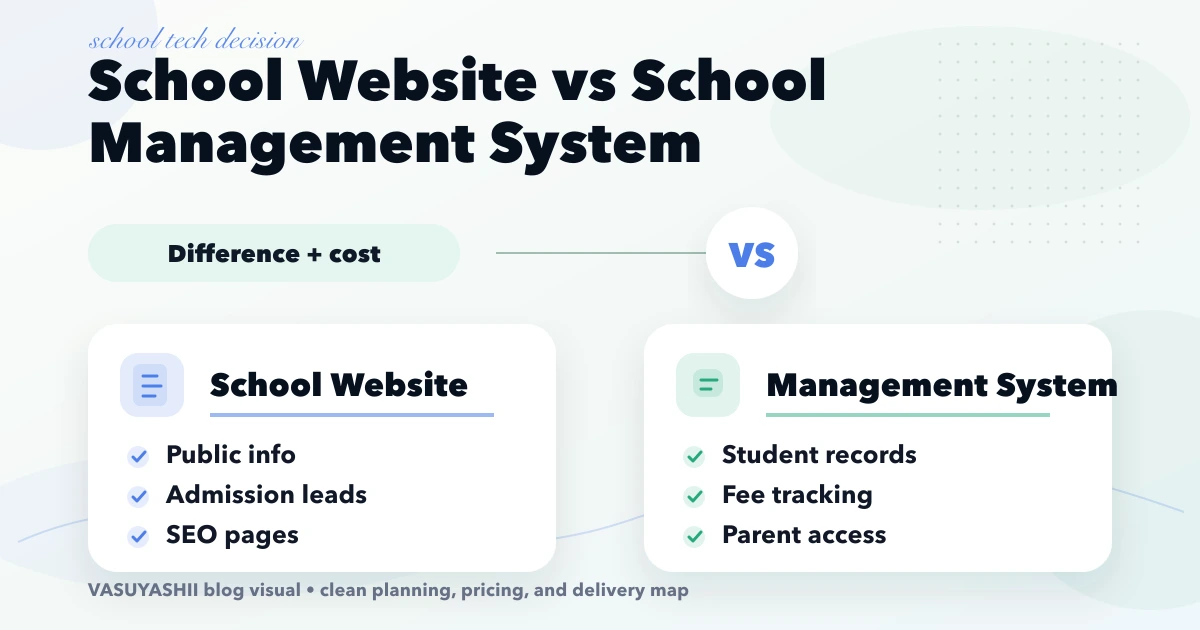
School Website vs Management System: Cost Guide
Compare a school website and school management system by purpose, modules, cost, timeline, and rollout priorities for Indian schools.
Read articlePublished Updated
Compare school software pricing models, modules, demo checks, migration and rollout stages. Prepare a clear quote for your school's requirements in India.
Schools usually start thinking seriously about management software when administration becomes harder than teaching support. Student records are scattered, fee tracking becomes messy, staff coordination slows down, and reporting takes too much manual effort.
That is why school management software matters. A good school system helps administration, academics, finance, communication, and reporting work from one cleaner structure instead of many disconnected tools.
This guide helps you compare school management software in India by required workflows, pricing model and rollout responsibilities. It covers both configuring an existing product and commissioning custom development; they need different quotations.
Most schools need these modules first:
Start your price comparison by identifying what you are buying:
There is no single starting price that applies to all three. Request a written scope and separate one-time, recurring and third-party charges. The module lists below are evaluation questions, not a statement that every feature is included in VASUYASHII's current product.
The software should reduce admin repetition, not increase it.
Related reading:
A useful first release should follow one complete administrative journey. For example, an enquiry becomes an applicant, an approved applicant becomes a student, the student is assigned to a class and fee plan, and payments update the due report. Building isolated screens without this flow usually creates duplicate entry.
Start by defining the source of truth for student ID, guardian contacts, class, section, academic session, transport selection, fee plan, concessions, and payment status. The system should prevent the same student from being created twice and keep a visible audit trail when important details change.
| Role | Typical access |
|---|---|
| Front office | Enquiries, admissions, document status, and follow-up |
| Teacher | Assigned classes, attendance, remarks, and limited student details |
| Accounts | Fee plans, receipts, concessions, dues, and payment reports |
| Principal/admin | Dashboards, approvals, reports, configuration, and audit logs |
| Parent/student | Their own notices, receipts, attendance, and approved academic data |
Permissions should be tested with sample accounts. A teacher should not see unrestricted fee records, and one parent must never be able to access another student’s information.
Before import, clean duplicate admission numbers, inconsistent class names, invalid phone numbers, and historical fee balances. Run a dry import first, compare record counts, and obtain written approval before replacing the live spreadsheet process.
A safer rollout starts with one academic session or one branch. Train front-office and accounts users on real daily tasks, keep a controlled parallel check for a short period, and publish a clear date after which new entries must happen only in the system.
These checks are more useful than approving the software from dashboard screenshots alone. For related architecture and role planning, see custom software, CRM and ERP services.
The school should know where data is hosted, how backups are created, who can download records, and how access is removed when a staff member leaves. Support terms should identify urgent issues, normal requests, response channels, and the responsibility for internet, devices, payment providers, or messaging services. These operational details should be agreed before student data becomes dependent on the platform.
| Purchase model | Ask the provider | Check before comparing |
|---|---|---|
| Subscription | Is billing per school, student, user or module? What changes at renewal? | Minimum charges, active-student definition, limits and export access |
| Licence with setup | What does the licence include, and what support or hosting is recurring? | Updates, configuration, migration, training and renewal exclusions |
| Custom development | Which workflows and acceptance checks are in the project scope? | Source-code/account ownership, integrations, change requests and ongoing support |
Two proposals with different modules or responsibilities are not directly comparable. Use the same school-size band, required roles, academic periods and sample workflow for each discussion.
Add the quoted setup or licence charge, the applicable subscription period, agreed migration and training, hosting, and any separately charged payment or messaging services. Record applicable taxes, usage limits and renewal terms alongside the total. A lower initial fee may cover less work; a custom-build quote should not be treated as the minimum cost of buying existing software.
For VASUYASHII, review the available school software scope and request a walkthrough before a school-specific quote. This guide does not publish a standard package price, subscription entitlement or guaranteed delivery date.
| Decision | What to request | What to record |
|---|---|---|
| Admissions and fees | One synthetic applicant through enrolment and the selected fee invoice | What is demonstrated; which payment or concession rules still need checking |
| Attendance and access | A sample class/date, an authorised correction and the required role views | Supported rules, access boundaries and any device dependency |
| Academic reporting | A sample report using your required grading and academic-period rules | Configuration needed; no assumption of examination-board certification |
| Migration and exit | A small synthetic import and an example export | Mapping, duplicate handling, history, export format and responsible team |
| Operating support | A written support and recovery outline | Hours, channels, backup responsibilities and separately priced services |
Use the school software demo checklist to mark each item as shown, requiring configuration, needing confirmation or out of scope. Keep completed worksheets private. Screenshots, a module name or a sales demonstration alone do not establish a live school rollout.
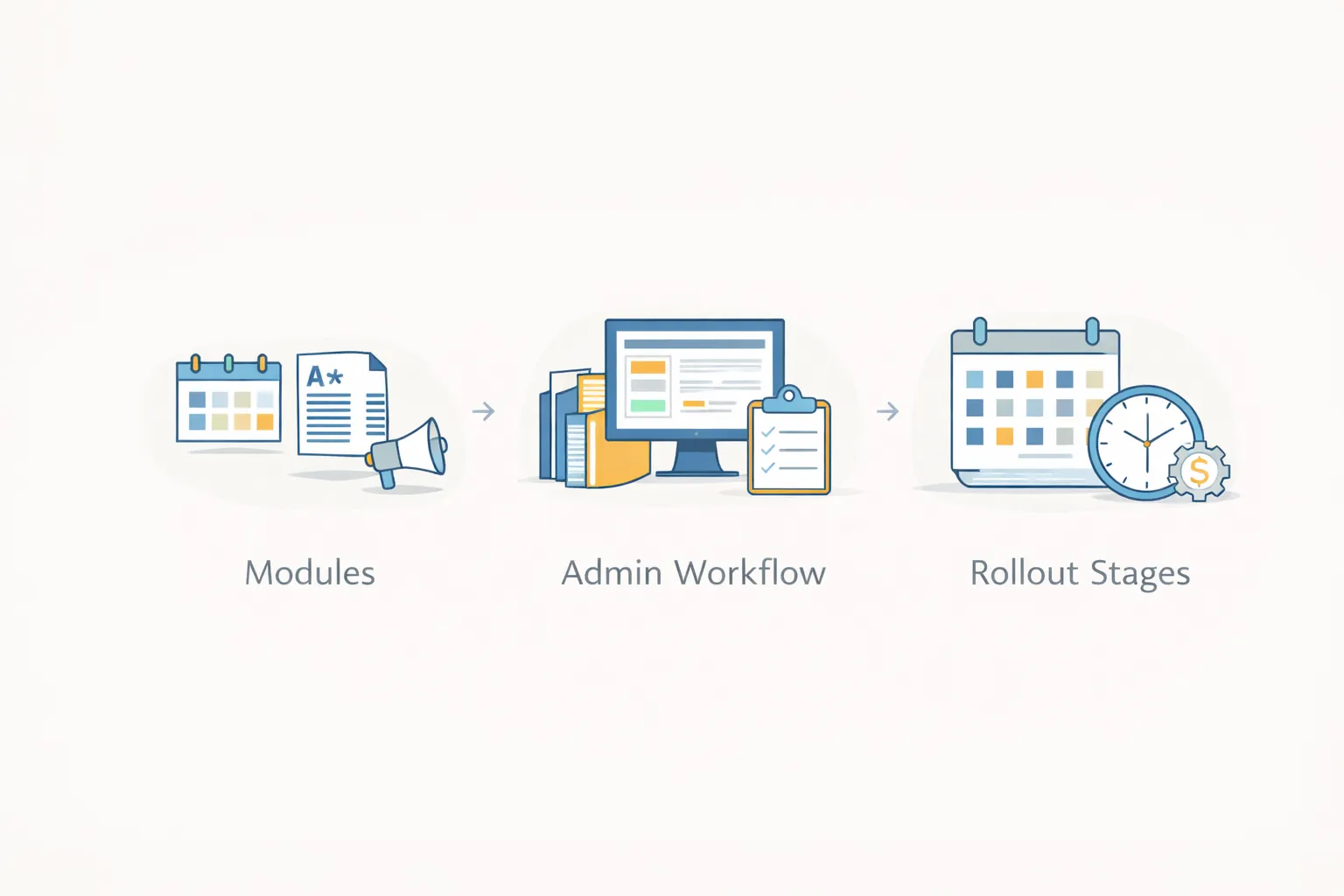
Agree milestones against the selected product and school calendar instead of assuming a universal four-week or three-month delivery window.
| Stage | Ready to move forward when |
|---|---|
| Scope and walkthrough | Required workflows, demonstrated behavior and gaps are recorded |
| Configuration or development | The agreed setup and changes can be tested with sample records |
| Migration rehearsal | Field mapping, record counts, balances and corrections are reviewed privately |
| Staff acceptance | The responsible school roles can complete the agreed journeys |
| Controlled launch | Access, training, support, backups and a recovery plan have named owners |
Product fit, data readiness, custom rules, integrations and school approvals determine the schedule. Agree who supplies each input and how a delay affects the launch. Software availability and a school's acceptance of its own setup are separate milestones.
The biggest drivers are:
If your school admin process still depends on too many disconnected files and tools, the next step is to define the first 5 to 7 modules clearly before comparing software proposals.
Student data, fee management, attendance, roles, and reports are usually the best phase-one modules.
It depends on whether you are subscribing to an existing product, paying for configuration and onboarding, or commissioning custom development. Compare included modules, billing limits, setup, migration, support and renewal charges using the same requirements. Request a scoped quote rather than treating a custom-development budget as a universal minimum price.
The schedule depends on product fit, configuration or development, data preparation, integrations, training and acceptance. Ask for dated milestones and input responsibilities after the walkthrough and scope review.
Not always. Some schools start with internal admin modules first.
Over-scoping before school staff is ready to adopt the system.
Yes, depending on the fee structure and reporting requirements.
Usually yes, because it creates daily operational value quickly.
Yes. Good school software should grow module by module.
If you want cleaner school operations without overcomplicated software, the next step is to map admin workflows and prioritize the modules that create daily value first.
Review the school management software offer for the available scope, review process and relevant enquiry.
Related Articles
April 17, 2026
Compare a school website and school management system by purpose, modules, cost, timeline, and rollout priorities for Indian schools.
Read article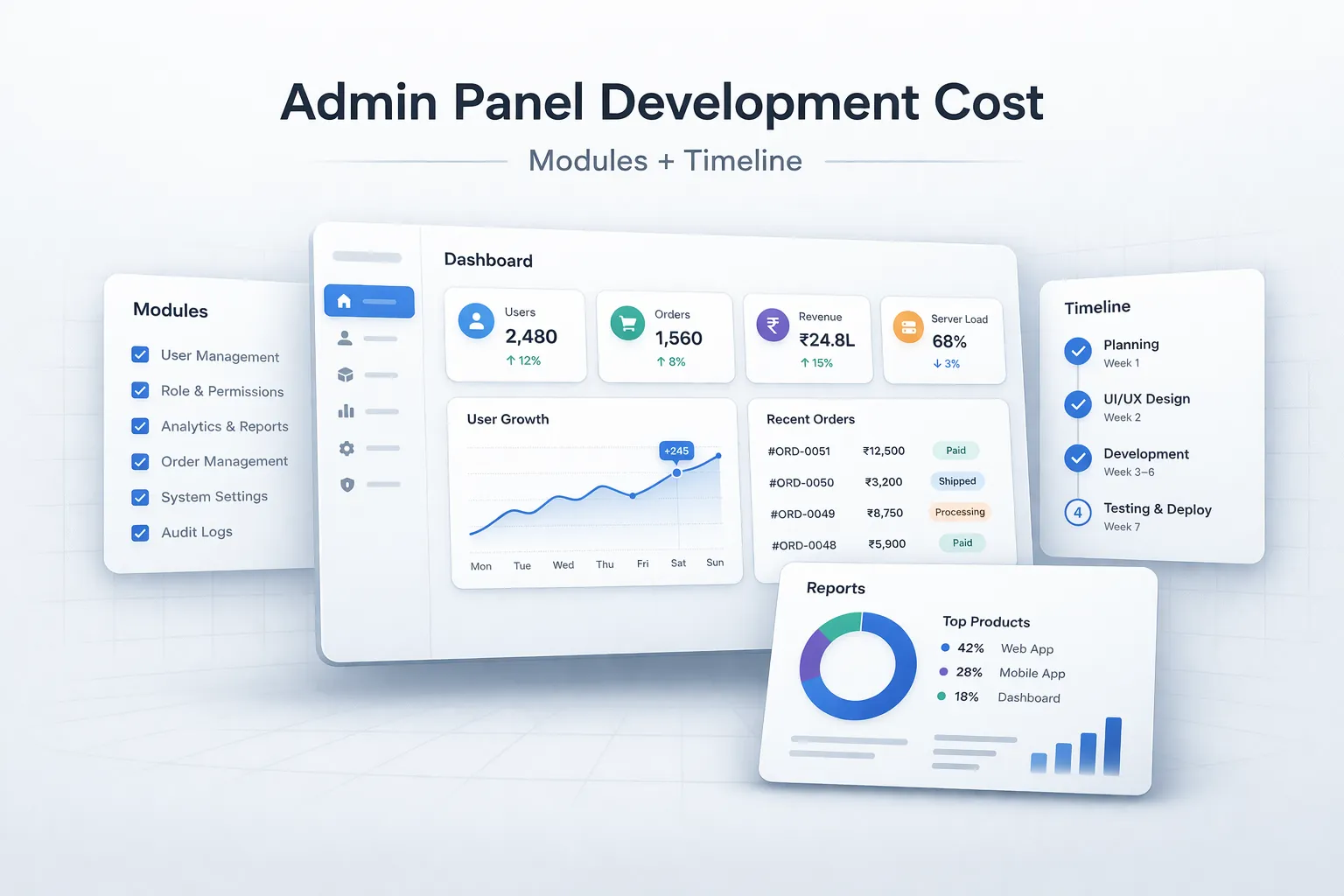
March 29, 2026
Estimate admin panel development cost by modules, user roles, reports, approvals, integrations, security, timeline, and phased delivery in India.
Read article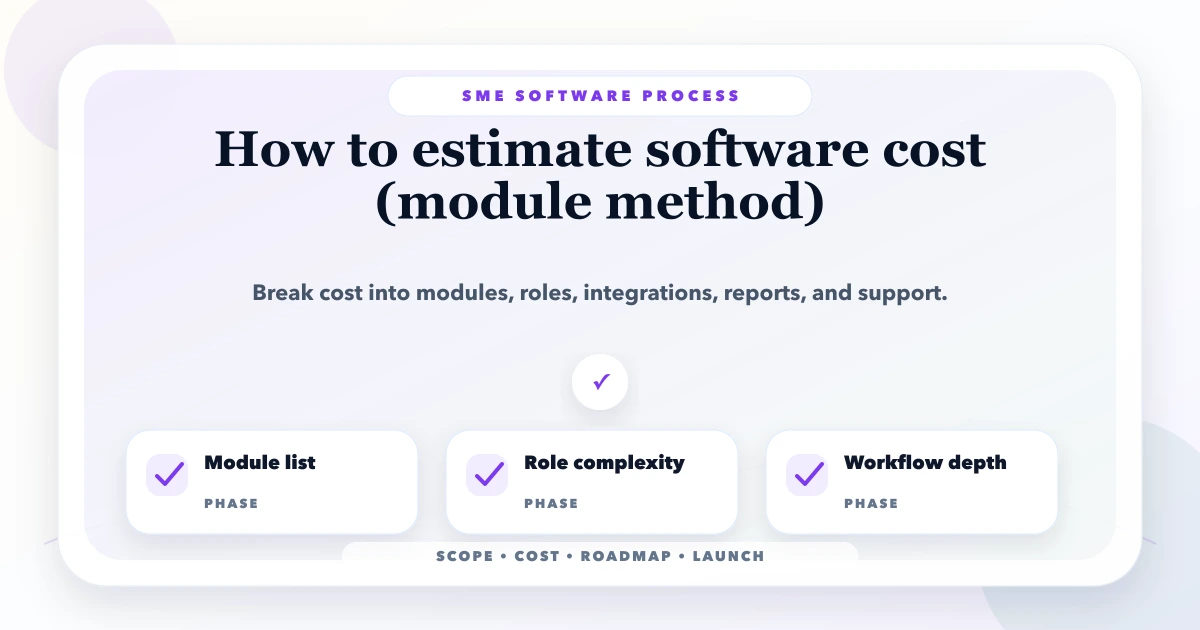
May 19, 2026
Estimate custom software cost by module across workflows, roles, data, integrations, migration, testing, support and acceptance before comparing quotes.
Read article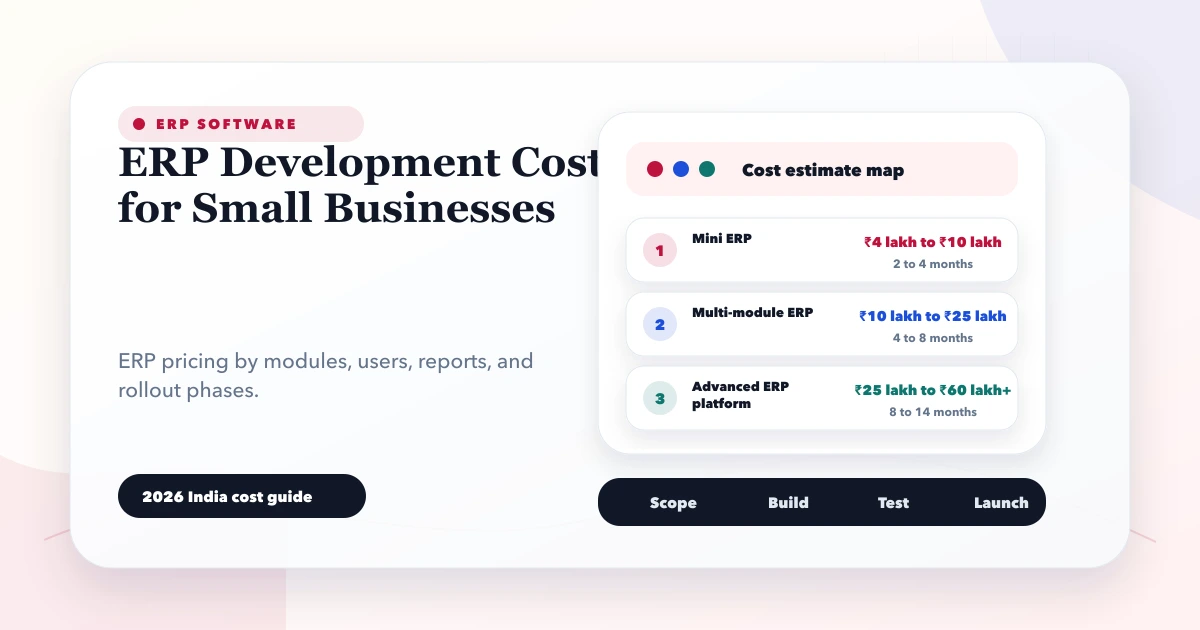
May 28, 2026
Estimate small-business ERP development cost using modules, roles, workflows, migration, integrations, reports, support, and phased delivery decisions.
Read article