
April 29, 2026
CRM Automation Workflows (Sales)
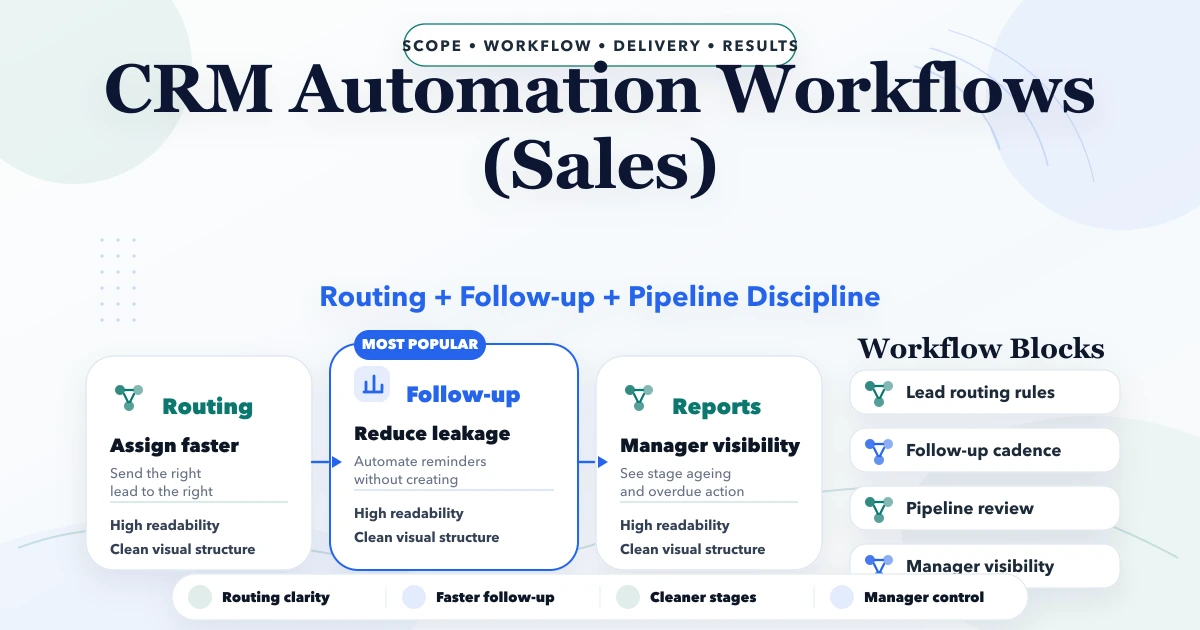
CRM automation workflows for sales with lead routing, follow-up rules, task logic, reporting, pricing, and implementation guidance for SMBs.
Read articlePublished Updated
Plan a coaching institute CRM for enquiries, counsellor ownership, demo classes, follow-ups, WhatsApp consent, admissions, source tracking and reports.
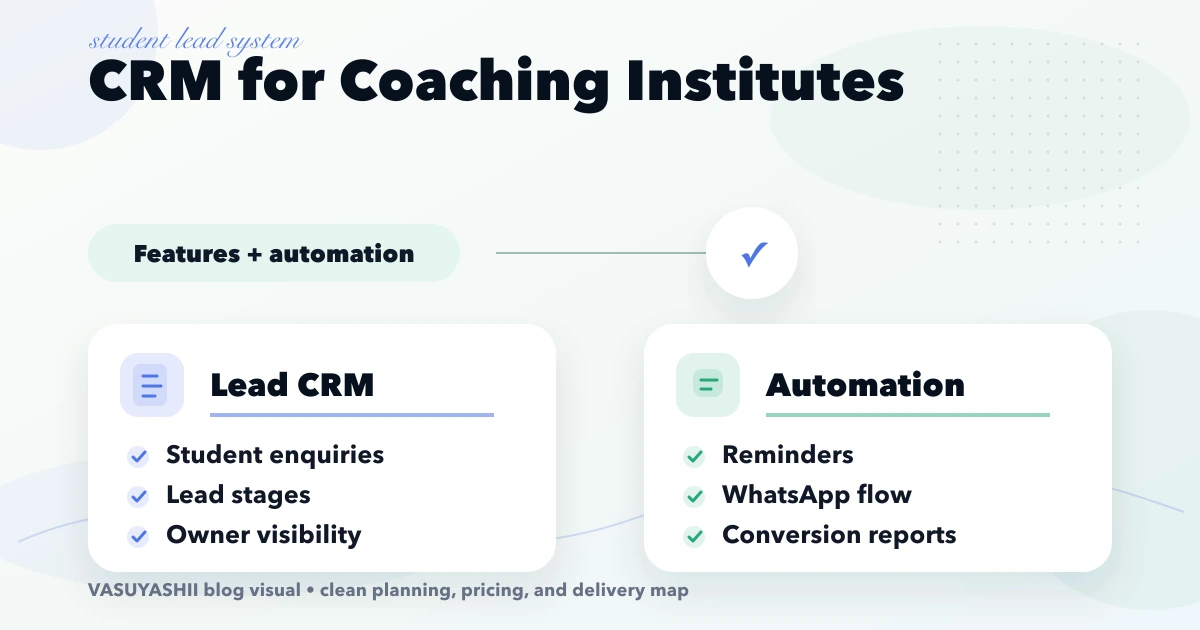
A coaching institute CRM should make every enquiry visible, assign the next action, and show why prospects convert or disappear. It should not become a second attendance or fee system before the admissions team can reliably follow up with new leads.
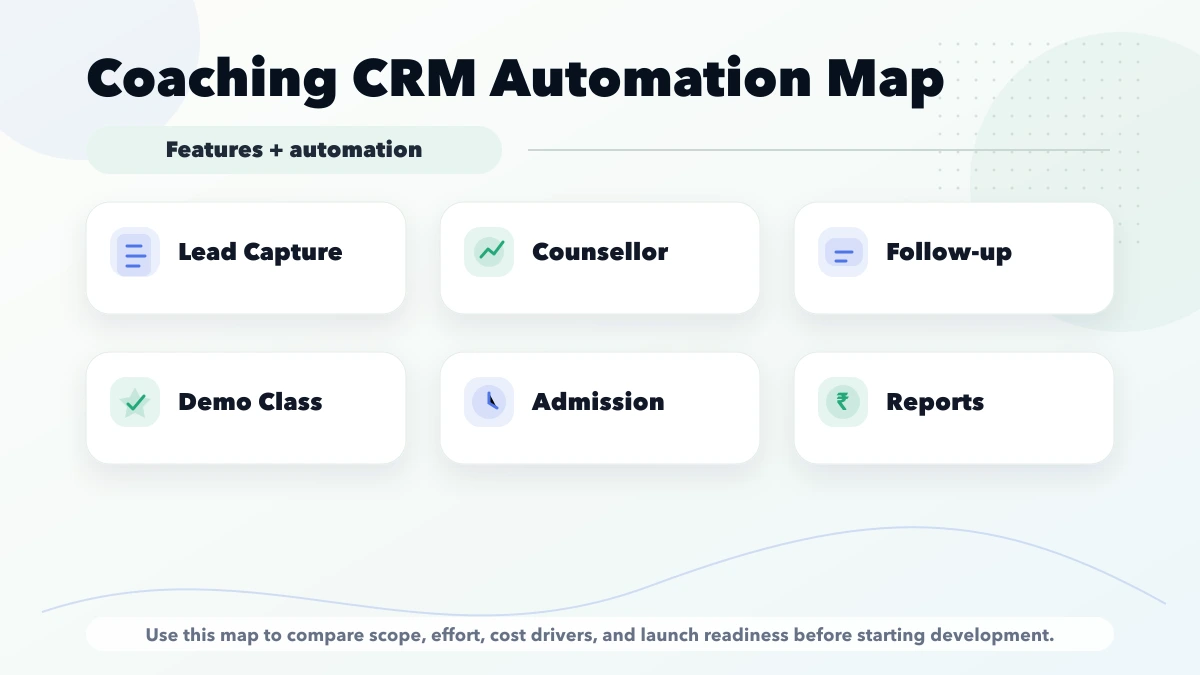
The first release should cover the path from enquiry to admission: source, course interest, counsellor, communication history, demo class, follow-up date, result, and reason lost. Automation should remind staff and send approved customer updates without taking control away from the counsellor.
Start with these modules:
Add fee, attendance, LMS, tests, and student operations only when the business has decided whether the CRM will integrate with those systems or become a broader education platform.
Use stages with entry and exit rules:
| Stage | Required information | Next action |
|---|---|---|
| New enquiry | phone/email, source, course interest | Assign counsellor |
| First contact due | owner and due time | Call/message |
| Contacted | outcome and notes | Qualify or retry |
| Qualified | eligibility, goal, timing | Book counselling/demo |
| Demo scheduled | class, batch, date | Send confirmation |
| Demo attended | feedback and objections | Fee/admission discussion |
| Decision pending | next follow-up | Reminder |
| Admission won | student/admission reference | Handover to operations |
| Lost | reason and competitor/no-plan data | Close or nurture |
Avoid stages such as Hot, Warm, and Cold unless the institute defines objective rules. Otherwise reports reflect personal judgement.
Capture from:
Every lead should preserve original source and campaign values where available. Staff may update the current source only through an audited correction, not overwrite history to improve performance reports.
Parents and students may enquire multiple times through different channels.
Use normalised phone/email and course/location context to suggest duplicates. Let authorised staff merge carefully while preserving:
Do not automatically merge two siblings who share a parent's number.
Assignment rules can use:
The CRM should show:
Managers need a reassignment function with reason and audit history.
Every open lead should have either:
Useful task fields:
Do not generate endless daily reminders for every lead. Escalate only overdue, high-value, or repeatedly missed work.
A demo is not just a calendar event. Track:
If a demo is rescheduled, preserve the previous event. Managers should distinguish “demo booked” from “demo attended.”
Useful messages can include:
The CRM should store consent/purpose, selected approved template, provider message ID, and delivery status where supported. Staff must see what was sent before calling.
Keep marketing broadcasts separate from transactional admission updates. Respect platform rules and opt-out handling.
The CRM does not need to record every call by default. It needs a reliable outcome:
If call recording is used, define legal/privacy basis, notice, access, retention, and deletion with professional advice.
Keep a light catalogue:
This helps counsellors answer consistently. Actual fee collection, receipt, concession approval, and dues may belong in an education ERP. Integrate rather than duplicate when a separate finance system is the source of truth.
When the lead converts:
The CRM should not lose acquisition data after conversion.
Do not use raw conversion rate to punish counsellors without accounting for source quality, course, shift, and lead age.
| Trigger | Condition | Action | Failure owner |
|---|---|---|---|
| New website lead | valid contact and course | create + assign + acknowledge | Admissions admin |
| First call overdue | no completed contact | notify counsellor/manager | Manager |
| Demo tomorrow | confirmed and consented | send reminder | Counsellor |
| Demo attended | feedback missing | create task | Counsellor |
| Admission won | record not created | create handover task | Operations |
| Lead inactive | defined nurture eligibility | queue approved message | Marketing owner |
Every rule needs a stop condition, retry limit, and audit entry.
Exports and bulk messaging need stricter permission and audit.
A test-preparation institute receives leads from a website, calls, and WhatsApp for three branches.
Before CRM:
Phase one:
Phase two can connect fee/admission records after the process is stable.
Cost depends on:
A small team can first configure an existing CRM. Custom development makes sense when assignment, demo, branch, permissions, and integration rules are specific enough that generic tools create constant workarounds.
VASUYASHII builds company-scoped software, dashboards, integrations, and automation. A coaching CRM engagement should begin with the admission workflow and named reports, not a claim that a full LMS, payroll, fee ledger, attendance system, and mobile app are automatically included.
For a wider institute platform, compare the coaching institute ERP guide and school management software modules.
The admissions problem remains unsolved while scope grows.
Messages do not replace counsellor tasks and follow-up decisions.
Different programmes may require eligibility, demo, interview, or parent approval.
Owners need ageing, response time, demo attendance, and loss reasons.
Use approved business channels, consent, permissions, and retention rules.
Yes. Start with a configurable tool if the pipeline is simple. Choose custom work when branch, course, demo, assignment, or integration rules cannot be maintained cleanly.
Only if the CRM is the approved source of truth. Otherwise link the admission to the fee/ERP system and display permitted status.
Yes, for approved purposes and templates. Keep consent, stop rules, delivery status, and staff ownership visible.
Compare response, task completion, demo progression, conversion, and loss quality alongside source/course mix.
Yes, but model people and relationships so one phone does not incorrectly merge several students.
Lead capture, assignment, pipeline, tasks, demo status, won/lost result, source reports, permissions, and basic import.
A coaching CRM succeeds when no qualified enquiry disappears without an owner, next action, and result. Build the admission pipeline first, automate carefully, and integrate fee/student operations only where ownership is clear.
To map a branch-wise admissions workflow and phase-one scope, contact VASUYASHII.
Related Articles
April 29, 2026
CRM automation workflows for sales with lead routing, follow-up rules, task logic, reporting, pricing, and implementation guidance for SMBs.
Read article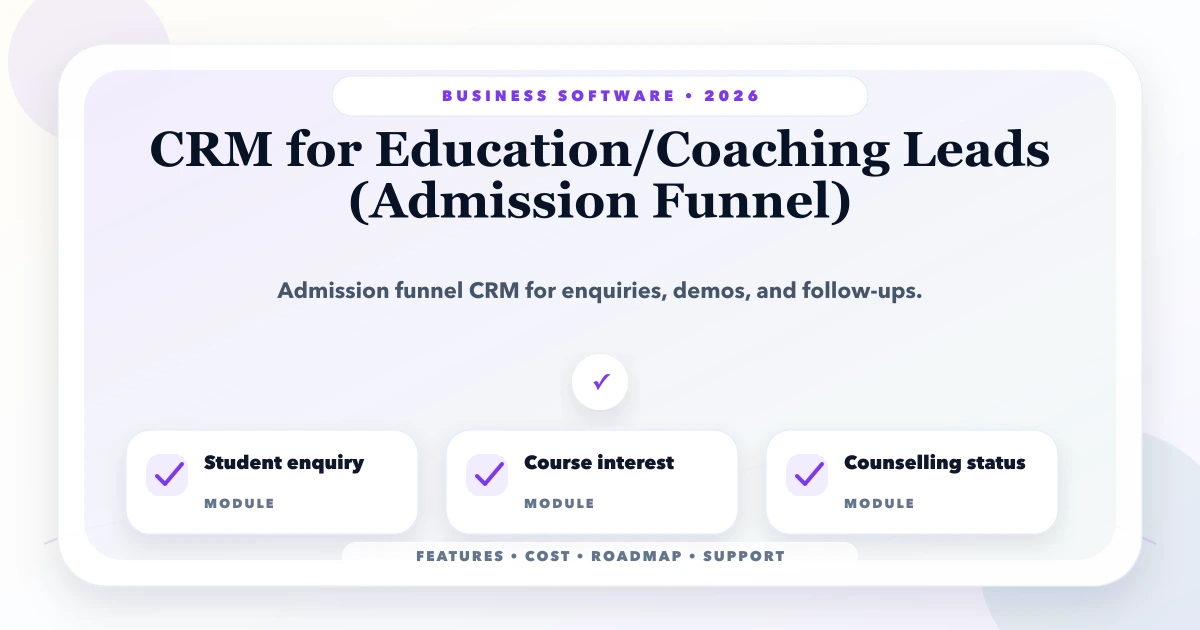
May 25, 2026
Plan an education CRM for enquiry sources, course interest, counsellor ownership, demo classes, follow-ups, admissions, reports, and phased rollout.
Read article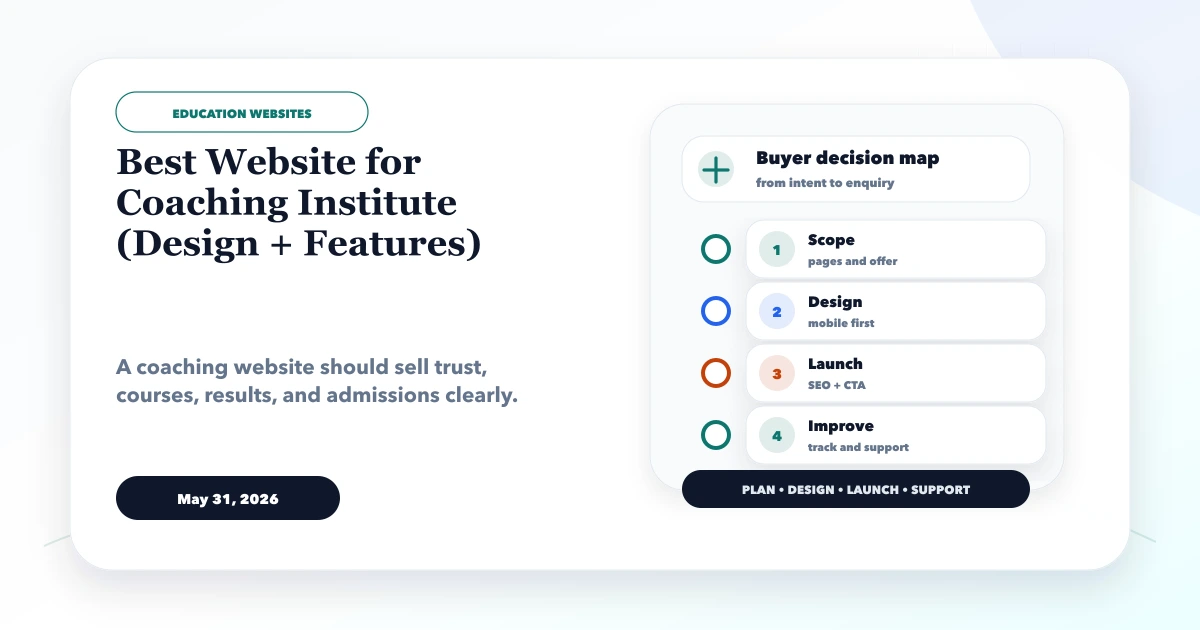
May 31, 2026
Best website for coaching institute guide with design sections, admission leads, course pages, fees, results, WhatsApp, CRM, and features.
Read article
May 15, 2026
Plan a school website with admission journeys, trust pages, notices, staff workflows, accessibility, ownership, integrations, cost drivers, and launch checks.
Read article