
April 18, 2026
CRM for Coaching Institutes: Features and Automation
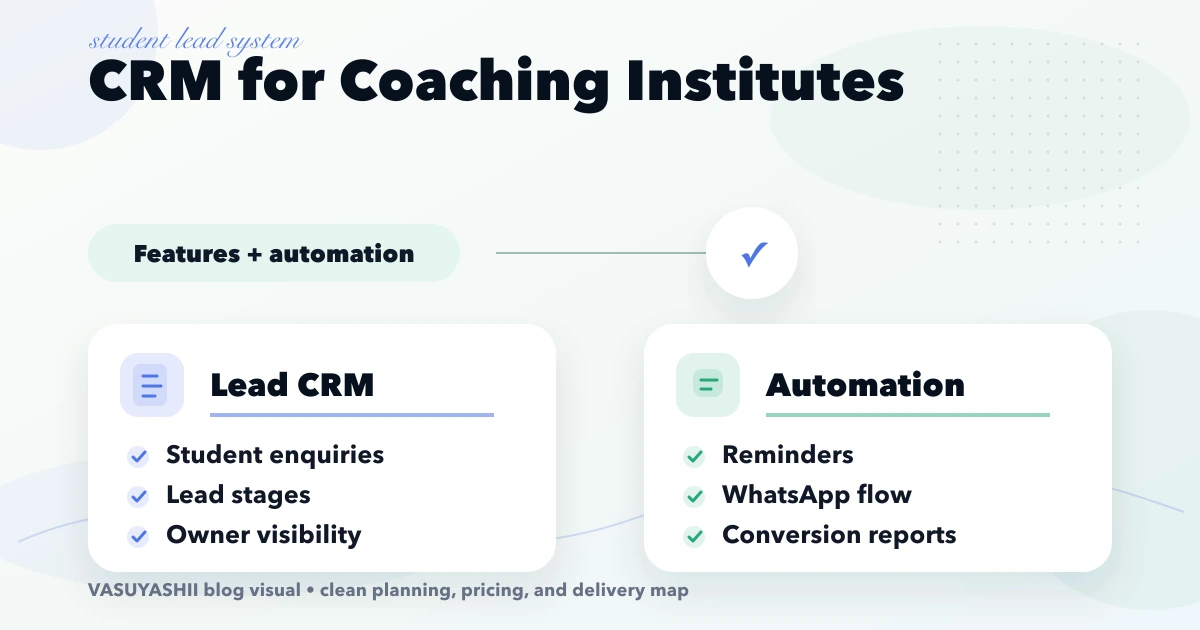
Plan a coaching institute CRM for enquiries, counsellor ownership, demo classes, follow-ups, WhatsApp consent, admissions, source tracking and reports.
Read articlePublished Updated
Plan an education CRM for enquiry sources, course interest, counsellor ownership, demo classes, follow-ups, admissions, reports, and phased rollout.
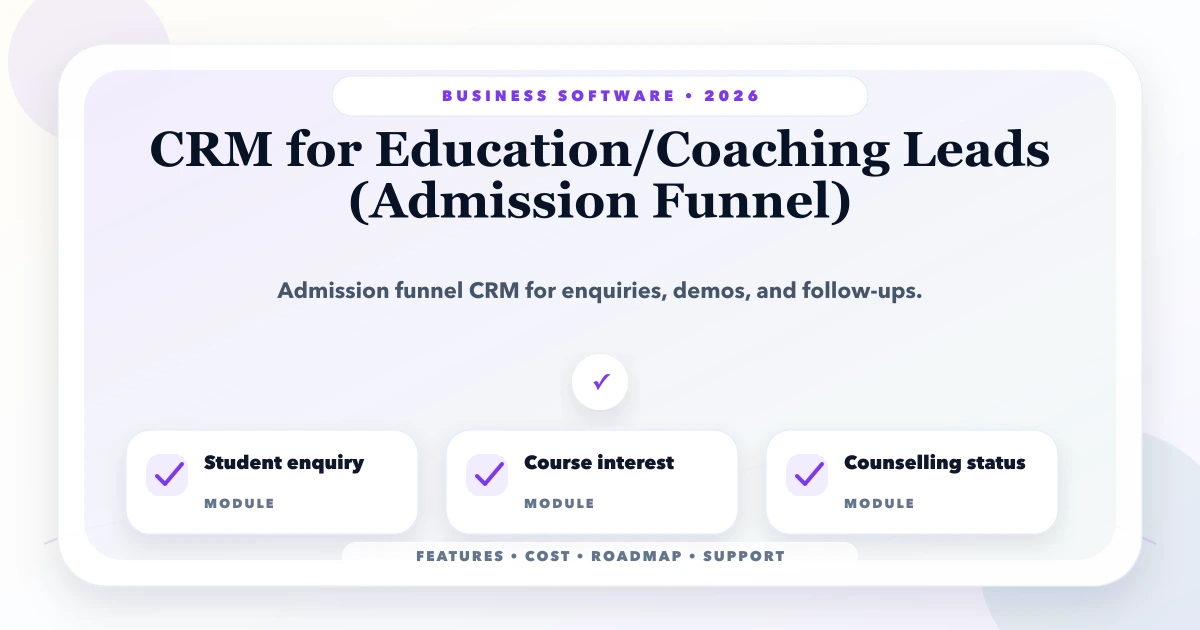
This guide on CRM for education coaching leads is for coaching centres, institutes, schools, and education businesses that need enquiry, counselling, demo class, and admission tracking. If your business operates in Delhi NCR, Ghaziabad, Noida, Delhi, Gurugram, Faridabad, or anywhere in India, the goal is simple: build software that gives daily control, reduces manual work, and supports growth without confusing the team.
The CRM should solve a specific admissions problem: enquiries arrive from forms, calls, WhatsApp, referrals, ads, and walk-ins, but counsellor ownership and the next follow-up are unclear. The system must preserve source, course interest, consent, status history, and lost reason without turning every enquiry into an unqualified admission forecast.
By Tushar C. (Founder, VASUYASHII). Reviewed by VASUYASHII Editorial for real-world SMB software, dashboard, CRM, ERP, inventory, billing, and automation implementation experience.
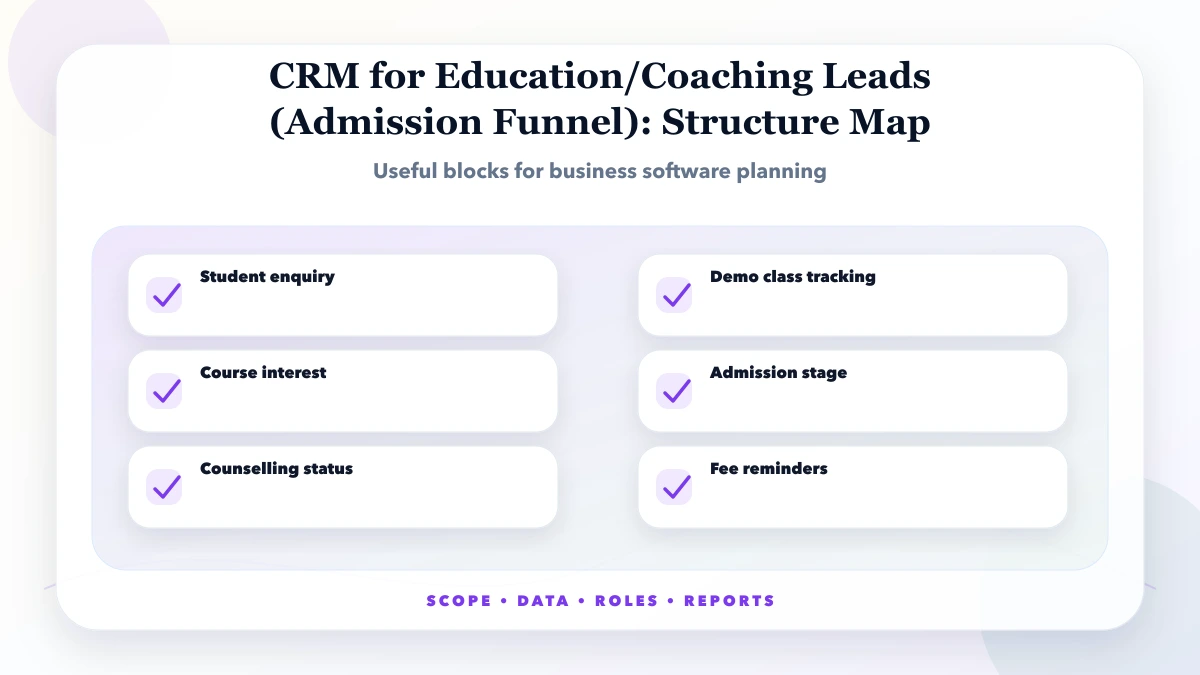
CRM for education and coaching leads tracks student enquiries, course interest, counselling status, demo class, follow-ups, admission status, and fee reminders.
For an education business, phase one should cover lead capture, duplicate detection, course interest, counsellor assignment, next follow-up, demo or counselling status, admission outcome, and a daily owner report. Add WhatsApp automation, payment links, student portals, and campaign attribution only after those status rules are used consistently.
In our work with business software, the biggest success factor is not the number of screens. It is clarity of workflow, user roles, data quality, and staff adoption. Owners often know the business problem, but the real requirement is scattered across Excel sheets, WhatsApp chats, old invoices, and verbal instructions.
Each feature should have a clear owner, input, output, and acceptance rule. If nobody owns a workflow, it becomes unclear during testing. If output is not defined, reports and dashboards become unreliable.
| Status | Required evidence | Required next action |
|---|---|---|
| New enquiry | source, contact route, course interest | assign a counsellor and response deadline |
| Qualified | eligibility, location or delivery fit, preferred batch | schedule counselling, call, or demo class |
| Follow-up | last contact outcome and next follow-up date | keep one accountable owner |
| Decision pending | course, fees shared, objections, decision date | answer the recorded objection without duplicate messages |
| Admitted | confirmed course, batch, payment or approval reference | hand over to the student or ERP workflow |
| Lost or deferred | reason, competitor or timing note where volunteered | stop active follow-up or set a consent-safe future date |
Statuses should not be changed only to make the dashboard look healthy. The CRM needs timestamped status history, reassignment history, and a clear rule for duplicates so owner reports distinguish real demand from repeated enquiries.
| Scope | Practical price range | Typical timeline |
|---|---|---|
| Education CRM setup | ₹75,000 to ₹2.5 lakh | 4 to 8 weeks |
| Admission funnel CRM | ₹2.5 lakh to ₹7 lakh | 2 to 4 months |
| CRM + student portal | ₹7 lakh to ₹18 lakh+ | 4 to 8 months |
These are practical planning ranges, not fixed quotes. Final pricing depends on workflow complexity, user roles, data quality, integrations, custom reports, migration needs, testing depth, and support expectations.
Low-cost software can work if the scope is tight and the workflow is simple. A cheap build becomes expensive when it skips validation, permissions, audit logs, data backup, testing, or handover.
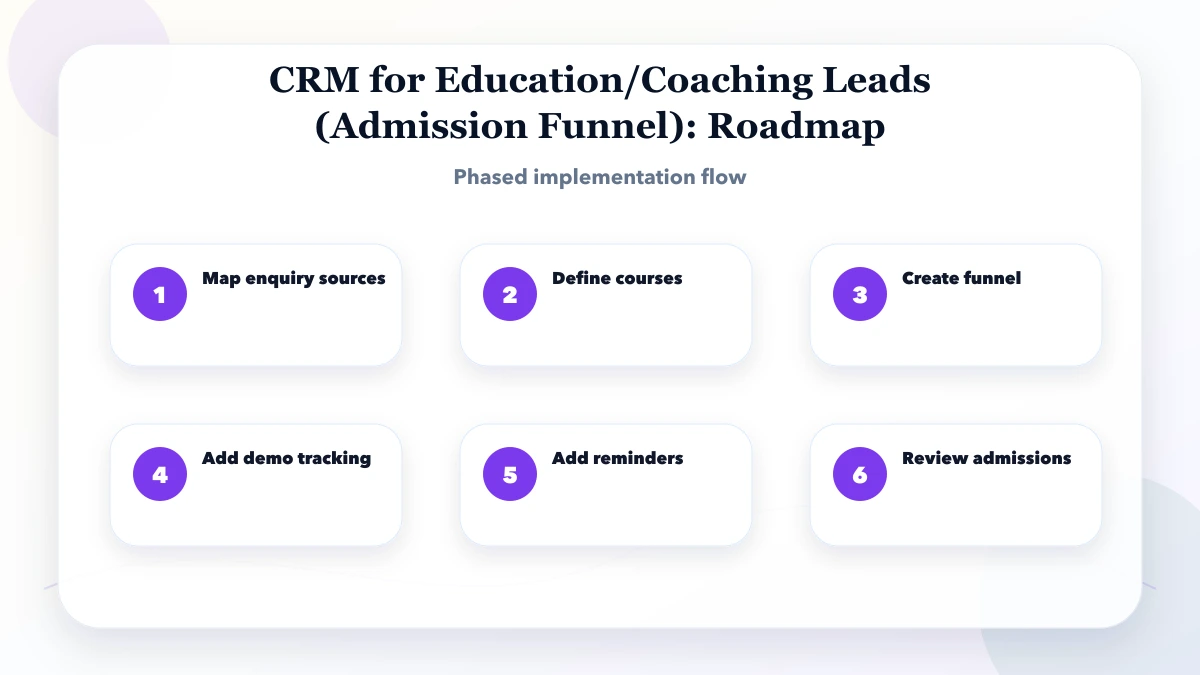
This sequence keeps the project grounded. Do not jump to visual polish before workflow clarity. Do not migrate final data before import rules are tested. Do not train staff only after launch. A clean timeline reduces rework.
The stack should fit the business. A small admin panel may need a fast frontend, secure authentication, a stable database, and simple reports. A larger system may need APIs, audit logs, scheduled jobs, file storage, backups, and role-based dashboards.
The biggest cost drivers are hidden in business rules. A screen may look simple but become complex when permissions, approvals, returns, GST, branch access, reports, reminders, exports, and audit history are included.
A useful education CRM should control the daily admissions workflow, not just store contacts. The system should show who entered the enquiry, which counsellor owns the next action, whether counselling or a demo is pending, what decision was recorded, and what needs owner attention. The real process often spans marketing sources, counsellors, course teams, fee confirmation, and WhatsApp communication, so the handoff rules must be explicit.
The first control layer is data quality. Fields should be simple enough for counsellors to fill quickly, but strict enough to prevent incomplete records. Required fields, course and batch selections, duplicate checks, next-action dates, lost reasons, and edit permissions reduce mistakes before they become admission reports.
The second control layer is accountability. Every enquiry should have a counsellor, timestamp, current stage, next action, and history. If a follow-up is overdue, a demo class is pending, or a decision date has passed, the dashboard should show it without requiring the owner to check personal WhatsApp chats.
The third control layer is reporting. Reports should answer real questions: what happened today, what is pending, which user updated what, where money is stuck, and what needs follow-up. Fancy graphs are less useful than clear numbers that support daily decisions.
Use three buckets: must-have, should-have, and later. Must-have features are needed for launch, revenue, compliance, security, or daily operations. Should-have features improve convenience but should not block launch. Later features should wait until real users prove they need them.
For every feature, ask four questions: who uses it, what data is required, what output is expected, and what happens when the data is wrong. If these answers are unclear, the feature is not ready for development.
Keep phase one focused. If you are replacing Excel, start with the sheet that creates the most errors or owner dependency. If you are building CRM, start with lead capture, follow-up ownership, and reporting. If you are building inventory or ERP, start with product master, stock movement, billing links, and core reports.
Plan staff adoption as part of implementation. A technically correct system can still fail if staff do not understand the new process. Prepare short SOPs, role-wise training, and a support path for the first two weeks.
We normally start with a short discovery call, then convert the business workflow into modules, screens, user roles, reports, and phase-wise delivery. This prevents vague estimates and makes the quotation easier to compare. If your current process is in Excel or WhatsApp, we first identify which sheets, messages, and manual steps are actually important.
For phase one, we prefer a stable usable release over a long feature list. The first version should capture correct data, protect access, generate useful reports, and reduce the most painful manual work. Once staff use it for real records, the next phase can add automation, integrations, advanced reports, customer portals, vendor portals, mobile views, or analytics.
This approach is also better for SEO-led and local businesses because leads can start faster. Instead of waiting months for a large system, the business can launch a practical version, collect feedback, improve operations, and build trust with real usage.
If you are planning this type of business software, start with a written workflow map and a phased scope. VASUYASHII can help convert your requirement into modules, screens, timeline, and cost estimate before development starts.
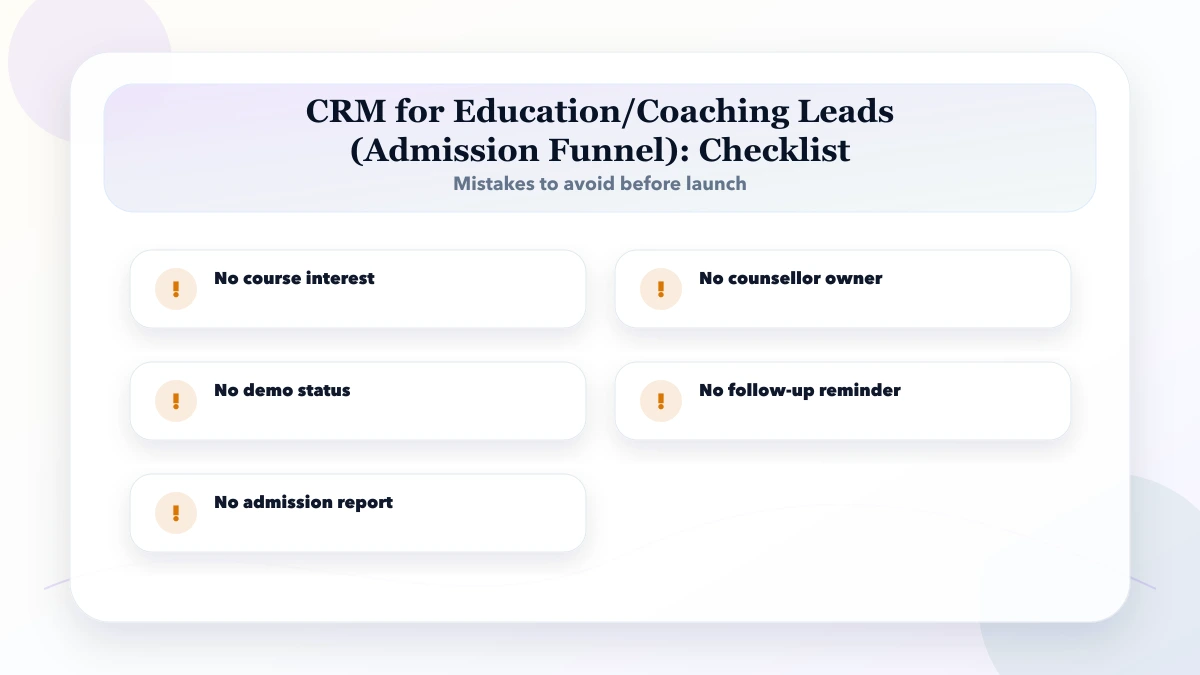
Avoid treating software as a one-time delivery. Business software needs ownership, updates, monitoring, training, and support. The cleaner your workflow and data rules, the safer your launch.
Also avoid approving development only from a verbal discussion. Ask for a written module list, screen list, role list, report list, assumptions, exclusions, timeline, support scope, and change request process. This protects both sides because the business knows what will be delivered and the developer knows what must be tested before launch.
It is for coaching centres, institutes, schools, and education businesses that need enquiry, counselling, demo class, and admission tracking. The goal is to make software planning practical for Indian SMB budgets, staff, and timelines.
Start by mapping every enquiry source and deciding which identifiers prevent duplicates. Then define counsellor ownership, course interest, status stages, next-action rules, and the daily overdue-follow-up report.
Use the pricing table as a planning range. Final cost depends on modules, users, reports, data migration, integrations, testing, and support.
Yes. For most SMEs, phased delivery is safer. Build the highest-value workflow first, train users, then add automation and reports.
Document roles, data fields, workflows, reports, approvals, edge cases, import rules, support ownership, and acceptance criteria.
The biggest risk is an undefined funnel: if source, course interest, owner, next action, and lost reason are optional, staff create their own statuses and the owner cannot trust conversion or workload reports.
Yes. VASUYASHII can help with scope, UI planning, development, integrations, migration, training, and post-launch support.
If you want practical business software for your SME, VASUYASHII can help with scope, UI planning, development, integrations, migration, training, and support.
Related Articles
April 18, 2026
Plan a coaching institute CRM for enquiries, counsellor ownership, demo classes, follow-ups, WhatsApp consent, admissions, source tracking and reports.
Read article
May 26, 2026
Plan a coaching institute ERP for admissions, batches, fees, attendance, tests, reminders, roles, reports, migration, and phased rollout in India.
Read article
May 25, 2026
Plan a quotation and invoice CRM that connects leads, quote versions, approvals, invoices, payments, reminders, permissions, and audit history.
Read article
May 25, 2026
Migrate Excel data to CRM with source profiling, field mapping, deduplication, trial imports, reconciliation, cutover, rollback and validation.
Read article