
May 4, 2026
App Maintenance Cost in India (2026): ₹15K–₹2L+/Month
App maintenance cost in India can range from ₹15,000 to ₹2 lakh+ per month. Compare 2026 support tiers, SLA, inclusions, exclusions, and cost drivers.
Read articlePublished Updated
Plan app analytics with a measurement brief, event schema, identity and consent rules, funnel steps, revenue validation, QA, governance, and useful reports.
An app analytics funnel should explain where users fail to reach a meaningful outcome. It should not be a list of every tap. Good instrumentation starts with the product decision, defines events and parameters before implementation, separates test and production data, and validates server-confirmed outcomes such as purchases or completed bookings.
This guide applies to mobile apps, PWAs, SaaS products, customer portals, and internal business apps. Examples use GA4 terminology where useful, but the measurement design remains valid across analytics tools.
Use this sequence:
Do not mark an event as successful merely because a button was tapped. The event should match the actual state reached.
Write one page containing:
Examples of business questions:
A SaaS onboarding funnel might be:
| Step | State/event | Success meaning |
|---|---|---|
| 1 | sign_up | Account created successfully |
| 2 | workspace_created | Required workspace/company created |
| 3 | first_record_created | First useful record saved |
| 4 | integration_connected | Optional critical integration verified |
| 5 | subscription_started | Server confirms subscription state |
An ecommerce funnel may use recommended events such as item view, add to cart, begin checkout, purchase, and refund. Follow the current GA4 ecommerce measurement documentation so event names and item parameters remain compatible with standard reports.
An open funnel allows users to enter at any step. A closed funnel requires the first step. Use a closed funnel to analyse a defined onboarding sequence. Use an open funnel when returning users can legitimately begin later, such as viewing a product and purchasing without repeating signup.
GA4 Funnel Exploration currently supports event/dimension conditions, ordered steps, direct or indirect progression, time constraints, segments, breakdowns, and open/closed configuration. Check the official Funnel Exploration help for current behaviour.
Prefer recommended event names when the behaviour matches. Use custom events only for product-specific actions. A naming standard should define:
Examples:
quote_created, invoice_shared, site_visit_completed;clicked_blue_button, step3_next, screen_tap_17.Do not rename an event casually after release; reports and audiences may split.
For each event record:
| Field | Example |
|---|---|
| Event name | generate_lead |
| Trigger | Valid form accepted by application |
| Platform | Web, Android, iOS |
| Parameters | form_name, service, source_page |
| Required/optional | Define for every parameter |
| Data type | String, number, boolean |
| Personal-data rule | No phone, email, name, message |
| Owner | Growth/product team |
| QA evidence | Debug event and backend record |
Add allowed values for parameters such as role, plan, source, or error code. Uncontrolled free text produces fragmented reports and privacy risk.
Client events are appropriate for screen views, item views, button intent, form starts, and non-sensitive interactions. Server events should verify outcomes controlled by backend state, such as payment success, subscription activation, booking confirmation, or order completion.
Avoid sending the same outcome from both client and server without deduplication. A payment return page can close before loading or be refreshed; the gateway webhook and application transaction should be authoritative.
Decide how anonymous activity connects to an authenticated user. Use an internal non-personal identifier rather than email or phone. Document when identity is set and cleared, especially on shared devices and logout.
Useful user properties may include broad plan, role, or company size when permitted and stable. Do not send sensitive financial, health, identity, or customer-entered data as analytics properties.
For multi-company apps, distinguish user identity from active company/workspace. A user switching companies should not merge company metrics without context.
Define which events can be collected under the app's privacy notice and applicable requirements. Collect only what supports a decision. Document retention, access, deletion, advertising use, and third-party data sharing.
Never place names, emails, phone numbers, addresses, invoice notes, search messages, or uploaded document details in event parameters. Error reporting and analytics need separate redaction controls.
Keep development, staging, and production data separate or reliably filterable. Include app version, platform, and environment through approved dimensions so release regressions can be identified.
A tracking-plan change should follow the release process:
Do not track only success. Add controlled error information:
Use stable error codes, not full backend messages or personal input. Connect error volume to affected funnel steps.
Use recommended ecommerce names and required parameters. Send currency with value and consistent item arrays. Purchase events need stable transaction IDs; refunds and cancellations should be represented appropriately.
Analytics revenue is useful for behaviour analysis but should reconcile with the order/payment system. Document exclusions, timezones, refunds, taxes, shipping, and duplicate handling. Do not use analytics as the financial ledger.
Funnels are also useful for staff workflows:
These funnels reveal process friction, but staff analytics must not become hidden surveillance. Define business purpose, access, retention, and fair interpretation.
Current VASUYASHII website tracking separates contact_click, whatsapp_click, demo_open, and valid generate_lead outcomes. The events were validated as different intent stages rather than treated as one conversion. Current Business Suite architecture also distinguishes authenticated company-scoped operations, which is why user, role, and active-company context must remain separate in app analytics.
This evidence supports the measurement pattern; it does not claim that every custom product already has the full funnel in this article.
When a drop-off appears:
A missing next event can mean abandonment, tracking failure, alternative path, offline delay, or a legitimate exit.
Create a small reporting layer:
Assign an owner to every metric. Review event volume, unknown parameter values, and schema changes monthly. Remove events only after understanding dependent reports and historical continuity.
Analytics scope depends on platforms, user states, ecommerce/subscriptions, backend events, identity, consent, offline behaviour, data warehouse/export, dashboarding, attribution, and QA. A 10-event lead app is smaller than a multi-platform marketplace with purchase, seller, logistics, and refund funnels.
Instrumentation belongs in product scope and acceptance criteria, not as an unplanned launch-day task. Review mobile app services and integration services when backend or third-party events are involved.
High event volume without decisions creates noise and cost.
Labels and languages change. Name the business state.
Client success screens are not authoritative for payment completion.
Analytics is not a CRM or document store.
Developer activity corrupts funnels and conversion rates.
Instrumentation defects can look like product problems.
Track the minimum needed to evaluate acquisition, activation, core value, failure, and the primary outcome. Quality matters more than count.
Yes when the business behaviour is the same. Platform-specific events are acceptable for genuinely different states.
Yes. Funnel Exploration supports both, with different entry rules. Choose based on the user journey being evaluated.
Only when the click itself represents the meaningful outcome. Prefer valid submission, confirmed booking, or server-confirmed purchase where possible.
Queue approved events with timestamps and deduplication IDs, then sync when connected. Document delayed reporting and identity behaviour.
Share platforms, user journeys, business questions, current events, consent requirements, backend outcomes, app versions, and reporting needs.
Use the GA4 lead-event guide and conversion tracking setup for website funnels. For product implementation, review mobile app services, web applications, or contact VASUYASHII.
Related Articles
May 4, 2026
App maintenance cost in India can range from ₹15,000 to ₹2 lakh+ per month. Compare 2026 support tiers, SLA, inclusions, exclusions, and cost drivers.
Read article
May 4, 2026
Plan an accurate app store listing with positioning, metadata, screenshots, localization, review readiness, experiments, attribution, and release ownership.
Read article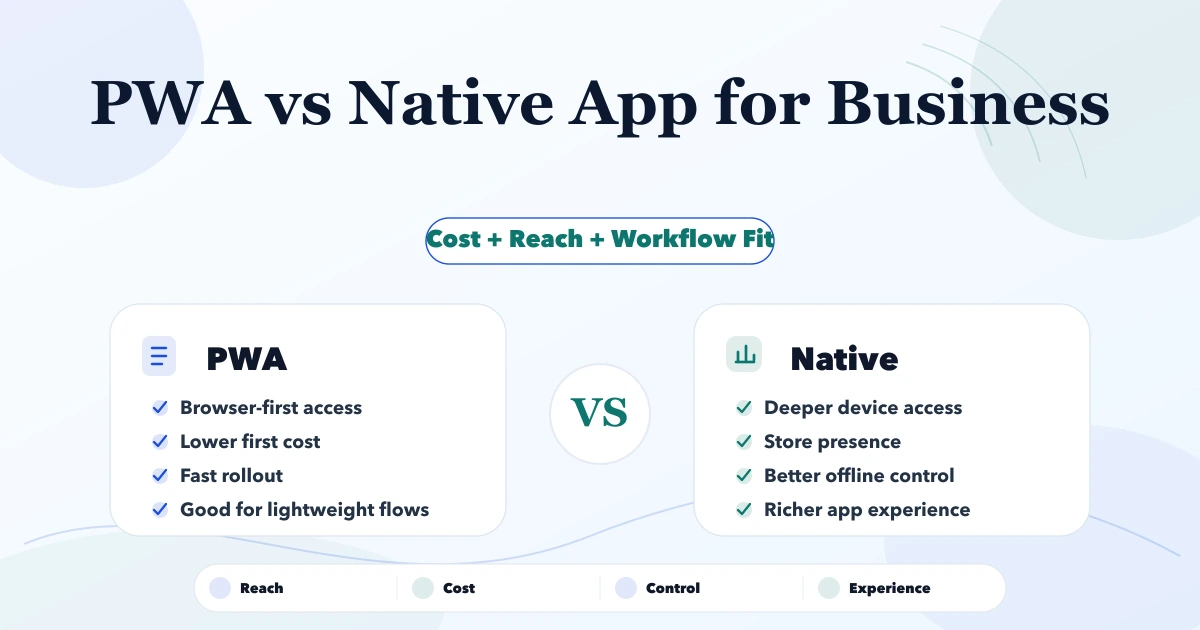
May 4, 2026
Compare PWA and native apps by install flow, offline depth, device access, update model, cost, testing, and rollout risk for business use in 2026.
Read article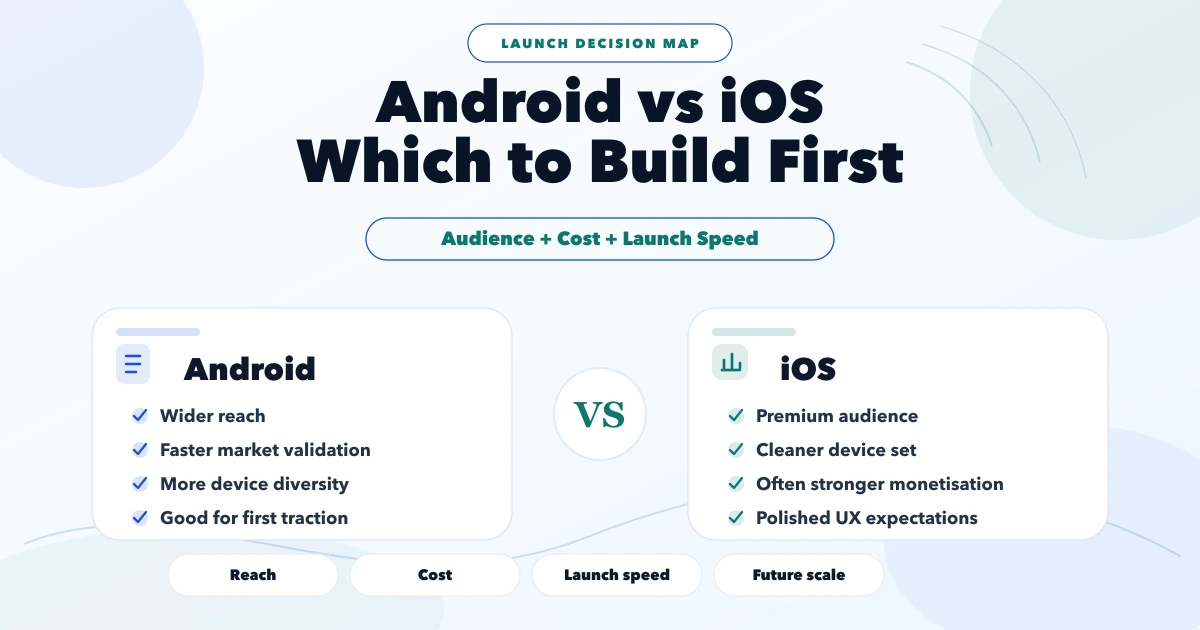
May 3, 2026
Android vs iOS: which to build first guide for 2026 with practical pricing, rollout risks, implementation notes, and lead-focused decision points for SMB.
Read article