
June 10, 2026
Website Development for Construction Companies
Plan a construction company website with credible projects, service pages, quote intake, qualification, trust signals, local SEO, and handover.
Read articlePublished Updated
Plan a wedding photographer website with fast galleries, package context, date-availability requests, image rights, lead tracking, and booking handoff.
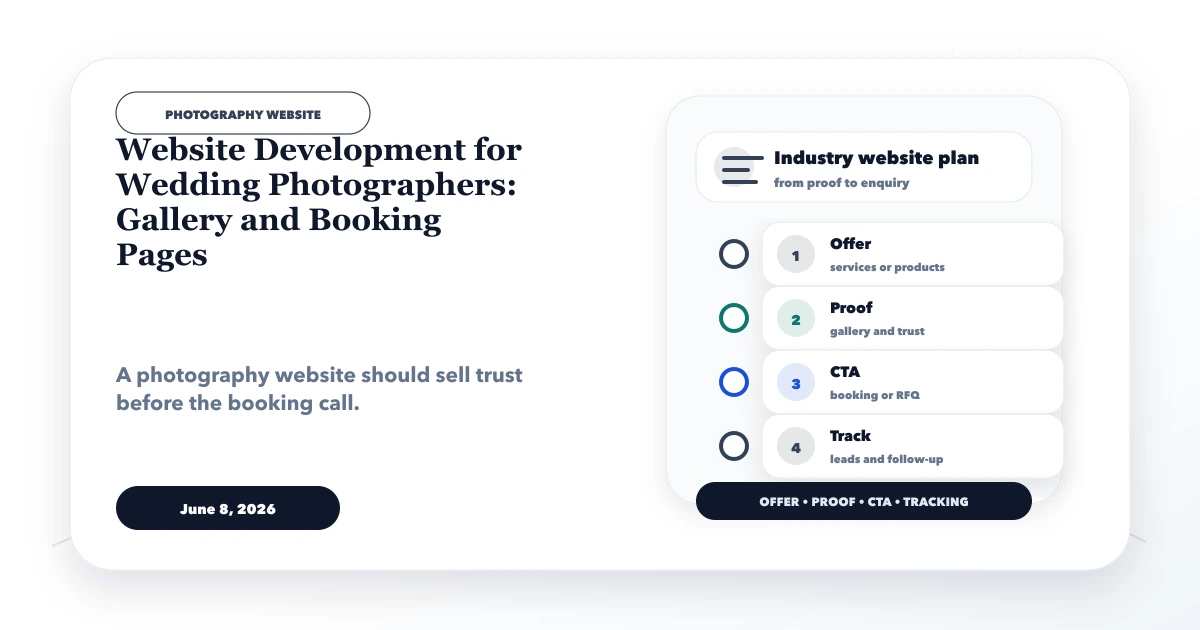
A wedding photographer website has two demanding jobs. It must let couples experience the photographer's visual style, and it must turn that interest into a qualified date-availability enquiry. A beautiful gallery that loads slowly, hides package context, or collects no event details may win compliments without producing usable leads.
This guide explains website development for wedding photographers as a portfolio and booking system. It covers gallery curation, image rights, package positioning, event-date requests, lead qualification, mobile performance, local visibility, analytics, and the handoff from enquiry to consultation.
By Tushar C. (Founder, VASUYASHII). The business scenario in this article is illustrative. Portfolio images, reviews, awards, venues, and client outcomes should be published only with permission and verifiable context.
A useful wedding photography website should include:
The enquiry form should say check availability or request a consultation until the photographer confirms the date, scope, team, travel, and commercial terms.
Most visitors will not review every photograph. They look for evidence that the photographer understands their event type, aesthetic, location, schedule, and expected deliverables. The website should help them answer:
Build the page order around these decisions. A visitor should not have to open five galleries before learning that the team works only in one region or requires a multi-day booking.
A homepage grid can introduce the style, but deeper galleries should show how the team handles an event from preparation through ceremonies, portraits, family moments, venue details, and reception. This gives stronger evidence than fifty similar hero shots.
For every published story, record:
Do not expose private venue details, invitation information, children's identities, or guest data simply to make a gallery descriptive. Remove embedded camera location metadata when it is not required. A consent withdrawal process should allow a story or individual image to be removed without rebuilding the entire site.
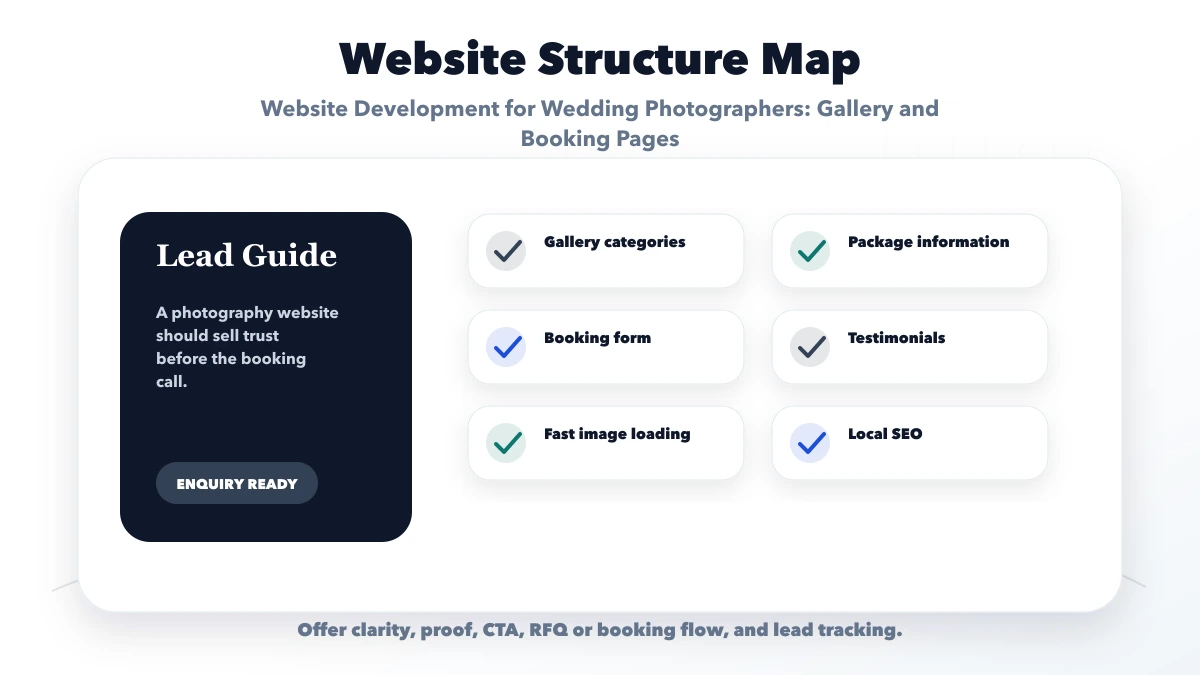
Photography sites fail when original high-resolution files are uploaded directly. The visual quality must remain strong, but delivery needs responsive sizes and efficient formats.
A practical pipeline should:
The largest image should be chosen intentionally. A slideshow with five hidden hero images can consume data before the visitor makes any decision. Test the site on a mid-range phone and normal mobile network, not only on a studio desktop.
Create separate pages only for services the photographer genuinely offers and can explain. Useful distinctions may include wedding coverage, pre-wedding shoots, engagement events, destination coverage, traditional video, cinematic film, albums, or same-day edits.
Package pages do not need to publish a fixed price when every wedding is custom. They should still explain the commercial variables:
If a starting range is published, state its assumptions and review date. Do not show an attractive headline price that excludes the service most couples expect.
The website should qualify availability without turning the first form into a contract. A useful initial request can ask for:
Do not ask for identity documents, full guest lists, or detailed private schedules at this stage. After submission, show a reference or clear confirmation and explain when the studio normally responds.
The internal workflow should assign an owner, check team availability, record conflicts, schedule a consultation, send a scoped proposal, and mark won/lost reasons. For higher volume, a custom web application can support date holds and enquiry status, but a calendar integration must distinguish tentative requests from confirmed bookings.
WhatsApp is useful for quick availability questions and consultation coordination. Prefill the event type and page source so the studio knows what prompted the message. The form is better for structured details that staff need before a call. A phone CTA helps high-intent visitors during published business hours.
Track these actions separately:
Do not send names, phone numbers, event dates, venue details, or free-text messages into GA4. Analytics should measure the journey without becoming a copy of the lead record. Review integration and automation services when notifications or CRM handoff need to be reliable.
Strong proof can include real galleries, a visible photographer profile, team responsibilities, editing approach, delivery process, contract expectations, genuine client reviews, and publication or award references that can be verified.
Avoid:
If privacy prevents naming a couple, publish an anonymised story only with permission and explain what the studio actually contributed. Do not turn a fictional demo into a case study.
Consider a fictional two-person wedding photography studio serving Delhi NCR and accepting a limited number of destination events. Its Instagram receives enquiries, but staff repeatedly ask for dates, venue, functions, photography/video preference, and budget before deciding whether a consultation is useful.
A focused website phase would add three curated full-story galleries, a transparent service and package-assumptions page, a date-availability request, a destination policy, and a lead board with response ownership. Instagram remains a discovery channel, while the website becomes the controlled source for service terms and enquiry capture.
Success should be measured by qualified requests, response time, consultations, proposal acceptance, and source quality. This scenario explains the workflow; it is not claimed client performance.
The core commercial page should target the actual service and region. Create location pages only for cities where the studio has genuine work, availability, travel context, or local proof. Replacing a city name across duplicate pages creates little value.
Supporting content can answer real planning questions such as photography timelines, venue-light considerations, album choices, or how to prepare a shot list. Each support article should link back to the relevant service or gallery, and each gallery should provide a clear enquiry path.
Keep business name, service area, phone, and enquiry details consistent across the site and verified profiles. Use structured data only for facts the studio can support.
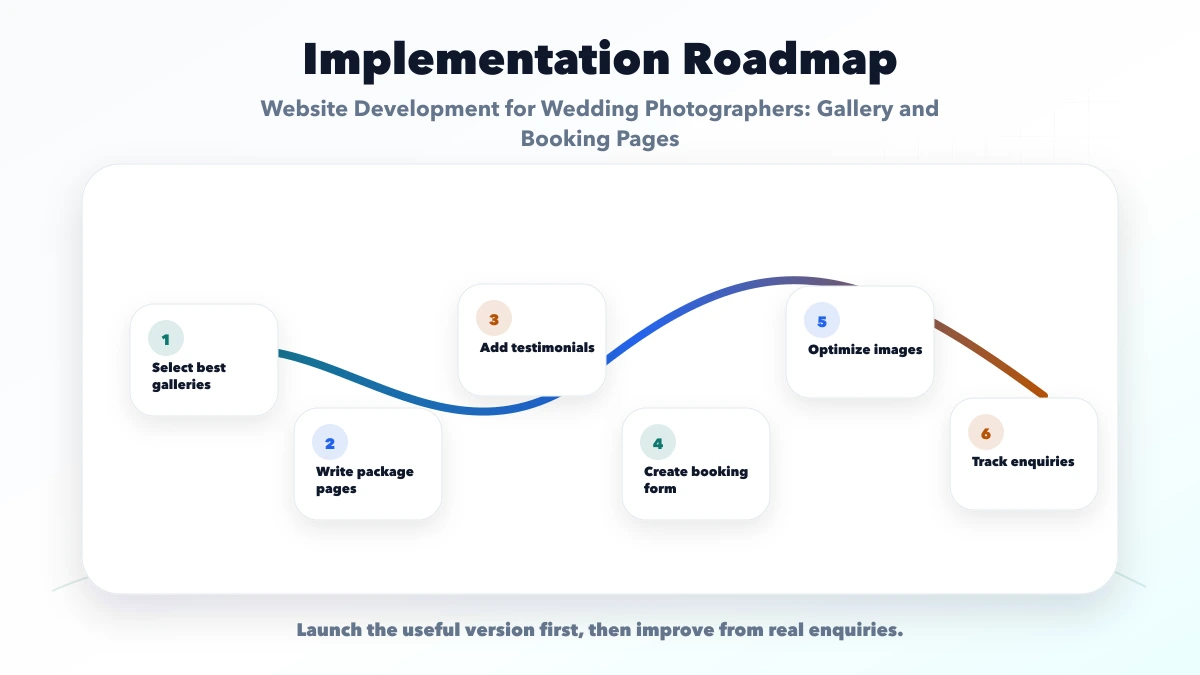
Cost depends more on the gallery and booking workflow than on the number of decorative effects. Major variables include:
A private client proofing system is a separate product concern from the public marketing website. Define authentication, storage, expiry, download permissions, and support before including it in the quote. See software development services for custom workflow context and services for current VASUYASHII work examples.
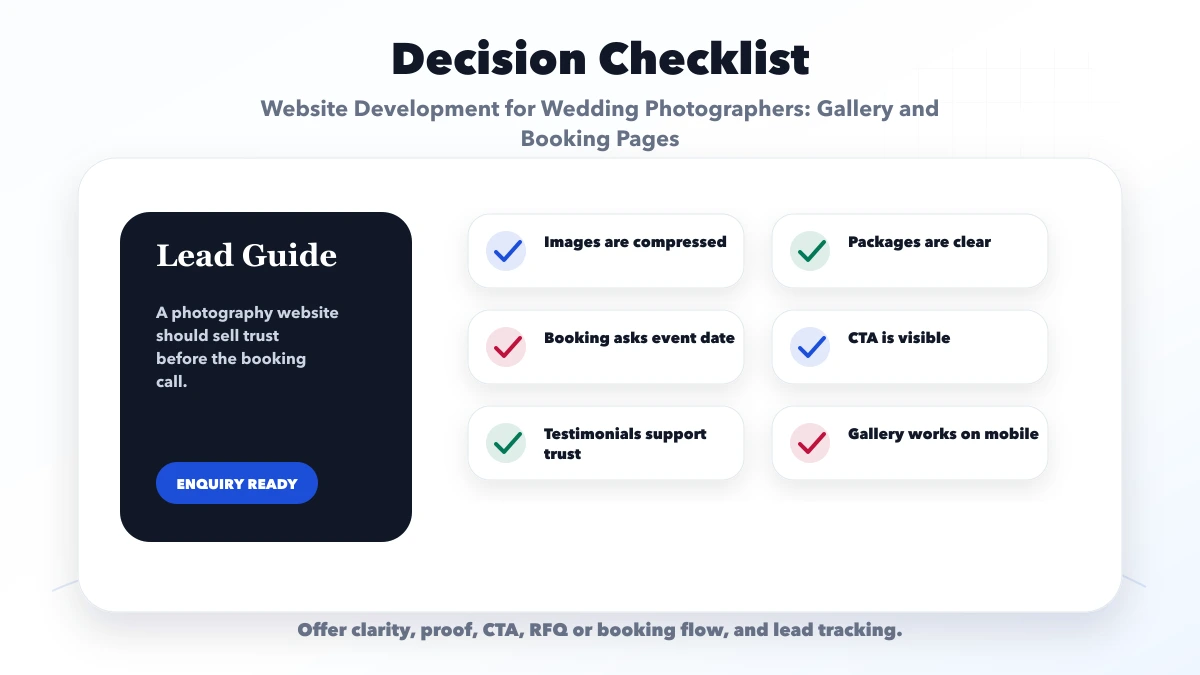
Start with a small set that represents different event types, settings, and visual styles. Three complete stories can be more persuasive and faster than many repetitive galleries.
Publish prices when the scope is standard enough to keep them accurate. For custom work, explain starting assumptions and quote factors so couples can self-qualify before enquiring.
Yes, only if the calendar accurately reflects team, travel, and tentative holds. Otherwise collect a preferred date and label it as an availability request pending confirmation.
Instagram can drive discovery, but the website gives the studio control over galleries, service terms, search visibility, structured enquiries, privacy information, and conversion tracking.
Use authenticated or access-controlled delivery designed for storage, expiry, downloads, and support. Do not treat a hidden public URL as a private gallery.
Yes. VASUYASHII can scope the marketing site, image-performance pipeline, availability request, notifications, analytics, and suitable integrations. Image rights and final commercial terms remain the studio's responsibility.
Create the first version around a recognisable visual style, a few permission-approved stories, transparent package context, and a reliable date-enquiry handoff. Add complex client portals or live calendars only when the operations can support them.
Review website development services, web applications, integrations, and services, or contact VASUYASHII for a scoped plan.
Related Articles
June 10, 2026
Plan a construction company website with credible projects, service pages, quote intake, qualification, trust signals, local SEO, and handover.
Read article
June 10, 2026
Website development for preschools with trust sections, gallery, admission pages, parent enquiry forms, safety content, and local SEO checklist.
Read article
June 8, 2026
Plan a gym website with membership context, accurate class schedules, trial-booking requests, trainer trust, branch SEO, health-data privacy, and lead tracking.
Read article
June 5, 2026
Design website navigation that helps visitors compare services, find proof, understand next steps, and contact the business quickly on desktop and mobile.
Read article