
June 2, 2026
Website Copywriting for Service Business Leads
Write service website copy that earns qualified leads with customer language, clear offers, specific proof, objection handling and useful calls to action.
Read articlePublished Updated
Build a portfolio website that earns calls with clear positioning, honest project proof, case studies, lead qualification, tracking, and fast contact paths.
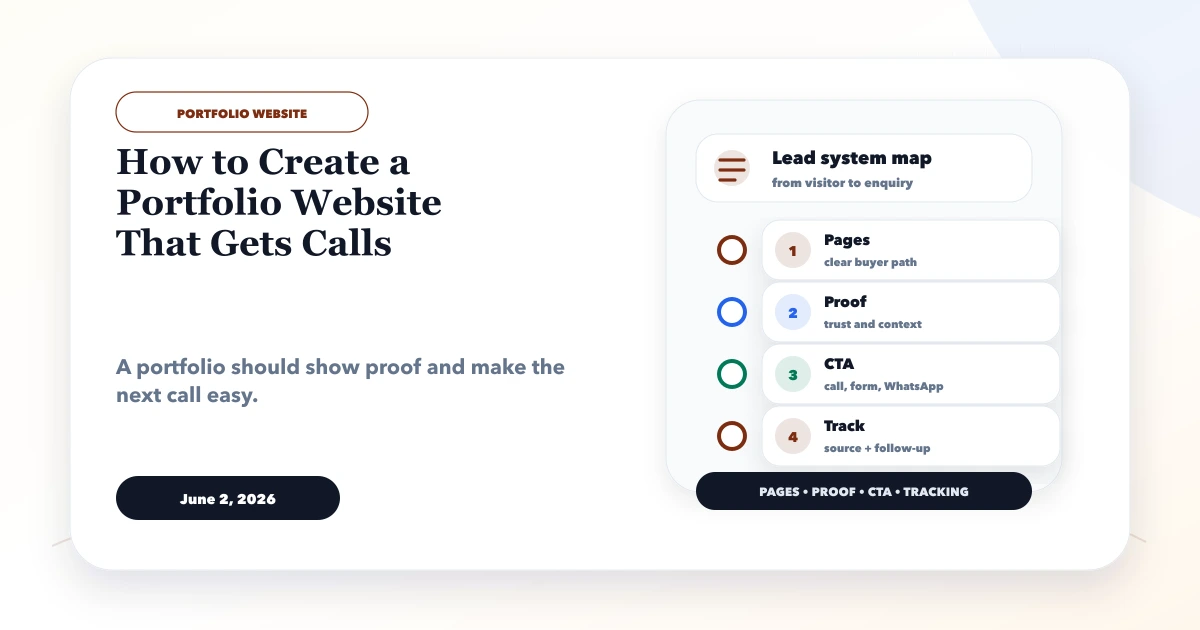
A portfolio earns calls when a buyer can quickly answer three questions: is this specialist relevant to my problem, is the work credible, and what should I do next? A gallery without context may look polished but still leave the visitor unable to judge fit.
This guide is for consultants, architects, interior designers, photographers, agencies, studios, and independent professionals. It shows how to turn selected work into honest decision evidence while keeping confidential projects, performance, mobile usability, and lead qualification under control.
By Tushar C. (Founder, VASUYASHII). Reviewed by VASUYASHII Editorial for practical website development, small business CRM, inventory, billing, WhatsApp CTA, conversion strategy, and business software delivery.
A portfolio website that gets calls should show selected work, business problem solved, process, outcomes, screenshots or photos, client context, services, testimonials, FAQs, and a visible call or WhatsApp CTA. It should not be only a gallery.
A designer, developer, photographer, construction firm, consultant, or agency may have good work but weak enquiries. The issue is often not the portfolio quality; it is missing context, service positioning, and contact flow.
The practical goal is a credible fit decision. Visitors should understand the work, the provider's exact role, and the next contact step without interpreting an unlabeled image gallery.
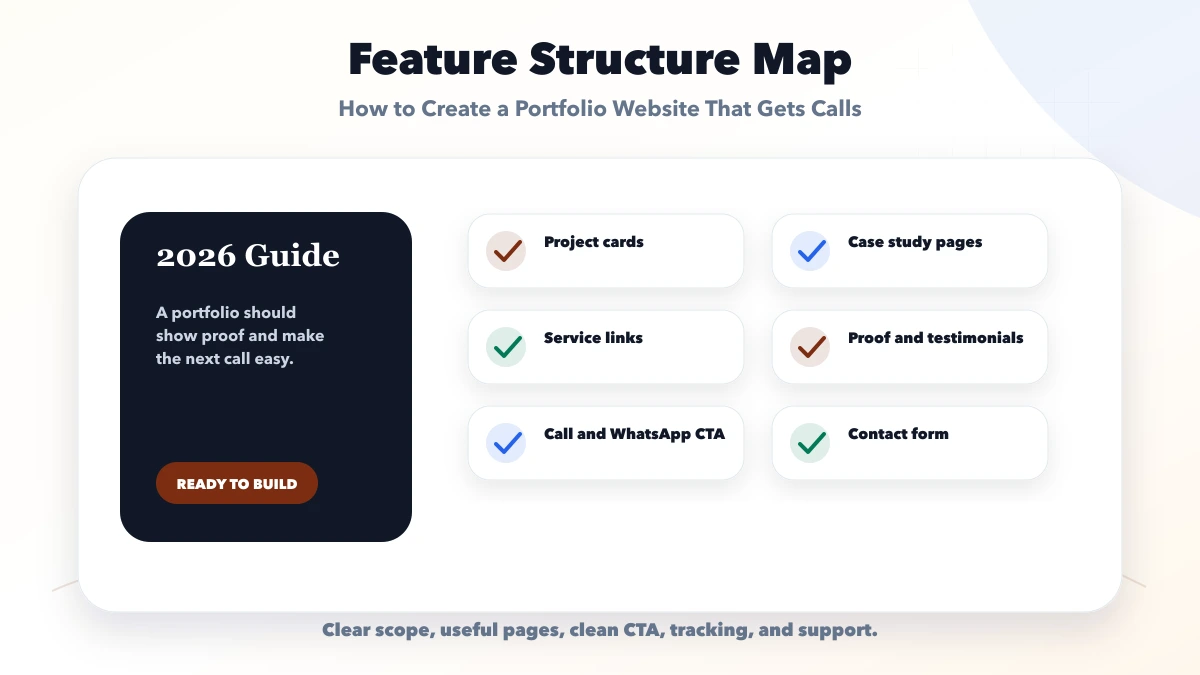
Every section should answer a buyer question. Project context demonstrates relevance, case-study decisions demonstrate judgment, service links explain availability, and contact controls convert interest into a qualified conversation.
| Setup | What to include | Best for |
|---|---|---|
| Simple portfolio | Projects, services, contact | Best for quick credibility |
| Lead-ready portfolio | Case studies, proof, FAQs, CTA | Best for service enquiries |
| Growth portfolio | SEO pages, tracking, lead follow-up | Best for agencies and consultants |
A new professional may begin with three honest projects and clear services. An established studio may need filters, detailed case studies, media workflows, enquiry routing, and a review process that retires stale work.
Launch with a deliberately selected proof set, verify contact delivery and analytics, review enquiry relevance, then expand only the project types that support the intended services.
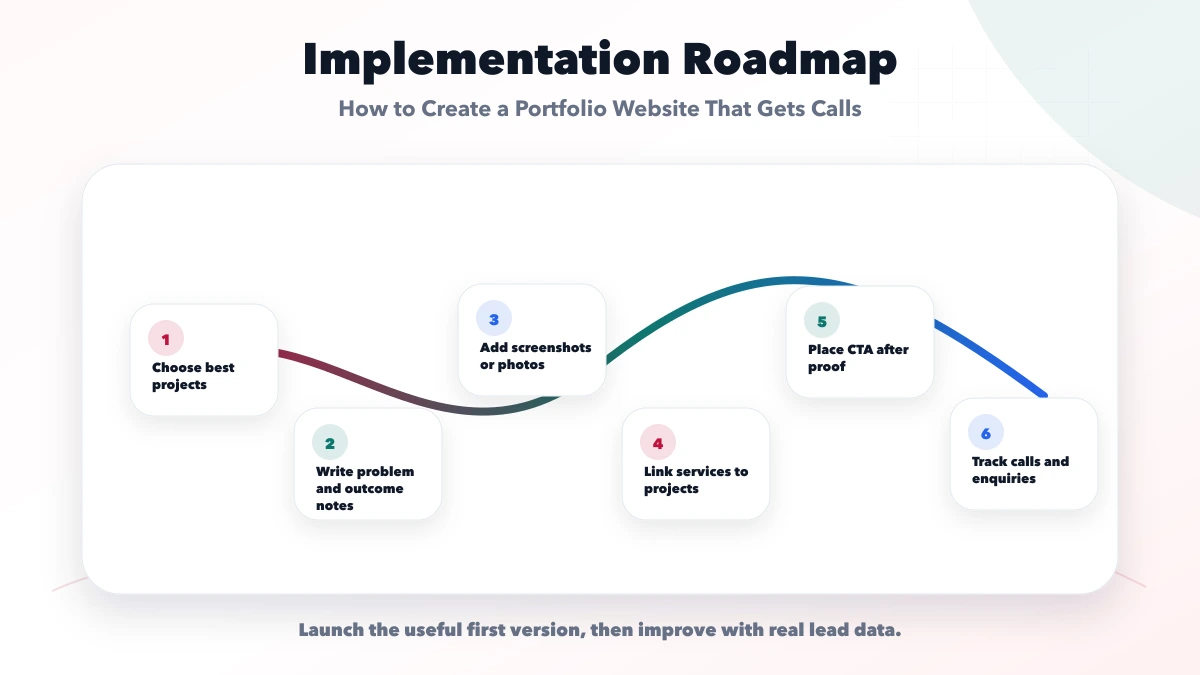
The scope should identify who writes case studies, who approves images and client names, how confidential work is handled, where leads arrive, and who owns the website and analytics after launch.
VASUYASHII would first map the target buyer, service categories, available proof, publication permissions, enquiry qualification, tracking events, and maintenance owner before selecting a visual direction.
Useful links: web application services, software development, integrations, services, and contact.
Do not judge a portfolio by animation or grid style alone. Check proof labels, readable case-study context, mobile media performance, accessible contact actions, analytics ownership, and whether old work has a review date.
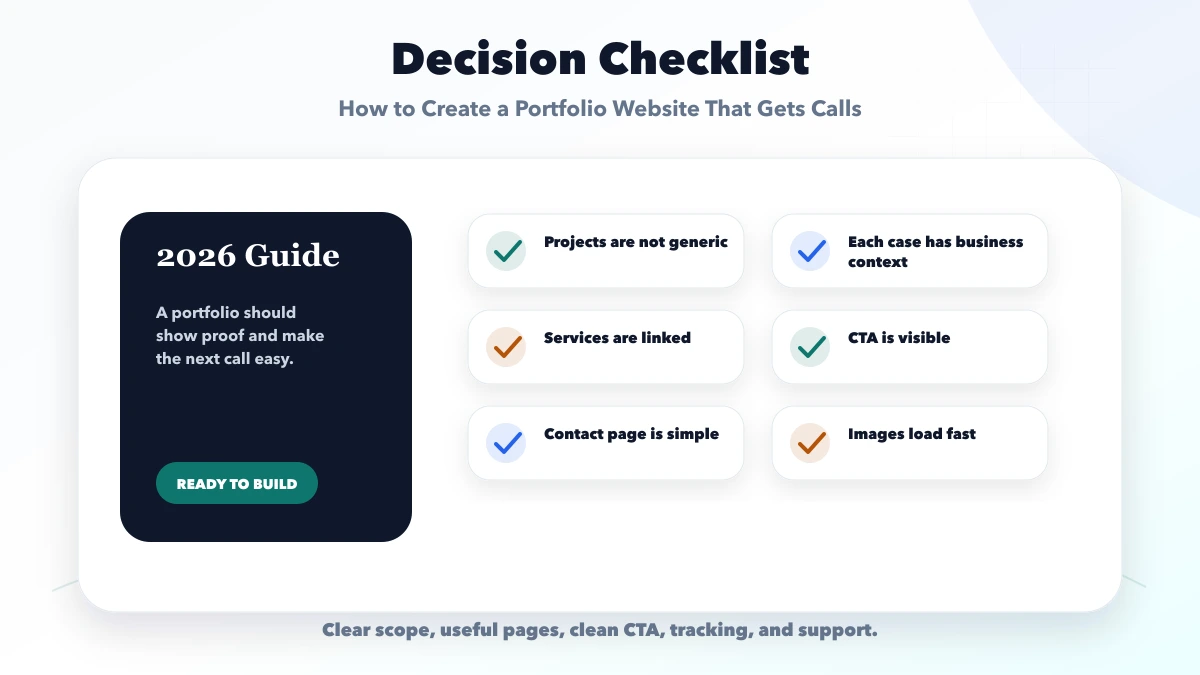
It should include best projects, services, case studies, testimonials, process, FAQs, and contact CTA.
Show fewer strong projects with context instead of many weak or unexplained items.
You can include starting ranges or project types if it helps qualify enquiries.
It gets calls when proof, service fit, and contact CTA are easy to understand.
Yes. We build portfolio websites with case studies, service pages, CTA, and tracking.
If you want a practical plan for how to create a portfolio website that gets calls, VASUYASHII can help with scope, design, development, SEO setup, integrations, tracking, launch, and maintenance.
Write one sentence naming the customer, the problem, and the type of outcome you help create. “Interior designer” is a category; “space planning and execution support for compact Delhi NCR offices” gives a visitor a reason to continue. Keep the headline accurate and avoid unsupported claims such as best, award-winning, or guaranteed.
Navigation should follow buyer questions: services, selected work, process, about, FAQs, and contact. A separate project page is useful only when it contains enough context to help a buyer judge relevance.
| Section | What to show | What to avoid |
|---|---|---|
| context | industry, project type, constraint | private client details without consent |
| problem | specific operational or design need | vague “needed improvement” wording |
| role | exactly what you delivered | implying responsibility for another vendor's work |
| decisions | options considered and chosen approach | unexplained images |
| output | approved deliverables | fake performance numbers |
| result | verified outcome or qualitative feedback | invented ROI or ranking claims |
| next step | relevant service and contact path | generic CTA unrelated to the project |
When measurable results are unavailable, show process evidence: plans, iterations, constraints, before/after artifacts with permission, testing notes, or a concise client quotation. Honest scope is stronger than fabricated metrics.
Collect project names, service type, approved images, date, location only when relevant and permitted, testimonial source, responsibilities, tools, constraints, and contact permissions. Mark confidential work and decide whether an anonymized summary is allowed.
For visual fields, use responsive images, meaningful alt text, captions when context is needed, and thumbnails that do not force the visitor to download original high-resolution files. Video should have a poster, controls, and a performance budget.
A primary CTA can be a call, WhatsApp conversation, or short enquiry form. Ask enough to route the lead: name, service needed, business type, approximate timeline, and a short requirement. Do not make every visitor complete a long questionnaire before contact.
Send form submissions to a monitored destination, show a clear success state, prevent duplicate submission, and track the event without collecting sensitive form values in analytics. Define response hours and next step rather than promising an instant response when no one is available.
VASUYASHII's older public project portfolio was retired because it was not current enough to represent present capability. Public demo websites remain fictional design concepts and are labelled as demos; they should not be presented as client work. The live VASUYASHII Business Suite is current product evidence for software capability.
Use this same standard on your portfolio. Separate client case studies, internal products, speculative concepts, student work, and templates. A buyer should never have to guess which category an example belongs to.
For page planning, use the service website lead layout and contact page conversion guide.
Review each project page as if you were a cautious buyer. The page should identify the service category in its title, explain the brief in plain language, distinguish your work from the client's or another vendor's work, and provide enough visual context without forcing a visitor through an unexplained carousel.
Create a consistent evidence record for every entry:
Archive or update work that no longer reflects present capability. Removing stale proof is better than keeping a large portfolio that creates false expectations. When a project cannot be shown, an anonymized process note may still demonstrate decision quality without exposing the client.
Group enquiries by the first portfolio page viewed, service requested, lead source, response time, qualification, proposal status, and outcome. Use the pattern to improve navigation and proof. Do not conclude that a page “converts” from one call or a high click count alone.
If visitors view work but do not contact, check whether service fit, role clarity, outcome evidence, price context, and next steps are visible. If calls are frequent but irrelevant, make the positioning and qualification questions more specific.
Related Articles
June 2, 2026
Write service website copy that earns qualified leads with customer language, clear offers, specific proof, objection handling and useful calls to action.
Read article
June 8, 2026
Plan an event planner website with permission-approved work, clear services, qualified enquiries, WhatsApp follow-up, package context, SEO and launch checks.
Read article
June 7, 2026
Plan an architect website with approved project stories, clear role and scope, fast portfolios, consultation qualification, SEO, and lead ownership.
Read article
June 7, 2026
Plan an interior designer website with approved project stories, service and budget clarity, qualified consultation leads, local SEO and handover checks.
Read article