
June 7, 2026
Interior Designer Website: Portfolio and Lead Plan
Plan an interior designer website with approved project stories, service and budget clarity, qualified consultation leads, local SEO and handover checks.
Read articlePublished Updated
Plan an architect website with approved project stories, clear role and scope, fast portfolios, consultation qualification, SEO, and lead ownership.
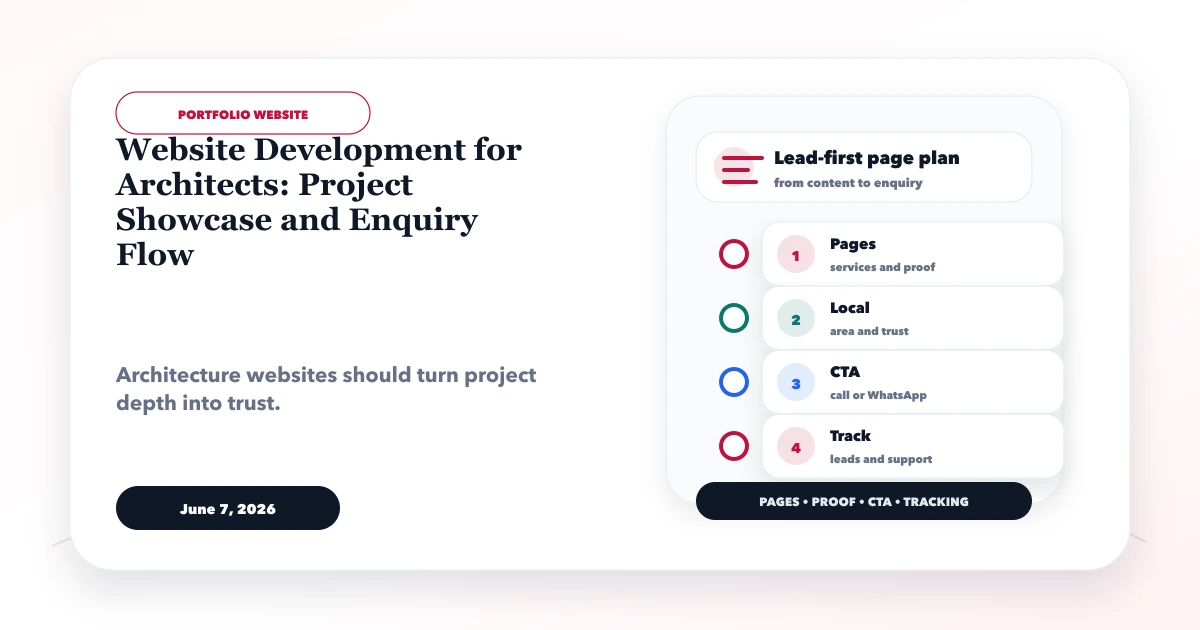
An architect website should help a prospective client understand the studio's project type, design approach, geographic reach, role, and consultation process. Large photographs can establish aesthetic interest, but the project story must also clarify what the architect actually delivered and whether the studio fits the visitor's scale, stage, and location.
This guide explains website development for architects with permission-approved project portfolios, role and credit accuracy, service pages, image performance, consultation qualification, local discovery, and lead ownership.
By Tushar C. (Founder, VASUYASHII). Project names, addresses, client details, collaborators, photographs, drawings, awards, costs, and outcomes should be published only with permission and verifiable context.
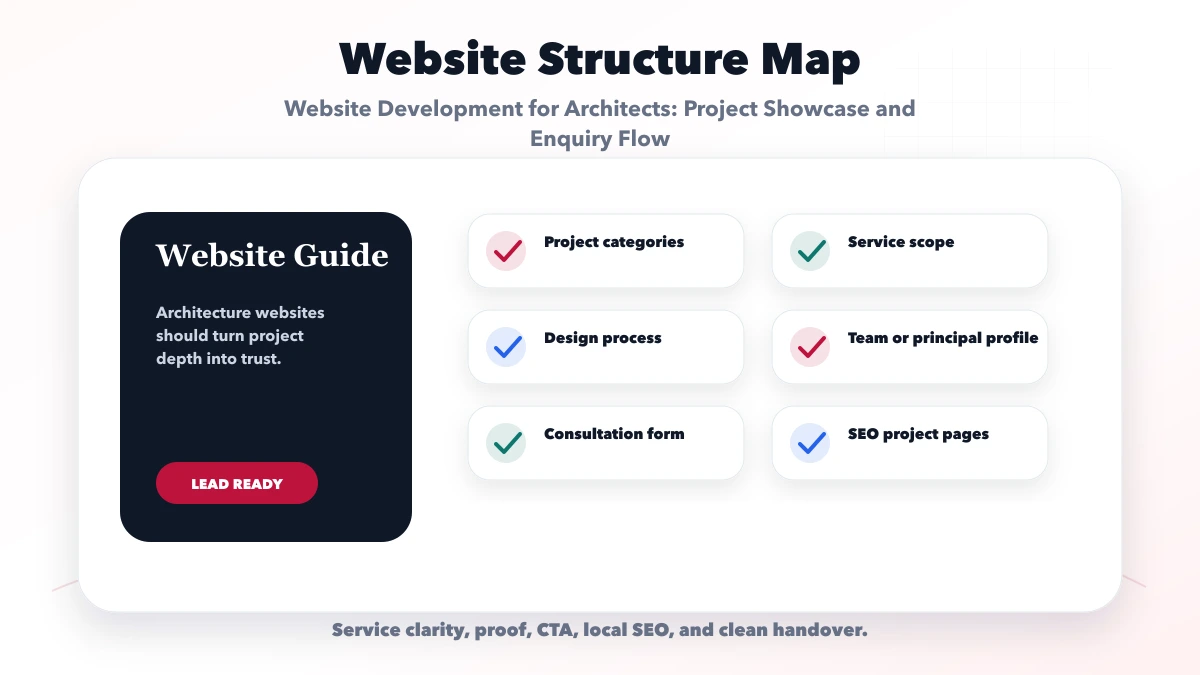
A useful architect website should include:
The portfolio should not imply that the studio designed, built, photographed, or managed work outside its actual role.
Potential clients may be homeowners, developers, institutions, hospitality operators, retail businesses, or industrial companies. Each has different decisions and proof needs.
Document:
A visitor should be able to determine basic fit before sending drawings or requesting a fee quote.
| Field | Why it matters | Publication control |
|---|---|---|
| Project type | Helps visitors find relevant work | Use a stable controlled taxonomy |
| Location | Shows context and service reach | Generalise when privacy requires it |
| Status/year | Distinguishes concept, ongoing, completed | Keep current |
| Studio role | Prevents overclaiming | State architecture/interiors/consultation scope |
| Scale | Helps project-fit decisions | Publish only approved values |
| Brief/challenge | Explains design context | Avoid confidential business details |
| Response/process | Shows design reasoning | Use approved diagrams/text |
| Collaborators | Gives accurate credit | Confirm names and roles |
| Photography | Protects image ownership | Credit photographer/licence |
| Outcome | Shows result responsibly | Avoid unsupported performance claims |
The project page should be useful even with a small image set. A short, honest story with role clarity is stronger than a large gallery with no context.
Maintain a publication record for every project:
Do not publish residential addresses, floor plans, security layouts, budgets, or personal client information without explicit approval. Strip unnecessary location metadata from images. If a project is confidential, use a generalised anonymised story only when permitted.
Avoid using renders as completed-project photographs. Label concept, visualisation, under-construction, and completed work accurately.
Project typology explains what the studio has worked on: residential, workplace, hospitality, retail, institutional, or industrial. Service pages explain what the studio delivers: architecture, interior design, planning, renovation, design consultation, documentation, or coordination.
Keep the two linked but distinct. A hospitality project can demonstrate a service, while the service page explains scope, process, exclusions, and consultation. This helps both search intent and client understanding.
Do not create a separate thin page for every service-city combination. Build a strong parent architecture and add location pages only where genuine office/service evidence exists.
Architectural portfolios depend on large visuals, but original files should not load directly. Use:
Test on mobile data. The page should reveal studio role, project type, and next action before downloading an entire gallery.
A useful first-stage enquiry can ask:
Do not request complete drawings, IDs, title documents, access codes, or sensitive commercial files in a public form. After qualification, provide an approved secure upload or project workspace.
The confirmation should explain that a request does not guarantee availability, engagement, fee, or project feasibility. Internally, assign an owner, suitability status, consultation, proposal, and reason-lost outcome.
Explain the studio's actual phases, which may include discovery, site study, brief, concept, design development, approvals coordination, documentation, tender support, and site involvement. State what is included or separately scoped.
Avoid presenting a universal process if project types differ. Show deliverable examples only with permission and label them clearly. A process page can link to projects that demonstrate each stage.
Useful trust includes verified principal/team profiles, professional registration or memberships where appropriate, project credits, real office information, publications, awards with sources, clear process, and permission-approved client references.
Avoid invented awards, unverified project metrics, copied design descriptions, or client logos without consent. If a contractor or collaborator completed part of the work, credit them rather than implying full ownership.
Consider a fictional four-person architecture studio working on residences and small hospitality projects across Delhi NCR. Its existing site shows unlabelled images and receives enquiries with no location, scale, or project stage.
A focused rebuild would create residential and hospitality project collections, six permission-approved project stories, separate architecture/interior service pages, verified team profiles, and a consultation request that collects stage, city, scale, service, and timeline. Drawings would be requested only after qualification through a controlled channel.
Success would mean more suitable consultations, faster response, clearer portfolio engagement, and fewer requests outside the studio's scope. This scenario is illustrative.
Use one commercial page for each genuine service intent and link related project stories from it. Supporting articles can answer planning, process, budget, renovation, or consultant-selection questions and link back to the relevant service.
Create office/location pages only for real locations or accurately described service areas. Include genuine office details, project context, meeting policy, directions, and local proof. Avoid city-name substitution across duplicate pages.
Keep studio name, address, phone, and professional details consistent across verified profiles. Structured data should describe real facts, not marketing ambitions.
Use readable captions, visible contrast, keyboard-accessible galleries, descriptive controls, alt text, and stable layouts. Do not make hover the only way to reveal project title or role. Carousels need controls and should not trap keyboard focus.
The mobile page should show project type, location context, studio role, and consultation action without relying on a wide desktop composition.
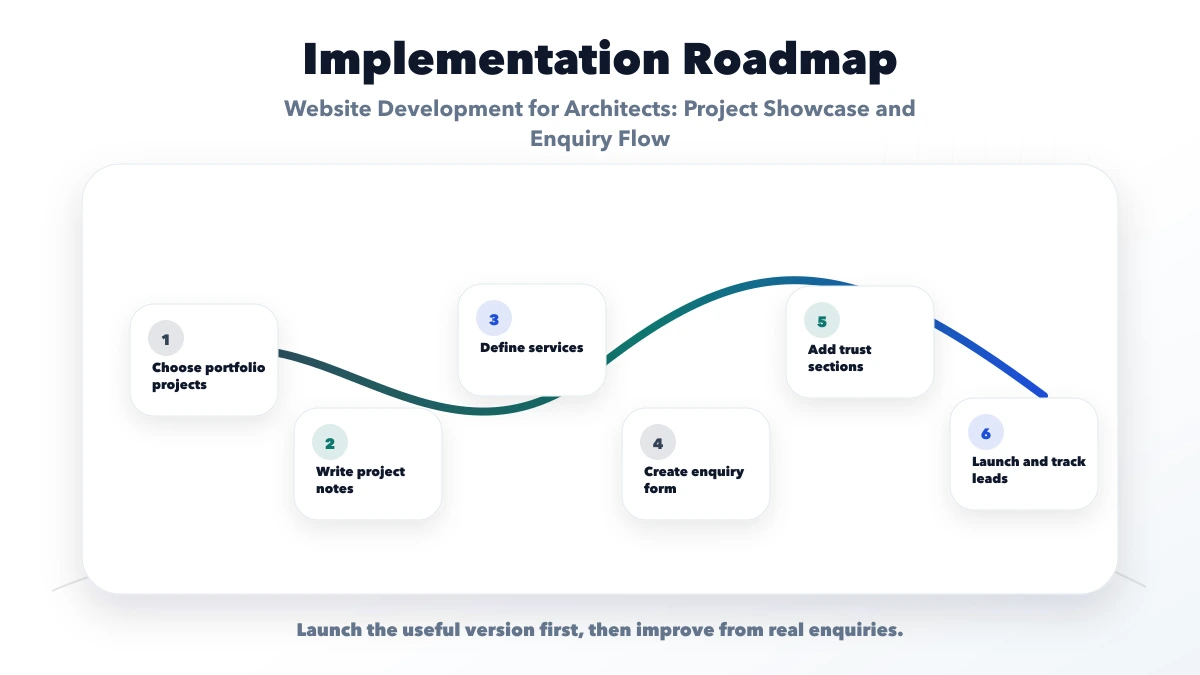
Cost depends on portfolio preparation, writing, image processing, project filters, team pages, animations, multilingual content, consultation logic, secure uploads, CMS, and ongoing maintenance.
A private client/project portal is separate from the public portfolio. It needs identity, permissions, file versions, storage, audit, comments, notifications, and support. Review software development services before including it as a small add-on.
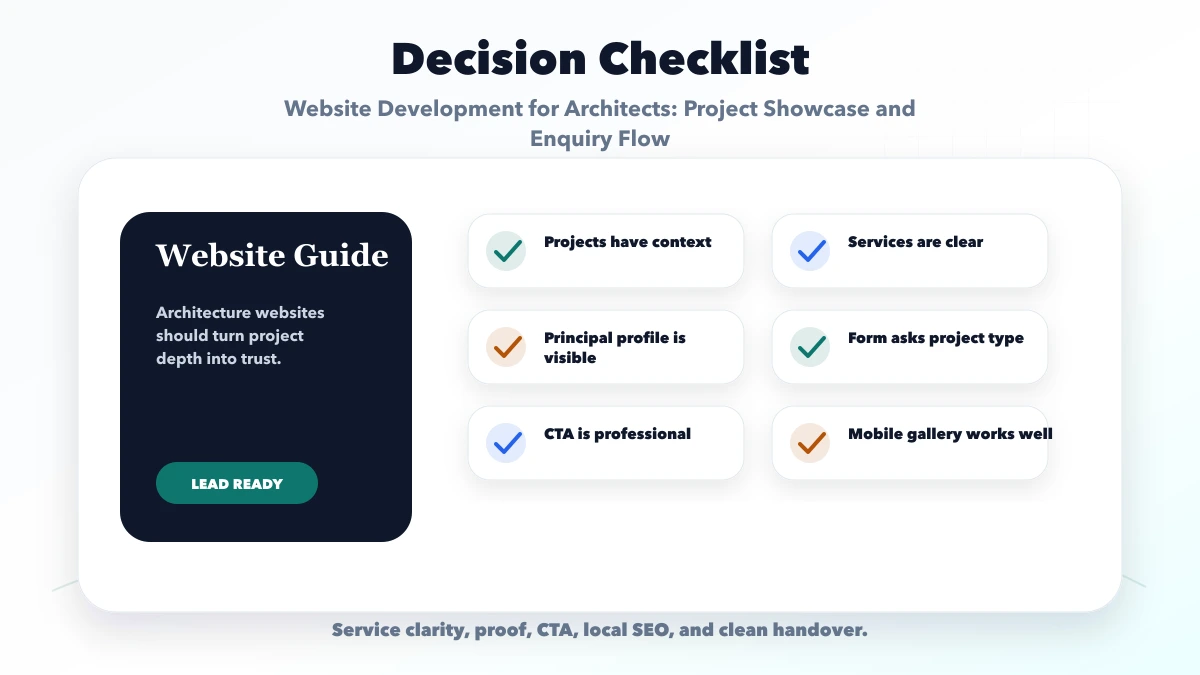
Start with enough permission-approved projects to represent the studio's main typologies and role. Quality, clarity, and relevance matter more than a large count.
Only with explicit approval and useful context. Generalise or omit confidential information when permission is not available.
Yes, when labelled as concept or visualisation and credited correctly. Do not imply that an unbuilt render is a completed project.
Ask project type, broad location, stage, scale, required service, timeline, and contact details. Request sensitive documents later through a secure process.
No. Create location pages only where the studio has genuine office, service, project, or local-value evidence. Avoid duplicate city variants.
Yes. VASUYASHII can implement the public portfolio, responsive image pipeline, consultation flow, secure handoff, and approved integrations. The studio owns project permissions and professional claims.
Start with permission-approved project stories, explicit studio roles, fast images, clear services, and a consultation request that qualifies fit. Add a project portal only when collaboration and security requirements are defined.
Review website development services, web applications, services, or contact VASUYASHII for a focused scope.
Related Articles
June 7, 2026
Plan an interior designer website with approved project stories, service and budget clarity, qualified consultation leads, local SEO and handover checks.
Read article
June 10, 2026
Website development for builders with project pages, amenities, floor plans, enquiry strategy, WhatsApp CTA, trust proof, and SEO checklist.
Read article
June 8, 2026
Plan a travel agency website with controlled package data, clear inclusions, availability requests, itinerary leads, payment boundaries, and follow-up tracking.
Read article
June 2, 2026
Build a portfolio website that earns calls with clear positioning, honest project proof, case studies, lead qualification, tracking, and fast contact paths.
Read article