
June 9, 2026
Hardware Shop Website: Local SEO and Catalog
Website development for hardware shops with local SEO, product pages, WhatsApp enquiry, service area, category catalog, and checklist.
Read articlePublished Updated
Website development for electronics shops with catalog pages, service pages, warranty notes, WhatsApp enquiry, local SEO, and checklist.
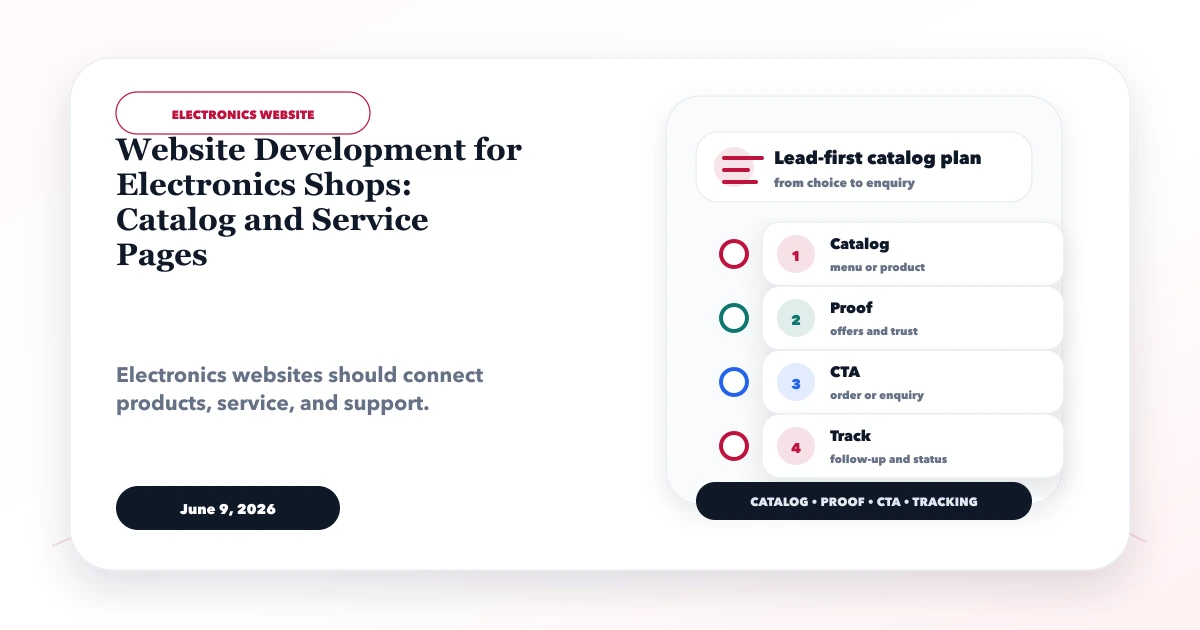
Website development for electronics shops has to manage two different intents: a buyer comparing a product and an existing customer seeking installation, warranty, or repair support. Mixing both into one generic contact flow creates poor enquiries and frustrated customers.
This guide explains how Indian electronics retailers, appliance dealers, computer stores, and authorized or independent service businesses can structure categories, compatibility information, local availability, support boundaries, and lead routing without pretending the website is a live ecommerce system when it is not.
By Tushar C. (Founder, VASUYASHII). Editorial review covers catalog accuracy, model compatibility, warranty wording, local service intent, enquiry routing, and maintainable product data.
An electronics shop website should include product categories, brand pages, offers, repair/service pages, warranty notes, WhatsApp enquiry, store details, and local SEO.
A customer comparing an inverter AC needs capacity, room-fit guidance, installation scope, warranty, and availability. A laptop buyer needs model, processor, RAM, storage, and upgrade information. A repair customer needs service category, brand, model, issue, warranty status, and location. These journeys should not share the same form fields.
The practical target is a searchable catalog plus separate sales and service actions. The business should be able to update availability and offer notes without rewriting pages or creating inaccurate promises.
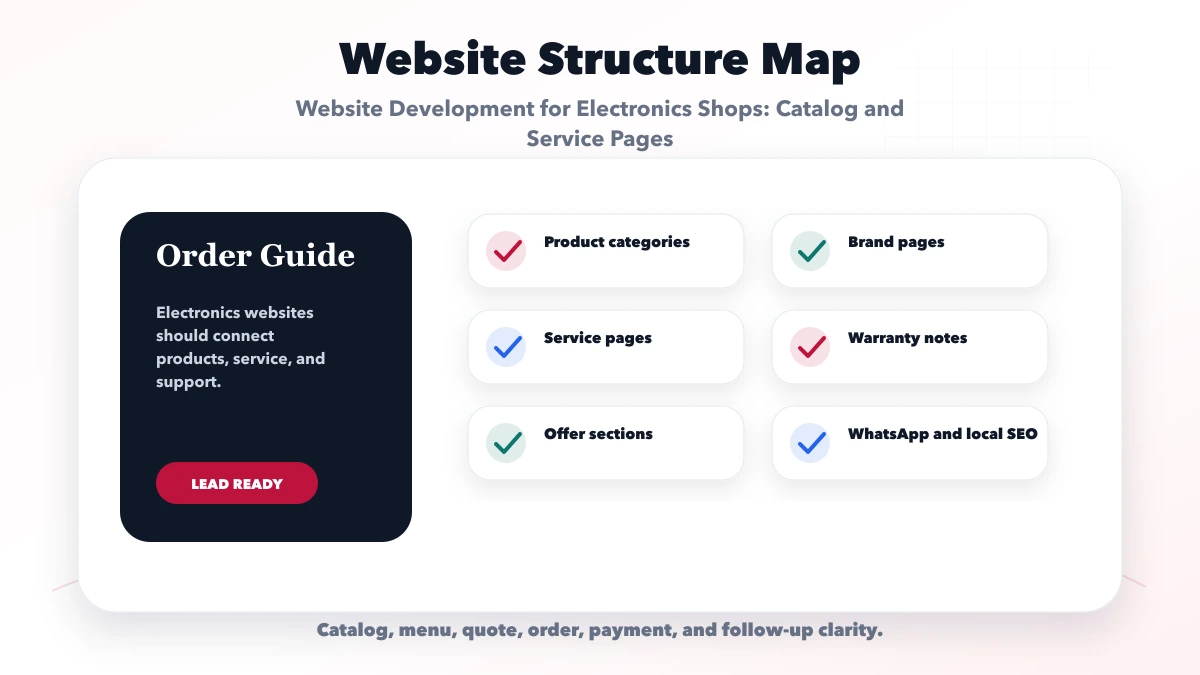
Connect each check to a decision: model and compatibility data support comparison; warranty and service-area notes set expectations; branch details support local discovery; sales and service routing prevents the wrong team receiving the enquiry.
| Website area | What to include | Why it matters |
|---|---|---|
| Catalog layer | Products, brands, accessories | Supports browsing |
| Service layer | Repair, warranty, support | Captures service leads |
| Local layer | Address, timings, CTA | Drives visits |
An appliance showroom, IT reseller, mobile-accessory shop, and repair centre need different category depth. Design the structure around maintained data and actual revenue lines rather than copying a marketplace menu.
Start with the categories that staff can maintain accurately. Track unanswered searches and repeated questions before adding more models. If price and stock change frequently, show a verification action instead of publishing stale numbers as final availability.
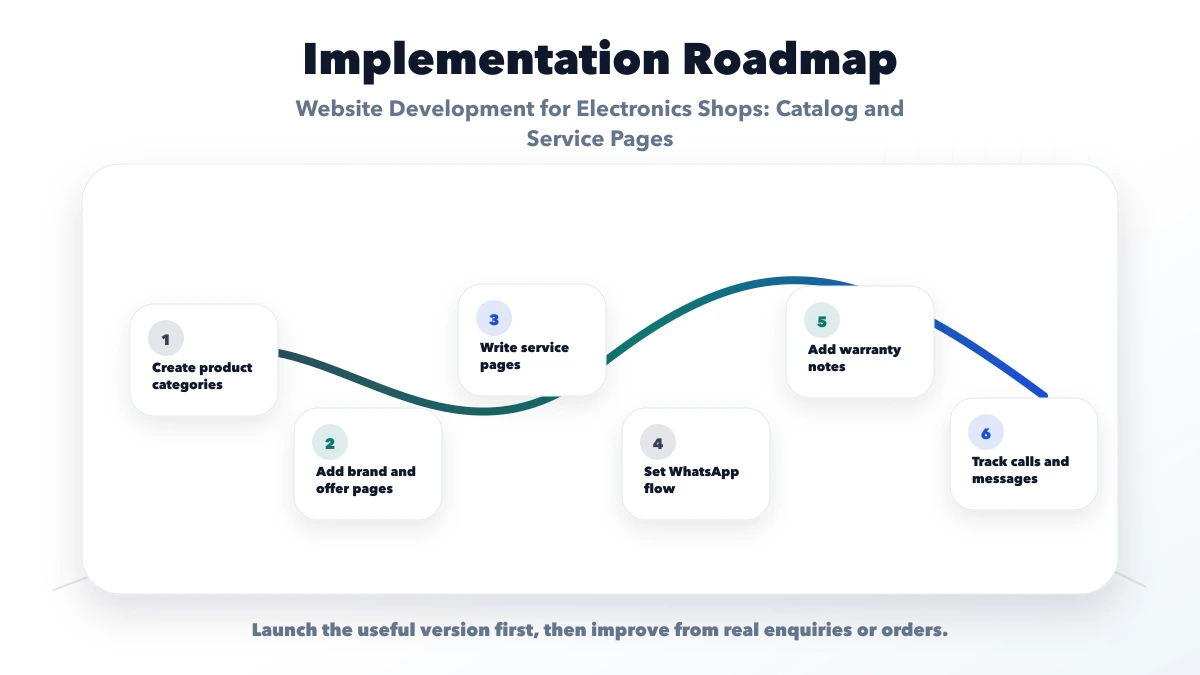
Run one test for product sales and one for service support. Sales should receive model and buying context; service should receive the issue and location. If both arrive as an unqualified WhatsApp message, the flow is incomplete.
Use a consistent product-data template within each category. Useful fields can include model number, brand, key specifications, included accessories, compatible devices, power or capacity, warranty type, installation requirement, and current availability note. Do not mix manufacturer warranty with a shop-level service promise.
For products such as memory, chargers, batteries, cables, printers, or components, compatibility is often more important than a long feature list. Add a clear "works with" field and a warning when verification is required. Ask the visitor for their existing model in the enquiry form. This reduces returns and avoids a salesperson guessing from an unclear message.
Use category pages to compare a manageable range. Avoid publishing hundreds of near-empty model pages copied from supplier text. A model page should add useful information such as local availability process, installation, bundled service, compatibility, original photos, or buyer questions. When inventory changes frequently, a product catalog web app may be more maintainable than manual pages.
Create clear actions for:
Do not ask visitors to submit sensitive proof or full serial numbers through a public form unless there is a defined secure process. The acknowledgement should explain that final diagnosis, price, and warranty coverage require verification.
If enquiries need assignment by branch or category, use an integration workflow that records the source page and request type. A WhatsApp CTA can prefill product or service context, but staff still need a consistent qualification process.
The website should show the real store name, address, phone number, hours, service area, and branch-specific offerings. Keep those details consistent with the Google Business Profile and other business citations. If a service is available only in selected PIN codes or if installation is delivered by a partner, explain that boundary.
Create location pages only when the shop has a real branch, team, or distinct service evidence. One strong branch page can include directions, landmark context, actual showroom photographs, supported categories, service coverage, and contact options. Near-identical city pages do not create trust.
Product pages can support local intent naturally by explaining how availability is confirmed and where pickup or installation applies. Review the local SEO hub before scaling location content.
Electronics buyers look for authenticity, invoice availability, warranty handling, installation, returns, and after-sales support. Publish only the policy the business can actually follow. Distinguish:
Original store, team, product, and service photographs are more useful than generic technology imagery. Show GST invoice availability and authorized status only when verifiable. Do not use a brand logo in a way that implies authorization without permission.
The Business Suite product demonstrates product records, stock-oriented operations, invoices, payments, company separation, and reporting. It is product context, not evidence that VASUYASHII operates an electronics marketplace or is an authorized electronics service provider.
For an electronics shop, VASUYASHII would first define category and model fields, branch ownership, availability updates, sales-versus-service routing, and reporting requirements. The public site can be delivered through website development services. Live inventory, staff assignment, service tickets, or dealer pricing should be scoped separately under web applications.
Track category views, internal searches, product enquiries, service enquiries, branch calls, WhatsApp clicks, and valid submissions separately. Compare whether requests contain a model, location, and real requirement. A high click count with no product context is not a successful catalog.
Handover should name the person responsible for prices, availability, model status, offers, store hours, and warranty copy. Provide a product import or editing process that prevents accidental field mismatch. Test archived models and redirects so removed products do not create dead ends.
VASUYASHII would build one complete category and both enquiry routes before scaling the catalog. We would test mobile comparison, form validation, branch routing, model retirement, metadata, and handover with the shop team. Review software development, inspect current services, and send the requirement with sample categories and the real sales or support process.
Judge the website by whether a buyer can identify a suitable model and whether staff can route the request correctly. A polished card grid with stale data or one generic contact action creates operational debt.
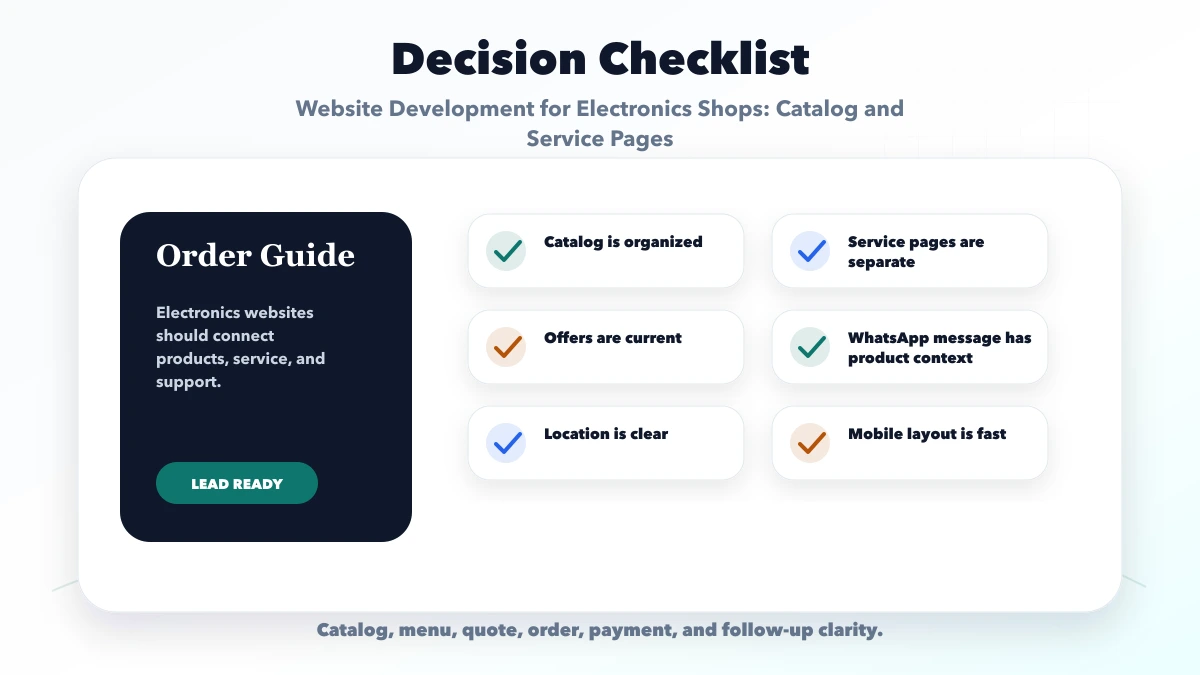
Include maintainable categories, model and compatibility data, separate sales and service actions, warranty boundaries, real branch details, and traceable enquiry handling.
Yes. A service page should collect the brand, model, issue, location, purchase or warranty context, and preferred callback without mixing it with product sales.
Yes. Every offer needs an owner, validity period, eligible models, and removal process. Do not leave expired offer pages indexable without useful replacement information.
Yes. Accurate branch information, genuine service coverage, maintained category pages, and consistent business details support local discovery better than duplicate city pages.
Yes. VASUYASHII can build the public catalog and routing flow; live stock, ticketing, dealer access, and connected operations require a separately agreed application scope.
If you want a practical plan for website development for electronics shops, VASUYASHII can help with scope, design, development, SEO setup, lead flow, launch, and maintenance.
Related Articles
June 9, 2026
Website development for hardware shops with local SEO, product pages, WhatsApp enquiry, service area, category catalog, and checklist.
Read article
June 7, 2026
Plan a pathology lab website with an accurate test catalog, home collection requests, secure report access, local SEO, privacy, and booking QA.
Read article
June 7, 2026
Plan a consultant website with focused offers, authority proof, service pages, case studies, qualification forms, booking flow, analytics, and SEO.
Read article
June 10, 2026
Plan a tuition center website with class and subject pages, batch details, parent-friendly enquiry forms, local proof, and a clear follow-up flow.
Read article