
May 15, 2026
Best Restaurant Website: Menu, Orders and Cost
Plan a restaurant website with mobile menus, local SEO, reservations, QR access, WhatsApp or direct ordering, payments, costs, and launch checks.
Read articlePublished Updated
Plan a restaurant website with mobile menu, table QR, pickup or delivery ordering, WhatsApp, payments, kitchen status, menu controls, analytics and fallback.
The best restaurant website is not automatically the one with the most ordering features. It is the one that matches the restaurant's real service model: table dining, takeaway, delivery, reservations, catering, cloud kitchen, or a combination.
A QR code can open a menu, prefill a WhatsApp order, or identify a table inside a complete ordering system. These are different products with different cost, staff workload, payment, and failure requirements. Decide which job the website must perform before comparing designs.
| Restaurant need | Suitable first version |
|---|---|
| Replace printed menu | Fast mobile menu with QR |
| Receive occasional direct orders | Menu plus WhatsApp order summary |
| Manage pickup orders | Cart, time slot, confirmation, admin queue |
| Manage delivery | Ordering, address/service area, fee, payment/COD, status |
| Take table orders | Table QR, cart, kitchen routing, staff controls |
| Premium discovery and reservations | Brand site, menu, location, reservation enquiry |
| Multiple outlets | Outlet selection, separate menu/stock/hours, central reporting |
Do not pay for kitchen software if the team only needs a menu. Do not use a static PDF when customers need search, availability, allergens, variants, and easy mobile ordering.
The website should show the restaurant identity and menu within the first mobile viewport, not hide both behind a generic hero.
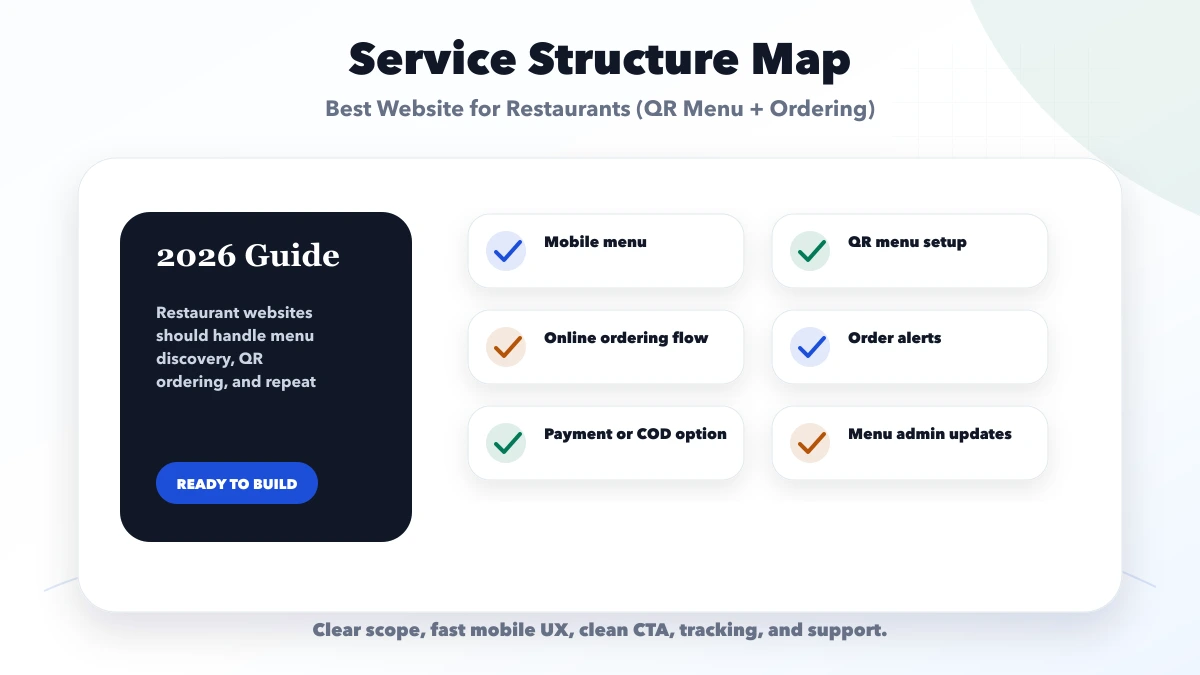
Each item may need:
If the restaurant cannot keep this information current, simplify the menu. Incorrect prices and unavailable products cause more harm than a smaller catalogue.
A menu-only QR system should:
Avoid uploading a large PDF as the only menu. PDFs are harder to navigate and update on phones.
WhatsApp is useful for low order volume or manual confirmation.
A practical flow:
This is not an automatic order-management system. The order may remain unconfirmed until staff replies. Display that boundary clearly.
Do not put sensitive payment data or excessive personal information in the prefilled message. Track the CTA click, but do not claim revenue until the order is confirmed.
A direct system needs states:
The customer, kitchen, cashier, and manager should see states appropriate to their role. A payment success page alone must not create a confirmed kitchen ticket.
The QR needs a table reference that cannot be casually edited to send an order to another table.
Decide:
Table ordering affects staff operations. Pilot it in a few tables before full rollout.
Define:
Define:
Do not promise live tracking unless rider/location infrastructure exists.
Options include:
Integrated payment needs server-side amount calculation, provider order/reference, verified webhook, duplicate protection, refunds, and reconciliation. Review the payment gateway integration guide.
The kitchen should not prepare solely because a browser says payment succeeded.
Use separate permissions for menu editors, kitchen users, cashiers, and owners.
A request form is not an instant confirmed reservation unless availability is checked.
Define:
Label requests as pending until confirmed.
Keep business name, address, phone, hours, map, menu, and reservation/order destinations consistent with current business records. Use genuine photos and reviews. Add structured data only for facts visible on the page.
Each outlet page should have real outlet-specific details rather than a duplicated city template.
Track:
Do not send customer phone, address, order notes, or payment details to analytics.
A 60-seat casual restaurant has dine-in and pickup, but no delivery fleet.
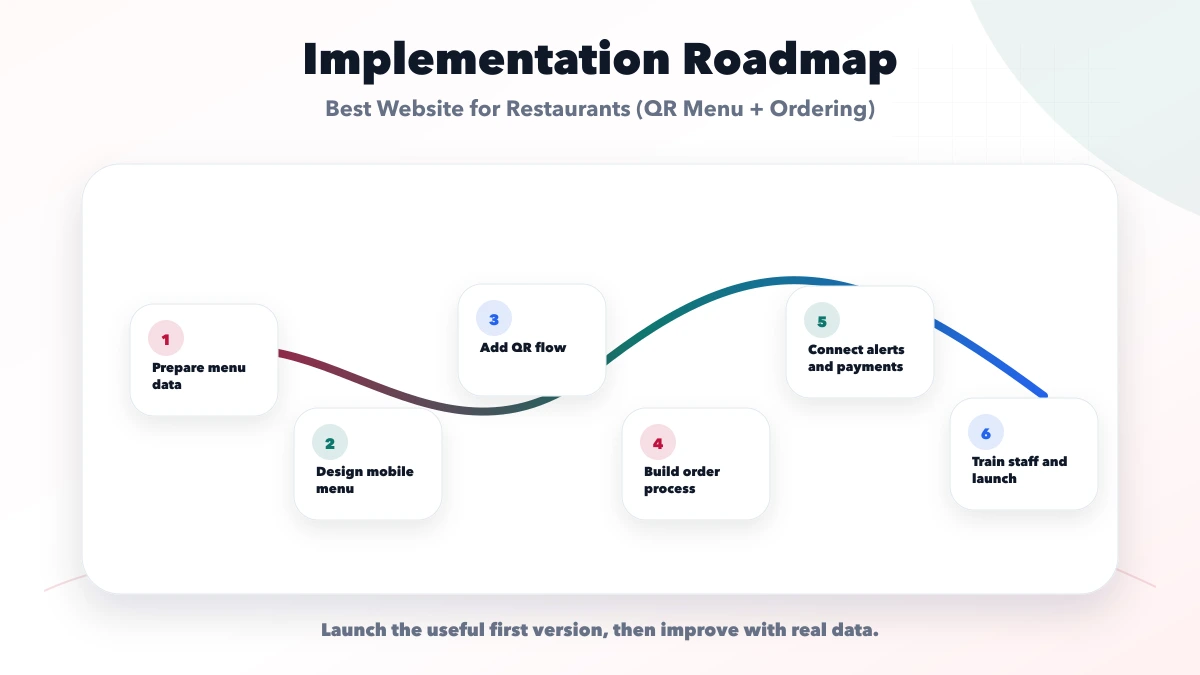
Phase one
Pilot
Later
This avoids buying delivery and rider modules the business cannot operate.
Cost changes with:
Request a modular quote. “Restaurant website” is too broad to estimate safely.
VASUYASHII documents relevant interface and workflow capabilities through its services and case studies. These references are not claims about a named live restaurant's sales results.
That evidence boundary should remain visible in proposals and case studies.
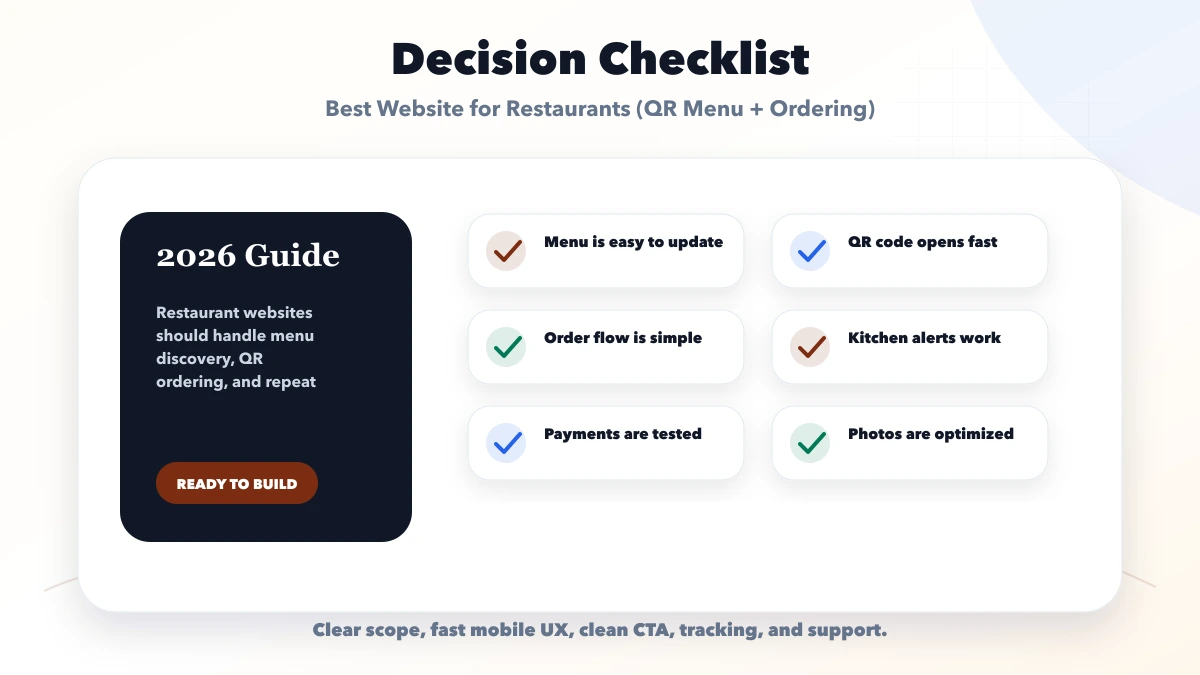
Pilot the simplest complete flow first.
The URL destination, menu quality, update process, and order operation create value.
Internet, printer, display, or provider failure must not stop service.
Customers need to know whether an order or reservation is received, accepted, or confirmed.
Use real food, outlet, and team images when available.
It may be enough when staff take orders normally and the goal is easier menu access. Add ordering only for a clear operational benefit.
WhatsApp suits lower volume and manual confirmation. A queue is better when statuses, kitchen routing, payment, and reporting matter.
Yes. Use a controlled table token and validate it on the server before creating an order.
No. Pickup, pay-at-counter, COD, and other methods can be supported according to policy.
Only when the POS exposes suitable APIs or export/import methods. Map menu, order, tax, payment, and failure ownership before promising sync.
Menu, location, contact/order path, availability controls, and analytics. Add operational modules after the staff flow is tested.
Choose the smallest restaurant website that completes the actual service workflow. A fast menu and WhatsApp order may outperform an unmanageable platform; a busy multi-outlet operation may need a proper order and kitchen system.
To scope menu, QR, pickup, table ordering, payments, or integrations as separate modules, contact VASUYASHII.
Related Articles
May 15, 2026
Plan a restaurant website with mobile menus, local SEO, reservations, QR access, WhatsApp or direct ordering, payments, costs, and launch checks.
Read article
June 9, 2026
Restaurant website with QR ordering guide covering menu pages, table QR flow, order dashboard, WhatsApp, payment options, and feature checklist.
Read article
March 27, 2026
Compare PDF menus, editable QR menus and restaurant QR ordering. Review cost drivers, menu ownership, outlet rules and a sample-data launch checklist.
Read article
June 9, 2026
Plan a cloud kitchen website with a reliable menu, service-area checks, WhatsApp ordering, payment choices, local SEO, order tracking, and clear operations.
Read article