
May 31, 2026
Best Restaurant Website: QR Menu and Ordering
Plan a restaurant website with mobile menu, table QR, pickup or delivery ordering, WhatsApp, payments, kitchen status, menu controls, analytics and fallback.
Read articlePublished Updated
Restaurant website with QR ordering guide covering menu pages, table QR flow, order dashboard, WhatsApp, payment options, and feature checklist.
This guide explains restaurant website with QR ordering for restaurants that want a website with QR menu, table ordering, order flow, and better customer experience. It focuses on practical website planning, catalog or menu structure, lead capture, WhatsApp flow, payment or order logic where needed, and SEO basics.
The goal is not only a modern page. The website should help visitors choose faster, ask with useful details, and give the business a cleaner follow-up process.
By Tushar C. (Founder, VASUYASHII). Reviewed by VASUYASHII Editorial for practical website planning, product catalogs, menus, WhatsApp flow, payment setup, RFQ forms, local SEO, and lead generation.
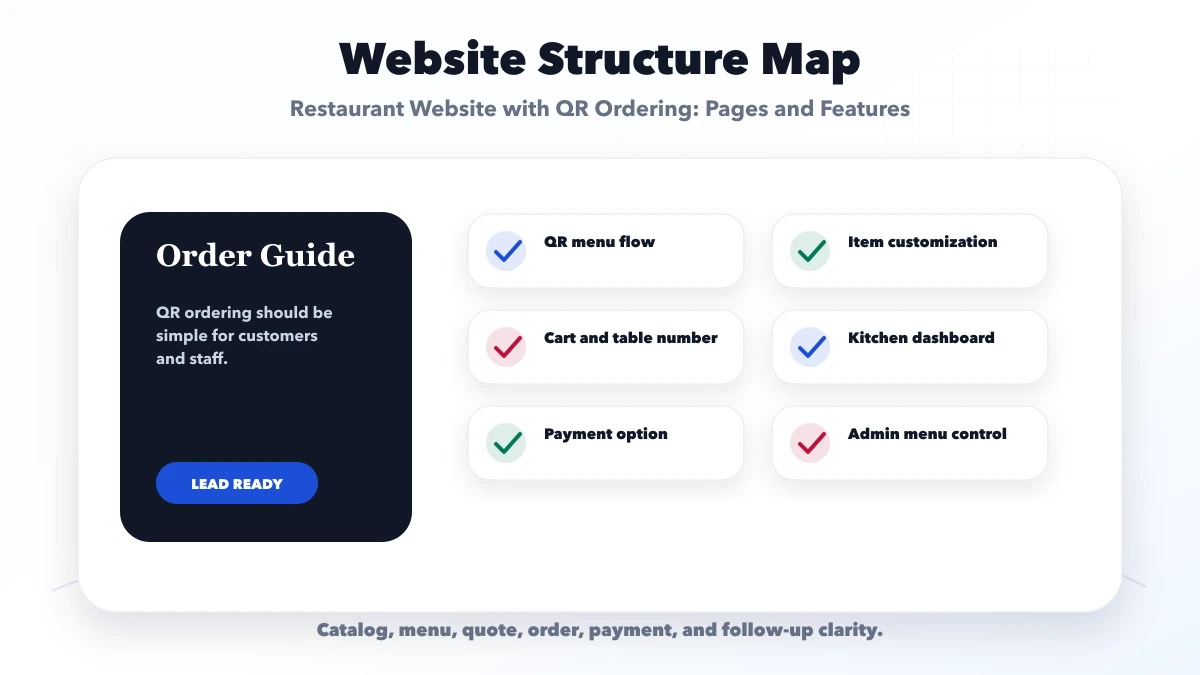
A restaurant website with QR ordering should include digital menu, table QR flow, item customization, cart, kitchen/order dashboard, payment or pay-at-counter option, WhatsApp support, and admin controls.
Customers scan a table QR code, browse menu, add items, and send an order. Staff need a clean dashboard to avoid confusion between tables and orders.
The practical target is a website that reduces repeated questions and captures better enquiries through form, call, WhatsApp, order flow, payment, or RFQ.
Three different products are often sold under the name "QR ordering":
| QR model | Guest action | Restaurant action |
|---|---|---|
| QR menu | Reads a digital menu, then calls staff | Staff records the order normally |
| QR order request | Builds a basket and submits a request | Staff confirms availability and accepts it |
| Integrated table ordering | Sends items with table context | Kitchen and service teams manage order states |
Choose the simplest model that solves the real bottleneck. A small cafe may only need an accurate mobile menu and WhatsApp pickup request. A busy dine-in restaurant may need table identity, kitchen routing, modifiers, payment status, and staff override.
An integrated flow needs explicit states instead of one generic "order placed" status:
Do not tell the guest an order is accepted merely because the browser submitted it. Show a pending state until the restaurant confirms. Give staff a manual path when the guest selects the wrong table or connectivity fails.
A menu should not be a collection of images. Use structured categories, item names, descriptions, prices, tax treatment, variants, add-ons, approved allergen or dietary information, availability, preparation notes, and sort order.
Assign a menu owner at each branch. The owner should be able to mark an item unavailable, update price, schedule a category, and correct a description without waiting for a developer. Keep an audit trail for price and availability changes when multiple users edit.
Images should represent the real dish where possible and be compressed for mobile. The restaurant remains responsible for accurate ingredients, allergen guidance, statutory display requirements, and pricing.
Each check should connect to a real buyer action. If a section does not support trust, search visibility, contact, ordering, or follow-up, it should be simplified or moved.
| Website area | What to include | Why it matters |
|---|---|---|
| Customer layer | QR, menu, cart, order | Makes ordering easy |
| Staff layer | Dashboard, table, status | Controls operations |
| Admin layer | Menu, prices, reports | Keeps system updated |
The right structure depends on the business model. A wholesaler, distributor, hardware shop, restaurant, cafe, bakery, and cloud kitchen should not all use the same page plan.
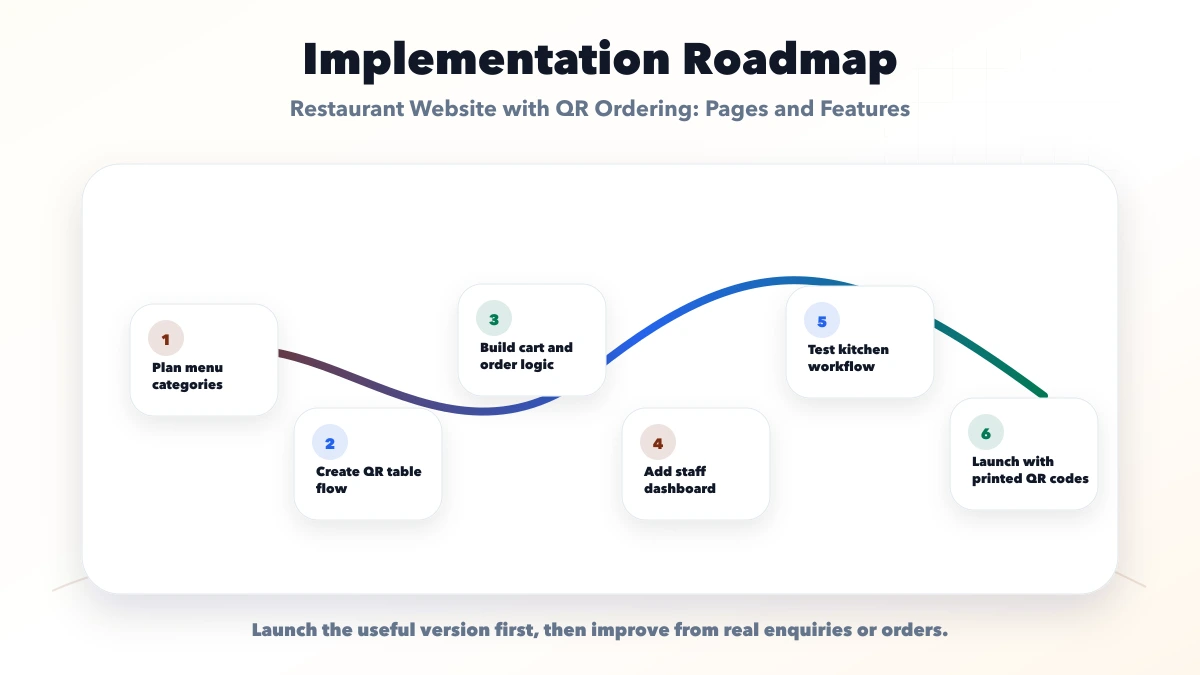
Use this roadmap to build one useful launch version first. After launch, improve pages based on enquiries, orders, search data, sales questions, and customer feedback.
The guest interface prioritizes fast browsing and a clear basket. The kitchen view prioritizes item quantities, modifiers, timestamps, and preparation sequence. The manager view needs menu control, order exceptions, payments, cancellations, taxes, and reports.
Role boundaries matter. A kitchen user should not change settlement settings. A menu editor may not need refund access. A branch manager should see only the correct branch unless central access is explicitly required.
For a first release, avoid loyalty, complex coupons, delivery, table booking, and inventory deduction unless the core order states already work reliably.
QR ordering can support pay-at-counter, pay-after-service, or online payment. Write the source of truth for each payment status. A payment gateway success callback should be verified server-side before an order is marked paid.
Plan failed payments, duplicate callbacks, partial payments, discounts, cancellations, refunds, tips, taxes, and end-of-day reconciliation. The restaurant should be able to match gateway settlements with orders instead of relying on screenshots.
If online payment is not operationally ready, launch order requests with counter payment first. Adding a payment button without exception handling creates more support work than value.
Guest Wi-Fi and mobile data can be unreliable. Keep the first menu payload small, show loading and retry states, and preserve the basket when a recoverable request fails. Print a short branch or table code on the QR so staff can identify it manually.
The restaurant needs a fallback: paper menu, staff order entry, or local POS workflow. QR ordering should improve service rather than make guests wait when the system is unavailable.
A production restaurant system requires verified menu rules, branch operations, tax/payment review, role permissions, and on-site acceptance testing. VASUYASHII does not promise a fixed sales increase from QR ordering.
Start with a limited set of tables, one menu, one kitchen queue, and trained staff during controlled hours. Record scan failures, duplicate orders, modifier mistakes, preparation delays, payment mismatches, and customer questions. Keep the existing waiter or counter route available during the pilot.
Expand only after order totals reconcile, staff can recover from connectivity problems, and guests understand whether the QR is for viewing, ordering, paying, or all three. This evidence is more useful than launching every branch at once.
VASUYASHII would first map products or menu items, target buyers, page structure, proof, CTA, WhatsApp or RFQ flow, payment needs, SEO metadata, and handover needs. Then we would build the website in a focused phase instead of adding unnecessary complexity.
Useful links: web application services, software development, integrations, services, and contact.
Avoid judging a website only by design screenshots. Leads usually improve when catalog/menu clarity, trust proof, CTA, tracking, and follow-up work together.
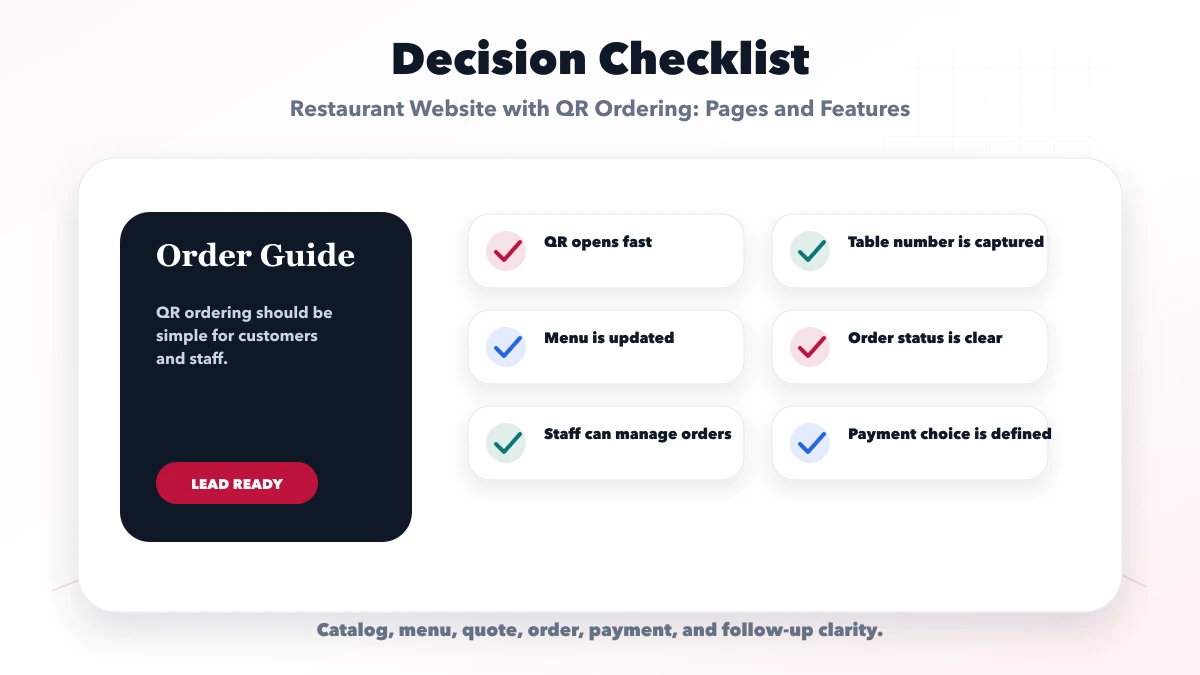
Customers scan a QR code, view menu, add items, and send an order to the restaurant system.
Not always. Restaurants can start with pay-at-counter or add online payment later.
Yes. Orders can flow to a kitchen or staff dashboard.
Yes, if menu updates and table order handling are common operational needs.
Yes. We can build QR menu, order dashboard, and restaurant website systems.
If you want a practical plan for restaurant website with QR ordering, VASUYASHII can help with scope, design, development, SEO setup, lead flow, launch, and maintenance.
If guests will pay during checkout, continue with the restaurant online payment setup guide for order states, gateway verification, refunds, and reconciliation.
Related Articles
May 31, 2026
Plan a restaurant website with mobile menu, table QR, pickup or delivery ordering, WhatsApp, payments, kitchen status, menu controls, analytics and fallback.
Read article
May 15, 2026
Plan a restaurant website with mobile menus, local SEO, reservations, QR access, WhatsApp or direct ordering, payments, costs, and launch checks.
Read article
June 9, 2026
Restaurant website with online payment setup guide covering menu, cart, checkout, Razorpay or Stripe, payment links, orders, and checklist.
Read article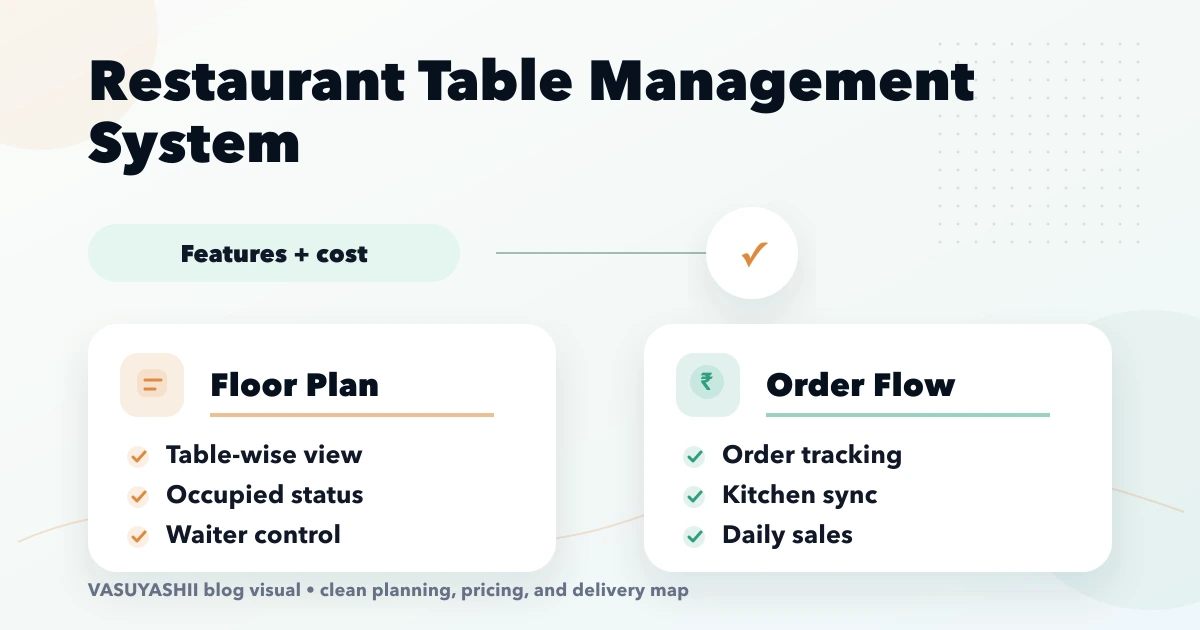
April 16, 2026
Plan restaurant table management software for seating, QR and waiter orders, kitchen status, split bills, payments, table release, reports, roles, and rollout.
Read article