
June 9, 2026
Electronics Shop Website: Catalog and Service Flow
Website development for electronics shops with catalog pages, service pages, warranty notes, WhatsApp enquiry, local SEO, and checklist.
Read articlePublished Updated
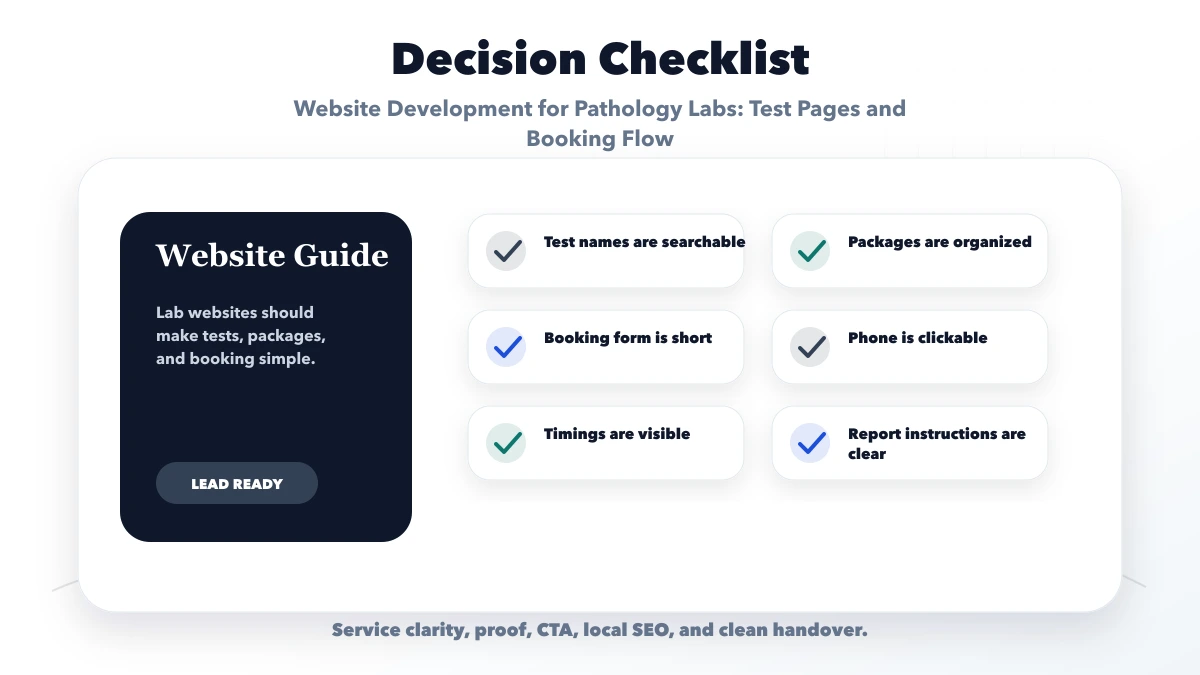
Plan a pathology lab website with an accurate test catalog, home collection requests, secure report access, local SEO, privacy, and booking QA.
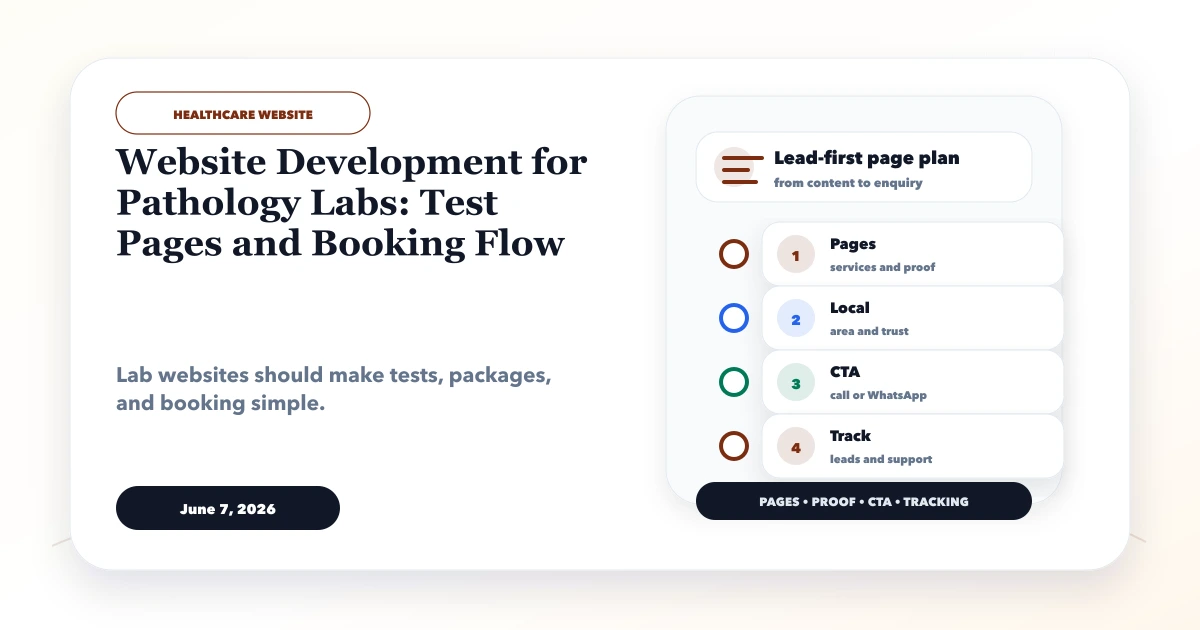
A pathology lab website is part catalog, part local-service page, and part patient request system. Visitors may know the exact test name, carry a doctor's prescription, compare a health package, request home collection, find a nearby branch, or look for a secure way to access a report. A generic five-page website rarely handles all of these journeys well.
This guide explains website development for pathology labs with a controlled test catalog, clear booking states, accurate collection information, privacy-aware forms, secure report access, local discovery, integration boundaries, and practical quality assurance.
By Tushar C. (Founder, VASUYASHII). This is a digital planning guide, not medical advice. Test preparation, sample requirements, turnaround times, accreditation statements, and health package claims must be approved by the laboratory's authorised clinical and operational team.
A useful lab website should let a visitor:
The website should never diagnose a visitor, invent medical claims, expose reports through public links, or show stale prices and availability as current.
Test pages should not be unmanaged marketing copy. Important fields may affect patient preparation, branch operations, and booking eligibility. A structured catalog can include:
Not every field must be public, but the public value should come from one controlled source. If staff update the website manually while the billing or lab system uses different data, prices and instructions will eventually diverge.
For a small lab, a reviewed spreadsheet-to-catalog process may be enough. A larger network may need an authenticated web application or API connection. The right choice depends on update frequency and the quality of the source data, not the number of fashionable features.
People may search by test name, abbreviation, health concern, package label, or prescription wording. Build useful synonyms and categories into the catalog, but do not silently substitute one test for another.
A safe search result can show the official test title, matching term, preparation summary, availability, and a prompt to confirm uncertain selections with the lab. If two tests sound similar but differ clinically, the interface should preserve that distinction.
Package pages need the same discipline. List included tests, eligibility or preparation notes, home-collection availability, price validity, and exclusions. Avoid vague claims such as "complete body guarantee" or fear-based language.
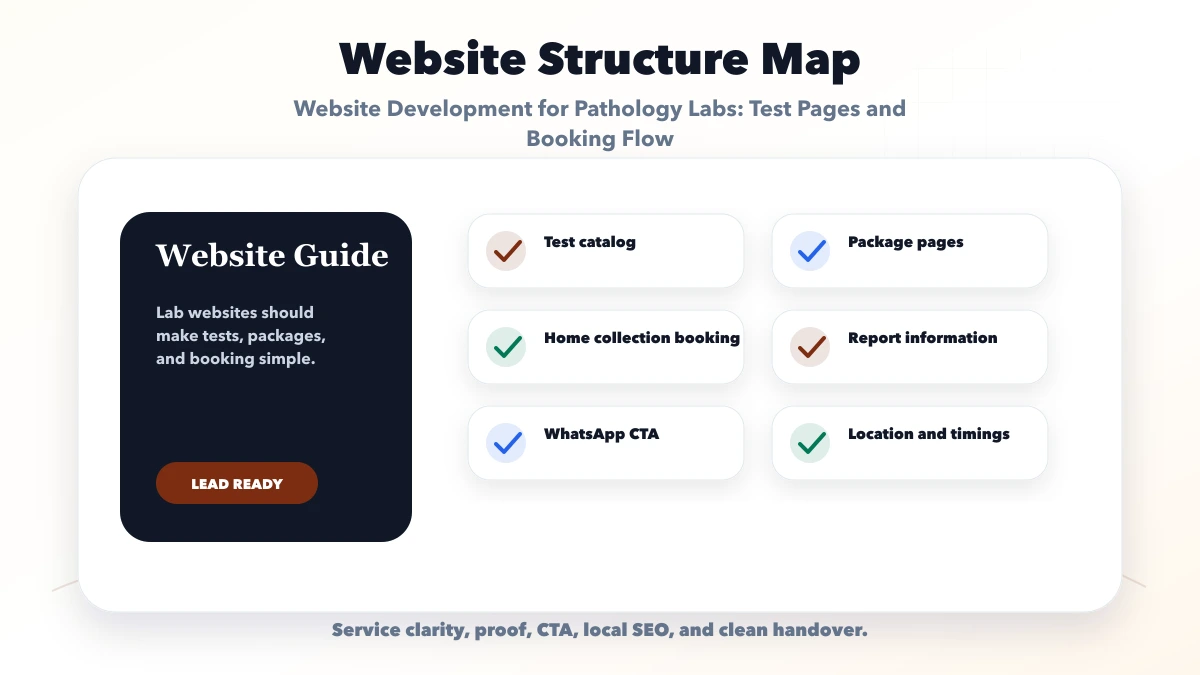
| Area | Purpose | Essential information |
|---|---|---|
| Home | Establish relevance and trust | Locations, home collection, catalog search, contact options |
| Tests | Help exact-intent visitors | Search, categories, approved instructions, availability |
| Packages | Explain grouped offerings | Included tests, preparation, price validity, exclusions |
| Locations | Route local demand | Address, timings, services, accessibility, map, phone |
| Home collection | Qualify requests | Pincodes, slots, charges, preparation, confirmation rules |
| Report access | Provide secure retrieval | Login or verification flow, support, expiry and privacy |
| About and quality | Support accountable trust | Lab identity, verified accreditations, processes, team |
| Contact and support | Resolve booking issues | Call, WhatsApp, email, escalation and operating hours |
A single-location lab can combine some pages. A multi-branch network needs distinct location data and availability rules, not duplicate pages with only the locality replaced.
A "Book Home Collection" button does not complete the booking. The lab still has to verify the address, pincode, test eligibility, preparation, available collection window, payment policy, and phlebotomist capacity.
A practical request flow is:
Until step 7, the status should remain requested or pending confirmation. Do not show a guaranteed collection time if it is not backed by a scheduling system.
Pincode eligibility is only the first check. Certain tests may not support home collection, may require a specific time, or may need handling that a particular route cannot provide. Keep these rules in controlled data where possible.
The public form should collect only information needed to route the request. A common first-stage form includes name, phone, pincode, preferred collection window, selected test or prescription indicator, and consent to contact.
Sensitive documents and reports need stronger controls. Avoid:
Use authenticated access, expiring signed links, or a suitable identity verification flow. Permissions should follow least privilege, and staff access should be logged where the system supports it. A software development scope for report access must include security and operations, not only the patient screen.
WhatsApp may be useful for notifications and support, but a normal chat or public file link is not automatically a secure report-delivery system. Confirm the lab's legal, consent, and retention requirements before choosing a channel.
Only publish accreditation names, registration details, affiliations, laboratory standards, or quality claims that are current and verifiable. Link to an authoritative source when appropriate. Assign someone to check expiry dates and remove outdated badges.
Other useful trust information includes:
Do not create fictional reviews or medical outcomes. If a demo design is shown, label it as a demo and never present its sample data as a real laboratory record.
Local search pages should correspond to genuine branches or collection centres. Keep name, address, phone number, map pin, timings, and services consistent between the website and verified business listings.
Each real location page can include:
Do not publish dozens of near-me or city pages for areas served only occasionally. A useful service-area explanation plus accurate pincode checking provides more value than duplicate local pages.
Consider a fictional diagnostic lab with branches in Ghaziabad and Noida and a small home-collection team. The current website lists packages as images, so visitors cannot search individual tests and staff often receive requests outside the service area.
A practical first phase would:
The business value comes from fewer incorrect bookings, less repetitive phone work, clearer preparation communication, and better visibility into demand by test and location. This scenario is illustrative and is not represented as a VASUYASHII client case study.
An existing laboratory information system, billing tool, or patient portal may already own catalog, booking, and report data. Before promising integration, confirm:
If no reliable API exists, begin with a controlled enquiry workflow rather than screen scraping or unsafe database access. VASUYASHII's integration services can be scoped after the source system and operational owner are identified.
Many people will use the website from a phone immediately after receiving a prescription. The page must support quick search and clear action on a limited connection.
Prioritise:
Avoid putting the catalog inside image-only PDFs. Search engines and visitors cannot reliably navigate a poster containing hundreds of small test names.
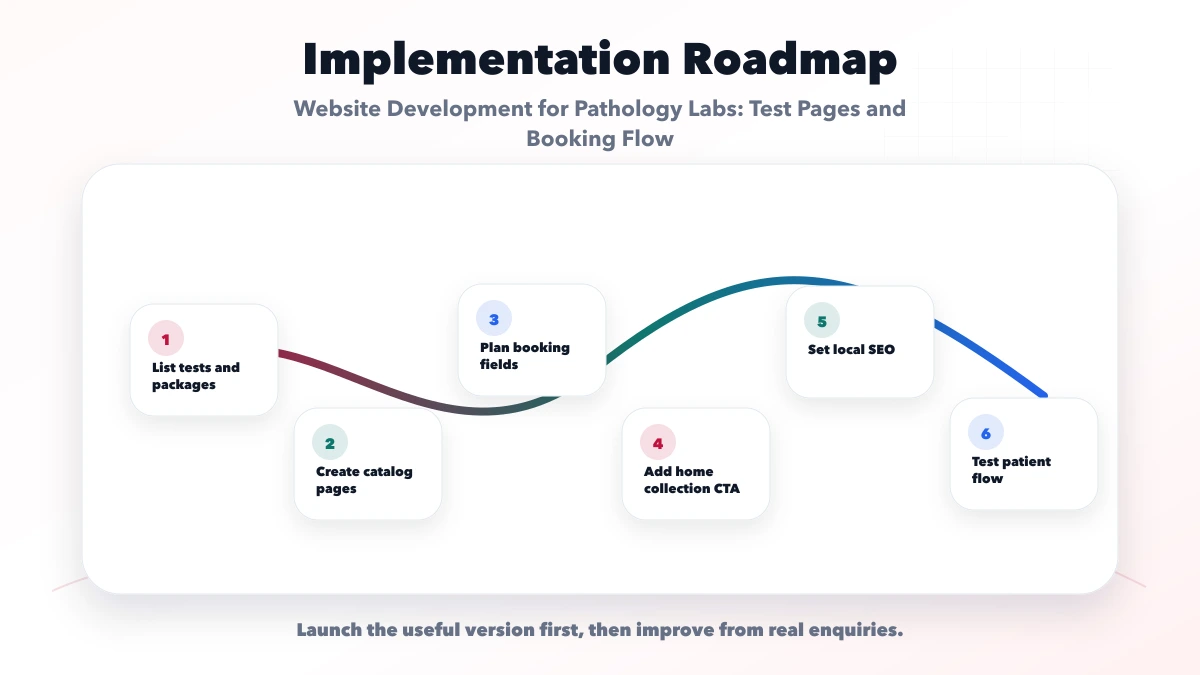
Identify the source of truth for tests, packages, branches, prices, preparation instructions, turnaround times, and home-collection rules. Assign clinical and operational reviewers.
Design catalog categories, search synonyms, package pages, branch pages, collection routing, report access, support, and privacy content. Decide which information is public and which requires verification.
Develop responsive pages, catalog search, pincode check, appointment request, notifications, analytics events, and secure handling for any upload. Keep manual staff confirmation where real-time availability is not trustworthy.
Test common tests, similarly named tests, invalid pincodes, unavailable slots, branch closures, price updates, fasting instructions, failed notifications, duplicate requests, report-link expiry, and mobile accessibility.
Launch to one location or a limited test set if necessary. Monitor search behaviour, incomplete forms, support questions, staff response time, confirmation rate, and catalog corrections before adding complexity.
A basic lab website with reviewed static test categories and a contact request costs less than a synchronised catalog, pincode eligibility, staff dashboard, payments, real-time scheduling, secure report portal, and laboratory-system integration.
Major effort drivers include:
Ask for a scope that separates the public website, lead workflow, operational dashboard, and patient/report system. Review VASUYASHII services for delivery context, then contact us with the number of branches, catalog size, and existing software details.
If the lab expands from website requests into practitioner schedules, check-in, queues, or multi-role operations, review the clinic appointment and admin-panel workflow before combining the systems.
Not automatically. Use individual pages for important tests with distinct search demand and enough approved information. Keep the full catalog searchable, but avoid producing hundreds of thin pages from a template.
They can submit a request. Confirmation should occur only after the lab checks pincode, test eligibility, preparation, staff capacity, time, and payment policy.
Only through a workflow the lab has approved for identity, consent, access, expiry, and privacy. A public PDF URL pasted into chat is not a safe default.
Review frequency should match operational change. Prices and availability may need frequent updates, while general information may change less often. Displaying a review date and assigning an owner reduces stale content.
Not always. A reviewed catalog and well-managed request process may be enough initially. Build a portal when booking volume, secure report access, multiple branches, or integration needs justify the operational cost.
Potentially, if the system provides a documented and authorised integration method. VASUYASHII would first review the API, data ownership, security, failure handling, and support scope before committing to delivery.
Start with accurate catalog data, genuine location information, a clearly labelled collection request, strong privacy controls, and a dependable staff confirmation process. Add live inventory, scheduling, payment, or report integrations only when the source systems and operational ownership are ready.
For implementation planning, review web application services, software development services, integrations, and VASUYASHII services, or contact VASUYASHII.
Related Articles
June 9, 2026
Website development for electronics shops with catalog pages, service pages, warranty notes, WhatsApp enquiry, local SEO, and checklist.
Read article
June 7, 2026
Plan a dental clinic website with treatment pages, verified dentist profiles, appointment requests, local SEO, privacy controls, cost and launch checks.
Read article
June 7, 2026
Plan a doctor website with clear profiles, services, appointment requests, patient-safe content, local discovery, privacy controls, and measurable enquiries.
Read article
May 26, 2026
transport logistics booking tracking portal: practical 2026 guide with features, INR pricing, roadmap, tech stack, mistakes, FAQs, and Indian SMB tips.
Read article