
May 11, 2026
Best contact form fields for service businesses
best contact form fields for service businesses: practical 2026 guide with structure, pricing, checklist, mistakes, FAQs, tracking tips, and next steps.
Read articlePublished Updated
Reduce contact-form spam with accessible fields, server validation, honeypots, rate limits, server-side bot checks, safe delivery, privacy, and lead tracking.

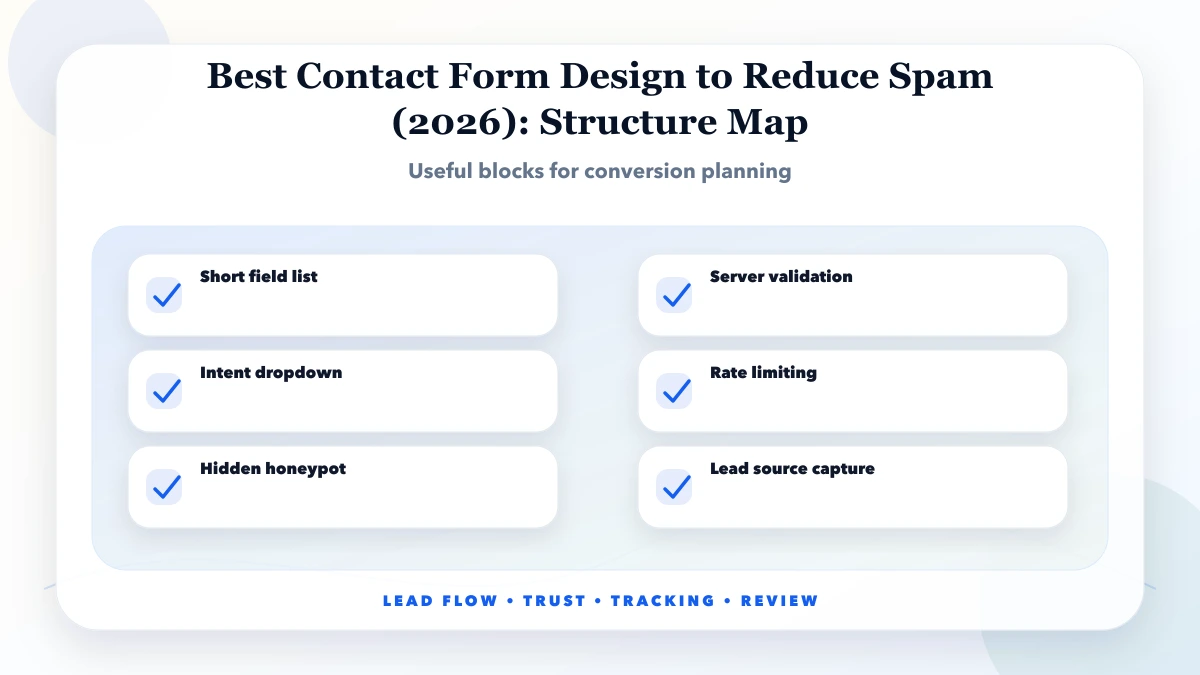
A low-spam contact form uses layers: clear intent, limited useful fields, server-side validation, a hidden honeypot, time and rate controls, bot-risk verification, safe email or CRM delivery, and monitoring. No single CAPTCHA or JavaScript check is enough because automated tools can submit directly to the endpoint.
The goal is not to block every suspicious visitor. It is to reduce automated abuse without making genuine customers solve repeated puzzles, re-enter lost data, or disclose unnecessary information. Form design, backend security, accessibility, privacy, and lead operations must be planned together.
By Tushar C. (Founder, VASUYASHII). Reviewed by VASUYASHII Editorial for real-world service website, SEO, analytics, and conversion implementation experience.
The best contact form design to reduce spam uses fewer useful fields, clear intent labels, server-side validation, honeypot protection, rate limits, optional captcha, and source tracking.
For Indian service businesses, the best setup is usually practical and simple: show what you do, who you help, why visitors should trust you, and how they can contact you fast. WhatsApp, forms, calls, and portfolio proof should work together instead of fighting for attention.
In our work with service websites and lead-focused pages, the biggest gap is usually not traffic. It is clarity after the visitor lands on the page. Owners often ask for more SEO, but the page itself does not explain the service, pricing expectation, proof, or next step properly.
Each item should support either trust, clarity, speed, or tracking. If a section looks nice but does not help the visitor decide, contact, or understand the offer, it should be rewritten or removed.
| Scope | Practical price range | Typical timeline |
|---|---|---|
| Form cleanup | ₹5,000 to ₹12,000 | 1 day |
| Spam-safe form rebuild | ₹12,000 to ₹35,000 | 2 to 5 days |
| Form + CRM + alerts | ₹35,000 to ₹85,000 | 1 to 2 weeks |
These are practical ranges for Indian SMB websites. Final pricing depends on existing website quality, number of pages, content writing, design changes, tracking complexity, integrations, and whether the work is only a small fix or a full conversion-focused rebuild.
Low-cost work is fine when the problem is narrow. For example, a CTA placement update or GA4 event setup does not need a complete redesign. But if the homepage, service pages, forms, portfolio, and tracking are all weak, a structured rebuild is safer than random patches.
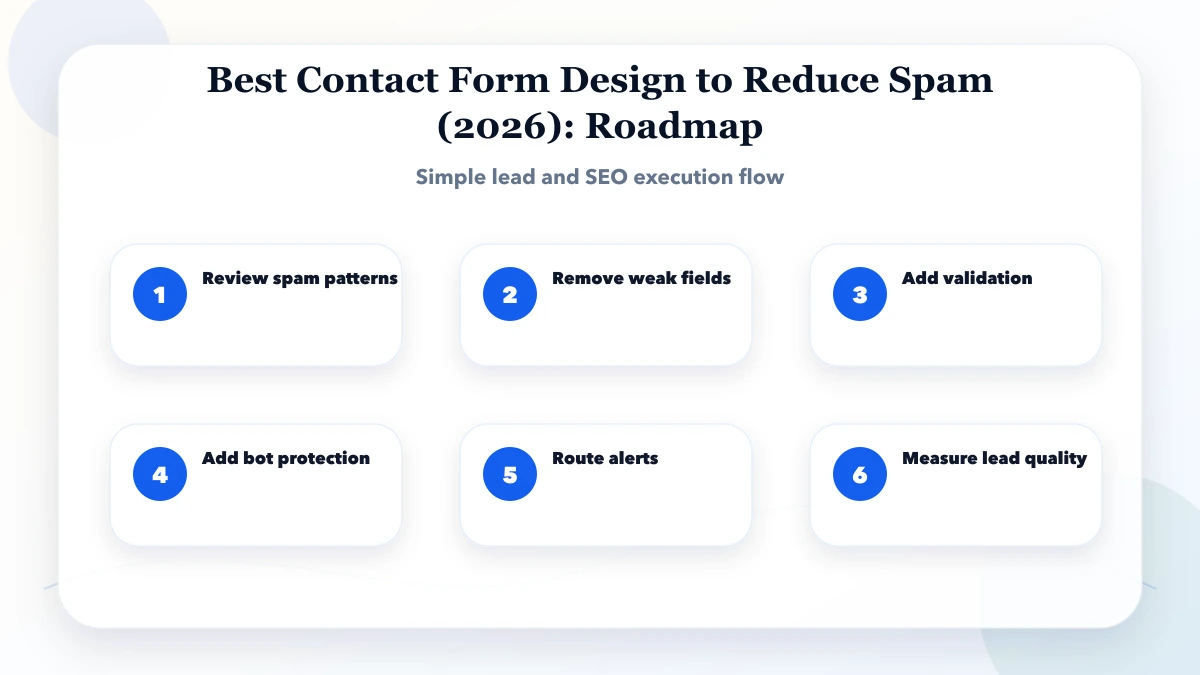
This sequence avoids guesswork. First understand the current page, then improve message and structure, then add tracking, then review real data. Design changes without tracking often feel productive but do not prove whether lead quality improved.
The stack should stay simple. Most service businesses do not need a complex marketing stack at the beginning. They need fast pages, clean forms, WhatsApp tracking, conversion events, and one place where enquiries are reviewed properly.
The biggest drivers are usually clarity and trust. A page with a strong offer, fast mobile loading, visible proof, and tracked CTAs can outperform a prettier page that says very little. For SEO, Google also needs clear page intent, helpful content, internal links, and consistent local signals.
Use four questions before making changes: what is the visitor trying to decide, what proof do they need, what action should they take, and how will we measure it? If the page does not answer these questions, it is not ready for serious lead generation.
For service businesses, the CTA should match intent. A high-intent visitor may want WhatsApp or a call. A research-stage visitor may want portfolio, pricing guidance, FAQs, or a case study first. Good pages support both without becoming cluttered.
Keep the language simple. Write like a real business owner will read it on mobile during office hours. Avoid vague claims like “best quality” without proof. Show service details, process, timelines, pricing cues, and what happens after enquiry.
If you serve multiple locations, do not copy the same paragraph across every city page. Add local proof, service area clarity, FAQs, portfolio examples, and practical contact options. This reduces duplicate-content risk and improves trust.
| Layer | Purpose | Important limitation |
|---|---|---|
| Intent and copy | Discourages irrelevant submissions and improves lead context | Does not stop bots |
| Client validation | Gives immediate feedback for missing or malformed fields | Can be bypassed |
| Server validation | Enforces field type, size, and allowed values | Needs safe error handling |
| Honeypot | Catches simple bots that fill hidden fields | Advanced bots can ignore it |
| Minimum-time check | Rejects impossible instant submissions | Must allow password managers and accessibility tools |
| Rate limit | Controls repeated requests by key or risk signal | Shared networks can affect legitimate users |
| Bot verification | Adds a risk or human-verification signal | Must be verified on the server |
| Monitoring | Finds new patterns and delivery failures | Requires an owner and retention boundary |
Cloudflare's current Turnstile validation documentation states that server-side Siteverify validation is mandatory. A client widget alone does not protect the endpoint. Tokens expire and are single-use, so the backend must reject missing, invalid, expired, or replayed tokens.
Start with name, preferred contact method, business email or phone, service category, and a short requirement. Add company, budget range, timeline, or existing URL only when the sales team actually uses them to route the lead.
Use select controls for stable categories and a bounded message field for context. Set reasonable maximum lengths on the server. Do not accept arbitrary HTML in a plain enquiry. File upload should be a separate deliberate feature with type validation, size limits, malware scanning, private storage, access control, and deletion rules.
Do not request passwords, payment details, identity documents, or sensitive business data in the first contact form. Add a warning near the message field so visitors know what not to send.
Associate every label with its input, identify required fields in text, use suitable autocomplete values, and connect errors through accessible descriptions. Do not communicate failure only with colour. Move focus to a useful error summary after submit while keeping field-level messages.
Preserve entered values when a recoverable validation or network error occurs. Keep the submit button disabled only while a request is genuinely in progress, and provide a visible loading state. On success, show a confirmation reference or clear next step so the visitor does not submit again.
Bot protection should not trap keyboard users or people using assistive technology. Test challenge behaviour, timeout, refresh, error, and reduced-motion cases on mobile and desktop.
Do not build the email body by concatenating untrusted HTML. Escape content, use fixed templates, and protect reply-to handling from header injection. Keep provider credentials in server-side secret storage.
Use multiple signals rather than a permanent IP block: route, short time window, anonymised network signal where lawful, token result, repeated payload pattern, and overall submission volume. Mobile carriers and offices may share addresses, so an aggressive IP-only rule can reject real customers.
Return a helpful retry response for ordinary limits. For obvious automated abuse, avoid revealing exactly which test failed. Monitor false positives through support reports and successful alternative contact routes.
A form is not complete when the frontend shows success. Confirm that the lead reached the intended CRM, database, or inbox and has an owner. Use a provider response or durable queue rather than silently discarding notification failures.
Track statuses such as accepted, notification sent, assigned, first response, qualified, and closed. Send alerts when delivery repeatedly fails. Avoid emailing full sensitive form content to broad distribution lists.
Use the lead tracking guide for privacy-safe analytics and web application services when form routing needs a dashboard or workflow.
Tell visitors why the data is collected, how it will be used, and how to contact the business about it. Collect only what is necessary. Limit staff access, set retention rules for invalid and genuine leads, and remove test submissions after verification.
Analytics events should not include names, phone numbers, email addresses, or free-form requirement text. Measure form start, validation error category, successful submission, and non-sensitive service context.
The current VASUYASHII QA process treats the backend record or controlled delivery acknowledgement as the success boundary, not the button animation. For a review of an existing form, contact VASUYASHII without sharing production secrets.
If your website gets traffic but not enough enquiries, start with a lead-flow audit. VASUYASHII can review your homepage, service pages, CTAs, forms, WhatsApp buttons, and GA4 tracking to find the practical fixes first.
Avoid changing only colors and banners when the real issue is message clarity, weak proof, poor section order, or missing tracking. A lead-focused website should help visitors decide faster and help the owner understand which changes are working.
It is for service businesses that receive fake enquiries, bot submissions, or low-quality form leads from their website. The goal is practical lead generation for Indian businesses, not theory.
Start with review spam patterns. This makes the work tied to the real business goal instead of random design changes.
Use the pricing table as a planning range. Final cost depends on page count, tracking depth, design changes, integrations, and content work.
Yes, if the current website already has some relevant traffic. CTA placement, message clarity, and tracking can show improvement faster than broad SEO work.
Yes. Without tracking, you will not know which page, CTA, or source is bringing useful enquiries.
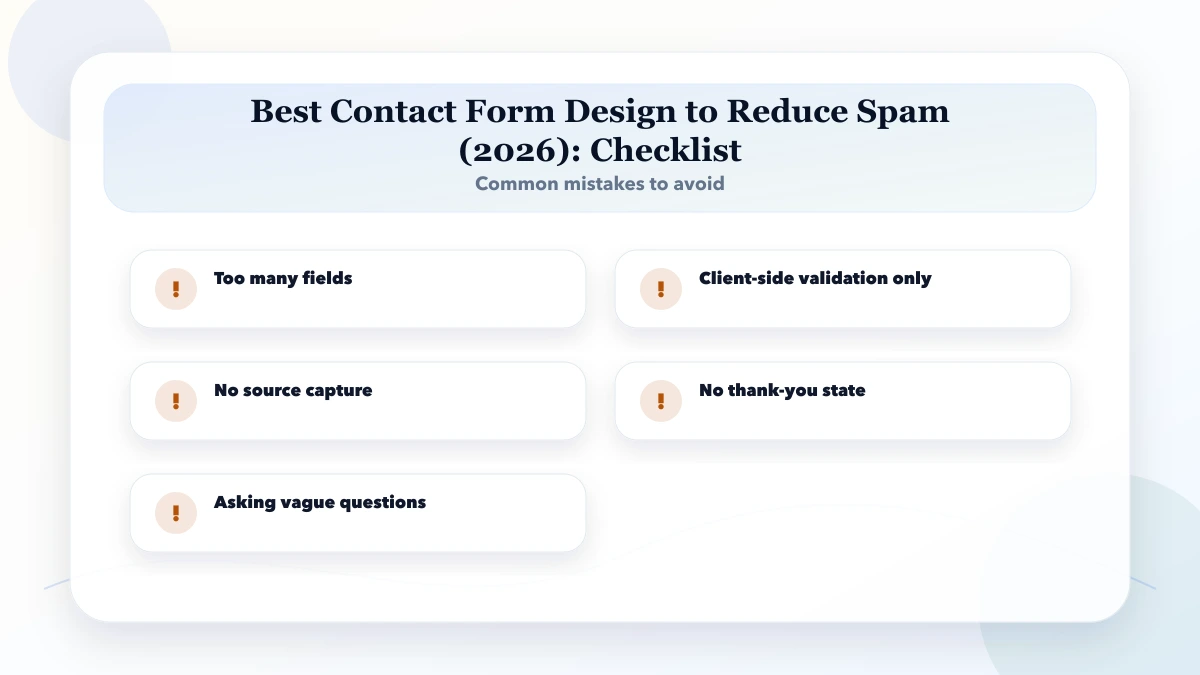
The biggest mistake is too many fields. It usually wastes traffic that could have become a lead.
Yes. VASUYASHII can help with website audit, service pages, landing pages, WhatsApp CTAs, GA4 tracking, SEO, and lead-focused redesign.
If you want a website that brings clearer leads, VASUYASHII can help with landing pages, service pages, WhatsApp CTAs, form cleanup, GA4 tracking, portfolio proof, and local SEO.
Related Articles
May 11, 2026
best contact form fields for service businesses: practical 2026 guide with structure, pricing, checklist, mistakes, FAQs, tracking tips, and next steps.
Read article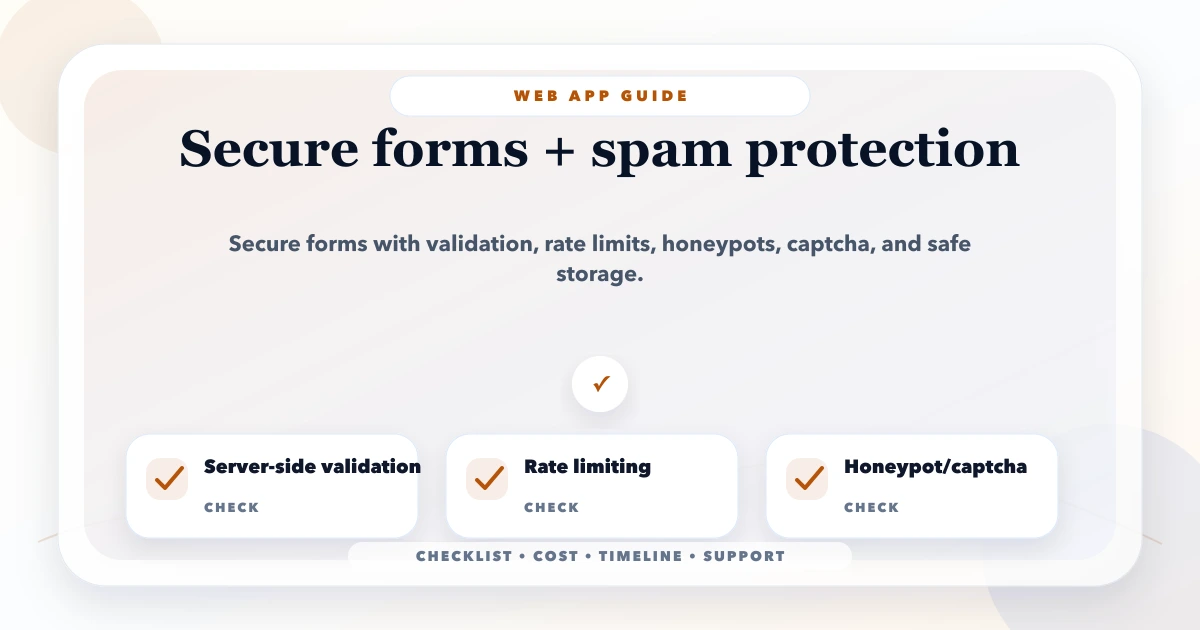
May 17, 2026
Protect business forms with server validation, abuse controls, rate limits, safe uploads, CSRF defenses, privacy rules, monitoring, and recovery workflows.
Read article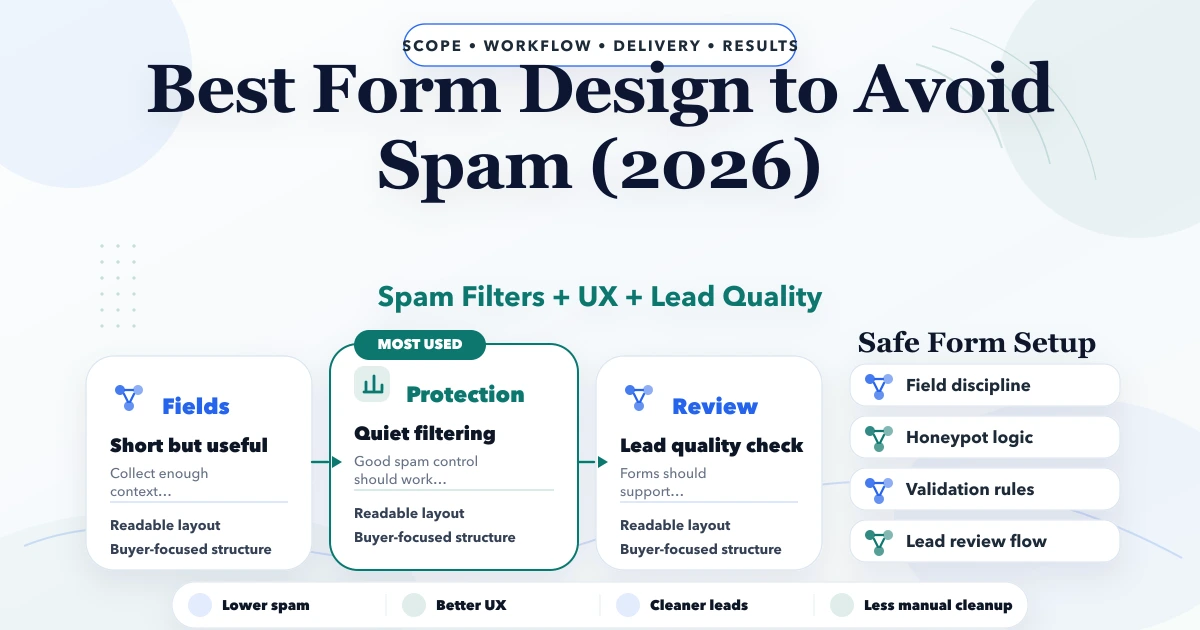
May 3, 2026
Best form design to avoid spam in 2026: field choices, honeypots, validation, UX, and lead-quality setup for business websites.
Read article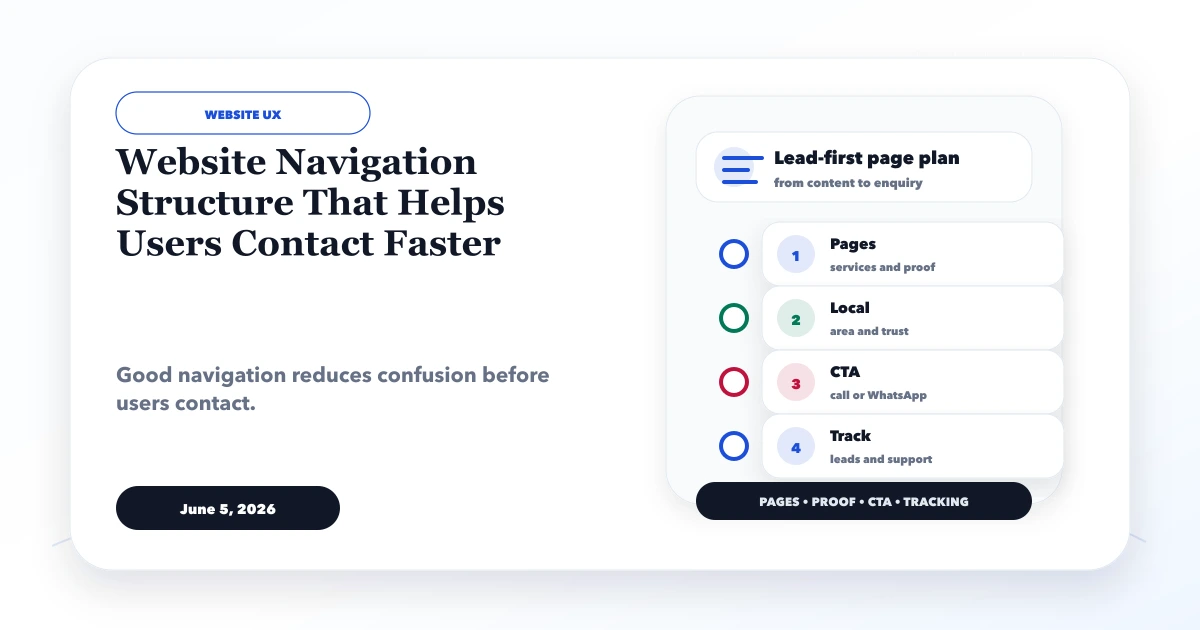
June 5, 2026
Design website navigation that helps visitors compare services, find proof, understand next steps, and contact the business quickly on desktop and mobile.
Read article