
May 17, 2026
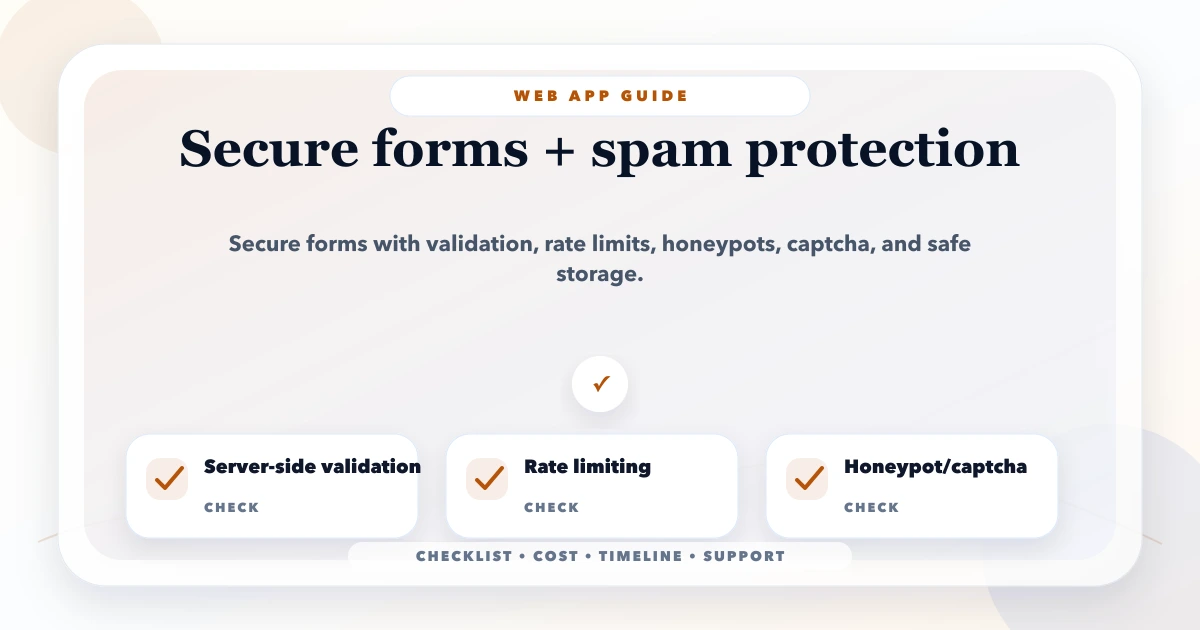
Secure Web Forms and Spam Protection
Protect business forms with server validation, abuse controls, rate limits, safe uploads, CSRF defenses, privacy rules, monitoring, and recovery workflows.
Read articlePublished Updated
Best form design to avoid spam in 2026: field choices, honeypots, validation, UX, and lead-quality setup for business websites.
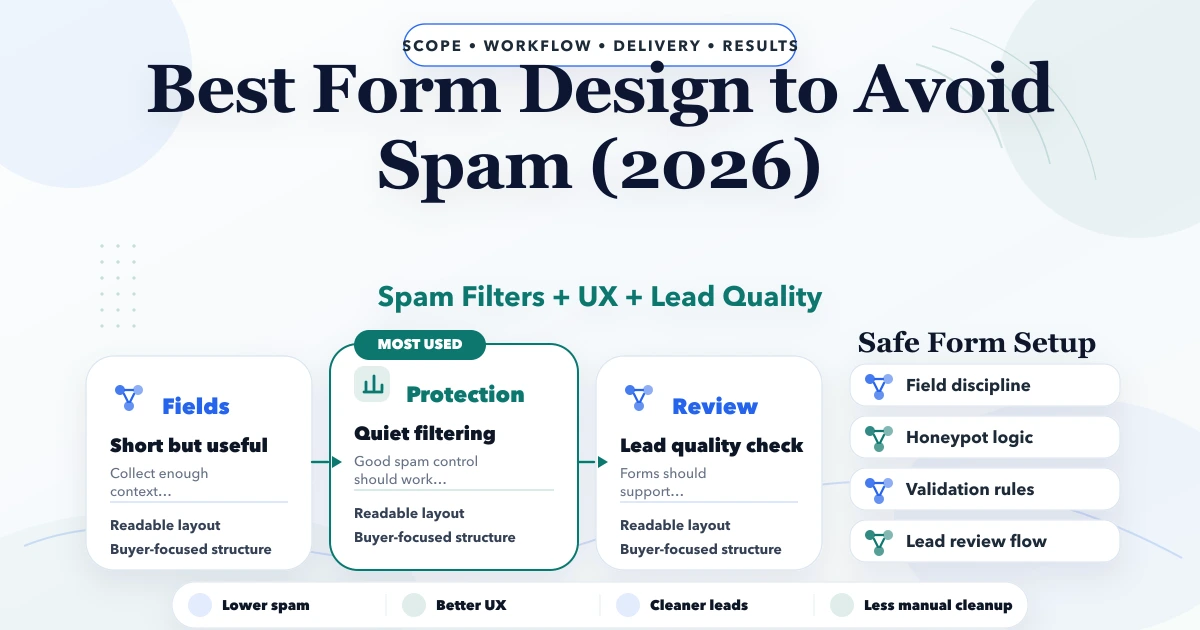
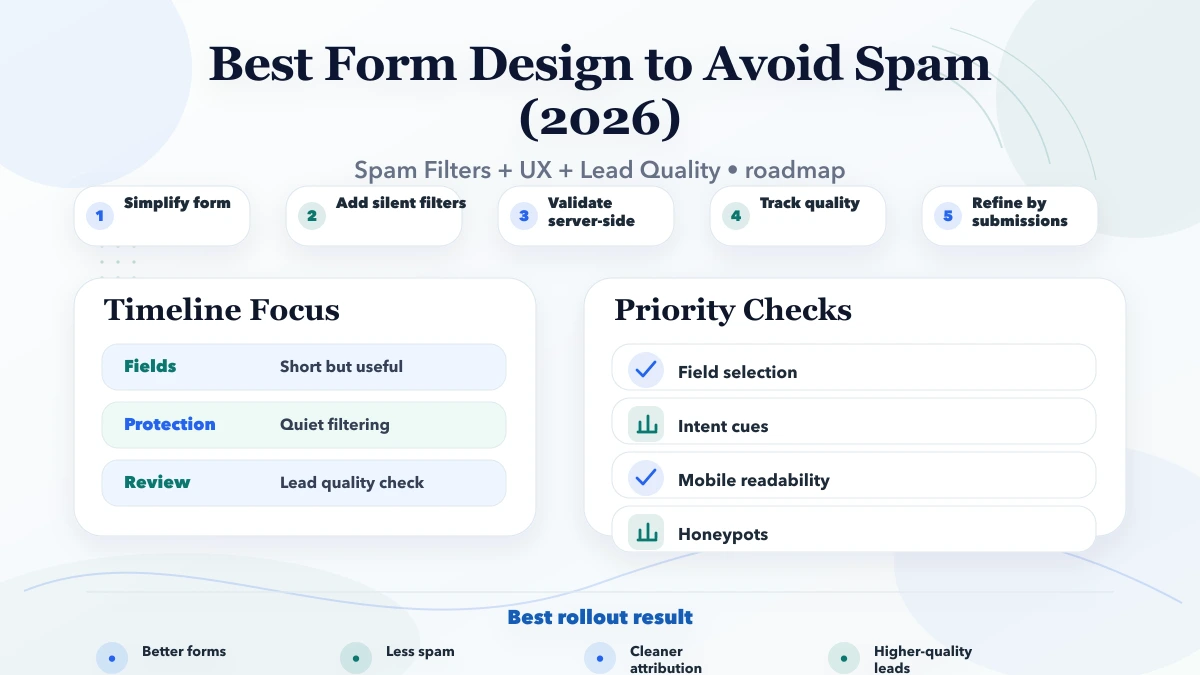
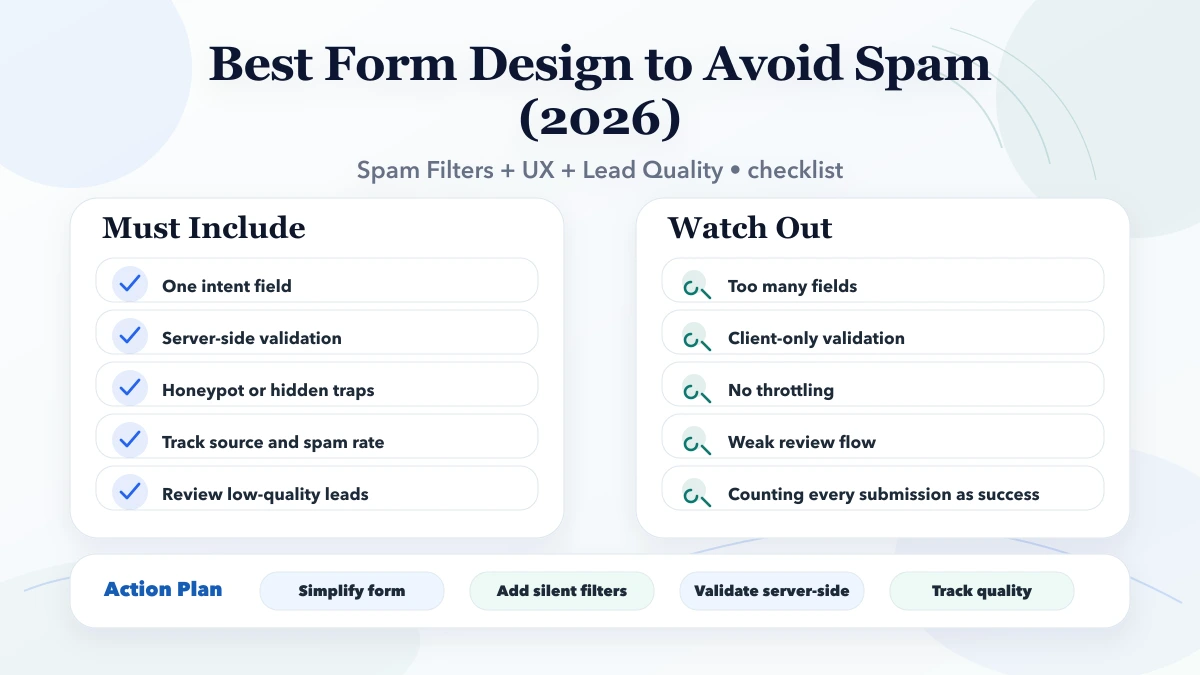
The best form design to avoid spam is not the form with the most security gimmicks. It is the form that quietly filters junk, stays easy for genuine users, and gives the business enough context to qualify the lead. This guide is for service websites, software sites, agencies, local businesses, and SMB landing pages that want fewer junk submissions without hurting conversion.
Many websites solve spam in the wrong direction. They add too many fields, clunky captchas, or confusing validation. That may reduce some junk, but it often also reduces good enquiries. The better approach is silent filtering, stronger validation, cleaner field logic, and better lead-quality review.
By Tushar C. (Founder, VASUYASHII). Reviewed by VASUYASHII Editorial for practical scope, pricing, implementation clarity, and local business relevance.
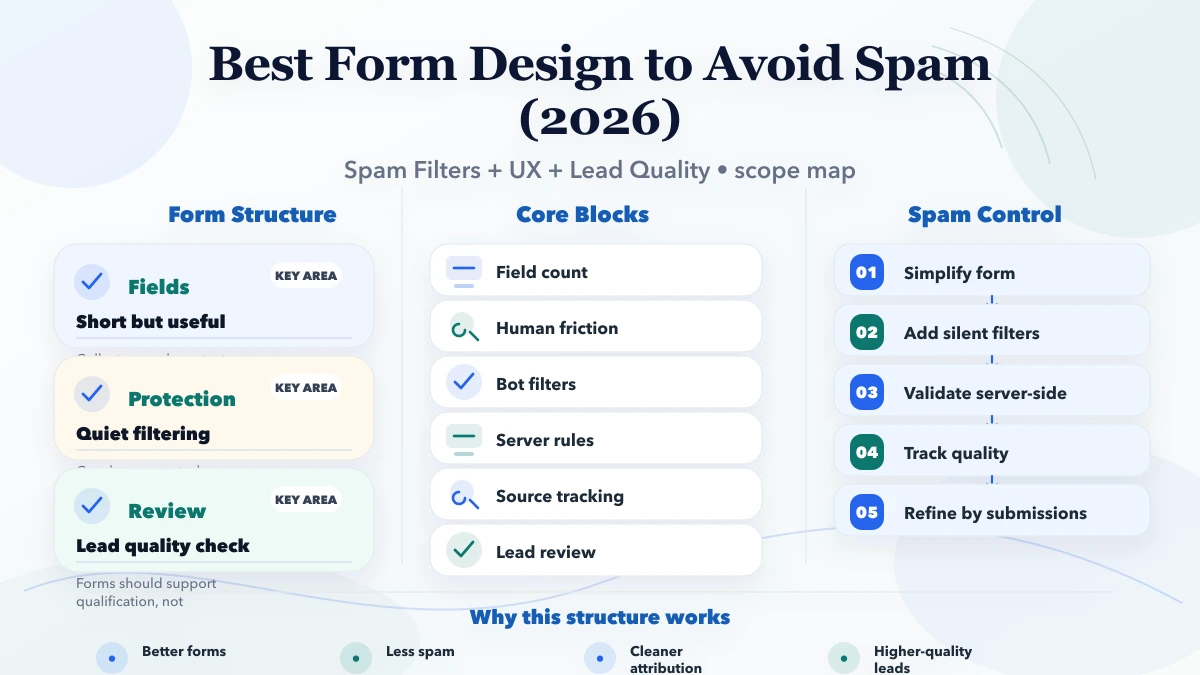
For most service websites, the strongest first release keeps the visible form short and moves protection behind the interface. Use server validation, a honeypot or timing signal, rate limits, duplicate detection, and source tracking. Add a visible challenge only when traffic evidence shows that quieter controls are insufficient.
| Scope | Price range | Timeline |
|---|---|---|
| Form audit + fixes | ₹10,000 to ₹30,000 | 1 to 4 days |
| Tracked form redesign | ₹30,000 to ₹85,000 | 1 to 3 weeks |
| Form system + CRM handoff | ₹85,000 to ₹1.8 lakh+ | 3 to 6 weeks |
The screenshot below is from VASUYASHII's current contact experience. It shows the small set of fields presented to a visitor, a clear submit action, and a separate WhatsApp path. This is first-party interface evidence, not a claim that the form blocks every spam pattern or guarantees lead quality.
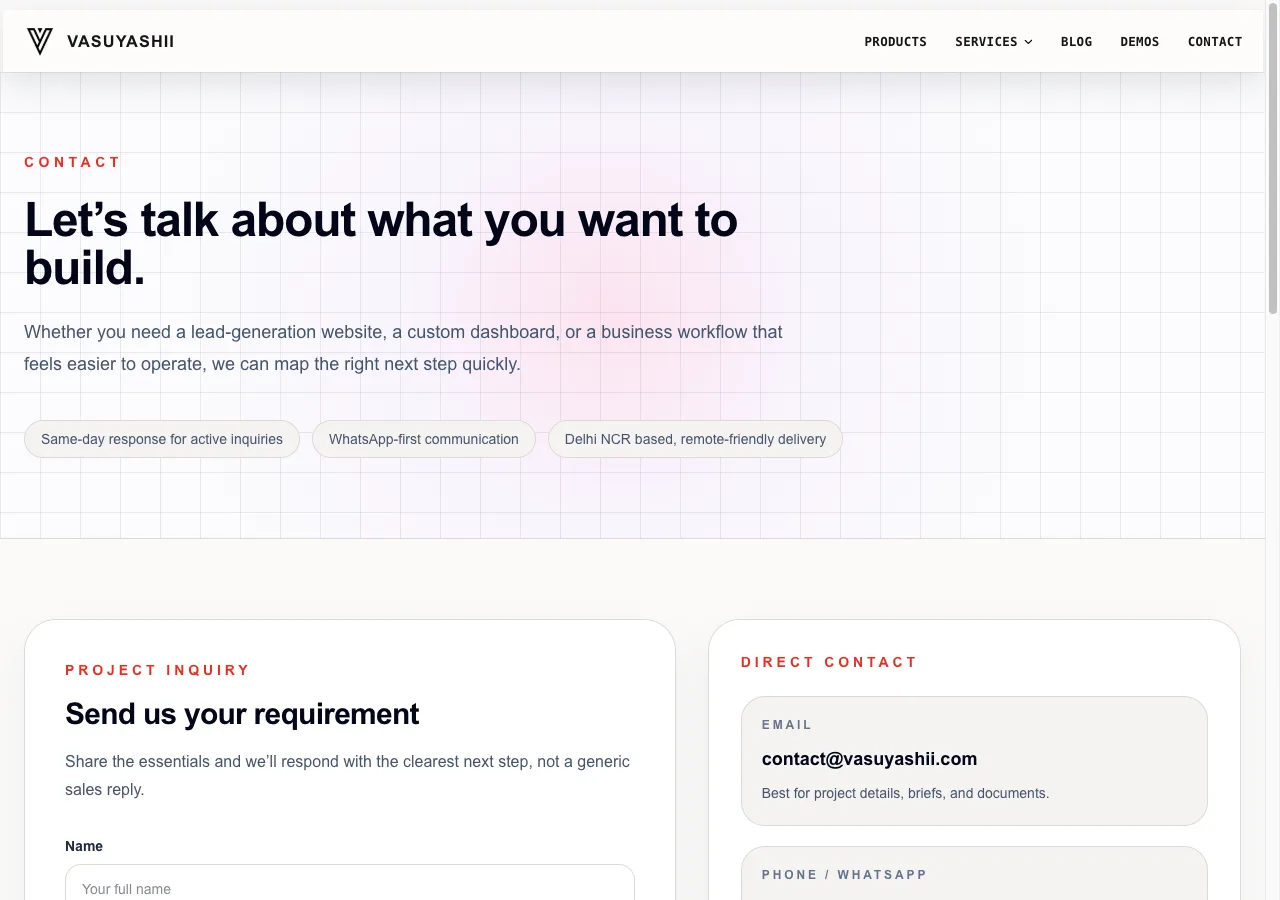
The implementation boundary matters: frontend fields improve usability, while protection still needs server-side checks and monitoring. Form success should be recorded only after the submission endpoint confirms acceptance; rejected or failed requests must not be counted as leads.
Spam is not only a technical issue. It is also a conversion and operations issue. When forms are weak, staff waste time reviewing junk, analytics gets polluted, and lead quality becomes harder to judge. When forms are too aggressive, genuine users drop off before submitting.
A good form should feel easy for real users and difficult for automated junk. That means design choices, field decisions, validation, and post-submit review all matter together.
Good execution here usually improves both SEO and conversion because the website stops behaving like a brochure and starts behaving like a serious business asset. The biggest improvement usually comes from clarity: clear messaging, clear proof, clear routing, and clear review discipline.
| Layer | What it should do | Acceptance check |
|---|---|---|
| Field design | Ask only for information needed for the next conversation | A genuine mobile user can complete the form without confusion |
| Client validation | Catch missing or malformed values before submission | Errors are specific, accessible, and do not erase valid fields |
| Honeypot and timing | Flag basic automated submissions without adding visible friction | Hidden controls are ignored by normal keyboard and screen-reader flow |
| Rate limiting | Restrict repeated submissions by an appropriate server-side signal | Bursts are rejected without blocking normal follow-up attempts |
| Challenge token | Add a bot signal when risk warrants it | The token is validated by the server, not trusted in the browser |
| Duplicate and content checks | Detect repeated payloads, suspicious URLs, or abnormal text | Rejections are logged with a reason that can be reviewed safely |
| Lead confirmation | Send notifications and analytics only after accepted storage or delivery | generate_lead fires after confirmed success, never on button click alone |
Cloudflare's official Turnstile documentation states that server-side token validation is mandatory and that tokens are single-use with a limited lifetime. The same principle applies to other challenge providers: a browser response by itself is not proof of a valid submission. Review the current Cloudflare Turnstile server-side validation guidance before implementation.
Pricing depends on the number of forms, endpoint ownership, existing backend, traffic volume, CRM handoff, notification rules, and the level of audit logging required. A single protected contact form is a different project from a multi-site lead pipeline with routing and sales-system synchronization.
| Scope | Price range | Timeline |
|---|---|---|
| Form audit + fixes | ₹10,000 to ₹30,000 | 1 to 4 days |
| Tracked form redesign | ₹30,000 to ₹85,000 | 1 to 3 weeks |
| Form system + CRM handoff | ₹85,000 to ₹1.8 lakh+ | 3 to 6 weeks |
Budget the first phase around one working submission path with explicit failure states. Add CRM routing, scoring, or provider changes only after the team can distinguish accepted leads, rejected spam, delivery failures, and duplicates.
Before launch, test success, validation error, server error, rate-limit, duplicate, and notification-failure paths. One owner should review the rejection log and qualified-lead ratio after release so controls can be tightened without guessing.
Choose controls that the current hosting and backend can enforce reliably. A polished React field component cannot replace endpoint validation, and an analytics event cannot confirm that a notification or CRM write succeeded.
Write these drivers into the acceptance criteria. That makes the quote testable and prevents a low-cost visual redesign from being mistaken for a complete anti-spam implementation.
No form can promise zero spam. IP-only blocking can also affect shared networks, and aggressive keyword rules can reject genuine enquiries. Visible CAPTCHA may reduce abuse but can add friction or accessibility concerns. The practical target is measurable reduction with a recoverable review process.
Keep spam payloads and personal information out of analytics. Store only what the business needs, restrict access, define retention, and provide a fallback contact route when the form service is unavailable.
Long forms often reduce conversion faster than they reduce junk. Many automated submissions can still pass weak forms if the backend logic is poor. Meanwhile, genuine users lose patience and drop off.
The better approach is shorter forms with stronger hidden controls and better review logic. Real users feel less friction, and the system becomes easier to manage.
Submission count alone is a weak metric. Track how many submissions become qualified conversations, how many are obvious junk, how fast staff respond, and which pages or sources create low-quality patterns.
This turns spam prevention from a defensive activity into a lead-quality improvement process.
We serve businesses across India from our Delhi NCR base and plan, build, and refine websites with a practical focus on clarity, trust, SEO structure, and lead quality.
When comparing implementations, ask to see the confirmed-success rule, server validation, rejection handling, and how the team will measure qualified leads without sending personal form values to analytics.
These mistakes either create friction for genuine visitors or leave the endpoint easy to abuse. Review completion rate and qualified-lead rate together; optimizing only one can hide damage to the other.
Not always. Many sites do better with honeypots, server validation, and rate limiting before adding visible CAPTCHA friction.
Enough to qualify the next conversation, but not so many that real users hesitate. For many service sites, five or fewer core fields works well.
Only if it materially improves qualification. On some pages it helps, but on others it creates friction. Test based on lead quality, not assumptions.
Usually not 100 percent, but it can be reduced sharply with better form design, server logic, and review process.
Both. The best setup lowers junk while preserving or improving genuine user completion rates.
Yes. Mobile forms need simpler labels, larger spacing, and less friction because many first submissions happen from phones.
Yes. A well-designed form system can later feed CRM, email, WhatsApp, or sales-notification workflows cleanly.
Share the number of forms, current spam pattern, hosting stack, destination system, and required notifications. We can then define a testable first phase with explicit success and failure handling.
Related Articles
May 17, 2026
Protect business forms with server validation, abuse controls, rate limits, safe uploads, CSRF defenses, privacy rules, monitoring, and recovery workflows.
Read article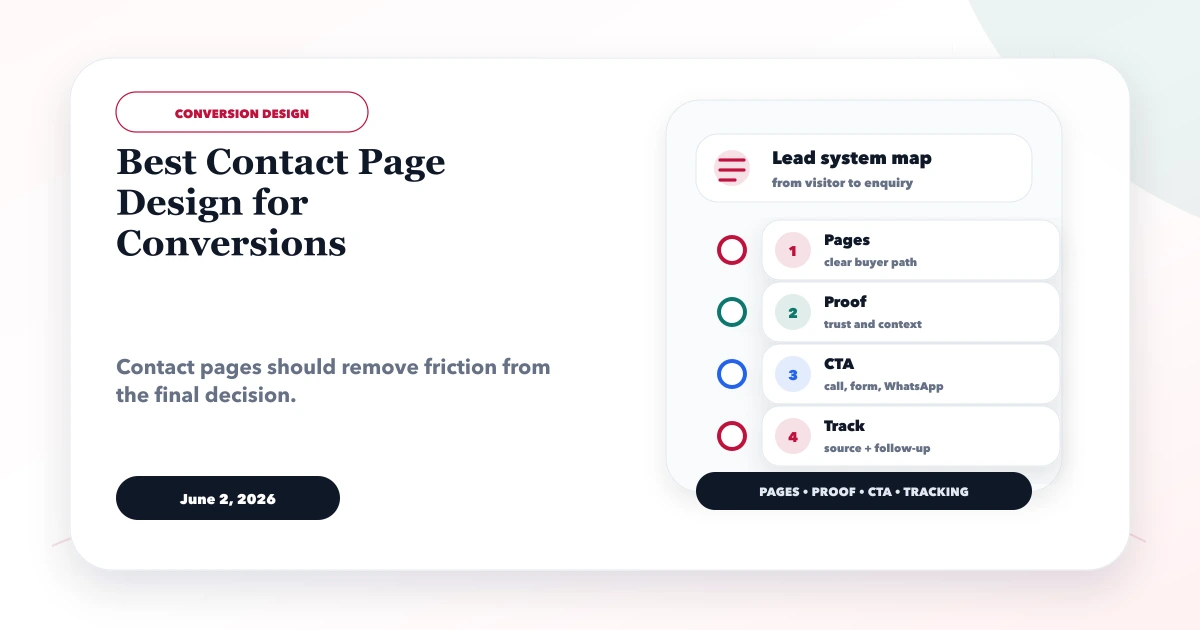
June 2, 2026
Design a contact page that routes qualified enquiries with clear actions, short forms, privacy cues, reliable delivery, mobile usability and useful analytics.
Read article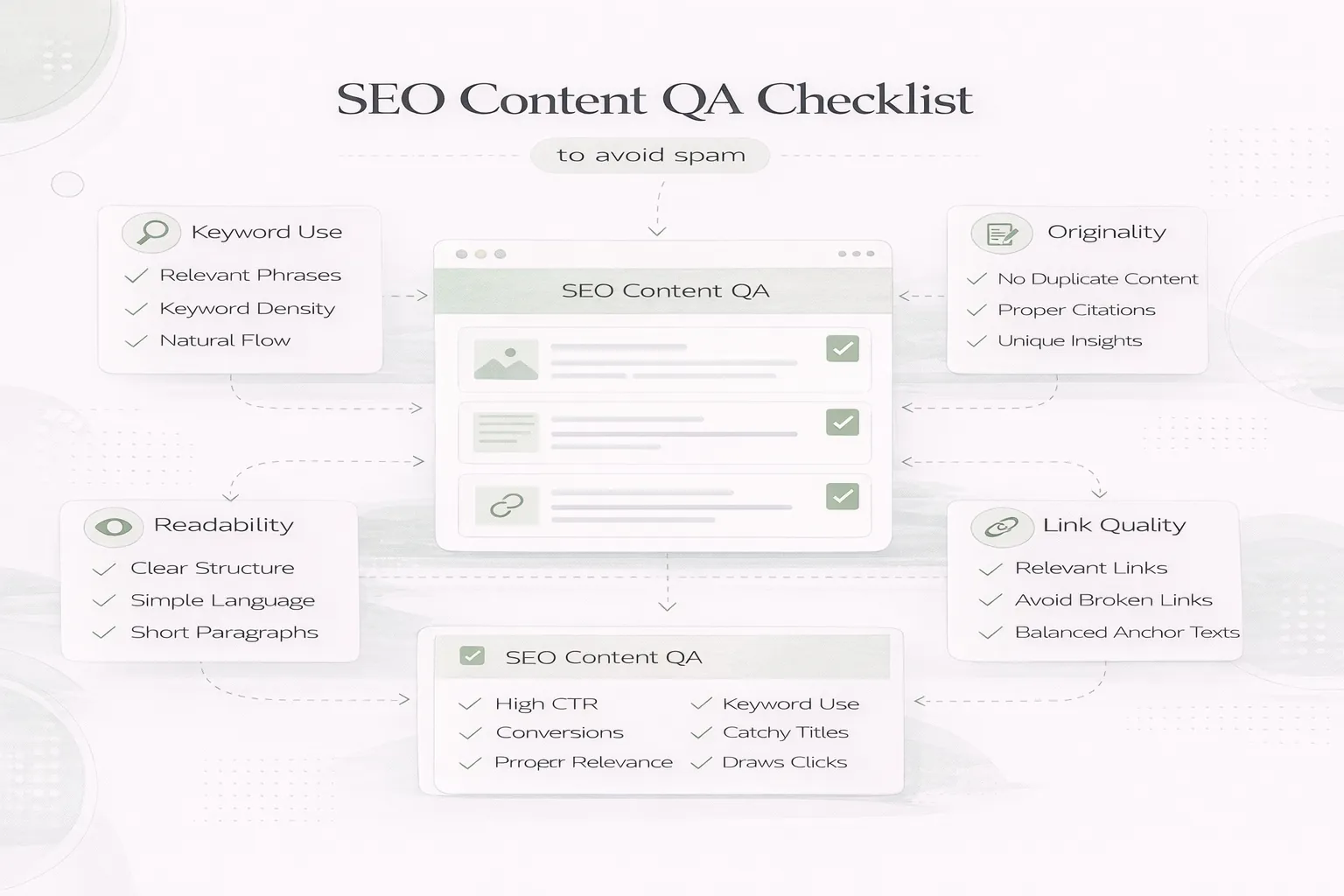
April 8, 2026
SEO content QA checklist to avoid spam: people-first review steps, duplication checks, internal links, and common quality mistakes in 2026.
Read article
May 20, 2026
Reduce contact-form spam with accessible fields, server validation, honeypots, rate limits, server-side bot checks, safe delivery, privacy, and lead tracking.
Read article