
May 3, 2026
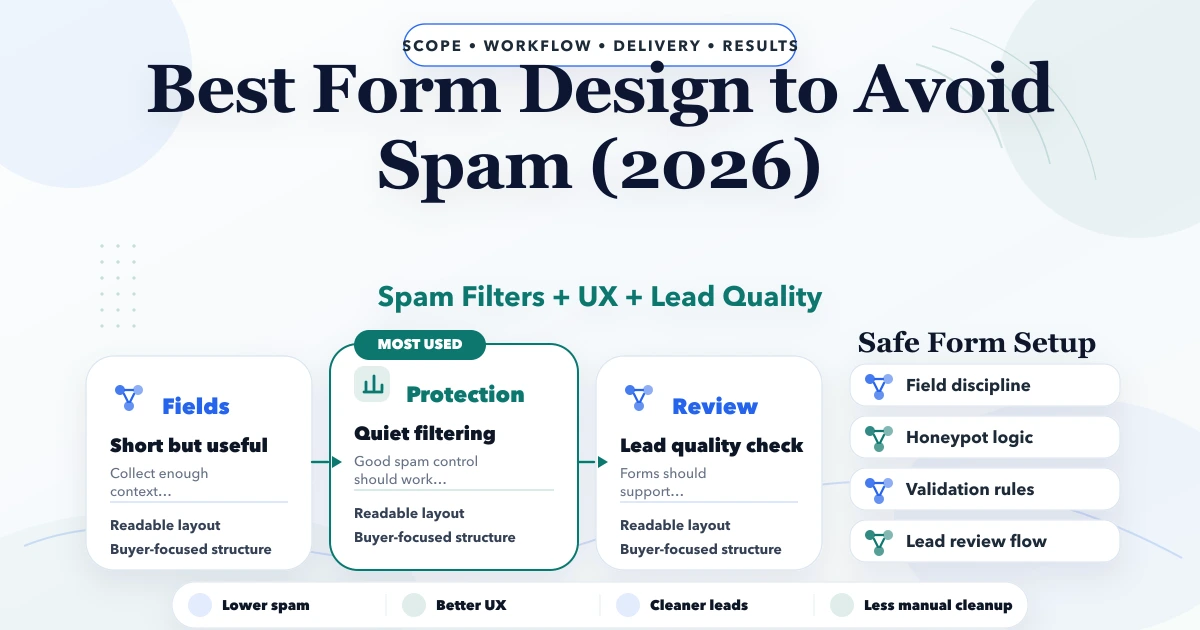
Best Form Design to Avoid Spam (2026)
Best form design to avoid spam in 2026: field choices, honeypots, validation, UX, and lead-quality setup for business websites.
Read articlePublished Updated
Protect business forms with server validation, abuse controls, rate limits, safe uploads, CSRF defenses, privacy rules, monitoring, and recovery workflows.
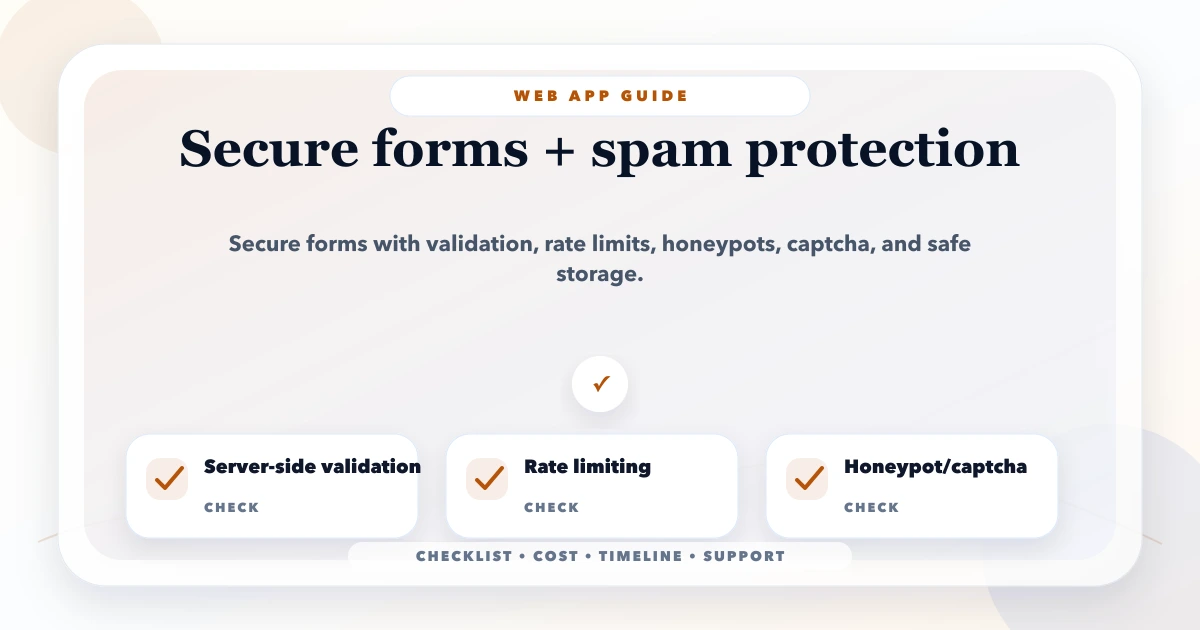
This guide on secure forms spam protection is for business websites and web apps that receive spam leads, fake signups, bot messages, or unsafe form submissions. It is written for Indian SMB owners, founders, and software teams who want practical decisions instead of generic advice. You will learn what to include, what it may cost, how to phase the work, what tools or stack to use, and what mistakes to avoid.
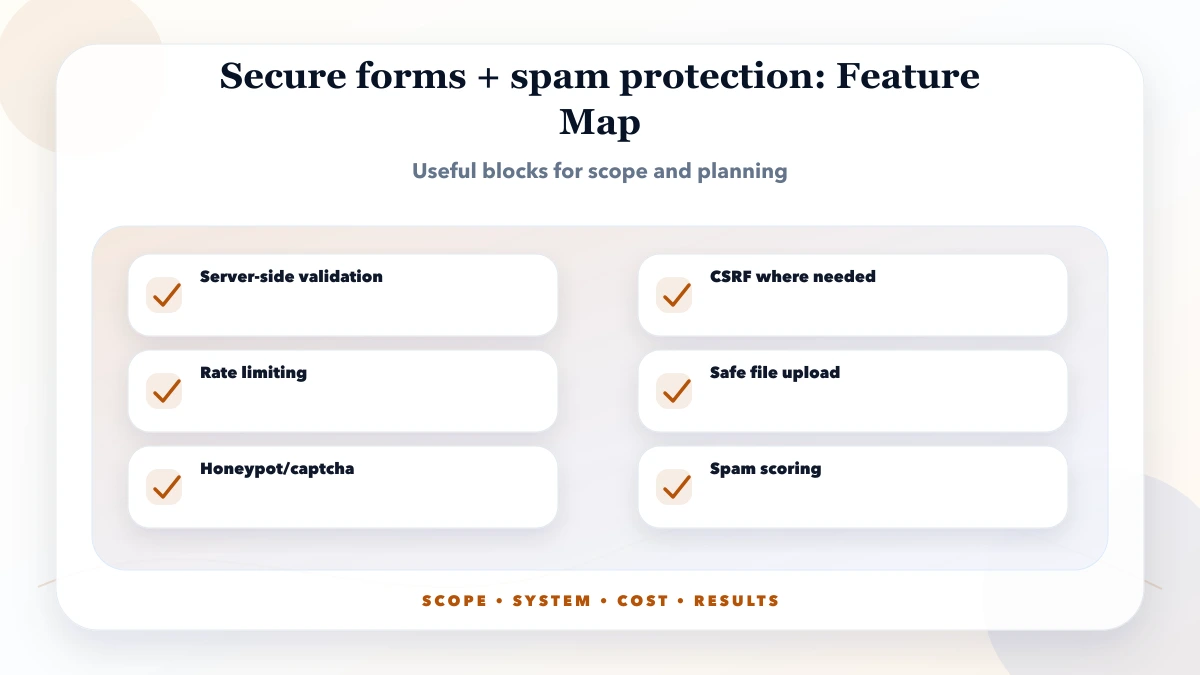
Secure forms need server-side validation, rate limiting, spam checks, CSRF protection where relevant, safe file handling, sanitized output, and lead-quality fields.
For SME web apps, security should be practical: role checks, validation, backups, audit logs, monitoring, and safe admin access. Do not wait for a breach or data loss before adding these controls.
| Scope | Practical price range | Typical timeline |
|---|---|---|
| Form spam audit | ₹5,000 to ₹20,000 | 1 to 3 days |
| Secure form implementation | ₹20,000 to ₹75,000 | 3 to 10 days |
| Lead form + CRM tracking | ₹75,000 to ₹2 lakh+ | 2 to 5 weeks |
Client-side validation improves usability but can be bypassed. The server must validate type, length, format, allowed values, required relationships, and business rules before storing data or sending it to another system.
Use allowlists where practical. Normalize carefully, but do not transform ambiguous input into an unintended value. Reject unexpected fields rather than silently accepting them. The OWASP Input Validation Cheat Sheet provides a useful baseline.
Validation does not make content safe in every context. Use parameterized database queries, contextual output encoding, and framework protections against cross-site scripting and injection. Do not build SQL, HTML, shell commands, filenames, or email headers by concatenating raw form values.
Store only fields required for the business purpose. Define access, encryption, retention, deletion, and export rules for personal data. Never place submitted personal information in analytics events or public URLs.
Forms that change data while using cookie-based authentication need appropriate cross-site request forgery protection. Use framework-supported tokens, same-site cookie controls, origin checks where suitable, and safe HTTP methods. Public enquiry forms still need abuse controls even when CSRF is not the primary risk.
Do not disable CSRF globally to make one integration work. Separate authenticated application actions from public lead capture and document the trust boundary.
No single CAPTCHA solves automated abuse. Combine controls based on risk:
Attackers can distribute traffic and humans can be incorrectly blocked. Keep an allow/review path for valuable enquiries and monitor conversion after changing controls. OWASP’s Automated Threats project describes common automation risks beyond simple spam.
If users attach quotations, drawings, IDs, or documents:
Do not trust the original filename and do not return a permanent public storage URL for confidential uploads.
The browser should receive success only after the server accepts the submission. Store a durable record or queue before relying on email, CRM, WhatsApp, or webhook delivery. Use idempotency or duplicate handling so retries do not create multiple leads.
For external integrations, validate webhook signatures, set timeouts, retry transient failures with limits, and move repeated failures to a review queue. Alert an owner when delivery is broken. A thank-you message does not prove the sales team received the lead.
Explain what information is collected, why it is needed, how the business will contact the user, and where relevant whether marketing consent is optional. Do not preselect marketing consent or make unnecessary personal data mandatory.
Set retention based on purpose and obligations. Give staff access only to the enquiries they need and protect exports. Consult qualified legal or privacy professionals for requirements specific to the business, geography, and data category.
Track events such as form_start, validation_error category, form_submit_success, and delivery_failure without sending name, phone, email, message text, uploaded filename, or other personal data to analytics. Trigger the lead event only after server acceptance.
Measure spam rate, legitimate conversion, false-positive reports, delivery success, response time, and integration failures. A lower submission count is not automatically an improvement if real customers are blocked.
Log request ID, route, risk result, outcome, and integration status with privacy-safe identifiers. Alert on sudden volume, repeated payloads, upload failures, delivery backlog, and security errors.
Prepare a response process: tighten rate limits, disable uploads if necessary, rotate exposed credentials, preserve evidence, replay safe queued leads, notify affected owners, and document the root cause.
Test valid submissions, missing fields, boundary lengths, Unicode, duplicate clicks, direct API requests, CSRF failure where relevant, rapid requests, large payloads, unsupported files, integration timeout, retry, and inaccessible download. Confirm that errors are useful without revealing internals.
Use accessibility checks for labels, keyboard flow, focus, errors, contrast, and screen-reader announcements. Security controls should not make the form unusable for legitimate people.
Start with one short lead form and add fields only when sales uses them. Phone or WhatsApp may be important, but collect email, GSTIN, address, budget, or documents only when the workflow genuinely requires them.
Assign a person to review quarantined enquiries and delivery failures. Document provider charges and policy dependencies when WhatsApp, SMS, email, or CRM services are included.
OWASP's Top Ten is a practical awareness baseline for web application security risks, and permission checks should be handled on the server side.
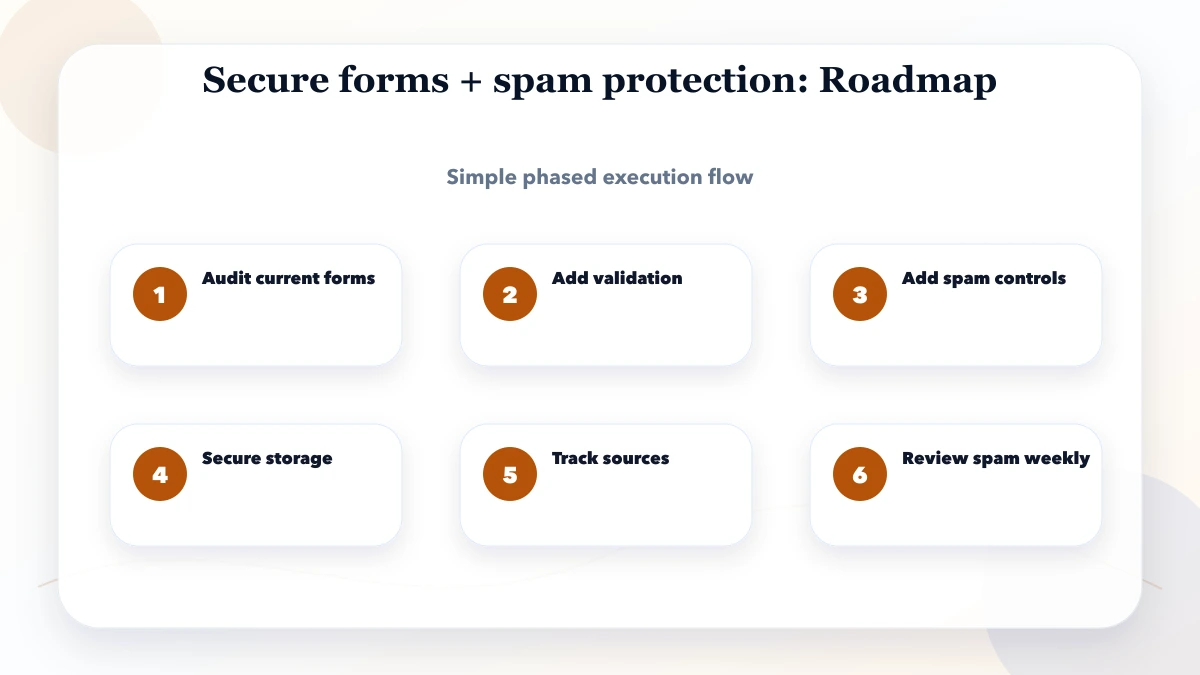
Review blocks and false positives weekly during launch, then at a frequency based on traffic. Patch dependencies, test recovery, remove unused integrations, and reassess data retention when the form purpose changes.
VASUYASHII builds web applications, lead forms, dashboards, and integrations where scoped. This article describes a security baseline, not a guarantee that a particular public form is abuse-proof or compliant with every regulation. Production controls must be verified against the deployed stack, traffic, data, and provider configuration.
Keep a small abuse register with date, route, observed pattern, business impact, temporary control, permanent fix, and false-positive review. This prevents the team from adding permanent friction after a short spam burst. Review controls whenever campaigns, file uploads, integrations, or public traffic sources change.
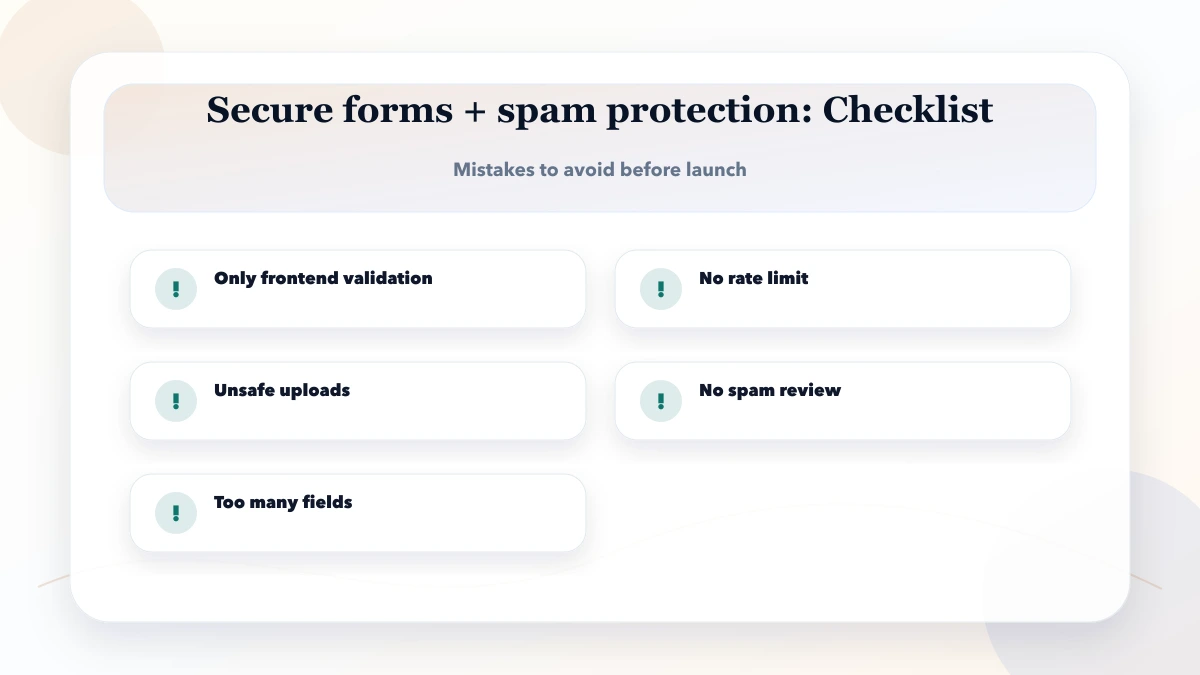
It is for business websites and web apps that receive spam leads, fake signups, bot messages, or unsafe form submissions. The goal is to make planning practical, not theoretical.
Start with the highest-risk part: audit current forms. Then move through the roadmap instead of trying to solve everything in one sprint.
Track usage, conversion, support issues, errors, response time, qualified leads, and business outcomes. For web app, measurement is as important as the initial build.
Related Articles
May 3, 2026
Best form design to avoid spam in 2026: field choices, honeypots, validation, UX, and lead-quality setup for business websites.
Read article
May 23, 2026
Build a fast, secure data entry panel with validation, drafts, bulk import, approvals, audit logs, permissions, and measurable operator productivity.
Read article
May 20, 2026
Reduce contact-form spam with accessible fields, server validation, honeypots, rate limits, server-side bot checks, safe delivery, privacy, and lead tracking.
Read article
May 27, 2026
Secure admin access with MFA, role-based permissions, protected sessions, recovery controls, audit logs, re-authentication and employee offboarding.
Read article