
May 16, 2026
SaaS Analytics KPIs That Teams Can Trust
Define trustworthy SaaS analytics KPIs for acquisition, activation, retention, revenue, churn, support, reliability, cohorts, event quality, and ownership.
Read articlePublished Updated
Plan SaaS analytics with a clear event contract, user and tenant identity, activation funnels, data QA, privacy controls, dashboards, and rollout checks.
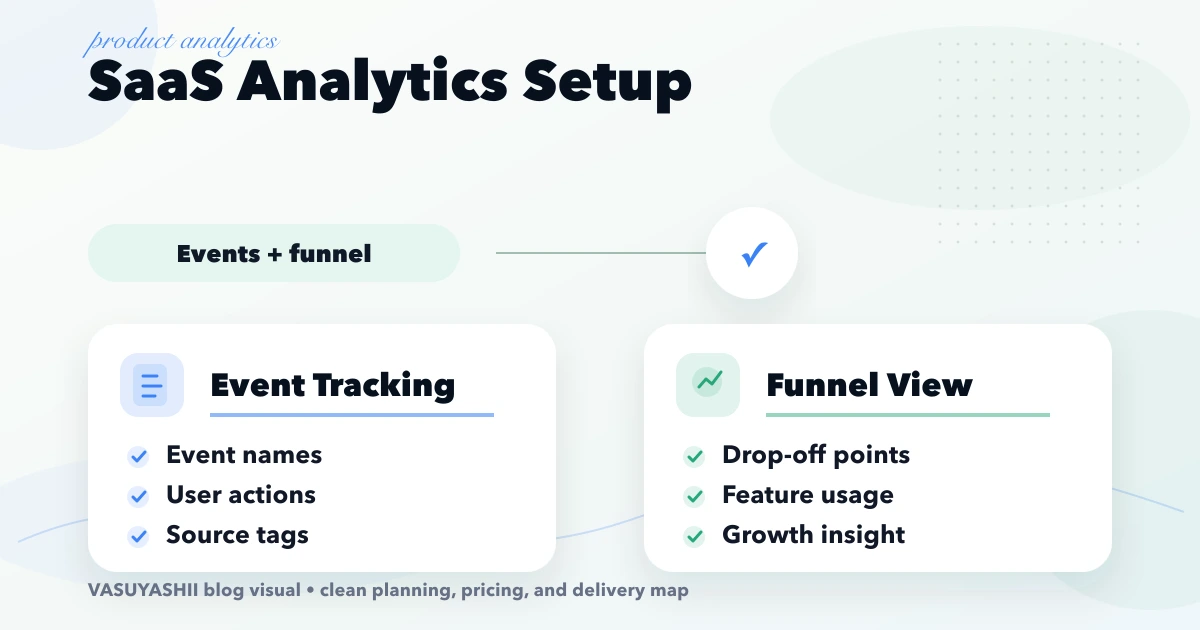
SaaS analytics setup is important for SaaS founders who want to understand activation, feature usage, conversion, and retention instead of guessing from signups. SaaS analytics setup should track events and funnel steps that explain product behavior. This guide is for SaaS teams that want to know which users activate, where they drop, and which features actually matter. This guide is written for Indian SMB owners who want practical scope, cost, timeline, and decision clarity without generic theory.
By Tushar C. (Founder, VASUYASHII). Reviewed by VASUYASHII Editorial for practical scope, pricing, implementation clarity, and local business relevance.
| Scope | Typical range |
|---|---|
| Analytics planning | ₹25,000 to ₹70,000 |
| Event tracking setup | ₹70,000 to ₹2 lakh |
| Product analytics dashboard | ₹2 lakh to ₹5 lakh+ |
An event name should describe a completed business action, not a screen impression that nobody will use. For example, workspace_created, invoice_sent, or report_exported is clearer than button_clicked. Each event needs an owner, trigger definition, required properties, allowed values, and a note explaining which decision it supports.
Keep names stable after launch. If an event changes meaning, create a version or migration note instead of silently reusing the old name. This prevents dashboards from combining incompatible data.
SaaS products often have one account with several users. Track both user ID and tenant or workspace ID so analysis can answer two different questions: which people use the feature, and which paying accounts adopt it. Do not send email addresses, phone numbers, passwords, payment details, or sensitive business data when anonymous internal identifiers are enough.
Define what happens before login, after login, when a user changes workspace, and when an invited user joins an existing account. Identity merging errors can inflate activation and retention numbers.
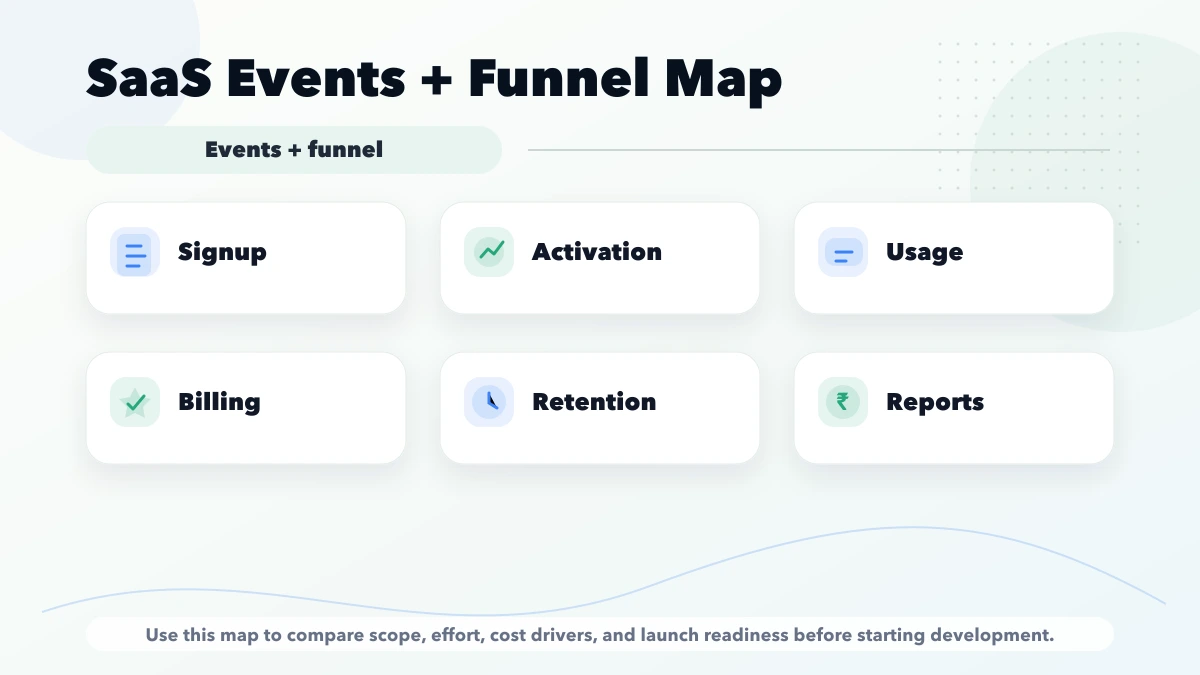
| Step | Event | Useful property |
|---|---|---|
| Account created | signup_completed | acquisition source |
| Workspace ready | workspace_created | industry or plan |
| Data added | first_record_created | record type |
| Core value reached | core_action_completed | time from signup |
| Team adoption | member_invited | seats invited |
Choose the core action from product value, not convenience. For an invoicing tool it may be sending the first invoice; for a reporting tool it may be connecting data and viewing the first valid report.
Start with a small dashboard covering acquisition, activation, core feature use, and account retention. Add more only when a team member is responsible for acting on the metric. For product architecture, see the Web App Development hub.
Review the event catalogue during every meaningful product release. Product, engineering, and business owners should agree on new events before implementation and retire unused events through a documented change. A monthly data-quality review can compare key totals, inspect unknown properties, and confirm that dashboards still represent the current workflow. This prevents an analytics system from becoming another untrusted reporting layer.
Serving Delhi NCR and nearby business regions including Ghaziabad, Noida, Delhi, Gurugram, Faridabad, and surrounding localities.
If this topic is part of your current business plan, start with a scoped phase-one version. That keeps cost controlled and makes the next decision based on real usage instead of assumptions.
Start with a short discovery checklist that defines users, workflow, required outputs, and success metric.
Yes. A phased build is usually safer because it keeps cost and adoption under control.
Avoid building too many advanced features before the core workflow is tested with real users.
Compare exact deliverables, timeline, ownership, support, and reporting instead of only the final price.
No. Custom development is useful when workflow, roles, reports, or integrations are specific to your business.
Yes, if the first phase is scoped around one clear business problem.
Use the funnel events to diagnose the SaaS trial activation and upgrade journey. For owner-facing operational reporting, translate agreed definitions into the small-business sales dashboard KPI model.
If you want a practical build plan instead of generic package labels, share your requirement and we will map the scope, timeline, and first phase clearly.
Related Articles
May 16, 2026
Define trustworthy SaaS analytics KPIs for acquisition, activation, retention, revenue, churn, support, reliability, cohorts, event quality, and ownership.
Read article
May 16, 2026
Reduce SaaS churn by defining cohorts, separating voluntary and involuntary loss, diagnosing causes, improving activation, renewal, support, and measurement.
Read article
May 16, 2026
Improve SaaS trial conversion by defining signup, activation, onboarding, lifecycle messages, sales assistance, upgrades, analytics, and experiments.
Read article
May 16, 2026
SaaS onboarding UX best practices: practical 2026 guide with checklist, cost, roadmap, tools, mistakes, FAQs, and next steps for Indian SMBs today safely.
Read article