
March 31, 2026
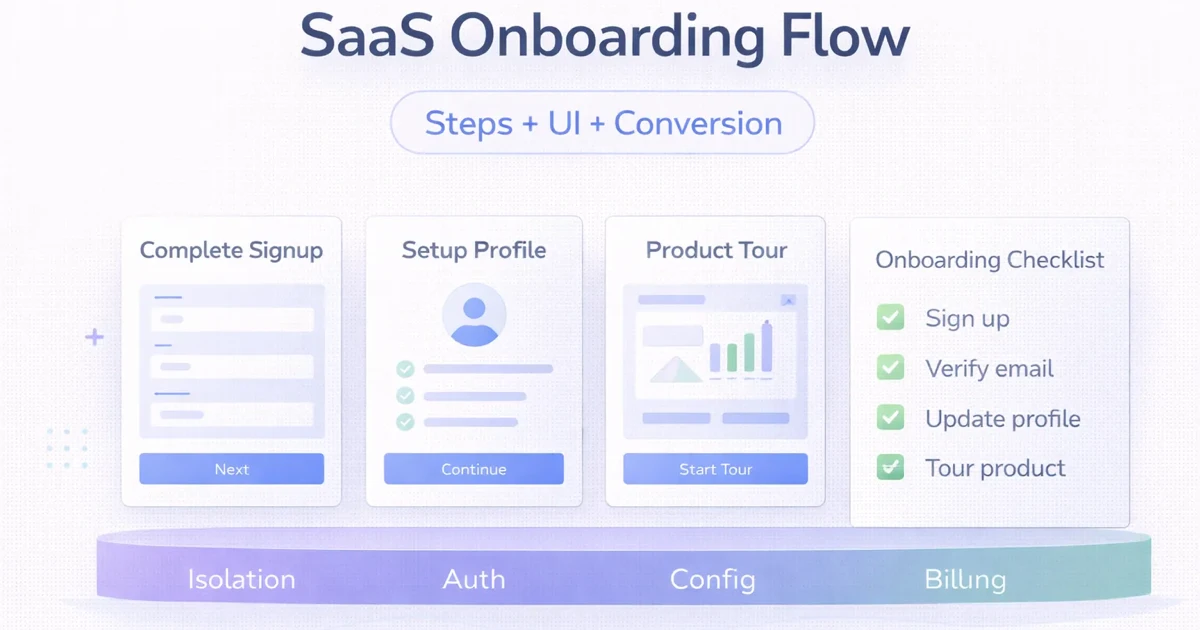
SaaS Onboarding Flow: Activation Checklist and UI
Design a SaaS onboarding flow with an activation checklist, setup dependencies, role-specific guidance, useful empty states, recovery, and measurable progress.
Read articlePublished Updated
SaaS onboarding UX best practices: practical 2026 guide with checklist, cost, roadmap, tools, mistakes, FAQs, and next steps for Indian SMBs today safely.
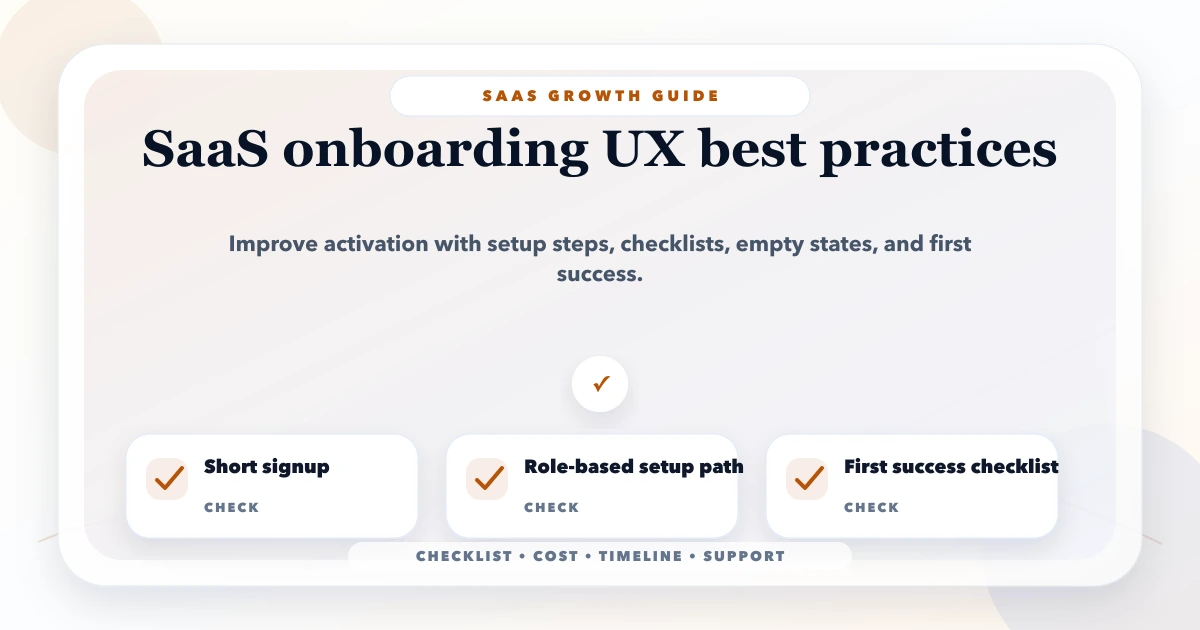
This guide on SaaS onboarding UX best practices is for SaaS founders and product teams who want more trial users to reach the first useful action instead of dropping after signup. It is written for Indian SMB owners, founders, and software teams who want practical decisions instead of generic advice. You will learn what to include, what it may cost, how to phase the work, what tools or stack to use, and what mistakes to avoid.
Onboarding succeeds when a new user reaches a useful product outcome with minimal avoidable support. Signup completion is only the start; activation should represent a meaningful workflow completed inside the product.
By Tushar C. (Founder, VASUYASHII). Reviewed by VASUYASHII Editorial for field experience, buyer usefulness, SEO clarity, and practical implementation relevance.
SaaS onboarding UX should reduce signup friction, explain the first action, use setup checklists, personalize by role, show empty-state guidance, and track activation events.
Choose one first-value event, list the setup required before it, and remove every field or tutorial that does not help the user reach that event. Track the sequence from account creation to first value and return usage.
The VASUYASHII Business Suite gives a concrete onboarding example because the product is built around company-scoped billing and inventory work. A new user does not need a tour of every module. The first useful sequence is narrower:
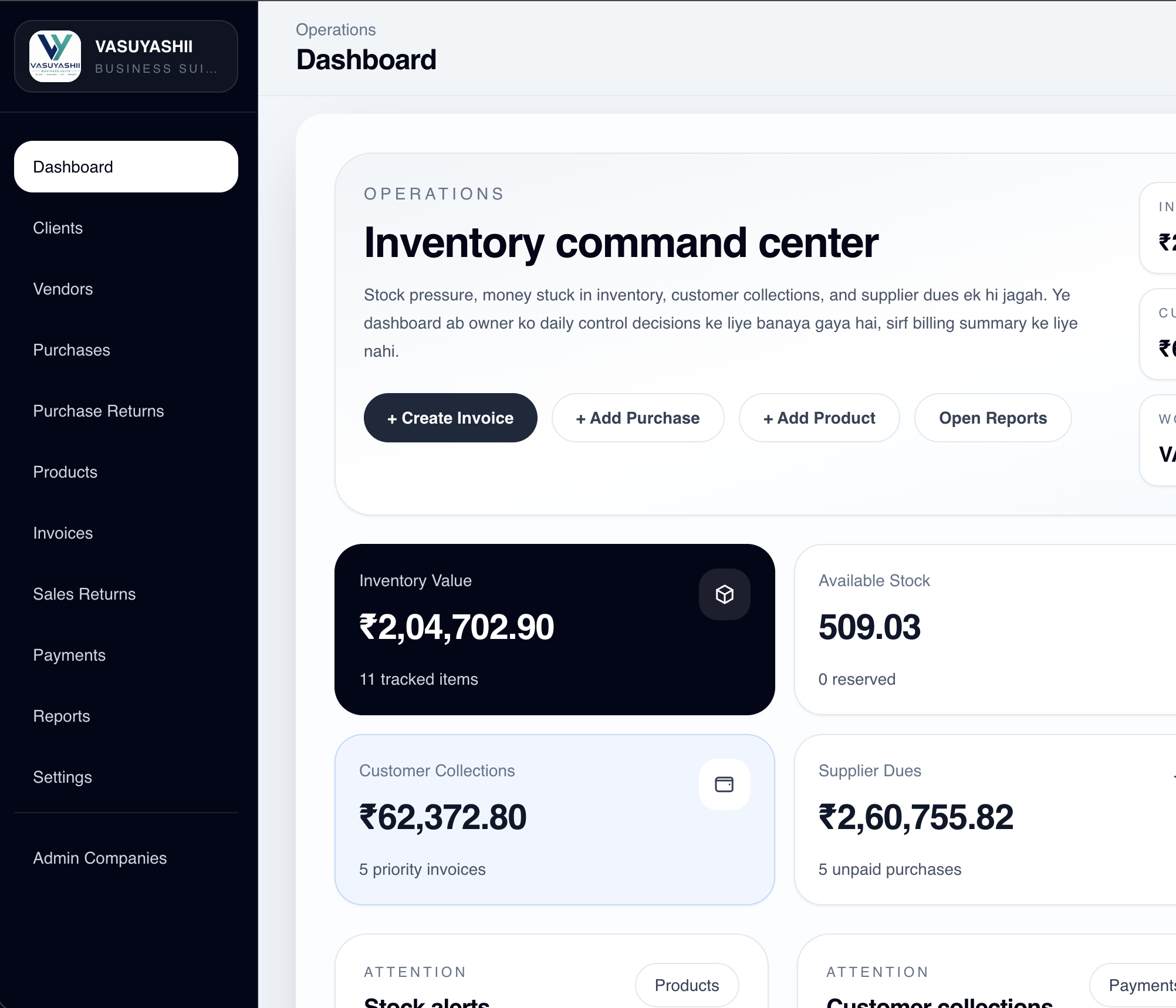
This sequence reveals practical UX requirements. Empty product or client lists need a clear first action. The invoice screen should explain missing setup instead of failing silently. Company context must stay visible so users do not enter data into the wrong firm. Advanced modules such as backup, team permissions, returns, and report filters can appear after the user understands the core billing loop.
The product page also separates current functionality from roadmap items. That is important onboarding content: users should know what exists now, what requires setup, and what is not included. Clear boundaries reduce support confusion more effectively than an animated product tour.
For another SaaS product, identify an equivalent first-value loop and connect each onboarding step to one observable event. Do not copy the billing sequence unless it matches the product's real job.
| Stage | Event example | Product question |
|---|---|---|
| Account ready | workspace_created | Can the user enter the correct workspace? |
| Minimum setup | first_master_added | Is required setup understandable? |
| Core action | first_invoice_created | Did the user complete the main job? |
| Output verified | invoice_pdf_viewed | Did the user see a useful result? |
| Return behavior | dashboard_revisited | Does the summary explain the new state? |
Event names are examples, not a universal analytics schema. Define them around the product's activation outcome and avoid sending private business data in event parameters. Use the permission matrix template when onboarding changes by role.
Each item must support a measurable onboarding stage. A checklist item should open the required screen, explain why the step matters, and mark completion from real product state rather than a manually checked box.
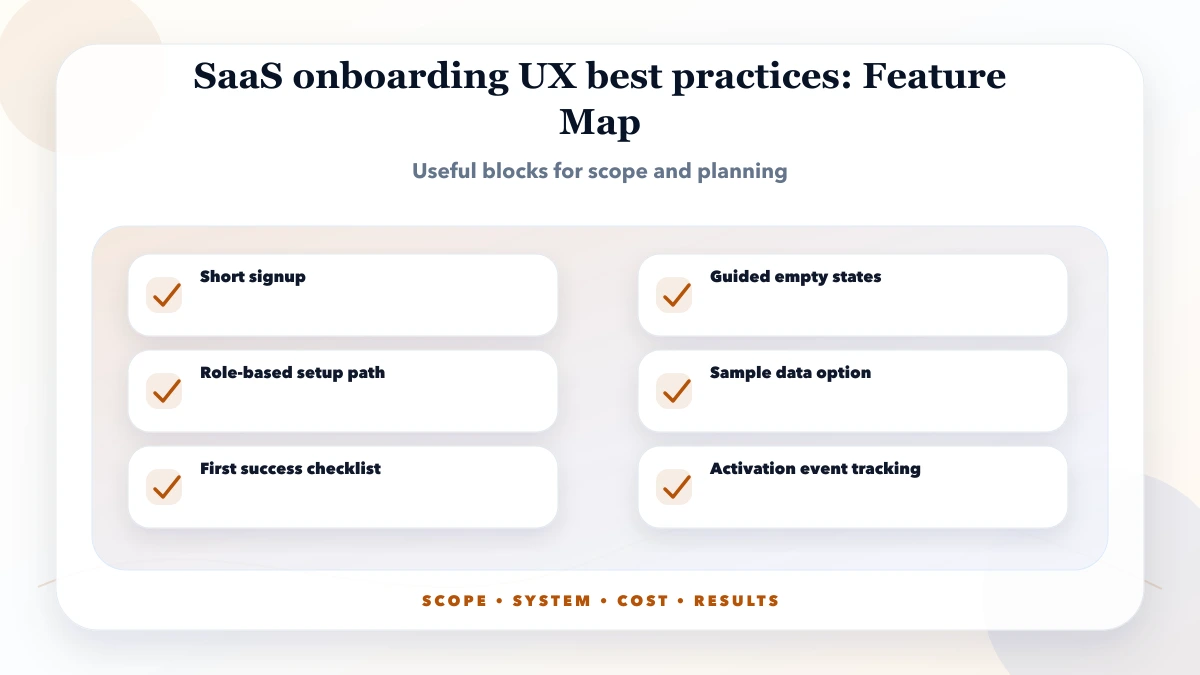
Start with one persona and one first-value journey. Map every screen, required field, validation message, empty state, permission, and support escape along that path. Delay secondary modules until the core journey works without founder-led explanation.
Use progressive disclosure. Ask for legal, billing, team, or integration details only when the product needs them. Provide sample data when it helps the user understand a dashboard, but label it clearly and make removal simple.
| Scope | Practical price range | Typical timeline |
|---|---|---|
| Onboarding UX audit | ₹15,000 to ₹50,000 | 3 to 7 days |
| Onboarding redesign | ₹50,000 to ₹1.8 lakh | 2 to 5 weeks |
| Onboarding + analytics implementation | ₹1.5 lakh to ₹4 lakh+ | 1 to 3 months |
These are planning ranges, not fixed quotes. Cost depends on the number of personas, setup branches, data-import rules, integrations, empty states, lifecycle messages, analytics events, support tools, and experiments required to diagnose drop-off.
Ship measurement with the first onboarding version. Without stage events and support feedback, the team cannot distinguish a weak promise, confusing setup, technical failure, or missing product value.
Start with product events and server-verified completion state. Add session replay or experiments only when traffic, consent, and privacy controls justify them. A reliable event taxonomy is more valuable than installing several analytics tools without ownership.
Data import and role variation usually create the most onboarding complexity. A clean self-serve setup for one owner is much simpler than importing historical records, inviting teams, assigning permissions, connecting payments, and supporting several business types in one flow.
Use this decision rule:
Assign an owner to each stage so product, engineering, and support know who reviews the evidence and approves changes.
For Indian SMB users, explain GST, company setup, mobile access, support channels, pricing boundaries, and data import in direct language. Do not force a new user through every future module before the core workflow is available.
Where WhatsApp support is offered, keep it as an escape path rather than the only onboarding system. Record the product stage that caused the conversation so recurring confusion can be fixed inside the product.
Review activation weekly while the flow is changing. Compare completion rate, time to first value, return usage, and support conversations by persona and acquisition source. Keep a change log so a metric movement can be connected to a specific product change.
Test onboarding again whenever permissions, required fields, pricing, import formats, or the core workflow changes. A previously successful checklist can become misleading after a product release.
Google's people-first content guidance is a useful baseline for SaaS pages: write for real users, show experience, and avoid thin search-only content.
Do not report signup growth as onboarding success. The stronger metric is the share of qualified users who reach first value, understand the output, and return to repeat the core action.
Define one activation event that represents first value, not just account creation. For a CRM it may be importing a lead and scheduling a follow-up. For inventory software it may be creating a product and recording the first stock movement. For a reporting tool it may be connecting data and opening a useful report.
Instrument the journey in small steps:
Review the percentage and time between steps. A low signup-to-setup rate suggests the promise, form, or setup burden is wrong. A strong setup rate but weak first output suggests the workflow is confusing or sample data is missing. High activation with poor return usage may indicate that the product solves a one-time task rather than a recurring need.
The Web App Development hub is the parent route for SaaS workflow planning. Align onboarding with SaaS MVP feature prioritization, SaaS pricing models in India, and SaaS analytics setup. Then contact VASUYASHII with the target user and first-value event for a focused implementation plan.
Bring one persona, the intended first-value event, current drop-off evidence, required setup, and support questions to the scoping discussion. VASUYASHII can map that evidence into screens, events, empty states, and a phased implementation.
It is for SaaS founders and product teams who want more trial users to reach the first useful action instead of dropping after signup. The goal is to make planning practical, not theoretical.
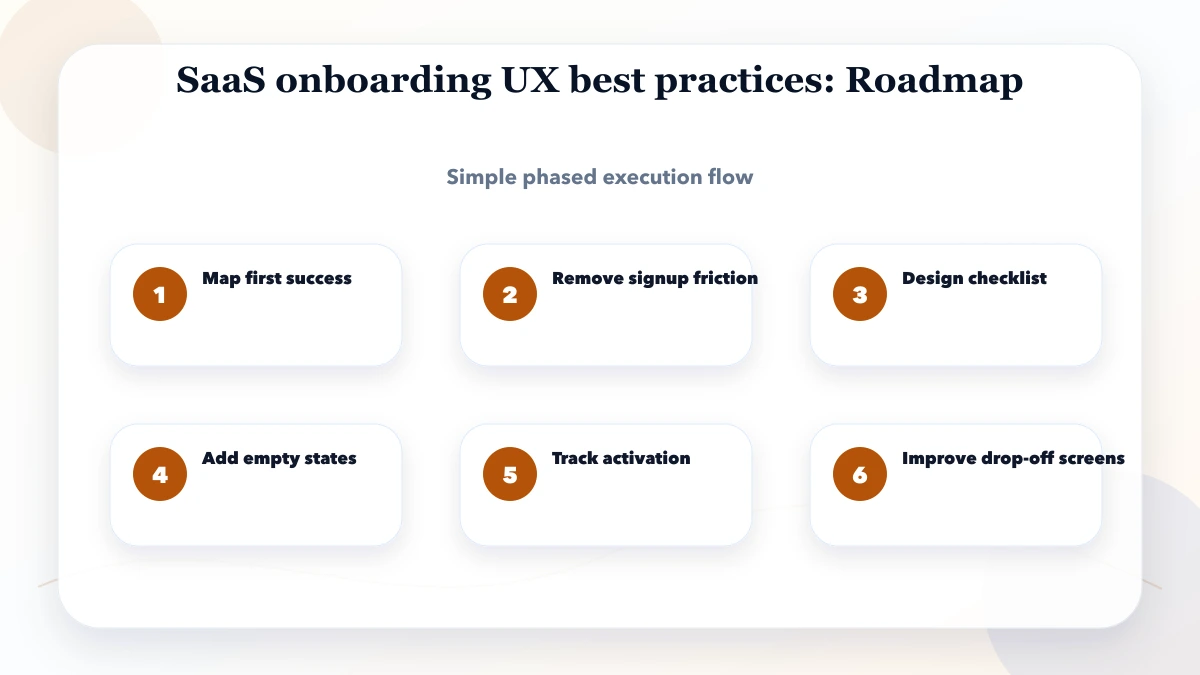
Start with the highest-risk part: map first success. Then move through the roadmap instead of trying to solve everything in one sprint.
Use the table as a planning range. Final cost depends on personas, branching, data import, integration setup, analytics maturity, lifecycle messaging, design states, QA, and support tooling.
Yes. Begin with one persona and one first-value loop. Add role-specific branches, imports, integrations, lifecycle messages, and experiments after the core activation path is measurable.
Track setup completion, time to first value, activation rate, failed steps, support contacts, invited teammates where relevant, and whether activated users return to repeat the core action.
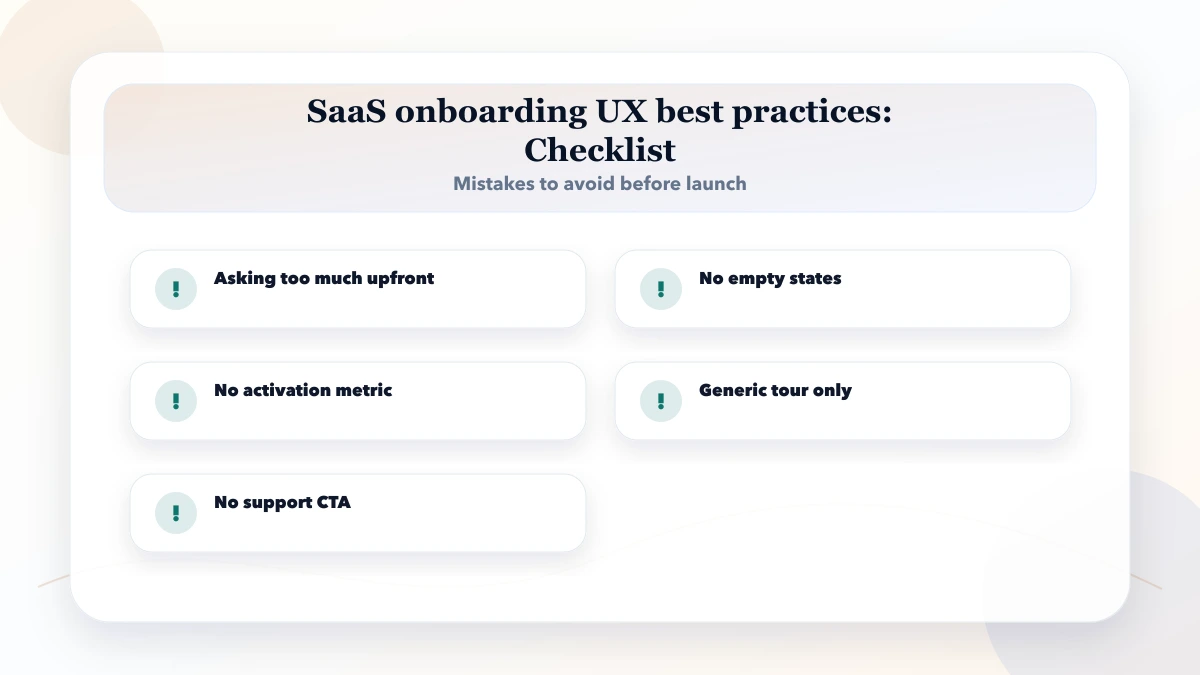
The biggest mistake is treating account creation as activation. A registered user has not experienced value until the product helps complete its core job.
VASUYASHII can help define the first-value journey, onboarding screens, event taxonomy, empty states, permission-aware setup, and measurement plan for a SaaS product.
Related Articles
March 31, 2026
Design a SaaS onboarding flow with an activation checklist, setup dependencies, role-specific guidance, useful empty states, recovery, and measurable progress.
Read article
May 16, 2026
Improve SaaS trial conversion by defining signup, activation, onboarding, lifecycle messages, sales assistance, upgrades, analytics, and experiments.
Read article
May 16, 2026
Define trustworthy SaaS analytics KPIs for acquisition, activation, retention, revenue, churn, support, reliability, cohorts, event quality, and ownership.
Read article
April 20, 2026
Plan SaaS analytics with a clear event contract, user and tenant identity, activation funnels, data QA, privacy controls, dashboards, and rollout checks.
Read article