
June 4, 2026
How to Improve Website CTR on Google (Titles/Meta)
How to improve website CTR on Google with title tags, meta descriptions, search intent, page freshness, snippets, and GSC review.
Read articlePublished Updated
Read Google Search Console clicks, impressions, CTR and position correctly, then diagnose query intent, snippets and page opportunities before editing.
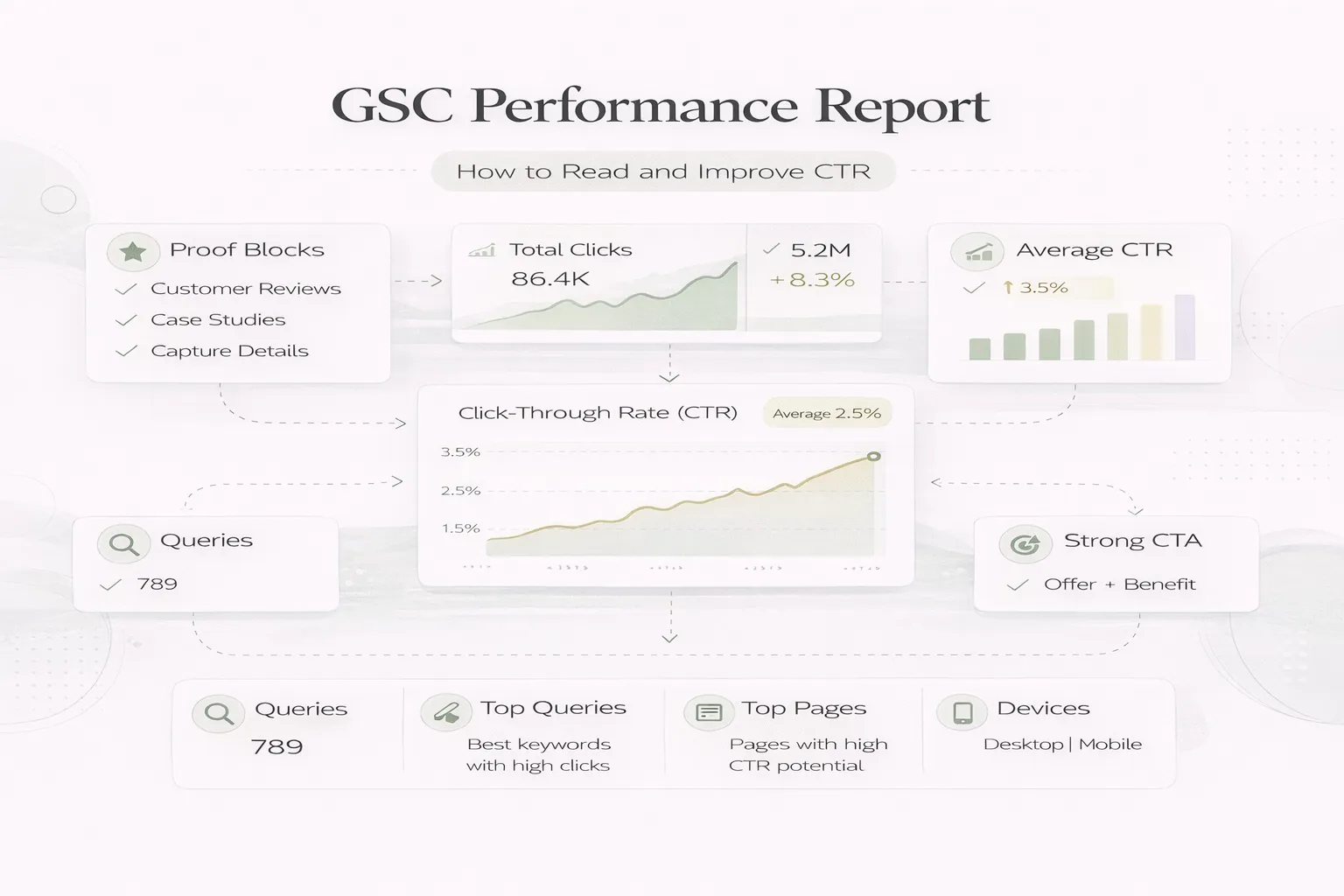
Google Search Console’s Performance report shows how often a verified site appeared in Google Search, which searches and pages were involved, and whether people clicked.
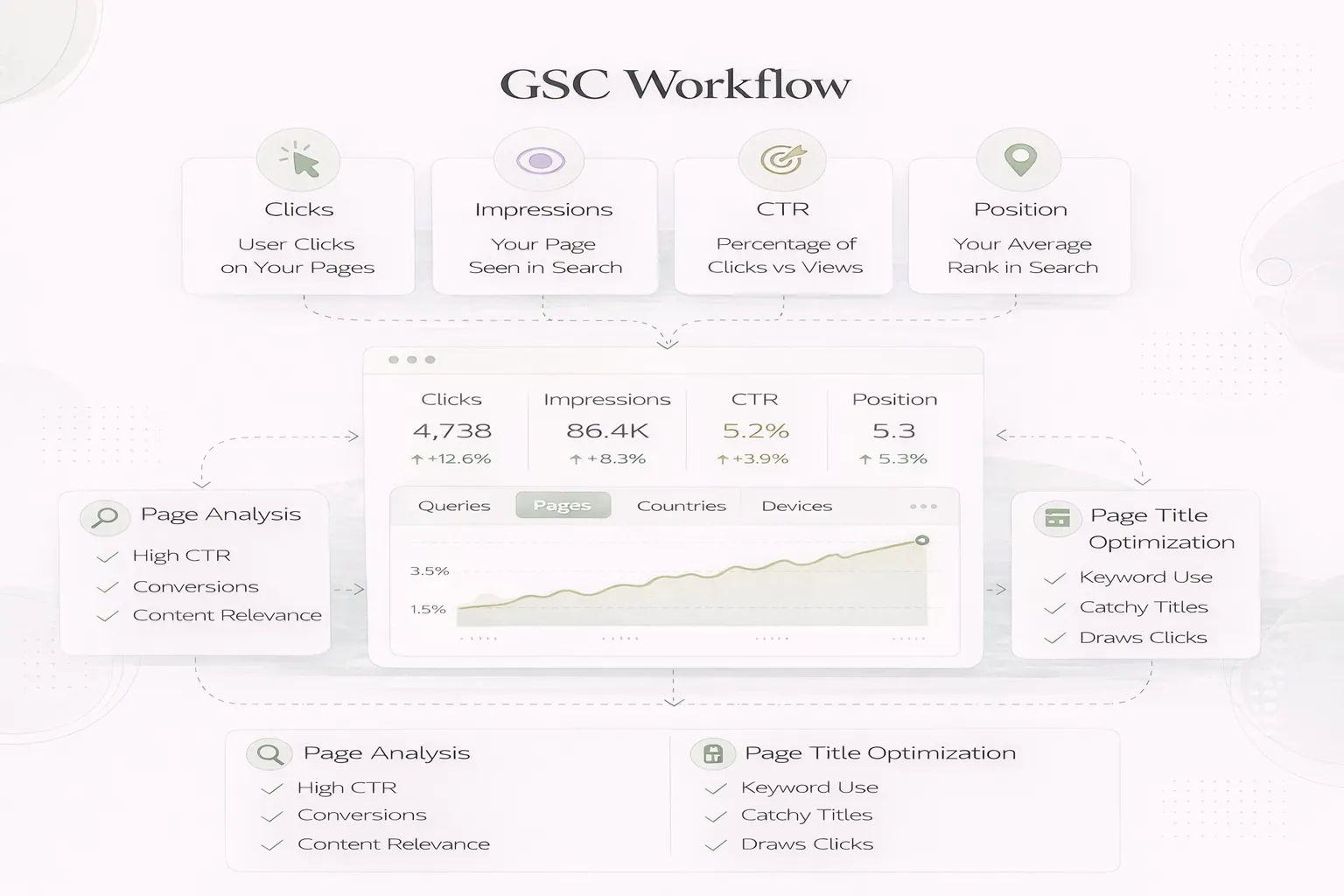
The four headline metrics are useful only when you understand aggregation, dimensions, filters and intent. A sitewide average CTR does not tell you which title to rewrite, and average position is not a fixed live ranking.
This guide provides a page-and-query workflow for diagnosing opportunities without chasing daily fluctuations or making unsupported snippet changes.
Use GSC in this order:
Do not optimise CTR from the property average alone.
Google’s official Performance report guide defines:
| Metric | Practical meaning |
|---|---|
| Clicks | Clicks from a Google Search result to the site |
| Impressions | Times a result was shown or eligible according to the result type |
| CTR | Clicks divided by impressions |
| Average position | Average topmost position attributed to the property or page |
Google documents more detailed counting behaviour in What are impressions, position and clicks?.
The chart is generally aggregated by property. When you group the table by Pages, each unique URL is reported separately. Totals can differ because the grouping changed.
Some queries are omitted for privacy and data limits. The table is not a complete keyword database.
It combines different queries, locations, devices and result appearances. A value of 8.4 does not mean every user sees the page at position eight.
Recent dotted data can change. Avoid decisions from the newest partial day.
Performance is generally attributed to Google’s selected canonical URL. This matters when investigating duplicate or redirected versions.
Useful questions include:
Do not open the report and look for any number that moved.
Use:
Keep day count and filters consistent. Record major deployments, outages, migrations and campaigns that could affect the comparison.
Sort by:
Choose a page tied to a clear business decision. Filtering to one URL prevents unrelated queries from mixing into the diagnosis.
Group queries into:
| Group | Meaning | Likely action |
|---|---|---|
| Exact intent | Page clearly answers it | Improve clarity and proof |
| Adjacent intent | Relevant but incomplete | Add a useful section |
| Wrong intent | Page should not own it | Avoid forcing the keyword |
| Brand | User already knows the business | Evaluate separately |
| Competing pages | Another URL appears | Review cannibalisation |
Search results vary, but review:
Do not assume Google will use the exact title or description you wrote.
Use query-first analysis when a commercially important query matters.
This is useful for clusters such as “web app development cost” where multiple broad cost guides may appear.
Low CTR is not automatically a title problem.
Investigate before editing.
Check index status, canonical URL and whether the intended page receives the data.
Do not rewrite the title for one unusual query. Look for a coherent group tied to the page.
A useful title:
The title must be supported by the page. Add missing decision guidance, examples, evidence, comparison or FAQ only when relevant.
Write a concise description of the actual value. Google may generate a different snippet based on the query, so the description is not guaranteed to display.
Link from the parent hub and related pages using descriptive anchor text. This helps users and reinforces page purpose.
Update content and metadata together when they address the same mismatch. Record the exact deployment date.
Allow recrawl and enough impressions. Compare the same page, query group and device.
Mobile titles have less visible space and user intent can differ. A contact-focused service may earn more mobile clicks.
Do not combine markets with different language and service availability when evaluating commercial relevance.
Web, image, video and news reports measure different result environments.
Rich-result and other appearance types may behave differently from standard links.
Brand queries often have higher CTR. Where the branded filter is available, evaluate non-brand growth separately.
| Impressions | Position | CTR | Interpretation |
|---|---|---|---|
| High | 4–15 | Low | Strong diagnosis candidate |
| High | 20+ | Low | Improve relevance/authority before snippet |
| Low | 4–15 | Low | Too little data; review demand |
| Rising | Stable | Falling | New query mix or snippet issue |
| Falling | Stable | Stable | Demand or coverage change |
| Stable | Falling | Stable | Ranking/competition change |
These are diagnostic patterns, not universal thresholds.
VASUYASHII has used exported Search Console page metrics together with a source-content classifier to prioritise content-quality batches.
The workflow does not mark every low-CTR page for rewrite. It gives priority to pages that combine:
After each batch, public slugs and original dates are preserved, generated output is audited, and changes are documented. This process is current operational evidence, not proof that title changes alone produced ranking gains.
Record:
| Field | Example |
|---|---|
| Page | Final canonical URL |
| Query group | Commercial, informational or brand |
| Baseline | Clicks, impressions, CTR, position |
| Filters | Device, country, search type |
| Diagnosis | Intent, title, content, competition |
| Change | Exact sections and metadata |
| Deploy date | Production date |
| Review date | After recrawl and sufficient data |
| Business signal | Qualified lead or product action |
CTR is clicks divided by impressions for the selected report scope and filters.
No. Position, result type, intent, brand awareness and search features affect CTR. Diagnose the context.
Usually prioritise pages with business value and some visibility, unless a new strategic page is technically blocked or missing.
It is useful as an average trend, not a fixed rank for every search.
It can clarify the result when Google uses it, but Google may generate a query-specific snippet.
After deployment, recrawl and enough comparable impressions. Low-volume pages need longer periods.
Use page-first for page optimisation and query-first for cannibalisation or a specific commercial query.
No. Some query rows are omitted because of privacy and system limits.
For a current content and search-performance review, explore VASUYASHII services or share the important pages and business goal. Use GSC as evidence for decisions, not as a scoreboard that demands daily changes.
Related Articles
June 4, 2026
How to improve website CTR on Google with title tags, meta descriptions, search intent, page freshness, snippets, and GSC review.
Read article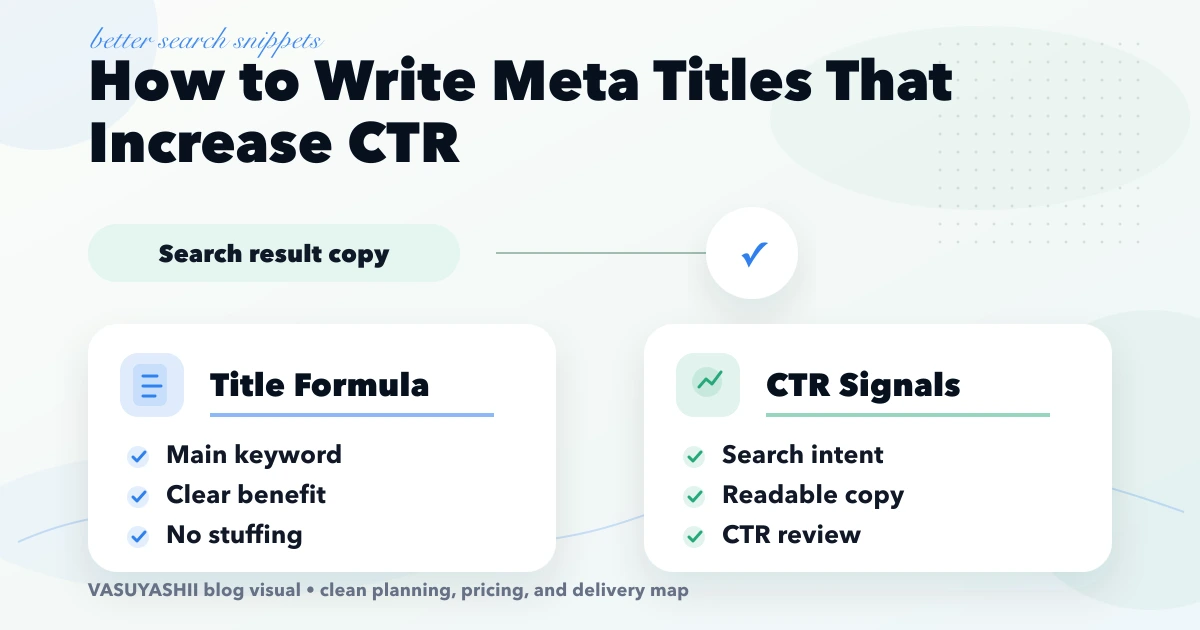
April 20, 2026
Improve organic CTR with query-matched meta titles, honest modifiers, readable length, Search Console selection, controlled testing, and conversion checks.
Read article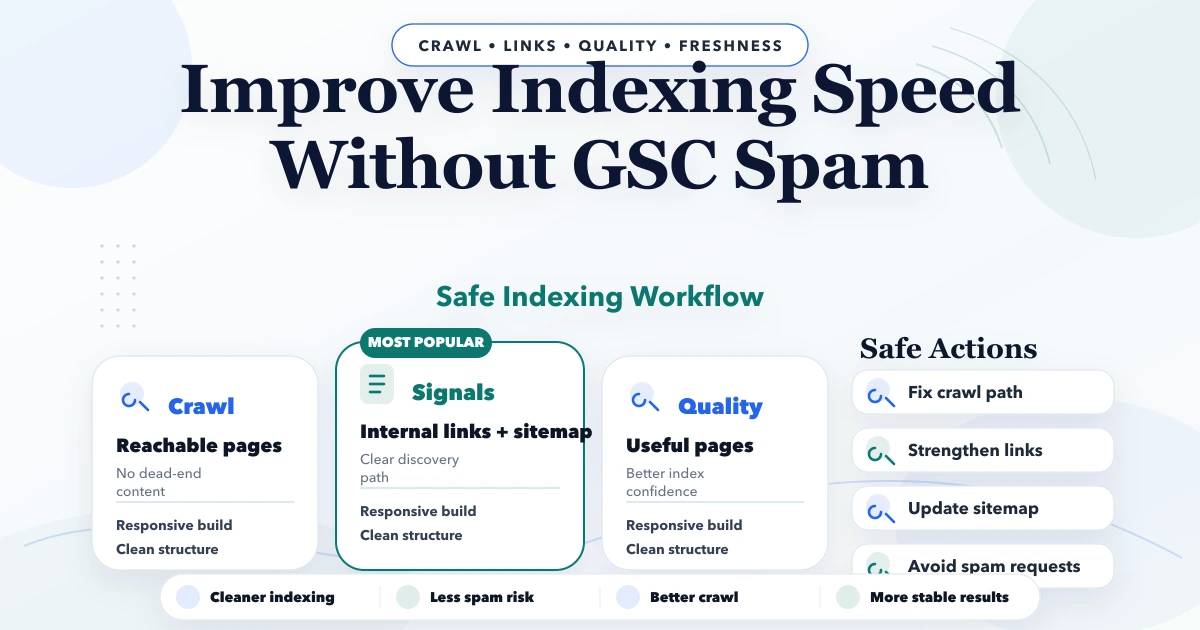
April 21, 2026
Improve Google indexing by fixing crawl access, canonical signals, sitemap dates, internal links, rendering and content quality before requesting recrawl.
Read article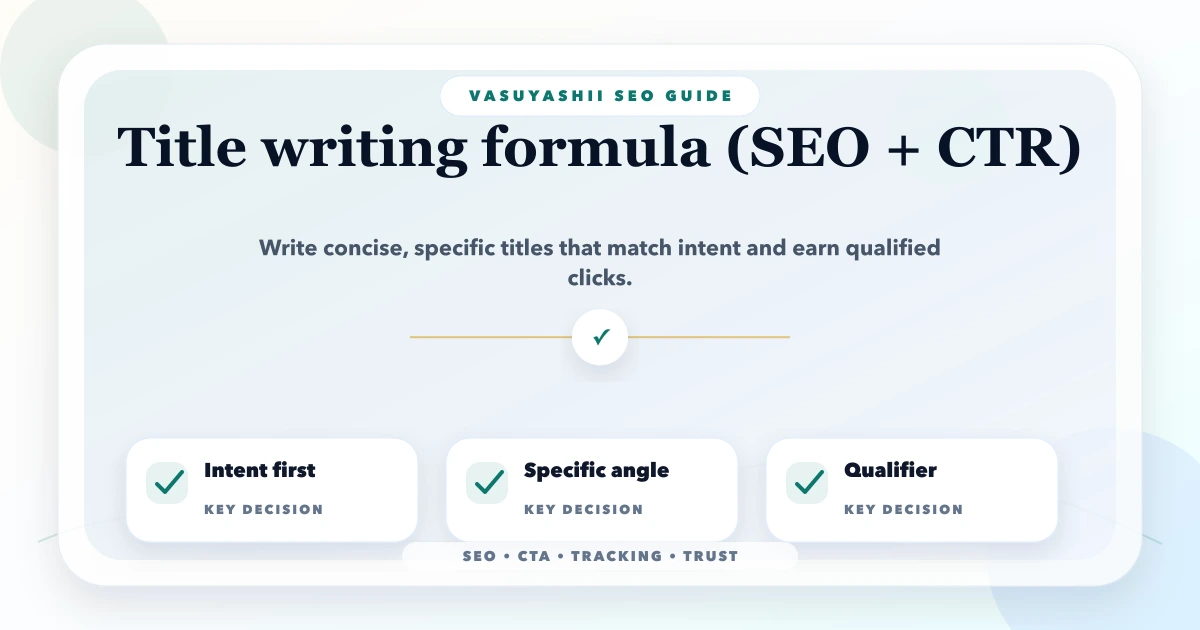
May 12, 2026
Write clearer SEO titles with intent, specificity, differentiation, honest qualifiers, Search Console evidence, practical templates, and CTR testing rules.
Read article