
June 4, 2026
How to Improve Website CTR on Google (Titles/Meta)
How to improve website CTR on Google with title tags, meta descriptions, search intent, page freshness, snippets, and GSC review.
Read articlePublished Updated
Improve organic CTR with query-matched meta titles, honest modifiers, readable length, Search Console selection, controlled testing, and conversion checks.
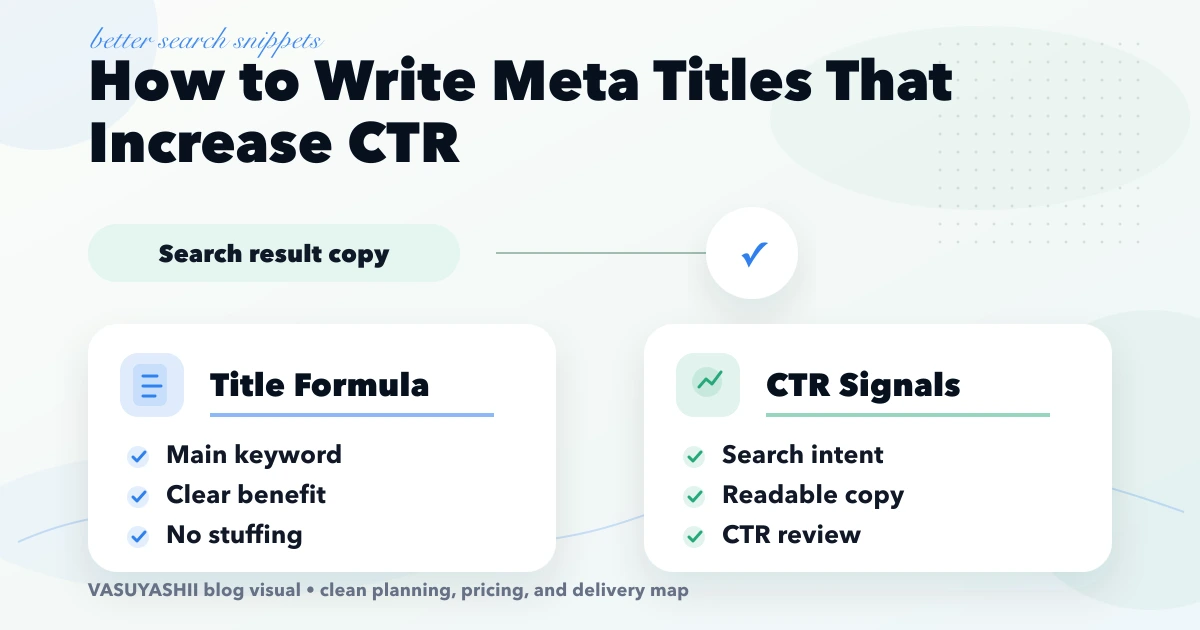
how to write meta titles that increase CTR is important for content teams and business owners who already get impressions but want more search clicks from the same rankings. To write meta titles that increase CTR, you need intent match, clarity, useful modifiers, and honest expectations. This guide is for teams improving Search Console performance without rewriting the entire page first. This guide is written for Indian SMB owners who want practical scope, cost, timeline, and decision clarity without generic theory.
By Tushar C. (Founder, VASUYASHII). Reviewed by VASUYASHII Editorial for practical scope, pricing, implementation clarity, and local business relevance.
| Scope | Typical range |
|---|---|
| Title audit | ₹5,000 to ₹20,000 |
| CTR improvement sprint | ₹20,000 to ₹60,000 |
| Ongoing GSC optimization | ₹30,000+ monthly |
Do not begin with pages that receive almost no impressions. Start with URLs that have stable impressions, an average position where users can realistically see the result, and CTR below similar pages or queries. Review query-level data because one page may rank for several intents with very different click behaviour.
Exclude branded queries when testing a non-branded title. Brand searches naturally have different CTR and can hide whether the title improved discovery traffic.
| Search intent | Useful structure |
|---|---|
| Cost | Primary service + cost + location/year where relevant |
| Comparison | Option A vs Option B + decision angle |
| Service | Service + audience/location + clear differentiator |
| Checklist | Task + checklist + platform or use case |
| Troubleshooting | Exact problem + fix + platform |
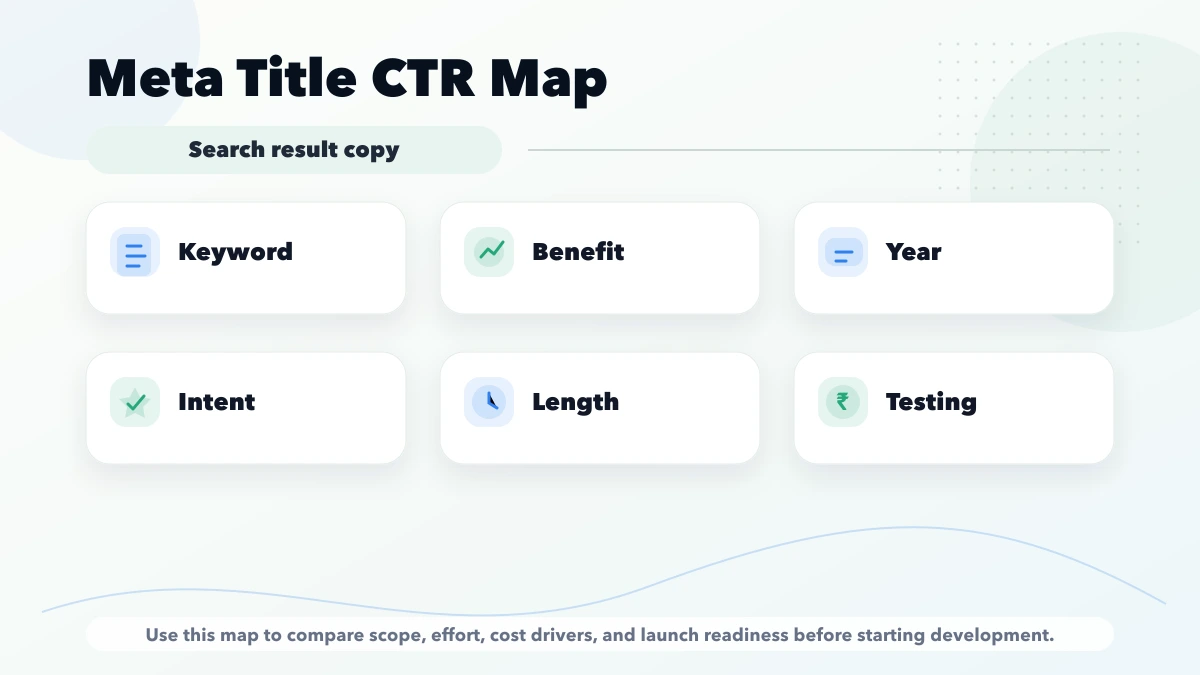
Use the year only when the page is maintained and the date affects the decision. Add words such as best, affordable, fast, or guaranteed only when the content can support that promise.
Record the old title, new title, change date, target query group, previous impressions, CTR, position, and downstream conversion. Change one meaningful variable and wait for enough impressions before deciding. If ranking position changes sharply, avoid attributing the entire CTR movement to the title.
Google may rewrite titles using headings, anchors, and page content. Keep the H1 and visible offer aligned with the title so the result does not promise something the page fails to deliver.
A higher CTR is not a win if the revised title attracts the wrong audience. Use the Local SEO hub for the broader service-page and Search Console workflow.
A generic title such as “Software Services” gives the user no decision context. “Custom Software Development for Indian SMEs” identifies the offer and audience. “Website Cost” is vague, while “Business Website Cost in India: Pages and Timeline” explains what the guide contains.
The stronger version is not automatically the longest. Remove repeated brand wording and empty adjectives before cutting the service, location, cost, comparison, or checklist term that matches intent. Read the title aloud and confirm that it remains a normal sentence rather than a list of keywords.
Serving Delhi NCR and nearby business regions including Ghaziabad, Noida, Delhi, Gurugram, Faridabad, and surrounding localities.
If this topic is part of your current business plan, start with a scoped phase-one version. That keeps cost controlled and makes the next decision based on real usage instead of assumptions.
Start with a short discovery checklist that defines users, workflow, required outputs, and success metric.
Yes. A phased build is usually safer because it keeps cost and adoption under control.
Avoid building too many advanced features before the core workflow is tested with real users.
Compare exact deliverables, timeline, ownership, support, and reporting instead of only the final price.
No. Custom development is useful when workflow, roles, reports, or integrations are specific to your business.
Yes, if the first phase is scoped around one clear business problem.
If you want a practical build plan instead of generic package labels, share your requirement and we will map the scope, timeline, and first phase clearly.
Use the updated SEO title-writing and CTR guide to align intent, title, H1, visible evidence, and Search Console measurement without relying on a rigid character formula.
Related Articles
June 4, 2026
How to improve website CTR on Google with title tags, meta descriptions, search intent, page freshness, snippets, and GSC review.
Read article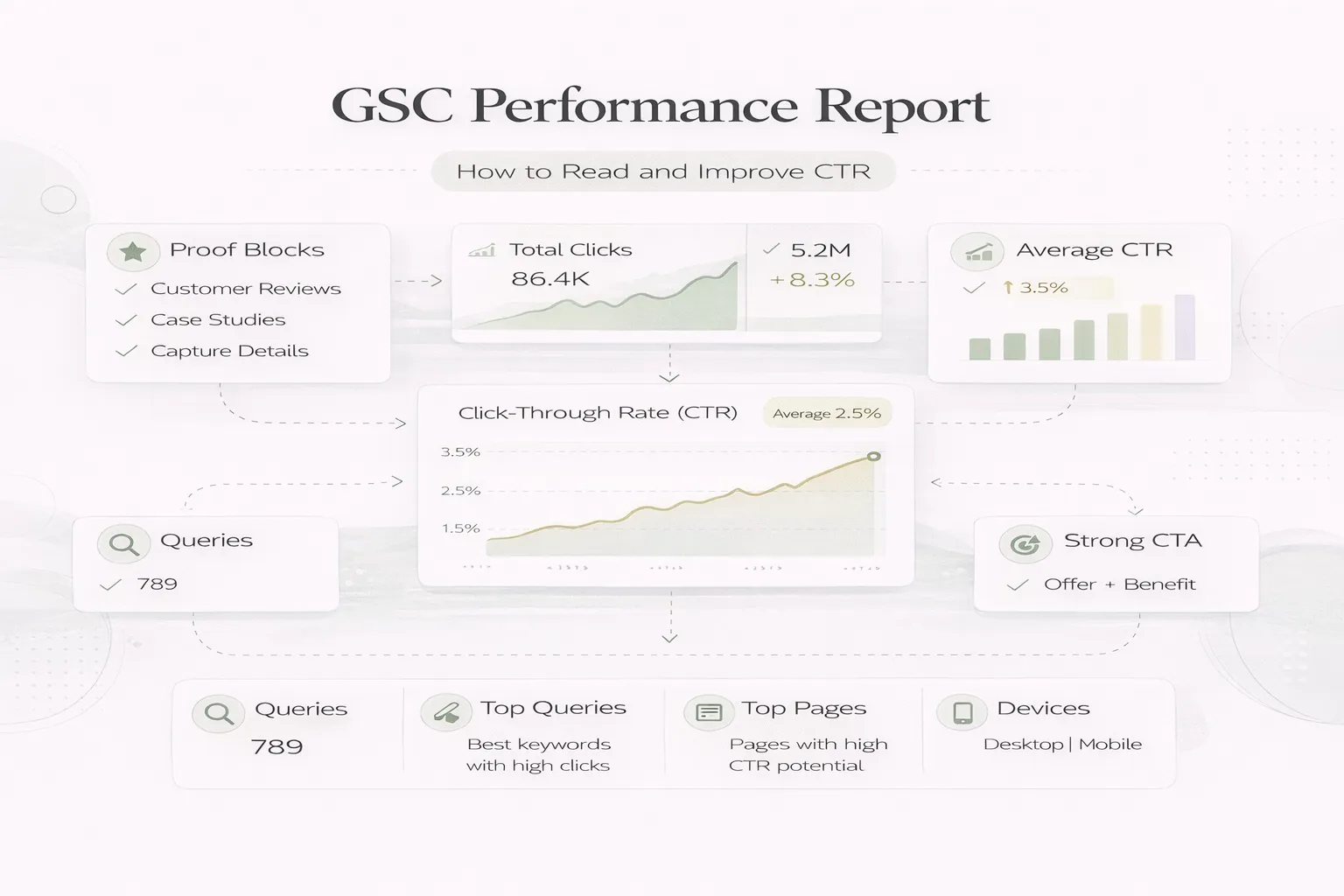
April 8, 2026
Read Google Search Console clicks, impressions, CTR and position correctly, then diagnose query intent, snippets and page opportunities before editing.
Read article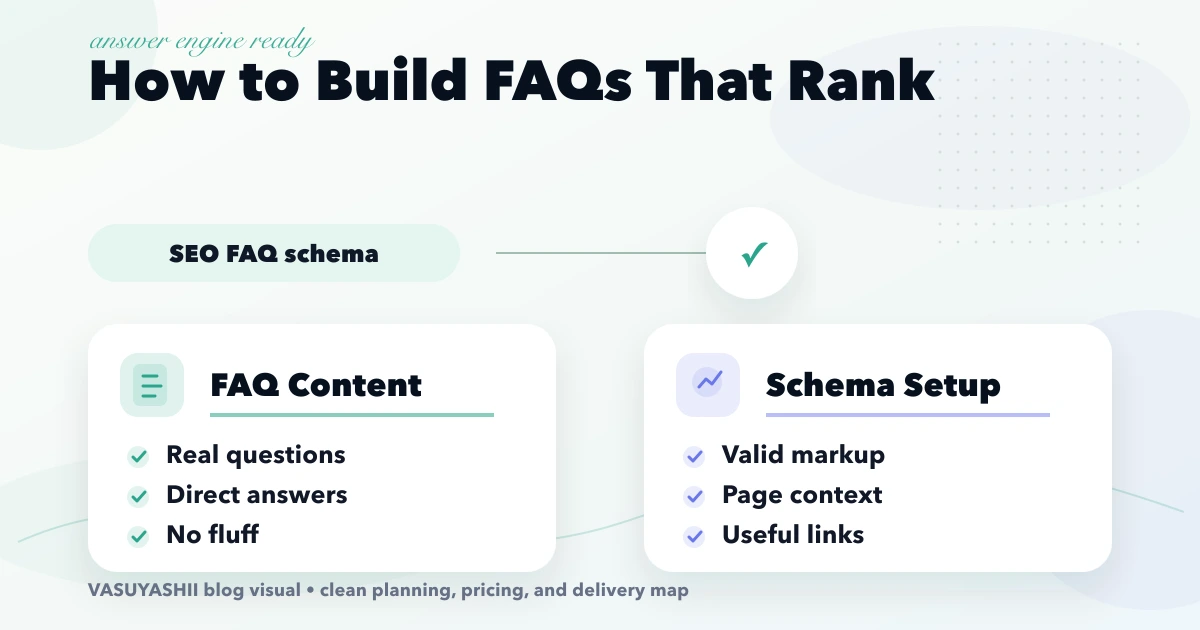
April 18, 2026
Build useful SEO FAQs from buyer questions, direct answers, internal links and review data. Understand the 2026 status of Google FAQ rich results and schema.
Read article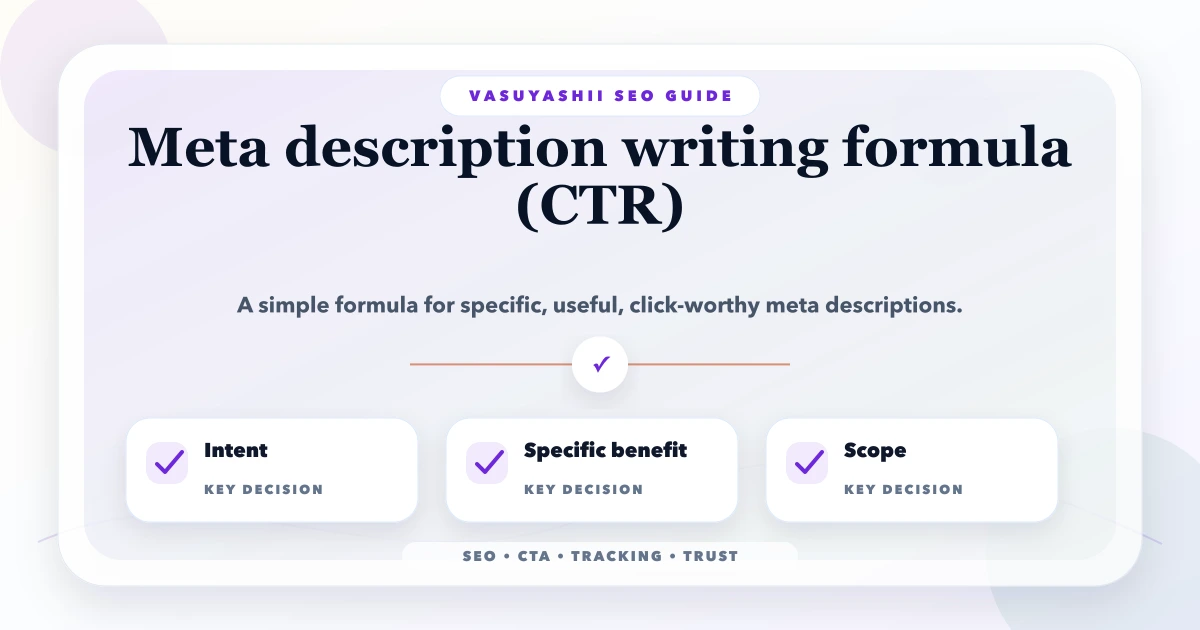
May 12, 2026
meta description writing formula: practical 2026 guide with structure, pricing, checklist, mistakes, FAQs, tracking tips, and next steps for Indian SMBs.
Read article