
May 12, 2026
SEO Title Writing Formula for Better CTR
Write clearer SEO titles with intent, specificity, differentiation, honest qualifiers, Search Console evidence, practical templates, and CTR testing rules.
Read articlePublished Updated
How to improve website CTR on Google with title tags, meta descriptions, search intent, page freshness, snippets, and GSC review.
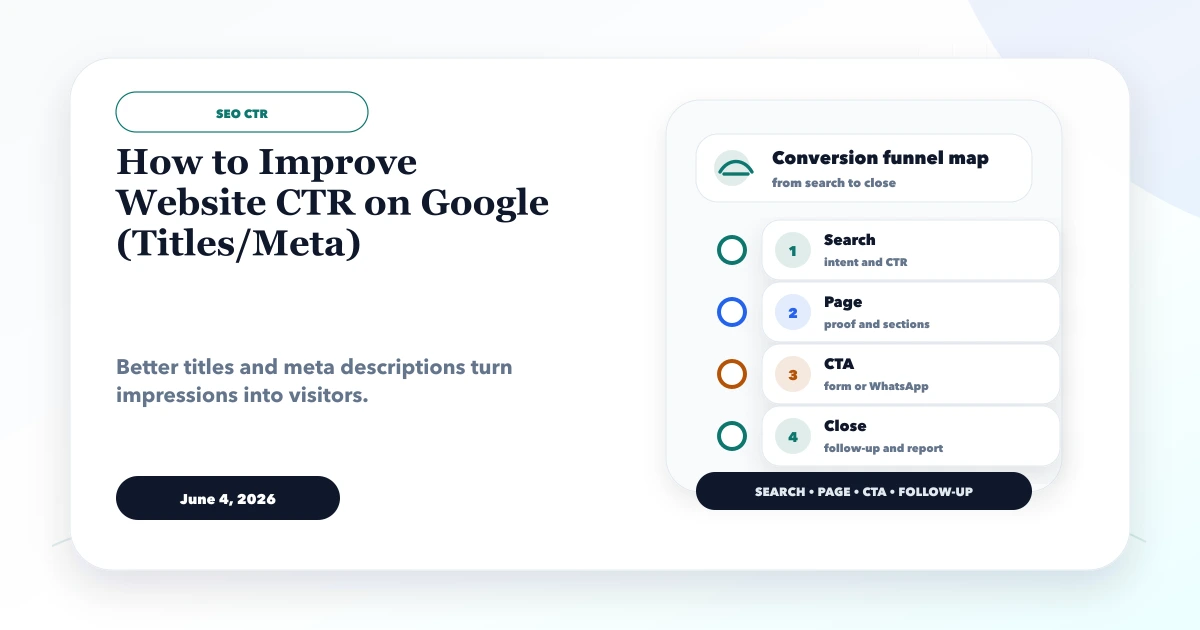
This guide explains how to improve website CTR on Google titles meta for business websites that already get impressions but need more clicks from Google results. It focuses on practical funnel structure, conversion copy, tracking, SEO visibility, and how to turn website visitors into useful enquiries.
By Tushar C. (Founder, VASUYASHII). Reviewed by VASUYASHII Editorial for practical SEO, landing pages, WhatsApp funnels, GA4 event tracking, conversion copy, service page content, and business website delivery.
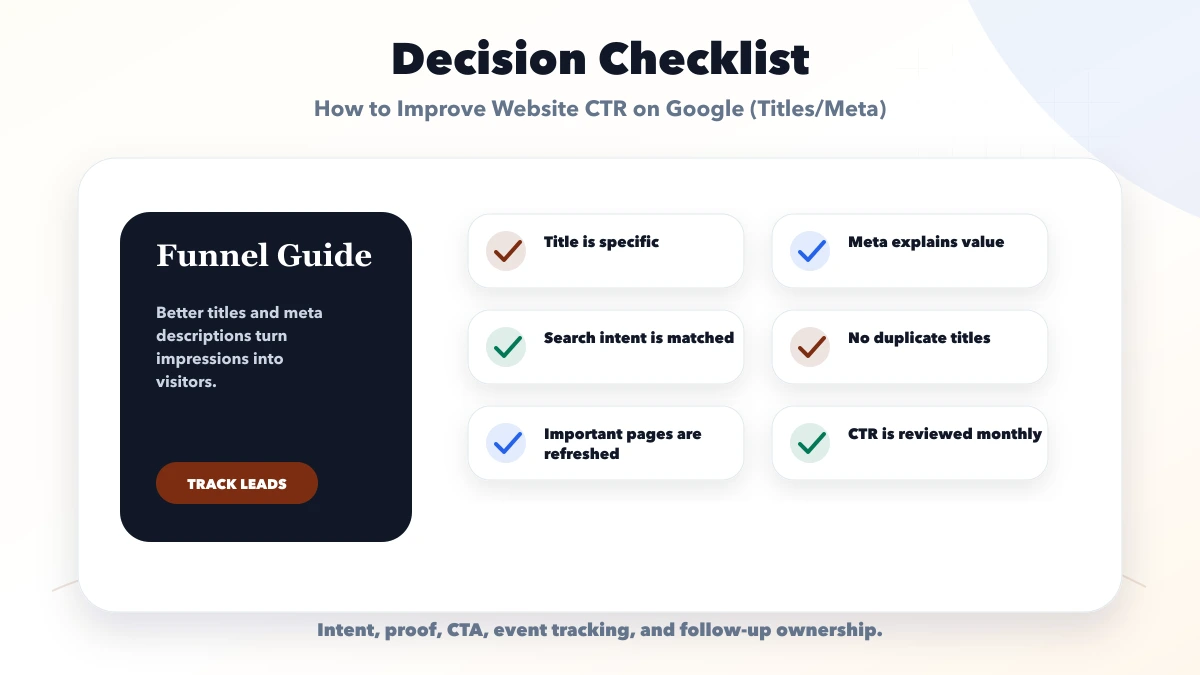
Improve website CTR by matching search intent, writing specific title tags, adding useful meta descriptions, showing value or location, avoiding duplicate snippets, refreshing weak pages, and reviewing CTR data in Google Search Console.
A service page may rank on page one but get low clicks because the title is generic, the meta description is vague, or competitors show clearer value. CTR improvement starts with better search-result copy.
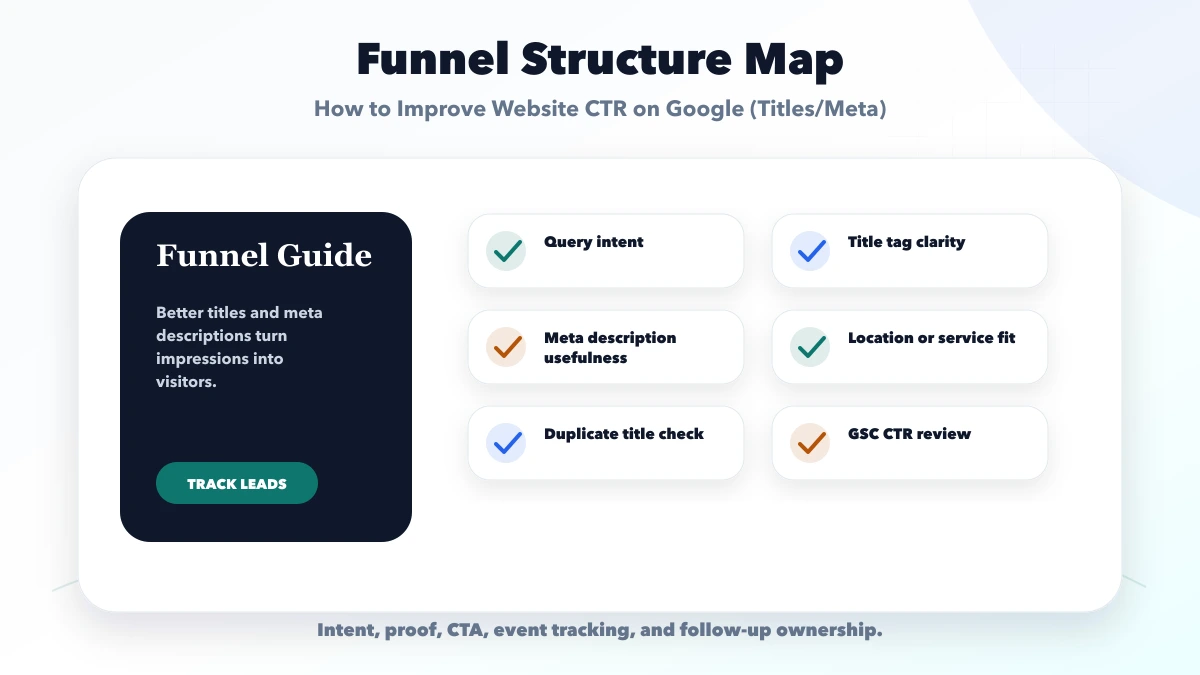
Do not rewrite every title because the site-wide CTR looks low. Export page and query data from Google Search Console for a stable date range, then find pages with meaningful impressions and a position where a better snippet could plausibly earn more clicks.
Create one row per page and include:
Compare pages at similar positions. A position-two brand query and a position-fourteen informational query should not share the same CTR target. Search features, ads, local packs, images, and the query itself change how many organic clicks are available.
A title element and meta description are inputs, not instructions that Google must display. Google can build a title link from the page title, visible heading, prominent text, anchor text, and other signals. It can also generate a snippet from page content when that better answers the query.
This means the source title, H1, intro, internal anchor text, and page purpose should agree. A title that promises "pricing" while the page hides all buying guidance creates a weak result even if it receives the click.
Use the current official guidance for title links and snippets when reviewing implementation.
Start with the page's single dominant intent. A commercial service page usually needs the service or solution, a useful differentiator, and location only when the business genuinely serves that location. A comparison article should name the compared options. A guide should make the task or outcome explicit.
Good title structure examples:
| Page intent | Weak title | Clearer direction |
|---|---|---|
| Local service | Best Company for You | Website Development in Noida: Scope and Cost |
| Comparison | CRM Guide 2026 | Zoho vs HubSpot vs Custom CRM for Indian SMBs |
| Troubleshooting | Fix Your Website | Why Google Is Not Indexing a Page: Diagnostic Steps |
| Product | Business Software | GST Billing and Inventory Software for Indian SMEs |
Do not insert every related keyword. Keep the most meaningful phrase early, write for the result page rather than an arbitrary character counter, and ensure the title remains accurate if Google shows it without the brand suffix.
A useful description completes the decision started by the title. It can identify the audience, explain what is covered, and show a credible next step. Avoid generic claims such as "best quality at affordable price" unless the page contains evidence and specific pricing context.
A practical formula is:
Audience or problem + concrete coverage + decision outcome
Example: "Compare Zoho, HubSpot, and custom CRM by workflow fit, ongoing cost, migration risk, and ownership before choosing a system for an Indian sales team."
Descriptions are not a direct ranking control, and Google may choose another passage. Still, unique and accurate descriptions improve the page's source metadata and give Google a relevant candidate.
| Funnel area | What to include | Why it matters |
|---|---|---|
| Title tag | Service, location, value | Earn attention |
| Meta description | Problem, offer, next step | Improve click confidence |
| GSC review | Queries, CTR, position | Pick pages to improve |
Before changing copy, search the query manually in the target location or use an appropriate rank-monitoring setup. Note what the result page actually contains:
If the wrong page ranks, the problem may be cannibalization or internal linking, not title wording. If the page is below the first page, CTR is usually secondary to relevance, authority, and content quality.
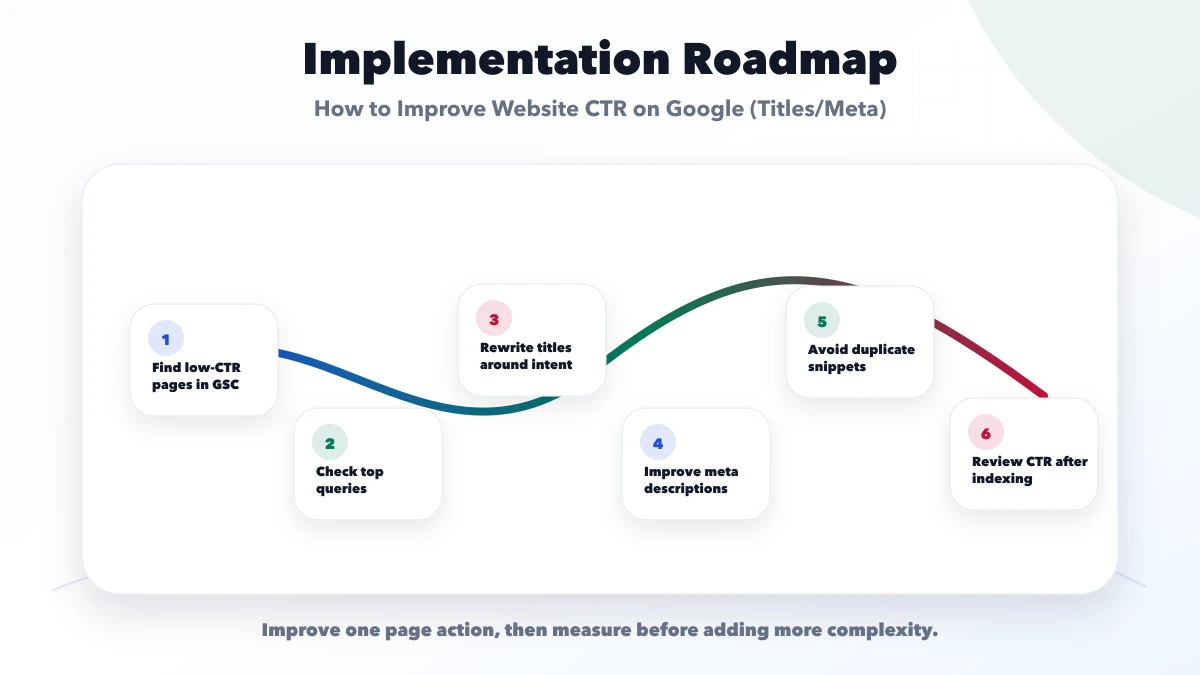
Change one page group at a time and keep a test log. Record the old and new title, old and new description, implementation date, reason, affected query, and the next review date. Allow enough time for Google to recrawl and for impressions to accumulate.
Evaluate clicks, impressions, position, and conversions together. A CTR increase caused by losing broad impressions is not automatically a win. A higher click count with stable qualified leads may also reveal that the new wording attracts the wrong audience.
Use a simple decision rule:
Use this triage:
| Observation | Likely priority |
|---|---|
| High impressions, stable position, weak CTR | Review title, snippet, intent, and SERP features |
| CTR fell with a position drop | Diagnose ranking and relevance first |
| Wrong page ranks | Resolve cannibalization and internal links |
| Google rewrites the title | Align title, H1, prominent copy, and anchors |
| Clicks rise but leads fall | Tighten promise and landing-page match |
| Impressions are very low | Improve discoverability and demand before testing copy |
Brand and non-brand queries should be reviewed separately. Branded searches often have naturally higher CTR, while broad informational terms face more competing result features. Device differences can also reveal truncated wording or a mobile landing-page problem.
Document major site, algorithm, campaign, and seasonality changes during the test window. Otherwise, a title revision may receive credit or blame for an unrelated shift.
Check the landing page after every snippet change. The promise in the result must be visible quickly on mobile, and the page should offer the next action implied by the title.
VASUYASHII uses Search Console and conversion events to prioritize pages, but this article does not promise a fixed CTR increase. Search appearance and demand are controlled by many factors outside a website developer's control. Any case result should state its date range, query set, and measurement limits.
Useful links: web application services, software development, integrations, services, and contact.
CTR is the percentage of Google impressions that become clicks.
They are not direct ranking guarantees, but better snippets can improve clicks.
Update when GSC shows high impressions but weak CTR, or when intent changes.
Yes. Duplicate snippets reduce clarity and can weaken click performance.
Yes. We can audit GSC data, rewrite titles/meta, and refresh SEO pages.
If you want a practical plan for how to improve website CTR on Google titles meta, VASUYASHII can help with scope, design, development, SEO setup, integrations, tracking, launch, and maintenance.
For a controlled title test, apply the SEO title-writing framework and record the query mix, position, previous title, deployment date, and review window.
Related Articles
May 12, 2026
Write clearer SEO titles with intent, specificity, differentiation, honest qualifiers, Search Console evidence, practical templates, and CTR testing rules.
Read article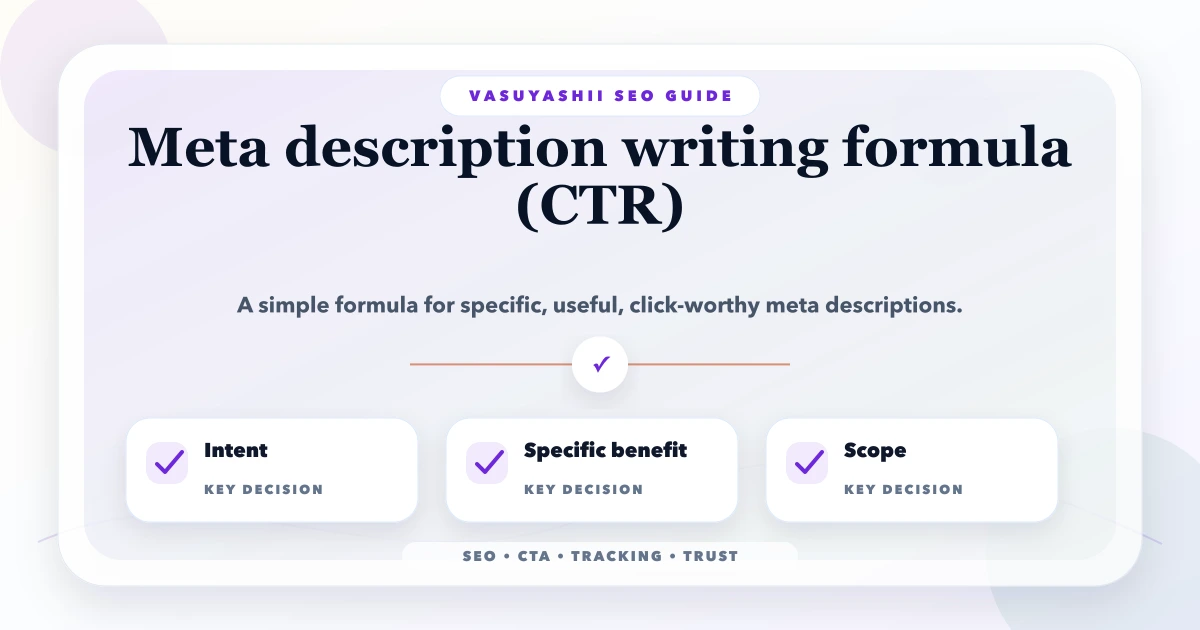
May 12, 2026
meta description writing formula: practical 2026 guide with structure, pricing, checklist, mistakes, FAQs, tracking tips, and next steps for Indian SMBs.
Read article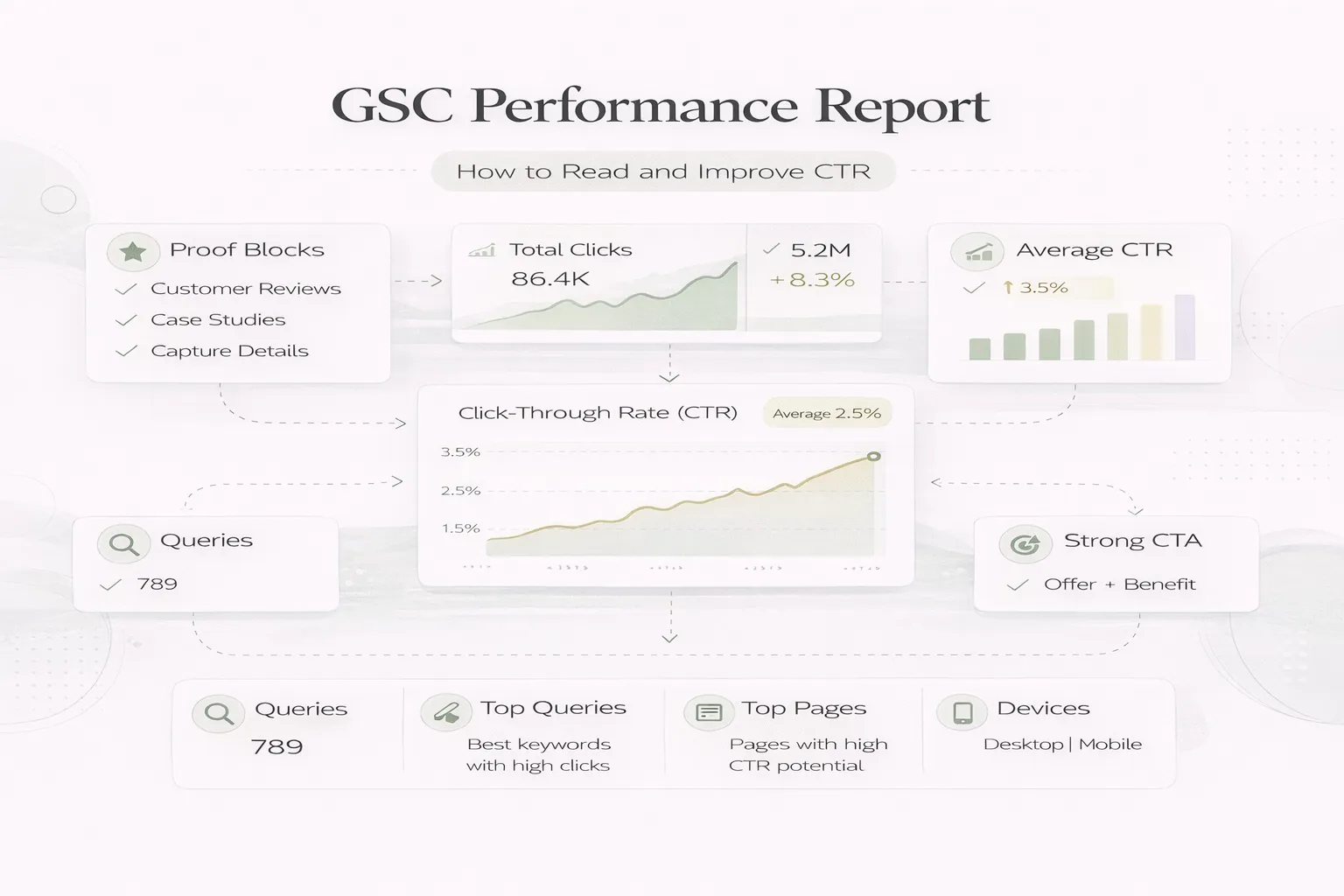
April 8, 2026
Read Google Search Console clicks, impressions, CTR and position correctly, then diagnose query intent, snippets and page opportunities before editing.
Read article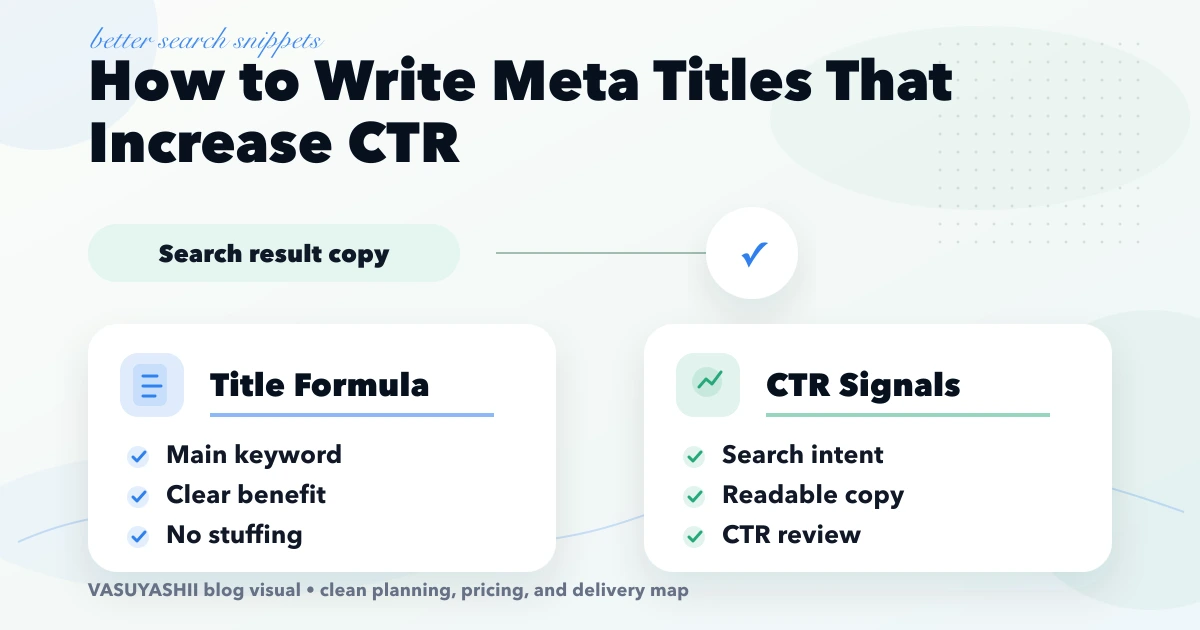
April 20, 2026
Improve organic CTR with query-matched meta titles, honest modifiers, readable length, Search Console selection, controlled testing, and conversion checks.
Read article