
May 18, 2026
WooCommerce Speed Optimization in India
Improve WooCommerce speed with an India-focused audit of hosting, cache, database, plugins, themes, images, checkout safety, Core Web Vitals, and release QA.
Read articlePublished Updated
Improve Shopify speed with a practical India-focused audit for themes, apps, images, scripts, Core Web Vitals, release testing, and conversion trade-offs.
Shopify speed optimization is not a promise to make every store score 100. It is a controlled process for making important storefront journeys load and respond faster without breaking merchandising, analytics, checkout, accessibility, or revenue-producing features.
For Indian ecommerce stores, mobile performance deserves priority. Customers may arrive through Instagram, Google, WhatsApp, or paid ads on varied devices and networks. A beautiful home page can still lose sales when the first product image appears late, the variant picker pauses, a promotional banner shifts the layout, or third-party scripts delay interaction.
This guide explains how to find the actual bottleneck, choose changes with business value, and release them safely.
Start with your highest-value templates, not the home page alone:
Use Shopify's official web performance report as one evidence source and combine it with template-level testing. One synthetic score cannot represent every customer journey.
Google's Core Web Vitals describe loading, responsiveness, and visual stability:
| Metric | Storefront question | Frequent Shopify causes |
|---|---|---|
| LCP | How quickly does the main visible content appear? | Hero/product media, fonts, render-blocking CSS, server/network delay |
| INP | How quickly does the page respond to an interaction? | App scripts, analytics, complex theme JavaScript, large variant logic |
| CLS | Does visible content move unexpectedly? | Images without dimensions, injected banners, fonts, app blocks |
Do not optimize a metric in isolation. Removing product media may improve LCP but reduce customer confidence. Delaying every script may break attribution or consent. The goal is a faster selling experience with verified business behaviour.
Test before changing anything. Capture:
Run tests more than once because lab scores vary. Use the same URL, device profile, and environment when comparing before and after. A single green run is not proof of a durable improvement.
Our performance review separates field signals from lab diagnostics. Field data shows what eligible real users experienced over time, while a lab trace helps identify the code, image, or request causing delay on a controlled device. Both are useful, but they answer different questions.
A store is a set of templates and customer journeys. Prioritize in this order unless data indicates otherwise:
For each template, test the first visit and a repeat visit. Check a low-end or mid-range Android device where possible. Also test in an in-app browser, because social traffic may not behave like desktop Chrome.
The LCP element is often a hero image, product image, heading block, or banner. Inspect it before making broad changes.
Photography quality still matters. Use the product photography versus UI guide to decide whether image optimization can preserve the detail customers need.
Auto-playing sliders can request several large assets while showing only one. Use one strong first-frame image where the campaign permits it. If video is necessary, use a poster image, compressed media, intentional playback controls, and mobile fallback. Do not load a large background video merely for decoration.
Limit font families and weights. A store rarely needs multiple display families plus several body weights. Prefer system fallbacks, preload only a genuinely critical font, and verify that font loading does not hide text or create layout shifts.
Large theme stylesheets are commonly reported as render-blocking. Do not split CSS blindly. First remove unused section styles, duplicated app CSS, and global code that belongs only to a specific template. Critical rendering changes must be tested across all templates because a small home-page gain can create inconsistent styling elsewhere.
Apps can add scripts, styles, network requests, DOM nodes, and event listeners. Some are essential; others duplicate theme or platform features.
Create an app inventory:
| App or script | Business job | Templates loaded | Revenue/risk evidence | Action |
|---|---|---|---|---|
| Reviews | Product trust | Product, collection | Review interaction and conversion | Keep and optimize |
| Chat | Customer support | All pages | Qualified conversations | Delay until interaction if safe |
| Heatmap | Research | All pages | Active study only | Run temporarily |
| Old popup | None | All pages | No current campaign | Remove |
Shopify notes that apps, theme code, fonts, images, videos, and third-party libraries can affect performance. Follow the official performance improvement guidance, then verify every change in your own store.
Uninstalling an app does not always remove code previously added to theme files or snippets. Search a duplicate theme for obsolete includes, assets, app blocks, and configuration before deleting anything. Keep a rollback copy.
Common storefront scripts include:
For each script, decide whether it must load before consent, before interaction, after page load, only on selected templates, or only during a campaign. Follow privacy and consent requirements; performance is not a reason to bypass them.
Avoid duplicate tags. A pixel may be installed through Shopify, an app, Google Tag Manager, and theme code simultaneously. Duplicates waste bandwidth and can corrupt analytics. A structured conversion tracking setup helps keep ownership clear.
Poor INP often appears when JavaScript performs too much work after a tap or click. Test:
Potential fixes include reducing repeated DOM work, loading features only on relevant templates, replacing heavy libraries with native browser behaviour, simplifying oversized variant data, and breaking long tasks into smaller work. Do not rebuild theme JavaScript without regression coverage for pricing, inventory, discounts, subscriptions, and cart behaviour.
Reserve stable space for:
Test dynamic states, not only the initial screenshot. A review widget may shift content after its API response. A discount message may appear only for selected variants. A WhatsApp button may overlap the sticky cart on a narrow screen.
Theme builders make publishing easier but can produce unnecessary markup when every campaign becomes another permanent section. Audit:
Keep sections that help merchandising. The fix is not a visually empty store; it is a smaller, deliberate interface. If broader storefront structure is the issue, review the ecommerce website setup guide before optimizing isolated code.
Never begin high-risk performance edits directly on the production theme. Name the copy with a date and purpose.
Test at minimum:
Separate images, app cleanup, theme JavaScript, fonts, and CSS into reviewable changes. This makes regressions easier to locate.
Use the same pages and test conditions. Record score ranges, not only the best run. Check visual and commercial behaviour.
Choose a period when someone can monitor orders, analytics, console errors, and support messages. Keep the previous theme ready for rollback.
Core Web Vitals field data takes time to reflect changes. Continue watching conversion and errors immediately, then review performance trends when enough real-user data is available.
Be cautious of these claims:
A credible provider explains scope, dependencies, before/after evidence, regression testing, and what the merchant must maintain.
Optimization effort depends on the theme, app count, number of custom sections, product/media volume, tracking setup, and regression risk. A small image and app audit is different from refactoring a heavily customised theme.
Ask a provider to quote these separately:
If the store requires a custom customer portal, catalogue workflow, or integration beyond theme optimization, evaluate web application development or integration services as separate scope. Mixing product development into a speed quote makes both cost and acceptance unclear.
Some simple pages may score very highly in a particular lab run, but no honest provider should guarantee 100 across templates, devices, networks, and measurement runs. Prioritize user experience and business outcomes over a perfect badge.
Plan changes may affect available platform features, but most merchant-controlled performance work concerns theme code, media, apps, scripts, and page composition. Diagnose the actual bottleneck before changing plans.
No. Keep apps that deliver measurable value or necessary operations. Remove duplicates and unused tools, scope scripts to relevant templates, and delay non-critical behaviour where safe.
Lab results can change immediately after deployment. Field data represents real visits over a rolling period and needs enough eligible traffic, so it will update more slowly.
Performance supports search experience, but rankings also depend on relevance, usefulness, authority, crawlability, and competition. Speed work should complement strong product/category content and technical SEO.
Prepare and test changes in a duplicate theme, then publish the verified version. The switch can be quick, but monitoring and rollback preparation are still necessary.
Shopify speed work is successful when important pages become faster, customers can still buy confidently, and the store team has a publishing process that prevents the same debt from returning.
Related Articles
May 18, 2026
Improve WooCommerce speed with an India-focused audit of hosting, cache, database, plugins, themes, images, checkout safety, Core Web Vitals, and release QA.
Read article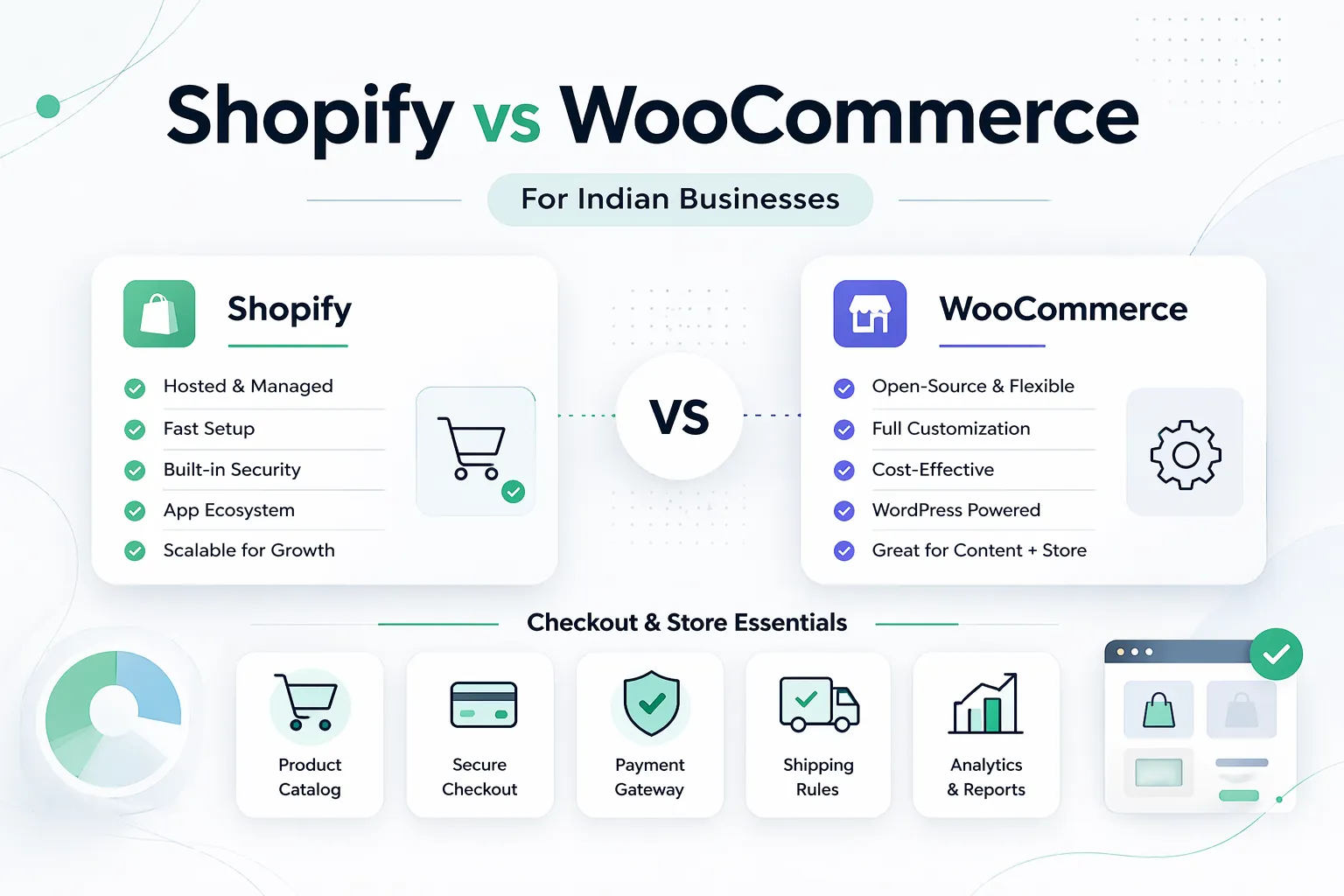
April 7, 2026
Shopify vs WooCommerce for Indian businesses in 2026: pricing, control, costs, operations, and which platform fits your growth stage.
Read article
March 24, 2026
Ecommerce website cost in India for 2026 with pricing ranges, packages, timelines, features, platform comparison, sales planning, and SEO.
Read article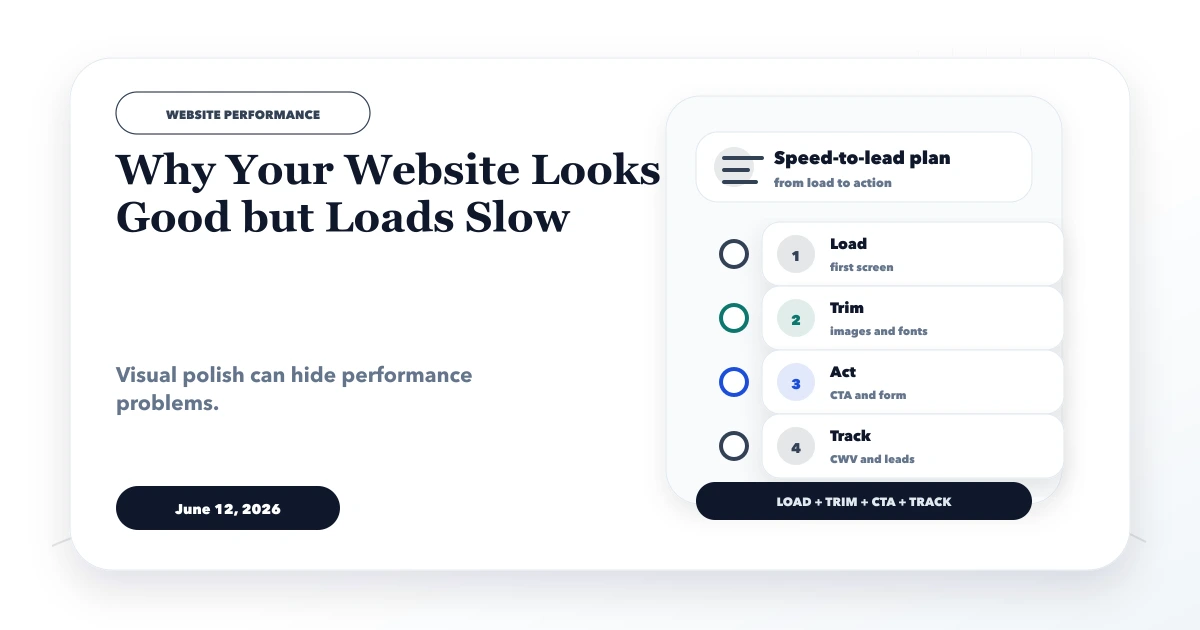
June 12, 2026
Diagnose why a polished website loads slowly. Trace hero media, fonts, scripts, CSS, hosting, render delay and mobile bottlenecks before changing the design.
Read article