
April 7, 2026
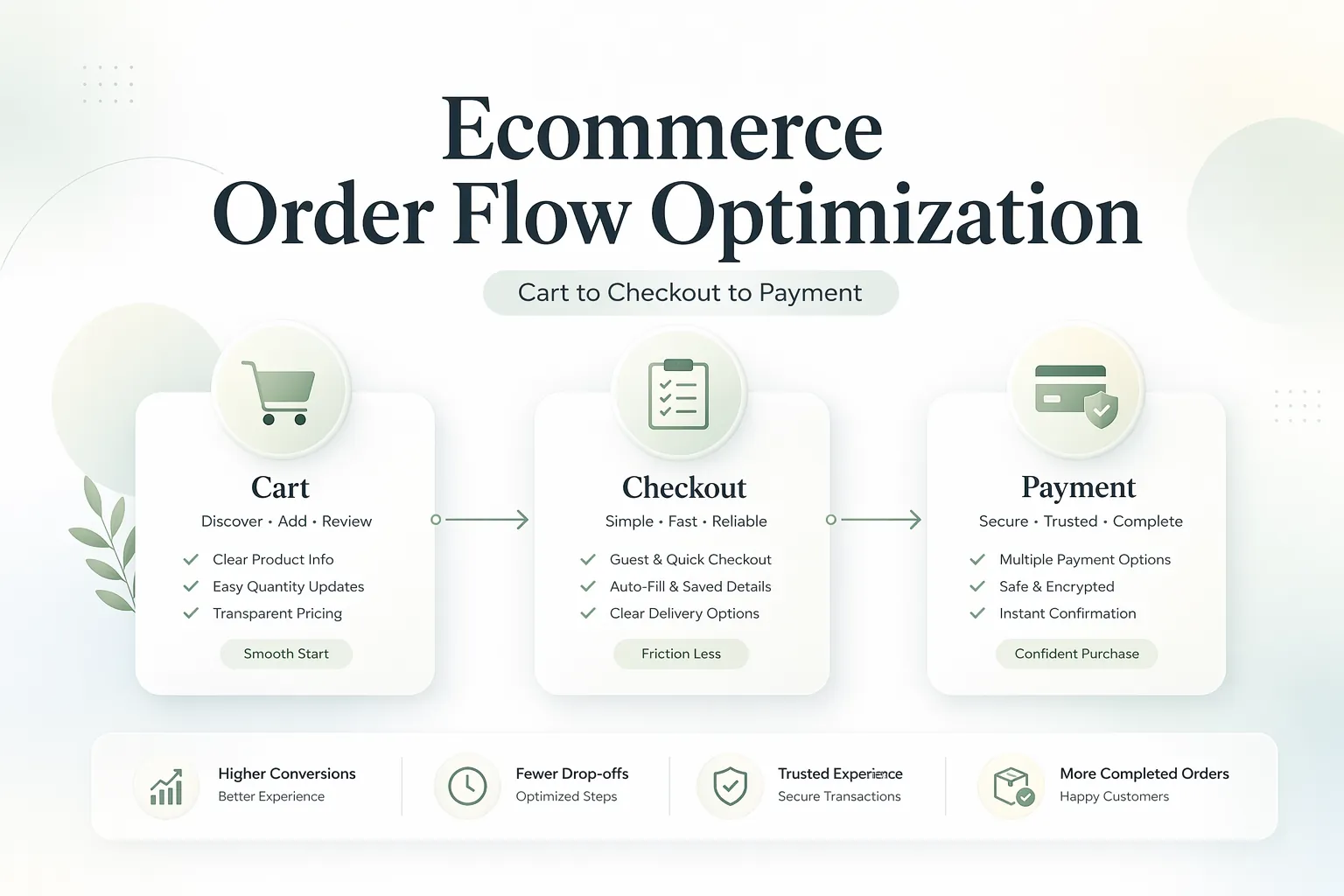
Ecommerce Cart, Checkout, and Payment Flow
Design a reliable ecommerce cart, checkout, and payment flow with server-side pricing, inventory checks, idempotent payments, webhooks, recovery, and analytics.
Read articlePublished Updated
Use this ecommerce conversion checklist to improve measurement, product discovery, pricing clarity, mobile UX, checkout, payments, trust, and delivery.
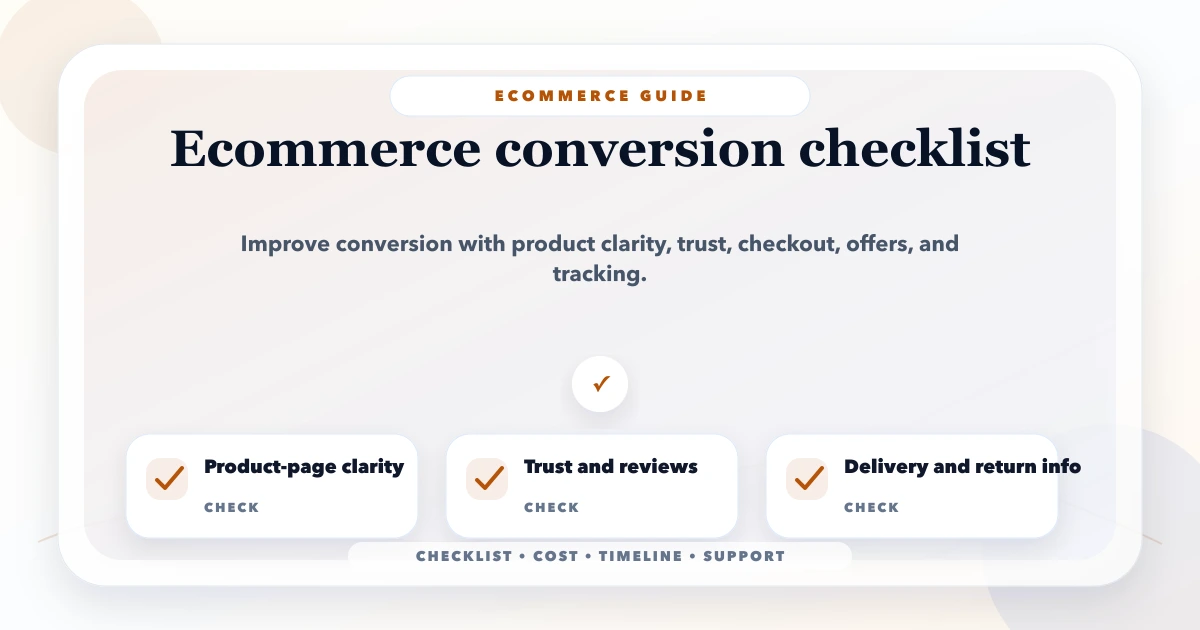
An ecommerce conversion checklist should diagnose where qualified shoppers lose confidence or encounter friction. It should not begin with random colour changes or copy patterns borrowed from another store. A useful audit connects traffic intent, merchandising, price and delivery clarity, product evidence, mobile usability, checkout reliability, payment outcomes, and measurement accuracy.
This guide is written for Indian D2C brands, local retailers moving online, wholesalers testing direct sales, and established stores improving mobile purchases. Apply only the items that match your products, logistics, payment methods, and policies.
Conversion rate is meaningful only when the numerator and denominator are reliable. Define the purchase outcome, reporting timezone, currency, internal-traffic rules, cancellation treatment, and whether payment retries create duplicate events.
At minimum, verify the events relevant to your funnel:
| Funnel stage | Typical ecommerce event | Business check |
|---|---|---|
| Product discovery | view_item_list, select_item | Users can find and choose relevant products |
| Product evaluation | view_item | Product details answer purchase questions |
| Purchase intent | add_to_cart, view_cart | Correct item, price, variant, and quantity enter cart |
| Checkout | begin_checkout, shipping and payment events | Customer can proceed without avoidable blockers |
| Completion | purchase | Successful order exists once in the backend |
| Recovery | Refund or cancellation events where implemented | Reporting reflects actual business outcomes |
Google documents recommended ecommerce events and required parameters in its GA4 ecommerce measurement guide. Treat the server or order-management system as the commercial source of truth; client analytics is diagnostic and can be blocked, duplicated, or interrupted.
Store-wide averages hide the real issue. Compare:
If paid traffic has low product-page engagement, the ad or landing intent may be wrong. If carts are healthy but paid orders are low, investigate delivery, payment, checkout, and confirmation. Do not redesign the homepage when the failure is isolated to one browser or gateway response.
Misaligned traffic can reduce conversion even when the store works perfectly. Evaluate qualified sessions separately from all traffic.
Shoppers should be able to narrow a large catalogue without learning your internal terminology.
Check:
Measure search usage, zero-result terms, filter use, product-card selection, and exits. These signals can reveal catalogue and content gaps.
A product page must answer the questions that would otherwise require a call or store visit.
Include, where relevant:
Avoid hiding essential conditions in an image or accordion that is difficult to use on mobile. The product pages versus category pages guide provides a deeper architecture review.
Unexpected cost is a common source of abandonment. Show when customers will learn:
Do not advertise an unconditional discount when it requires a payment method, quantity, membership, or restricted PIN code. Transparent qualification can produce fewer but better checkout starts.
Most mobile friction is practical rather than decorative.
Performance and conversion are related, but a faster confusing checkout still fails. Review both technical speed and task completion.
The cart should confirm the decision and expose problems before checkout.
Verify:
Test rounding and totals using actual tax and discount rules. Display logic must match the order stored by the backend.
Ask only for information needed to fulfil, support, or legally record the order.
For many retail stores, forcing account creation adds friction. Consider guest checkout with optional account creation after purchase. An authenticated wholesale or membership flow may have different requirements.
Allow clear address entry, validation, correction, and serviceability feedback. Do not silently alter customer-entered details. Explain why a location cannot be served and preserve the cart.
Place errors beside the field or step that needs attention, retain valid data, and use messages customers can act on. A generic “something went wrong” message is inadequate for payment or delivery failures.
Before payment, show items, variants, quantities, discounts, shipping, tax, total, address, delivery method, and policy links. The final action should state the commitment clearly.
Support methods that match customer expectations and operational capability. Indian stores may consider UPI, cards, net banking, wallets, COD, or payment links, but every additional option creates reconciliation and support work.
Test:
Use idempotent backend processing so repeated callbacks do not create duplicate orders. Never trust a client-side success screen as the only proof of payment. A webhook should be authenticated according to the gateway's current documentation.
Trust is produced by accurate operational information, not a row of generic badges.
If a product has safety, usage, compatibility, or regulatory constraints, make them prominent before purchase.
Conversion is not complete when the gateway redirects. The customer needs a reliable order state.
The confirmation flow should provide:
Measure fulfilment failures, cancellations, refunds, repeat contacts, and repeat purchases. Increasing initial orders while creating operational failure is not sustainable conversion improvement.
The Core Web Vitals guide explains technical diagnostics for Next.js implementations.
Prioritise experiments using evidence and effort. Good candidates might include:
Define one hypothesis, primary metric, guardrail metrics, audience, duration, and stopping rule. Avoid changing many unrelated elements and then assigning the result to one idea.
Confirm ecommerce events, order reconciliation, traffic segmentation, and the highest-loss step.
Fix payment, order, stock, address, form, browser, and mobile defects before visual experiments.
Strengthen product information, delivery, pricing, policies, variants, and trust evidence.
Choose a high-confidence hypothesis, monitor guardrails, and document the result. Continue only if the data remains trustworthy.
VASUYASHII can build websites, web applications, integrations, dashboards, and custom business workflows. Ecommerce scope may include catalogue, checkout, payment, order, analytics, and operational integrations when written into the project.
The VASUYASHII Business Suite currently focuses on GST billing, inventory, clients, vendors, purchases, payments, expenses, reports, PDFs, and secure WhatsApp sharing. It should not be presented as a ready-made ecommerce storefront unless that integration is specifically designed and quoted. Review integrations, web applications, and software development for relevant capability.
Most purchase decisions happen on category, product, cart, checkout, and payment states.
Duplicate or missing purchase events can produce false conclusions.
Set expectations as early as your systems allow.
False scarcity damages trust and can create compliance risk.
Your products, policies, logistics, payment mix, and customer questions may be different.
There is no universal target. Category, price, device, acquisition channel, brand familiarity, location, and measurement method all affect the rate. Compare consistent segments and improve the weakest verified step.
Only if demand and operations justify it. Model verification, return-to-origin, fees, fraud, customer communication, and reconciliation before enabling COD widely.
It can add a convenient option for some customers, but implementation quality, gateway reliability, error recovery, pricing clarity, and trust still determine completion.
For many consumer stores, guest checkout reduces friction. Wholesale pricing, subscriptions, regulated products, or customer-specific terms may require authentication. Choose based on the business rule.
Use a unique transaction identifier, validate purchase events against backend orders, and make server-side order and webhook handling idempotent. Test retries and delayed callbacks.
Fix critical defects first. Then identify whether qualified traffic is reaching the right products and where that traffic drops. The largest reliable bottleneck should guide the next change.
Export a 30-day funnel by device, channel, category, and payment outcome. Reconcile purchases with backend orders, then choose one reliability fix and one clarity experiment. For an implementation audit, review ecommerce development cost or contact VASUYASHII.
Map backend states, payment recovery, idempotency, and analytics with the ecommerce cart, checkout, and payment flow guide.
Related Articles
April 7, 2026
Design a reliable ecommerce cart, checkout, and payment flow with server-side pricing, inventory checks, idempotent payments, webhooks, recovery, and analytics.
Read article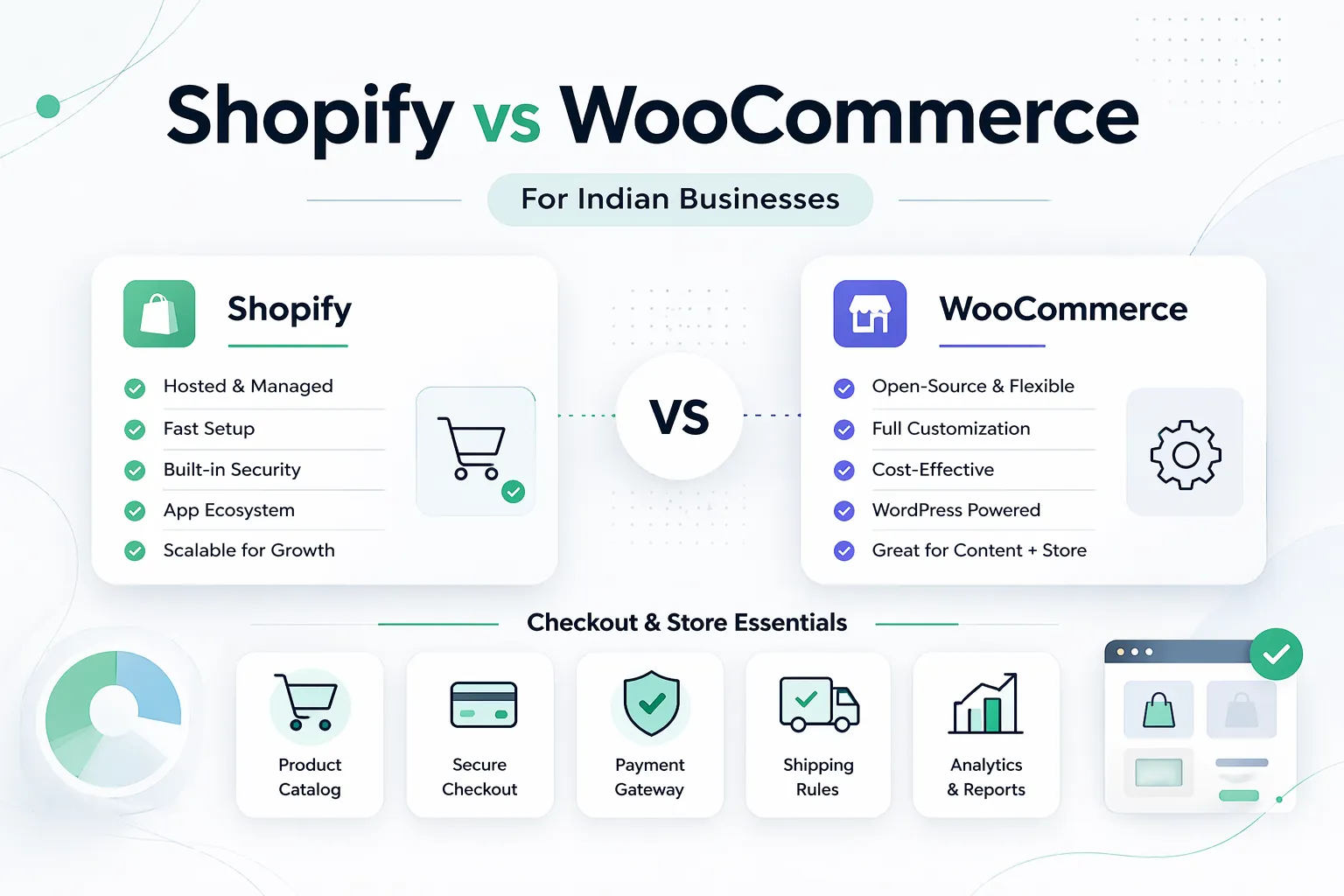
April 7, 2026
Shopify vs WooCommerce for Indian businesses in 2026: pricing, control, costs, operations, and which platform fits your growth stage.
Read article
May 9, 2026
ecommerce developer near me Delhi NCR: pricing, checklist, FAQs, trust signals, and practical SEO steps for Indian SMB owners.
Read article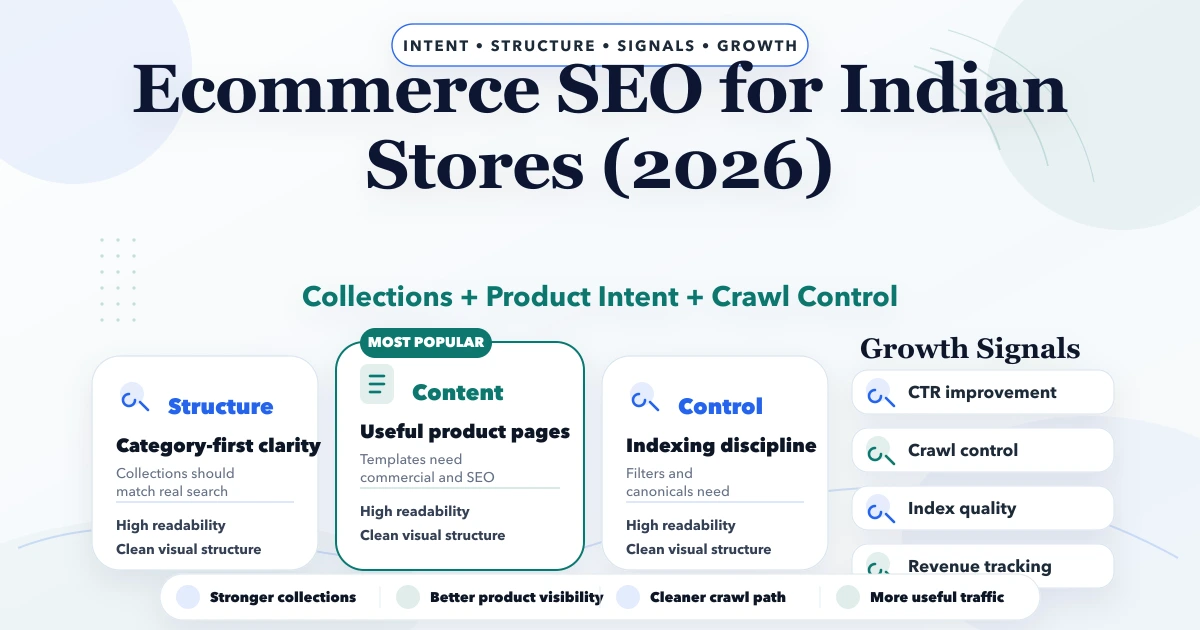
April 28, 2026
Ecommerce SEO for Indian stores in 2026: structure, pricing, timelines, product/category strategy, technical fixes, and practical growth plan.
Read article