
April 5, 2026
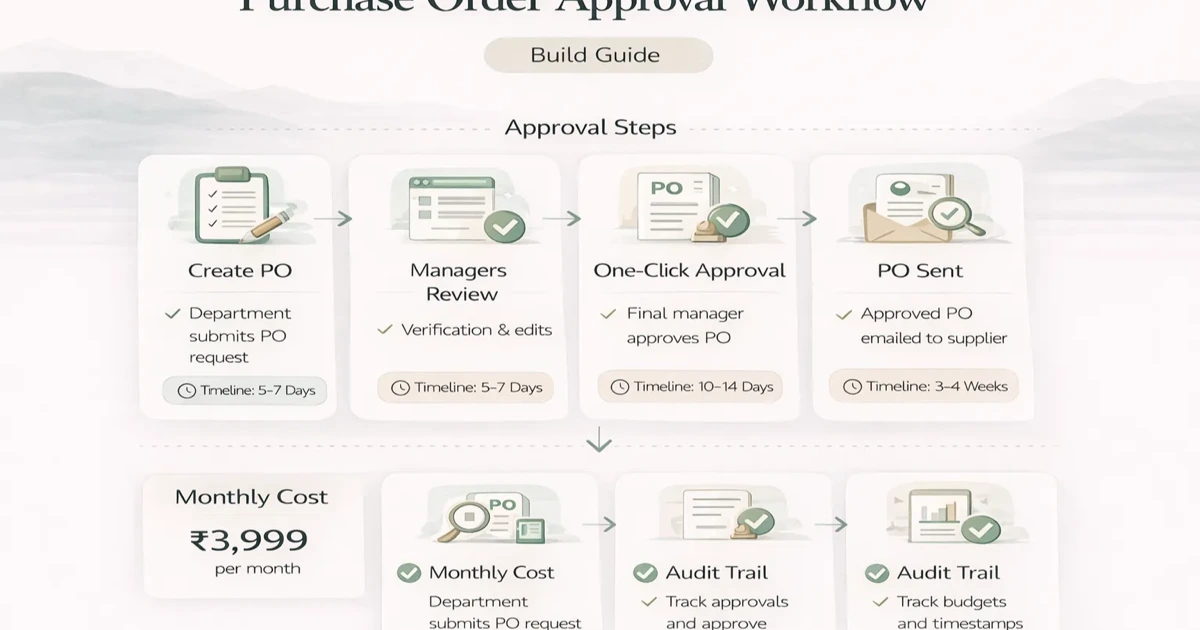
Purchase Order Approval Workflow: Build Guide (2026)
Design a purchase order approval workflow with clear states, thresholds, roles, exceptions, audit evidence, integrations, rollout checks, and pricing scope.
Read articlePublished Updated
Plan an SME procurement and inventory system with purchase requests, approvals, POs, goods receipt, stock updates, returns, vendor records, and controls.
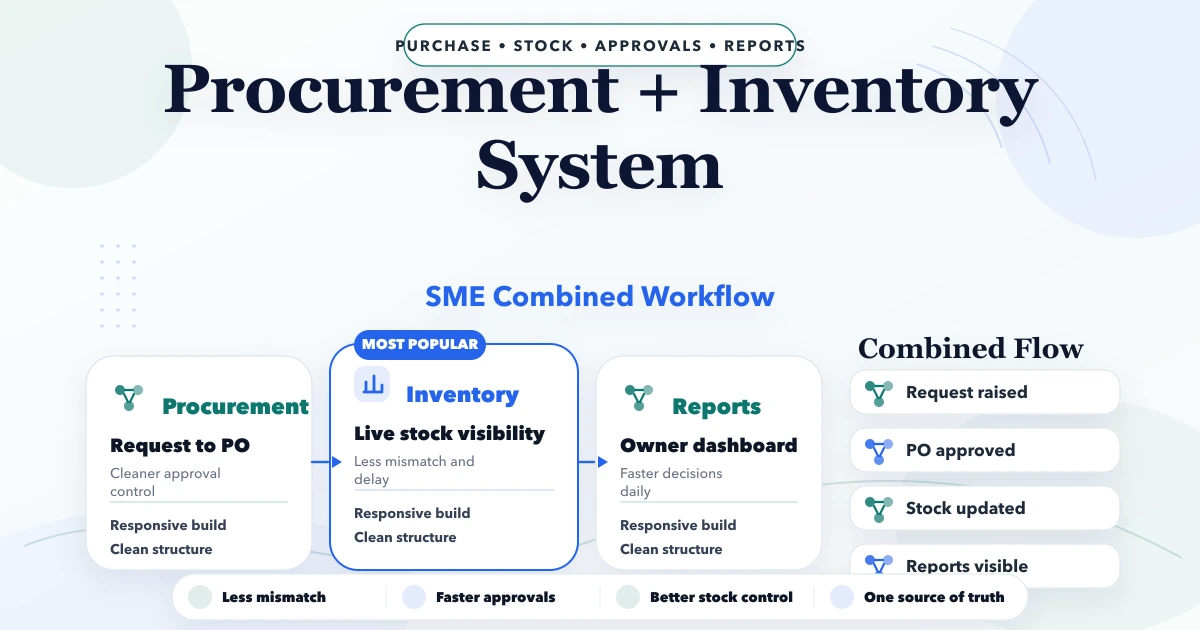
Procurement and inventory should share data, but they should not be treated as one vague “purchase completed” button. A purchase request, approved purchase order, goods receipt, supplier bill, stock movement, return, and payment are different business events. Combining them carefully gives an SME visibility; collapsing them creates silent stock and due mismatches.
The useful first release follows one item from need identification to accepted stock. It defines who can request, approve, order, receive, adjust, and report. Advanced supplier portals or forecasting can wait until this core chain reconciles.
By Tushar C. (Founder, VASUYASHII). VASUYASHII Business Suite currently includes products and inventory, vendors, purchases, purchase returns, clients, invoices, payments, expenses, reports, and multi-company operations within its ERP-lite scope. Advanced manufacturing, full accounting, or enterprise procurement-network capabilities should not be inferred from this guide.
An SME procurement-inventory system should keep product, unit, warehouse, vendor, request, approval, purchase order, receipt, purchase bill, return, stock movement, and payment references connected. Stock should increase from an approved receipt rule, not merely because someone created a PO. Every correction should create a traceable movement instead of overwriting quantity.
A hardware trader has 25 fast-moving products and hundreds of slower items. A store executive notices that a cable SKU is low and messages the purchase manager. The manager asks three suppliers for rates, sends a PO, and receives a partial quantity two days later. The bill includes the full quantity; five units are damaged and returned.
In a spreadsheet-only workflow, the PO, received quantity, stock, damaged items, and supplier due can disagree. In a connected system, the request shows why the purchase was needed, the PO records what was ordered, the goods receipt records what physically arrived, the return reverses accepted stock where applicable, and the supplier bill/payment workflow uses the approved commercial records.
| Record | Typical statuses | Stock impact |
|---|---|---|
| Purchase request | Draft, submitted, approved, rejected, closed | None |
| Supplier quotation | Requested, received, selected, expired | None |
| Purchase order | Draft, approved, sent, partly received, closed, cancelled | None by default |
| Goods receipt | Draft, inspected, accepted, partly accepted, rejected | Accepted quantity increases stock |
| Purchase bill | Draft, verified, posted, disputed, paid/part-paid | Financial/vendor due, not duplicate stock |
| Purchase return | Requested, approved, dispatched, acknowledged | Approved dispatch or policy event reduces stock |
| Stock adjustment | Draft, approved, posted | Explicit controlled movement |
The exact statuses can be simpler, but each must have an owner and transition rule. Avoid a universal “completed” status that hides partial receipt or disputed quantity.
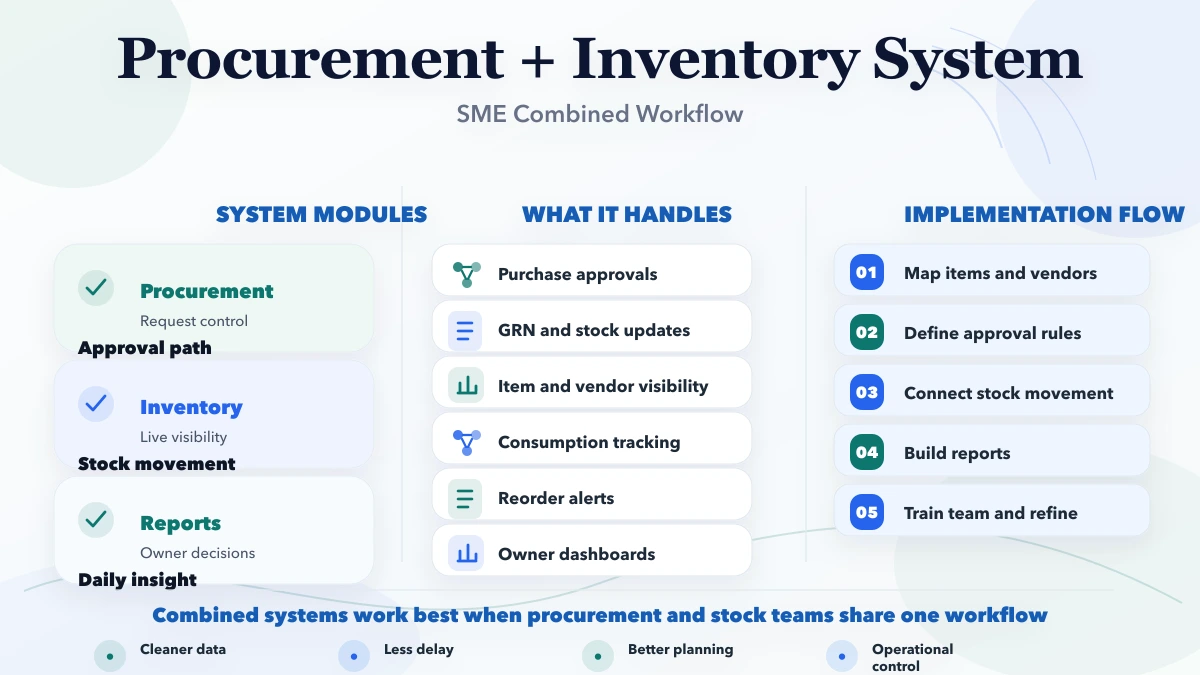
Procurement depends on clean product data. Store a stable SKU, name, category, HSN/SAC where relevant, base unit, purchase unit, conversion, preferred vendor, tax rate, reorder context, and active status. If one carton contains 20 pieces, define that conversion rather than entering “1” in some documents and “20” in others.
Do not silently change an old product's unit or tax data in a way that rewrites historical documents. New master values should apply to new transactions while posted records retain their original commercial snapshot.
A purchase request should state item, required quantity, need-by date, warehouse or department, reason, and requester. Approval rules can depend on value, category, urgency, or company, but start simple enough that staff use them.
Show budget or current stock only to roles allowed to see it. An approval should record user, time, decision, and note. Editing an approved request should either reopen approval or create a new version.
The PO should contain vendor, billing/shipping details, item lines, quantities, units, rates, taxes, discount, freight, terms, expected date, and approval reference. Generate a stable PO number and PDF. Sending a PO by email or WhatsApp should not mark goods as received.
Partial receipt is common. Keep ordered, received, accepted, returned, and pending quantities separately. Closing a PO with a pending balance should require a reason such as supplier short-close or cancellation.
The receiving user should identify the PO, warehouse, receipt date, supplier challan, batch/serial details when relevant, received quantity, accepted quantity, rejected quantity, and damage note. Attachments need secure access and retention rules.
For fast-moving trading inventory, acceptance may be immediate. For technical or quality-sensitive goods, introduce an inspection status before available stock increases. Never present rejected goods as saleable inventory.
A useful control compares:
Flag quantity, rate, tax, discount, freight, and total differences. The system can assist; a permitted user decides whether to approve, dispute, or correct. Small businesses may implement a two-way version first, but should still keep receipt and bill references distinct.
Current quantity should be the result of movements: opening, accepted purchase, sale, sales return, purchase return, transfer, consumption, and approved adjustment. Each movement needs source type, source ID, quantity, unit, location, user, and timestamp.
Do not let staff directly overwrite stock after a physical count. Create an adjustment with old quantity, counted quantity, difference, reason, and approval. This preserves the trail required to investigate recurring shrinkage.
Start with low-stock visibility using a maintained threshold. More advanced reorder logic may consider average usage, supplier lead time, minimum order, seasonality, open POs, reserved stock, and safety stock.
Forecasts should show inputs and remain recommendations until approved. A bad product mapping or unusual sales spike can generate unnecessary purchases; human review remains important for an SME.
Store vendor contact, GSTIN, address, categories, payment terms, active status, and approved documents. Useful performance measures include confirmed lead time, fill rate, rejection rate, price variance, disputed bills, and on-time delivery.
Do not publish an automated “best vendor” decision without checking sample size and context. A specialist supplier with low order volume should not be compared blindly with a high-volume general supplier.
Use company-scoped permissions in multi-company systems. Switching firms must switch products, vendors, warehouses, POs, stock, and reports consistently.
Every report should state date range, company, warehouse, transaction statuses, and valuation definition.
A first phase using product/vendor masters, purchases, receipts, returns, and basic reports is smaller than a multi-warehouse platform with requisitions, approval limits, supplier quotations, barcode receiving, accounting integration, and mobile offline use. Data cleanup and acceptance testing often require more effort than the screens suggest.
Ask for a quote that identifies modules, roles, locations, document numbering, tax rules, migration, integrations, reports, audit trail, training, and support. See the accurate software quote checklist before comparing vendors.
For the sales, tax, credit, return and collection side, use the distributor billing software guide. For controlled SKU, unit, barcode, GST and customer-price data, use the ERP product master and price list guide.
Yes. They should share a controlled product and unit master. Transaction records still store the values used when each document was posted.
Usually when an authorized goods-receipt or acceptance event is posted, according to the company's inspection policy. Creating a request, PO, or supplier bill alone should not duplicate stock.
No. The bill is a commercial/financial document; the receipt records physical arrival and acceptance. They can be linked and reconciled.
Yes, when product barcodes, units, receiving devices, duplicate-scan behavior, and offline/error flows are defined. See the warehouse barcode system guide.
Not automatically. Procurement and inventory can track documents, stock, and dues. Full ledgers, reconciliation, statutory reports, and financial statements require accounting scope or integration.
Reconcile opening stock, sample POs, partial receipts, returns, purchase bills, payment references, unit conversions, and role permissions against real documents.
Take one recent purchase containing a partial receipt or return and map every current document and stock change. That scenario will expose the controls the first release needs.
Related Articles
April 5, 2026
Design a purchase order approval workflow with clear states, thresholds, roles, exceptions, audit evidence, integrations, rollout checks, and pricing scope.
Read article
March 26, 2026
Purchase and sales management system guide for SMEs with features, pricing in India, timeline, tech stack, and rollout advice for daily operations teams.
Read article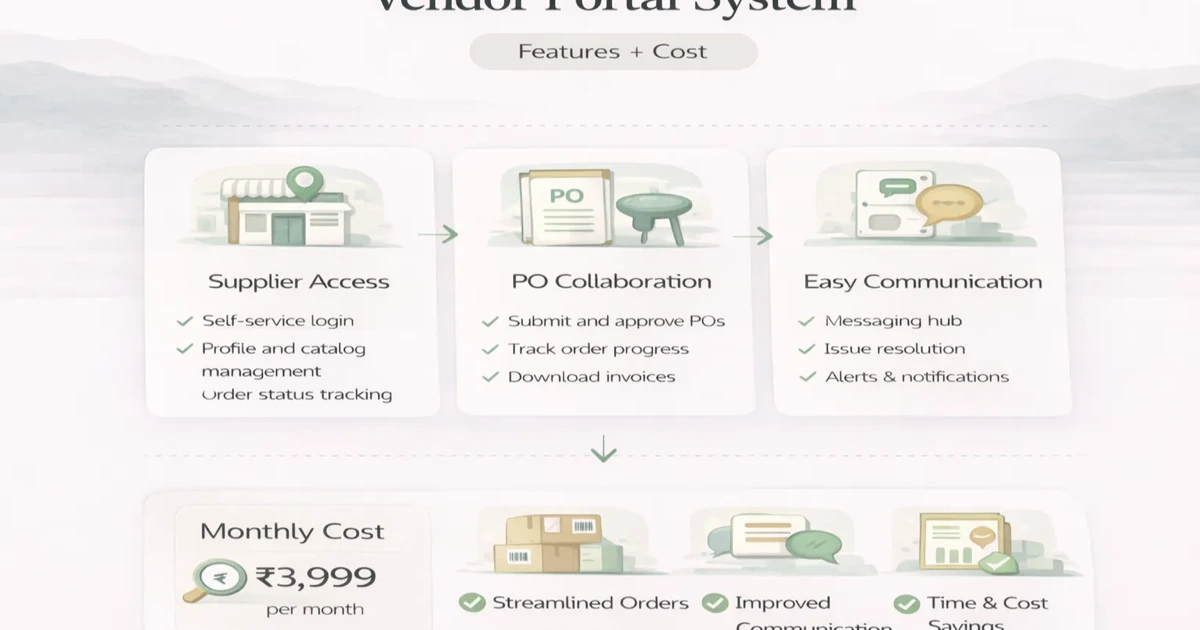
April 6, 2026
Plan a vendor portal with onboarding, RFQs, purchase order visibility, documents, approvals, cost ranges, and a phased SME rollout.
Read article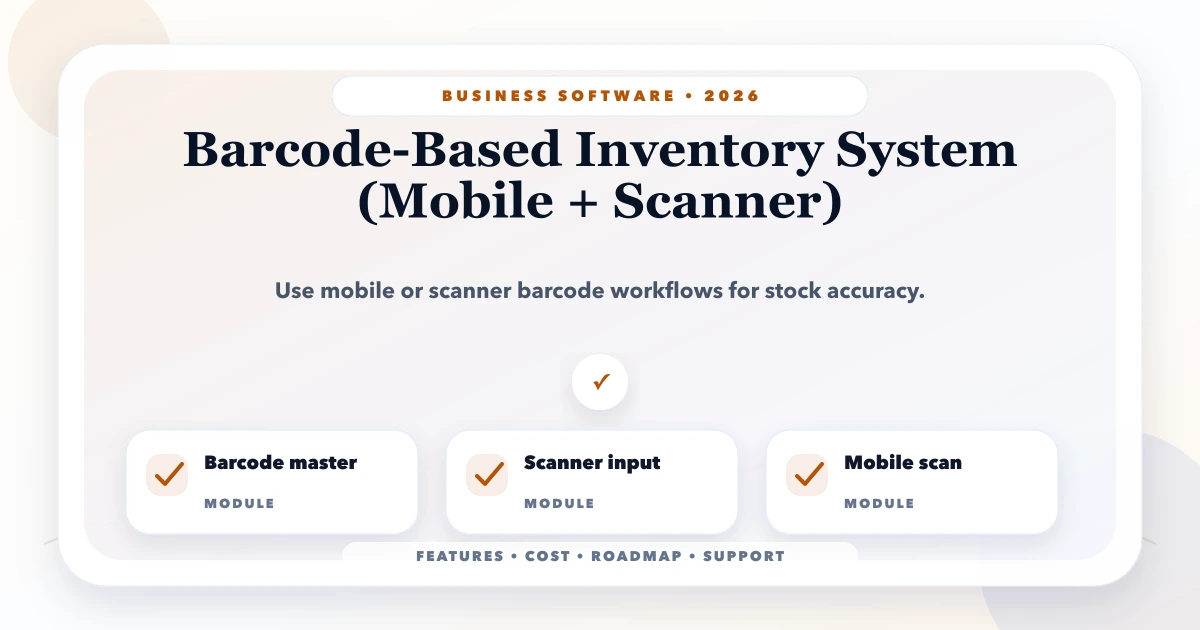
May 24, 2026
Plan a barcode inventory system for receiving, putaway, picking, stock counts, returns, and transfers using mobile cameras or dedicated scanners.
Read article