
April 6, 2026
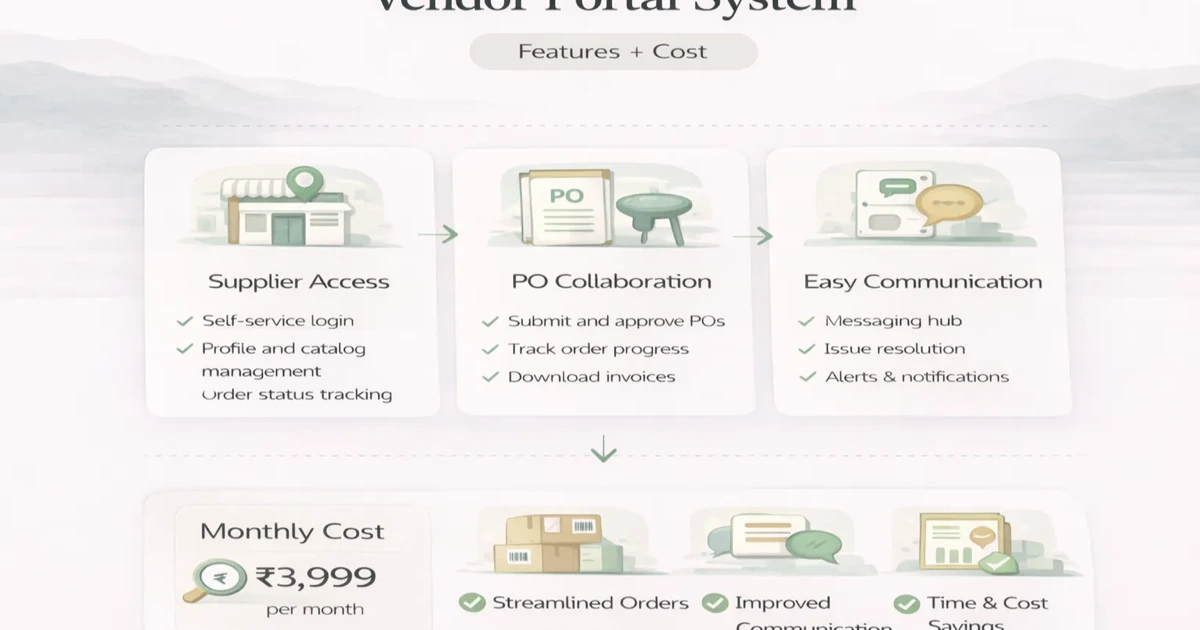
Vendor Portal System: Features, Workflow and Cost
Plan a vendor portal with onboarding, RFQs, purchase order visibility, documents, approvals, cost ranges, and a phased SME rollout.
Read articlePublished Updated
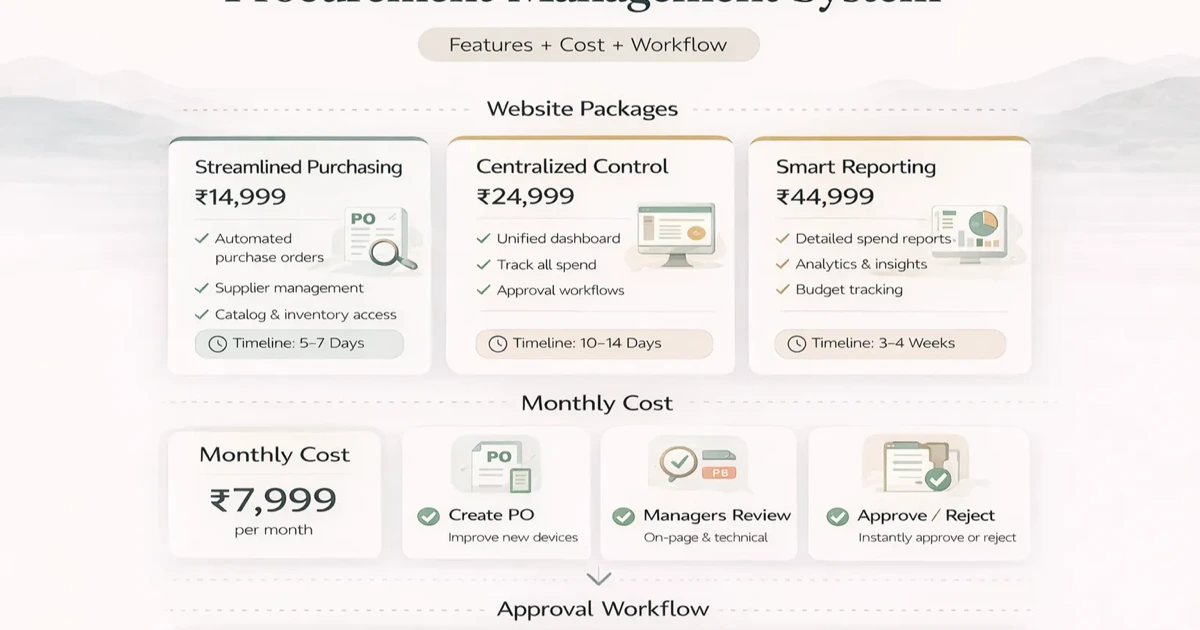
Plan a procurement management system with requests, approvals, RFQs, purchase orders, receipt controls, cost ranges, and SME rollout steps.
Procurement becomes messy very quickly when requests, approvals, vendor quotes, purchase orders, and inward updates are handled through email chains, chats, and spreadsheets. The process may work for a while, but once volume grows, delays and mistakes become normal.
A procurement management system creates structure around that flow. It gives the business one place to manage requests, approvals, vendors, POs, receipts, and reports. That does not just improve control. It also improves speed because responsibilities become clearer.
This guide explains what a practical procurement system should include, how much it usually costs, and what workflow design matters most for SMEs.
A practical procurement system should cover:
Typical custom pricing:
₹90,000 to ₹1.8 lakh₹1.8 lakh to ₹4 lakh₹4 lakh to ₹8 lakh+The biggest benefit is not automation first. It is process visibility first.
You likely need it when:
Use cases:
Related reading:
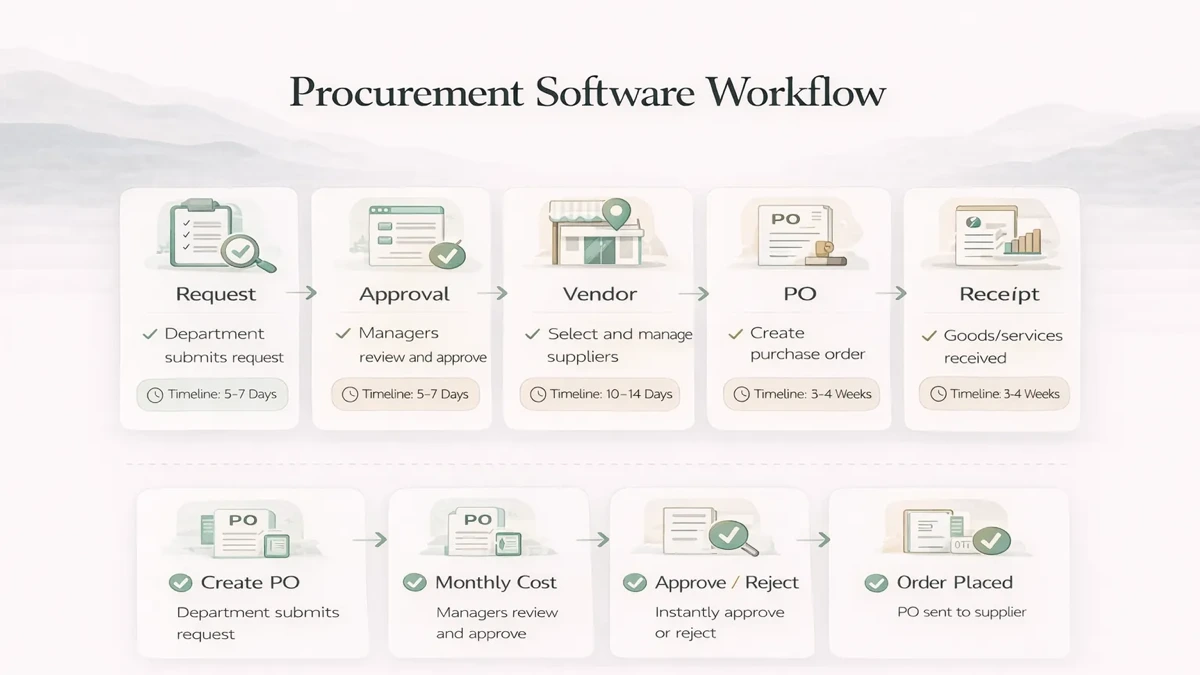
Typical procurement workflow:
The cleaner this workflow is, the easier adoption becomes.
₹90,000 to ₹1.8 lakhUsually includes:
₹1.8 lakh to ₹4 lakhUsually includes:
₹4 lakh to ₹8 lakh+Usually includes:
For many SMEs, the growth version offers the best balance of capability and budget.
Typical rollout:
2 to 4 weeks: starter system4 to 7 weeks: growth system7 to 10 weeks: advanced setupTimeline depends on:
A practical stack for procurement software:
Next.js frontendNode.js backendPostgreSQL for requests, vendors, and PO recordsThe real priority is workflow clarity and traceability.
A procurement system should control how a business requests, approves, orders, receives, and reviews purchases. It does not automatically need to become a full accounting platform. Define where procurement ends and inventory or finance begins. For example, procurement may create the approved purchase order, warehouse users may record receipt, and accounts may verify the supplier invoice and payment separately.
This boundary matters because each team owns different evidence. A buyer confirms commercial terms, a warehouse user confirms physical quantity and condition, and finance confirms invoice and tax details. Letting one user complete every stage removes useful checks.
Imagine a packaging manufacturer with two plants and recurring purchases of paper, ink, adhesives, spare parts, and services. Department heads raise requests through chat, buyers collect quotes in email, and management approves verbally. Orders are created in spreadsheets, so nobody has one view of open requests, pending approvals, committed value, or delayed deliveries.
A sensible phase one centralizes purchase requests, approval limits, vendor quotations, purchase orders, and open-order reporting. Inventory valuation, production planning, and advanced payable accounting can remain in existing systems until the procurement workflow is stable.
A clear flow may use these states:
Do not use one generic “pending” status. Users need to know what is pending, with whom, since when, and what action is expected.
Approval matrices can depend on amount, department, location, category, project, or exception type. Start with the smallest rule set that reflects current authority. Complex conditional chains are difficult to explain and test.
The system should preserve the approver and amount at the time of approval. If a request changes after approval, define whether it returns for approval. Splitting a purchase to avoid a limit should be visible through reporting. Delegation for leave periods also needs start and end dates so temporary authority does not remain active.
Normalize price, tax, freight, lead time, payment terms, warranty, and validity before comparison. Lowest unit price may not be the lowest landed cost. Allow buyers to record technical acceptance and the final commercial decision separately when engineering or quality teams are involved.
The selected vendor, rejected alternatives, and decision note should remain in history. This helps management understand exceptions and supports future negotiations without pretending that every purchase can be decided automatically.
Purchase-order status should be driven by actual receipts. Support partial receipts, rejected quantities, short supply, excess-supply policy, and backorders. The receiver should reference the order line and record date, accepted quantity, rejected quantity, and reason.
If the business manages inventory in another system, send only validated receipt events through an integration. Do not let a failed sync silently mark both systems complete. The integration services page explains the importance of retries, identifiers, and reconciliation.
Useful reports include pending approvals by age, open purchase orders, delayed deliveries, spend by category or vendor, request-to-order time, price variance, emergency purchases, and vendor response rate. Every dashboard number should link to the underlying records.
Avoid building dozens of charts before users trust the transaction data. Start with operational lists that answer “what requires action today?” and a few monthly summaries that support negotiation and budgeting.
Separate requester, approver, buyer, receiver, finance viewer, and administrator roles. Restrict company, branch, and department data where needed. Log edits to quantity, price, vendor, approval, order status, and receipt. Attachments should use private access controls.
For multi-company businesses, vendor masters may be copied or shared only through an explicit rule; purchase history and approvals should stay company-specific. Review the broader architecture in the custom software, CRM and ERP hub.
Start with discovery using real purchase requests, approval examples, quote sheets, orders, and receipt records. Build one category or branch pilot. Import only clean vendor and item masters needed for the pilot. Train requesters and approvers before expanding to every employee.
After launch, measure approval turnaround, open-order visibility, buyer follow-up time, and percentage of purchases following the approved process. Add supplier portals, budget controls, contract pricing, and deeper ERP links only when phase-one data is reliable.
See the web app development hub for dashboard delivery patterns and contact VASUYASHII when you have sample workflows ready for scoping.
Yes, once purchasing volume or approval complexity starts creating delays and confusion.
Requests, approvals, vendor master, POs, and basic reports are the minimum useful scope.
If multiple quotes are part of your process, yes. It adds real value.
Yes. Procurement is often one phase inside a larger ERP roadmap.
A basic version can often launch in 2 to 4 weeks if workflow is clear.
Only if your process genuinely needs it. Do not add complexity without reason.
Approval visibility, PO tracking, and request ageing reports create early value.
Trying to automate a purchase process that is not yet clearly defined.
If you want procurement software that adds speed and visibility instead of extra admin, start by defining the real request-to-receipt workflow before deciding the final build scope.
Related Articles
April 6, 2026
Plan a vendor portal with onboarding, RFQs, purchase order visibility, documents, approvals, cost ranges, and a phased SME rollout.
Read article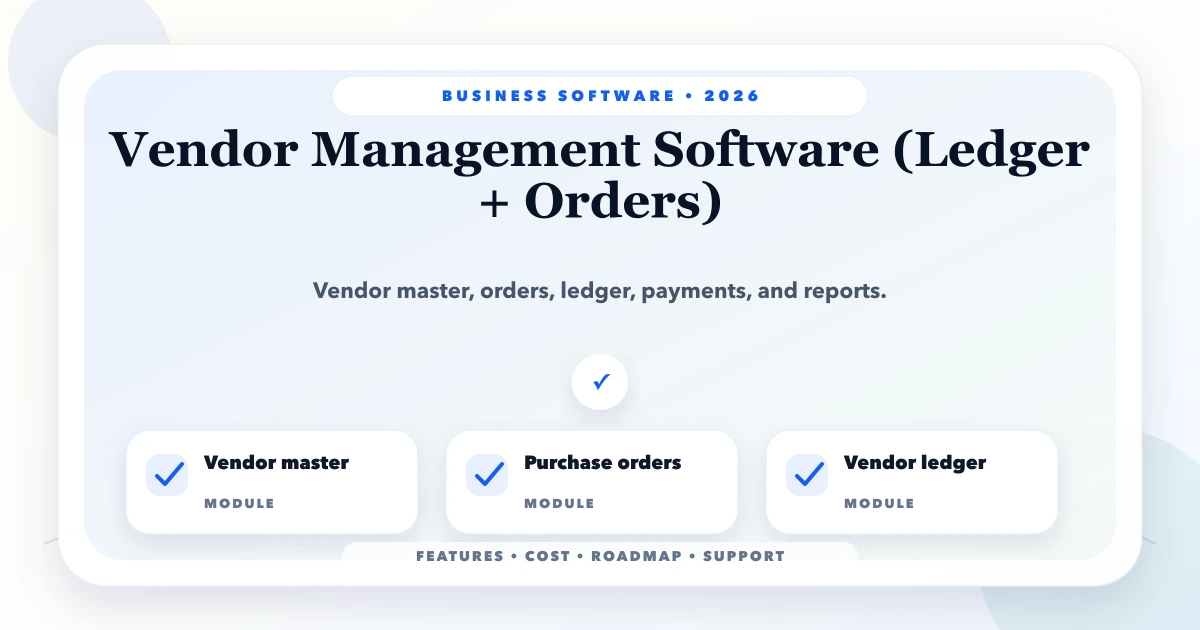
May 24, 2026
Plan vendor software across supplier masters, purchase orders, receipts, bills, returns, payments, outstanding dues, approvals and reports.
Read article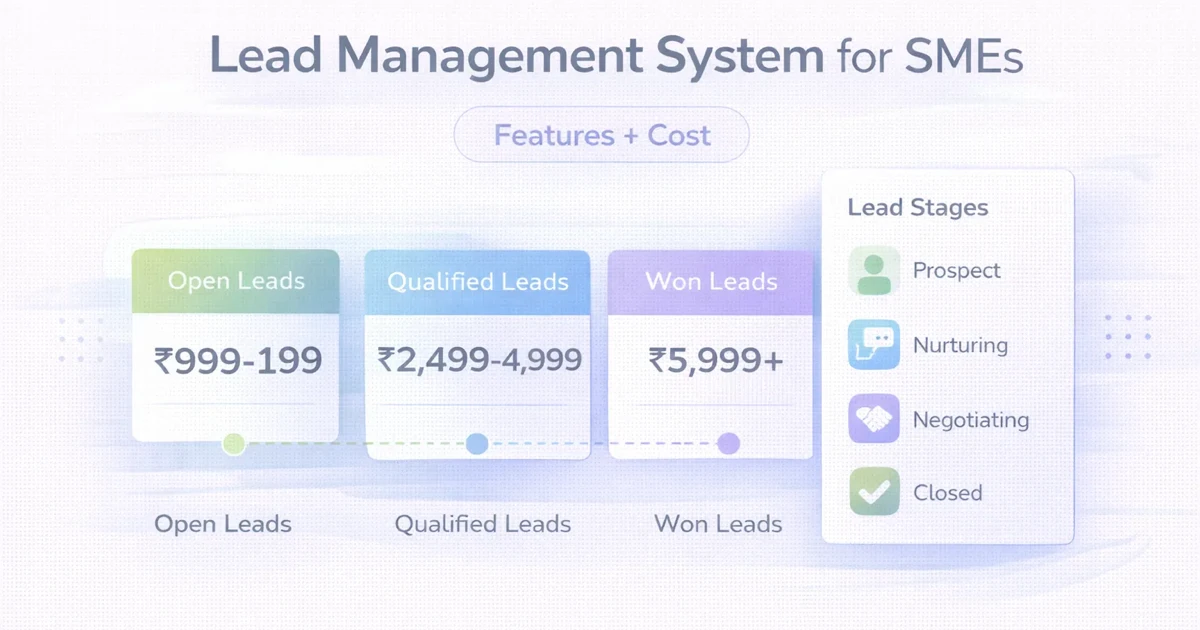
April 1, 2026
Lead management system for SMEs: features, cost, timeline, and what a practical LMS should include for sales teams in 2026.
Read article
May 23, 2026
document management system portal: practical 2026 guide with features, INR pricing, roadmap, tech stack, mistakes, FAQs, and Indian SME tips today safely.
Read article