
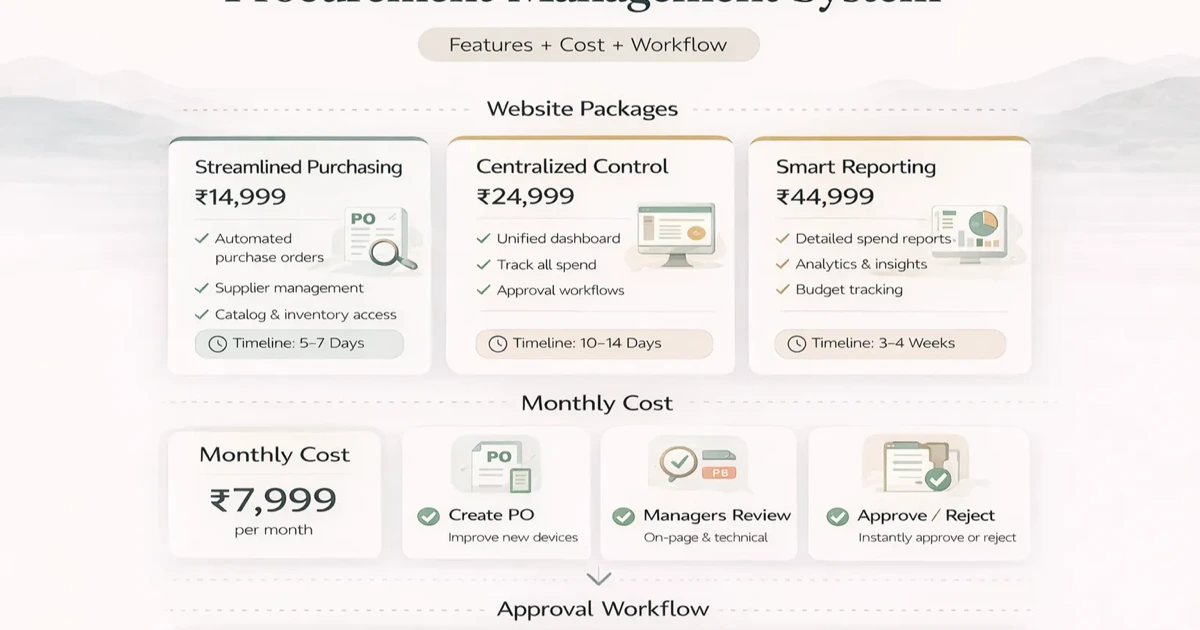
April 5, 2026
Procurement Management System: Cost and Workflow
Plan a procurement management system with requests, approvals, RFQs, purchase orders, receipt controls, cost ranges, and SME rollout steps.
Read articlePublished Updated
Plan a vendor portal with onboarding, RFQs, purchase order visibility, documents, approvals, cost ranges, and a phased SME rollout.
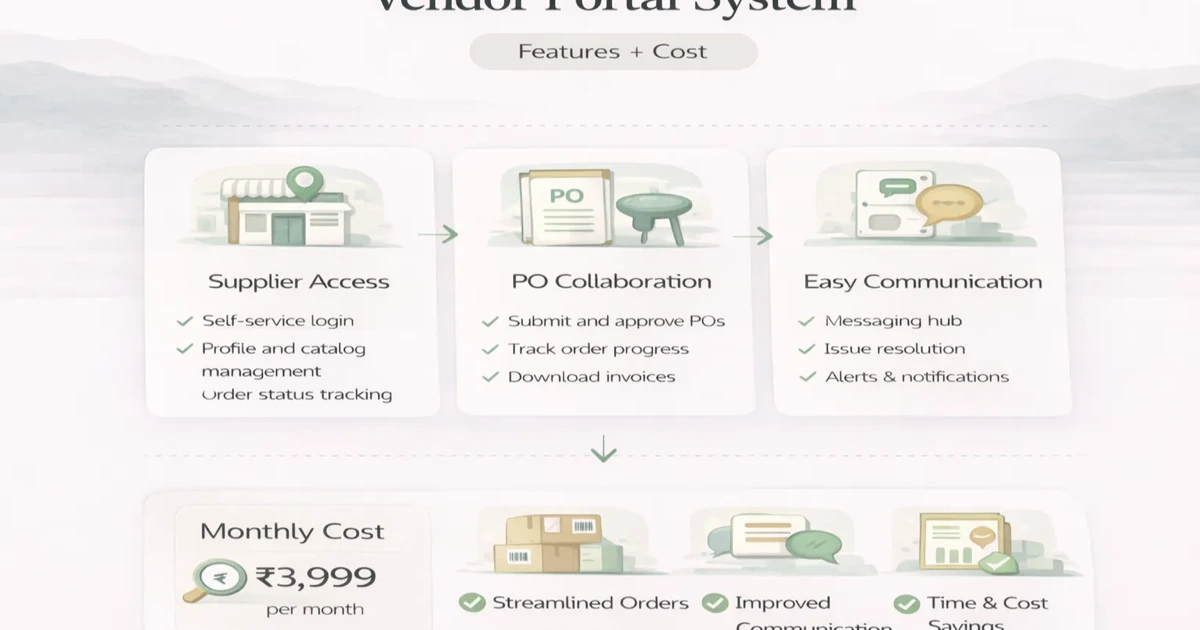
As procurement grows, vendor communication becomes harder to manage through email chains and shared files. Quotation requests, PO status, document exchange, delivery updates, and issue handling become scattered. That slows down procurement and increases follow-up work.
A vendor portal system solves that by giving suppliers a structured interface to interact with the business. The goal is not to replace internal procurement software. The goal is to reduce friction between your team and vendors.
This guide explains what a practical vendor portal should include, what it costs, and when it is worth building for SMEs.
A useful vendor portal can help with:
Typical custom pricing:
₹1 lakh to ₹2 lakh₹2 lakh to ₹4.5 lakh₹4.5 lakh to ₹9 lakh+The best use case is when supplier coordination is repetitive enough that structured self-service saves internal time.
You likely need it when:
Related reading:
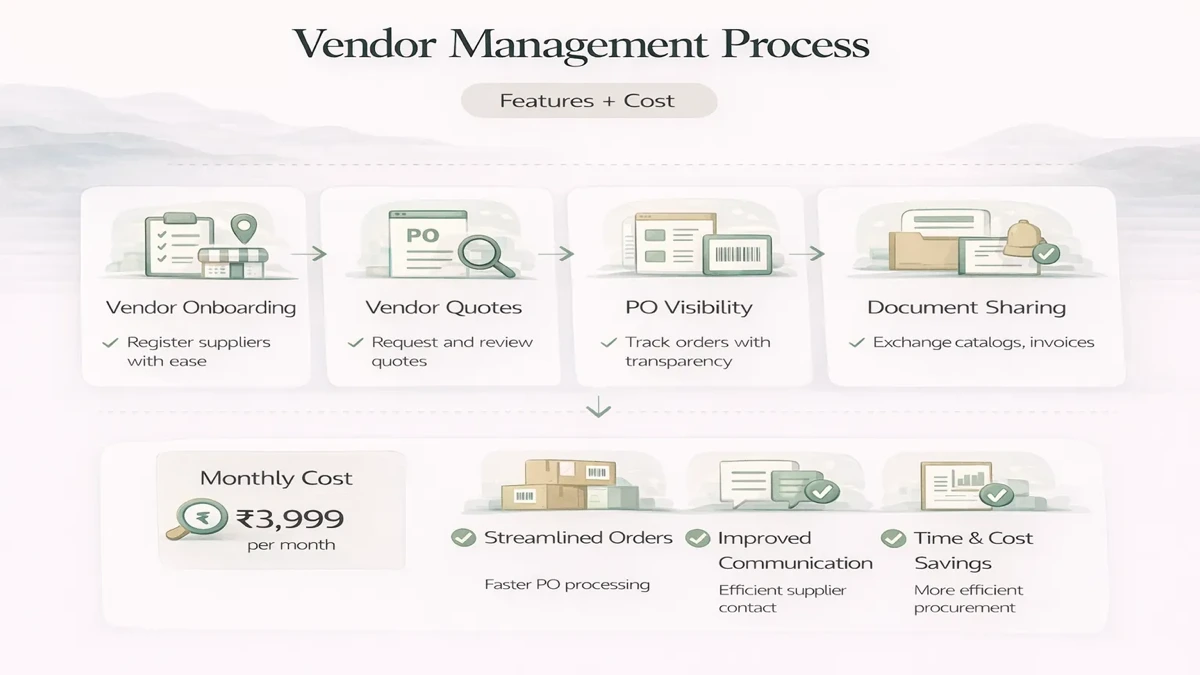
₹1 lakh to ₹2 lakhUsually includes:
₹2 lakh to ₹4.5 lakhUsually includes:
₹4.5 lakh to ₹9 lakh+Usually includes:
Typical rollout:
2 to 4 weeks: basic portal4 to 7 weeks: growth portal7 to 10 weeks: advanced integrated setupTimeline depends on:
A practical vendor portal stack:
Next.js frontendNode.js backendPostgreSQL for vendor, PO, and document recordsThe portal should be simple for vendors to use. Internal complexity should stay behind the scenes.
The main cost drivers are:
A common mistake is making the vendor portal too heavy. Vendors need clarity and speed, not a complex admin app.
A portal should be built around actions vendors need to complete, not around the internal department structure. Interview procurement users and a small group of active vendors. List recurring questions such as “Has my quote been received?”, “Which purchase-order version is final?”, “Where should I upload the invoice?”, and “Why is this delivery marked pending?” These questions reveal the highest-value self-service features.
Separate information vendors can view from actions they can perform. Viewing an issued purchase order is simpler than accepting it, proposing a date, uploading a dispatch document, or raising a quantity exception. Each action needs status rules, notifications, ownership, and history.
Consider an electrical distributor buying from 60 suppliers. The procurement team requests prices over WhatsApp, receives differently formatted spreadsheets, creates purchase orders manually, and calls vendors for dispatch updates. A focused portal can publish RFQs, collect line-item quotes, show issued orders, and request dispatch details.
The first release does not need automated vendor scoring or a complex marketplace. It should reduce follow-up time and make the current state visible. If vendors still need to send the same information through chat after using the portal, the workflow has not been simplified enough.
Onboarding often requires legal name, trade name, GSTIN, PAN, bank details, addresses, categories supplied, contact people, and compliance documents. Decide which fields vendors can edit after approval and which changes require internal review. A bank-detail change should trigger stronger verification than a new sales contact.
A practical flow is draft registration, document review, clarification requested, approved, active, suspended, and archived. Store the reviewer, timestamp, and reason for every status change. Expiring documents can generate reminders, but the portal should not automatically block a critical supplier without an agreed business rule.
RFQs should include item description, quantity, unit, delivery location, required date, commercial terms, attachments, and response deadline. Vendors need a way to submit price, tax, freight, lead time, validity, brand or specification, and comments. If alternative items are allowed, capture them separately rather than overwriting the requested specification.
Internal users may need a normalized comparison view. The comparison should not pick a winner only on unit price; landed cost, delivery time, payment terms, quality history, and availability may matter. Keep the evaluation logic explainable and allow authorized users to record a decision reason.
Once an order is issued, the vendor should see the final version, delivery address, line items, tax treatment, and required documents. If amendments are common, show version history and require acknowledgement of the latest order. Dispatch updates can capture invoice number, vehicle or courier reference, expected arrival, and attachments.
Do not let a vendor mark goods as received. Receipt, inspection, shortage, and rejection belong to internal users. The portal can show the resulting status and request clarification. This separation protects inventory and payable records.
Each vendor should see only its own records. Users from the same vendor may need different permissions for quotes, orders, documents, or finance. Internal buyers should see assigned categories or companies, while admins manage configuration. Test direct URL access, exports, attachments, and API filters for company and vendor boundaries.
Use individual accounts, multi-factor authentication where risk justifies it, secure password reset, session expiry, and audit logs. Store documents in private storage with time-limited access rather than public URLs. The custom software, CRM and ERP hub explains why role and company boundaries must be part of the architecture rather than added later.
The portal may connect with purchase masters, inventory, accounting, email, WhatsApp, or an existing ERP. Define the system of record for vendors, items, orders, receipts, and payment status. Two systems editing the same field without ownership rules will create conflicts.
Begin with read-only sync for high-risk data such as payment status. Add write-back only after identifiers, validation, retries, and error handling are proven. Review API and automation scope through integration services.
Software value depends on vendor participation. Pilot with five to ten suppliers who represent different sizes and technical comfort levels. Provide a short onboarding call, a one-page guide, and a named support contact. Avoid requiring dozens of fields before a vendor can respond to the first RFQ.
Track login success, RFQ response time, incomplete submissions, support questions, and percentage of orders acknowledged through the portal. Improve the confusing steps before inviting the full vendor base.
For implementation planning, compare the workflow with the web app development hub and review relevant services before finalizing the first phase.
Yes, when supplier coordination is repetitive enough that self-service saves procurement time.
No. It usually works as a supplier-facing layer connected to procurement workflow.
If vendor quotations are frequent, yes. It creates strong value.
Yes. Document sharing is one of the most useful modules.
A basic version can often launch in 2 to 4 weeks if scope is clear.
Yes. Different vendor and internal users may need different visibility.
Reducing follow-up work and making PO and document visibility clearer usually creates the fastest value.
Treating it like a full internal admin panel instead of a focused vendor experience.
If you want a portal that improves supplier coordination, start with the exact vendor actions that happen repeatedly today and build around those first.
Related Articles
April 5, 2026
Plan a procurement management system with requests, approvals, RFQs, purchase orders, receipt controls, cost ranges, and SME rollout steps.
Read article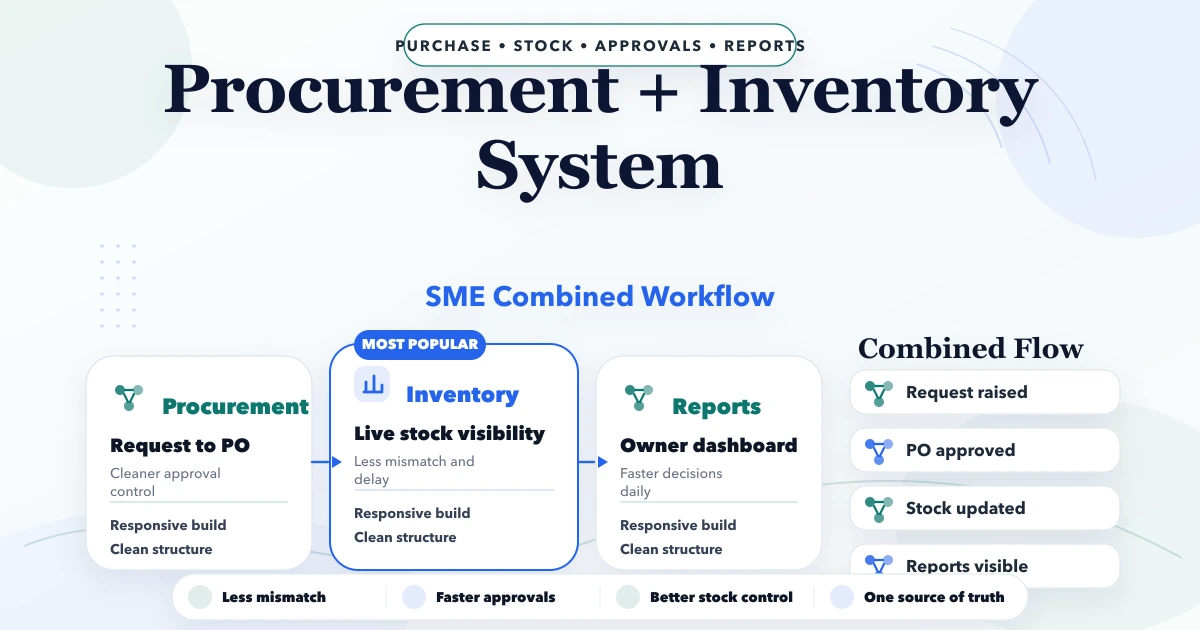
April 23, 2026
Plan an SME procurement and inventory system with purchase requests, approvals, POs, goods receipt, stock updates, returns, vendor records, and controls.
Read article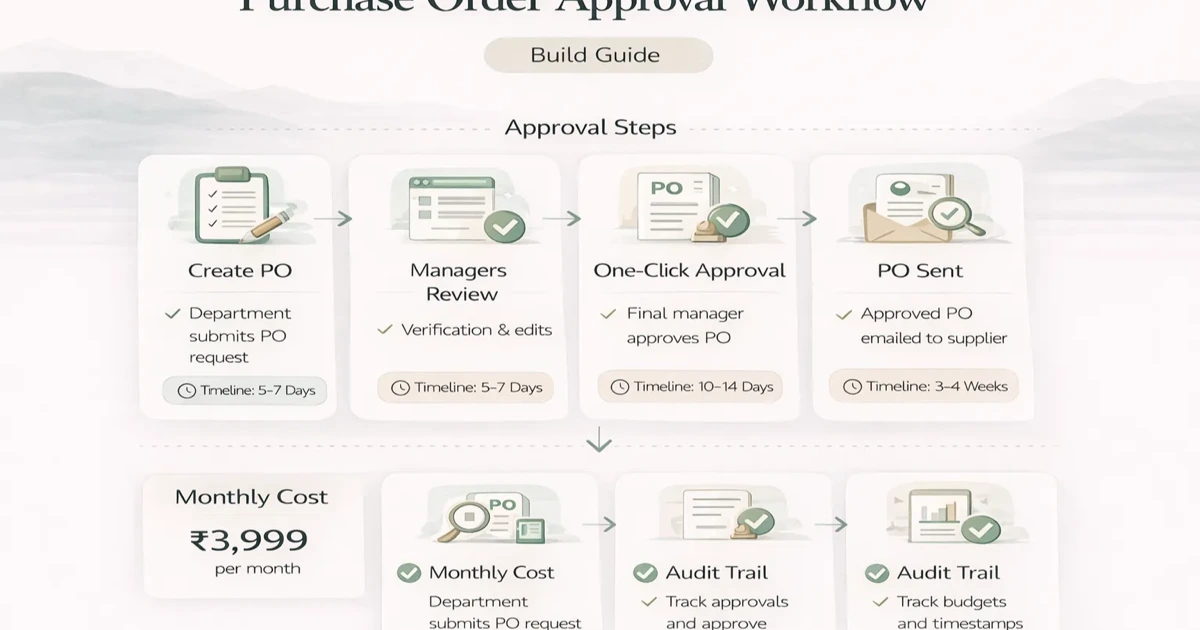
April 5, 2026
Design a purchase order approval workflow with clear states, thresholds, roles, exceptions, audit evidence, integrations, rollout checks, and pricing scope.
Read article
May 23, 2026
document management system portal: practical 2026 guide with features, INR pricing, roadmap, tech stack, mistakes, FAQs, and Indian SME tips today safely.
Read article